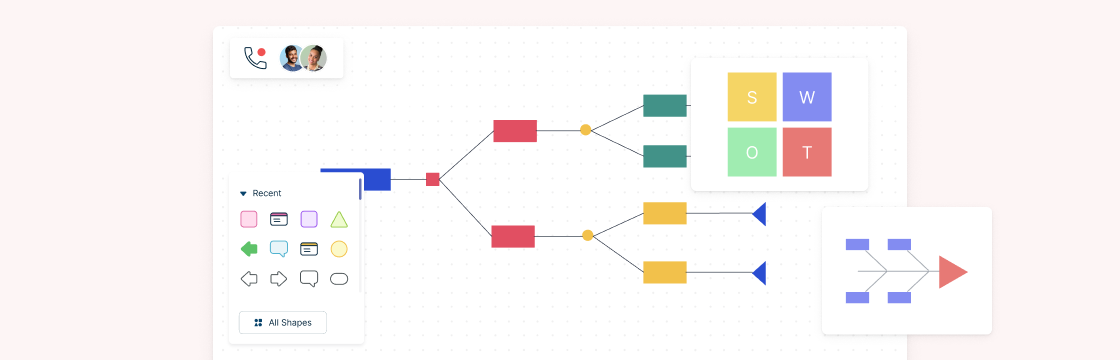
In life, we make decisions every day. And in the context of running a business, decision making gets even more serious in nature, as the resulting outcome would affect a whole organization, its performance, its direction, or its employees.
Following are visual decision making tools that you can use during different stages of decision making. Each tool is provided with an editable template that you can click and customize online during your decision making process.
What Are Decision Making Tools?
Decision making tools are structured techniques and visual frameworks that help individuals and teams analyze problems, evaluate options, and choose the best course of action. They simplify complex decisions, reduce uncertainty, and speed up the process by organizing information, highlighting risks, and clarifying priorities.
In business, decision making tools and techniques are especially valuable for teams managing multiple projects, stakeholders, and competing priorities. From simple pros and cons lists to advanced decision trees and scenario planning, these tools empower teams to make smarter, faster, and more confident decisions.
Decision Making Tools Used in Business
The decision making process helps business managers find solutions to problems by exploring the different options available and selecting the best alternative out of them.
These decision making tools will help you accelerate the process by simplifying each step of the process.
1. Decision Making Tools to Explore the Situation and Gather Information
Before making any decision, it’s essential to fully understand the situation or issue at hand. Identify who is affected, what caused the problem, and the best way to approach it. The right decision making tools can help you gather this information efficiently and clearly.
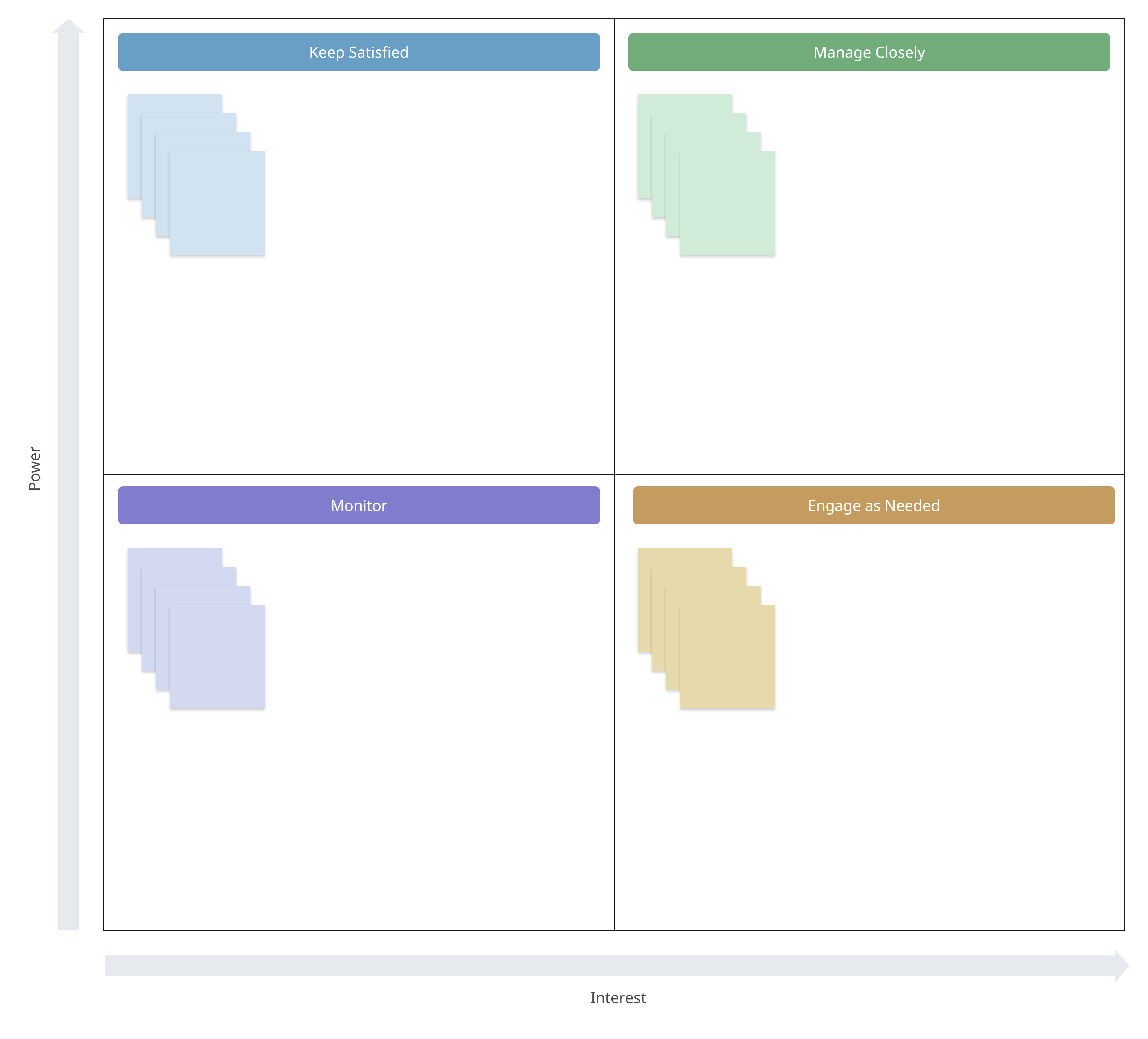
Stakeholder Analysis
A stakeholder analysis helps you determine who should be involved in the decision-making process. If your decision relies on input from different team members or departments, this tool ensures you identify the right people to consult and collaborate with.
Root Cause Analysis
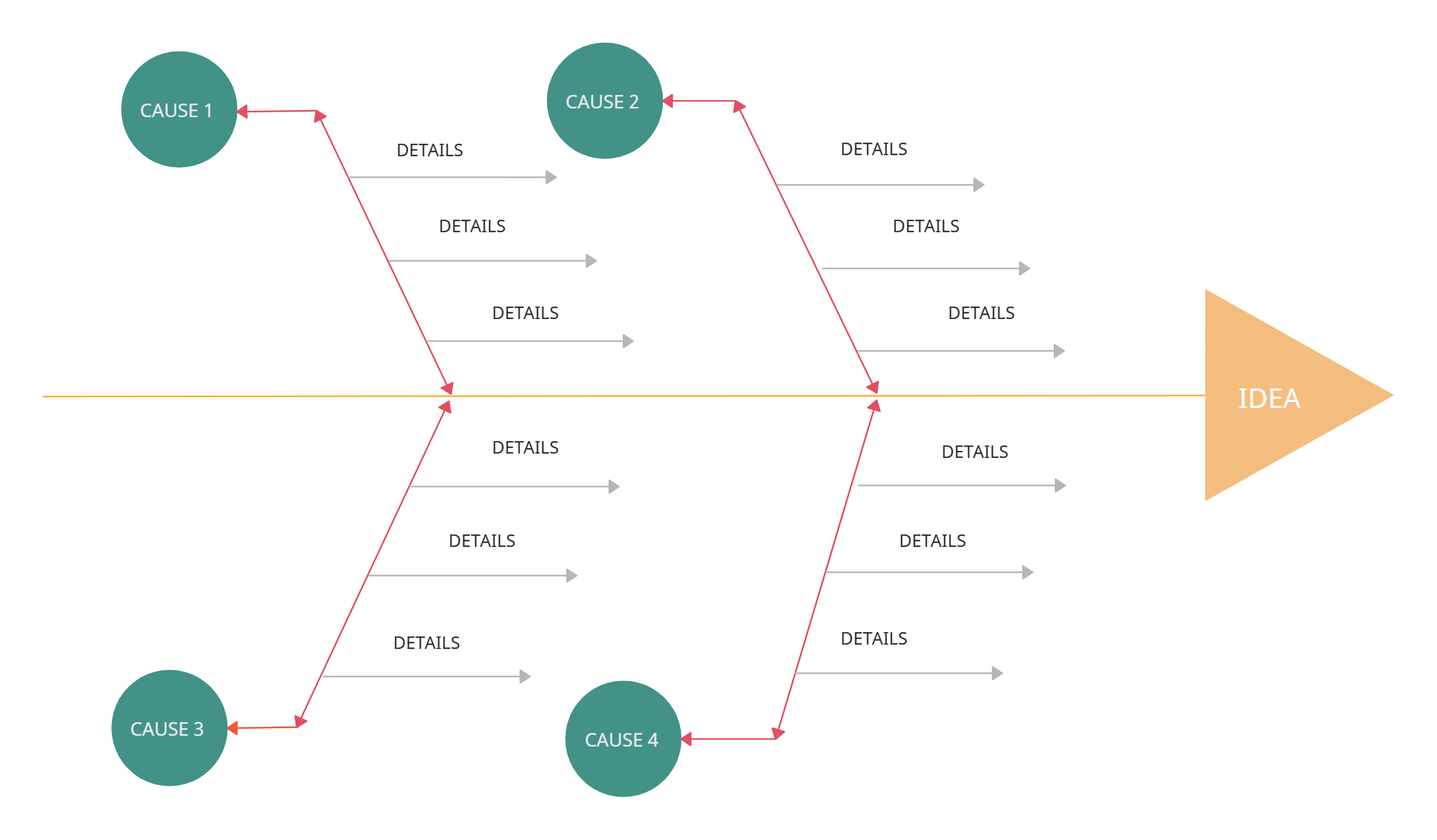
Once you know who to involve, it’s time to dig into the core of the problem with root cause analysis. Two effective tools for this are the fishbone diagram and the 5 Whys analysis, both designed to uncover the root cause of issues.
- Fishbone Diagram (Cause and Effect Diagram): This tool helps isolate the underlying causes of a problem by visually mapping out contributing factors. It’s perfect for teams looking to tackle complex business issues.
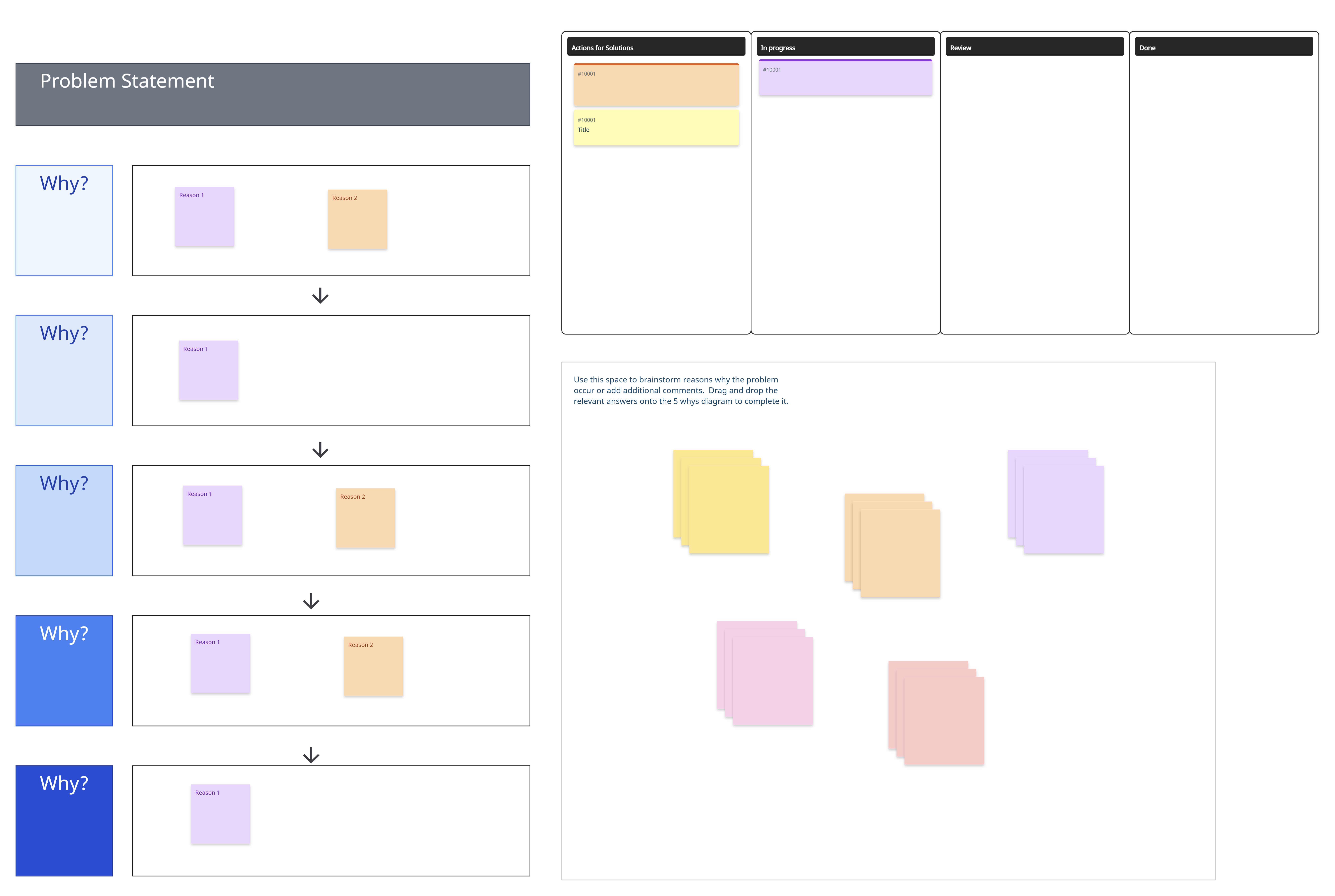
- 5 Whys Analysis: This simple yet powerful method involves asking “Why?” five times to drill down to the root cause of a problem, narrowing your insights and uncovering actionable solutions.
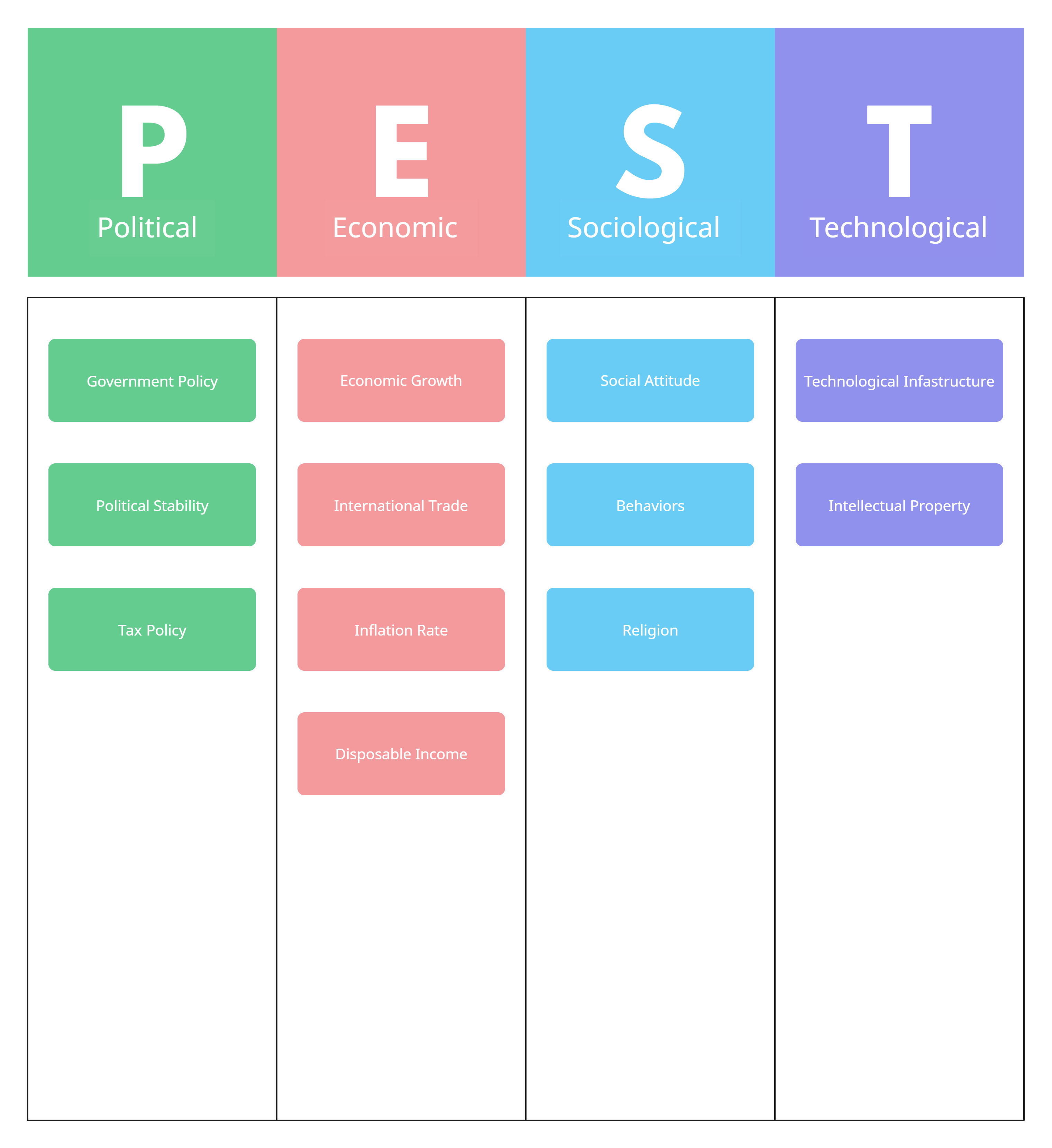
PEST Analysis
A PEST analysis evaluates the external environment and its potential impact on your decisions. By analyzing Political, Economic, Social, and Technological factors, you can anticipate external influences and make more informed choices.
2. Decision Making Tools to Find Effective Alternatives
Once you have a clear understanding of the situation or issue, the next step is to generate alternative approaches to solving it. The right decision making tools can help you explore your options, either individually or collaboratively, so you can evaluate possibilities efficiently and creatively.
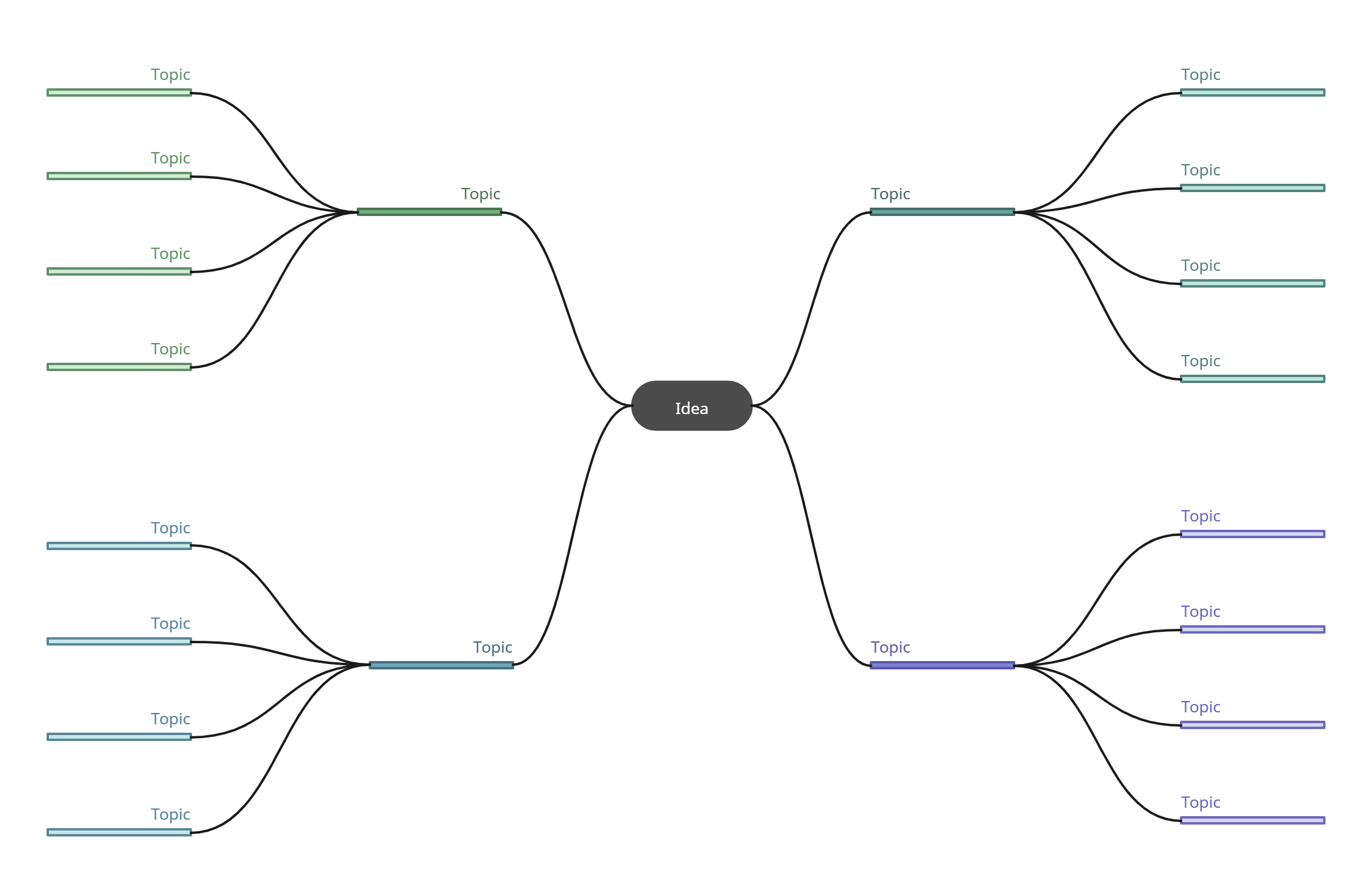
Mind Maps
Mind maps are a versatile tool for capturing ideas during brainstorming sessions, whether solo or in a group. They help you organize your thoughts, categorize options, and analyze related elements to uncover potential solutions.
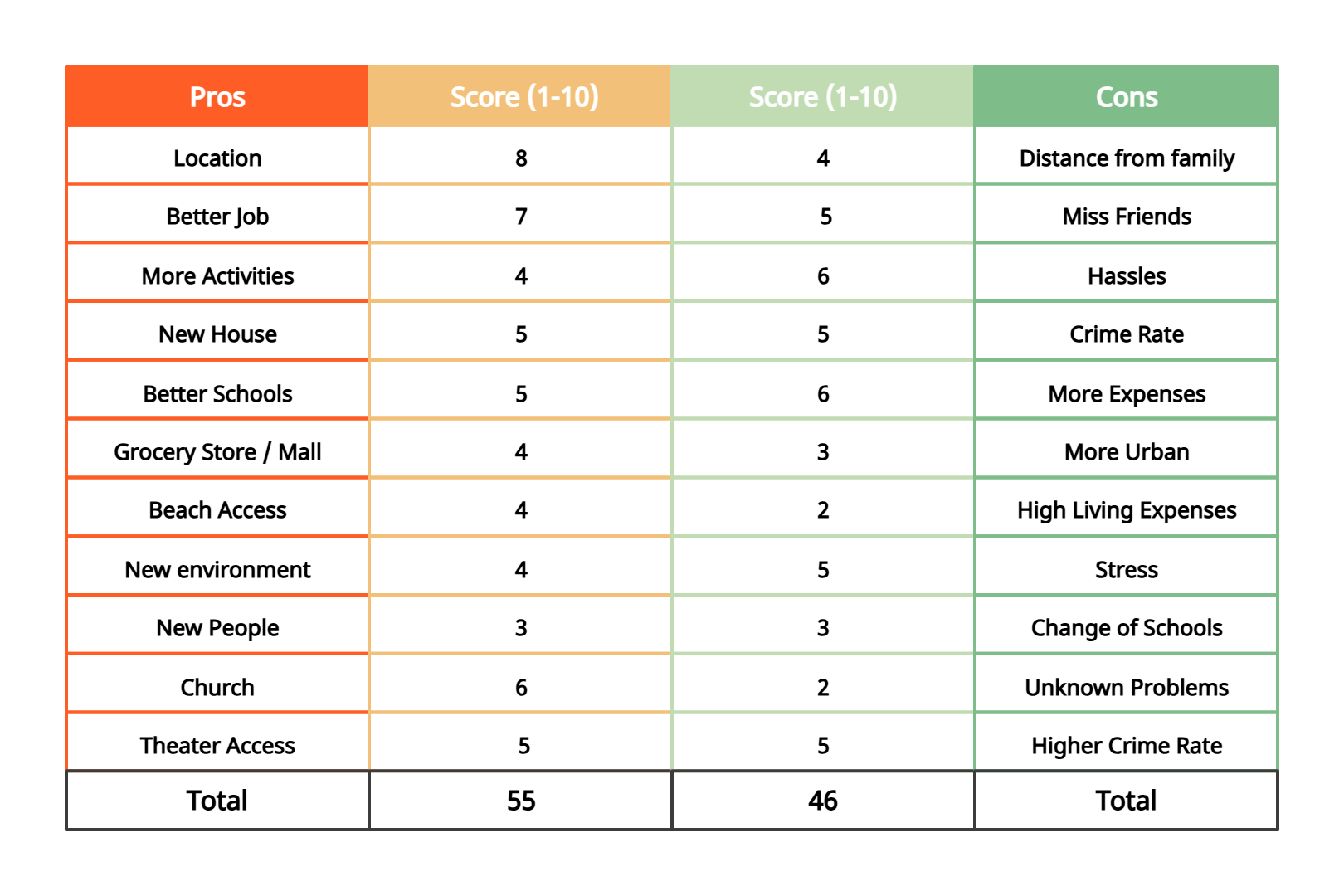
Pros and Cons List
For simpler decision-making scenarios, a pros and cons list is highly effective. It allows you to list the positive and negative aspects of each option and compare them quickly to make a balanced choice.
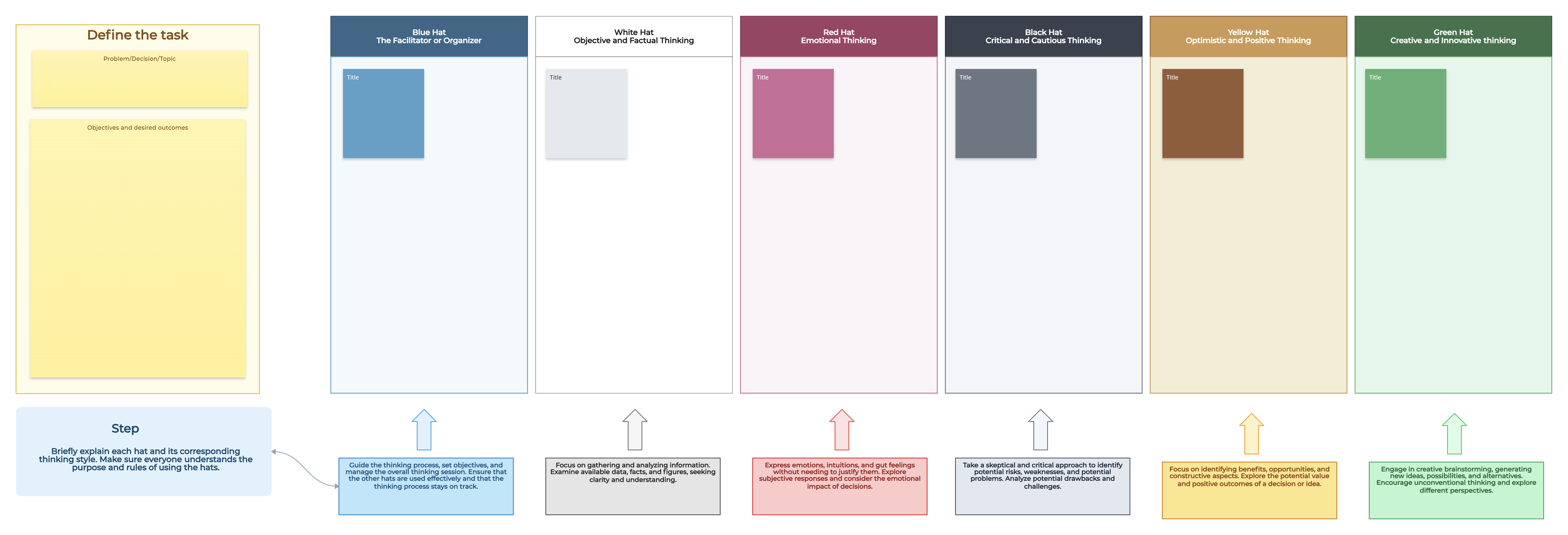
Six Thinking Hats
The Six Thinking Hats technique encourages looking at a situation from multiple perspectives. By adopting different “hats” or thinking modes, teams can generate creative solutions and make decisions collaboratively with more clarity and structure.
Here’s how to use the six thinking hats technique.
Delphi Method
The Delphi Method helps teams reach a consensus among experts. Participants answer questions in several rounds, with summaries shared after each round. Experts then adjust their responses based on group feedback, continuing until agreement is achieved on the best solution.
Reframing Matrix
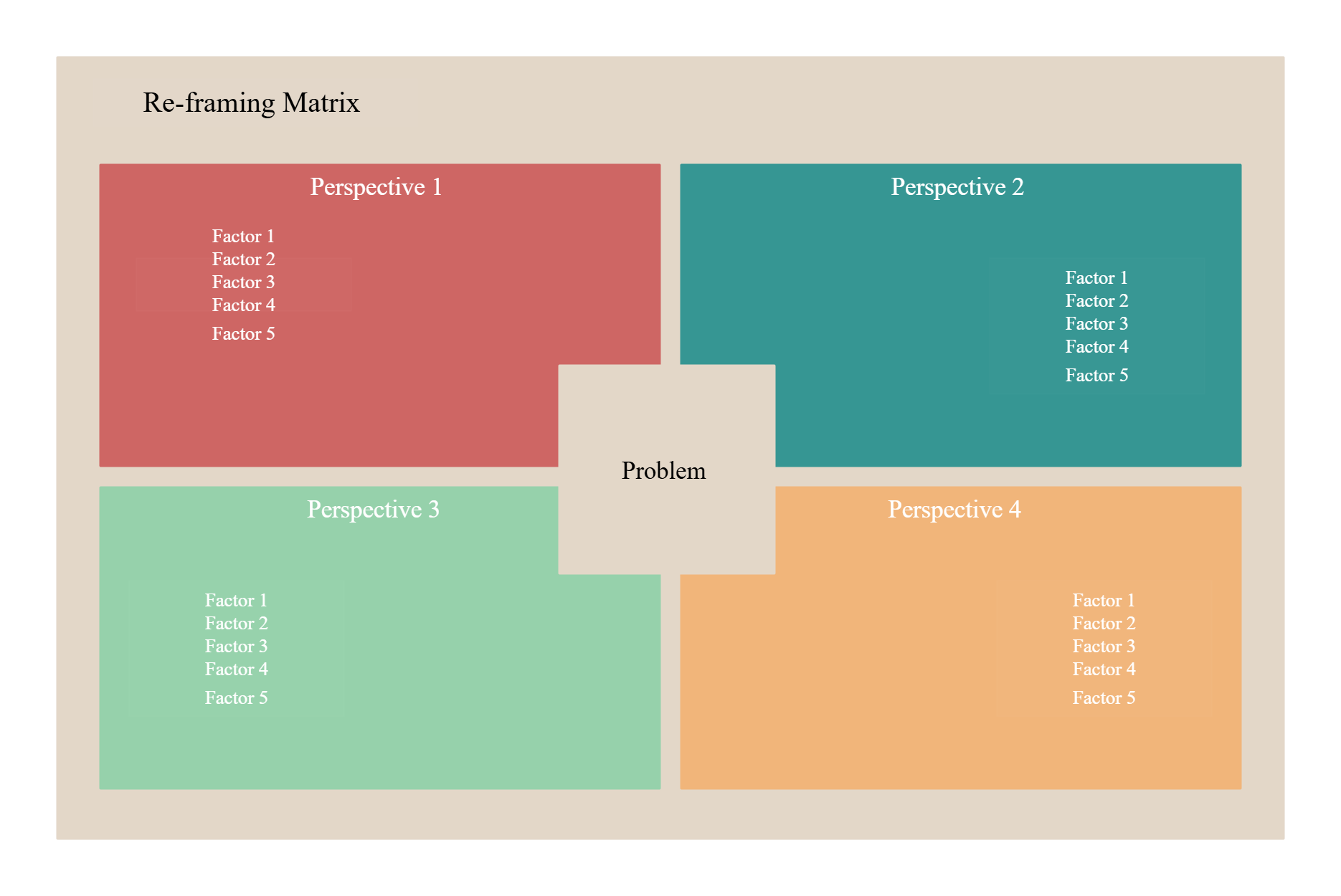
The reframing matrix is another tool that helps you look at business problems from a number of viewpoints.
It takes into consideration the different perspectives of several people with different experiences. This allows for generating multiple creative solutions for the problem at hand.
You can use the 4 Ps approach when using the reframing matrix. When brainstorming solutions, look at the problem from these perspectives,
- Product perspective: Is there anything wrong with your product or service? With its quality or the estimated price? Does it fulfill the needs of the customers?
- Planning perspective: Is there anything wrong with your product plans, sales plans or marketing plans?
- People perspective: Who are the people affected by the problem? What do they think?
- Potential perspective: How can you increase the potential sales and marketing results? How can you boost productivity?
Affinity Diagrams
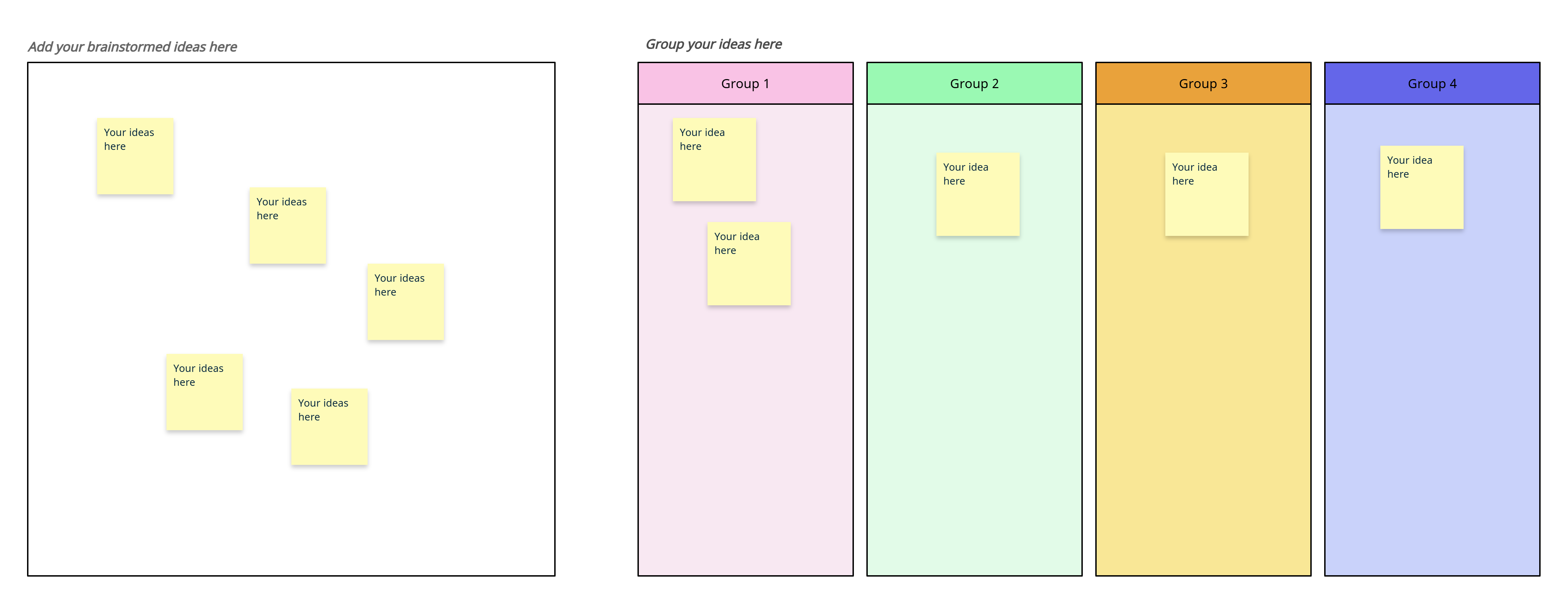
After gathering all relevant information, an affinity diagram helps organize data into categories. By clustering ideas, patterns, or themes, you and your team can quickly identify key insights that guide decision-making.
3. Decision Making Tools to Analyze Your Options
After generating multiple alternatives, the next step is to evaluate them for desirability, feasibility, and potential risks. Using the right decision making tools, you can compare options objectively, anticipate challenges, and select the most effective solution.
PMI Charts
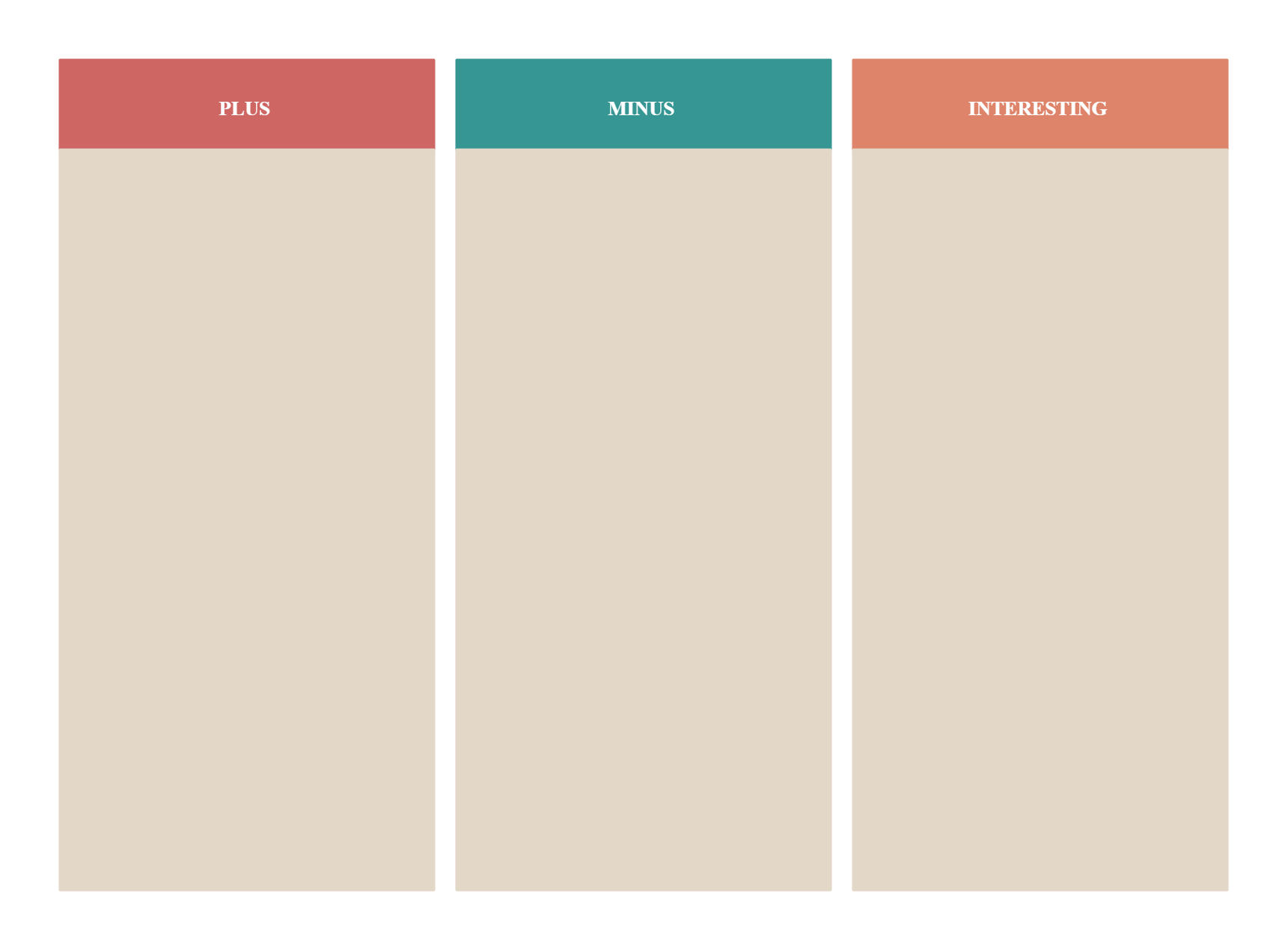
PMI (Plus, Minus, Interesting) charts are a simple yet effective tool for weighing your options. By listing the positives, negatives, and interesting points for each alternative, you can compare them clearly and make more informed decisions.
Risk Analysis
Most decisions involve risks, which is why assessing them upfront is critical. Risk analysis tools allow you to identify potential obstacles, quantify their impact, and plan mitigation strategies to make safer, smarter choices.
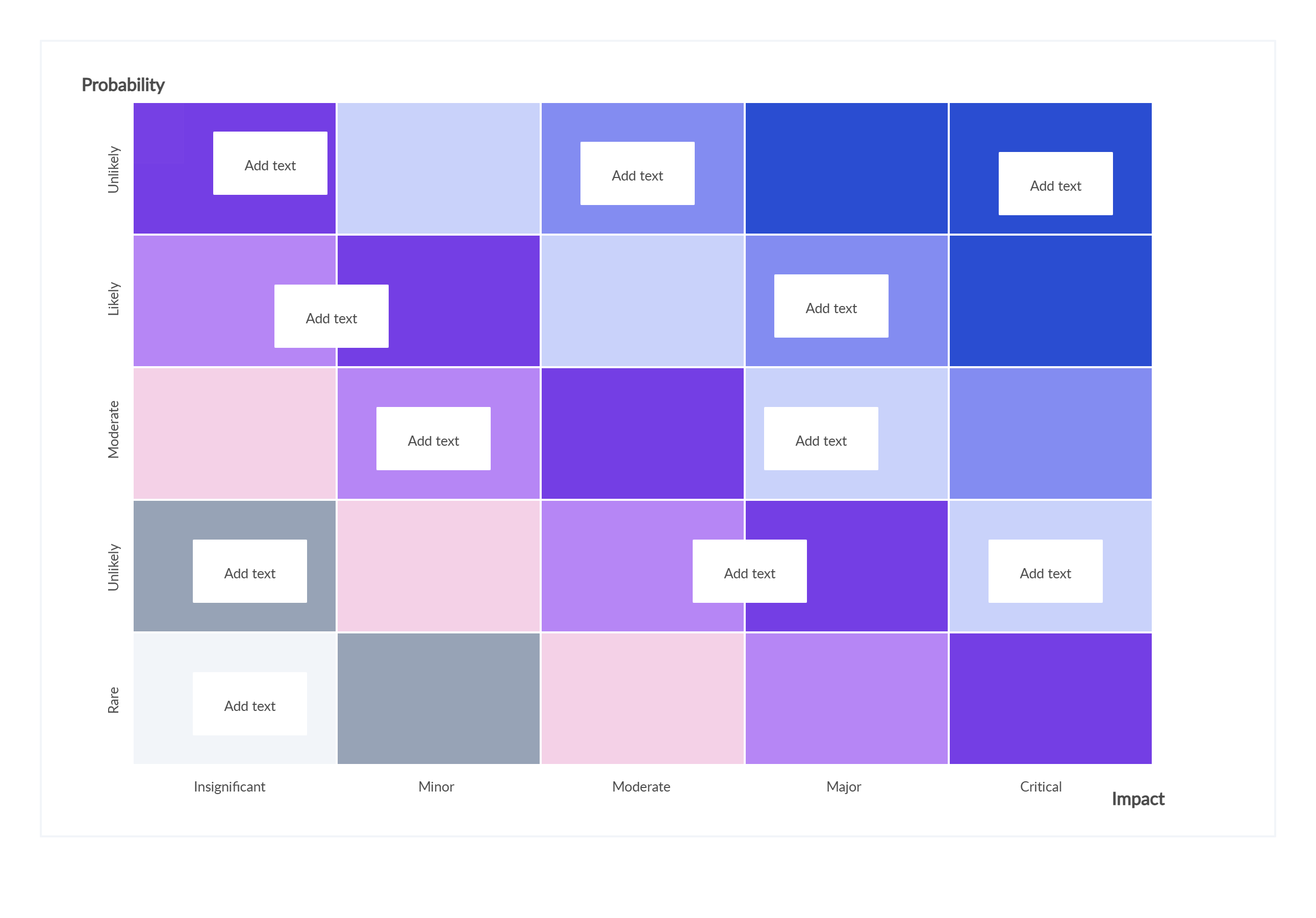
Check out our post on Risk Management Techniques to get an idea about the tools you can use to evaluate the risks associated with your decisions.
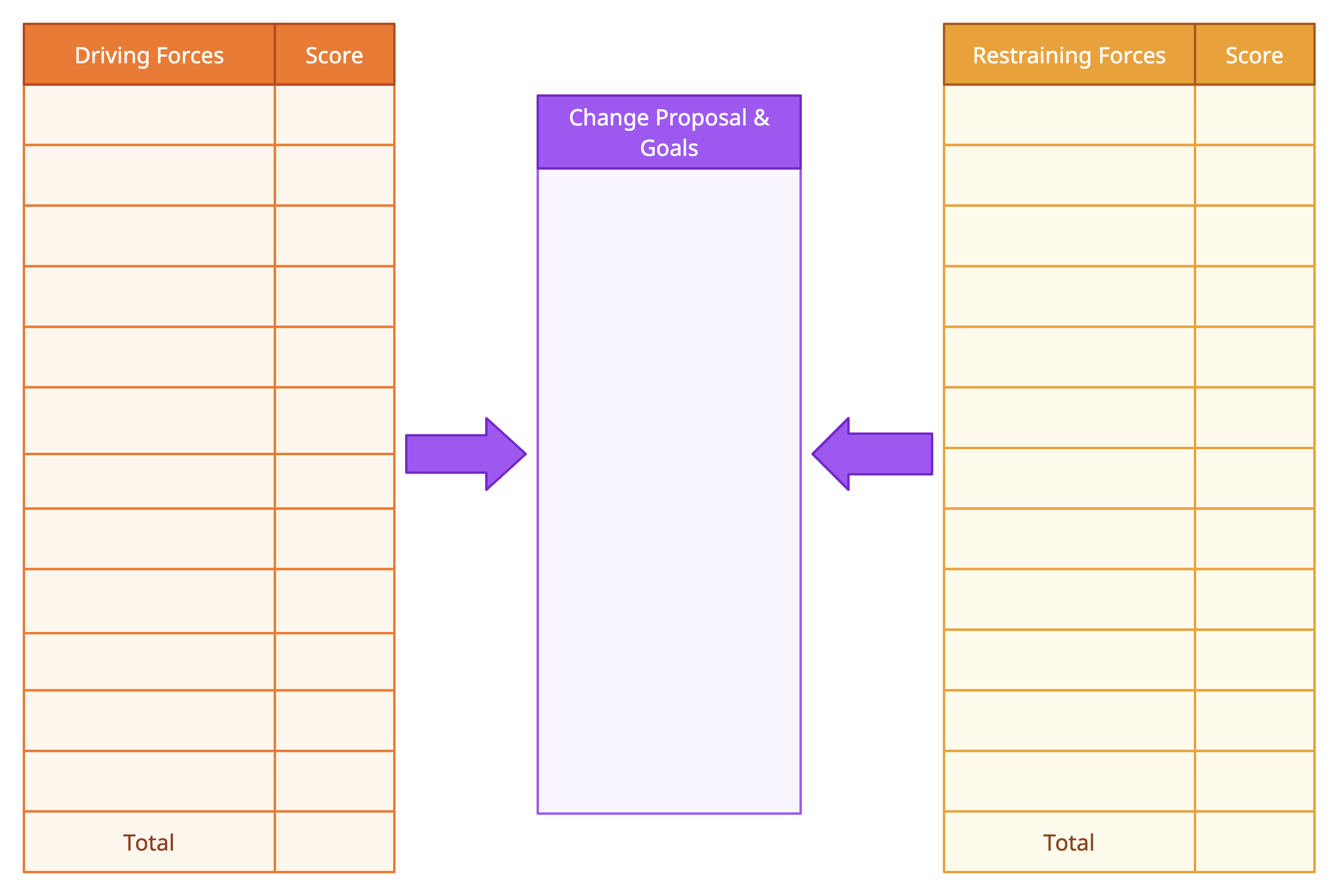
Force Field Analysis
Force field analysis helps you visualize and evaluate the forces for and against a proposed change. This tool is especially useful for understanding what factors support or resist your decision, enabling better planning for implementation.
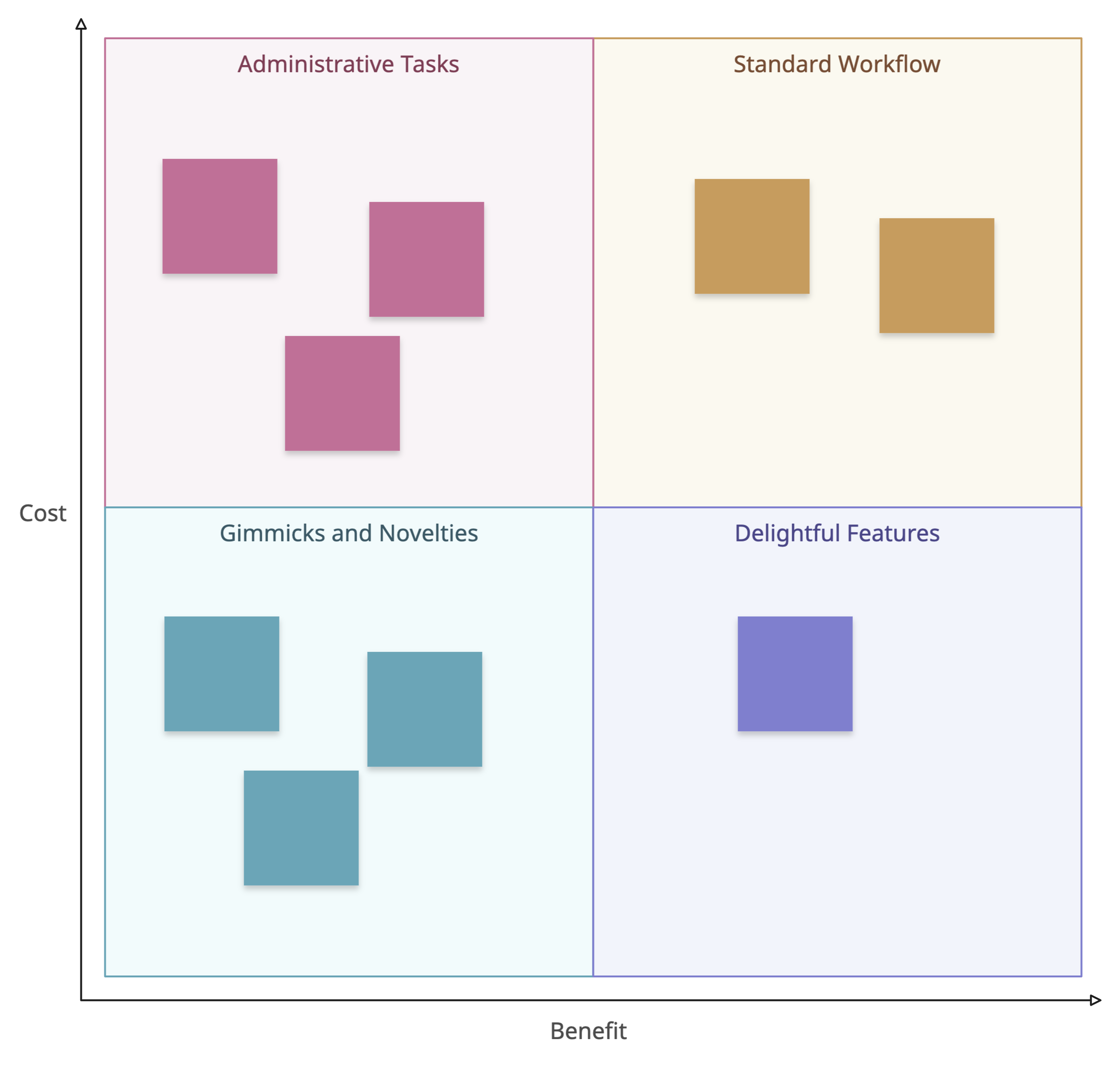
Cost-Benefit Analysis
Cost-benefit analysis compares the financial and non-financial benefits of each option against the associated costs. By quantifying these factors, you can calculate net benefits and choose the alternative that offers the greatest value.
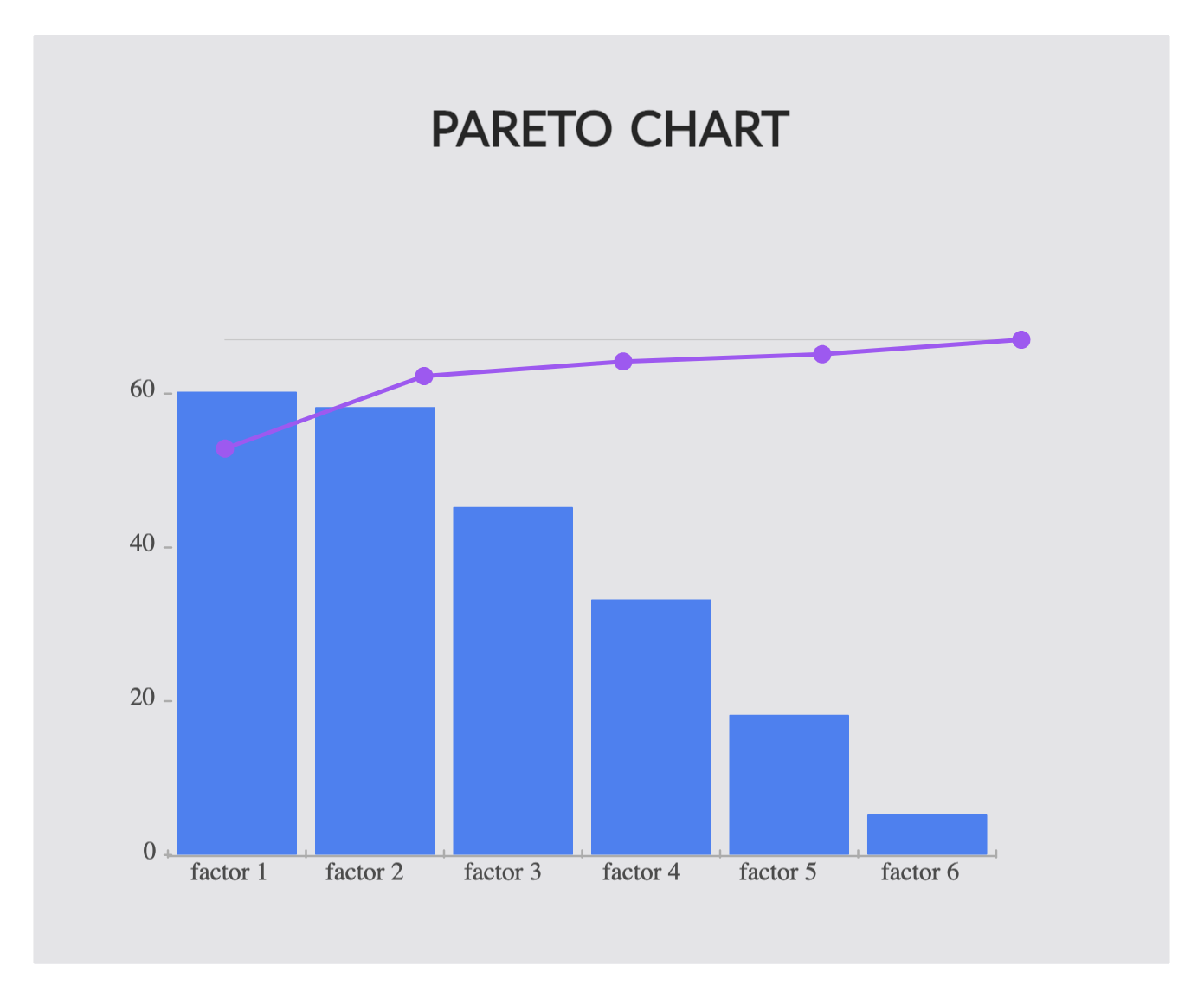
Pareto Analysis
Pareto Analysis is a decision making tool used to identify the most significant factors in a dataset. Based on the Pareto Principle (also known as the 80/20 rule), it suggests that roughly 80% of effects come from 20% of causes. By focusing on these key causes, you can address the most impactful issues first.
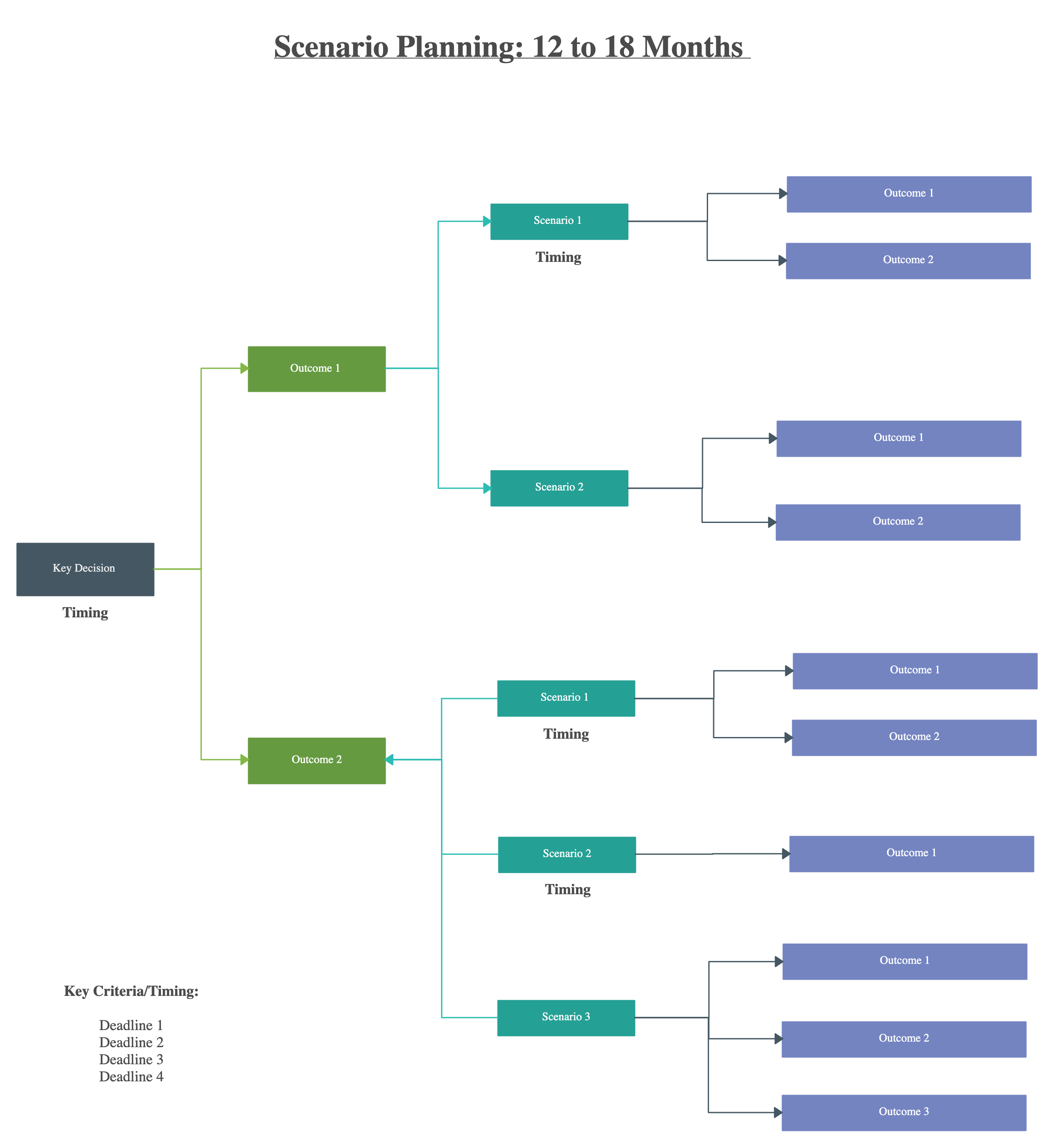
Scenario Planning
Scenario planning allows decision-makers to consider multiple possible futures and their implications. By preparing for different outcomes, teams can make flexible, resilient decisions, even in uncertain environments.
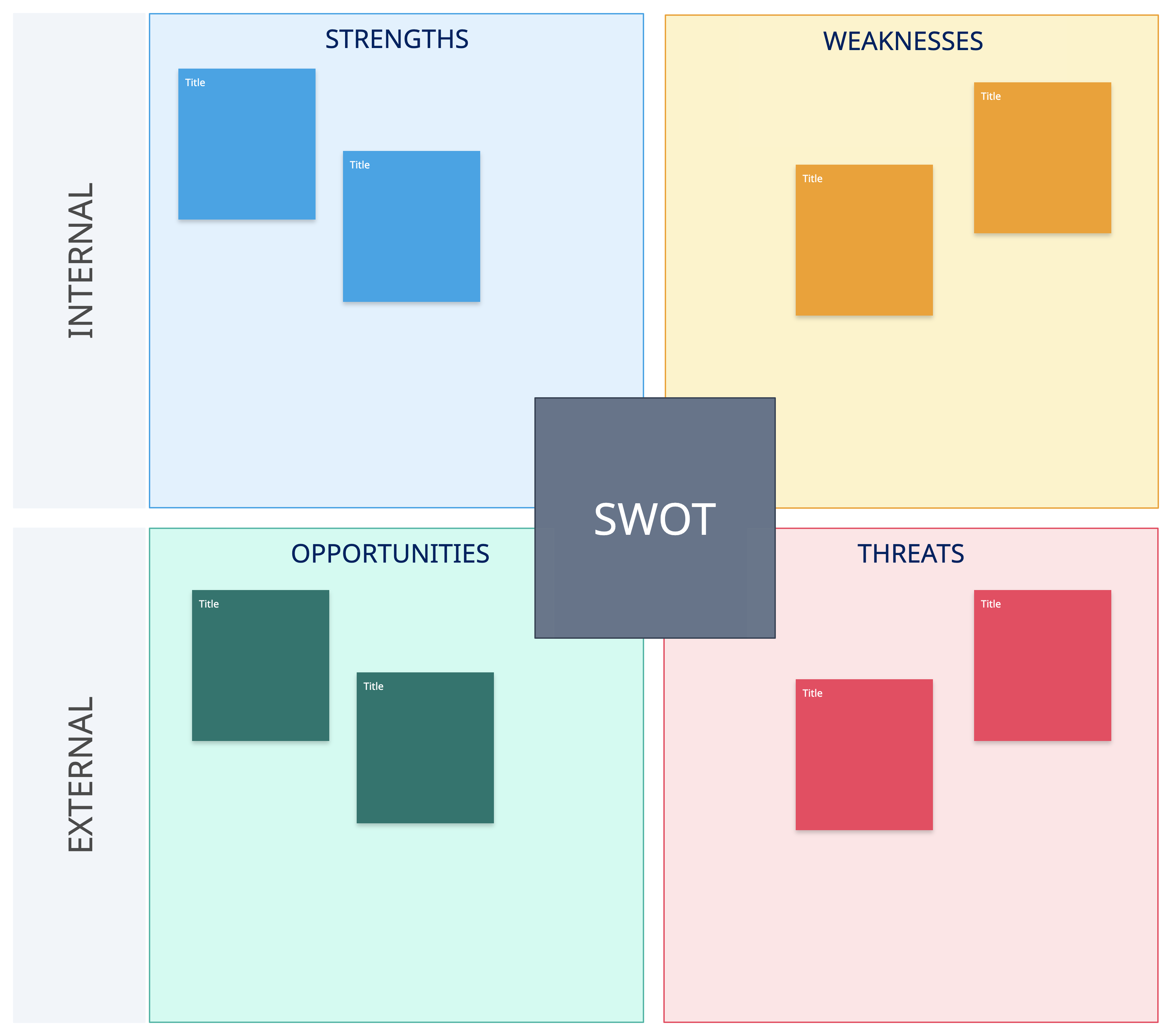
SWOT Analysis
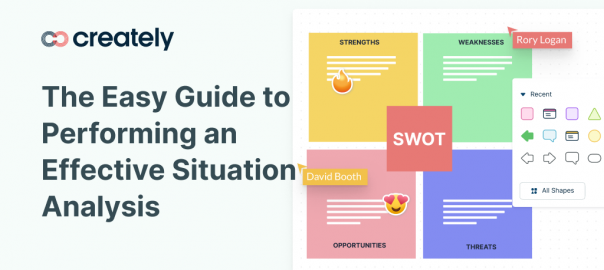
SWOT analysis evaluates internal strengths and weaknesses alongside external opportunities and threats. This tool helps you assess each alternative holistically, ensuring decisions align with both organizational capabilities and market conditions.
4. Decision Making Tools to Select the Best Solution
Even after evaluating the feasibility and desirability of your options, you may still have several strong alternatives. While combining solutions is sometimes possible, it’s not always practical. That’s where specialized decision making tools come in, they help you identify the single best option to move forward with confidence.
You can use the following decision making tools to decide which is the best option to move forward with.
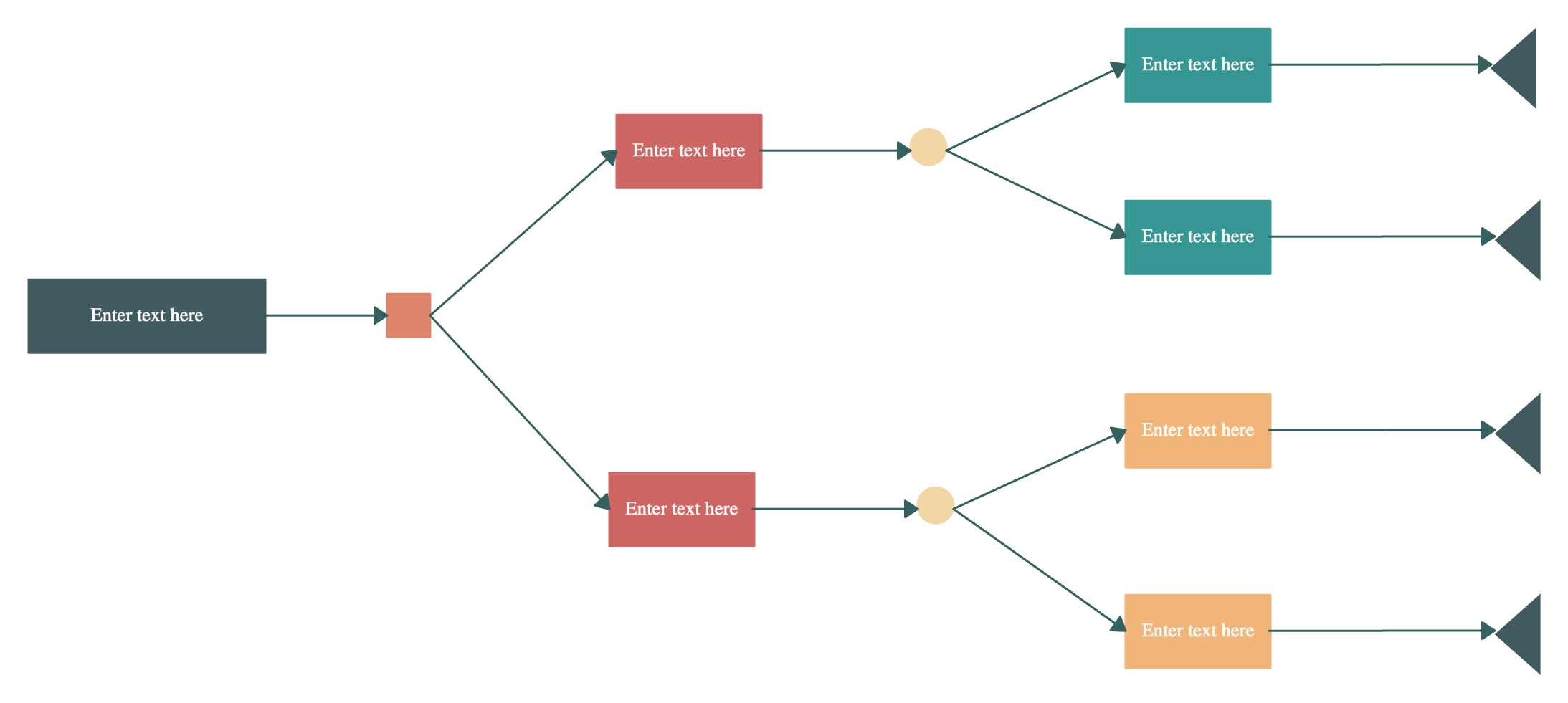
Decision Trees
Decision trees visually map out each alternative and its possible outcomes. This approach helps you evaluate the value of each option, assess the likelihood of success, and make a more informed, strategic decision.
Try Creately’s decision tree maker here.
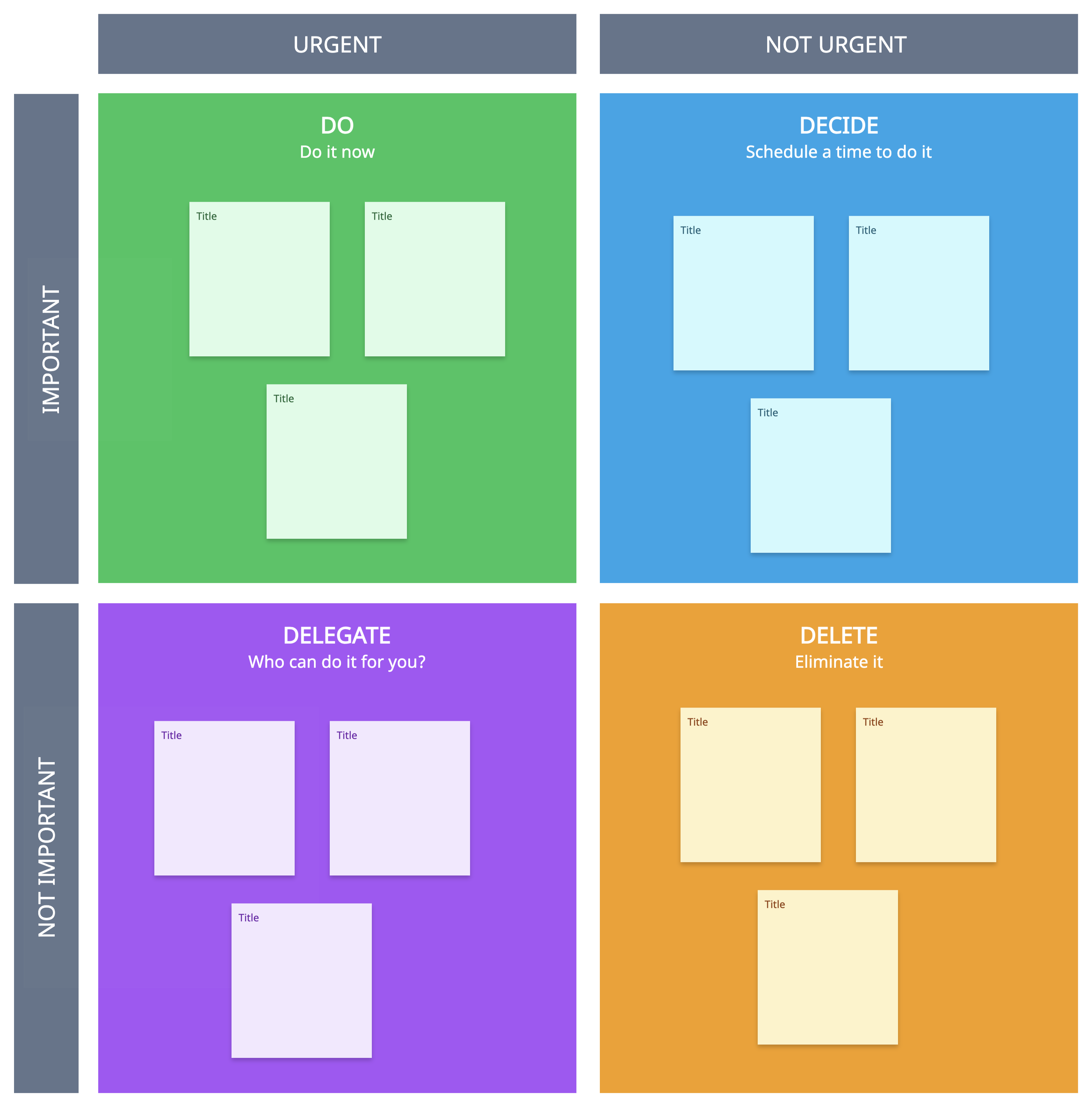
Eisenhower Matrix
The Eisenhower Matrix is perfect for prioritizing tasks when you’re juggling multiple options. By categorizing items based on urgency and importance, you can focus on what truly matters and eliminate distractions that don’t advance your goals.
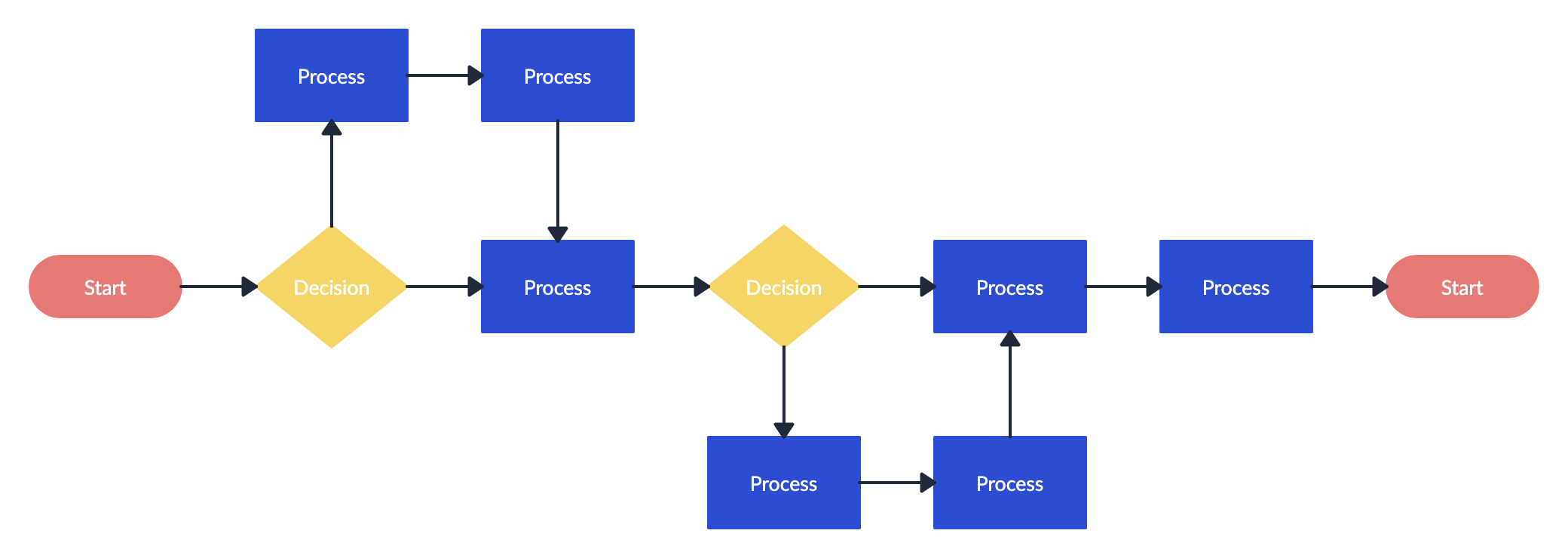
Flowchart
Flowcharts are a tried-and-true method for documenting processes, analyzing alternatives, and evaluating consequences. By mapping out the sequence of actions and decisions, you can clearly visualize which solution is most effective.
What Other Decision-Making Tools Do You Use?
We’ve covered a wide range of decision making tools to guide you through various stages of decision-making. Whether you’re working solo or collaborating with a team, these tools can help you make faster, smarter, and well-informed decisions.
Beyond the tools mentioned above, there are several other options that teams and businesses often use:
- Multi-Criteria Decision Analysis (MCDA): Helps evaluate complex choices by scoring options against multiple weighted criteria, making it easier to prioritize decisions objectively.
- Nominal Group Technique (NGT): A structured brainstorming method that encourages contributions from all team members, ensuring that every idea is considered before reaching a decision.
- Analytical Hierarchy Process (AHP): Breaks down decisions into a hierarchy of goals, criteria, and alternatives, providing a systematic framework for comparing options.
- Brainwriting: Similar to brainstorming but done in writing, allowing team members to contribute ideas independently and avoid groupthink.
- Decision Journals: A reflective tool where you document the reasoning, assumptions, and expected outcomes of a decision to improve future decision-making accuracy.
These additional decision tools and techniques complement the ones we’ve already discussed, giving you even more ways to tackle problems, analyze options, and make confident business decisions.
Which decision making tools in management or business have worked best for your team? Share your experiences in the comments below, we’d love to hear your insights!


Hey Amanda! This side is Riddhi Shah and I have just popped in one of your articles and really found it interesting. Running a business is a very difficult thing to do, as it requires the ability to make good decisions and to achieve spot at good rankings in the market. Business analyst are required to engage in as it is the main task that defines the current state of the business. One wrong decision can affect the entire company. Business intelligence tools help to structure the data and reveal important trends. The visual techniques and tools that has been mentioned in the article are very important and efficient. I have had a great time reading this informative article and definitely looking forward to reading more such blog posts from your end.
Hi Riddhi, Glad you found the post resourceful. Appreciate your feedback.