Brainstorming Online
Unlock Creativity and Innovation
Generate new ideas and creative solutions by brainstorming online with your team. Bring different perspectives together on a single space.
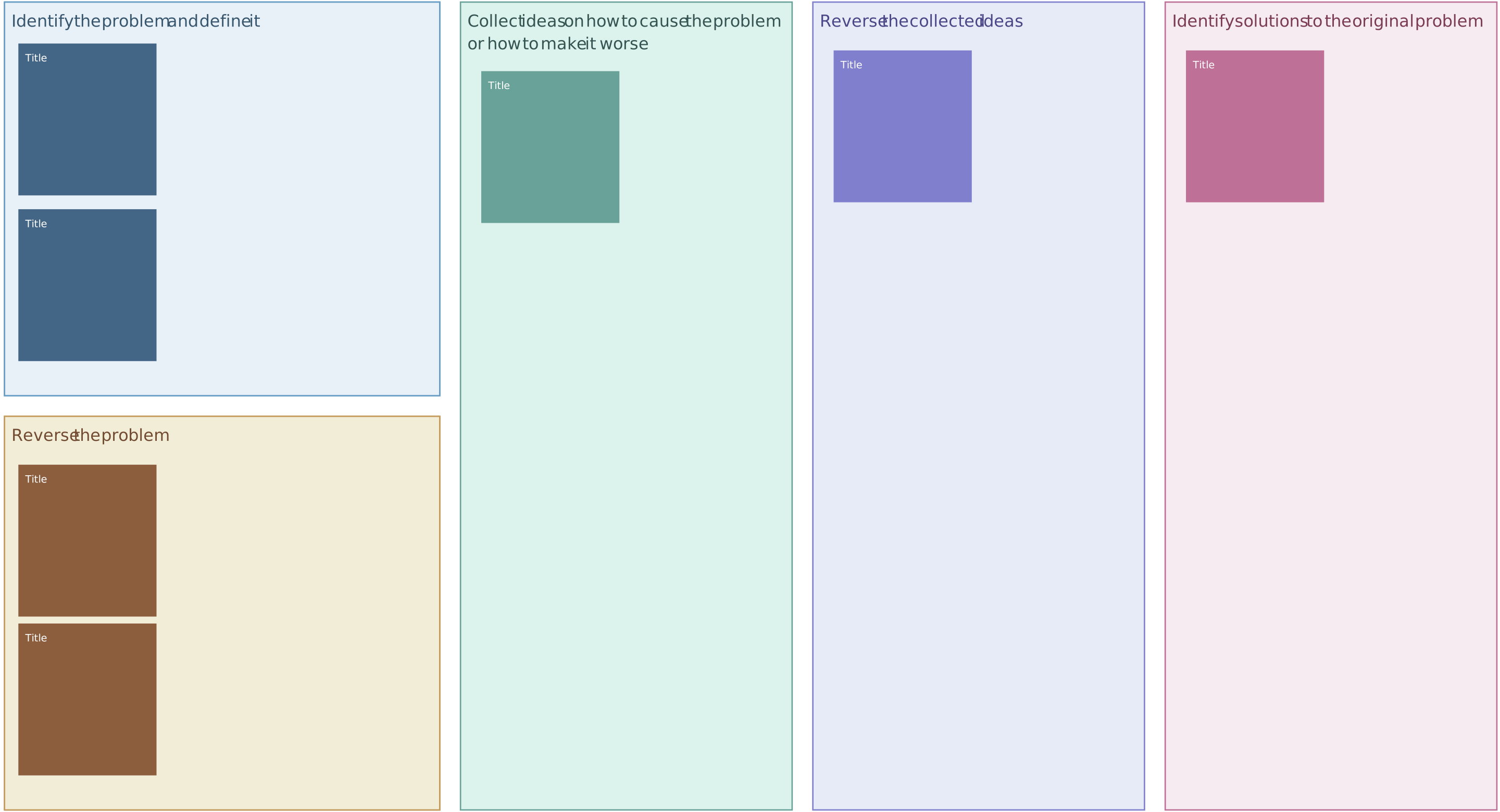
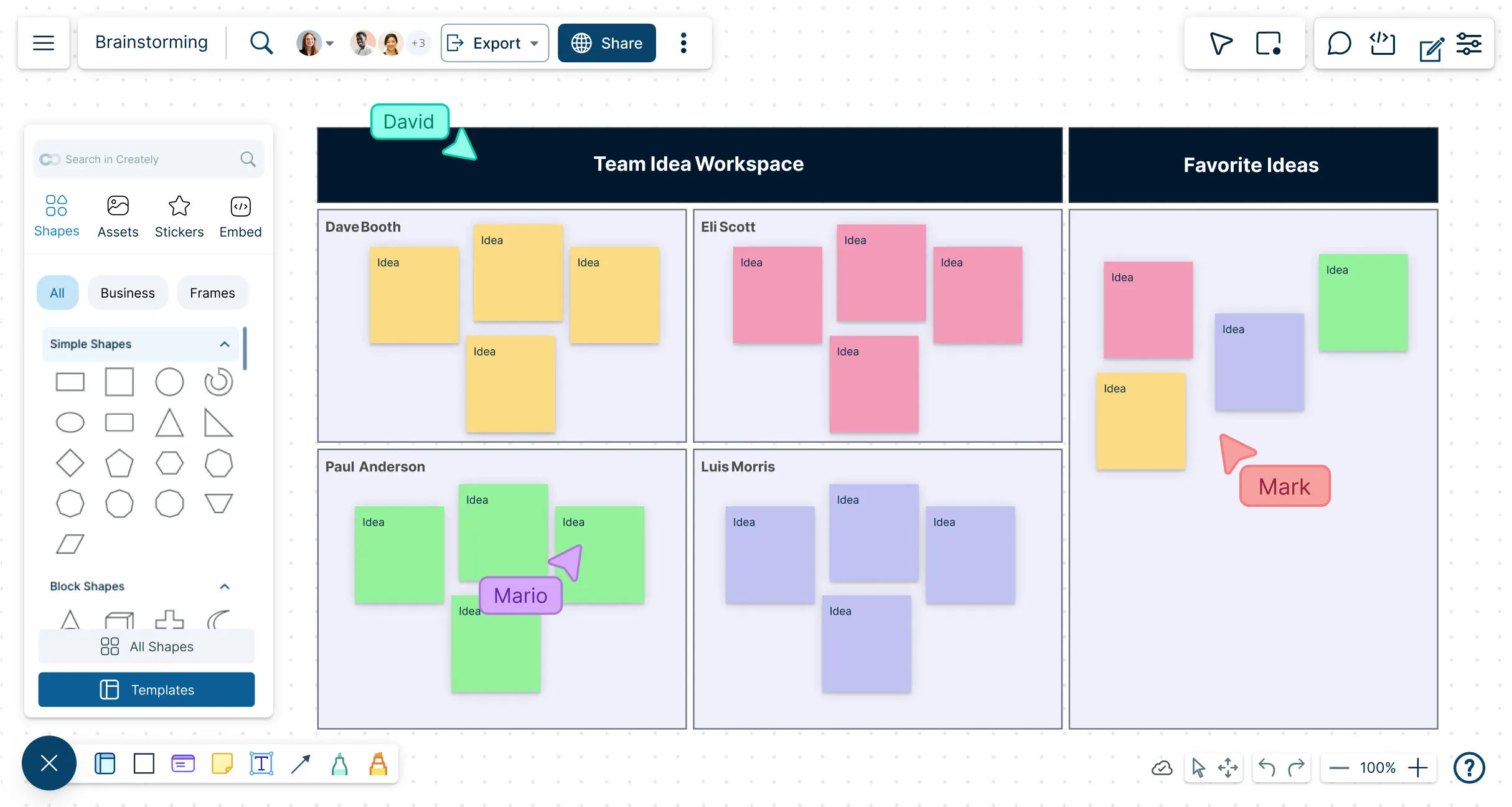
Custom brainstorming tools to generate ideas faster
Connect ideas together with multiple frameworks
Run meetings and workshops on a shared canvas




 Diagramming Visual Collaboration Org Chart


Brainstorm Without Limits
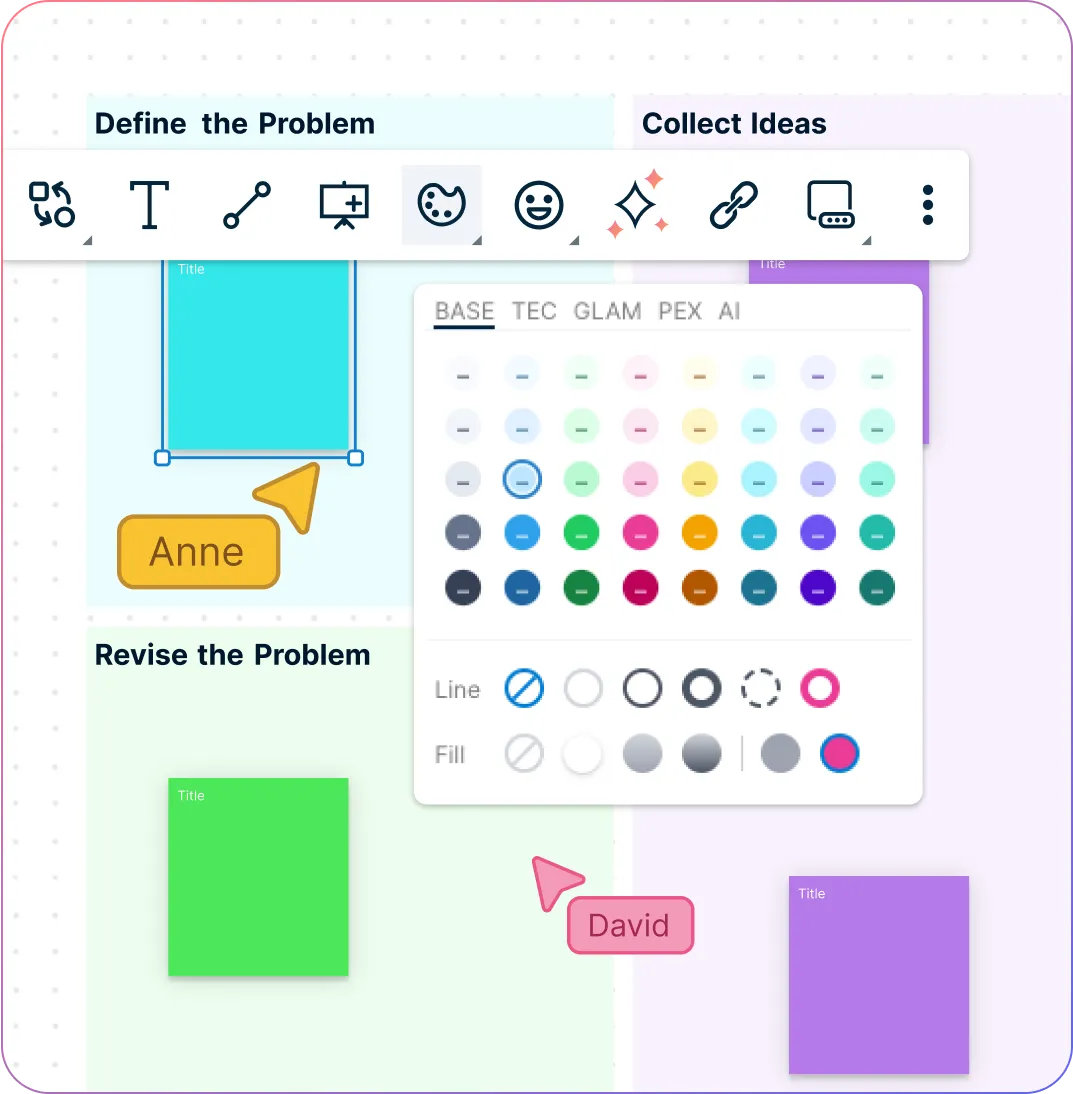
Drag and drop shapes or sketch freehand to capture thoughts instantly
Start faster with ready-to-use brainstorming templates
Virtual whiteboard for structured brainstorming & planning sessions
Apply smart formatting and colors to highlight and organize concepts
Have Everything in One Place
Expand ideas on an infinite canvas without running out of space
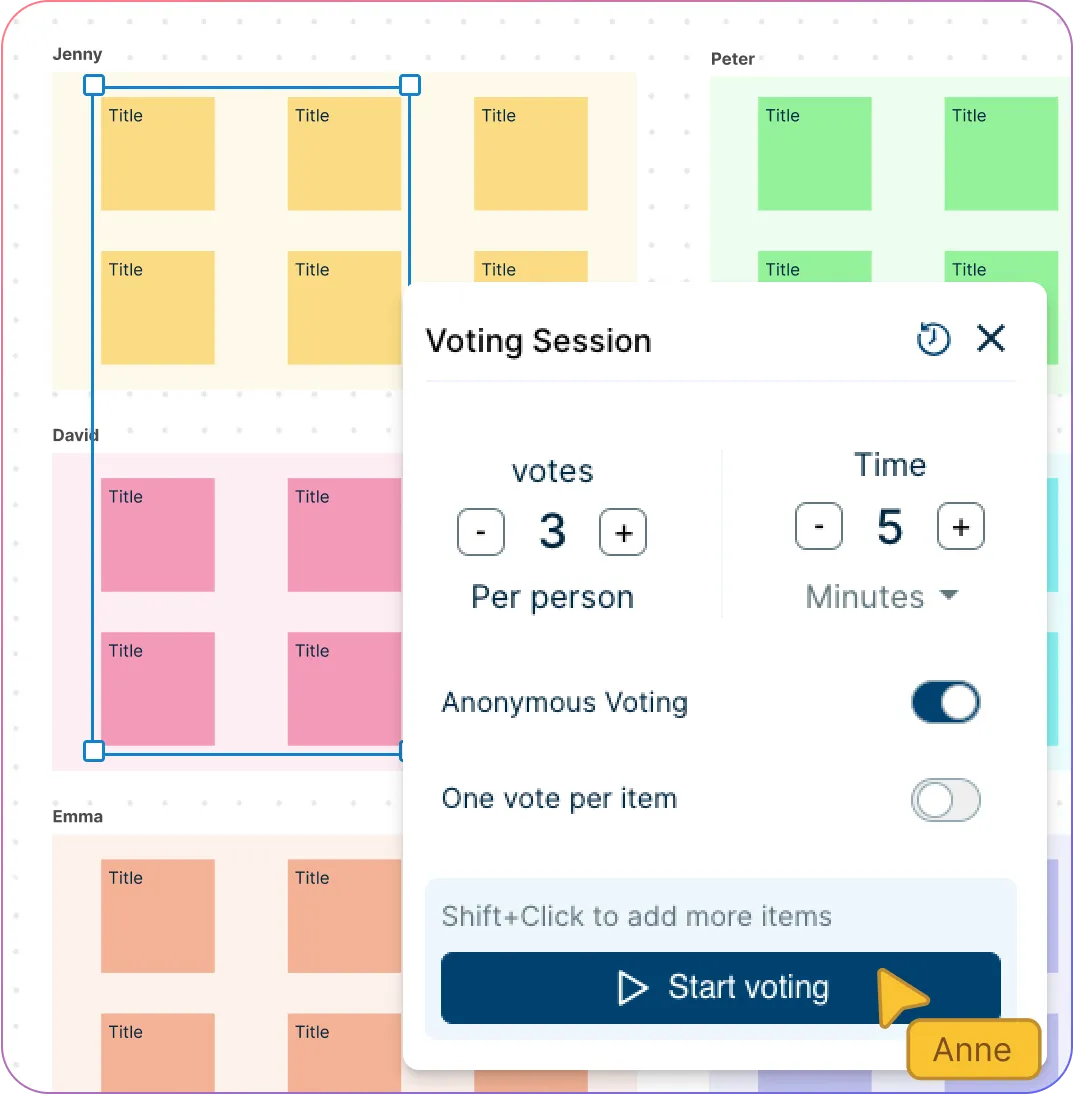
Rank, vote, and prioritize ideas using built-in visual and voting tools
Enrich brainstorming with images, screenshots, and supporting visuals
Add contextual notes to shapes for deeper details and explanations
Collaborate Seamlessly in Real-Time
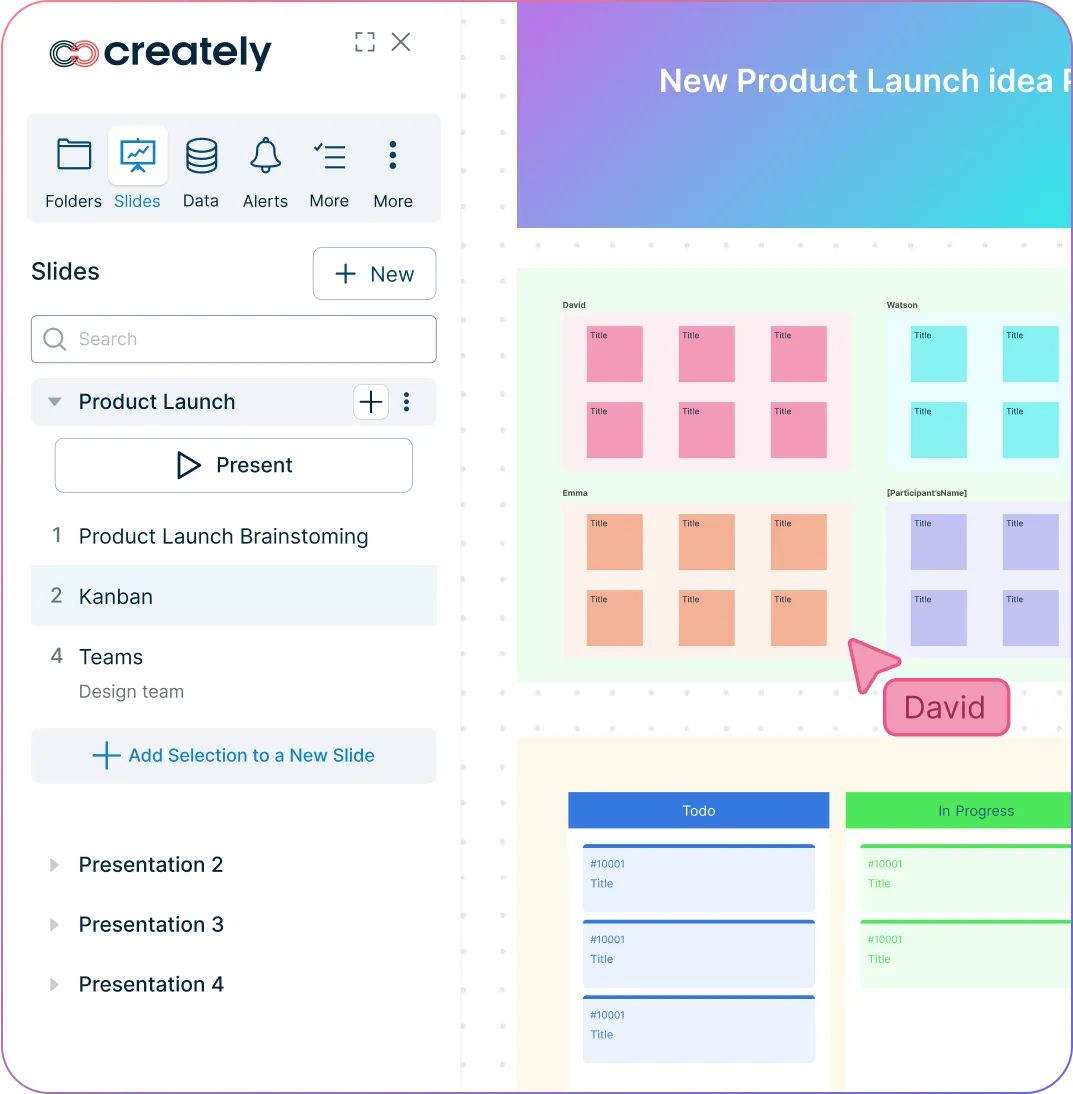
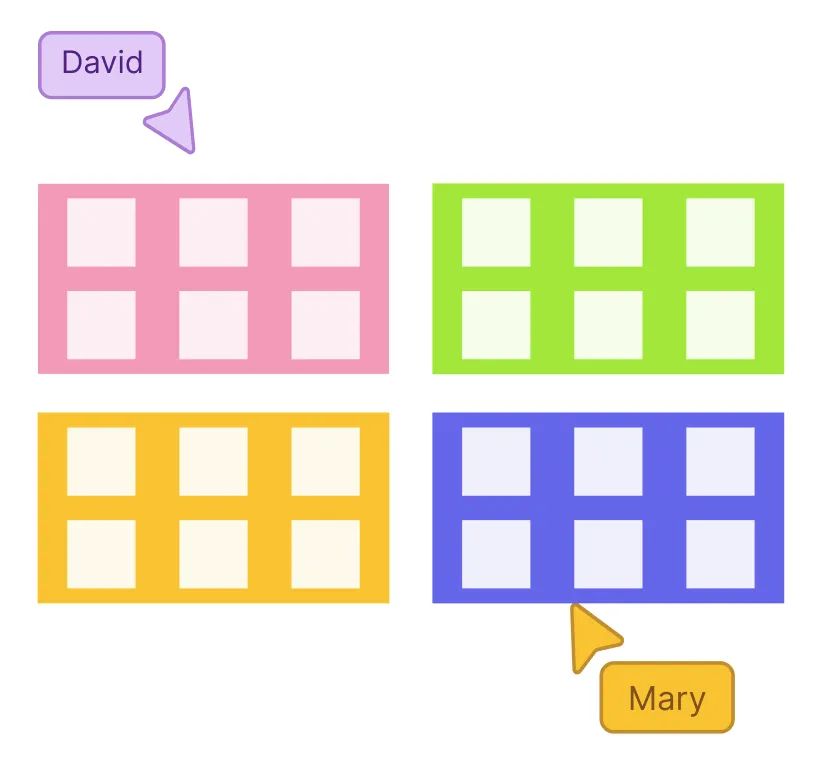
See live mouse cursors for smoother team coordination
Co-edit diagrams in real time or asynchronously, anytime
Tag teammates with @mentions to assign actions or clarify points
Spotlight collaborators to follow actions or guide the session
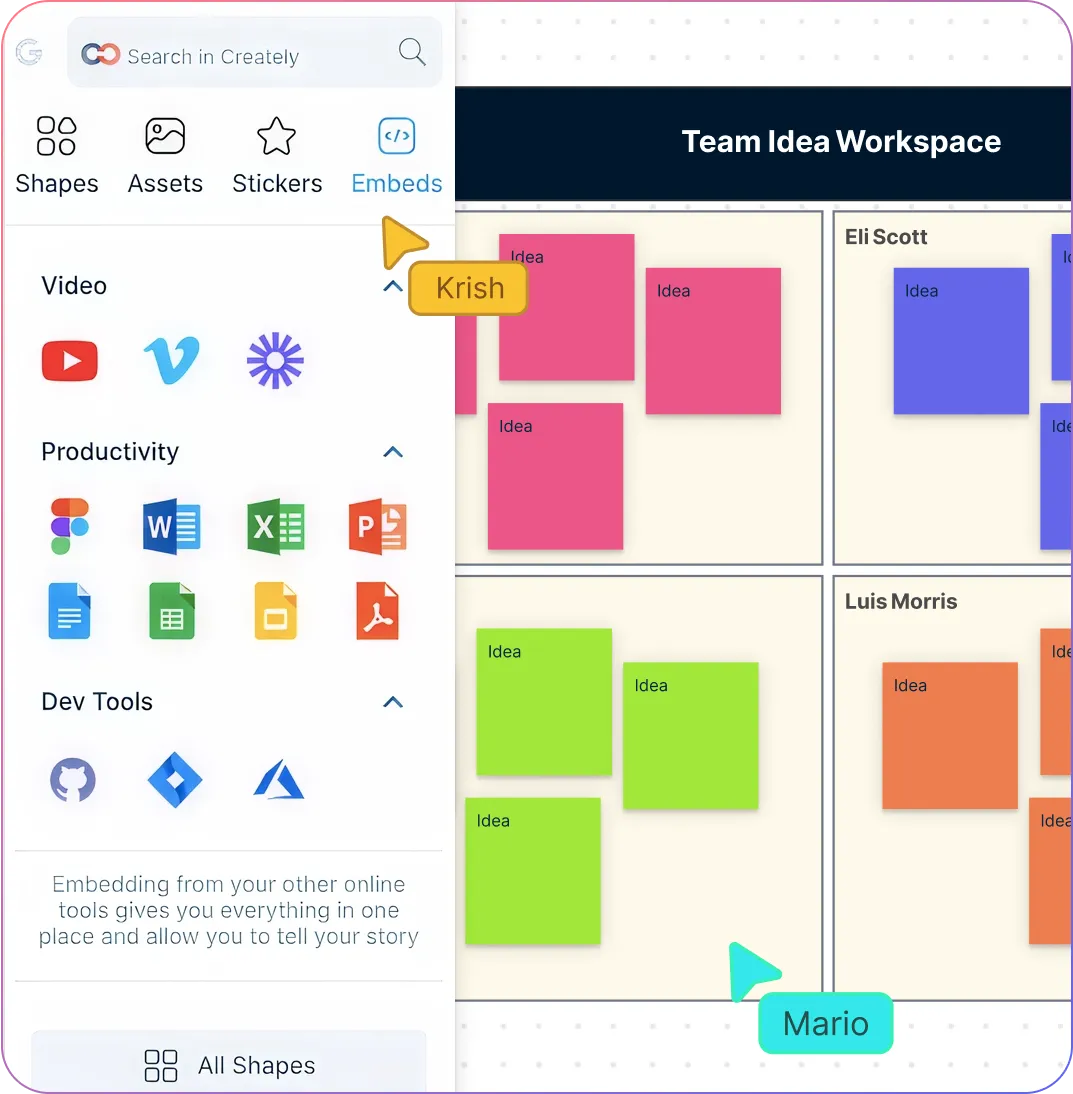
Go from Idea to Execution in the Same Space
Turn brainstorm outcomes into tasks and projects without switching tools
Assign roles, due dates, and estimates to keep work on track
Track progress with built-in agile boards and workflows
Connect with tools like Slack, Google Workspace, GitHub, and more to execute smoothly
What Is Brainstorming?
How to Conduct an Online Brainstorming Session with Creately
Set up your workspace
Start by creating a new brainstorming board in Creately. Choose a ready-made template or start with a blank canvas to fit your session’s goals.
Invite your team
Share your board with team members. Use real-time collaboration features so everyone can join and contribute simultaneously, no matter where they are.
Generate ideas freely
Encourage participants to add shapes, text, or freehand drawings to capture ideas. Use sticky notes, images, and color codes to differentiate thoughts and categories.
Organize and connect ideas
Group related ideas, rank them, or use voting tools to identify the most promising solutions. Drag-and-drop and visual connectors make relationships clear and easy to follow.
Assign actions and follow up
Turn selected ideas into tasks or projects. Assign responsibilities, deadlines, and track progress directly on the board to move from brainstorming to execution seamlessly.
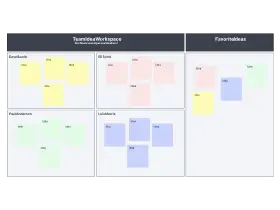
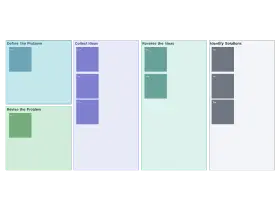
Start BrainstormingGenerate Unique Ideas Faster with Free Editable Templates

FAQs About Creately’s Brainstorming Tool
What are Creately’s brainstorming online pricing plans?
- Free Plan — $0/month for basic brainstorming creation and collaboration
- Starter & Team Plans — $8/month or $5/month billed annually
- Business Plan — $149/month or $89/month billed annually
Annual billing helps you save more while unlocking advanced collaboration, workspace management, and enhanced brainstorming features. You can compare all available plans and features on the Creately Pricing Page.
How can you create brainstormings faster?
Are there templates for different brainstorming use cases?
Can teams collaborate on brainstormings?
Can I add notes, data, and files?
Can I share, present, or export brainstormings?






















