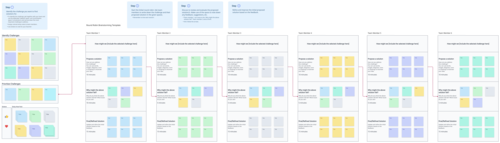
Brainstorming Template

Collaborate Visually. Brainstorm Better. Move Ideas to Action.

Turn scattered thoughts into clear, actionable plans with Creately’s visual brainstorming templates. Capture ideas, organize them instantly, and move from concept to execution — all on one canvas.

  • Ready-to-run templates (mind maps, affinity maps, fishbone, SWOT)
  • Real-time collaboration; labeled cursors, comments, and live editing
  • Fast decision tools; voting, prioritization, and exports to slides or docs
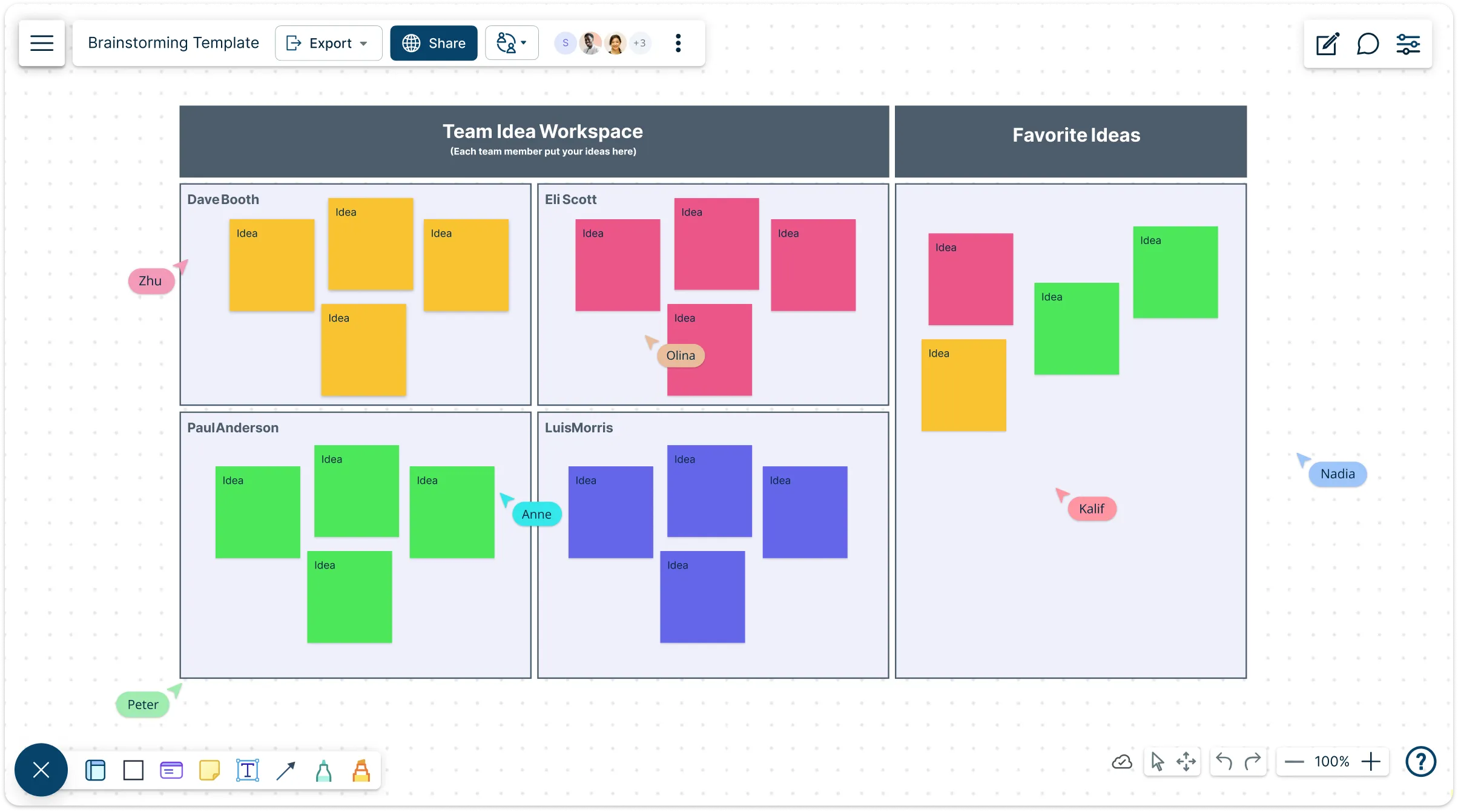
Brainstorming Template

Over 10 Million people and 1000s of teams already use Creately
lp

AI Brainstorming Generator

AI Brainstorming Generator

Transform ideas into organized, actionable concepts in seconds

  1. Just describe your topic, challenge, or goal.
  2. Click Generate with AI → watch Creately instantly create a structured brainstorming map with themes, clusters, and connections.
  3. Refine, expand, and collaborate—all on an infinite, shared canvas.
Try Creately AI

Why teams love Creately’s AI Brainstorming Generator

Try the AI Brainstorming Generator
  • Save time Save time – Auto-generate idea maps without starting from scratch.
  • Stay organized Stay organized – AI groups related ideas for better clarity and flow.
  • Work smarter Work smarter – Expand, prioritize, and connect ideas to supporting data.
  • Secure by design Secure by design – All AI runs inside Creately—your data stays private.
  • Built for collaboration Built for collaboration – Brainstorm together in real time from anywhere.

Capture Every Spark

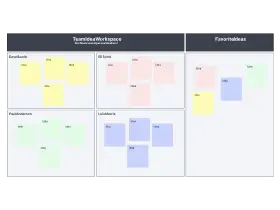
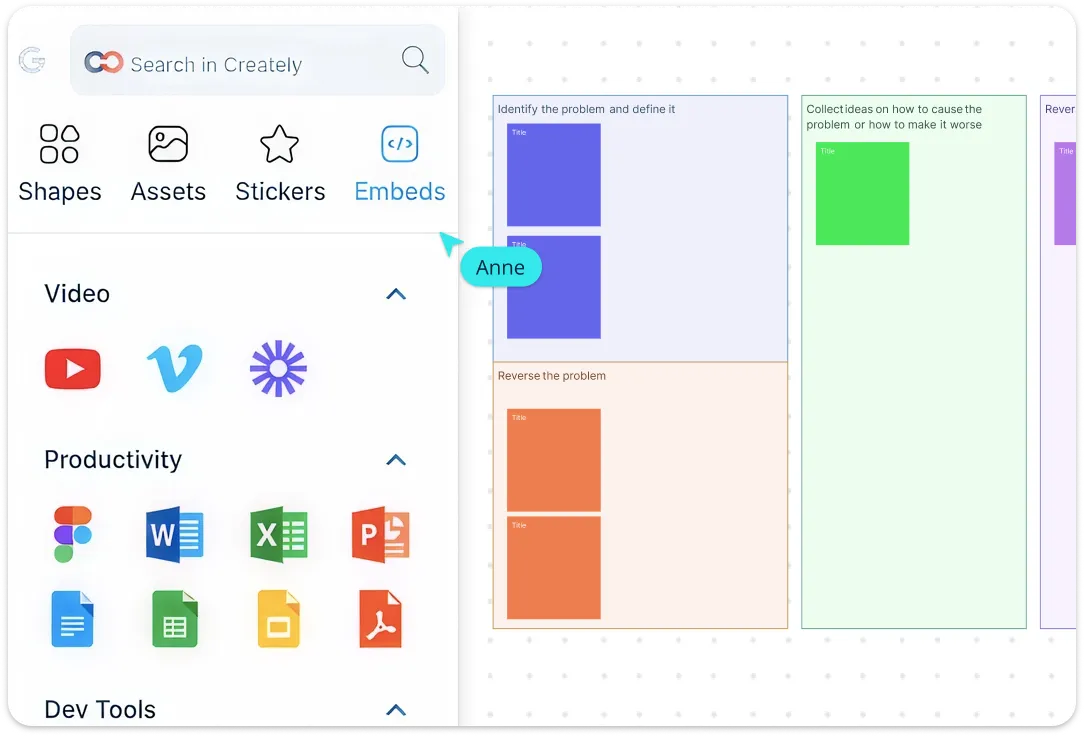
Snapshot of Creately's Interface with a Brainstorming Template and the Embedding Options

Start with templates built for idea capture — digital sticky notes, freehand sketches, and structured mind maps let teams brainstorm without losing creative flow. Use over 50 diagram types and pre-made templates for product ideas, marketing campaigns, process improvements, curriculum design, or team alignment. Add context with notes, images, or GIFs, and let AI-powered brainstorming suggest fresh ideas and alternatives instantly.
Snapshot of Creately's Interface with a Brainstorming Template and the Embedding Options
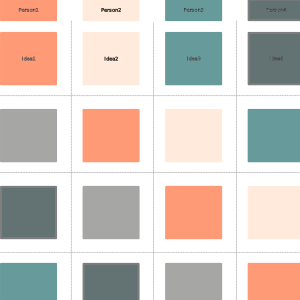
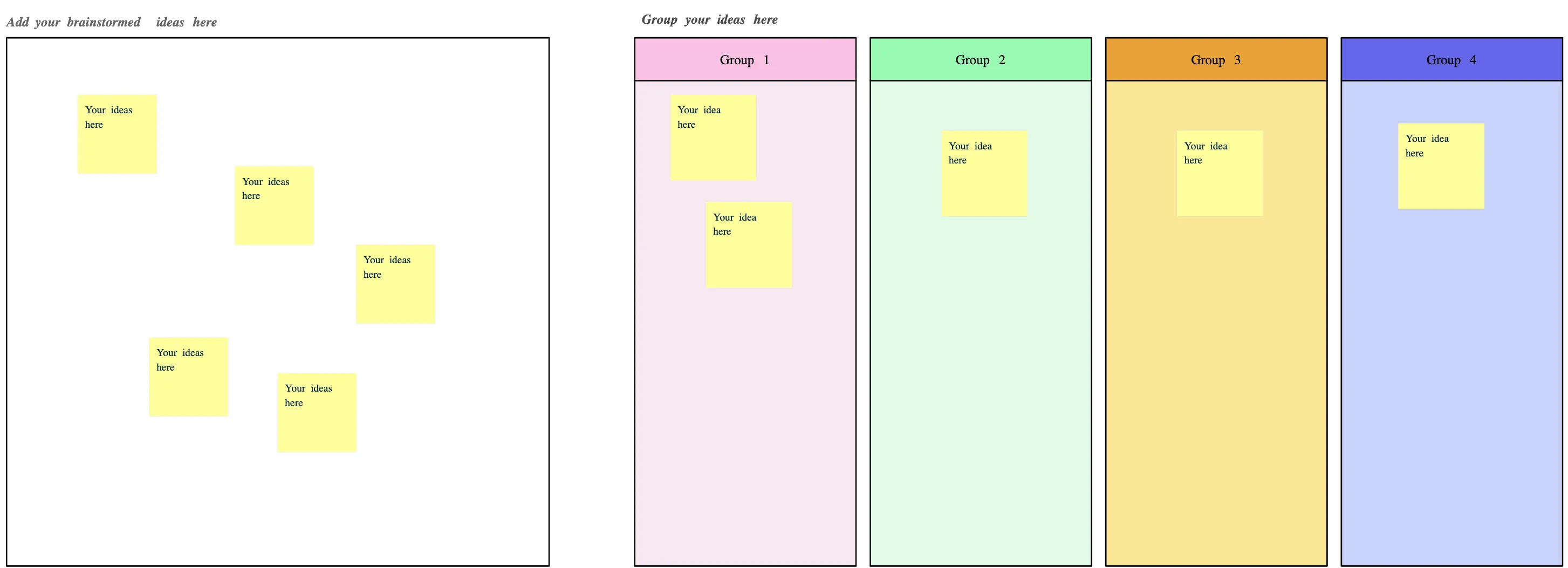
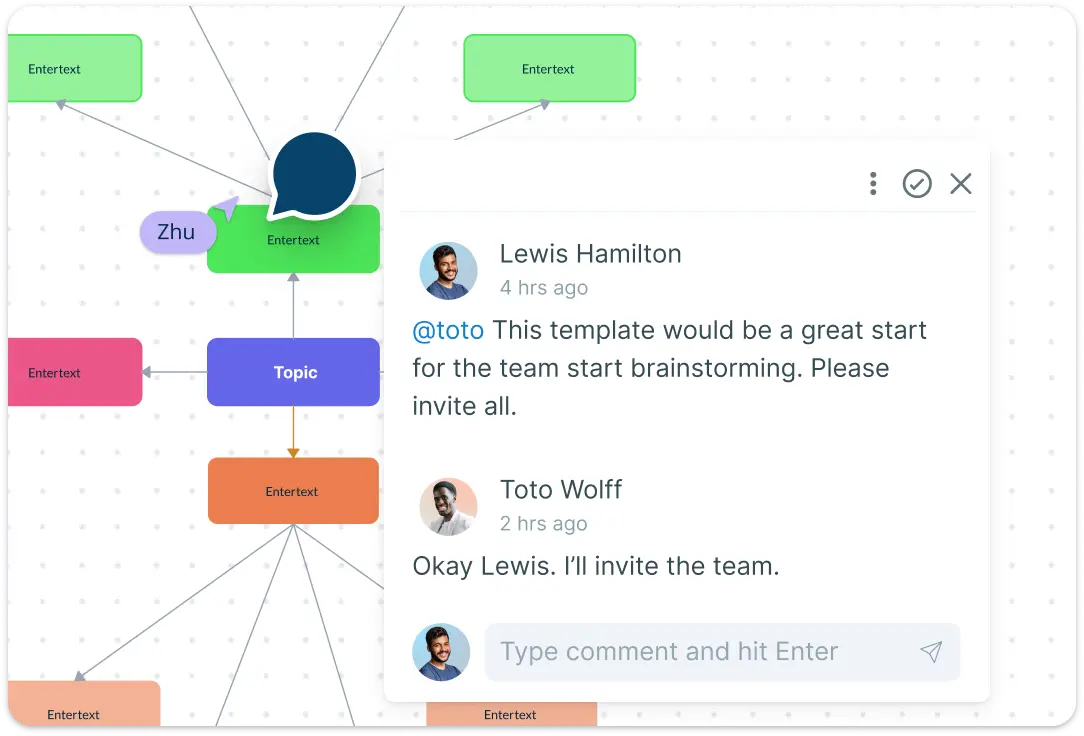
Image of Creately's Brainstorming Worksheet Template with Commenting Feature

Make Every Voice Count

Image of Creately's Brainstorming Worksheet Template with Commenting Feature

Run live sessions with labeled cursors, async collaboration with real-time edits, and in-canvas comments to reduce meeting fatigue and help remote teams feel like they’re in the same room. Use built-in voting and prioritization to quickly surface the best ideas so your team ends each session with aligned next steps — not another to-do list. Use @mentions to assign follow-ups, and manage permissions with multiple access levels and roles — making teamwork seamless, focused, and productive.

Turn Chaos into Clarity
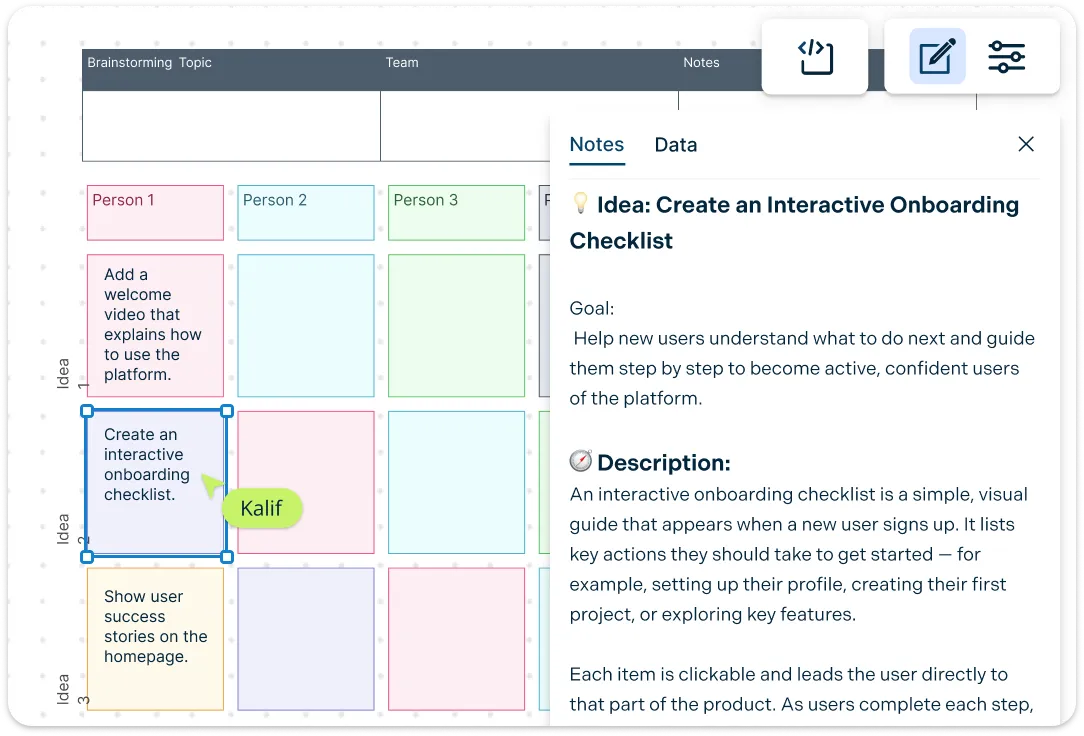
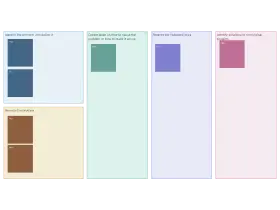
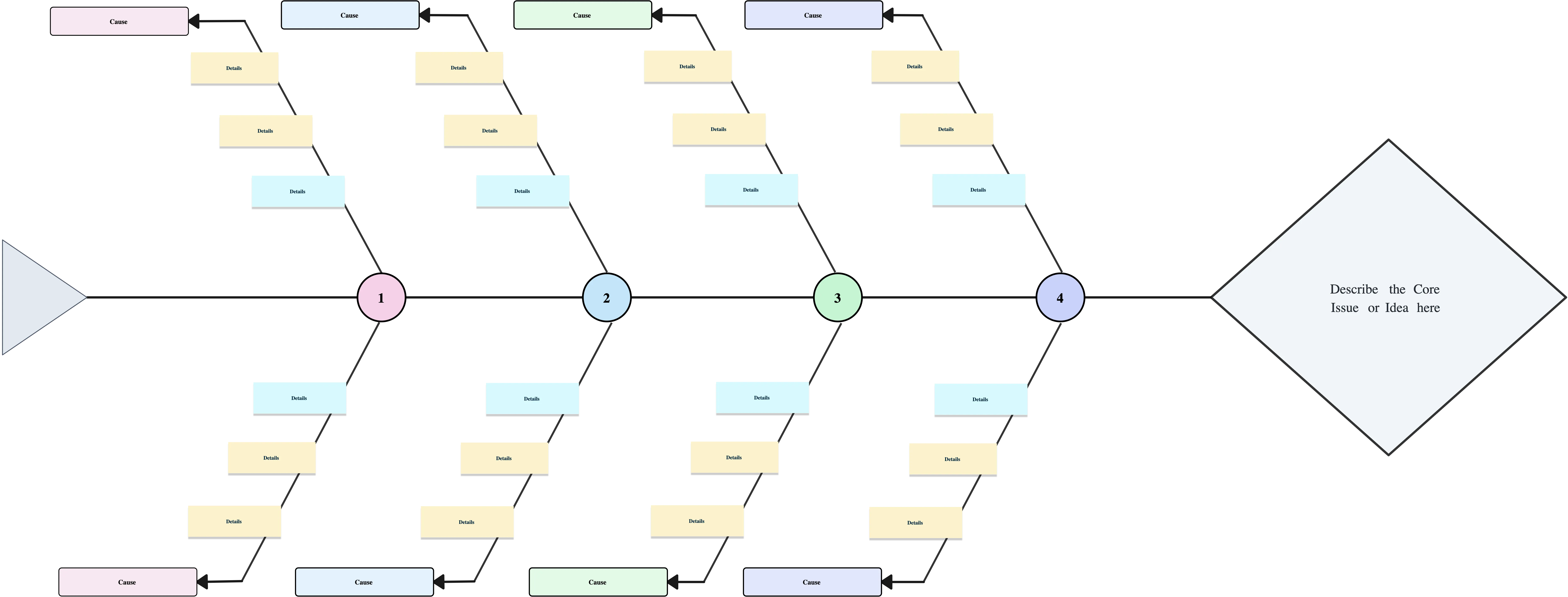
Illustration of Creately's Brainstorming Canvas Template and Notes Feature

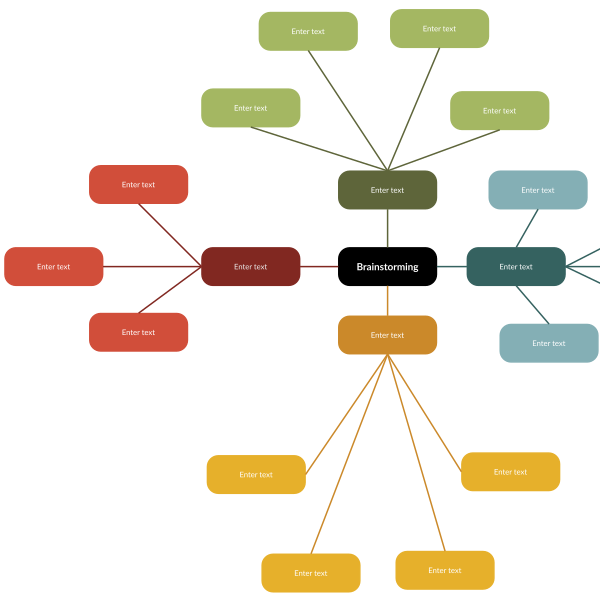
Group similar ideas with affinity maps, structure thinking with mind-map branches, or drill into root causes with fishbone templates. Bring external data onto the brainstorming canvas, add notes, attachments, and links, and embed documents with in-app previews. Universal search, version history, and export options mean you never lose a great idea — and your entire brainstorming history stays accessible.
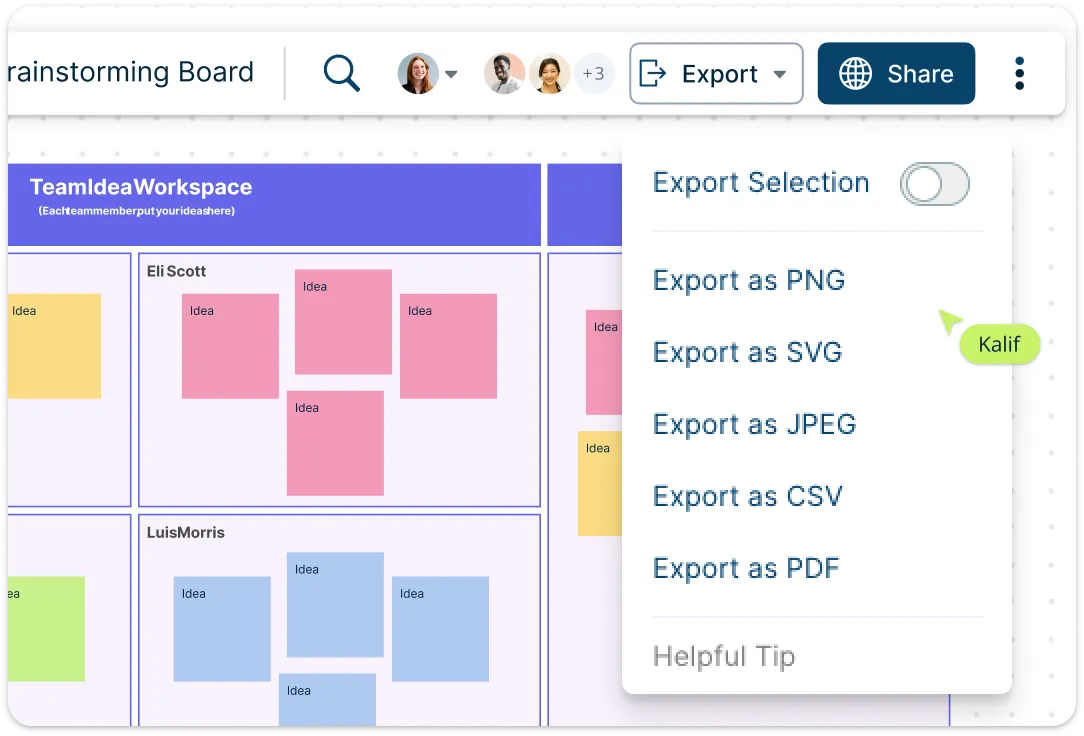
Illustration of Creately's Brainstorming Canvas Template and Notes Feature
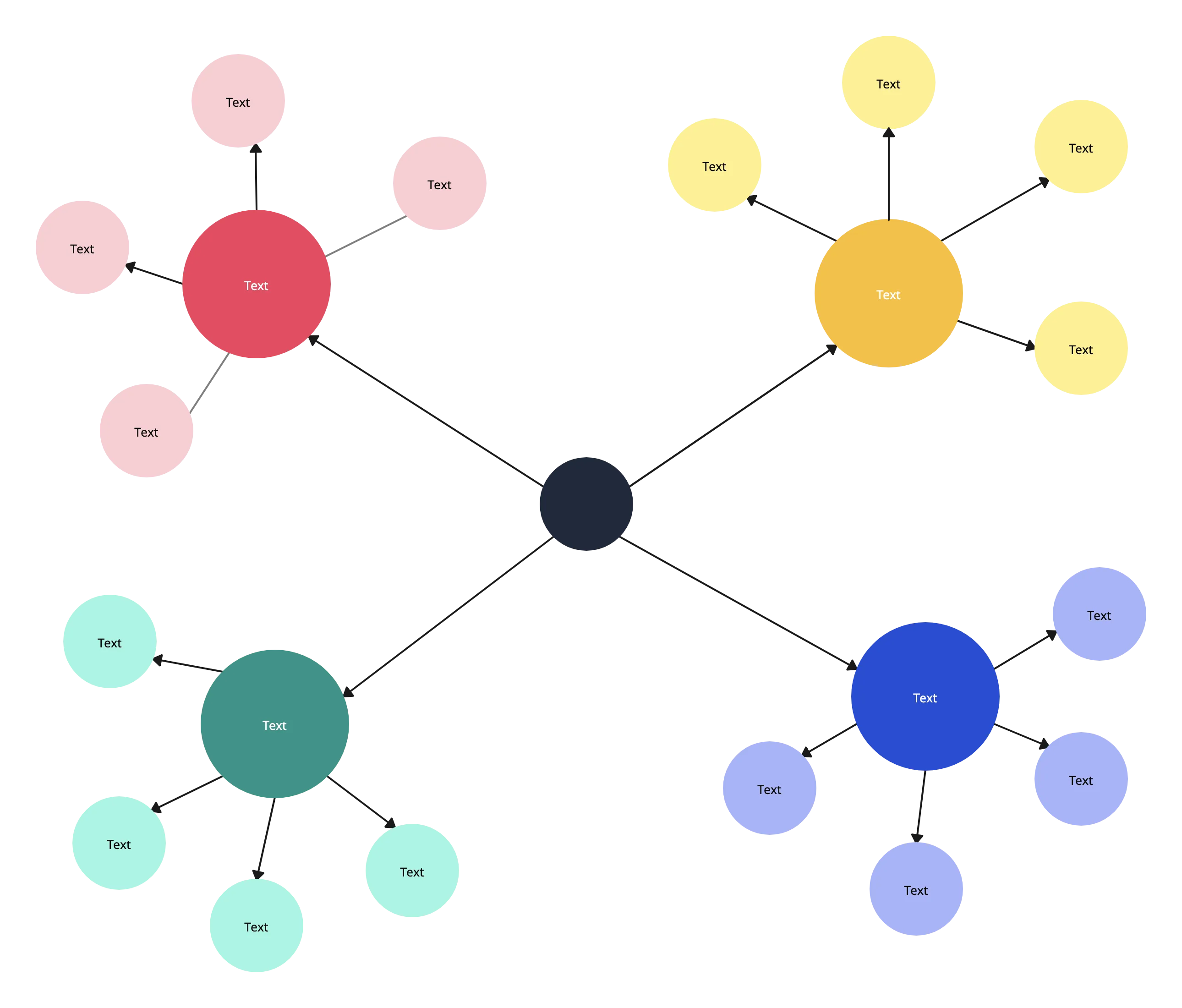
Illustration of Creately's Export Option and Online Brainstorming Template

Move from Idea to Impact

Illustration of Creately's Export Option and Online Brainstorming Template

Don’t stop at the whiteboard — run workshops in presentation mode, convert nodes or mind map branches into tasks, assign owners, set due dates, and track progress directly on the canvas. With prioritization tools, status flags, and flexible diagram conversions, teams can quickly turn brainstormed ideas into actionable projects, speeding time from ideation to impact. Export your brainstorming template online to PNG, PDF, or SVG, or embed it into documents and slides to keep momentum going across any workflow.

What Is Brainstorming?
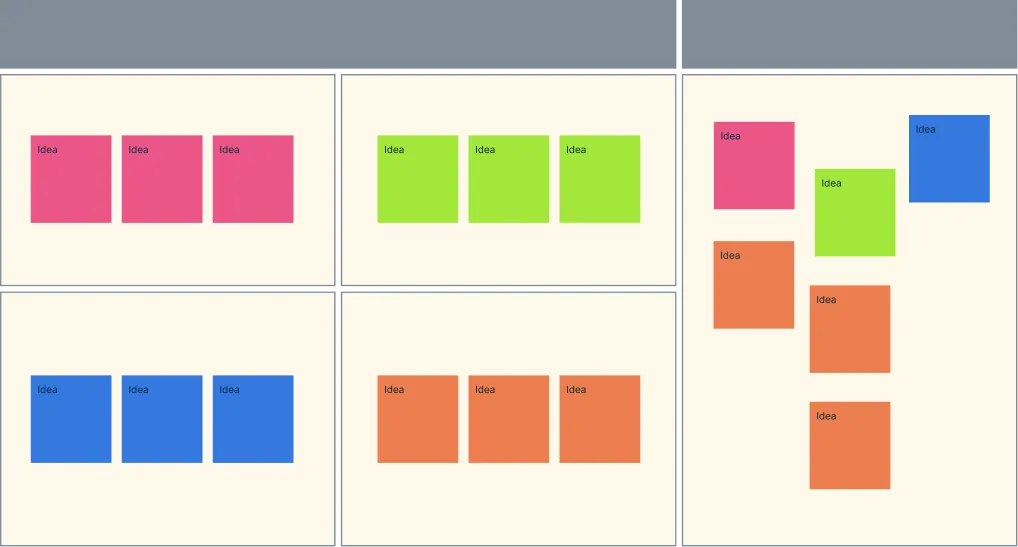
Brainstorming is a creative problem-solving technique used to generate a wide range of ideas, solutions, or strategies in a short time. It encourages free thinking, collaboration, and open discussion, allowing individuals or teams to explore possibilities without judgment. By capturing all ideas visually — through mind maps, sticky notes, or diagrams — brainstorming helps uncover innovative solutions, identify opportunities, and prioritize the most promising concepts for action.
What Is Brainstorming?

How to Use Creately’s Brainstorming Template

  • Log in and start free with Creately:

    Create a free account to access brainstorming templates instantly, then start with a ready-made template like a mind map, affinity map, SWOT, or fishbone diagram. Pick the one that best suits your session’s goal.
  • Invite your team:

    Share the brainstorming canvas in real time so multiple participants can collaborate simultaneously using live cursors, comments, and @mentions to contribute ideas and feedback.
  • Capture ideas freely:

    Add thoughts, concepts, or insights using sticky notes, freehand drawing, or diagram nodes. Attach links, images, or notes to give context and make ideas richer. AI-powered brainstorming can suggest fresh ideas, alternatives, or prompts to accelerate creativity.
  • Organize and prioritize:

    Group similar ideas with affinity mapping, structure thinking with mind-map hierarchies, and rank concepts using prioritization grids. Track progress with status flags, version history, and universal search to maintain clarity and ensure nothing is lost.
  • Turn ideas into action:

    Convert brainstormed ideas into tasks, assign owners and deadlines, and use presentation mode or export options to share with others. Seamlessly move from ideation to execution, enabling teams to make faster decisions, deliver results quickly, and maintain a smooth end-to-end workflow.
What Our Customers Say About Us
A Comprehensive Tool for Visual Collaboration and Diagramming
it is ease of collaborative diagramming and real-time editing. This allows teams to brainstorm, create, and refine diagrams together in a way that feels intuitive and seamless, regardless of location.
Juan Leonardo G
Efficient and User-Friendly Diagramming Tool
I love how easy it is to create and collaborate on diagrams with Creately. The real-time collaboration feature is incredibly helpful for team projects, and the extensive library of templates and shapes saves a lot of time
Aymen G
Creately provides best diagram structure.
Creately has proven to be an incredibly creative tool, enhancing the visual appeal of our company tasks significantly. Additionally, its pricing is highly competitive, offering great value for the features it provides.
Ruchika N
Great AI features
AI Modelling capability. It gives Prompt examples so user can learn how to create effective prompts
Karma A.
User friendly and visually appealing!!
The interface is easy to use. The look is aesthetically pleasing as well. Love the functionality.
Chrisoula

FAQs About Brainstorming Templates

What are Creately’s brainstorming template pricing plans?

  • Free Plan — $0/month for basic brainstorming creation and collaboration
  • Starter & Team Plans — $8/month or $5/month billed annually
  • Business Plan — $149/month or $89/month billed annually

Annual billing helps you save more while unlocking advanced collaboration, workspace management, and enhanced brainstorming features. You can compare all available plans and features on the Creately Pricing Page.

How can you create brainstormings faster?

Creately helps you create brainstormings faster with an infinite canvas, drag-and-drop diagramming, smart connectors, and professionally designed templates. You can start with a ready-made layout or build from scratch, then collaborate and refine everything in one shared workspace.

Are there templates for different brainstorming use cases?

Yes. Creately offers editable templates for different brainstorming use cases, so you can start with a relevant structure and customize it to match your workflow, team, or project requirements.

Can teams collaborate on brainstormings?

Yes. Teams can work together on the same brainstorming in real time using live cursors, comments, mentions, and shared workspaces. This makes reviews faster and keeps everyone aligned.

Can I add notes, data, and files?

Yes. Creately lets you enrich your work with notes, links, images, documents, and additional context attached directly to shapes and items on the canvas. This helps you keep supporting information connected to the visual.

Can I share, present, or export brainstormings?

Yes. You can share brainstormings with a link, present them directly from the workspace, or export them in formats like PDF, PNG, SVG, and JPEG. This makes it easy to use Creately in meetings, documentation, reviews, and presentations.
Streamline Your Workflows by Integrating with the Tools You Love
Creately integrates with the tools your teams use every day and supports your team’s workflow seamlessly.
Github
Microsoft
Google Drive
Google Sheets
Google Docs
Google Slides
Confluence
Why Creately Is the Best Brainstorming Tool?
Creately is the intelligent visual platform enabling visual collaboration, knowledge management and project execution.
Why Creately Is the Best Brainstorming Tool?
Infinite Visual Canvas
Real-Time Collaboration
Custom Databases
Data Driven Docs
Professional Diagramming
Project & Task Management
Enterprise Grade Security
Powerful Visual Modelling

G2
Atlassian
GetApp
Capterra
Software Advice
Trust Radius

24/7 Live Support

Live in-app chat support

24/7 Live Support