Online Strategic Planning Tool
Plan, Align, and Execute Winning Strategies
Bring ideas, research, decisions, and execution into one connected workspace. Align quickly, prioritize what matters, and turn strategic plans into measurable results—without juggling files, tools, or endless back-and-forth.
- A shared visual space to turn complex thinking into a clear direction
- Ready-to-use strategy frameworks to move from ideas to structured plans instantly
- Execution-ready workflows that turn decisions into action without switching tools
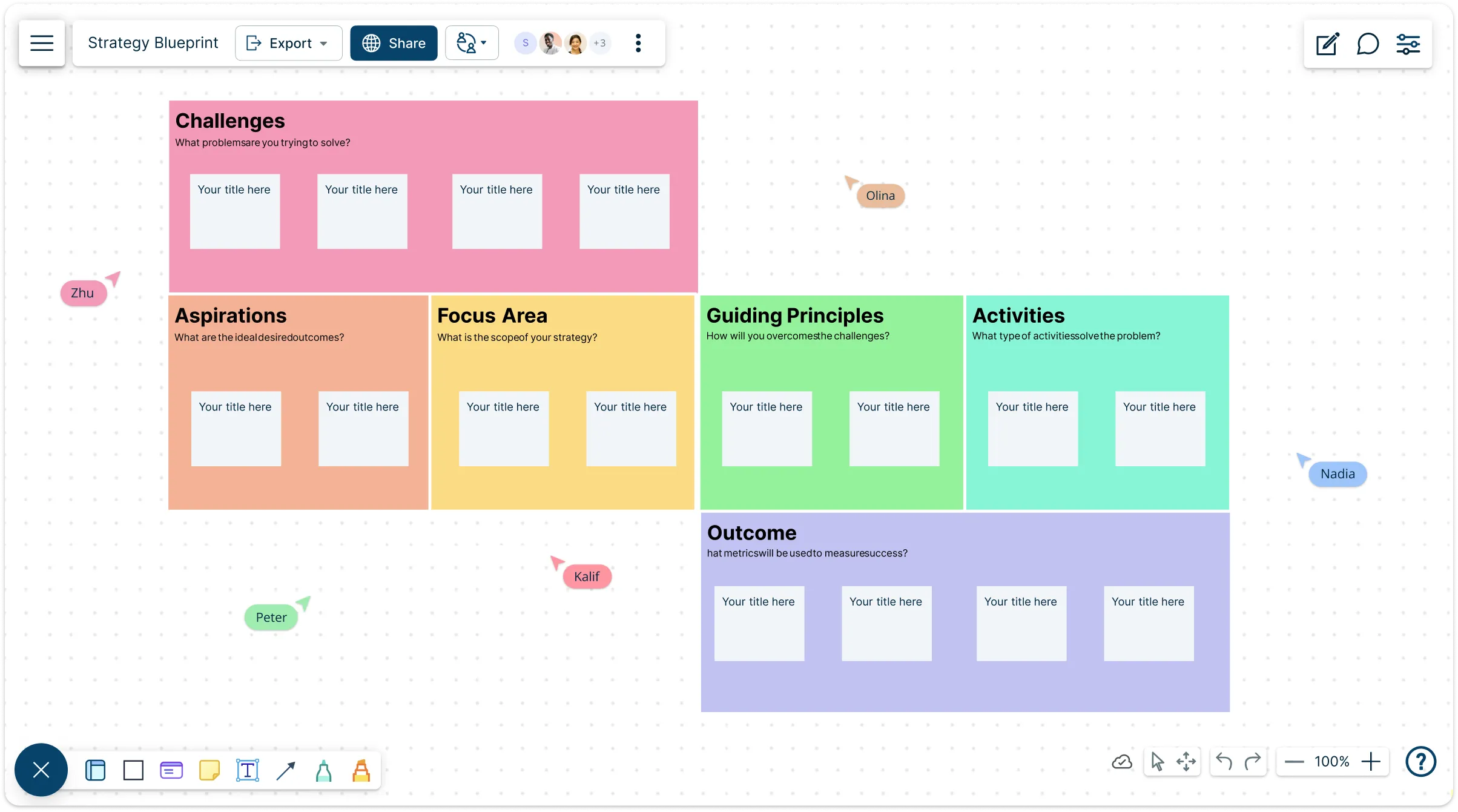
Over 10 Million people and 1000s of teams already use Creately

Free Strategic Planning Templates and Examples
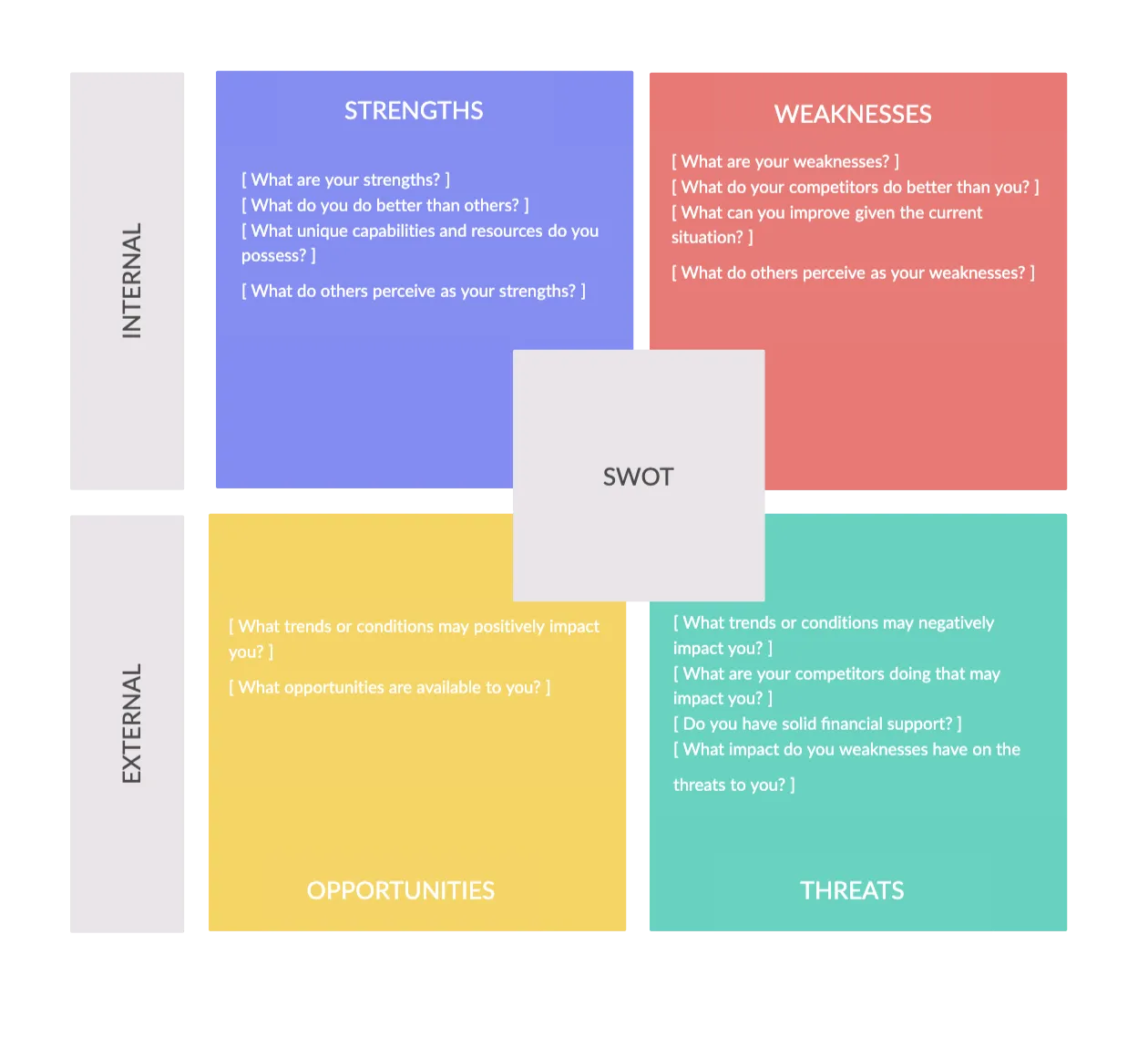
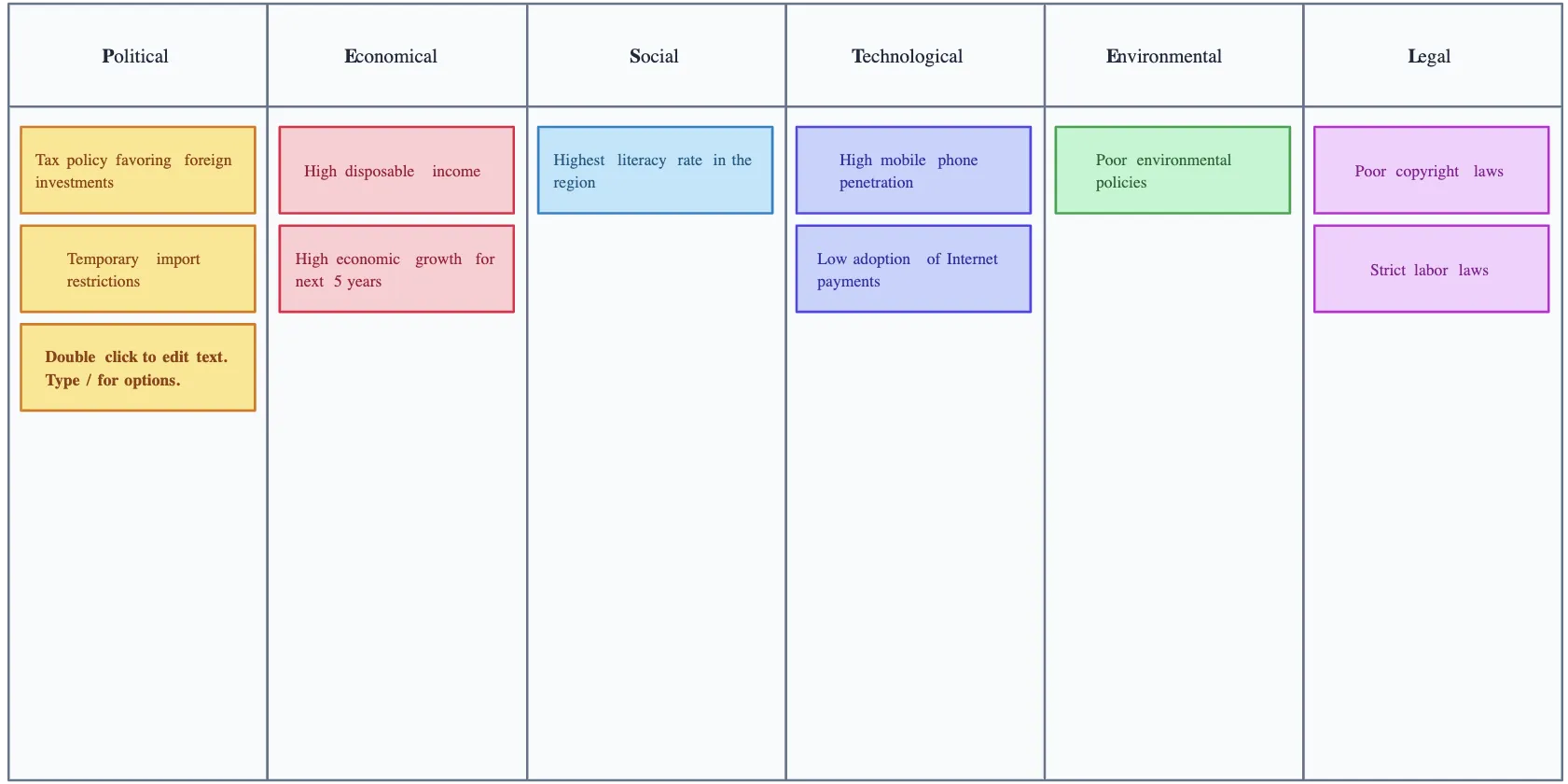
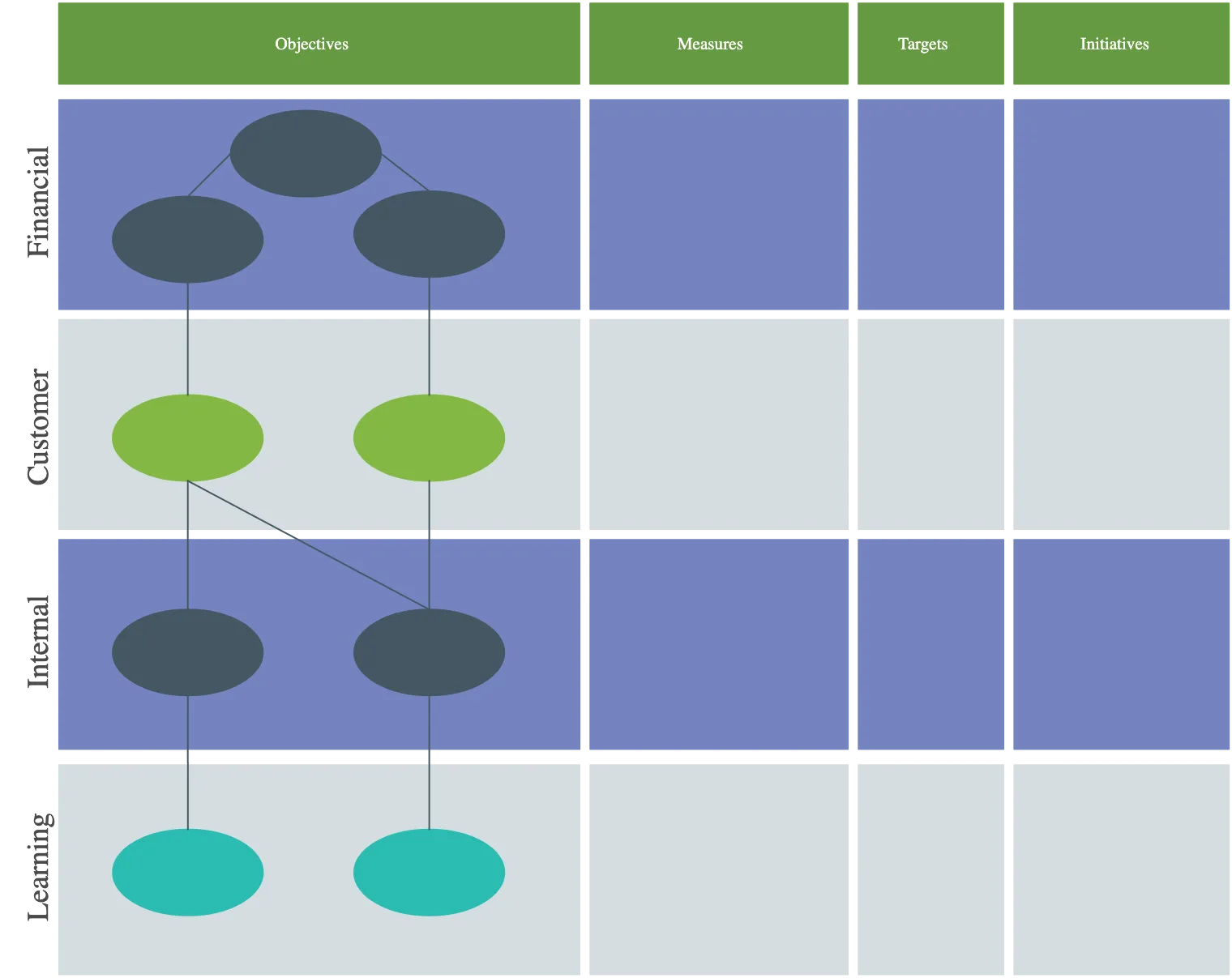
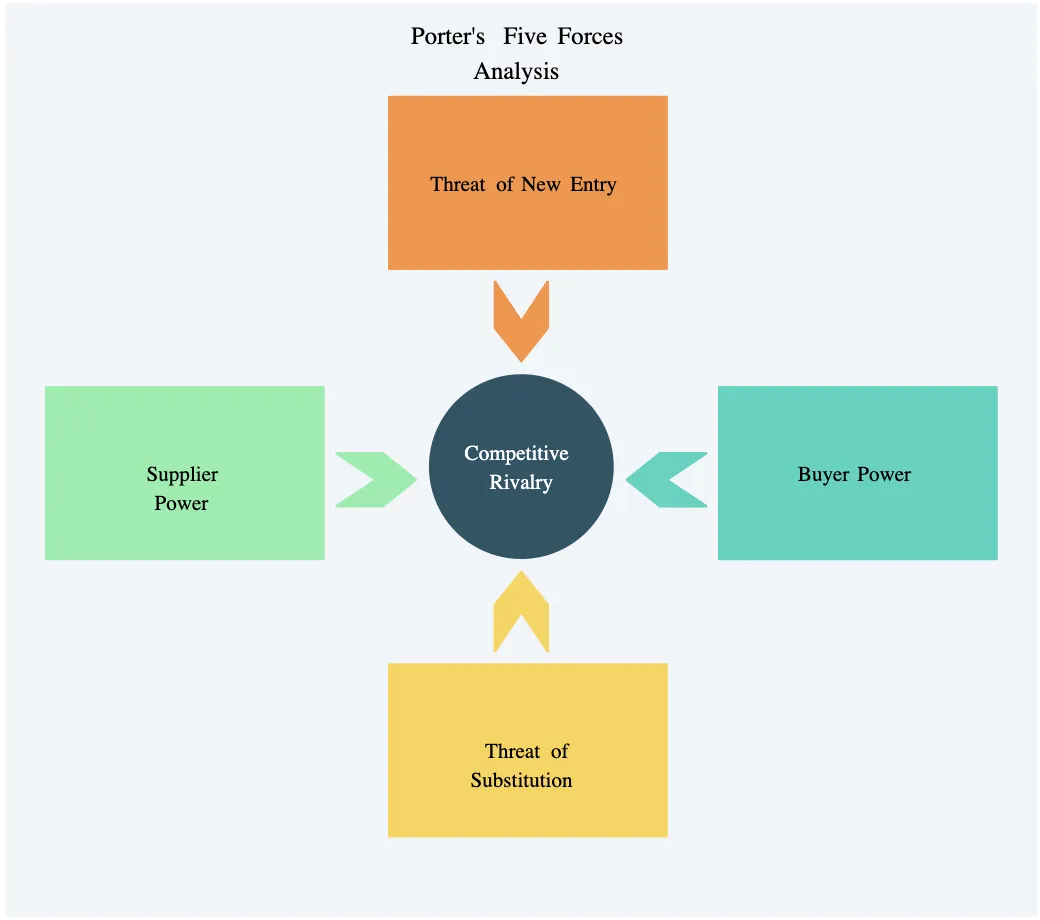
Turn Ideas into Clear, Actionable Strategies
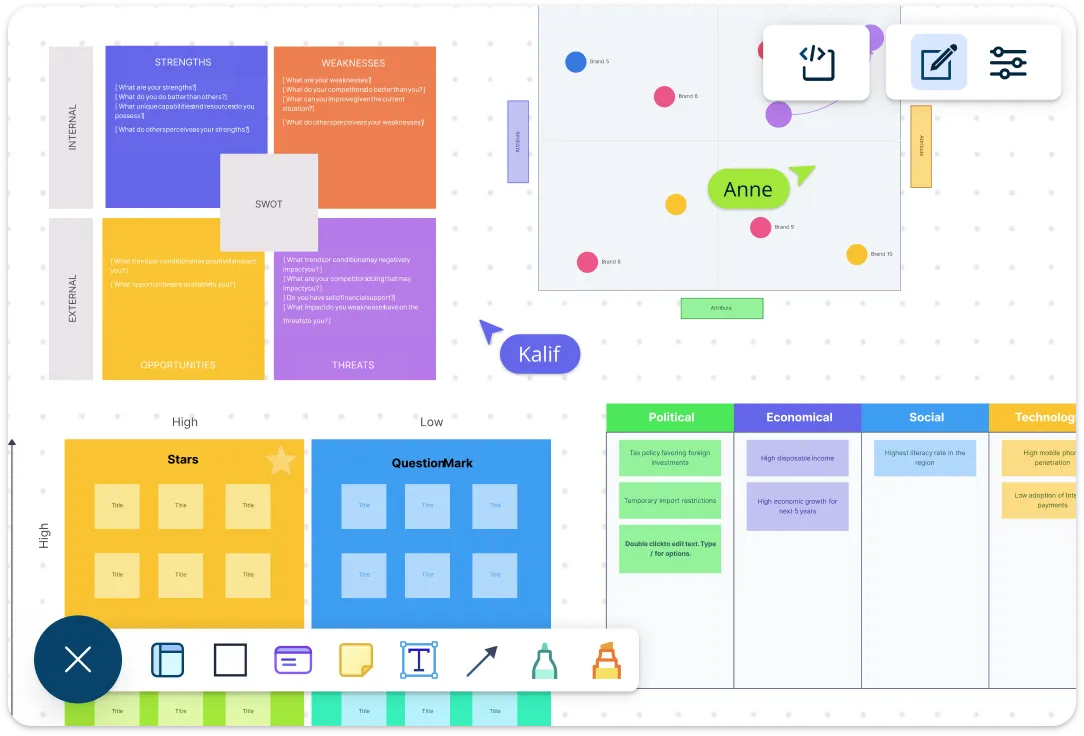
Stop letting ideas get lost in scattered notes. Use an infinite canvas, AI-powered whiteboard tools, and visual mapping to brainstorm, map concepts, and structure strategic plans in real time. Templates like SWOTs, business model canvases, balanced scorecards, OKR frameworks, and scenario planning frameworks guide decisions, while context-rich visuals let you attach notes, files, links, and spreadsheet data. Capture ideas efficiently, see connections instantly, and turn chaos into clarity. Go from scattered notes to a structured plan leaders can align on in a single session.
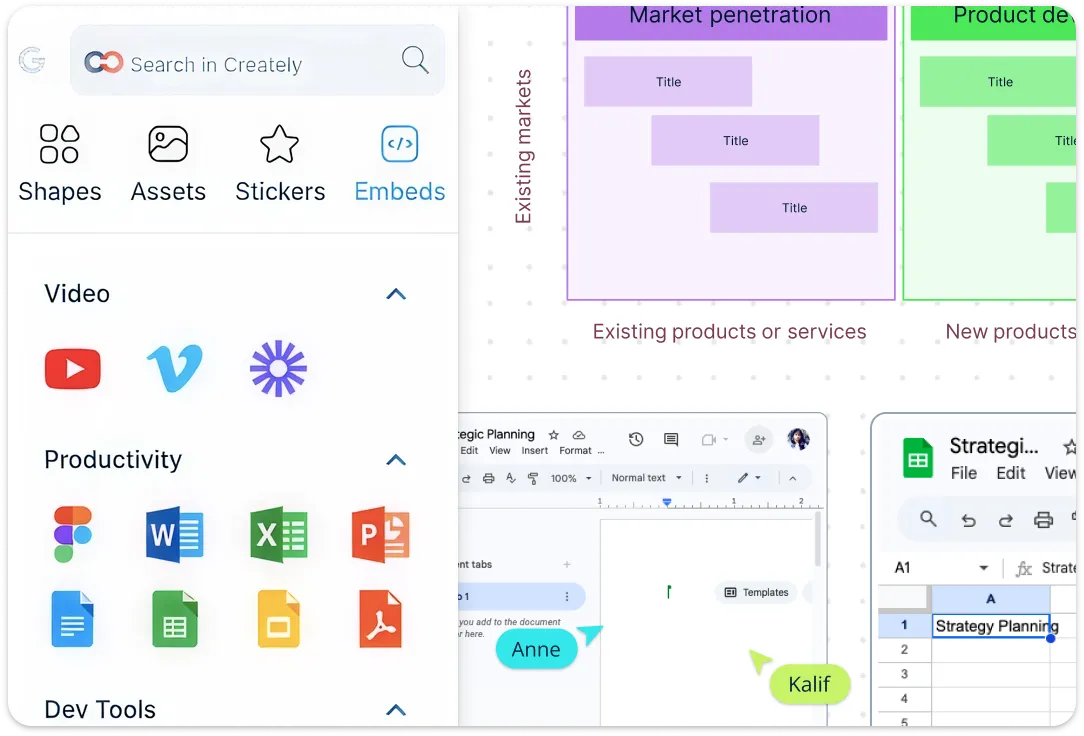
Keep Your Strategy Connected and Easy to Navigate
Bring all parts of your strategy into one organized workspace. Link ideas, goals, and data across diagrams, embed documents, and use multi-level flows to show how initiatives connect to bigger objectives. Add Layer information, group related items, and create clear hierarchies so updates are seamless, alignment comes naturally, and your team stays focused. Integrations keep your source data, tasks, and insights connected across tools, so every initiative ladders to objectives and KPIs, trade-offs are obvious, and updates are effortless.
Co-Create Strategy with Your Team in Real Time
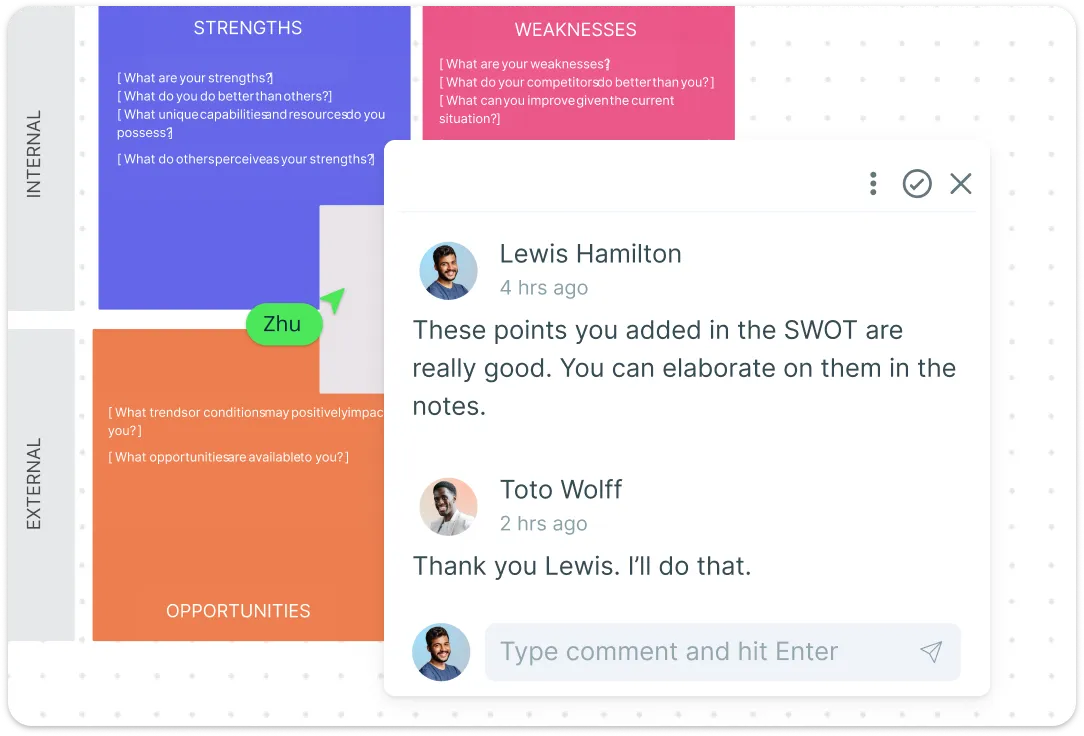
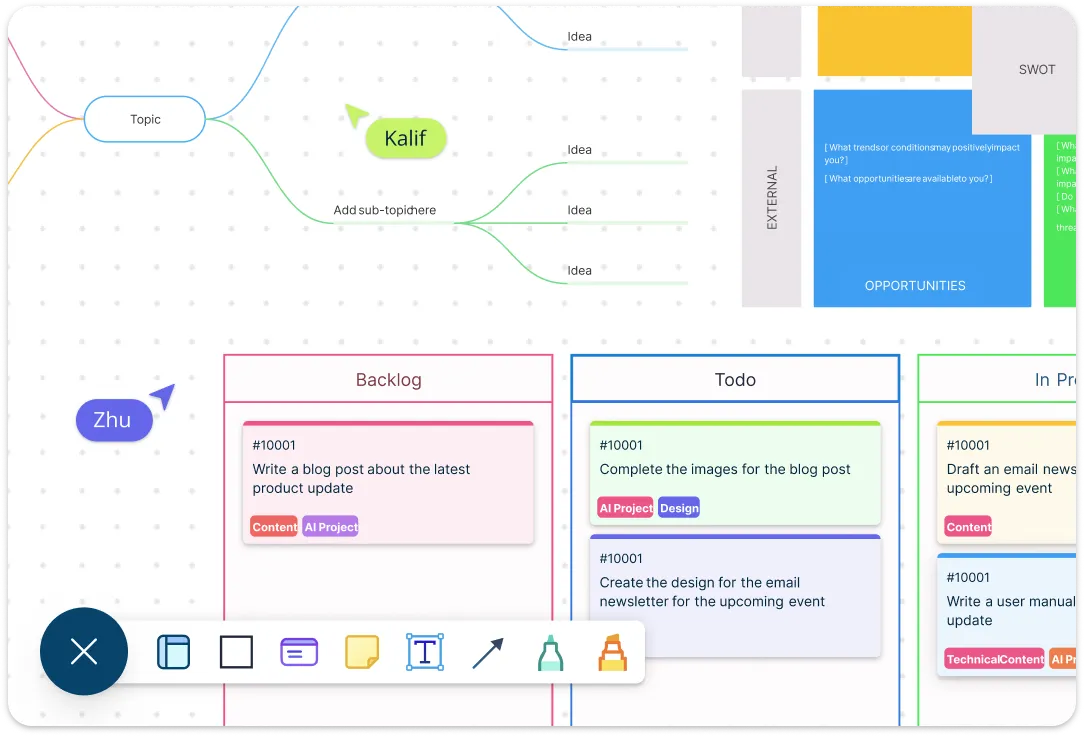
Keep your team in sync and move strategy forward faster during strategic planning sessions. Everyone can work together on the same canvas, share feedback through comments and @mentions, and stay aligned with clear visibility into decisions. Role-based permissions ensure the right people have access, while shared templates, version history, and activity tracking keep discussions grounded in context. Present live or async, capture decisions directly in the workspace, and keep momentum high without wasting time switching tools or losing conversations.
Turn Strategic Plans into Measurable Action
Turn your strategic plans into real, measurable action without losing sight of the big picture. Prioritization grids and Kanban boards help your team focus on what matters most, while task assignments, deadlines, and integrated workflows ensure every idea has an owner and a timeline. Use the Roadmap, RACI, Balanced Scorecard, and OKR Planning templates to map initiatives, track progress, and align actions with strategic goals. Update priorities in real time, track progress across initiatives, and maintain alignment between strategy and execution so your plans consistently deliver results.
What Is Strategic Planning?
How to Create a Strategic Plan using Creately
Start with a Visual Template:
Pick a ready-to-use visual strategic planning template that fits your planning needs — like SWOT analysis, business model canvas, or a balanced scorecard. Templates save time and give your strategy a clear structure from the very first step.Brainstorm and Capture Ideas:
Use the infinite canvas to map out ideas, goals, and initiatives. Add context with notes, files, links, and data attachments so every thought and insight stays in one place. Your team can capture ideas efficiently without losing momentum.Organize and Connect Your Strategy:
Link goals, initiatives, and data across diagrams to show relationships and dependencies. Use multi-level flows and visual hierarchies to make your plan easy to navigate and understand. Everything stays connected, so alignment is immediate and updates are seamless.Collaborate in Real Time:
Invite your team to co-create your strategy. Work together on the same canvas, leave feedback with comments and @mentions, and track decisions with version history. Role-based permissions ensure the right people have access, keeping collaboration focused and effortless during strategic planning sessions.Execute and Track Progress:
Turn your visual strategy into action with Kanban boards, task assignments, and prioritization grids. Set deadlines, assign owners, and track progress in real time. Update priorities as things evolve to keep execution aligned with your strategic goals and ensure measurable results.
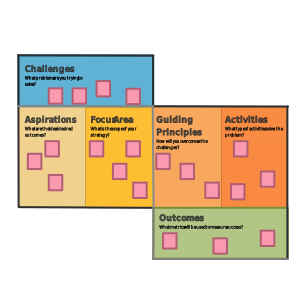
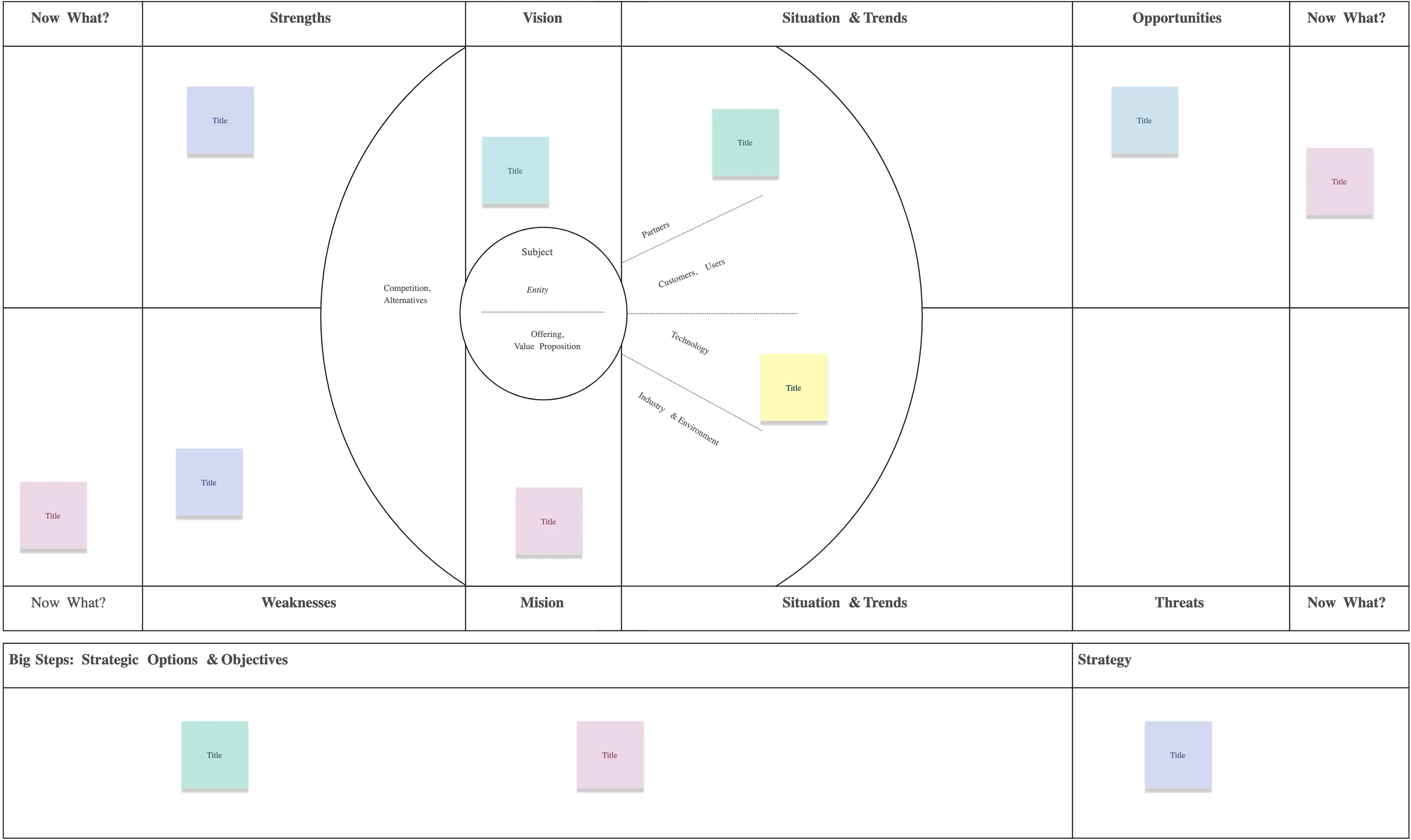
Turn Insights into Strategy with Visual Strategic Planning Templates
FAQs About Visual Strategic Planning Tools
What is the best strategic planning software?
What are the most common strategic planning tools?
Are Creately’s strategic planning tools free?
How do I create a strategic plan visually?
Can visual strategic planning tools improve team alignment?
Can these tools integrate with other platforms?































