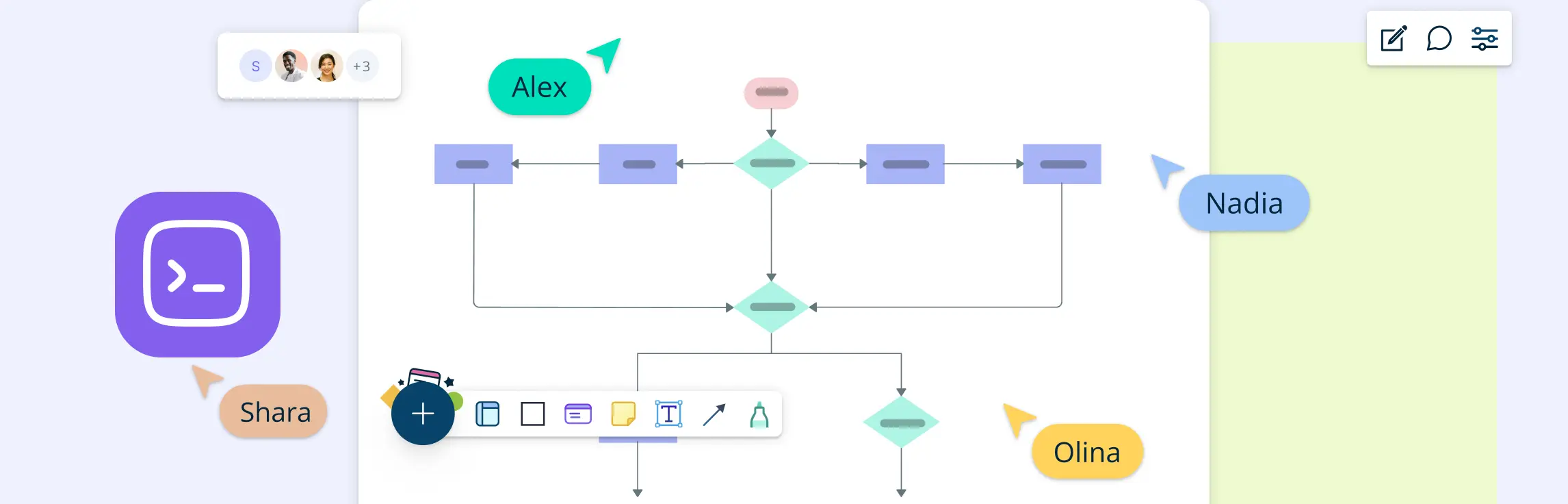
Flowcharting is an effective way to visualize processes, helping you better understand, communicate, and improve the steps involved. Whether you’re mapping out business processes or personal workflows, flowchart ideas can help streamline tasks and enhance clarity. Below, we’ve compiled 10 flowchart ideas and editable flowchart templates you can test out using Creately’s intuitive diagramming software.
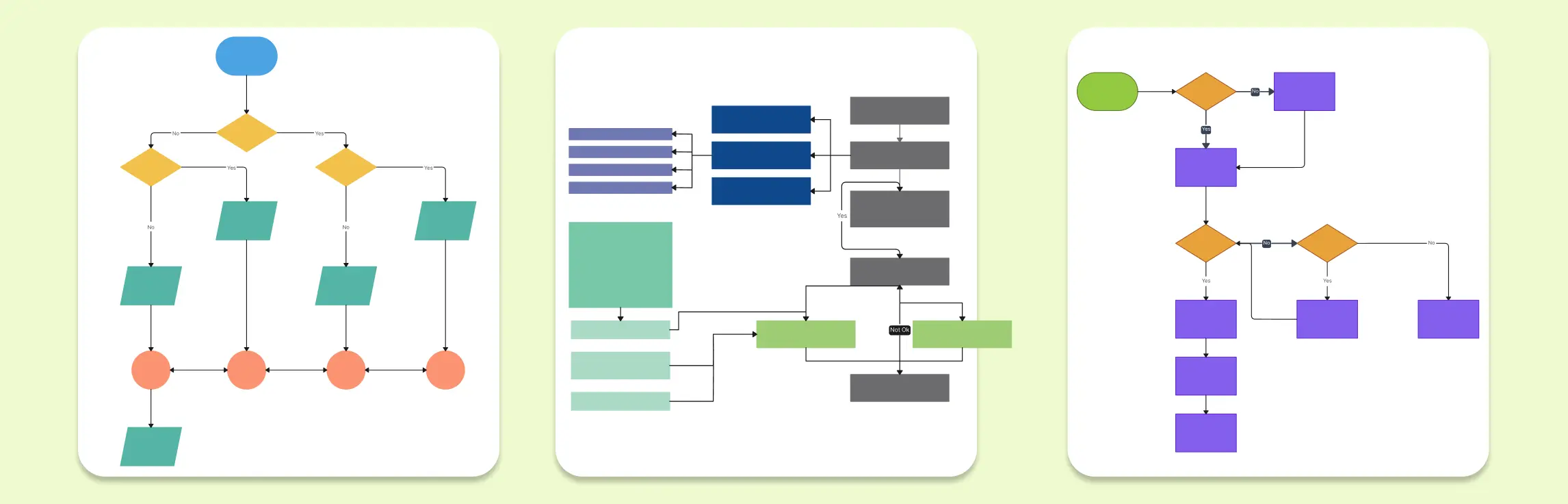
With a comprehensive library of flowchart symbols, easy-to-use swimlanes, and numerous flowchart templates, creating diagrams has never been simpler. Let these creative flowchart ideas spark your imagination. To get started, simply click the images below to open the templates in Creately, where you can customize them with a few clicks.
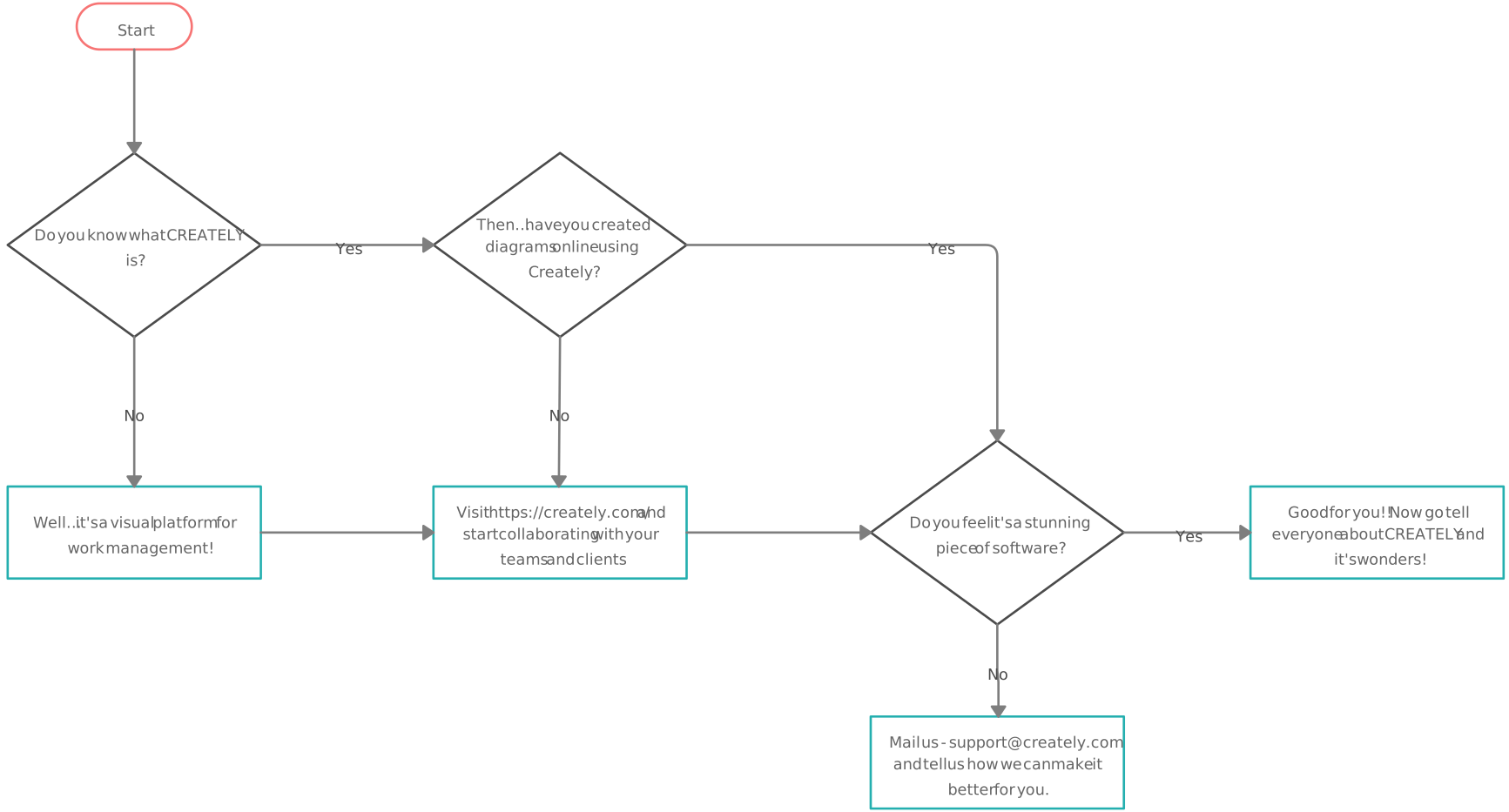
Understanding Creately: A Flowchart for Getting Started
What is Creately, and how can it help you create stunning flowcharts? Before we delve into various types of flowchart ideas, here’s a quick look into Creately, the ultimate tool for flowcharting with ease. This flowchart explains Creately’s features and how to use the platform for your flowchart designs. Ready to explore? Click on the image below to dive deeper into Creately’s interface.

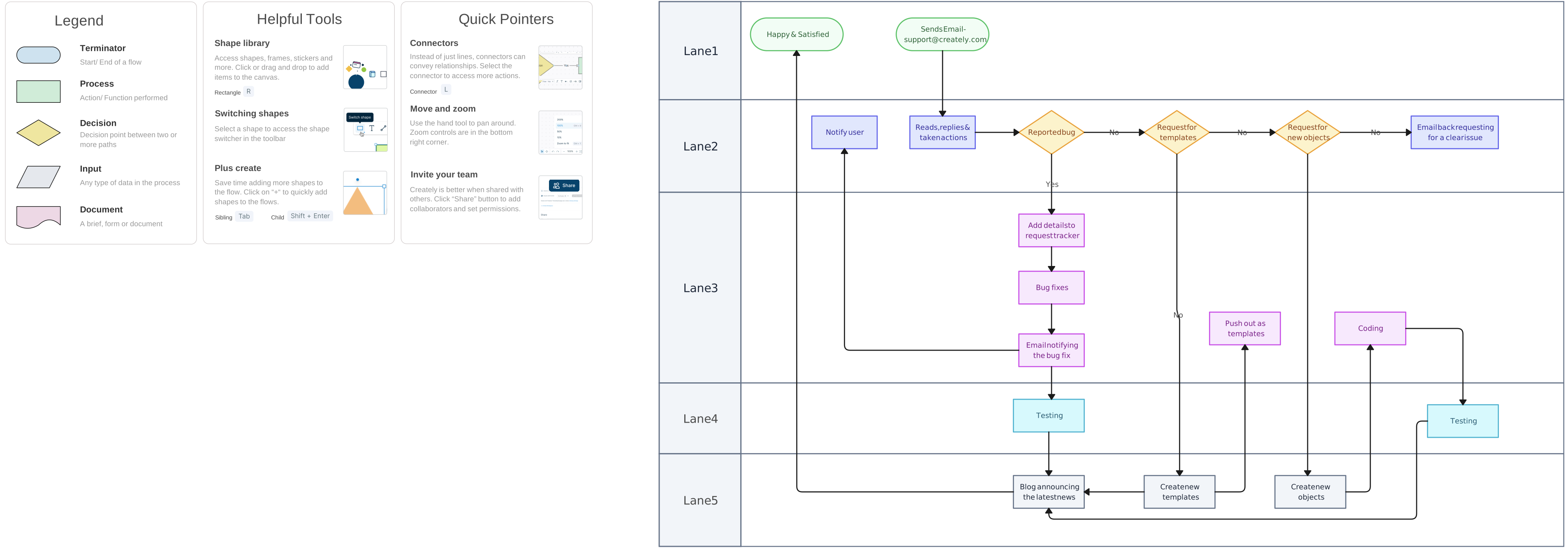
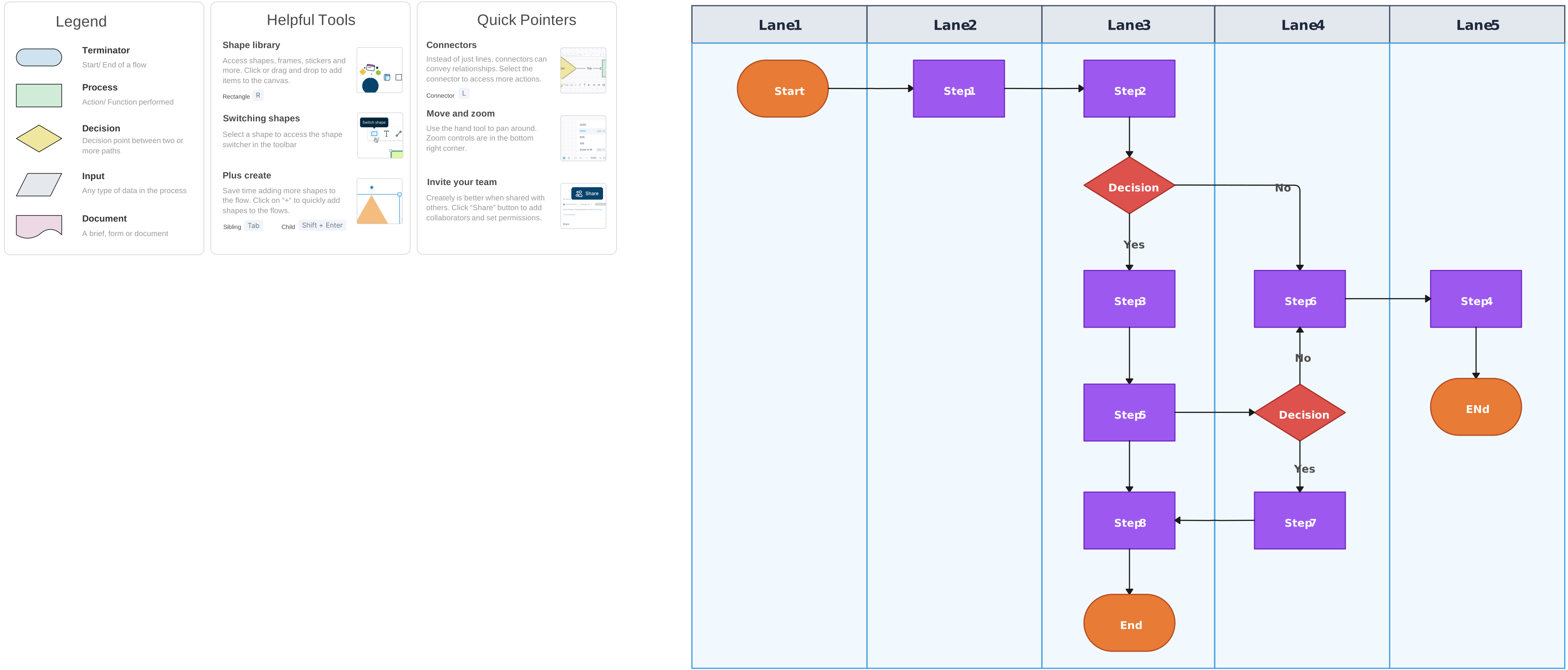
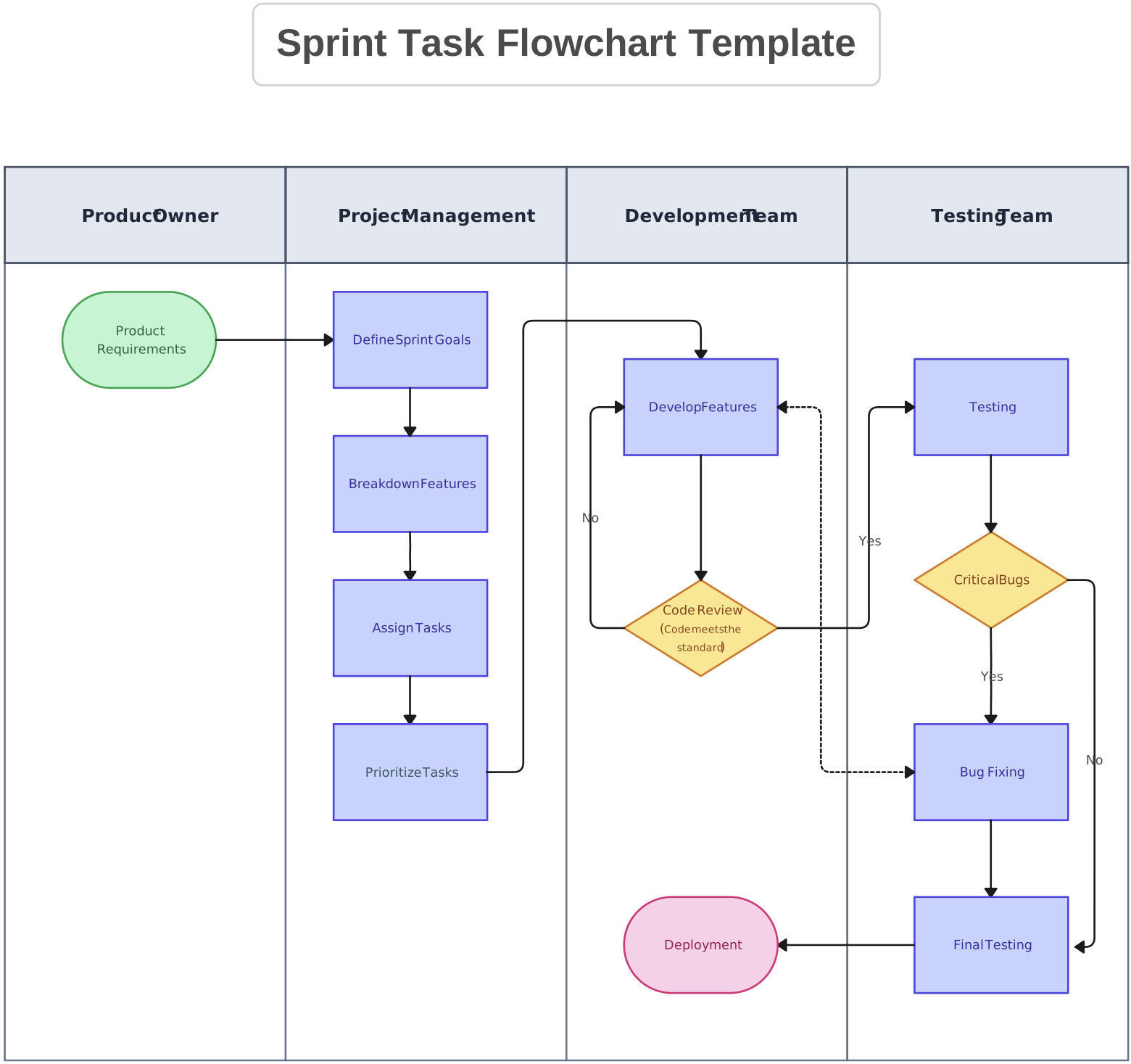
1. Swimlane Flowcharts
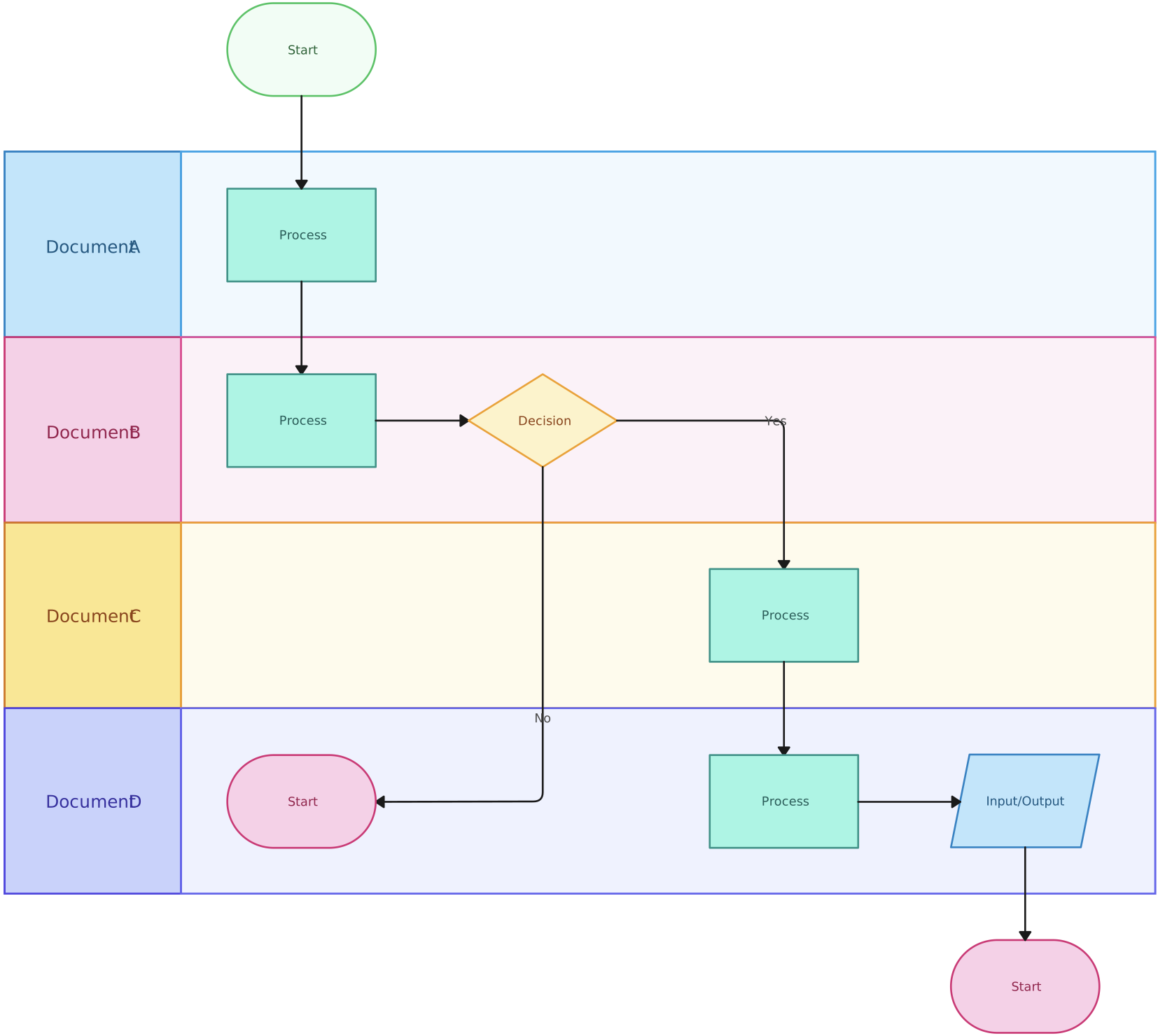
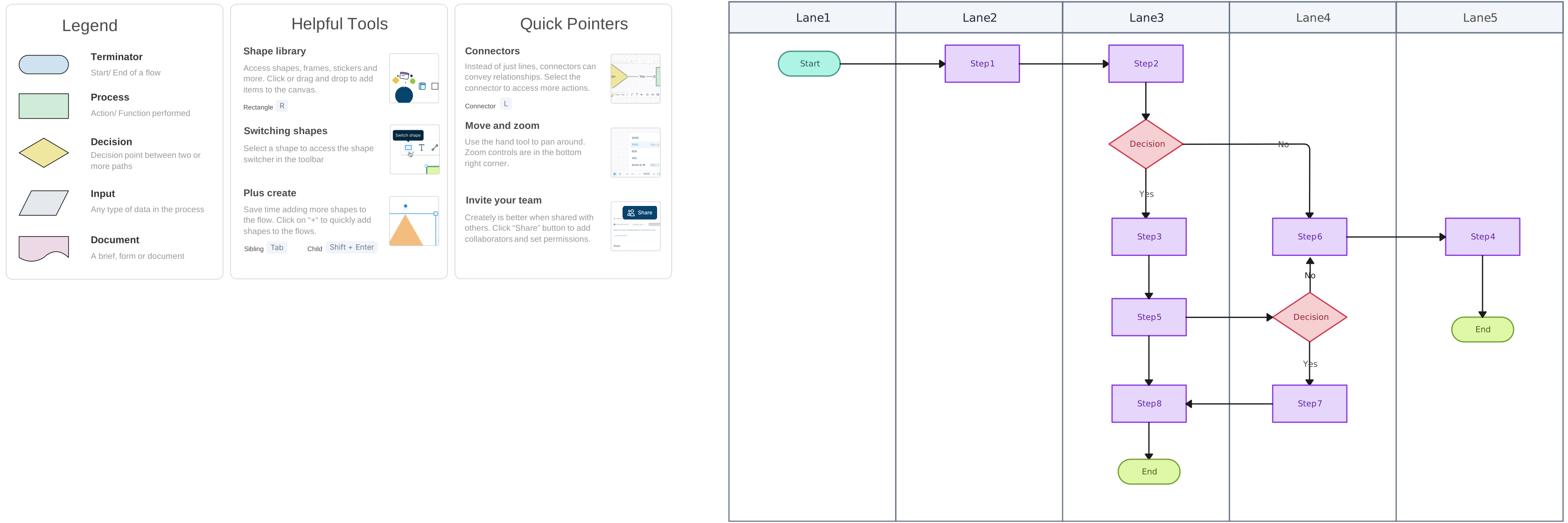
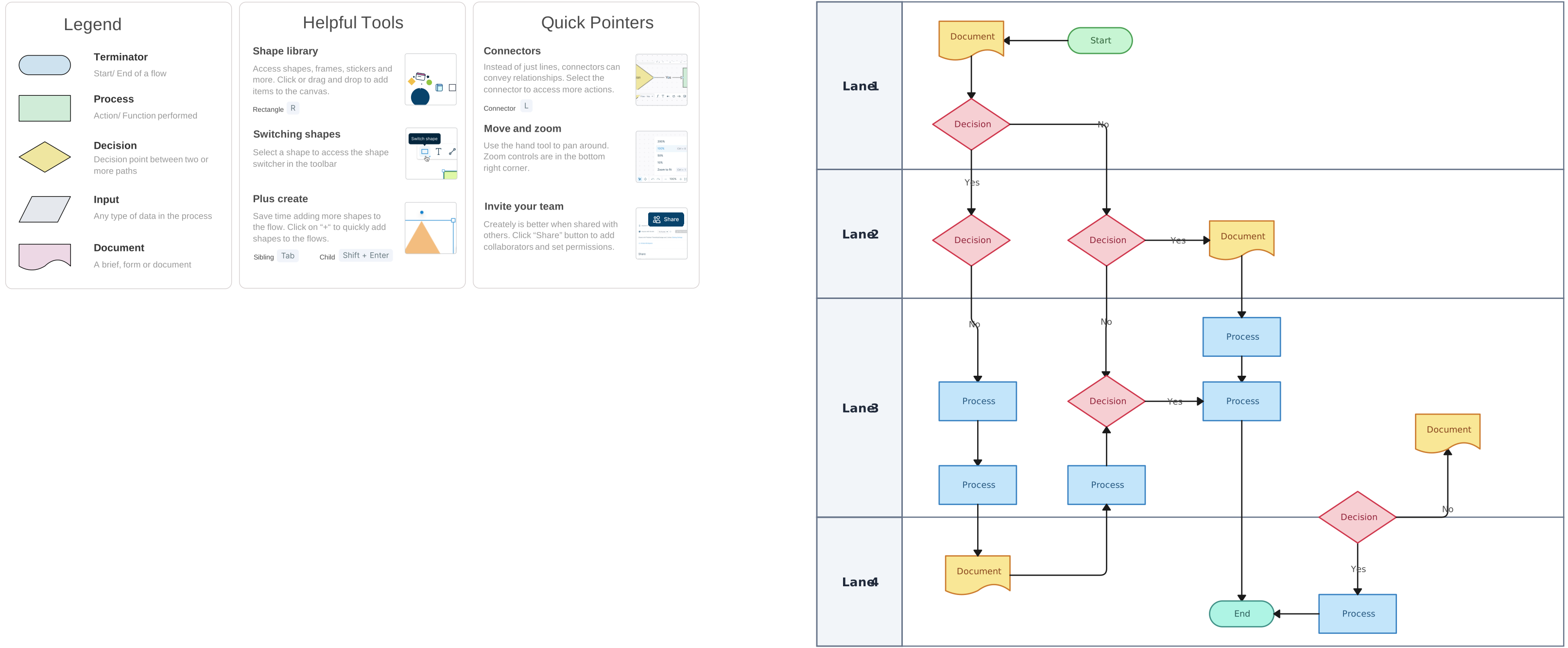
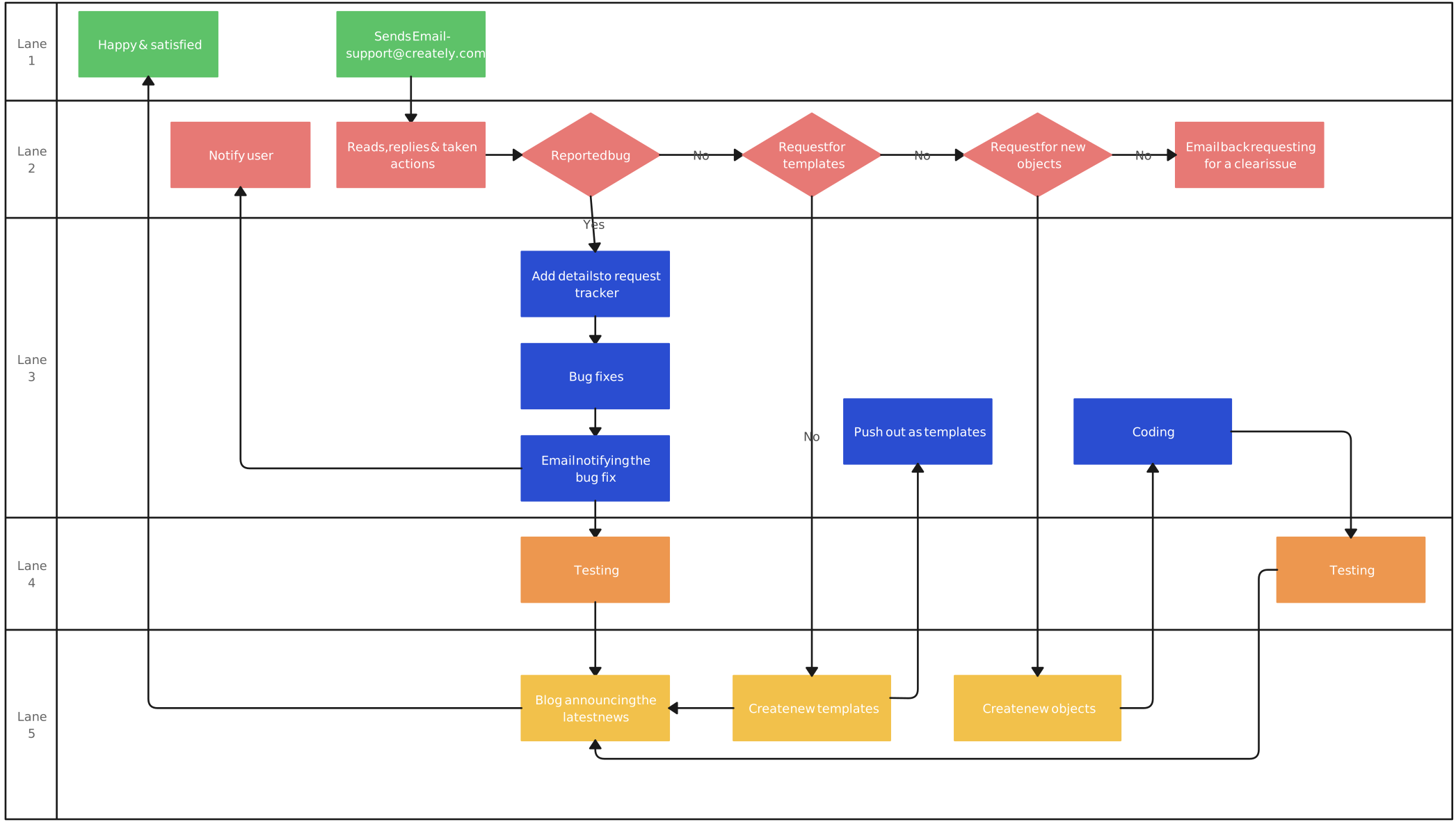
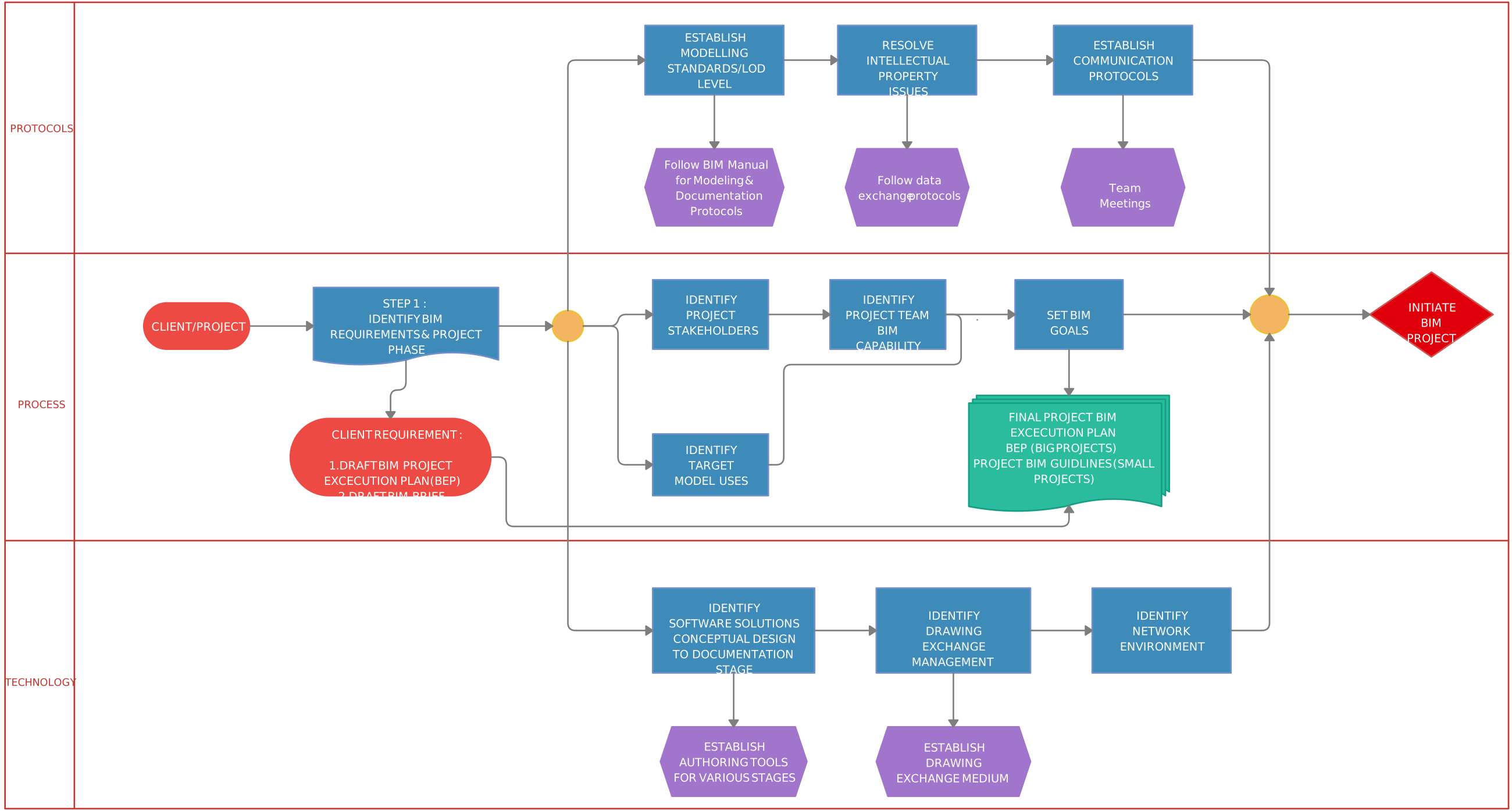
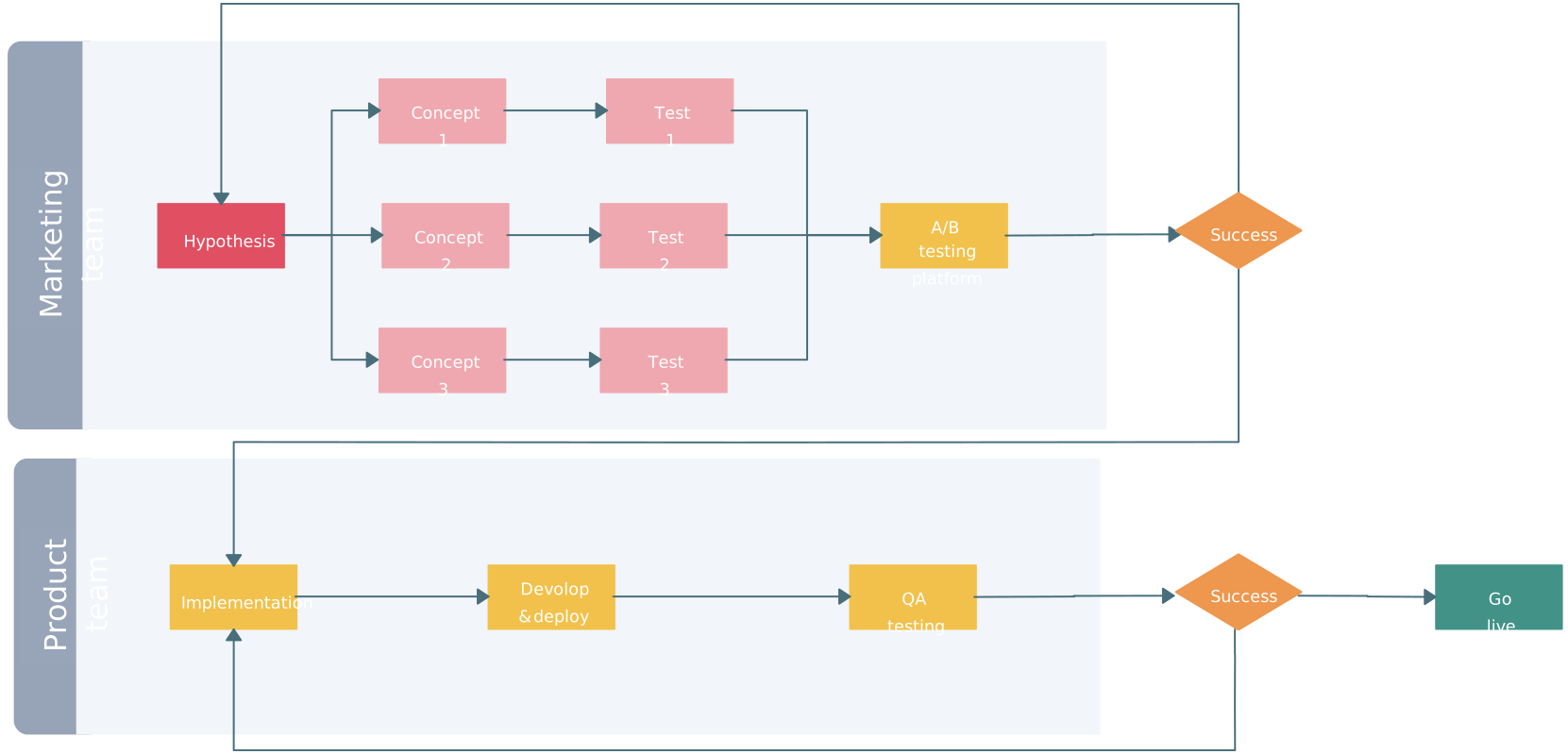
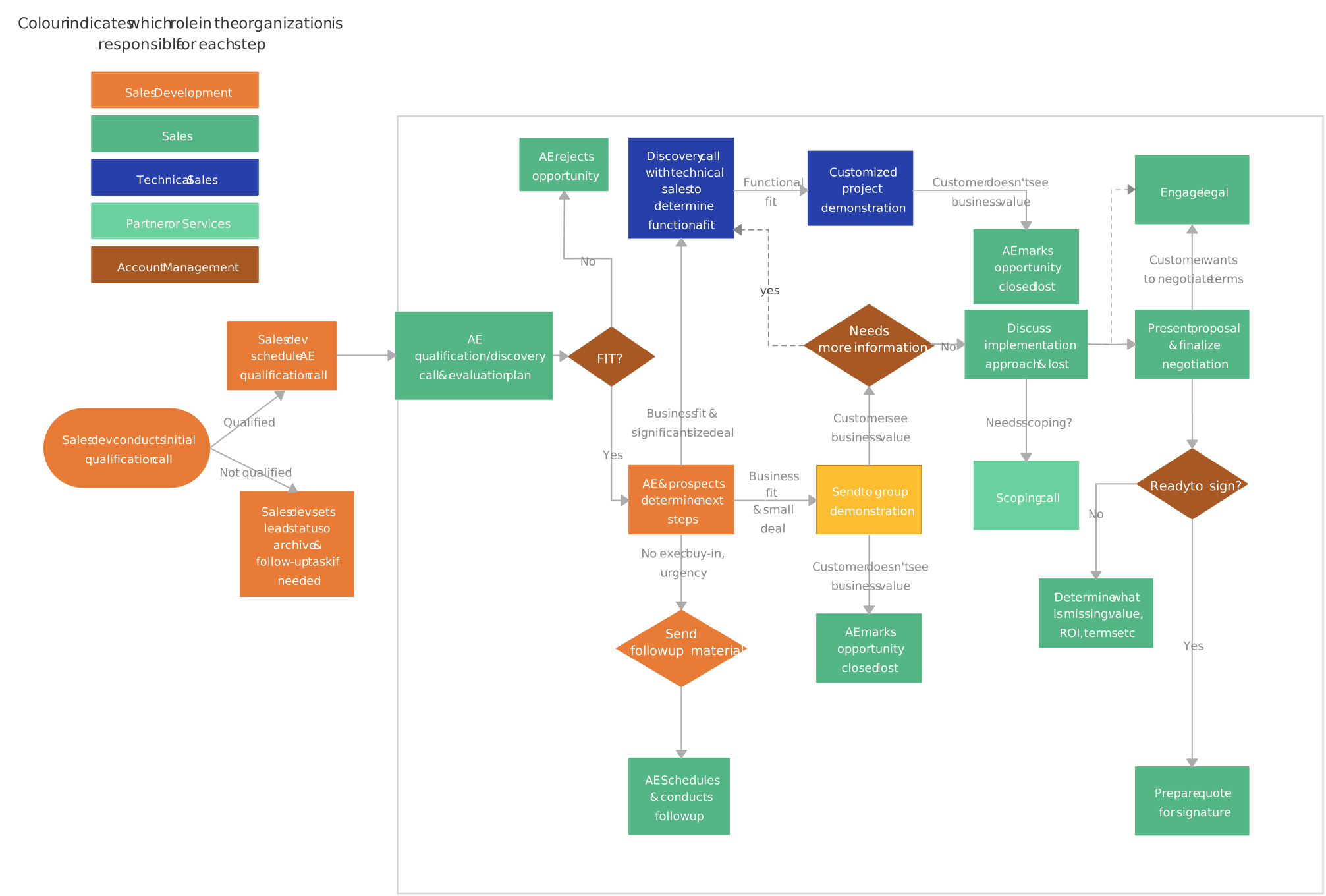
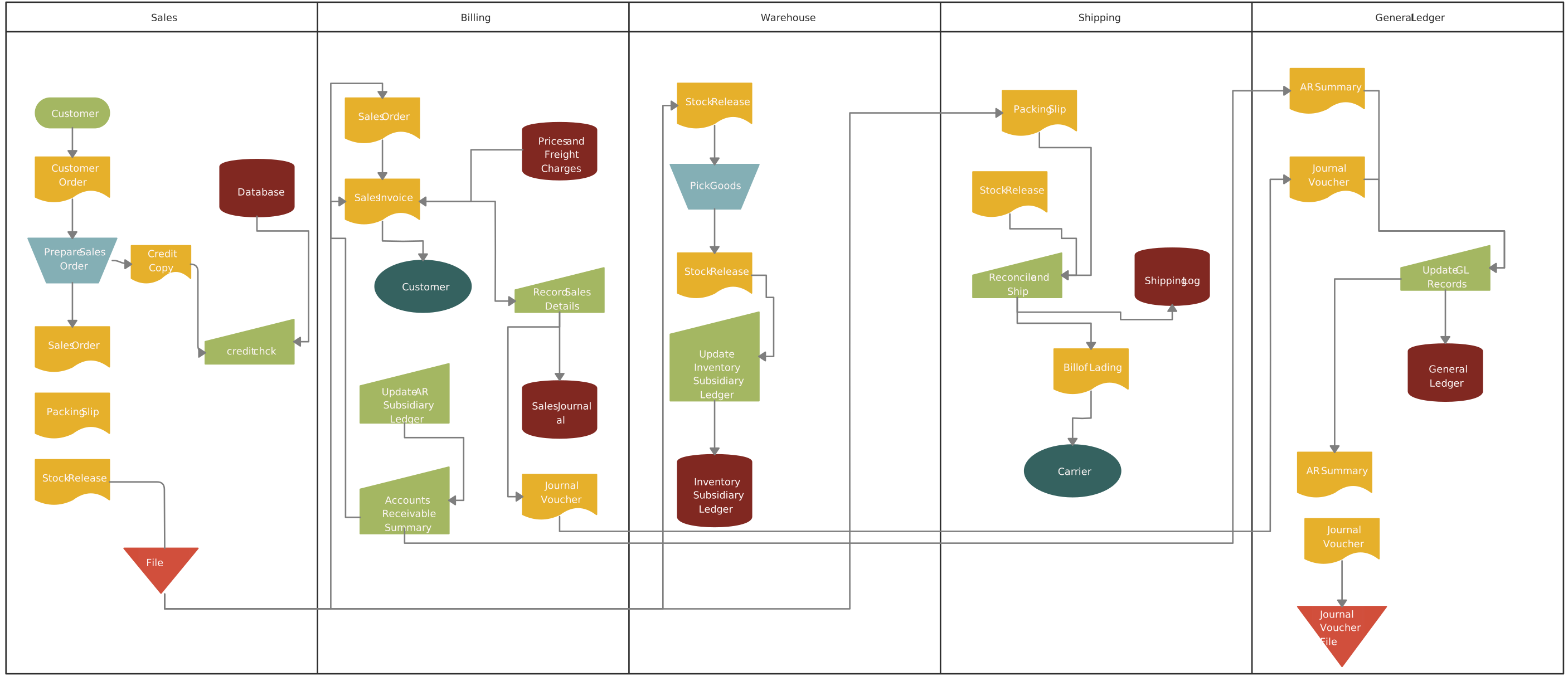
Swimlane flowcharts organize processes into parallel lanes, each representing a different team, department, or individual involved in the process. This structure allows you to visualize how tasks are distributed, making it easier to identify who is responsible for each step and how different parts of the process interact. It’s especially useful for complex workflows that span multiple groups or functions.


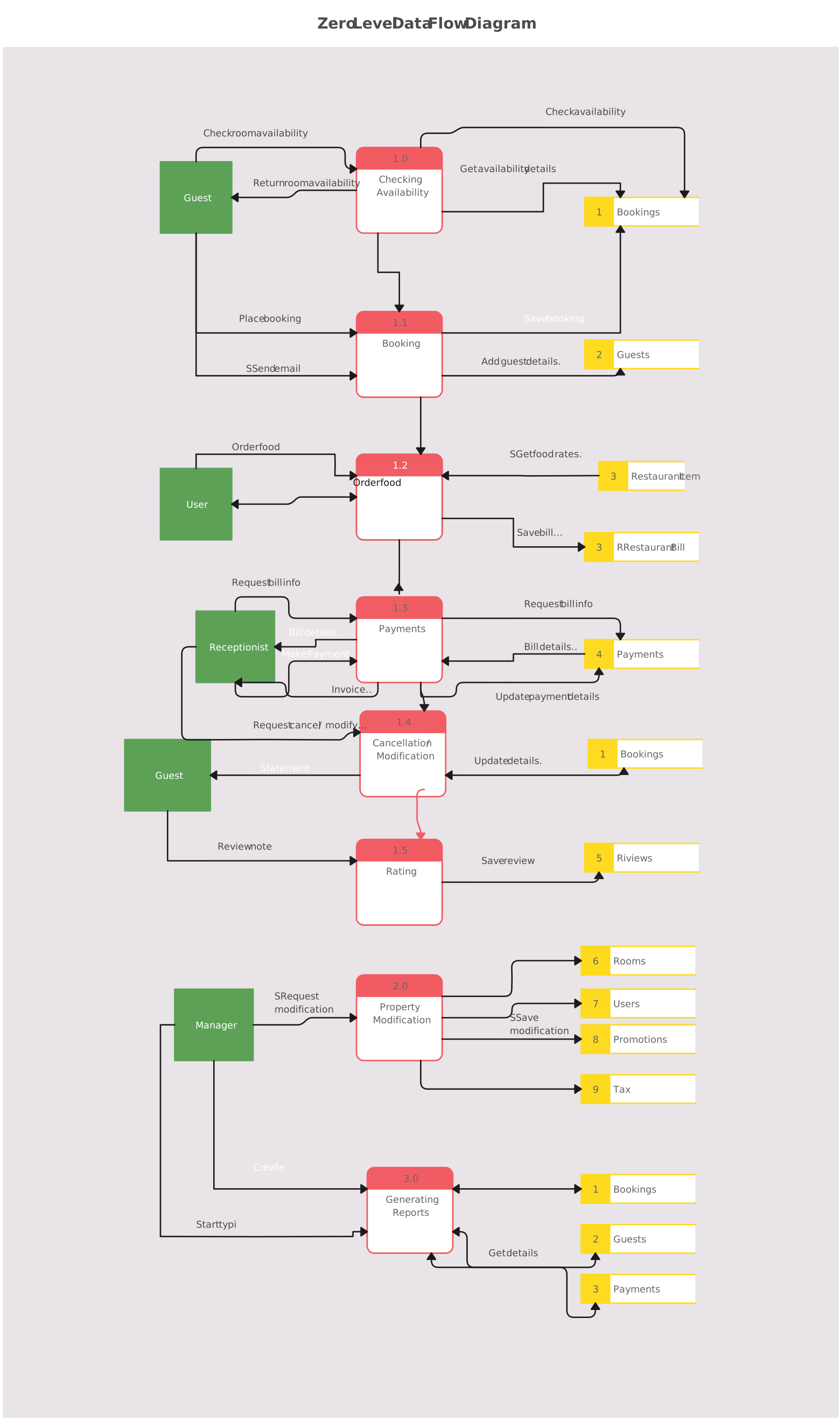
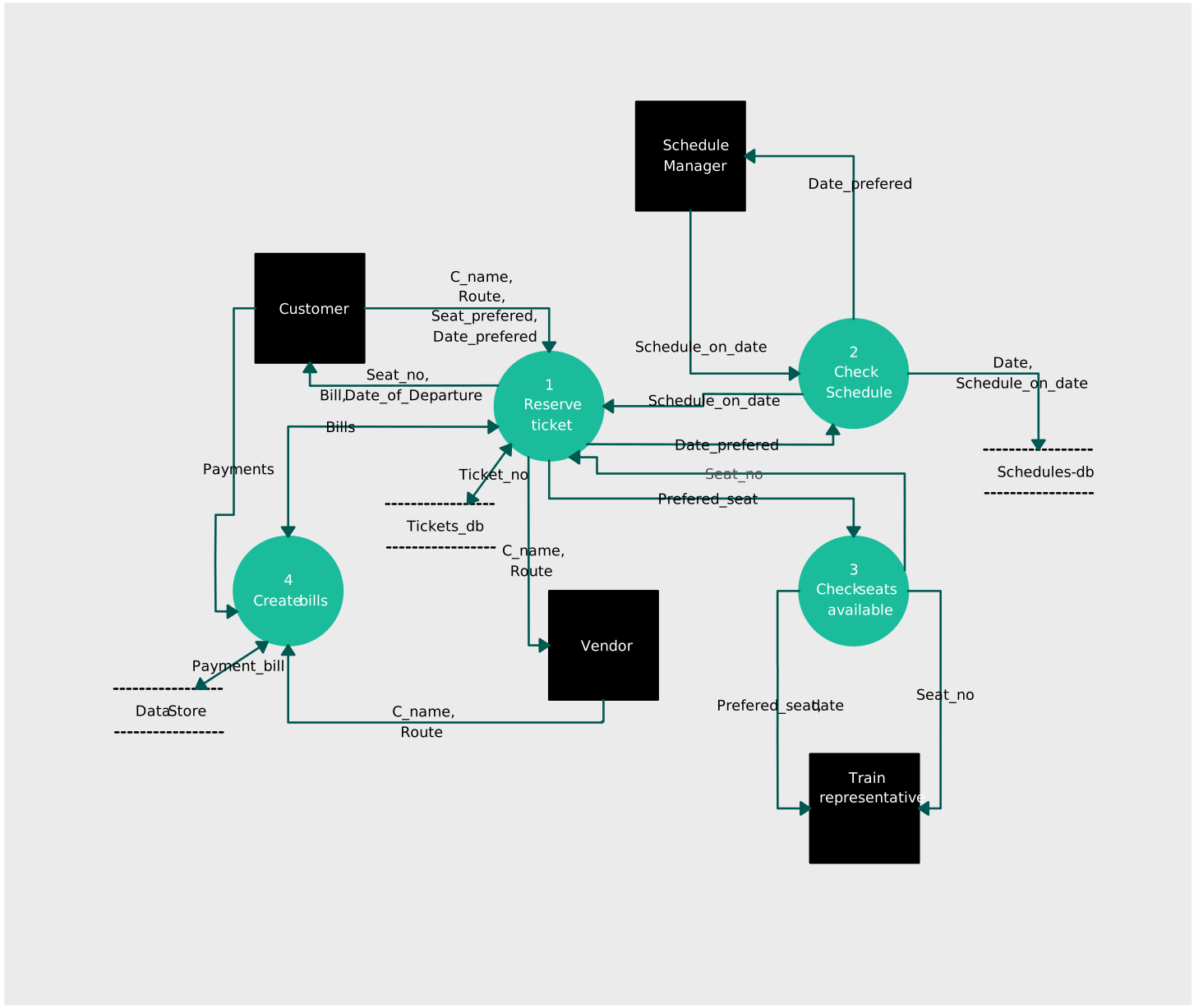
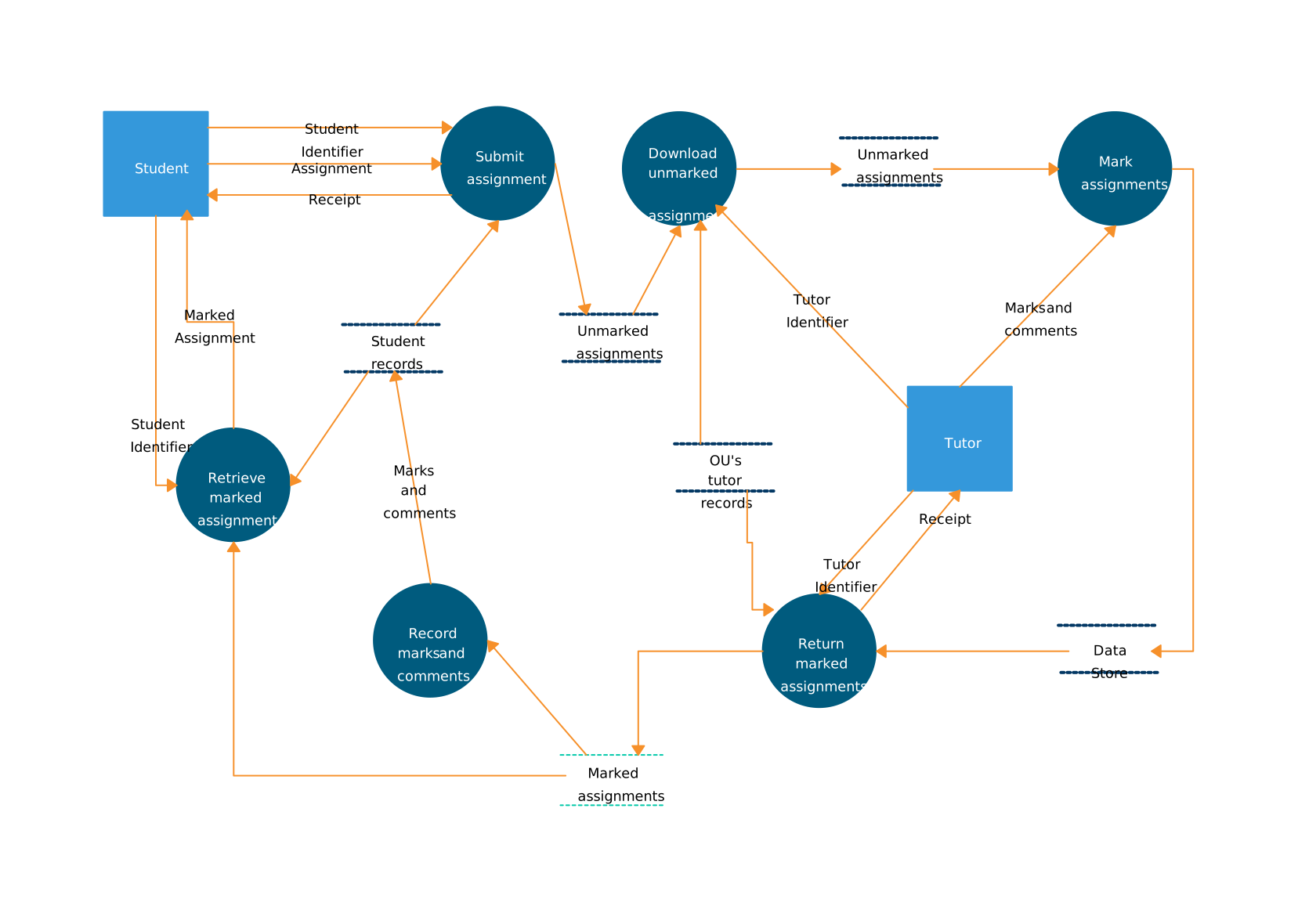
2. Data Flowcharts (Data Flow Diagrams)
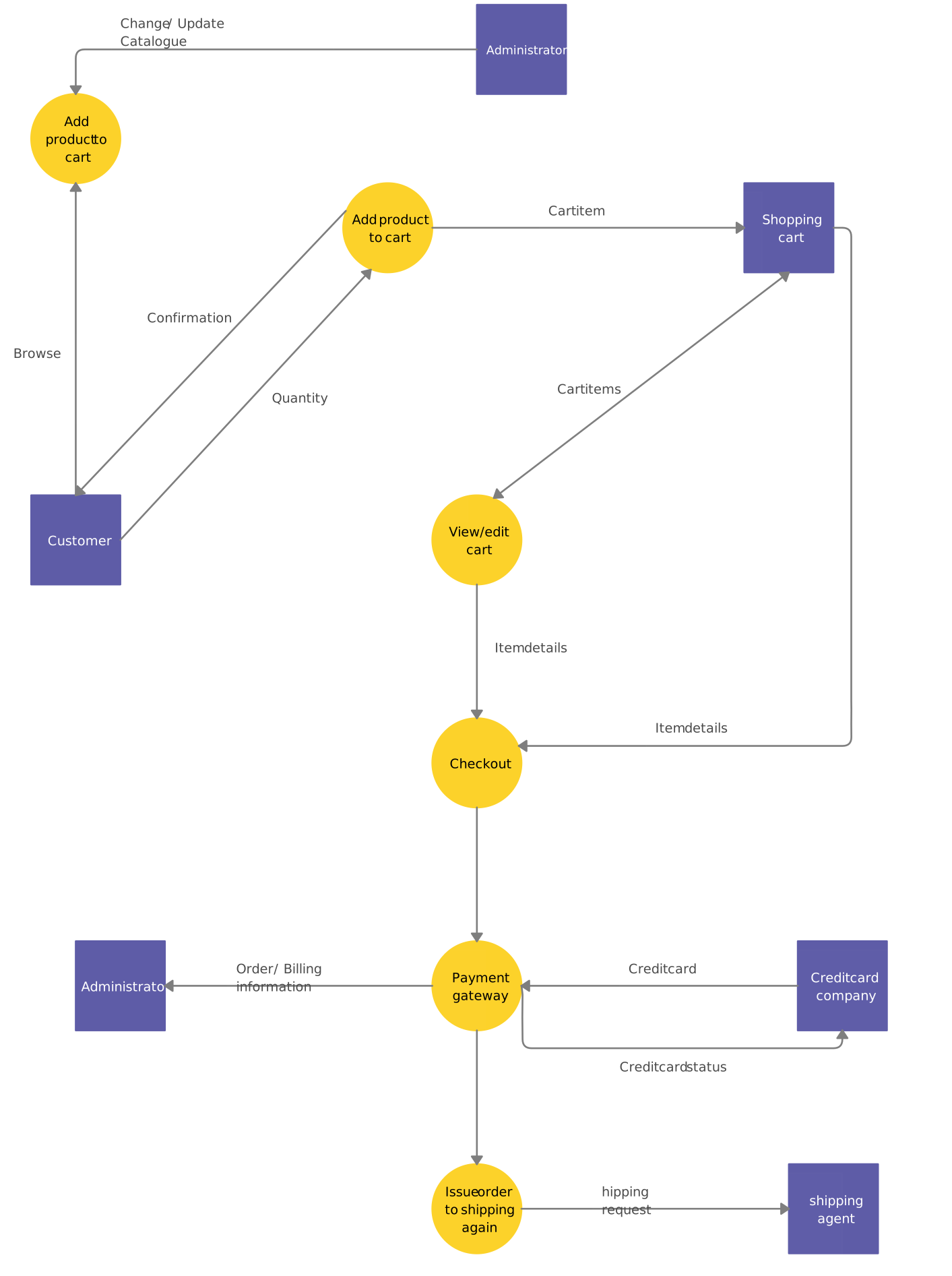
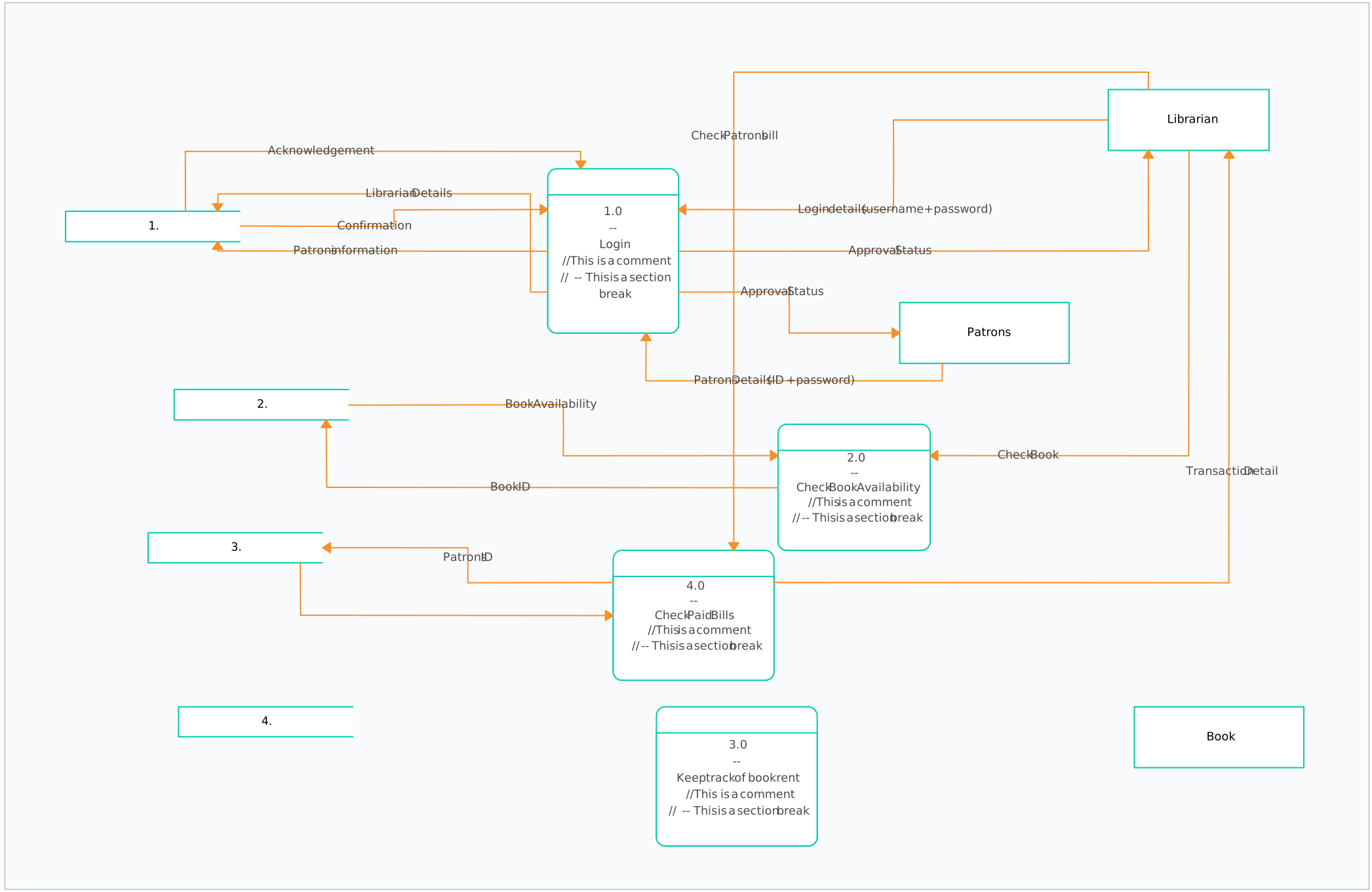
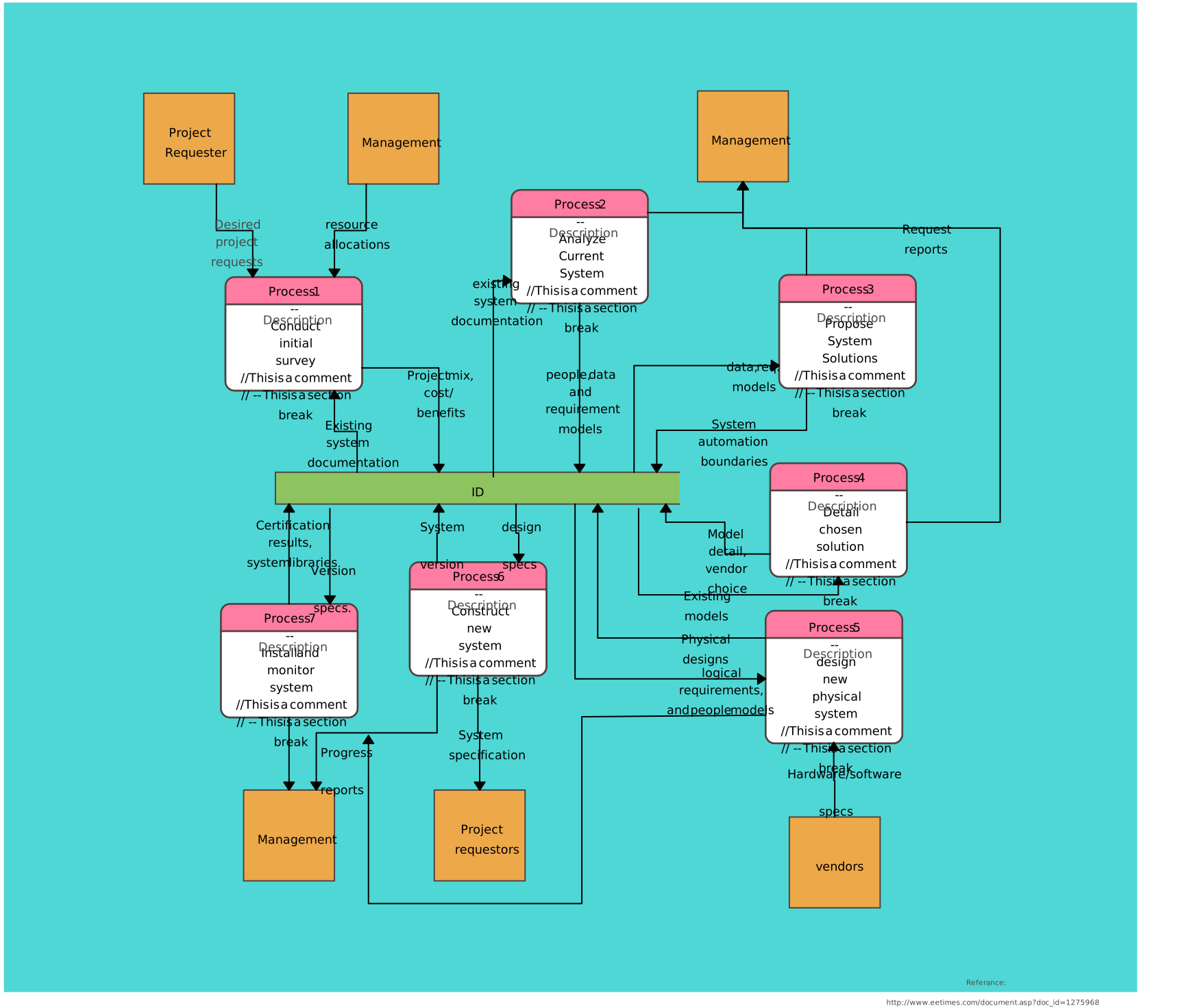
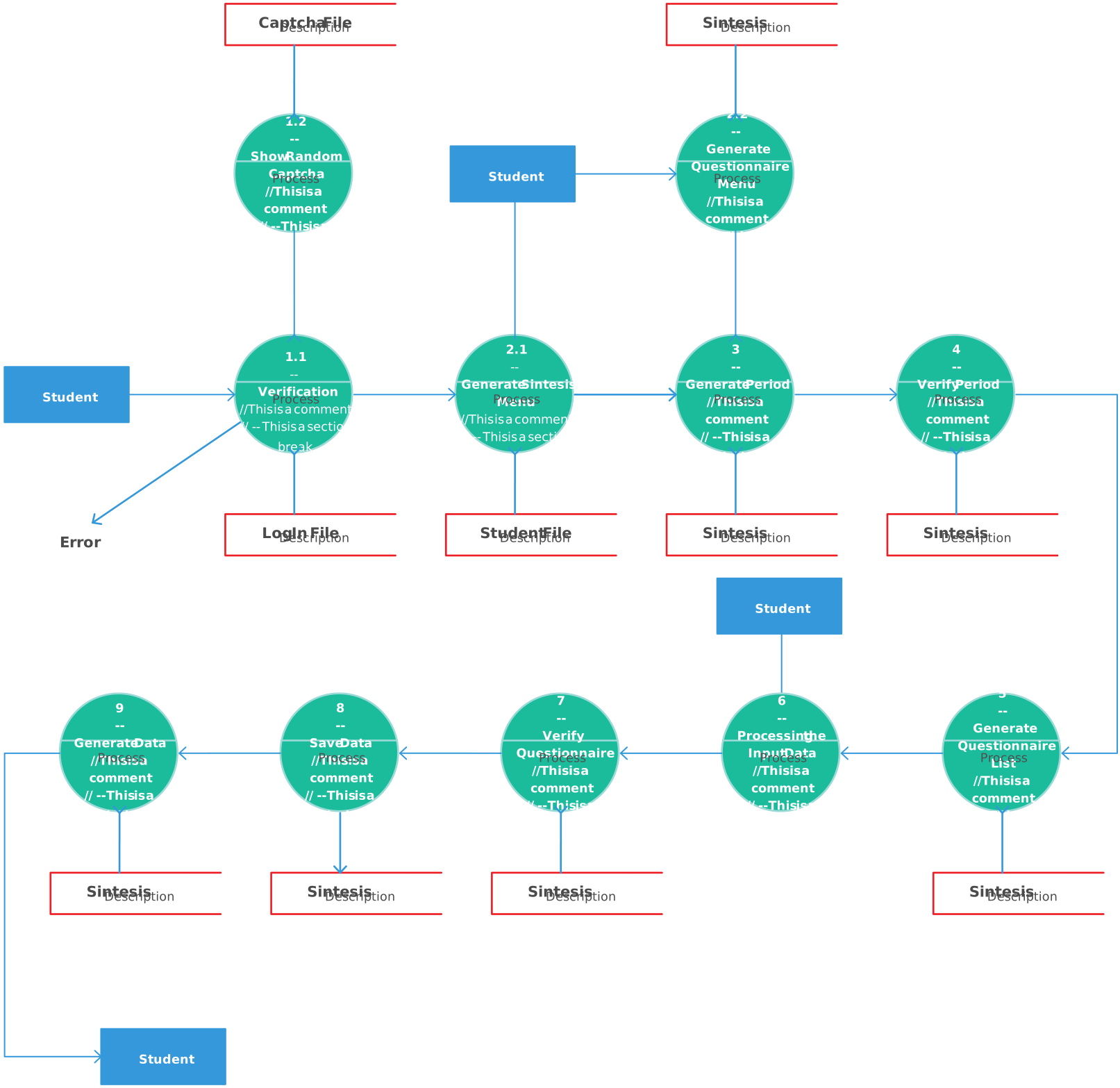
Data flowcharts, or data flow diagrams (DFDs), focus on the flow of data within a system. These flowchart ideas map out how data moves through various processes, showing data inputs, processing stages, storage, and outputs. These diagrams help visualize the system’s architecture, making it easier to identify inefficiencies or potential issues in how data is handled.
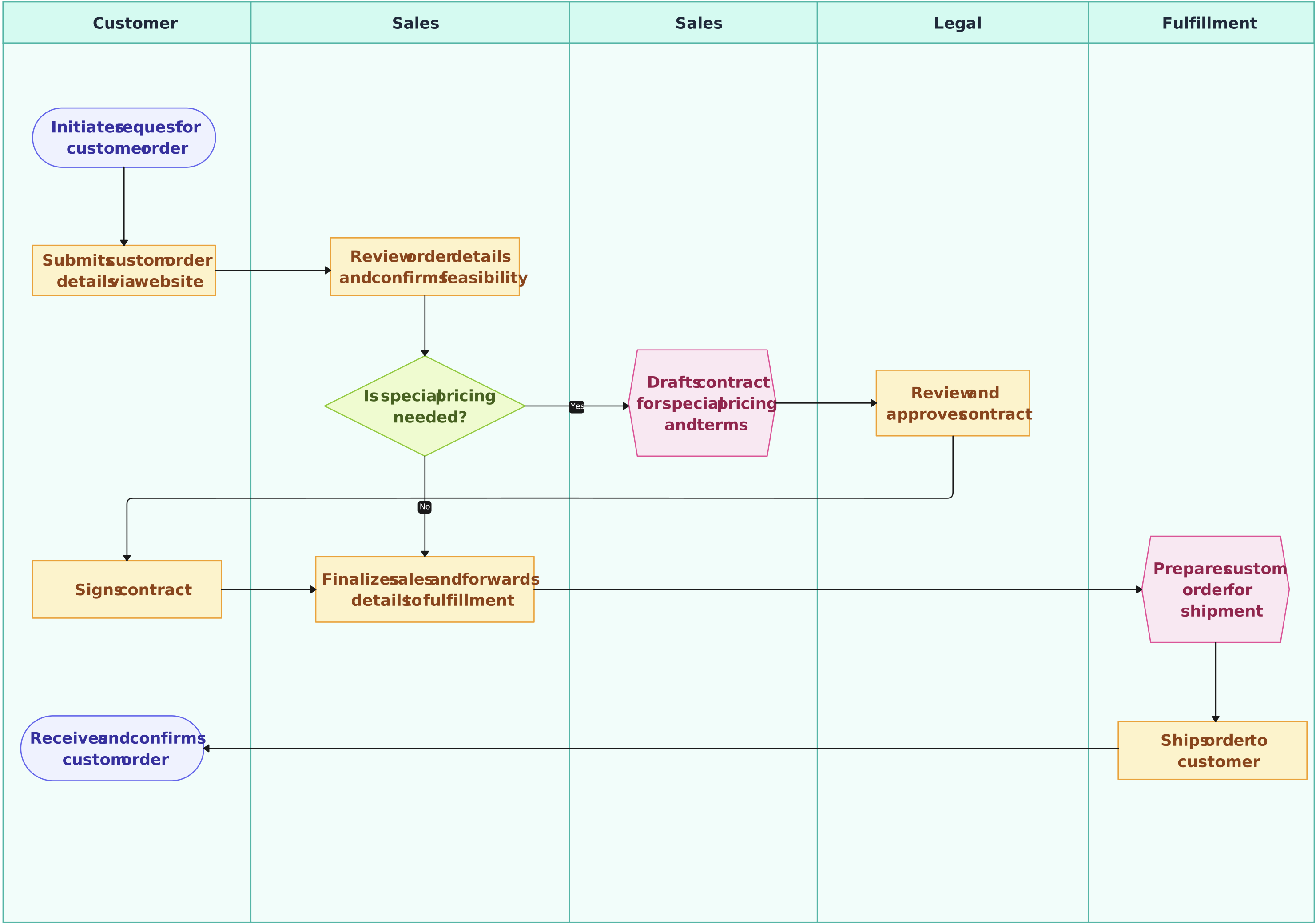
3. Cross-Functional Flowcharts
Cross-functional flowcharts are similar to swimlane diagrams but focus more on the transitions between different departments or functions involved in a process. These diagrams help visualize the steps in a process that crosses various teams, highlighting the sequence of actions and the roles responsible for each step. These flowchart ideas are ideal for processes that span multiple departments and require clear coordination between teams.
4. Program Flowcharts
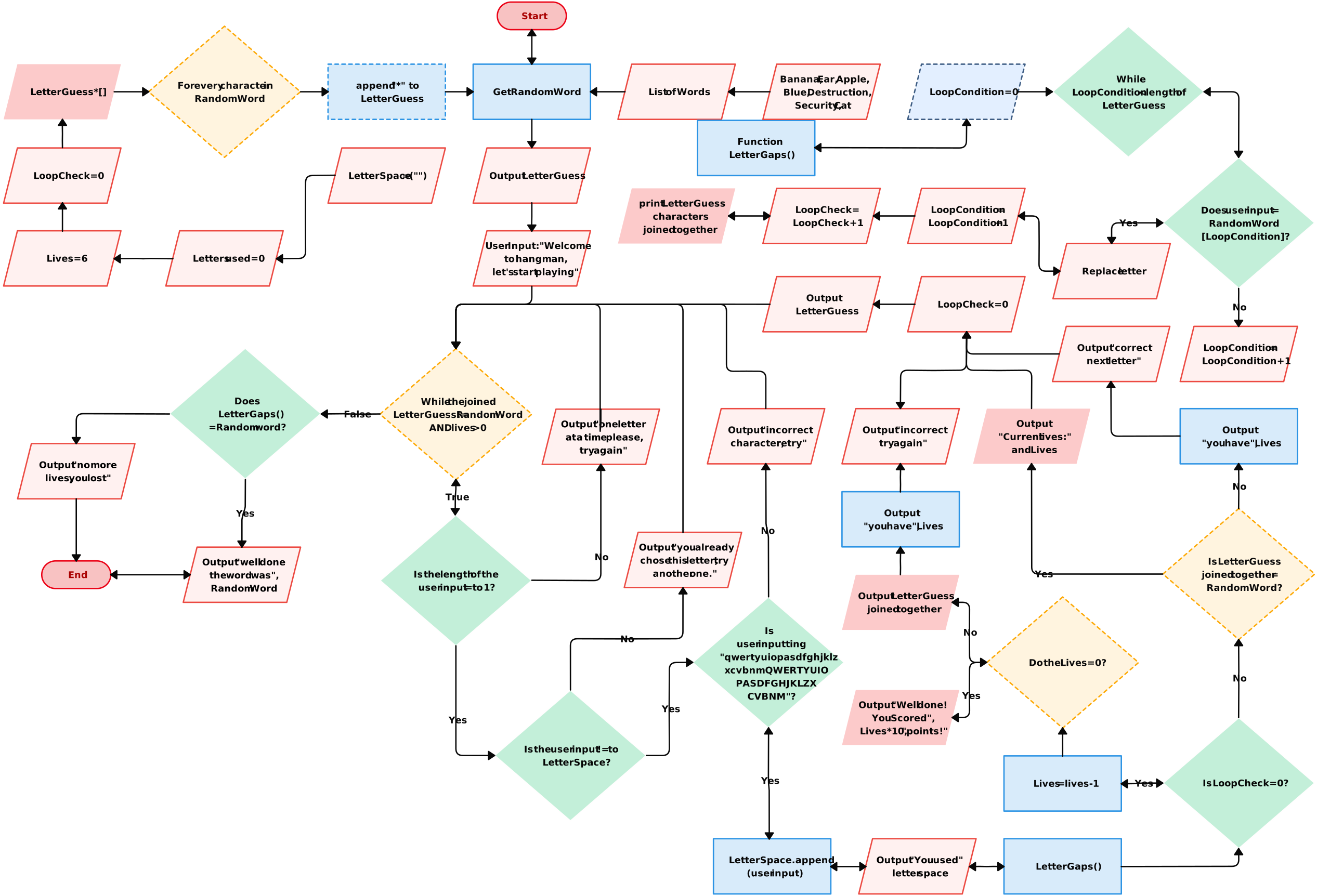
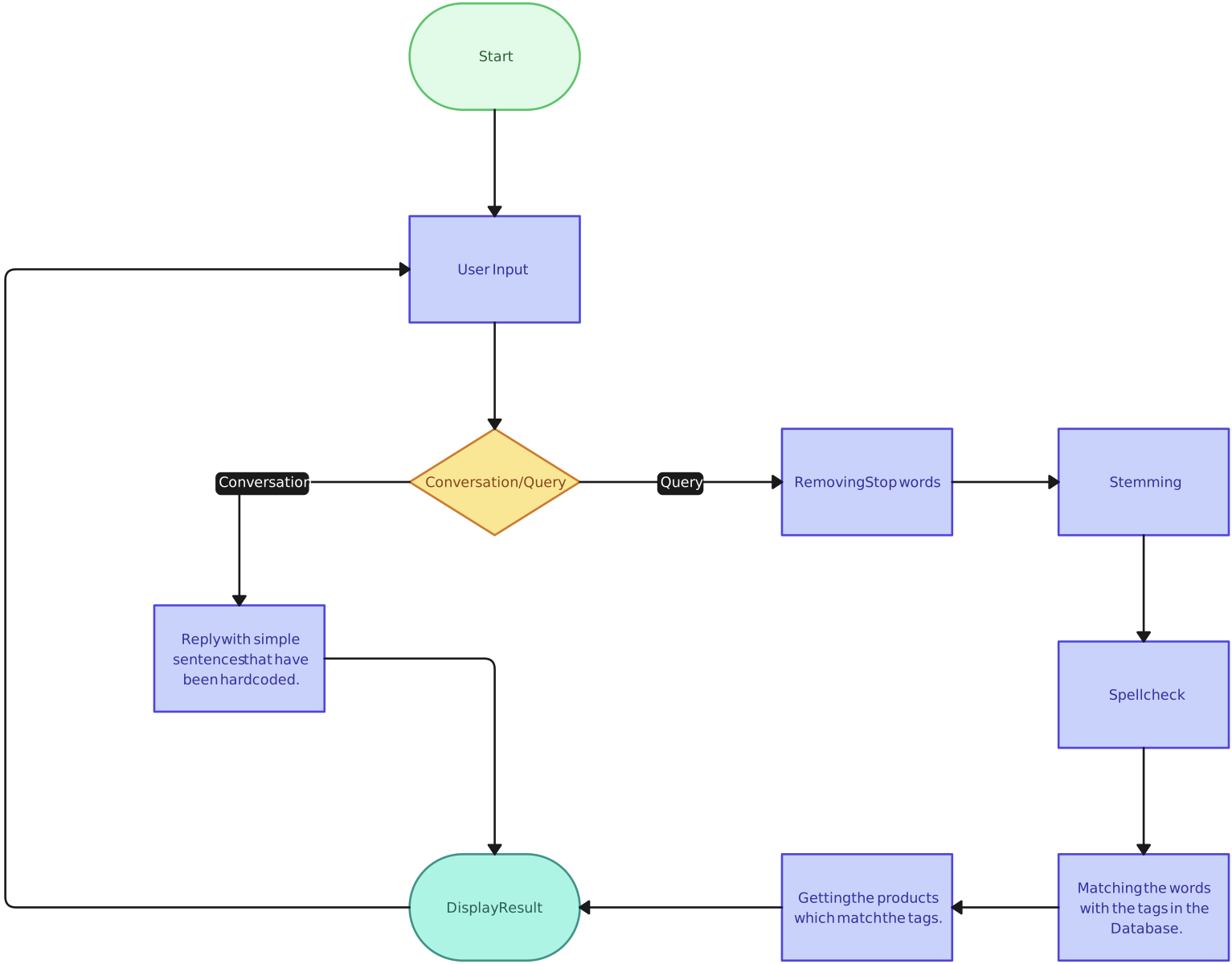
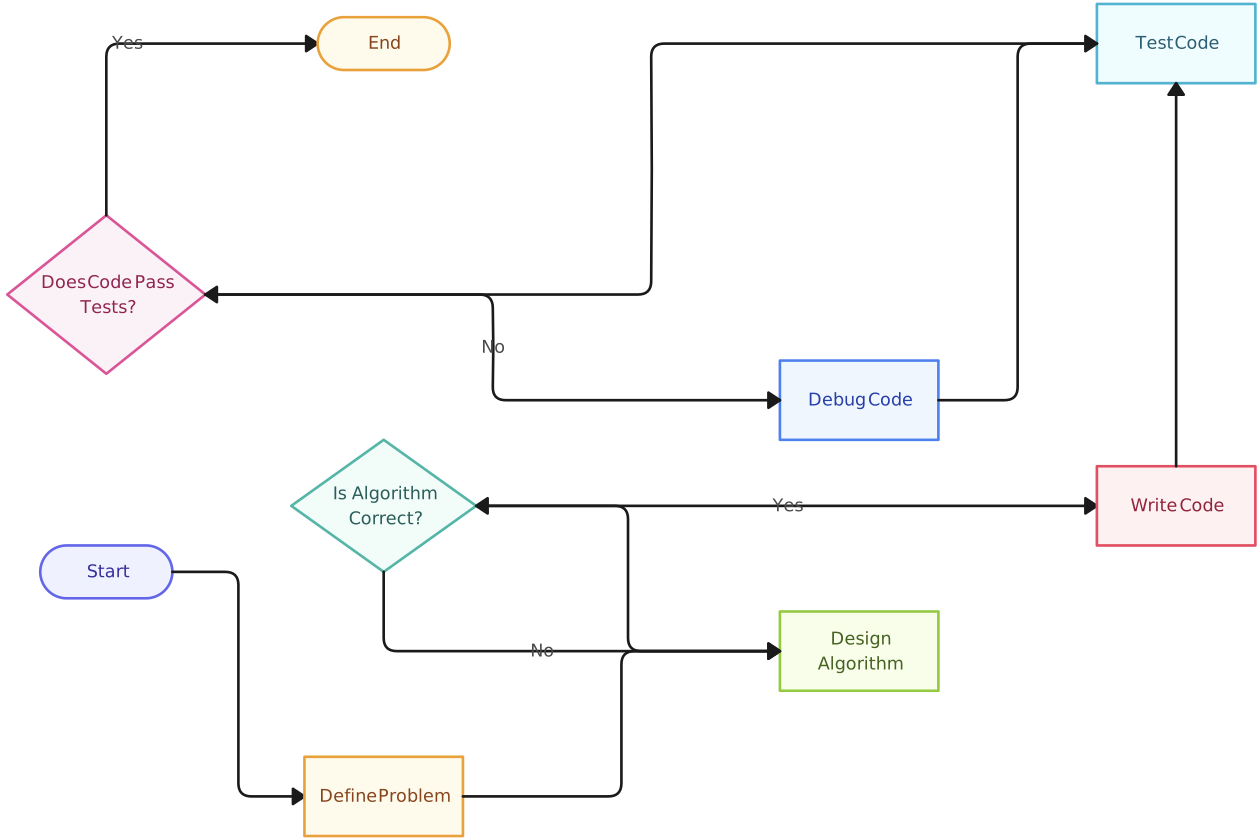
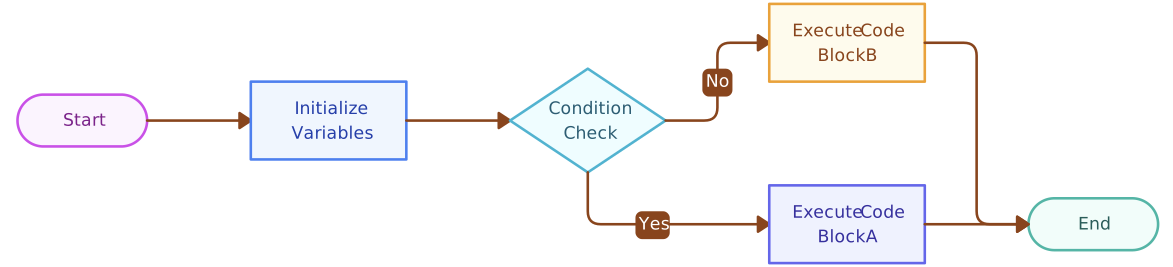
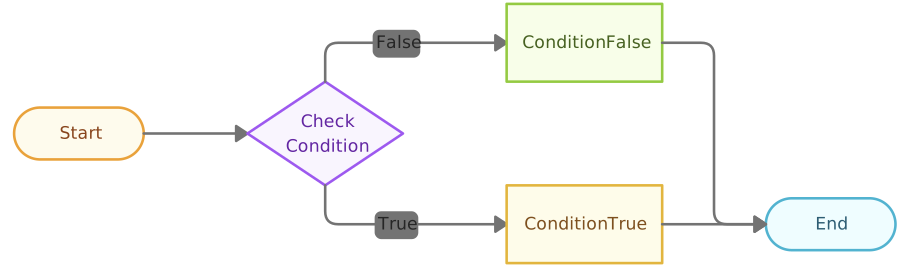
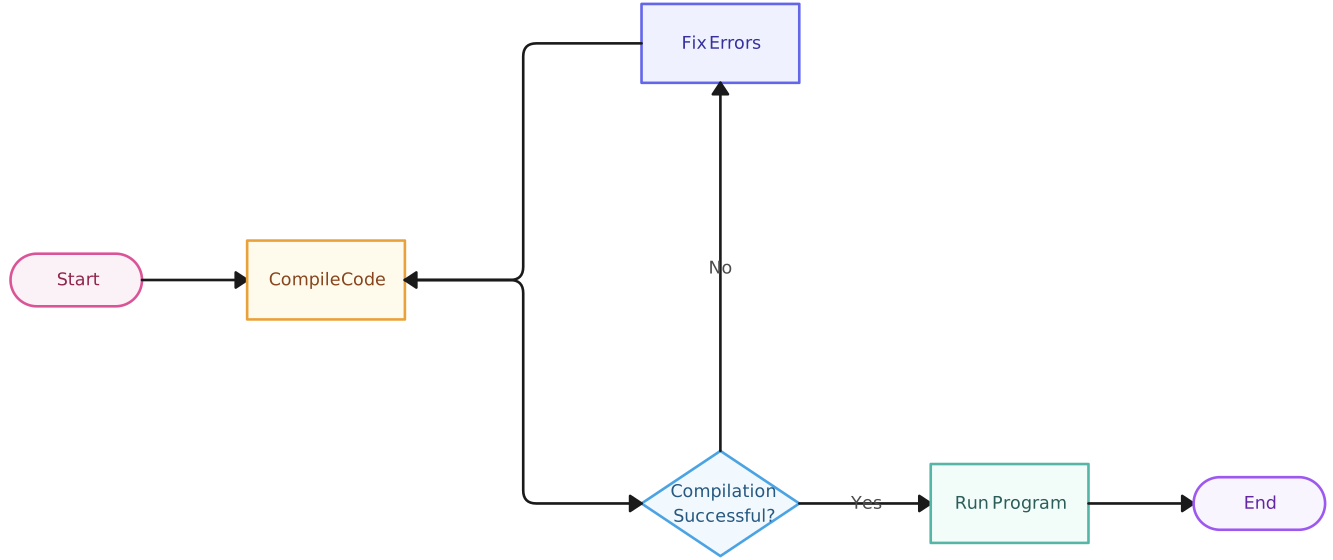
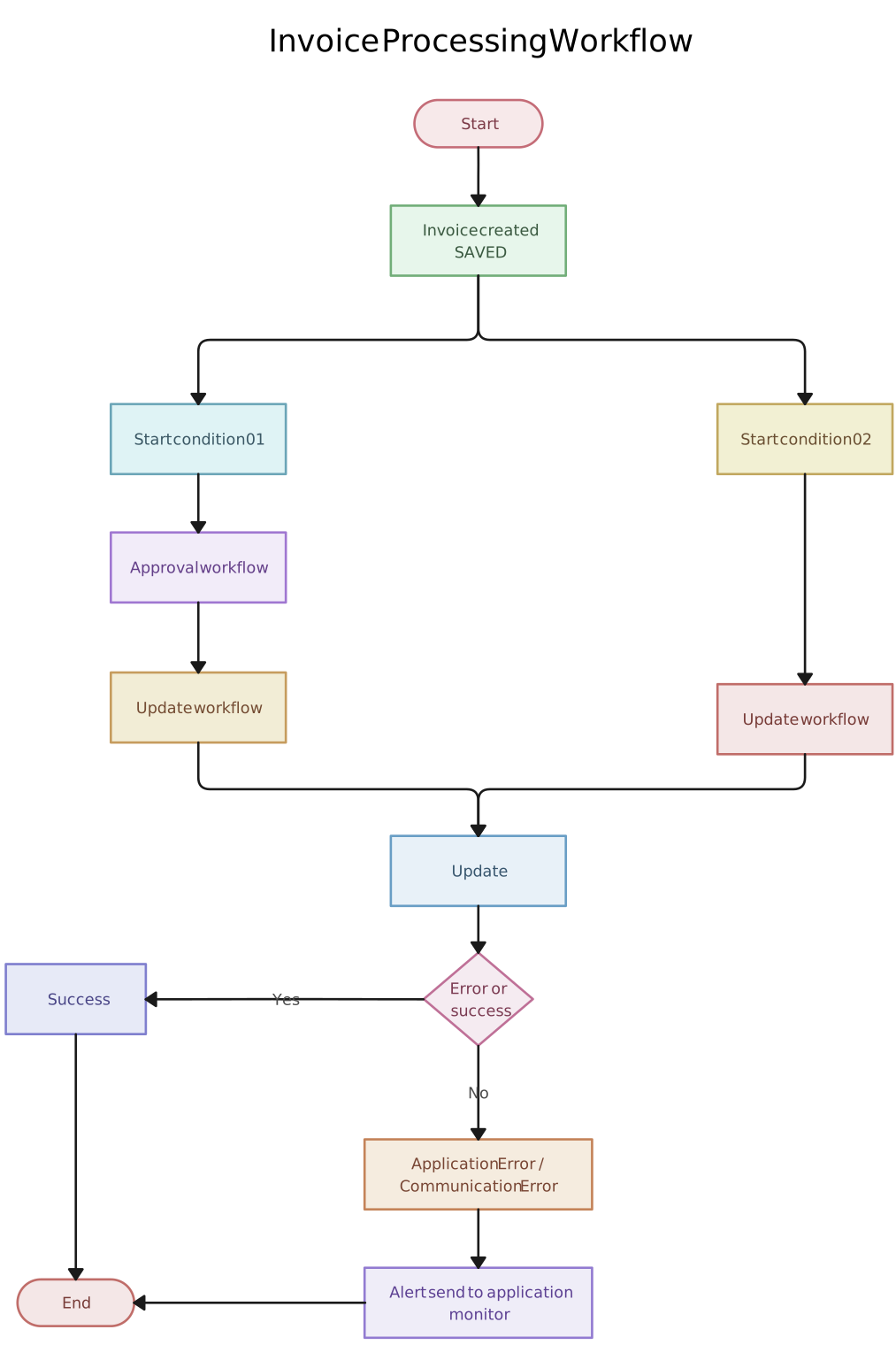
Program flowcharts represent the logical flow of control within a computer program. They illustrate the sequence of operations, decision points, loops, and data processing steps. These flowchart ideas are essential for programmers and system designers to plan and visualize the structure of the program, ensuring that the program flows logically and is easy to debug or modify.
5. Workflow Charts
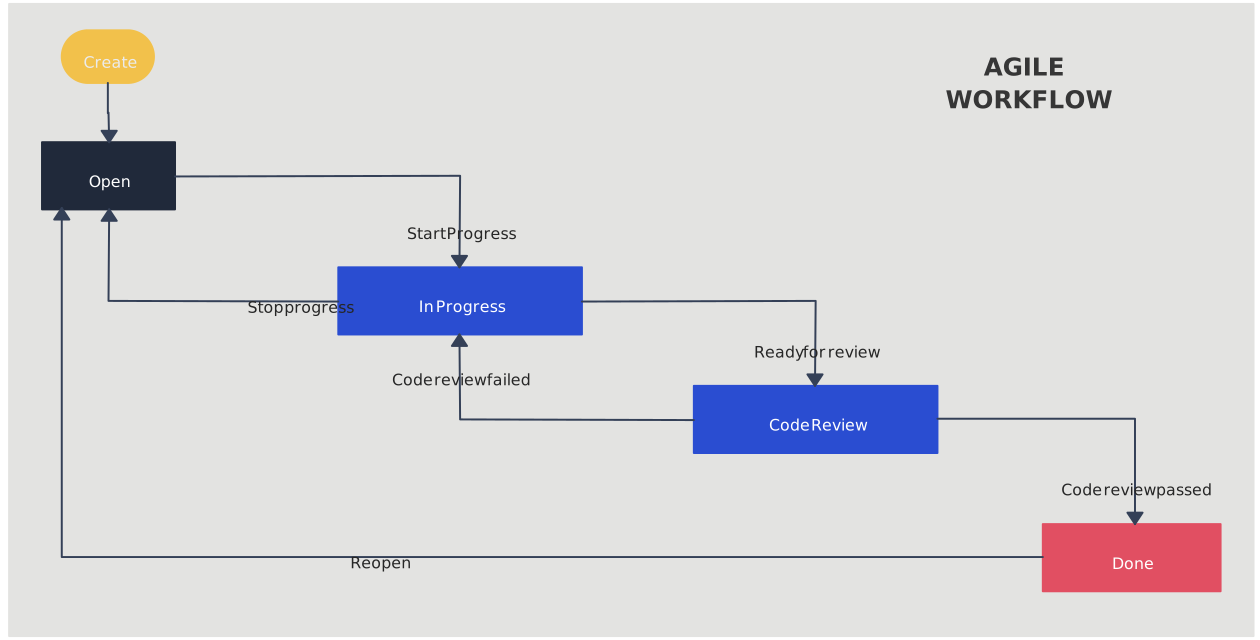
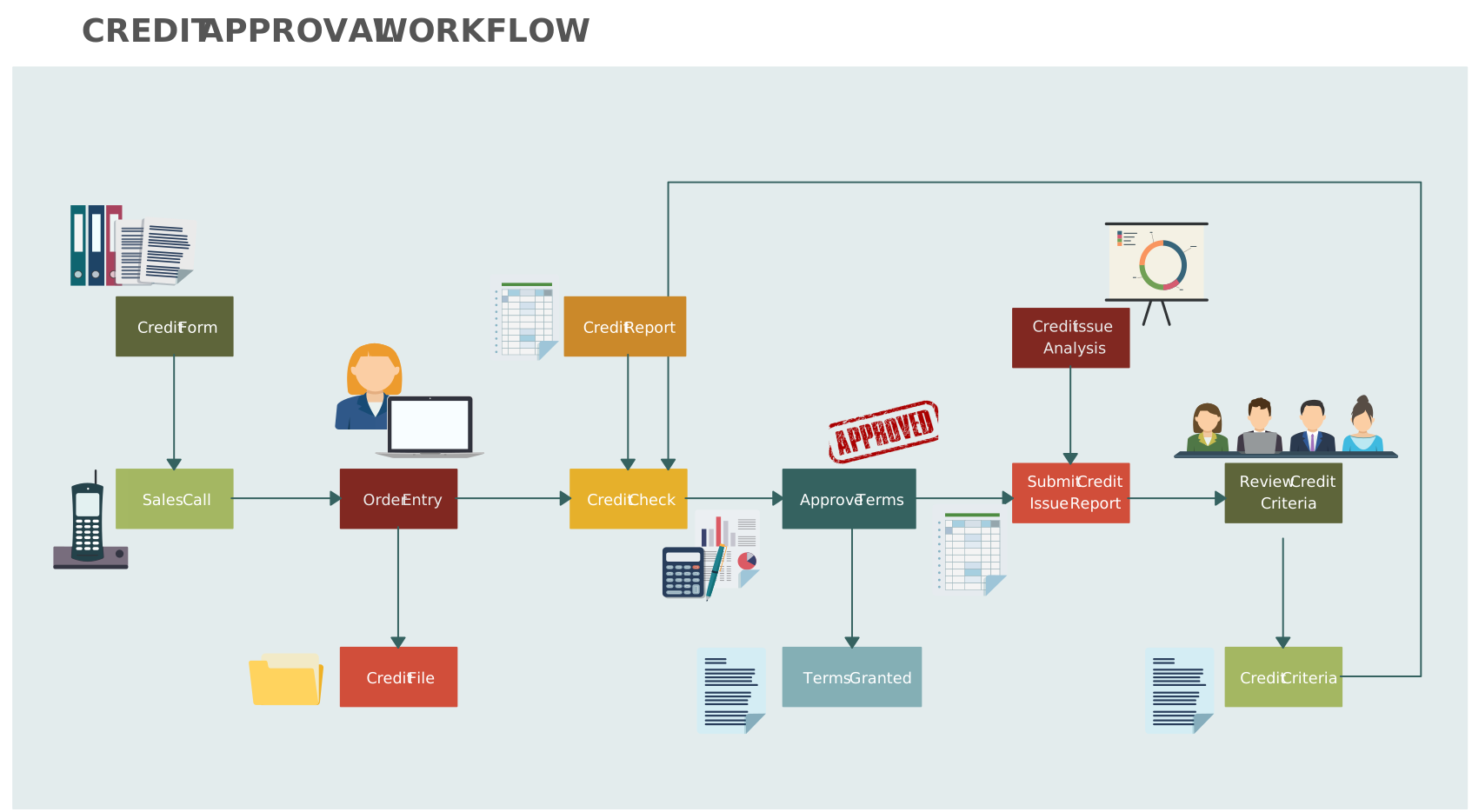
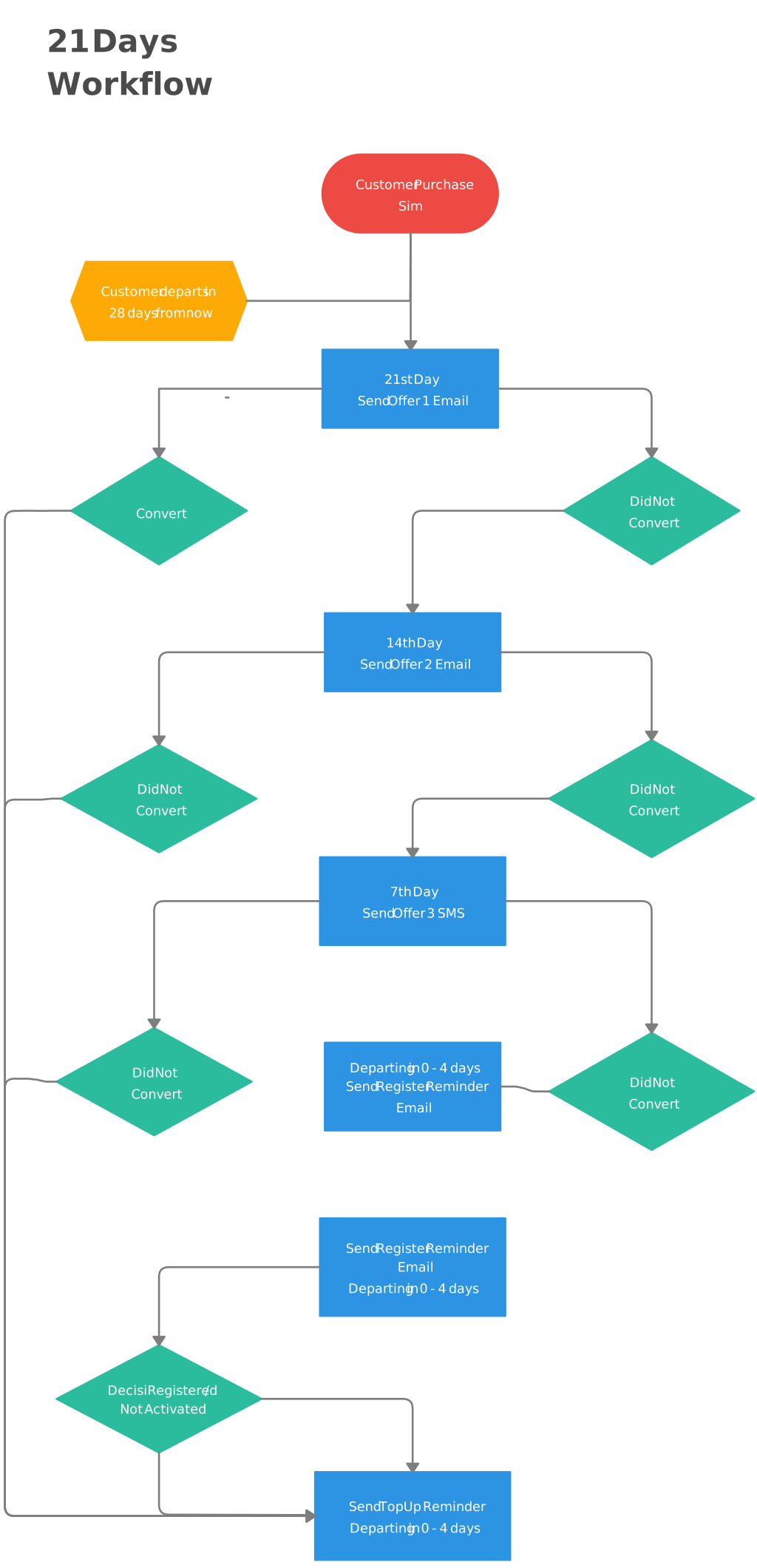
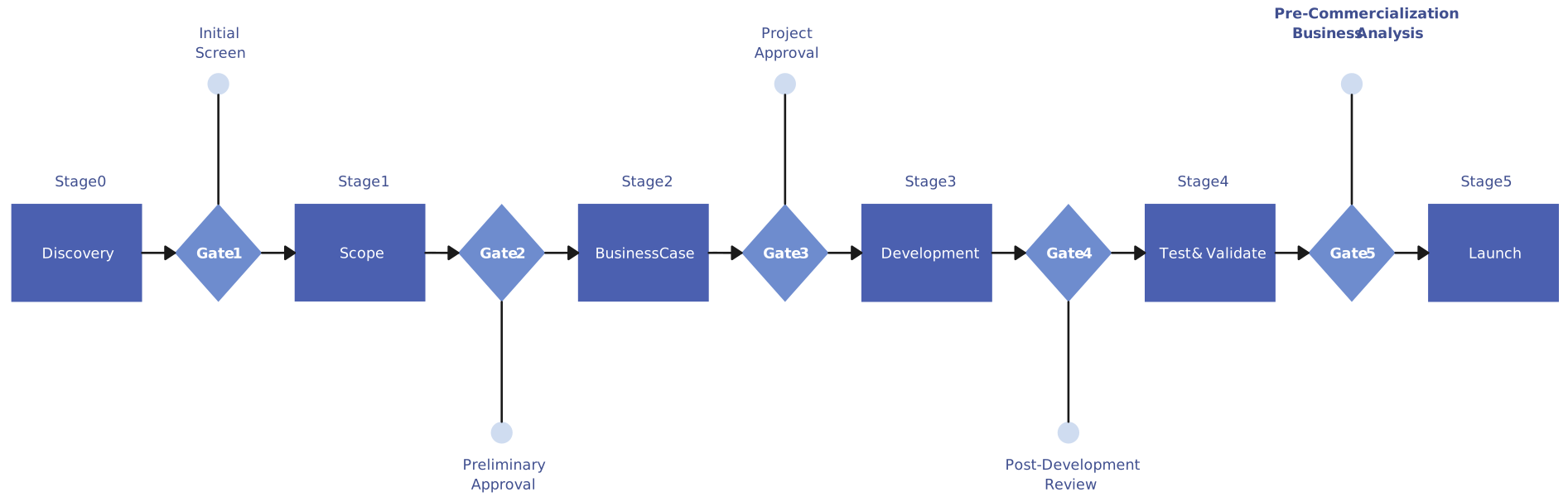
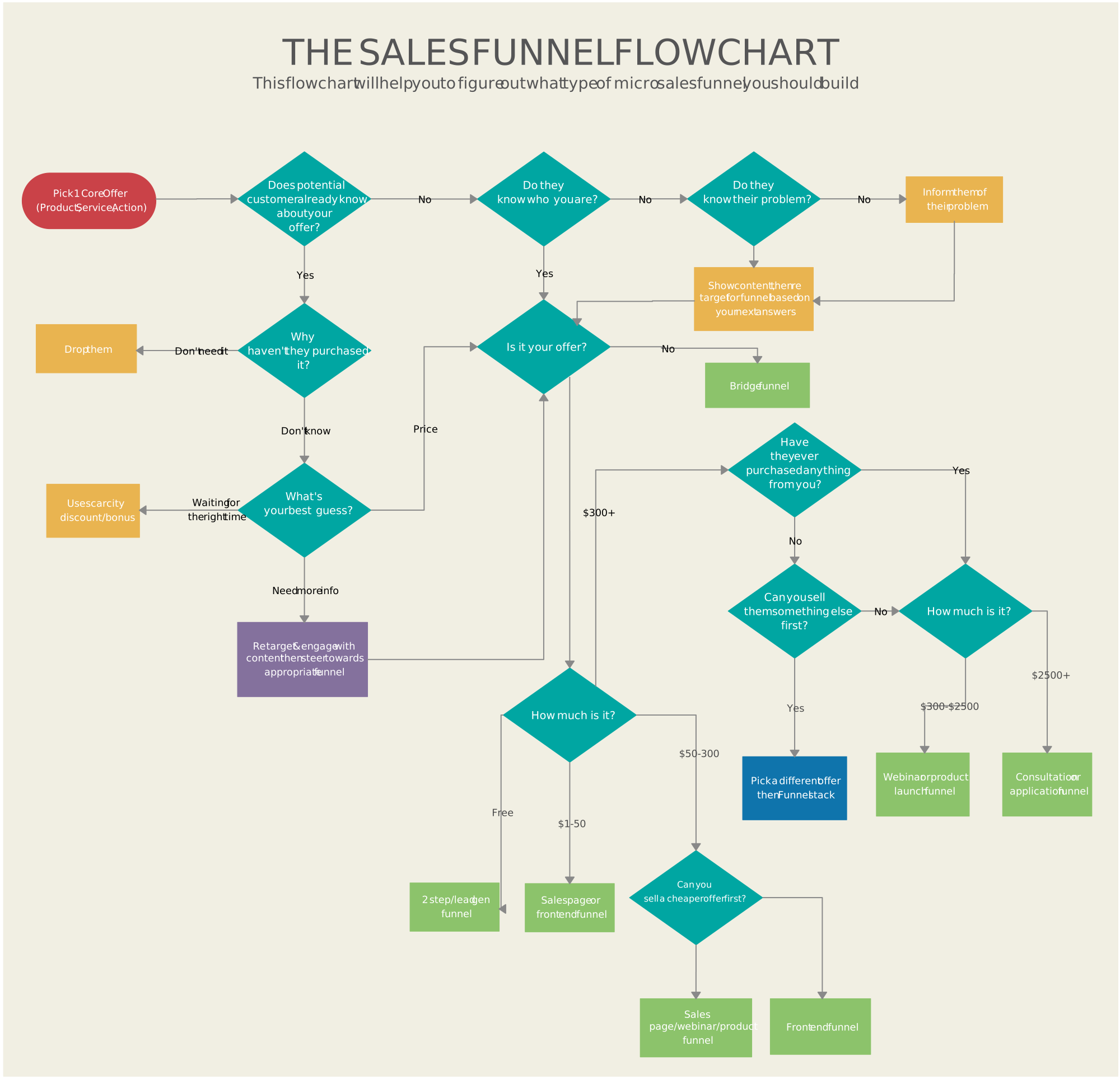
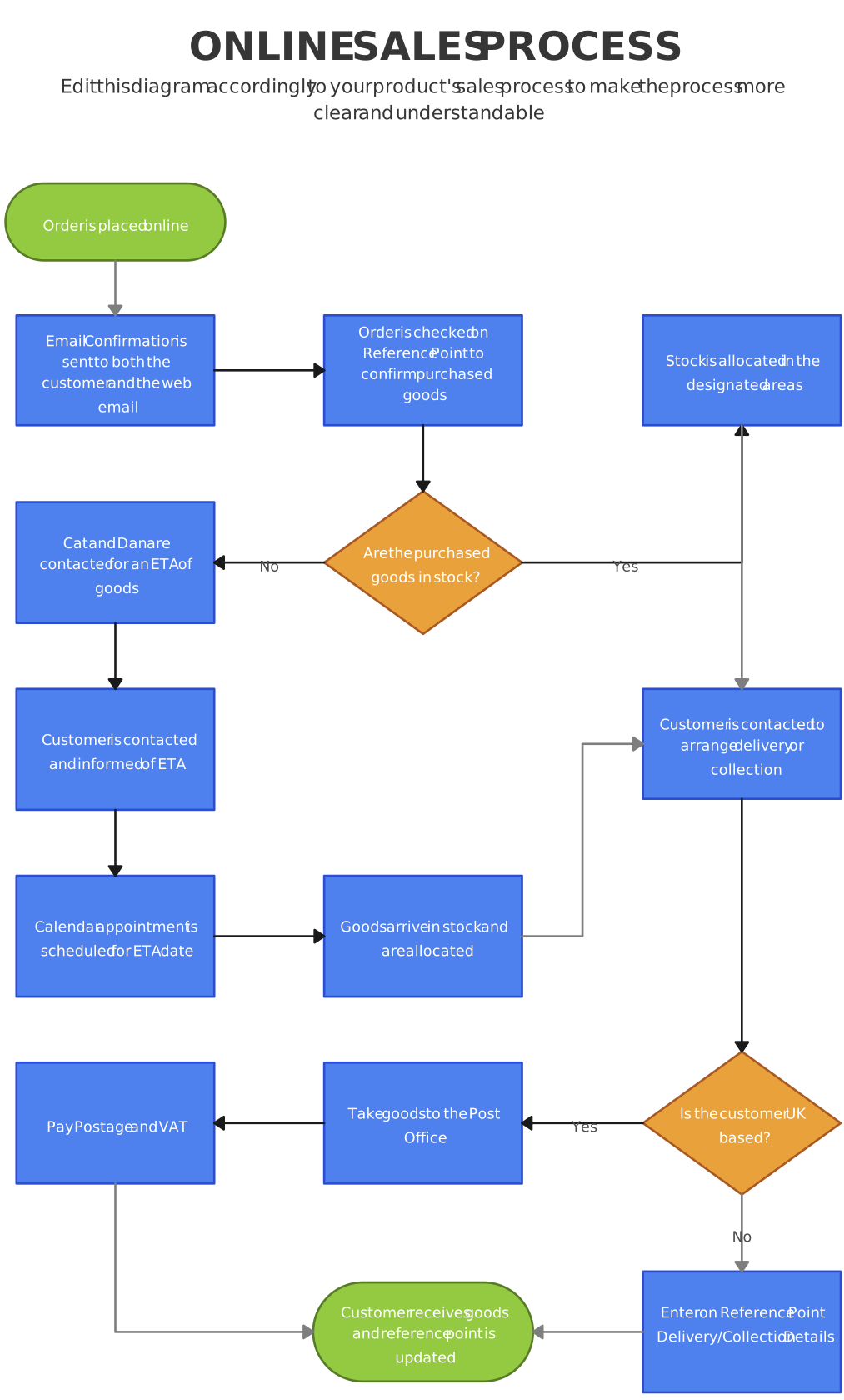
Workflow charts are used to visualize the sequence of actions or tasks that make up a workflow. These flowchart ideas help identify the order of operations, which tasks depend on others, and where bottlenecks or inefficiencies may arise. Workflow charts are particularly useful for improving business processes and optimizing operations, as they provide a clear overview of how work moves through a system.
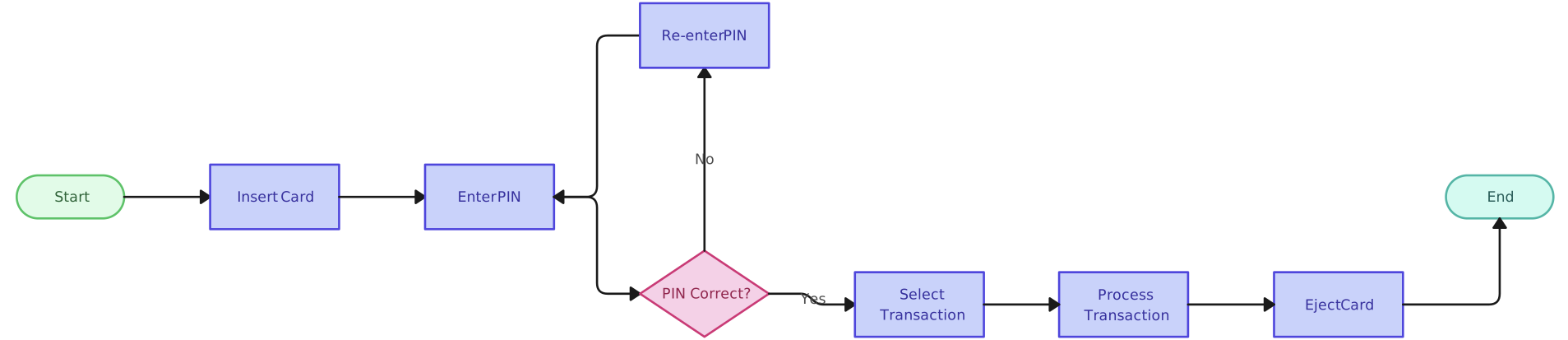
6. Banking Flowchart: A Simple Process Breakdown
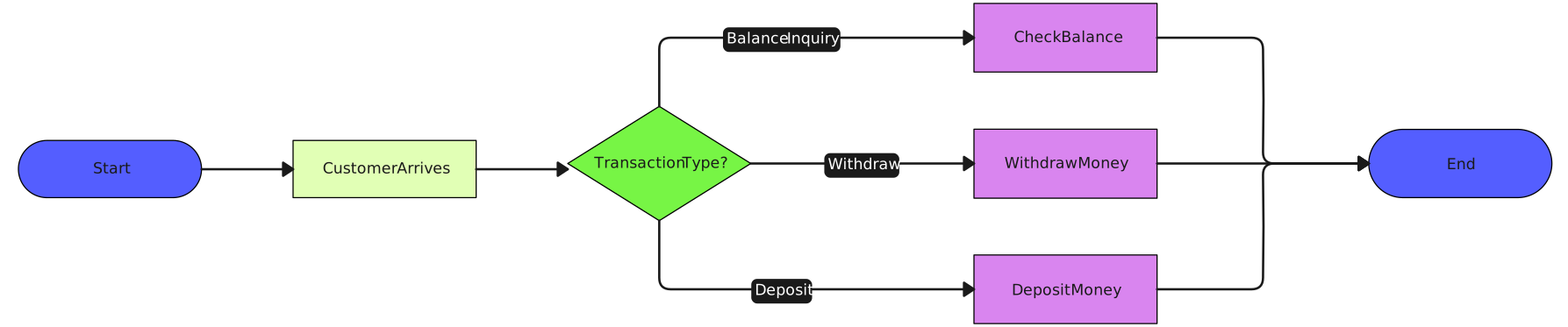
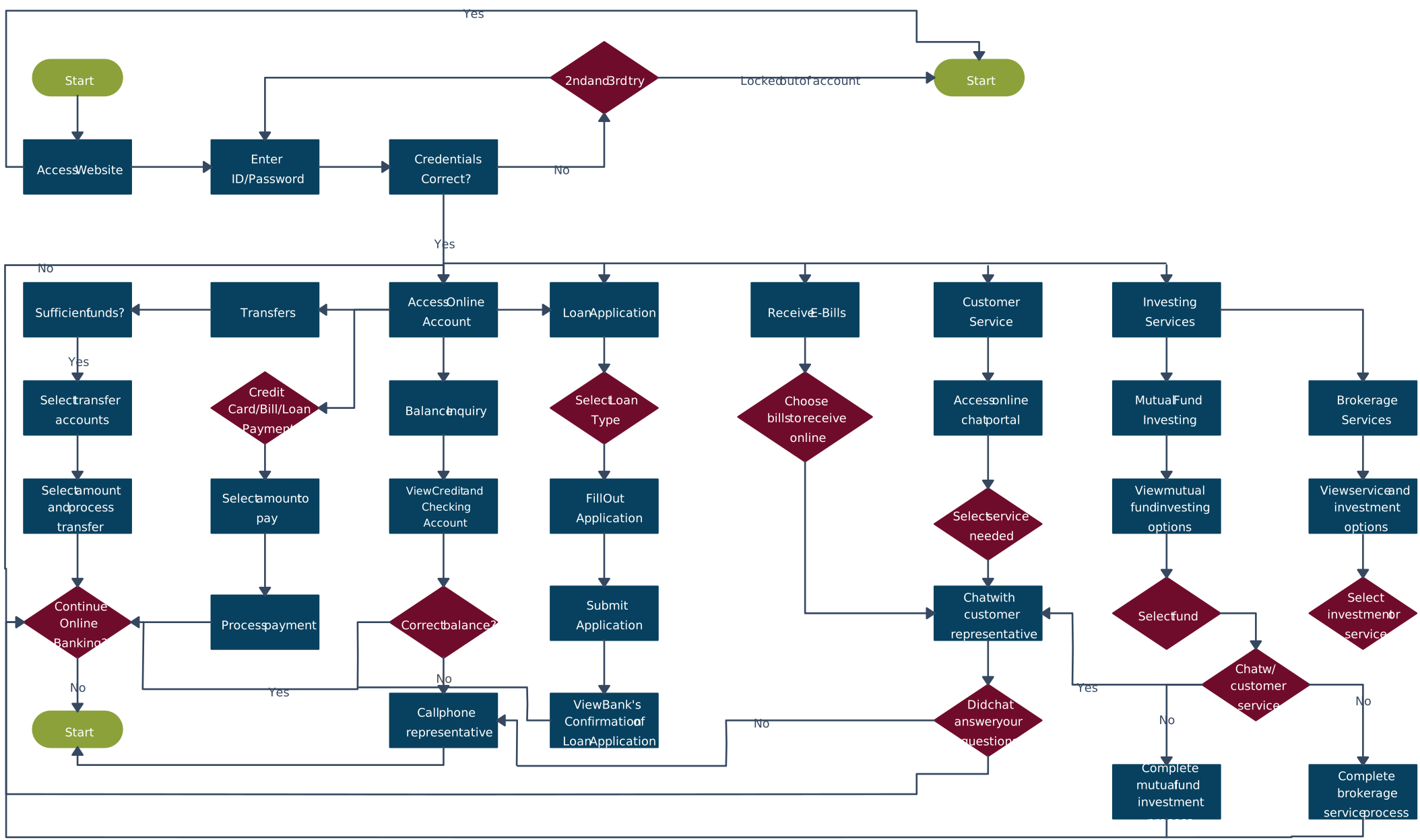
Banking processes are a common part of our daily life, and a banking teller flowchart can help visualize each step of a transaction. Use these flowchart ideas to clearly illustrate decision points and process flow, with color-coded steps for easier understanding.
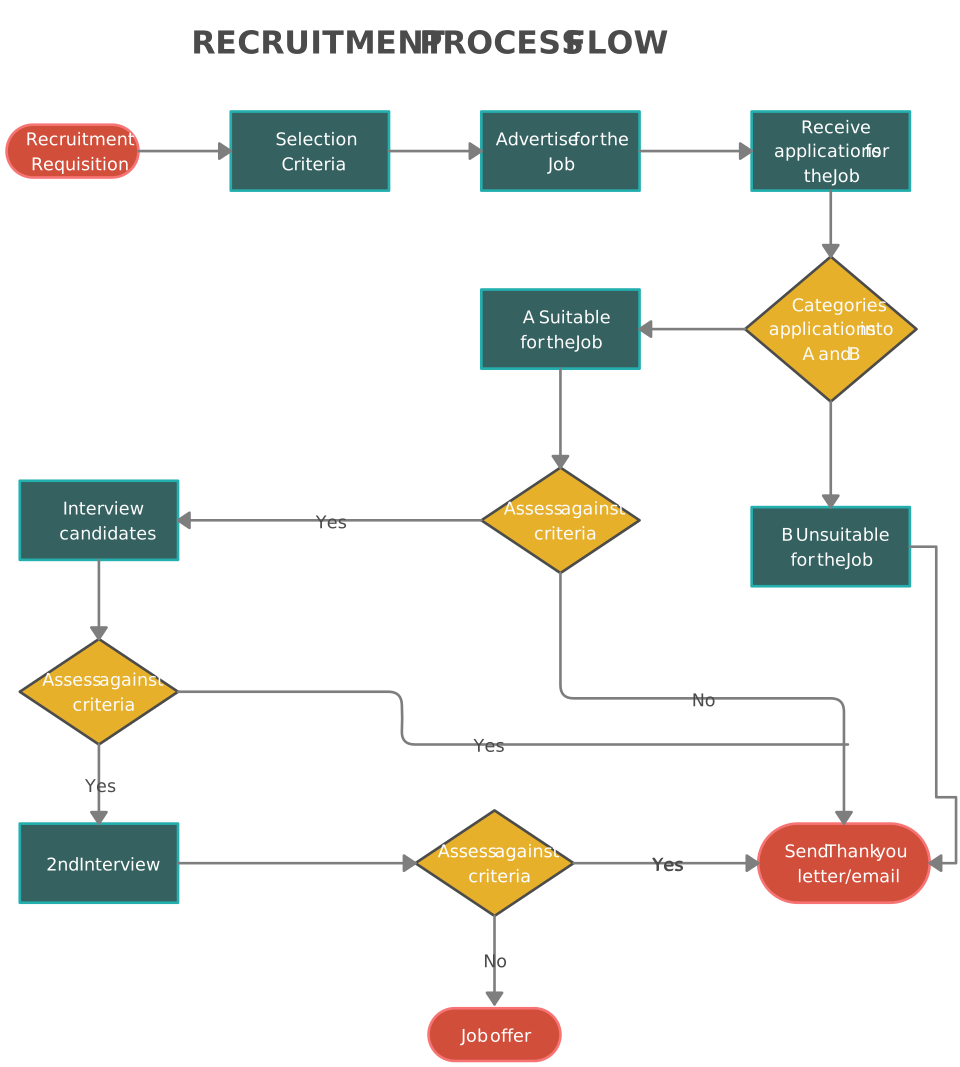
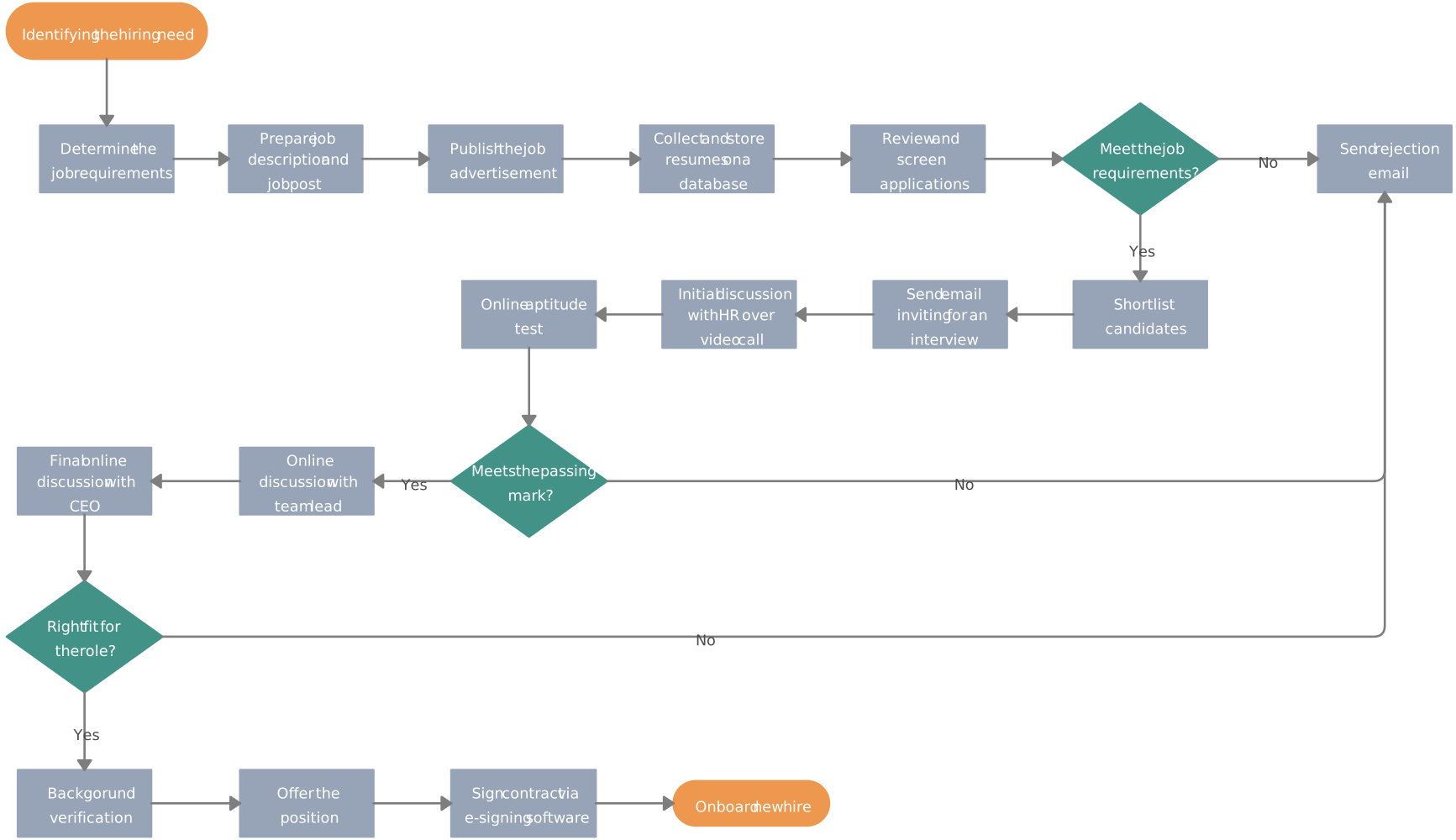
7. Recruitment Process Flowchart: Simplify Hiring Steps
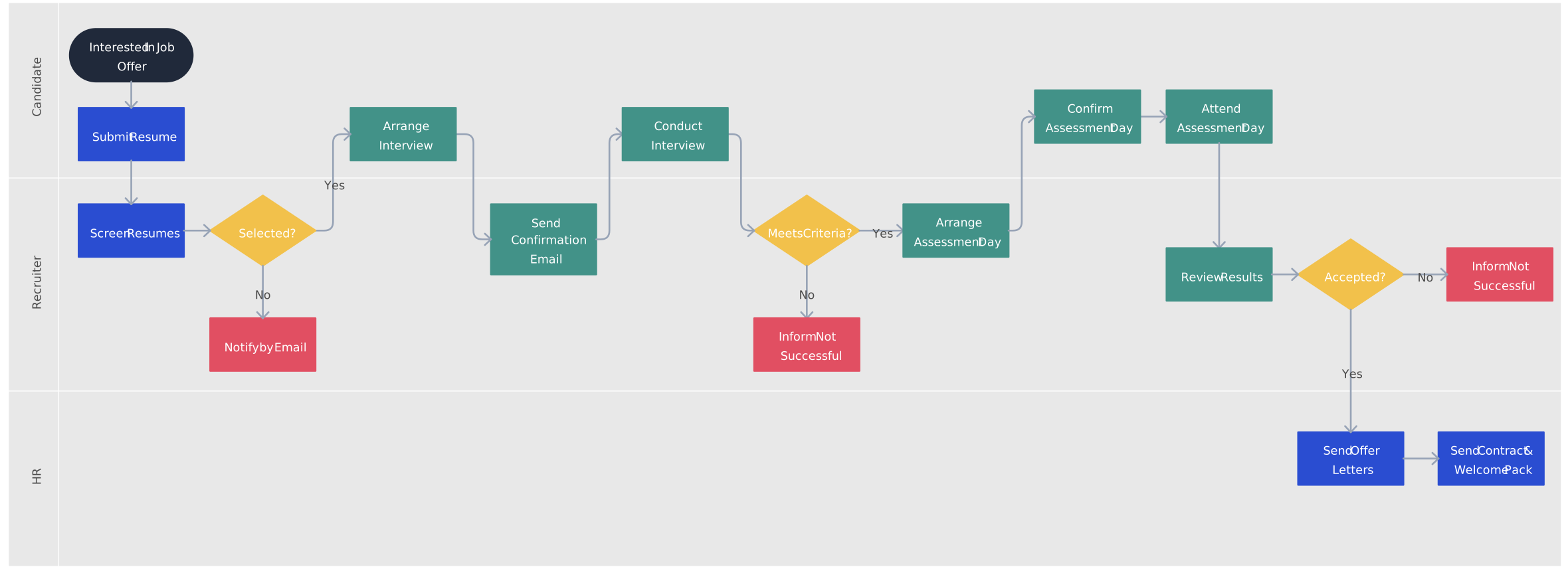
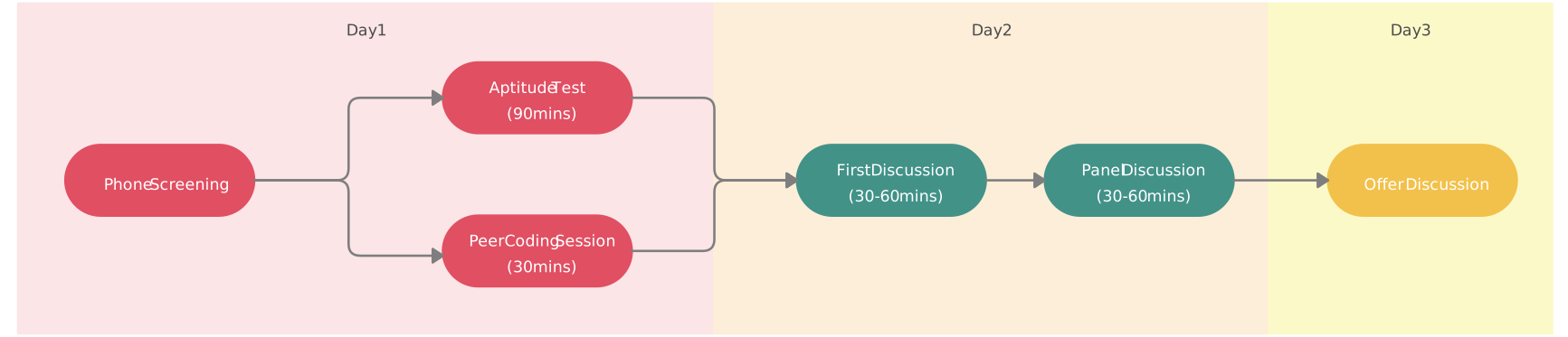
The recruitment process can be complex, but mapping it out with a recruitment flowchart helps clarify each stage. Whether you’re hiring or applying, this flowchart idea simplifies the steps and decisions involved, from application review to final offer.
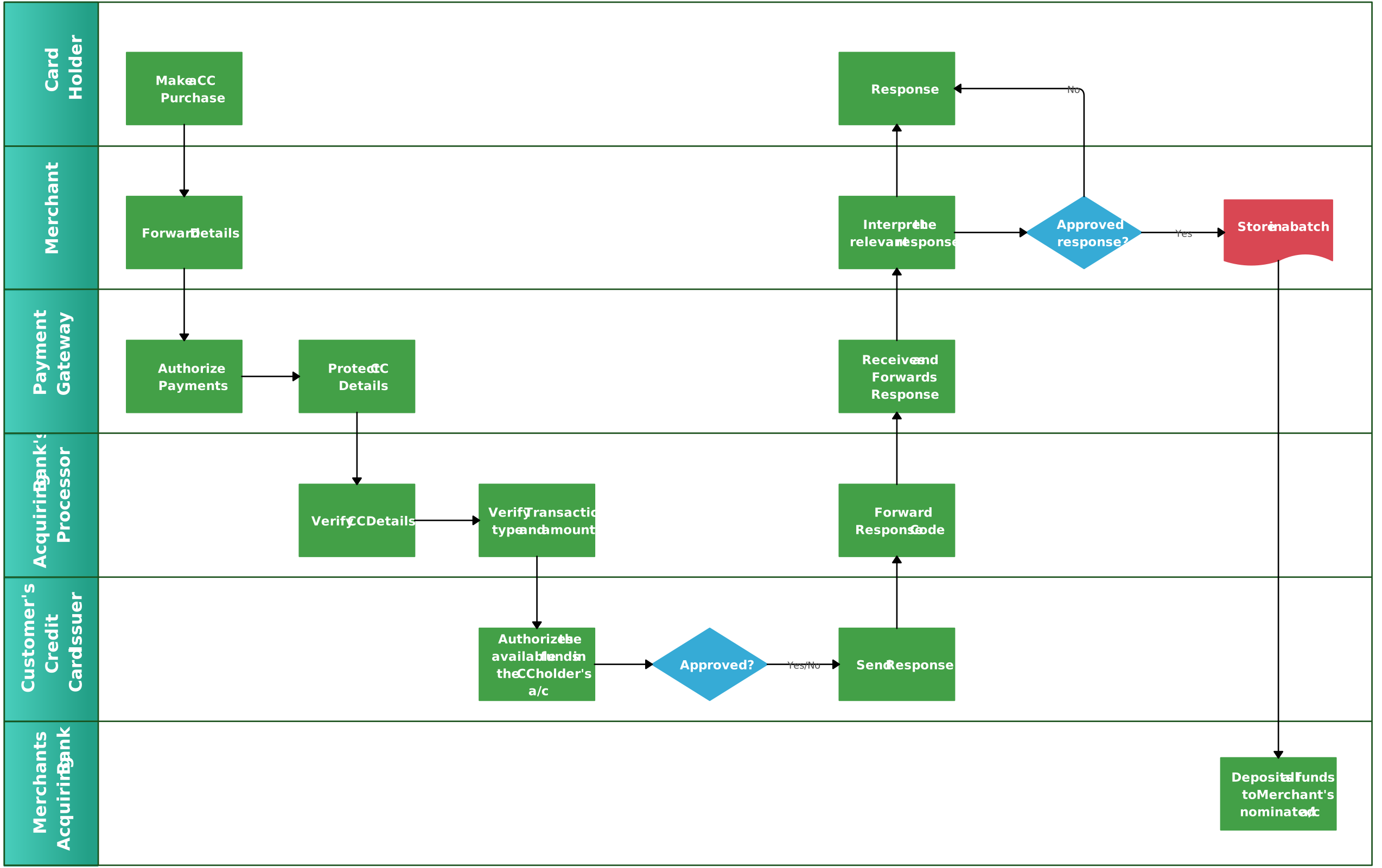
8. Credit Card Transaction Flowchart: Track Payment Steps
Understand the full process behind a credit card transaction with these easy-to-follow flowchart ideas. Featuring swim lanes, this template shows how different entities are involved in each stage, making it a great flowchart example for financial processes.
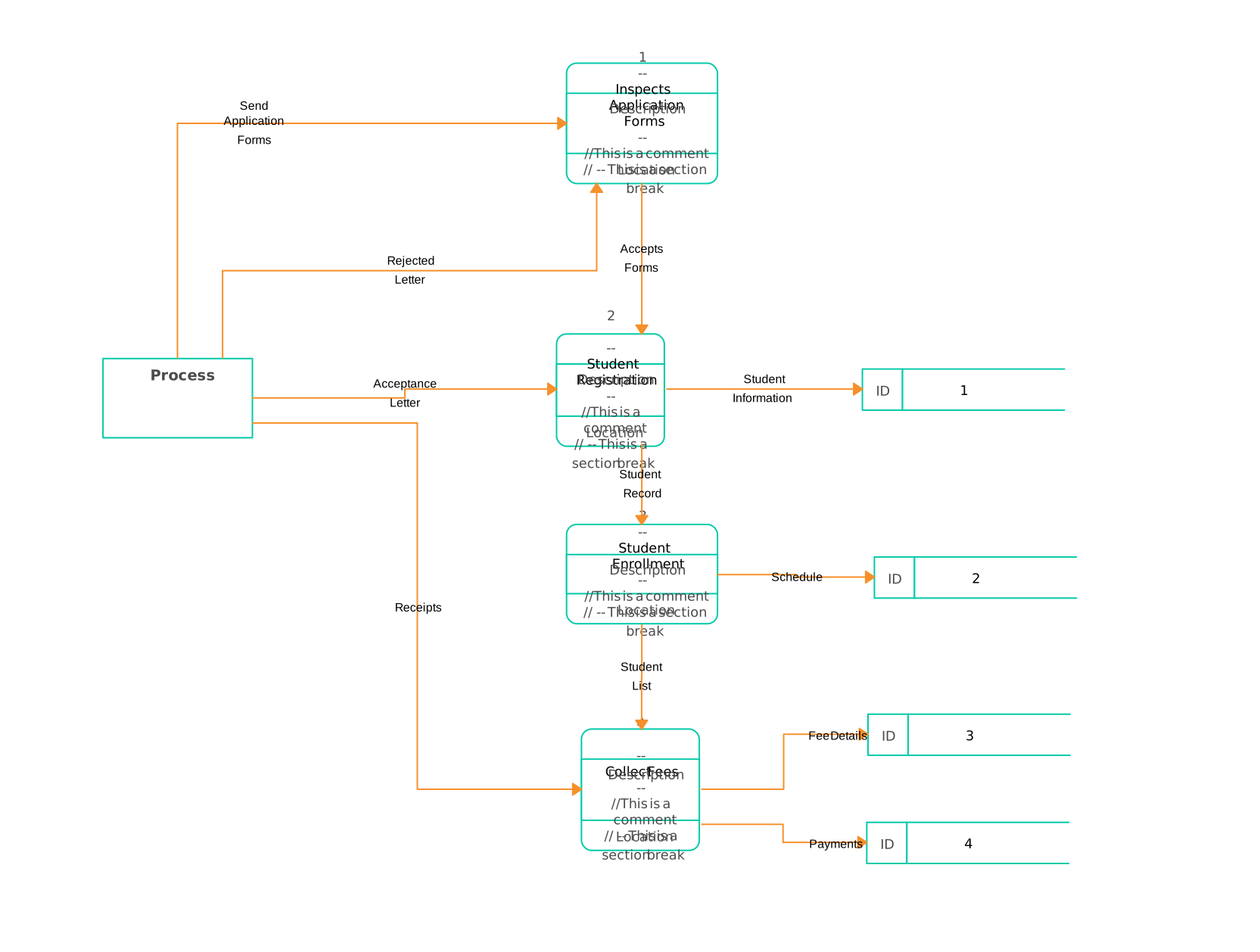
9. University Admission Process Flowchart
Navigating university admissions can be a maze. Use these university admission flowchart ideas to track each step, from application submission to acceptance, and gain a clear overview of the entire process. Need to design your own? Creately offers customizable flowchart templates to get you started quickly.
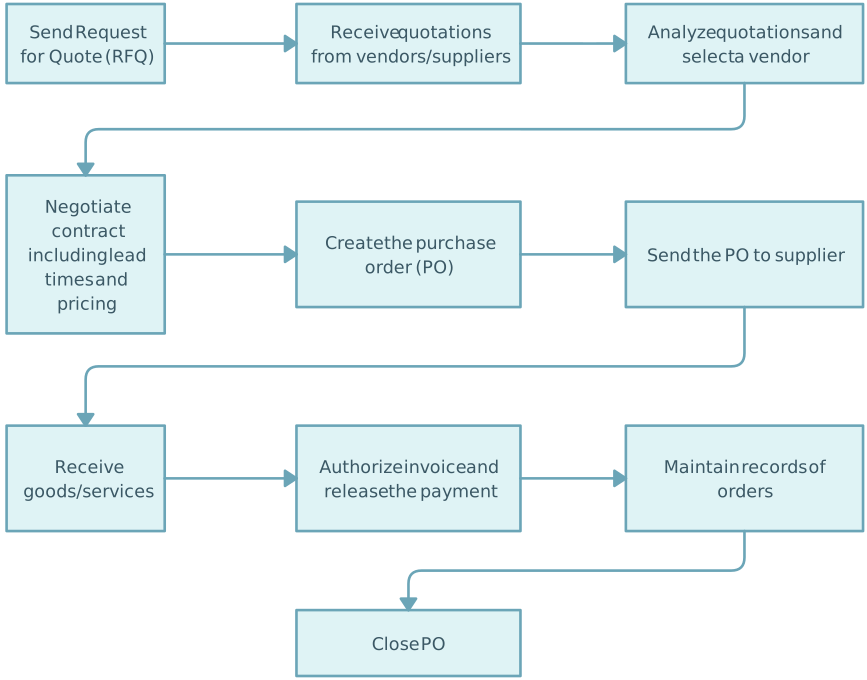
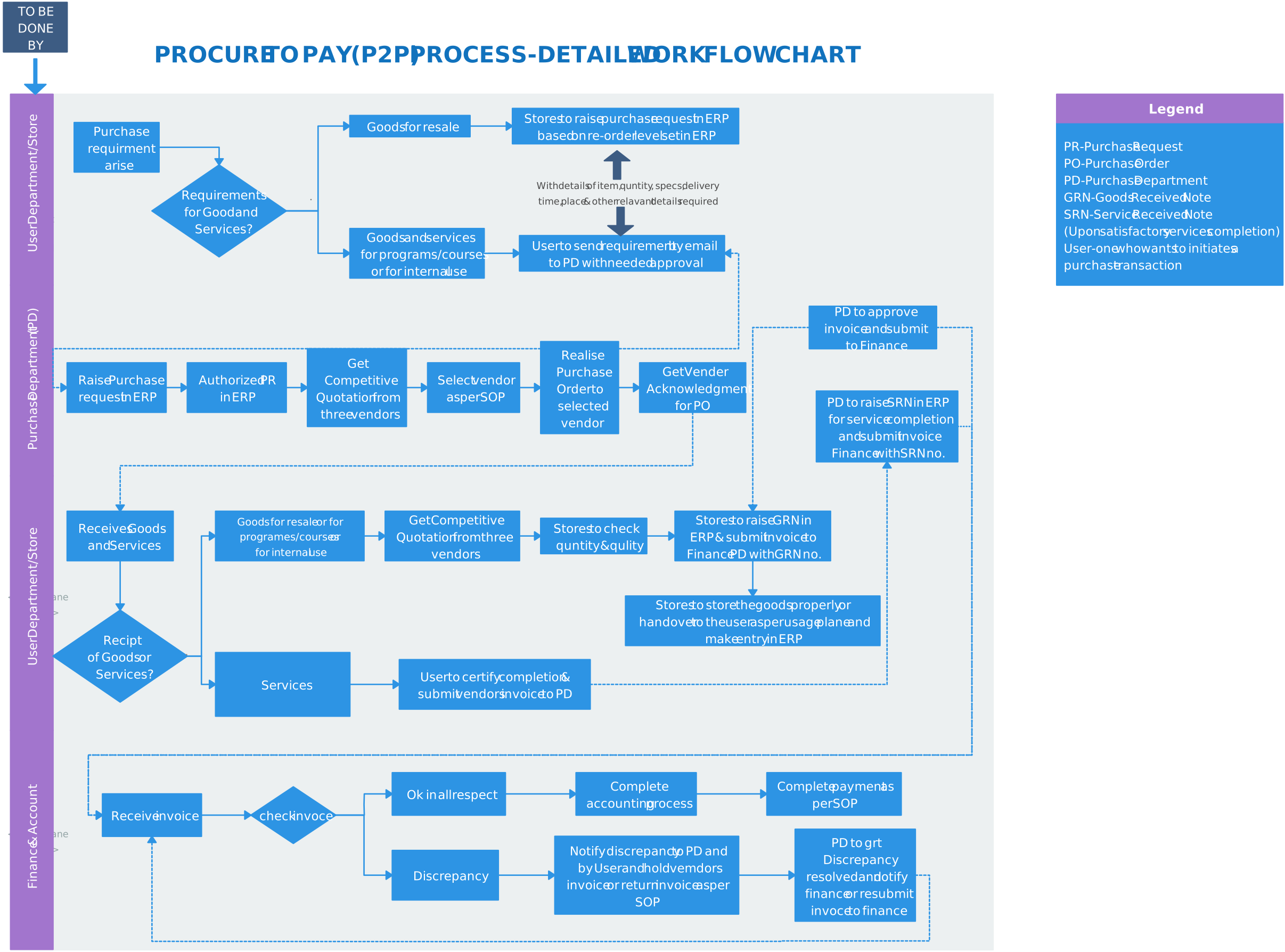
10. Purchase Order Process: Best of the Flowchart Ideas
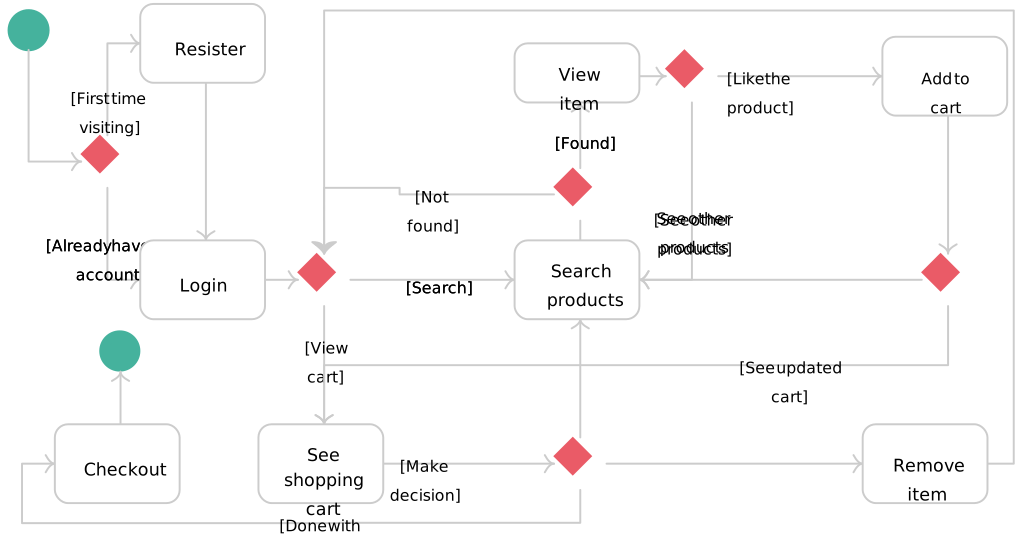
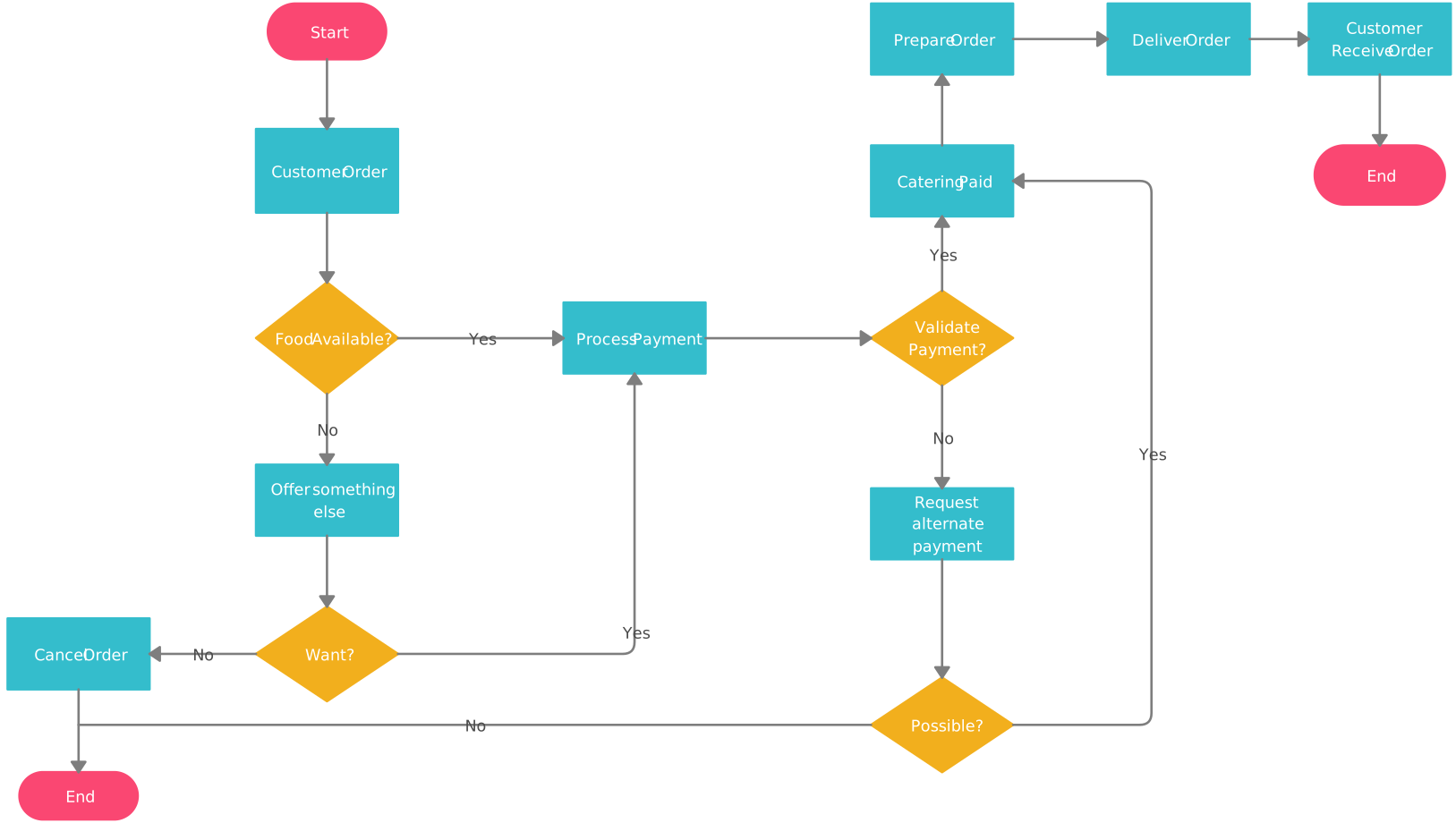
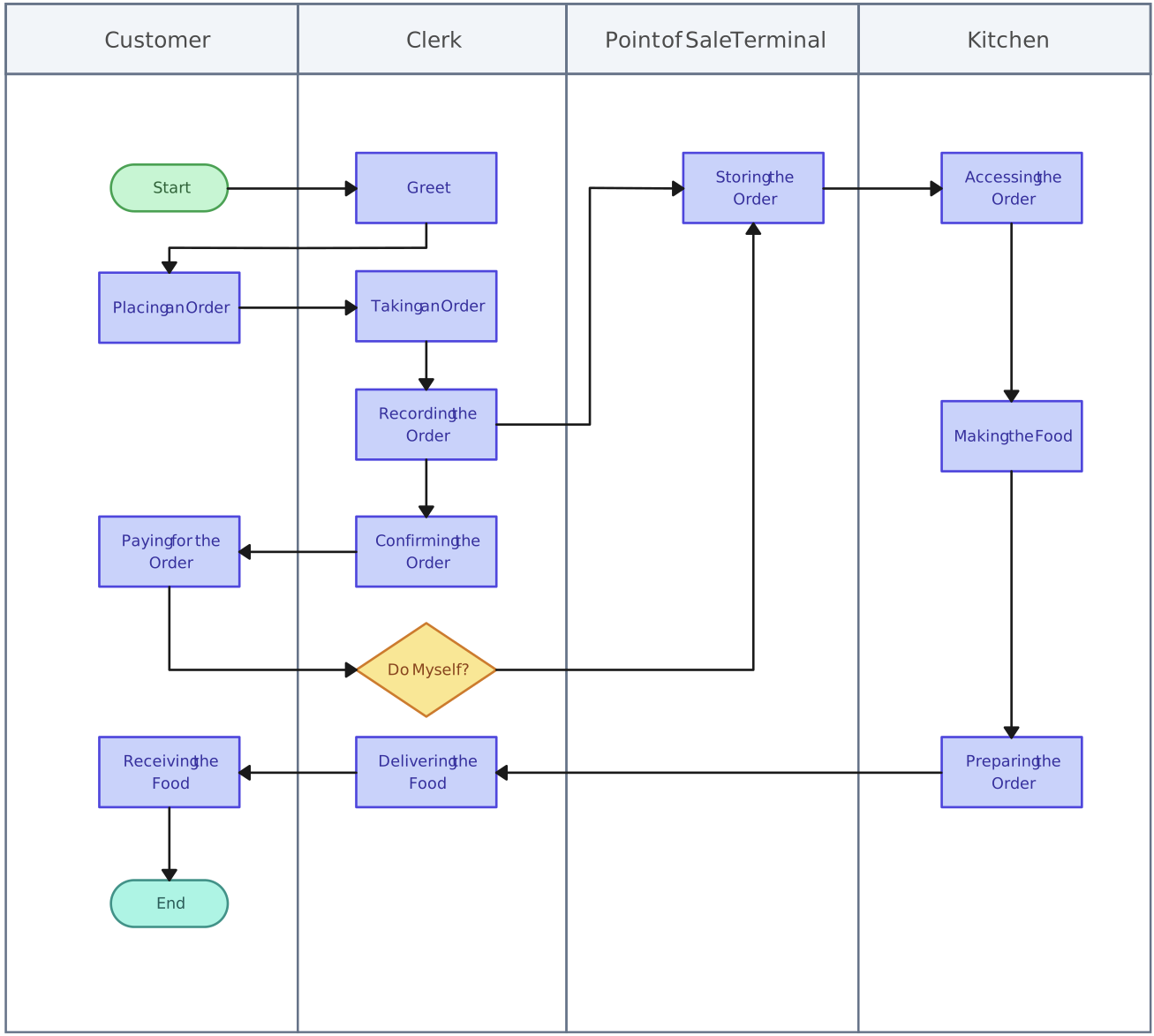
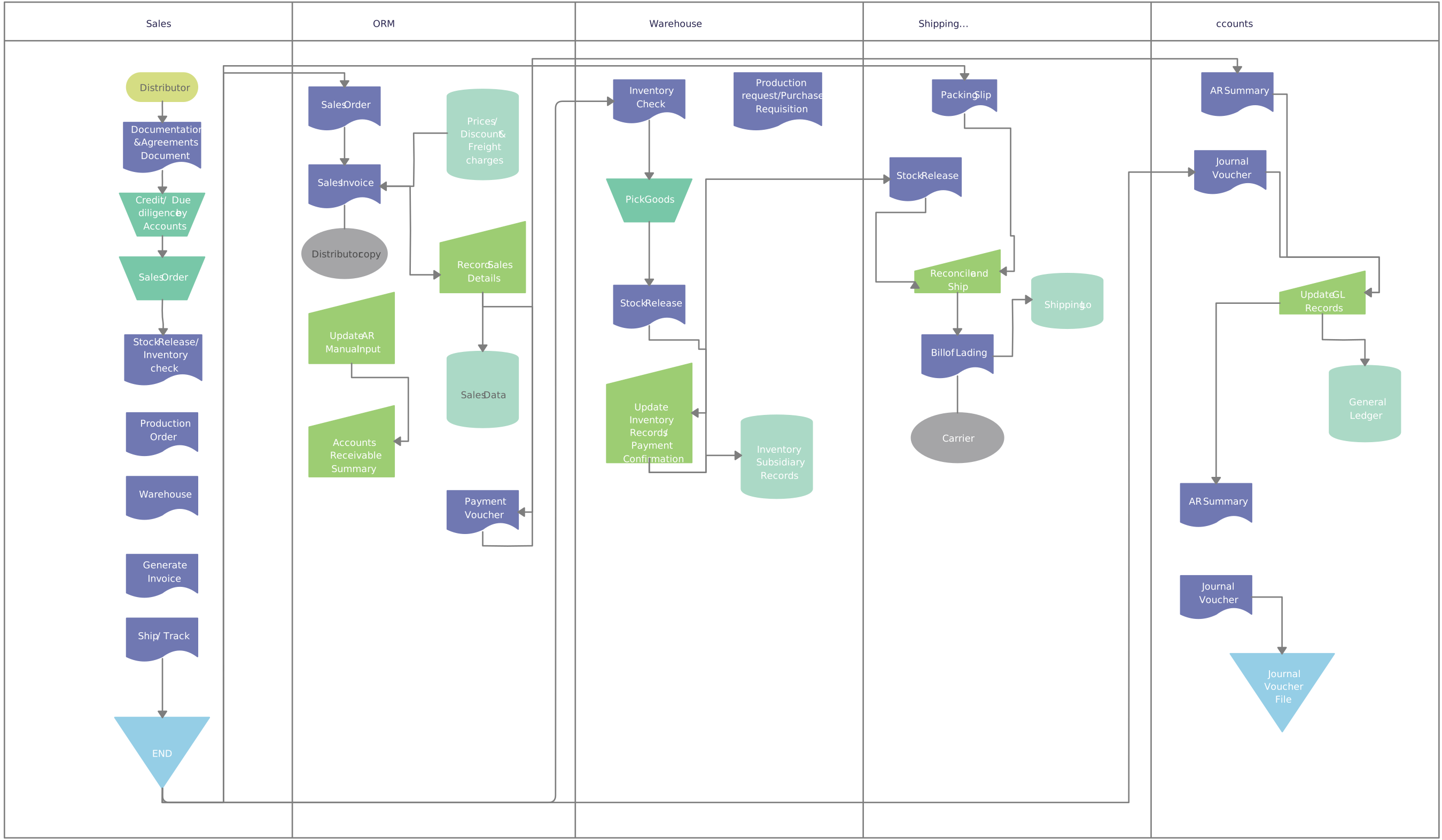
One of our most popular flowchart ideas, the purchase order process flowchart, helps visualize how goods and services are ordered and delivered. With business process symbols and a clean layout, this template simplifies procurement workflows.
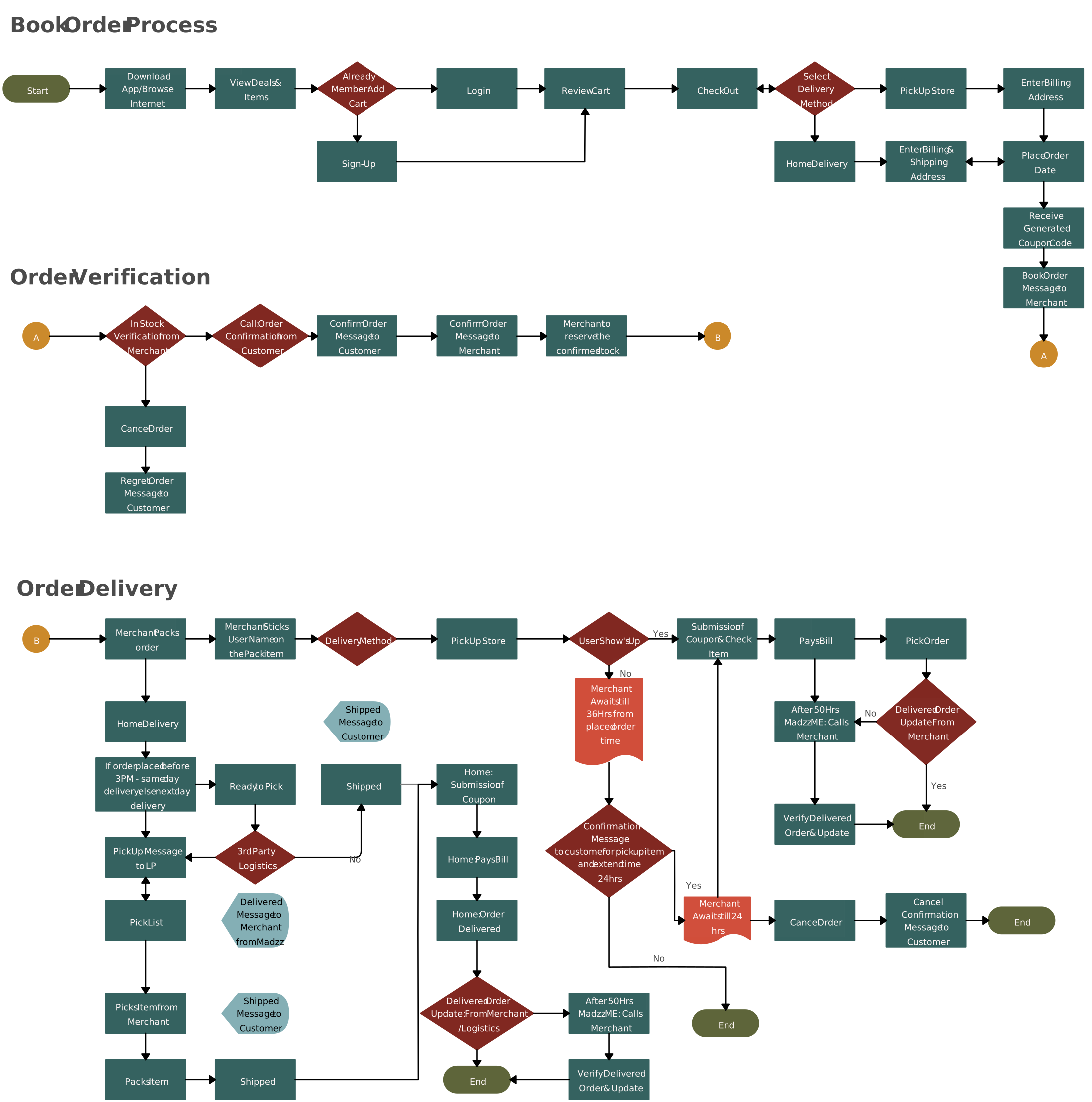
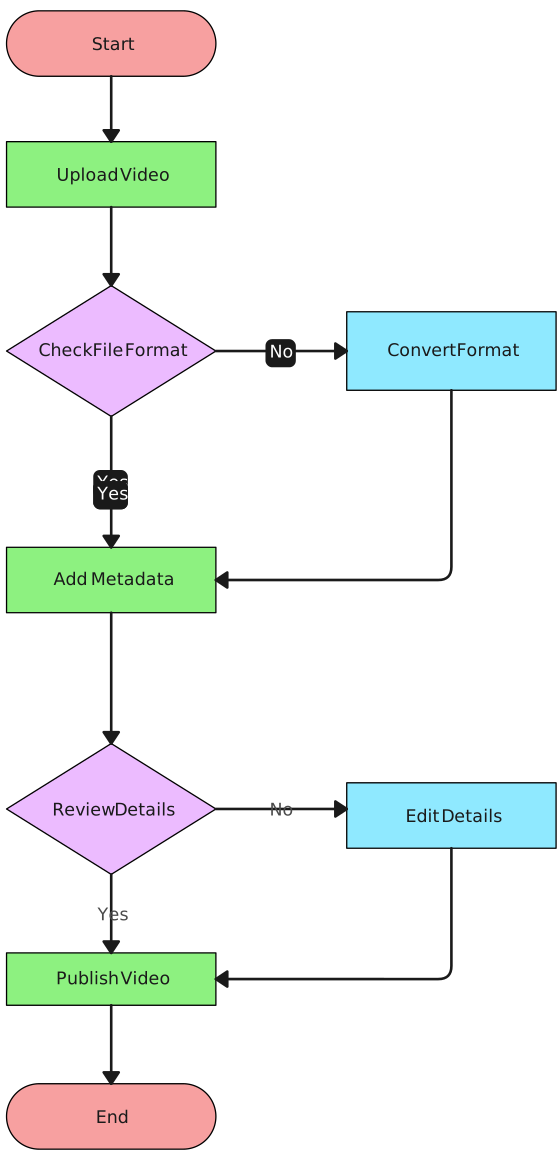
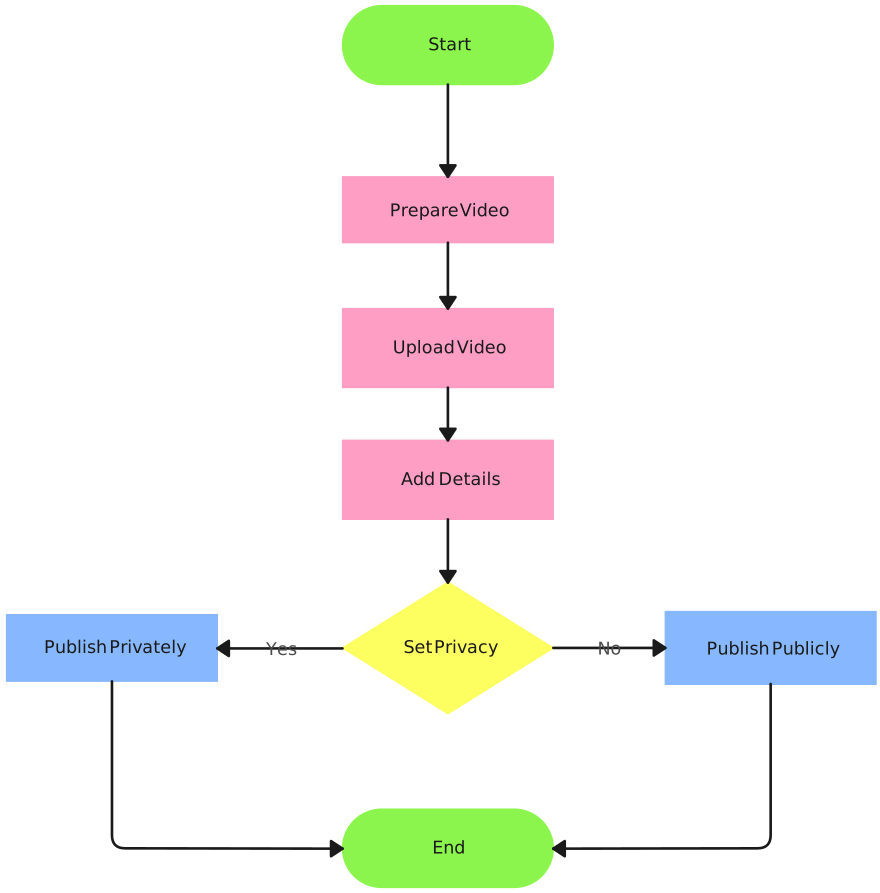
11. Video Uploading Process: Simplified
Uploading videos might seem like a daunting task, but this video uploading flowchart ideas makes it easy. From file selection to final upload, this flowchart shows the entire process in a few simple steps.
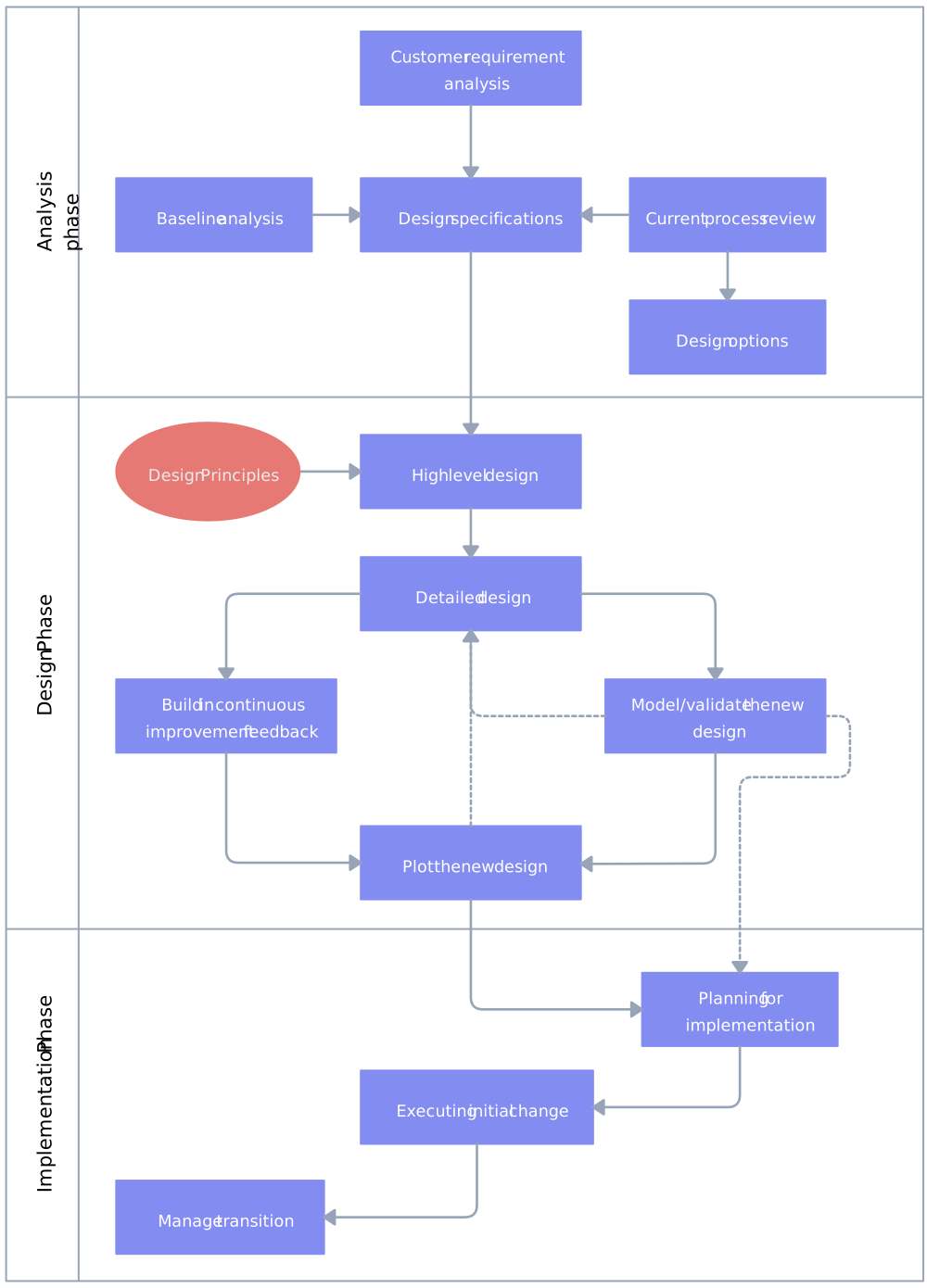
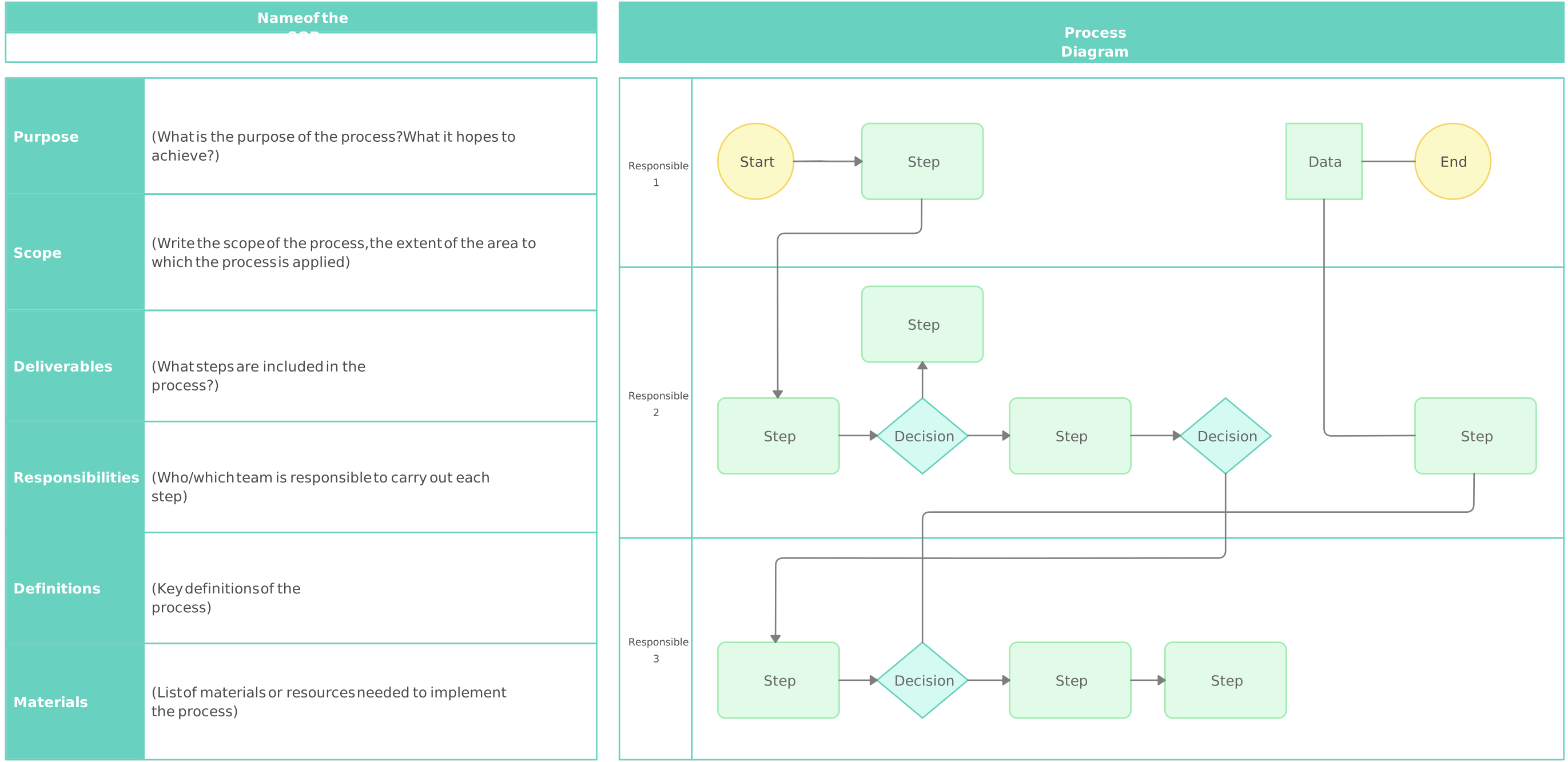
12. Process Maps: Flowcharts for Operations
For understanding complex operations, process maps and swim lane diagrams are invaluable. Use these flowchart ideas to clearly visualize roles and responsibilities across different departments, helping streamline operational workflows.
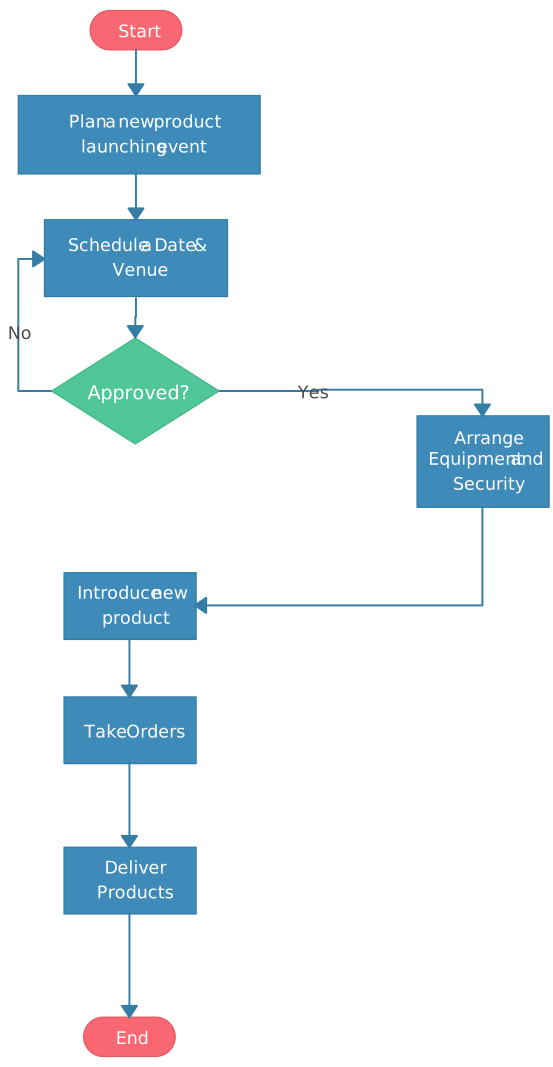
13. After-Sales Service Process
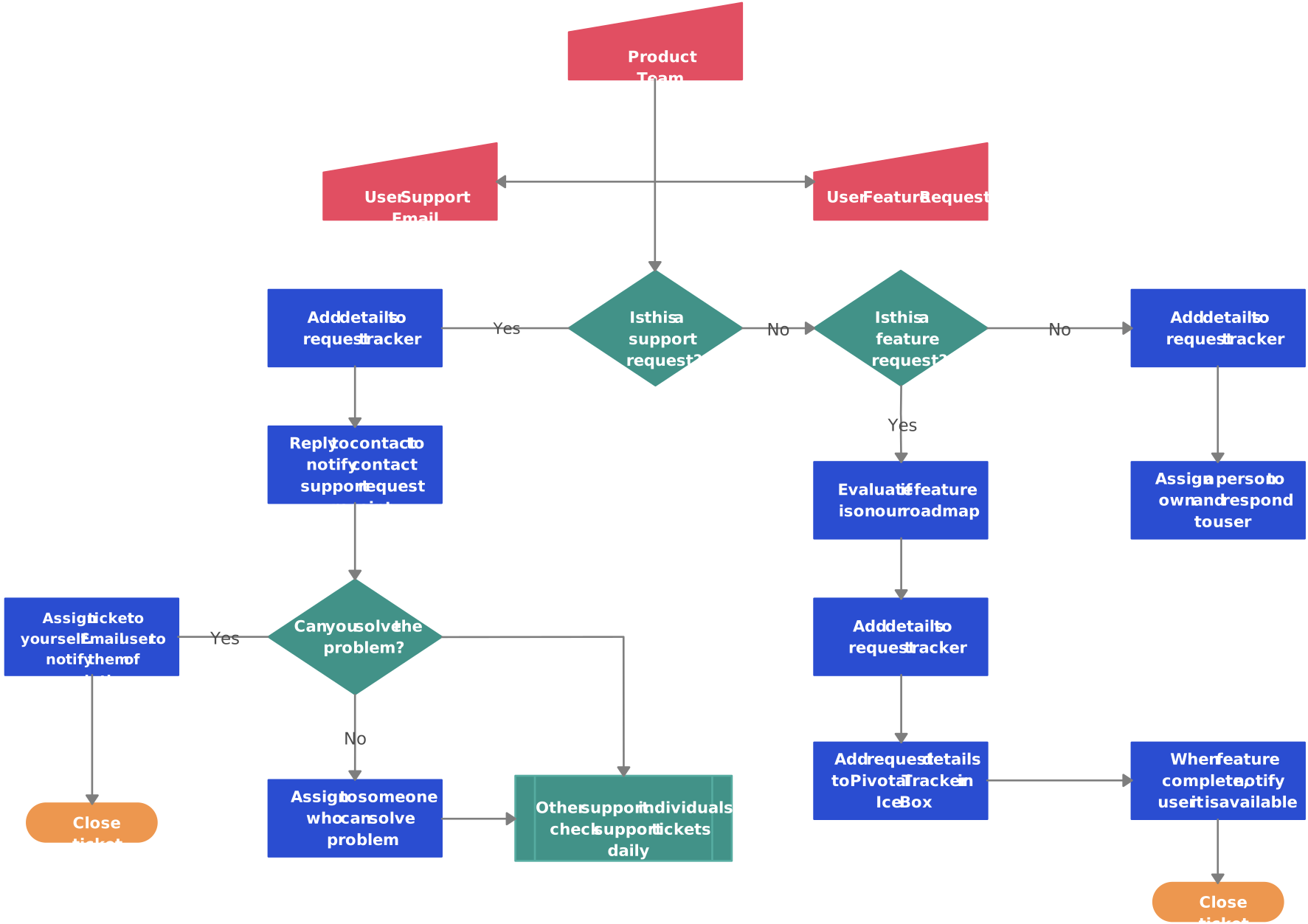
Managing after-sales services is essential for customer satisfaction. These after-sales service process flowchart ideas illustrate the steps involved in handling customer queries, product returns, and support, ensuring your customer service operations run smoothly.
14. Flowchart Ideas for Personal Use: Daily Tasks and Routines
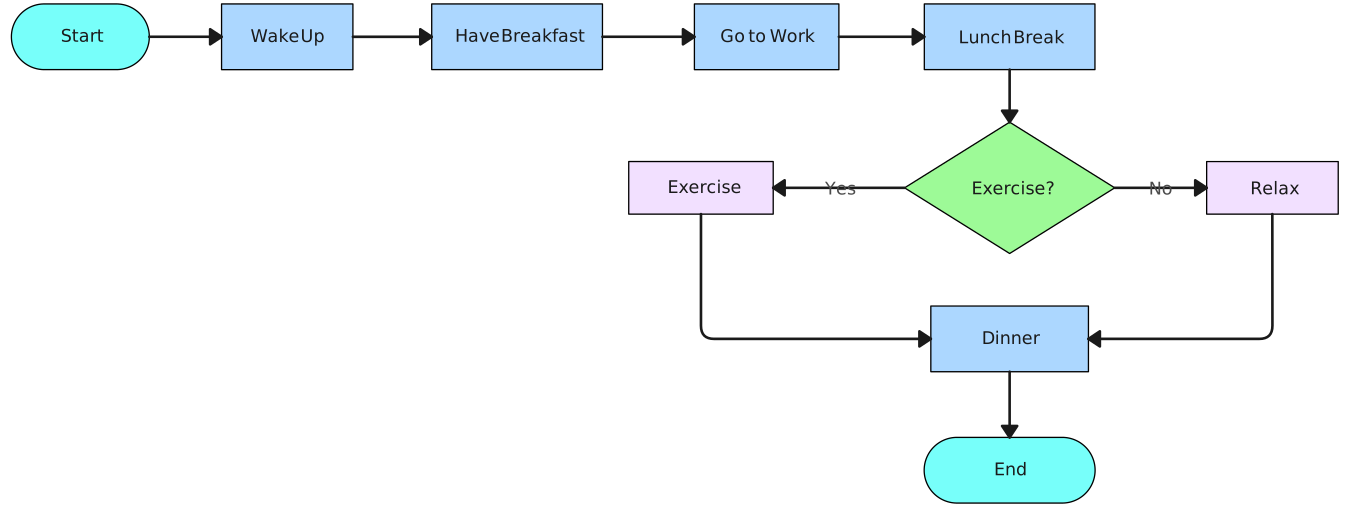
Flowcharts aren’t just for businesses! Personal flowchart ideas can help streamline your daily activities, from managing your morning routine to organizing home projects. Use this simple template to visualize and optimize your day-to-day tasks.
Helpful Resources
Explore everything you need to about flowcharts in the comprehensive tutorial, from history to applications.
Effortlessly create and share flowcharts, enhancing team communication and streamlining workflows with free flowchart software.
Learn the basics of how to create a simple flowchart and continue to expand your skills.
Learn the various symbols used in flowcharting, their meanings, and how to use them effectively.
Unlock the Power of Visual Process Mapping: Dive Deeper into Diverse Flowchart Types
Exploring various flowchart ideas unlocks a world of possibilities for enhancing clarity and efficiency in your processes. From Swimlanes and Data Flowcharts to Program and Workflow Charts, each offers unique insights tailored to different needs. By leveraging these visual tools, you can streamline operations, foster collaboration, and drive continuous improvement. Ready to elevate your process mapping skills? Delve into Creately’s extensive library of templates and resources to discover the perfect flowchart ideas for your objectives. Start creating today and transform your workflows into seamless, well-understood processes.
FAQs on Flowchart Ideas
What are flowchart ideas, and how can they benefit my projects?
How can I create effective flowcharts using Creately’s diagramming tools?
What are some best practices for designing flowcharts to ensure clarity and effectiveness?
Resources:
Charntaweekhun, K. and Wangsiripitak, S. (2006). Visual Programming using Flowchart. [online] IEEE Xplore. doi:https://doi.org/10.1109/ISCIT.2006.339940.
Kimber, O., Cromley, J.G. and Molnar-Kimber, K.L. (2018). Let your ideas flow: Using flowcharts to convey methods and implications of the results in laboratory exercises, articles, posters, and slide presentations. Journal of Microbiology & Biology Education, [online] 19(1). doi:https://doi.org/10.1128/jmbe.v19i1.1477.