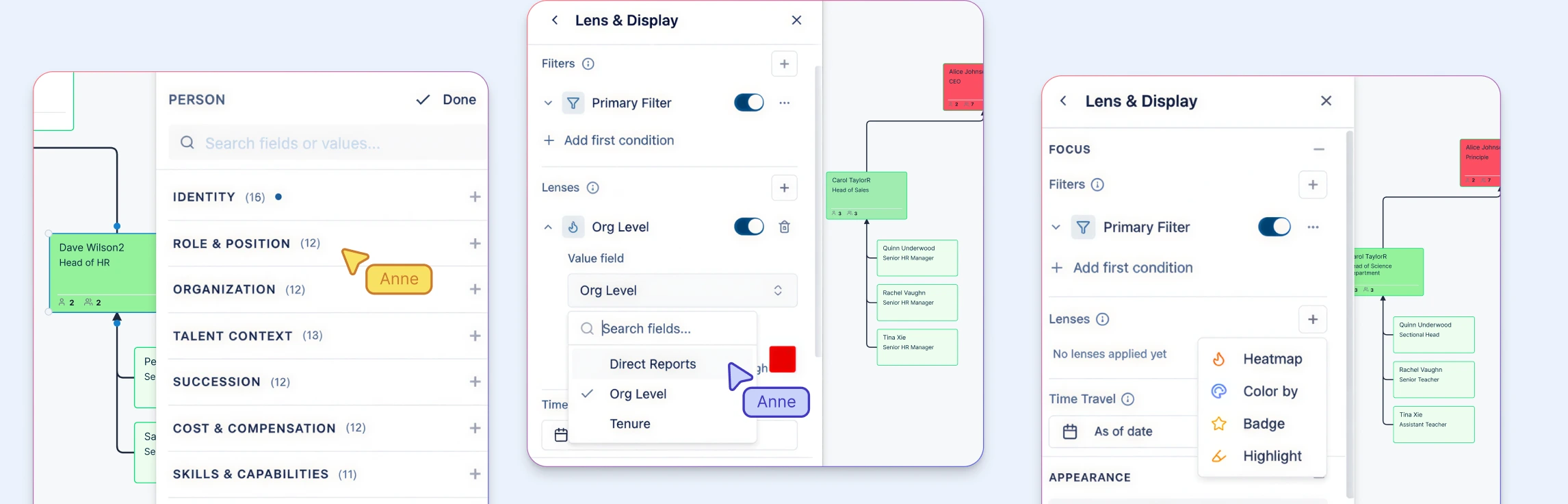
Most workforce plans suffer from a “data-visualization gap.” HR teams spend weeks meticulously updating headcount numbers in complex spreadsheets, only for those plans to be disconnected from the actual organizational structure.
This guide discusses how to bridge that gap by turning static org charts into dynamic, data-rich workspaces. We will explore how to use visual modeling to align your workforce with business strategy, identify hidden structural risks through AI insights, and run high-stakes reorg scenarios without ever touching your live data.
Workforce Planning Definition
Workforce planning is the process of aligning your workforce with your business strategy—today and in the future.
At its core, it answers questions like:
- Do we have the right roles to support our goals?
- Where are we over‑ or under‑staffed?
- What skills or leadership gaps could slow us down?
- How will growth, attrition, or restructuring affect us?
Effective workforce planning combines headcount, skills, structure, and timing. It’s not just about how many people you have—it’s about where they sit in the organization and how work actually flows.
Why Traditional Workforce Planning Tools Fall Short
Most organizations rely on a mix of spreadsheets, HRIS reports, and static org charts. Each tool has data—but none provide the full picture.
Spreadsheets
- Break easily when assumptions change
- Don’t show reporting relationships or structural impact
- Make scenario modeling manual and error‑prone
Enterprise HR Systems
- Powerful but slow to configure
- Limited visual modeling for reorgs or “what‑if” planning
- Often inaccessible to non‑HR stakeholders
The result is a gap between data and decisions. HR teams spend time explaining numbers instead of guiding strategy.
Why Org Charts Are Essential for Workforce Planning
Org charts add the structural context that workforce planning tools lack.
When org charts become dynamic, data‑rich models—not static diagrams—you can:
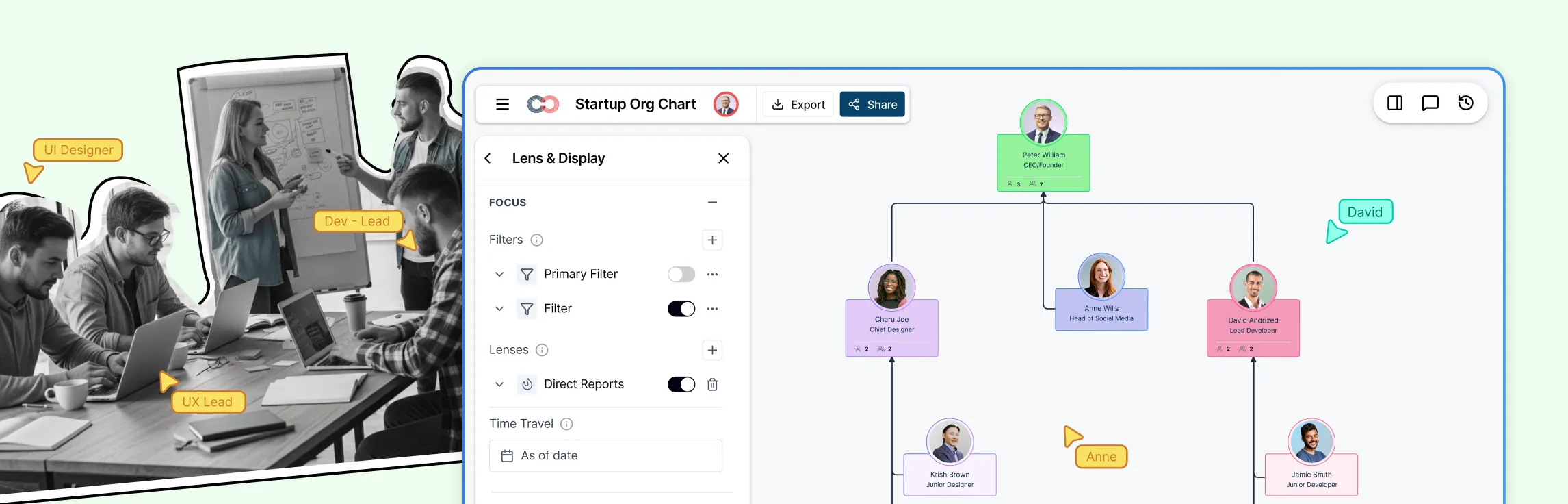
- See reporting lines, spans of control, and vacant roles instantly
- Identify single points of failure and overloaded managers
- Understand how headcount changes affect teams and leaders
- Model future org structures without touching the live organization
Workforce planning stops being a spreadsheet exercise and becomes a visual planning conversation.
Workforce Planning Process
Step 1: Map Your Current State
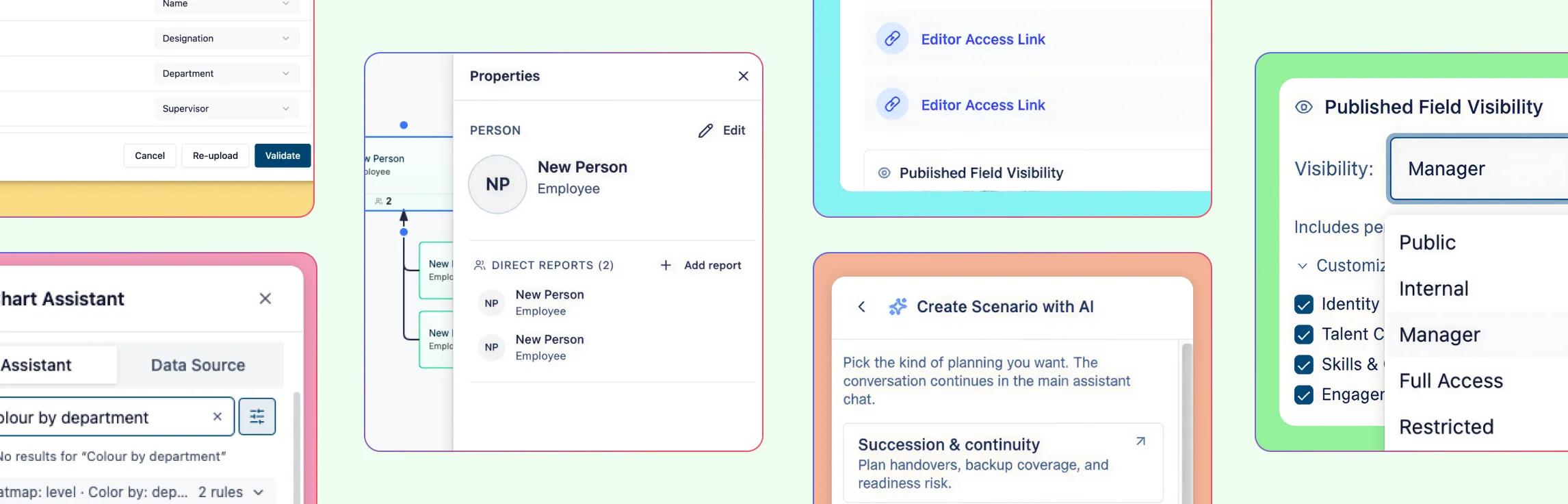
Start with a shared baseline. Use AI-powered column mapping to import your HRIS data or CSVs. The system automatically recognizes headers like “Supervisor” or “Hire Date,” allowing you to build a visual hierarchy in seconds rather than hours.
Step 2: Identify Structural Risks via AI Insights
Once visible, risks that stay hidden in rows and columns stand out. Use proactive AI insights to instantly flag managers with a “wide span of control” (e.g., more than 12 reports) or identify “single points of failure” where a critical role has no backup.
Step 3: Activate Talent and Readiness “Lenses”
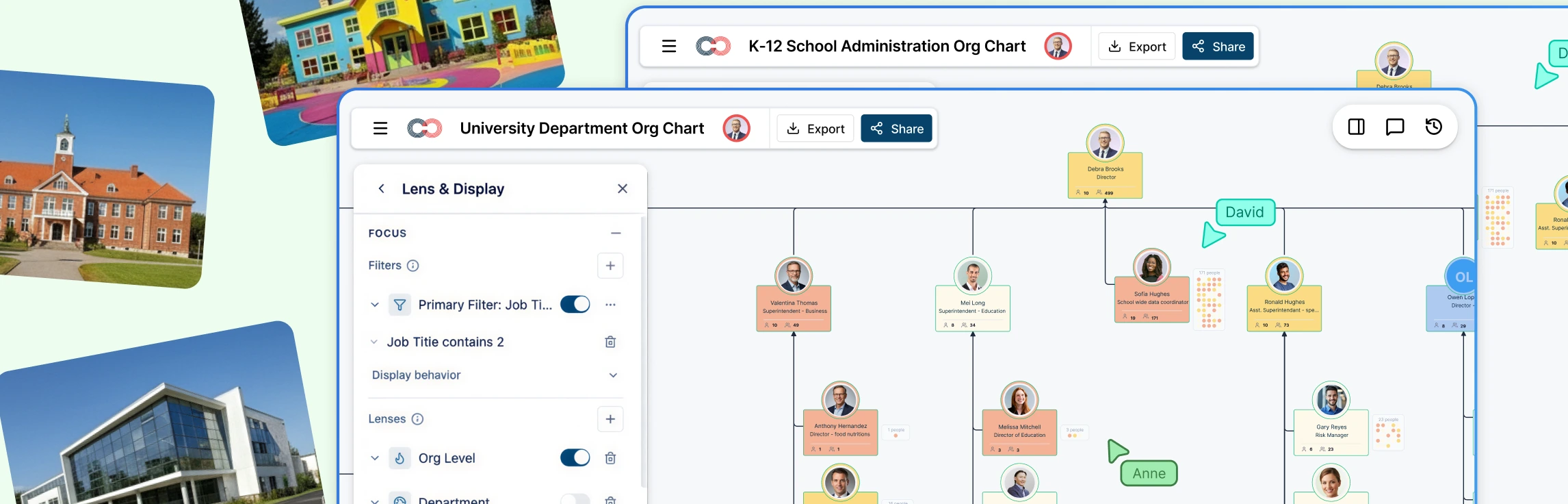
Turn your chart into a talent map by toggling on Field Packs. Layer on 9-box ratings, flight risk, and tenure distributions. This allows you to see not just who is in a role, but how prepared that department is for a sudden departure.
Step 4: Model Delta-Based Scenarios
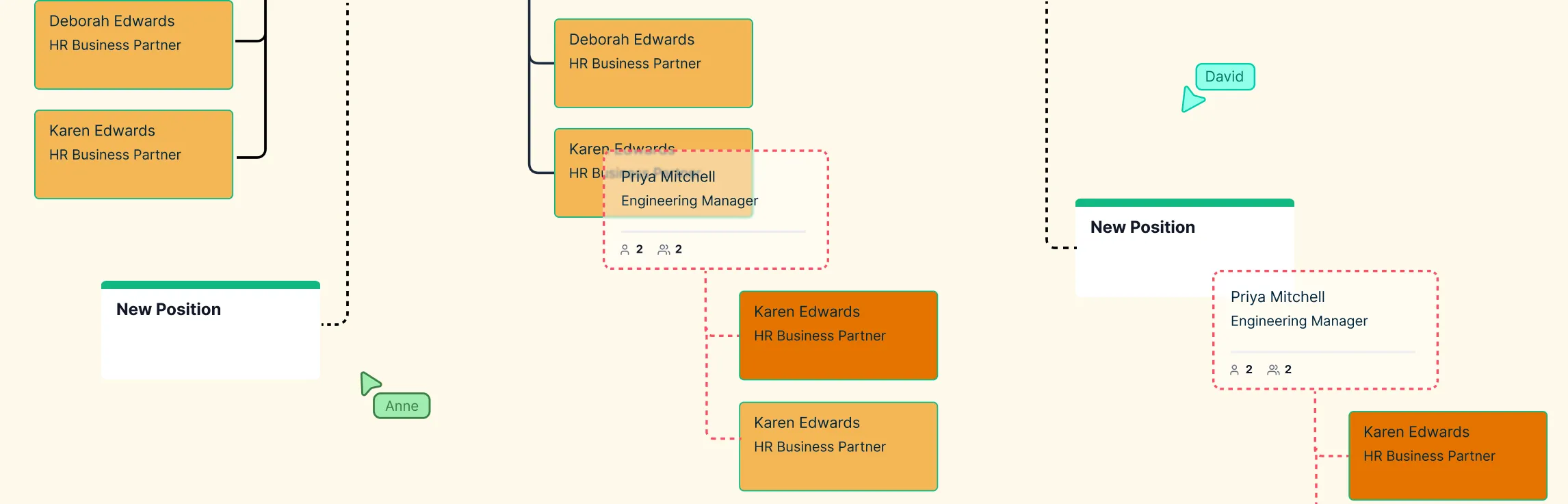
Move from static reporting to “what-if” modeling. Create named scenarios to test reorgs or growth plans without touching the live org chart. Because changes are delta-based, the system tracks every move and salary update, providing a clear “before and after” cost and structural comparison.
Step 5: Build Action-Ready Plans
Convert your scenario into a roadmap. Because Creately separates People from Positions, you can create “Vacant” position entities for future hires. These positions maintain their reporting lines and budget allocations, making the handoff to recruiting seamless.
Org Chart Templates to Get Started



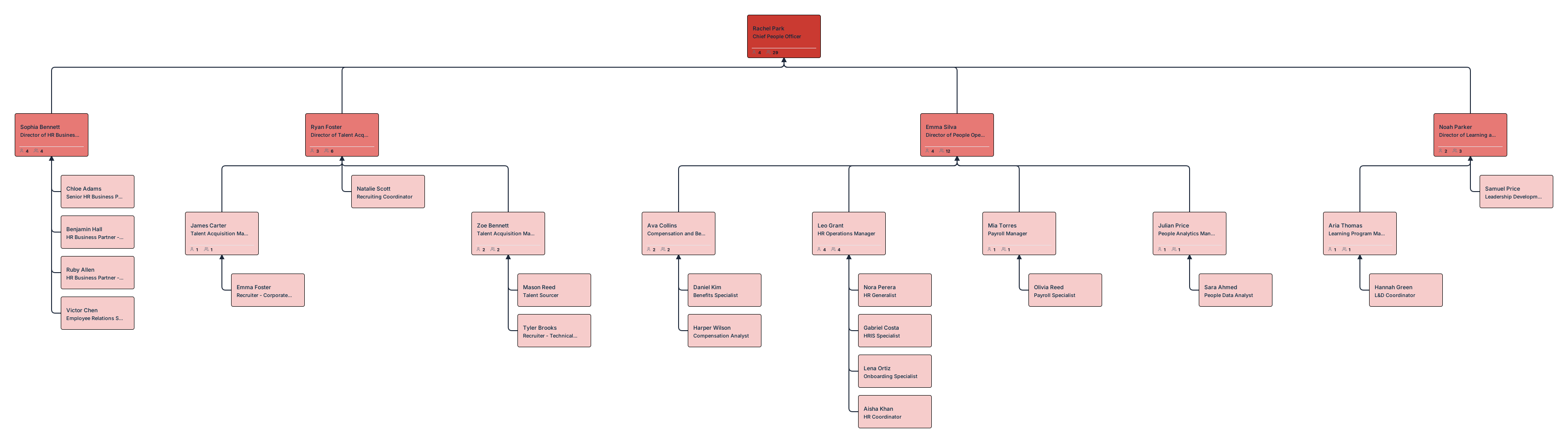
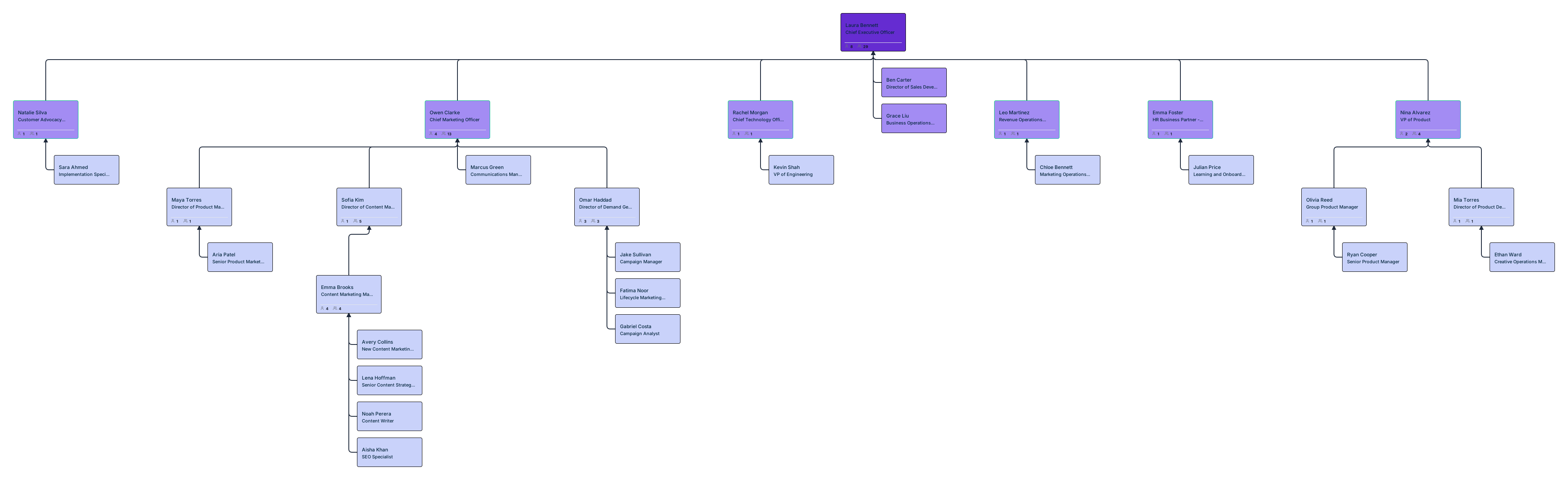

Headcount Planning with Org Charts
Headcount planning is about more than just hitting a hiring target; it’s about geographic and financial distribution. Using the Workforce and Compensation field packs, you can:
- Model Cost Impact: View real-time compa-ratio heatmaps to see how new hires or merit increases affect your budget.
- Manage Worker Types: Visualize your Contractor vs. FTE mix to identify departments overly reliant on temporary staff.
- Plan by Location: Use color-coded overlays to see where your team is growing—whether it’s onsite, hybrid, or remote.
Connecting Workforce Planning to Succession Planning
Workforce planning and succession planning often live in separate documents. That separation creates risk.
When succession data is layered onto the org chart:
- Critical roles without ready successors are obvious
- Leadership pipelines can be reviewed visually
- Future org scenarios reveal succession gaps before they become problems
Planning for growth without succession planning is planning for disruption.
Workforce Planning Tools Compared
| Feature | Creately | Workday | SAP SuccessFactors | Excel |
|---|---|---|---|---|
| Visual org modeling | ✓ | Limited | Limited | ✗ |
| Scenario planning | ✓ | ✓ | ✓ | Manual |
| Structural risk visibility | ✓ | Limited | Limited | ✗ |
| AI insights & queries | ✓ | ✗ | ✗ | ✗ |
| Self‑serve setup | ✓ | ✗ (enterprise) | ✗ (enterprise) | ✓ |
From Planning to Action
Workforce planning works best when it’s visual, flexible, and shared.
By turning org charts into living planning models, HR teams move from reporting what happened to shaping what happens next—confidently, collaboratively, and ahead of change.
Ready to turn your org chart into a strategic planning engine? Try Creately for your next workforce planning cycle and see the difference a living workspace makes.
Helpful Resources
Build, analyze, and plan org structures with Creately’s workforce planning tool.
Learn how to plan organizational restructures using scenario planning.
Learn how to plan organizational restructures using scenario planning.
Explore rules for drawing organizational charts and org chart best practices to make your org chart more meaningful and useful.
Easily make organizational charts to visualize the reporting structure of your organization for effective HR planning and management with org chart maker.
Learn simple steps to create an org chart that fits your business, along with tips and tools to make it easy to build and update.
FAQs About Workforce Planning
What tools are used for workforce planning?
How do org charts help with workforce planning?
Can workforce planning be done without an HRIS?
How often should workforce plans be updated?
When to Use Org Charts for Workforce Planning
Org chart‑driven planning is especially valuable when:
- Teams are growing quickly
- Reorganizations are on the table
- Leadership transitions are expected
- Annual or quarterly headcount planning is underway
Any moment of change benefits from shared, visual clarity.