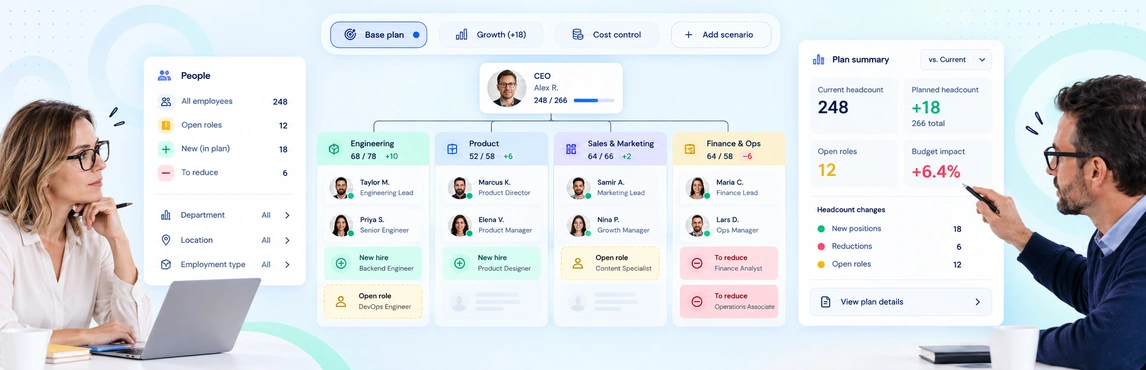
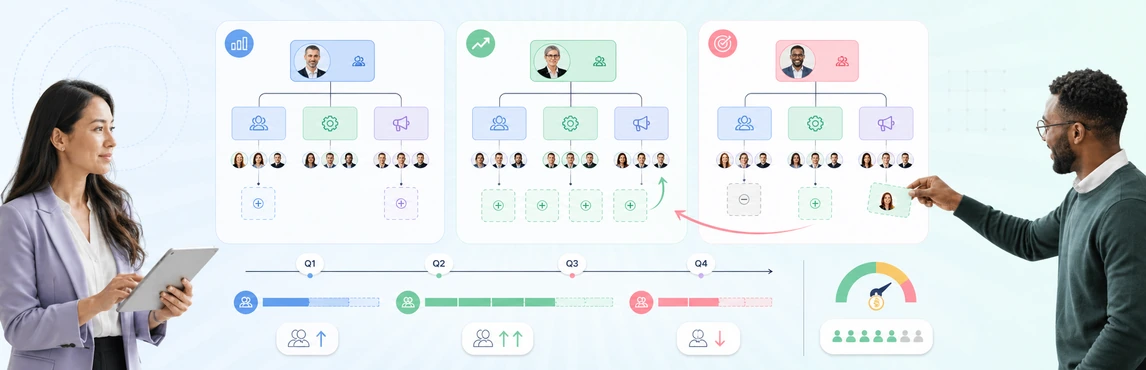
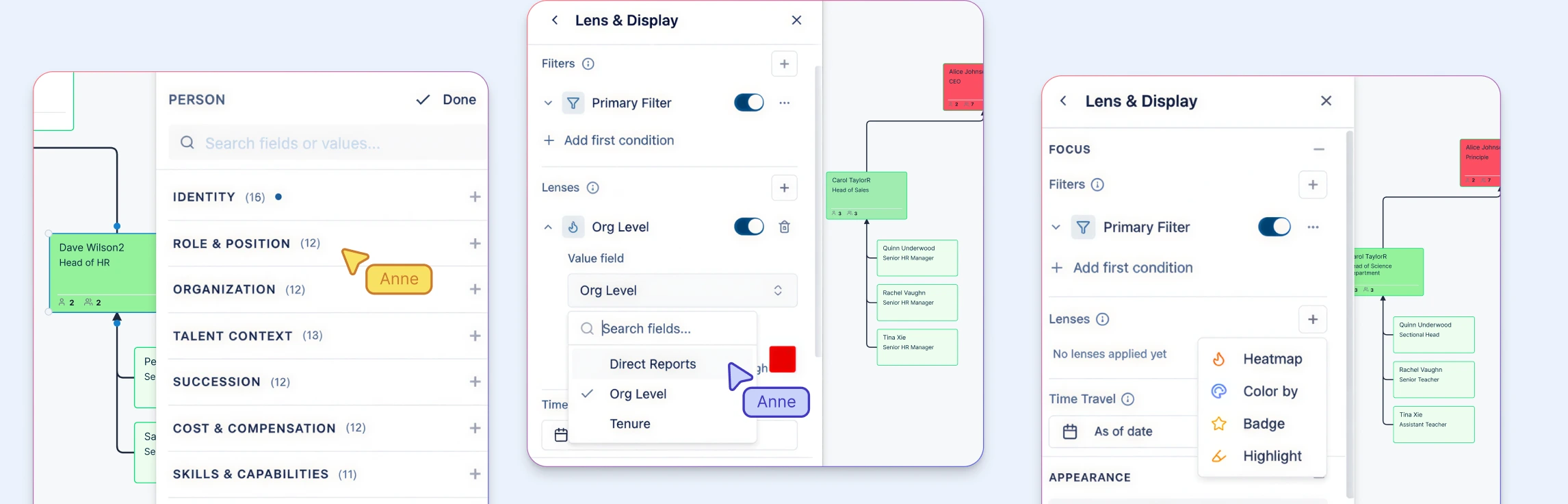
Workforce and headcount planning in Creately Atlas helps HR leaders review where roles fit, which capabilities a team needs, and how a proposed change affects the reporting structure. For your next planning meeting, compare two concrete options: backfill a vacant manager position, or distribute the work across existing teams. Keep the starting data and planning period the same for both.
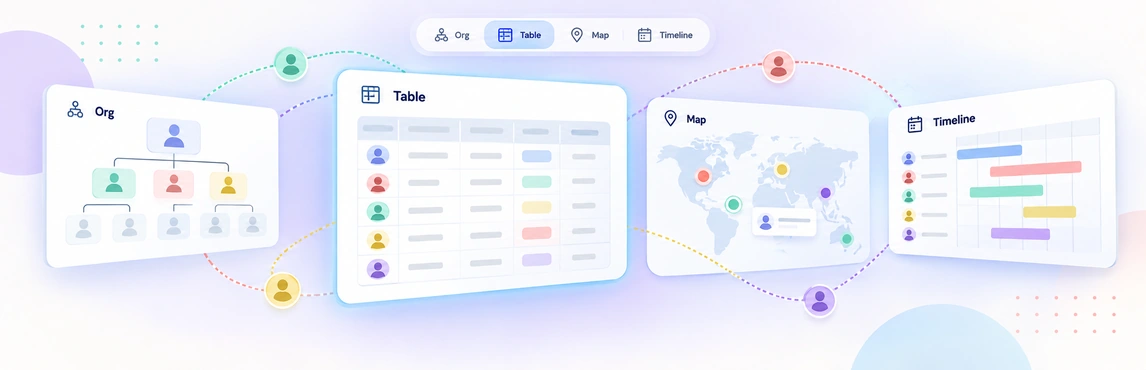
Workforce planning views in Creately Atlas help People Ops prepare the right organizational detail for each discussion. A department head may need reporting lines and vacancies, while HR leadership needs a proposed structure and its implications. Start with the question the meeting must answer, then choose the fields and view that support it.
Headcount scenario planning helps HR leaders answer one question before budgets, recruiting activity, or restructures move forward: which workforce option best supports the business under the conditions we actually expect? The practical method is to start from one approved baseline, model several future states, and compare how each option changes capacity, manager load, vacancies, hiring timing, and organizational risk.
If you’ve ever tried to plan a department’s growth using three different spreadsheets and a stale slide deck, you know how hard it is to make confident decisions when the structure, roles, and hiring assumptions live in different places.
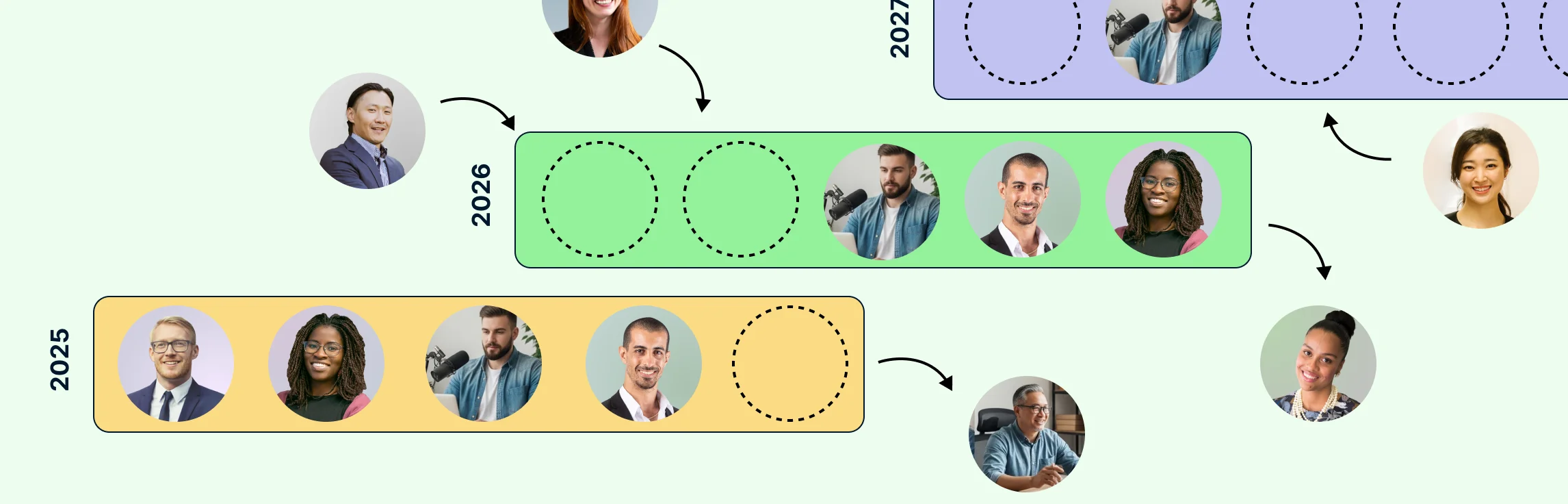
This guide explains how to close that gap by using org charts as a live workforce-planning surface. Instead of treating the chart as a static directory, teams can use it to compare the current organization with future-state scenarios, connect workforce decisions to succession risk, and turn headcount planning into a clearer executive conversation. In Creately Atlas, reviewed CSV imports, separate people and positions, and 201 fields across 15 packs support workforce analysis and proposed org changes.