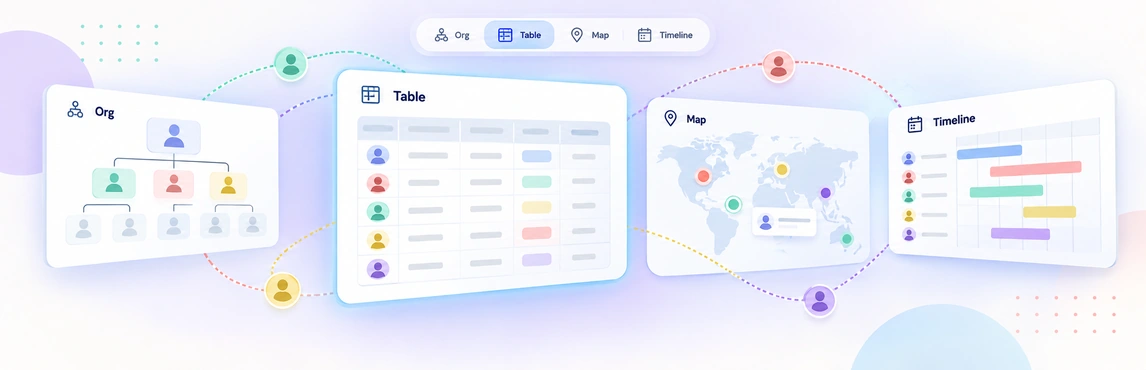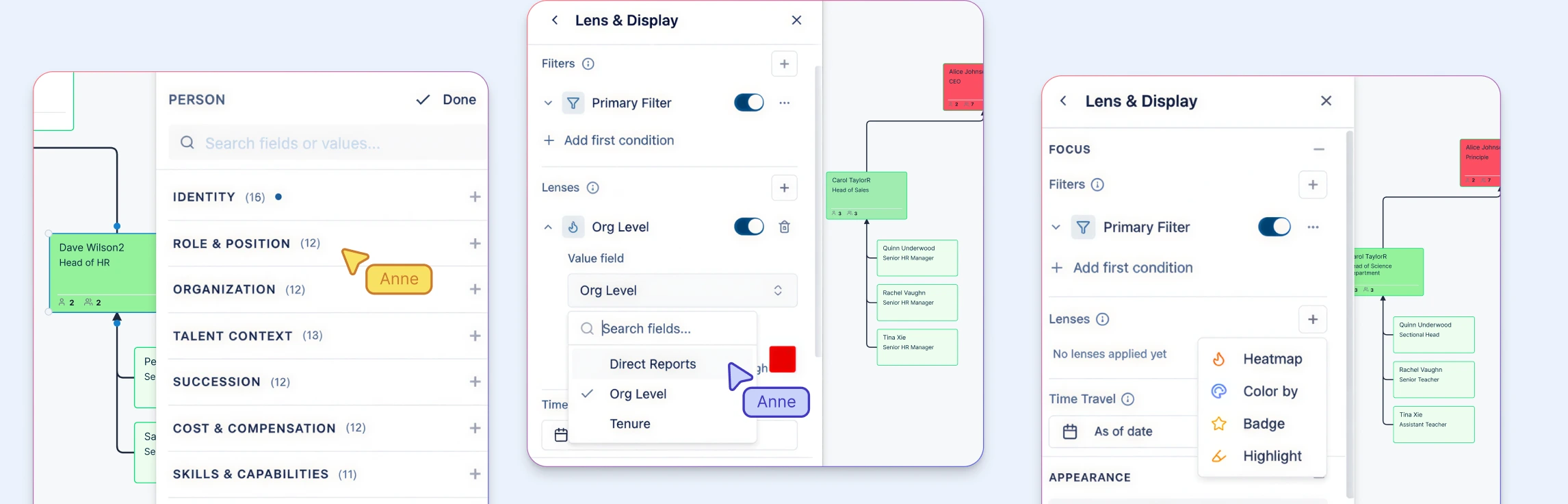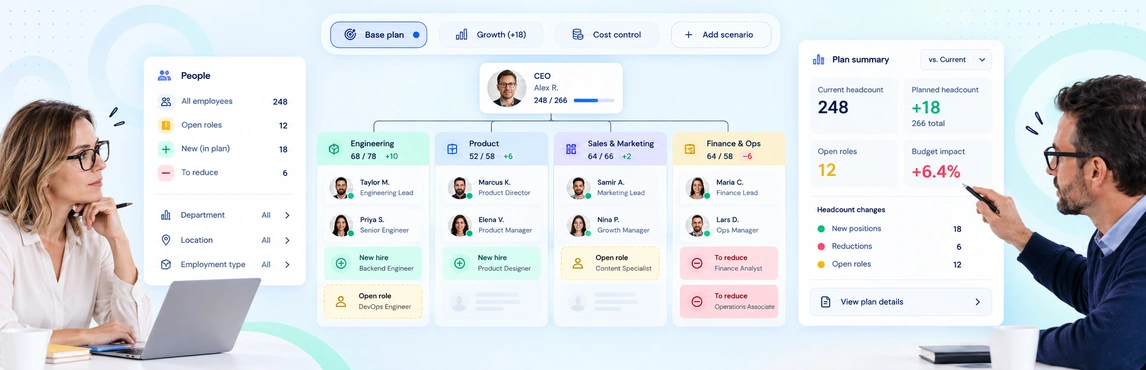
Workforce and headcount planning in Creately Atlas helps HR leaders review where roles fit, which capabilities a team needs, and how a proposed change affects the reporting structure. For your next planning meeting, compare two concrete options: backfill a vacant manager position, or distribute the work across existing teams. Keep the starting data and planning period the same for both.
Atlas’s product guide covers people and position modeling, workforce fields, and planning scenarios. Use the workflow below to evaluate those capabilities with your HR and finance teams, including the features available in your Atlas environment.
Start with an Agreed View of the Organization
Check the current positions, their occupants, reporting lines, and vacancies before modeling a change. People and positions serve different purposes: a departing employee leaves a position to review, rather than removing the need for that role automatically.
For CSV imports, review the suggested column mappings and resolve missing employee IDs or unknown managers before accepting the data. Agree on what counts as headcount and how part-time employees and contractors contribute to FTE totals.
Use the workforce planning org chart guide to prepare the current structure. The template below is an editable planning resource in Creately, not a screenshot of an Atlas scenario.


Compare the Organizational Effect of Each Option
Atlas’s guide describes named scenarios that record additions, removals, moves, and updates separately from the current chart. Use that separation to review alternatives before applying changes.
| Option | What to model | What to confirm with the team |
|---|---|---|
| Backfill a vacant role | Position, manager, department, and start-date assumption | Whether the role still matches the work needed |
| Redeploy internal talent | Proposed reporting line and affected roles | Skills, availability, and coverage in the original team |
| Add a specialist position | Required capability, level, and location | Hiring lead time and finance-approved cost assumptions |
| Convert a contractor | Worker type, contract timing, and role context | Employment terms and the cost basis used in the comparison |
Use org chart scenario planning to structure the comparison. A wider manager span is a reason to discuss coaching and workload; it does not, by itself, prove that a team is overloaded.
Make Cost Assumptions Visible
The Workforce pack includes FTE, worker type, and contract dates. Department fields include headcount, target headcount, and budget, while compensation information has its own access requirements. Populate the fields needed for the decision and agree on their meaning with the data owners.
Ask finance to reconcile any cost comparison using a consistent period, currency, and treatment of benefits and vacancies. A budget field alone does not establish a complete financial forecast.
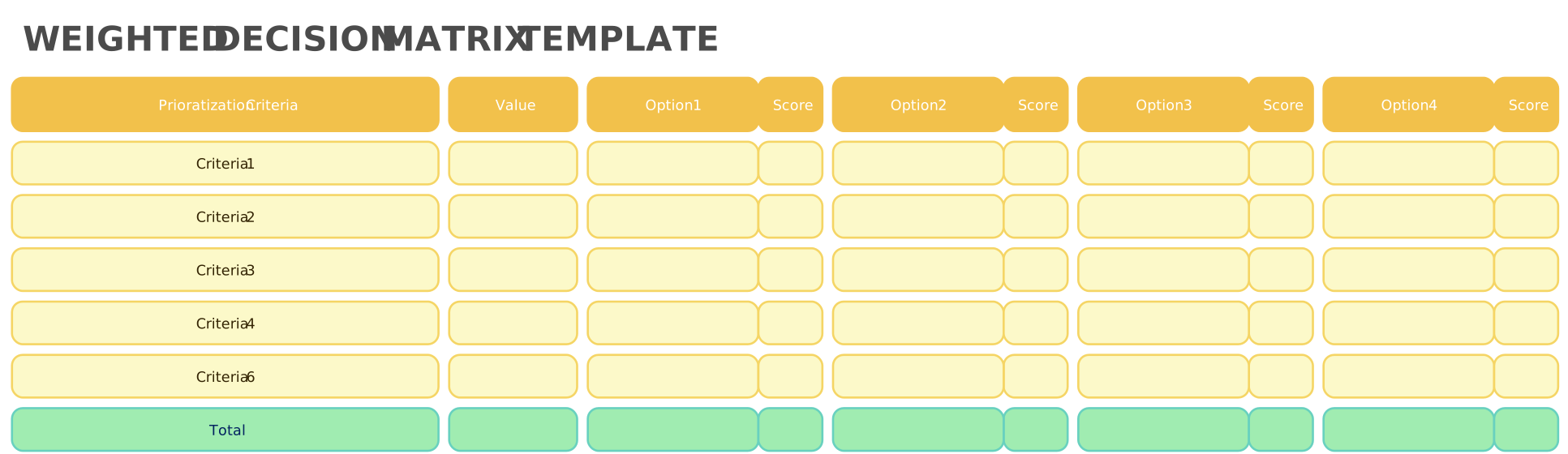
For a discussion with several competing priorities, use the decision matrix guide to agree on criteria before scoring the options. Record assumptions beside each score.
Run a Focused Review with HR and Finance
- Agree on the decision. Name the roles or team in scope and the date the plan needs to support.
- Check the baseline. Reconcile people, vacant positions, FTE, and department totals with the approved records.
- Model alternatives. Create separate options and inspect reporting changes, capability gaps, and critical-role coverage.
- Review the numbers and access. Confirm cost assumptions with finance and test what each audience can see.
- Record the recommendation. Name the preferred option, unresolved questions, approver, and next action in your decision record.
The People Ops planning-views guide explains how to prepare focused views for the review. For the recommendation and handoff, use the HR decision workflow.
Share the Right Detail with Each Reviewer
Compensation, performance, and succession information should be reviewed under the appropriate access settings. Test sample records with representative user accounts, including shared views and exports. The Atlas security guide can help prepare that review.
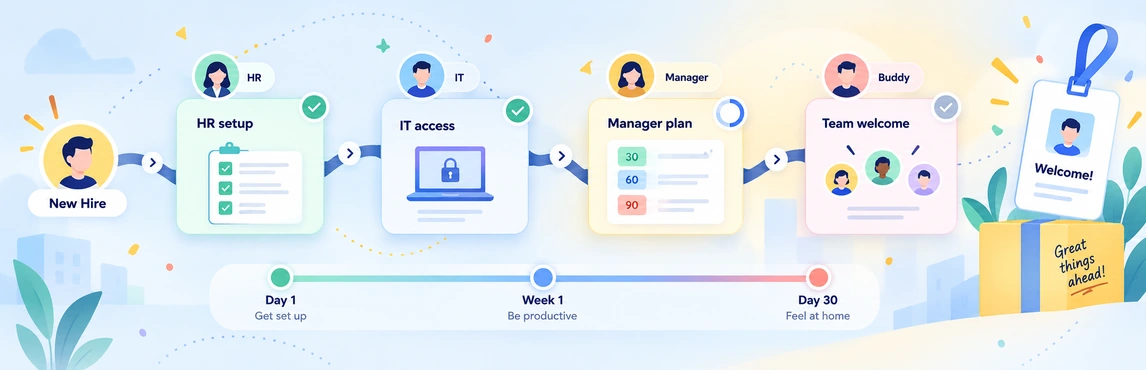
Once a position is approved, carry its agreed manager, department, and role context into onboarding coordination. Keep hiring approvals and changes to the HRIS in their established processes.