Struggling with scattered workflows, unclear reporting lines, or overlapping responsibilities? Many growing organizations face the same challenge: as teams expand, keeping everyone aligned becomes a complex puzzle. A divisional structure can be the solution, breaking your company into focused, semi-independent units based on products, regions, or customer segments. In this guide, we’ll explore what a divisional structure is, its key features, practical examples, and how you can visualize your divisions with org charts using Creately, so your teams stay connected, accountable, and ready to move fast.
What Is a Divisional Structure?
A divisional structure is a type of organizational setup where a company is divided into semi-independent units, or “divisions,” based on products, markets, or regions, rather than traditional functional roles like marketing, sales, or operations. Each division operates like a small business within the larger organization, with its own dedicated resources, goals, and management team.
Unlike a functional structure, where teams are grouped by expertise (e.g., all engineers in one department, all marketers in another), a divisional organizational structure focuses on what the company delivers or where it delivers it. For example, a tech company might have separate divisions for laptops, smartphones, and software services, each with its own sales, support, and operations teams. This setup allows divisions to act quickly, make decisions independently, and focus on their specific market or product line without waiting for centralized approvals.
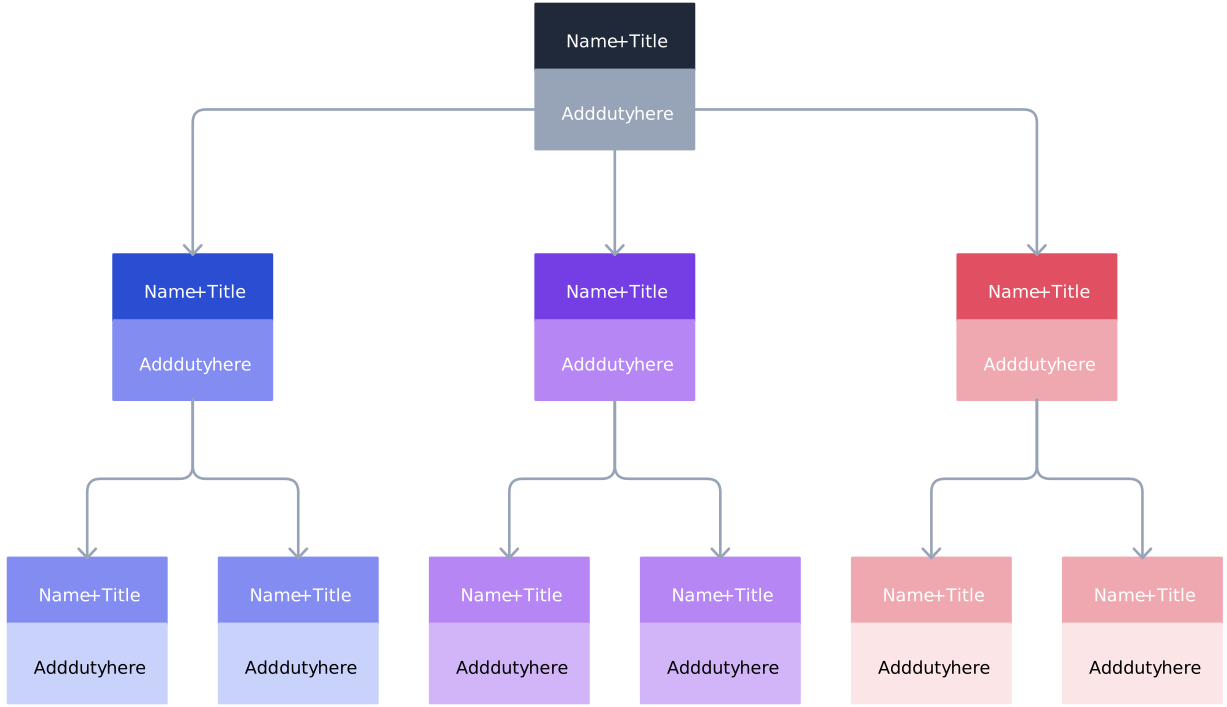

Key Features of a Divisional Structure
A divisional structure gives organizations clarity, autonomy, and focus. Its key features include:
Independent Divisions
Each division operates as a semi-autonomous unit, complete with its own sales, marketing, and operations resources. This setup allows teams to concentrate on their specific goals without being slowed down by unrelated departments.
Clear Accountability
Division heads manage performance and reporting lines, making it easy to assign responsibility and track results. Everyone knows who’s in charge of what, reducing confusion and improving efficiency.
Flexibility and Adaptability
Divisions can quickly adjust to changes in products, markets, or customer needs. This agility ensures the organization stays responsive and competitive.
Customer or Product Focus
Teams can tailor strategies, processes, and services to the unique needs of their target audience, whether it’s a specific product line, region, or client segment.
Enhanced Decision-Making
Autonomy within divisions speeds up decisions, empowering leaders to act on insights without waiting for central approvals.
Advantages and Disadvantages of Divisional Structure
Advantages of Divisional Structure | Disadvantages of Divisional Structure |
| Clear ownership and accountability within each division | Duplication of resources across divisions |
| Faster decision-making due to decentralized control | Higher operational costs compared to functional structures |
| Better focus on specific products, regions, or customer segments | Risk of divisions working in silos |
| Greater flexibility to respond to market or customer changes | Increased management complexity |
| Scales well as organizations grow or expand into new markets | Inconsistent processes or standards between divisions |
| Easier performance tracking at the divisional level | Requires strong coordination and leadership |
Org Chart Templates for Divisional Structures
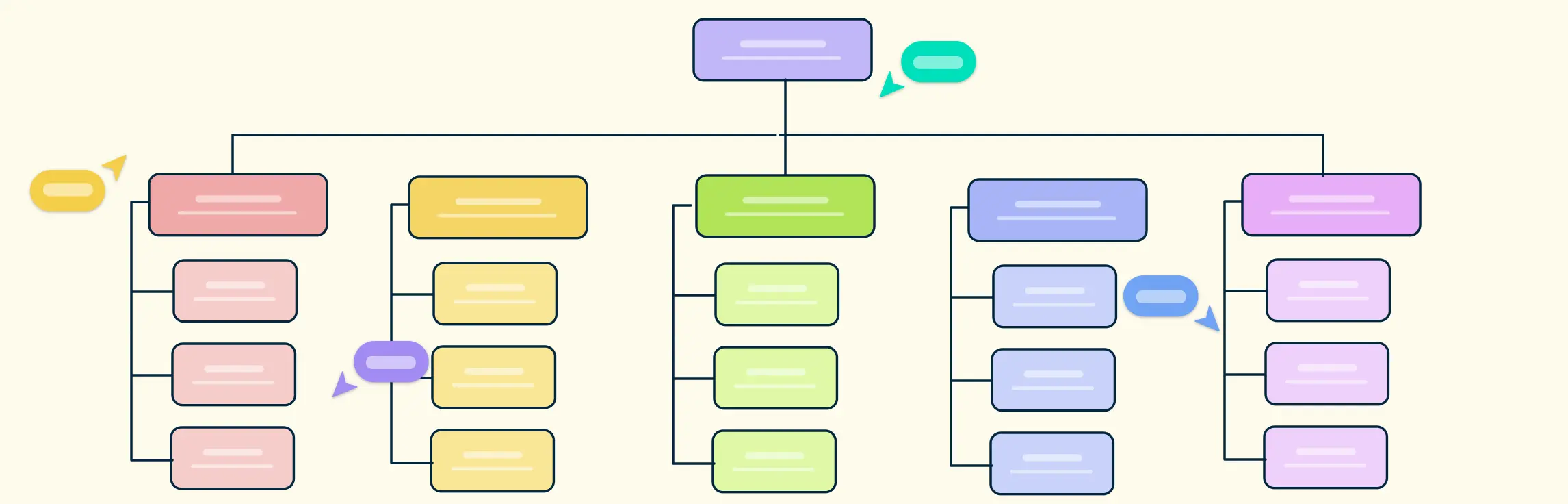
Visualizing a divisional organizational structure has never been easier. With Creately’s ready-to-use Org Chart templates, you can map your divisions clearly, avoid workflow confusion, and empower teams to collaborate efficiently. Whether your company is organized by product, region, customer type, or a hybrid approach, there’s a template ready to get you started.
Examples of Divisional Organizational Structure
Here are some examples of divisional org chart structures with editable templates.
Product-Based Division
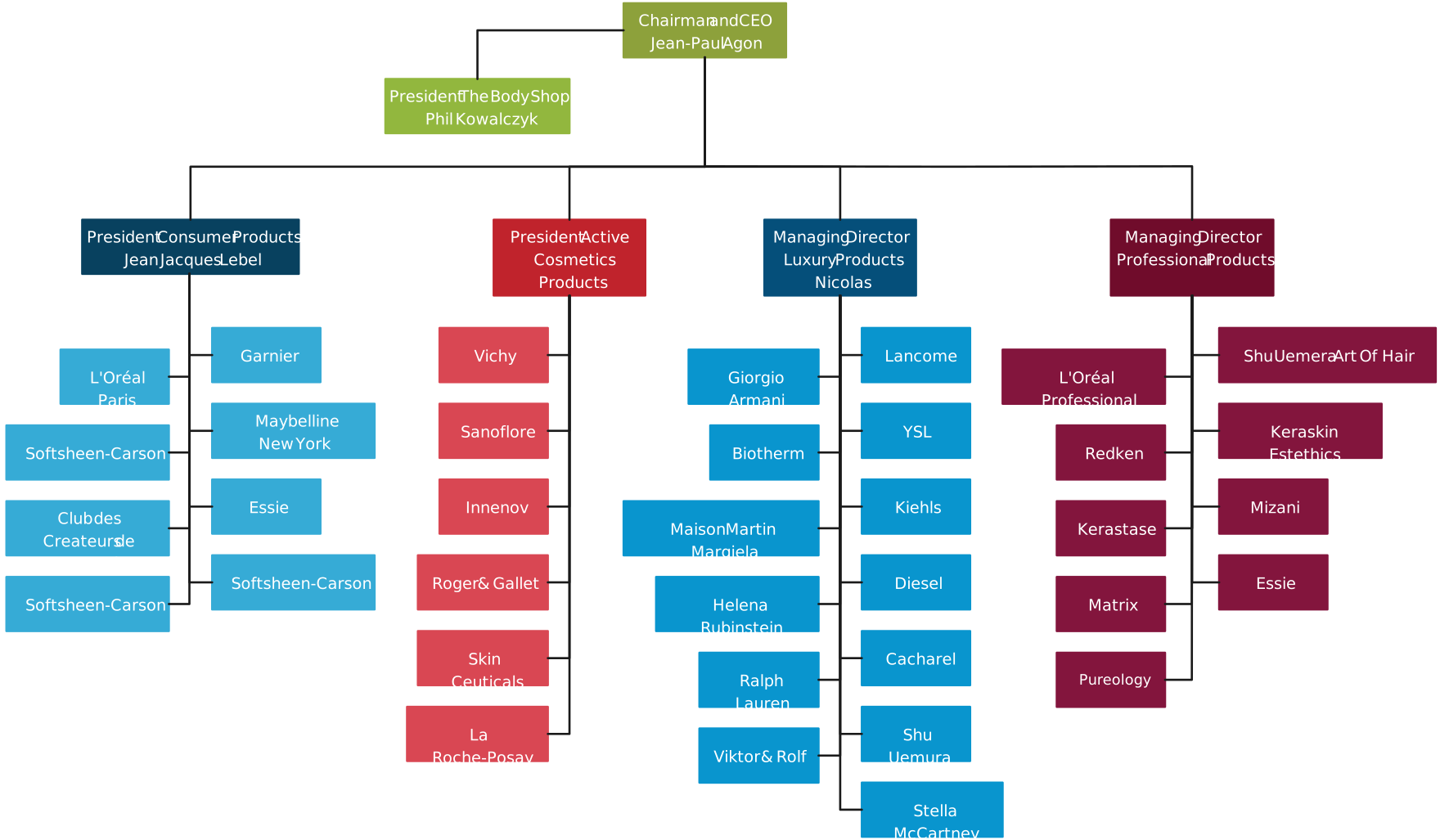
For companies with multiple product lines, like Apple, each product (iPhone, Mac, iPad) can have its own division, complete with dedicated sales, marketing, and operations teams. Using Creately, you can create a clean, color-coded org chart to visualize each product division and its hierarchy.
Geographic Division
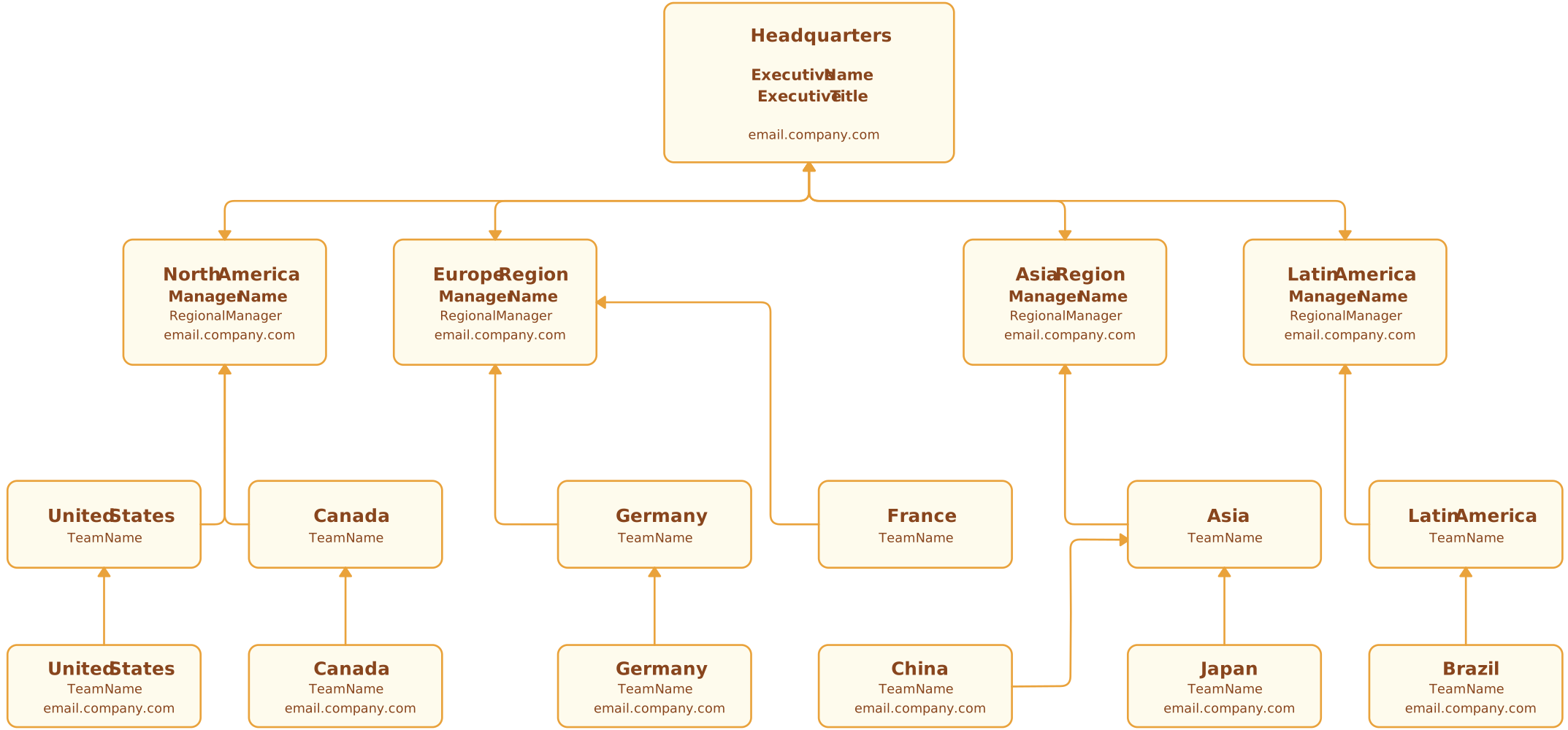
Global companies like Coca-Cola divide teams by region (Americas, Europe, Asia). A Creately template makes it easy to map regional divisions, their leadership, and reporting structures, giving managers a clear view of operations across locations.
Customer-Based Division
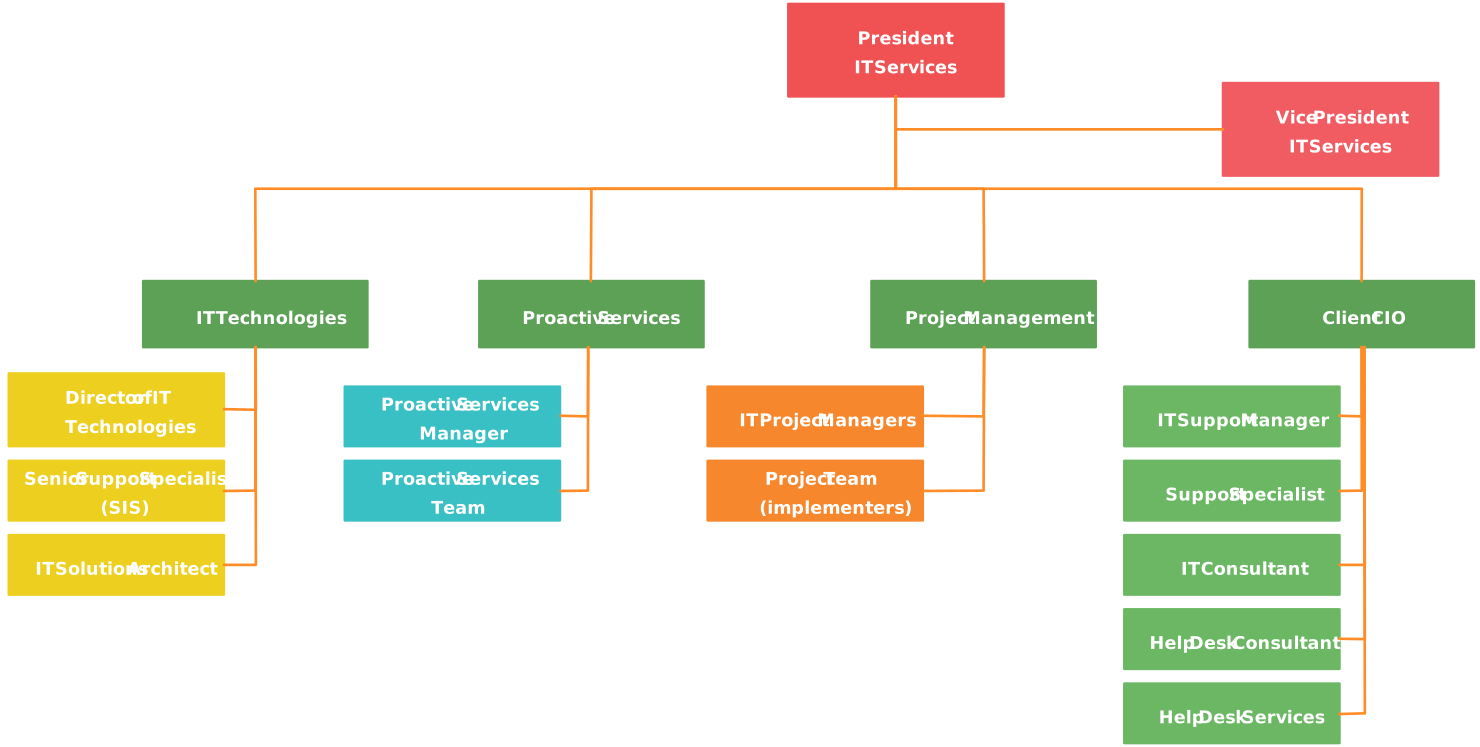
Companies like Amazon organize divisions by customer segment or business line (Retail, AWS, Prime Video). Creately templates allow you to visualize these divisions, making roles, responsibilities, and reporting lines immediately clear.
Hybrid Structures
For businesses that combine products, regions, or customer types, Creately supports hybrid divisional org charts, helping you maintain clarity without complexity.
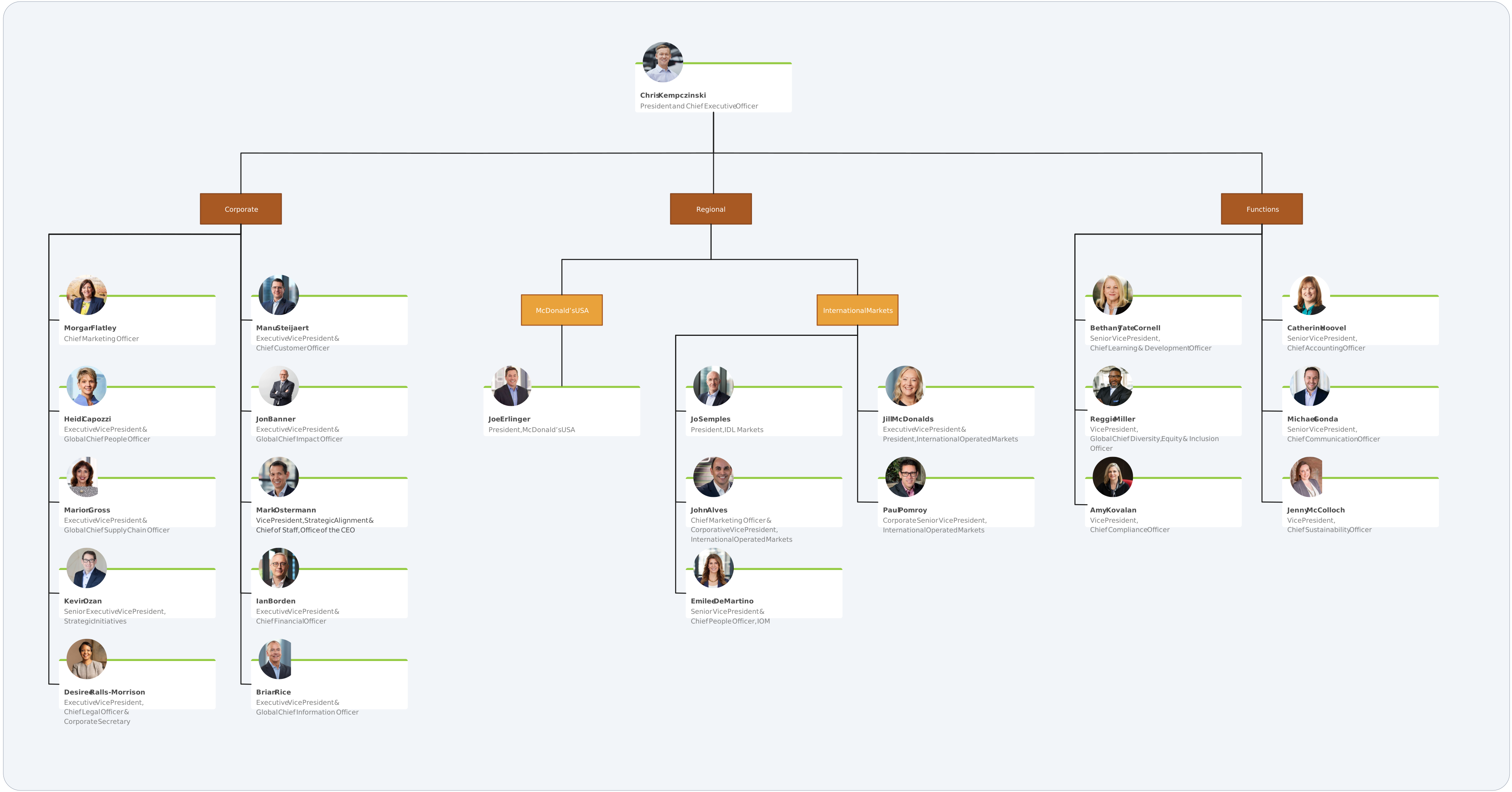
Why Creately Is the Easiest Way to Build Divisional Structures
Designing a divisional organizational structure doesn’t have to be complicated. With Creately, creating, editing, and managing org charts is fast, intuitive, and team-friendly. Here’s what makes it a favorite for modern organizations:
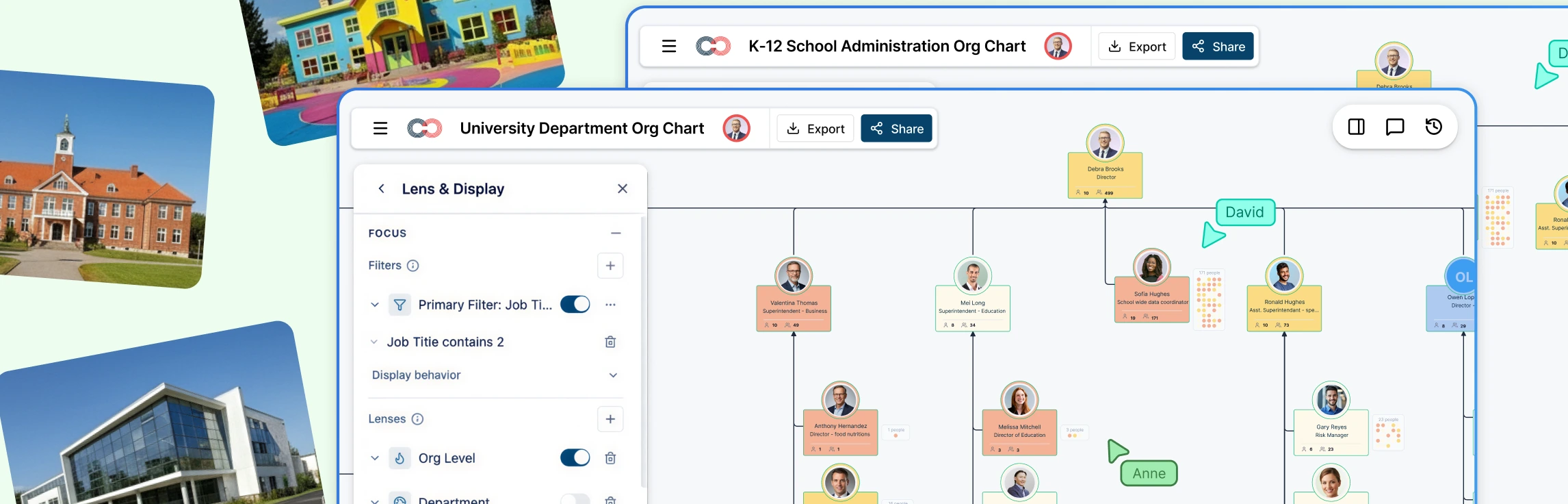
Import Data Instantly: Bring your existing spreadsheets to life. Upload CSV, Excel, or Google Sheets files and generate a complete org chart in seconds.
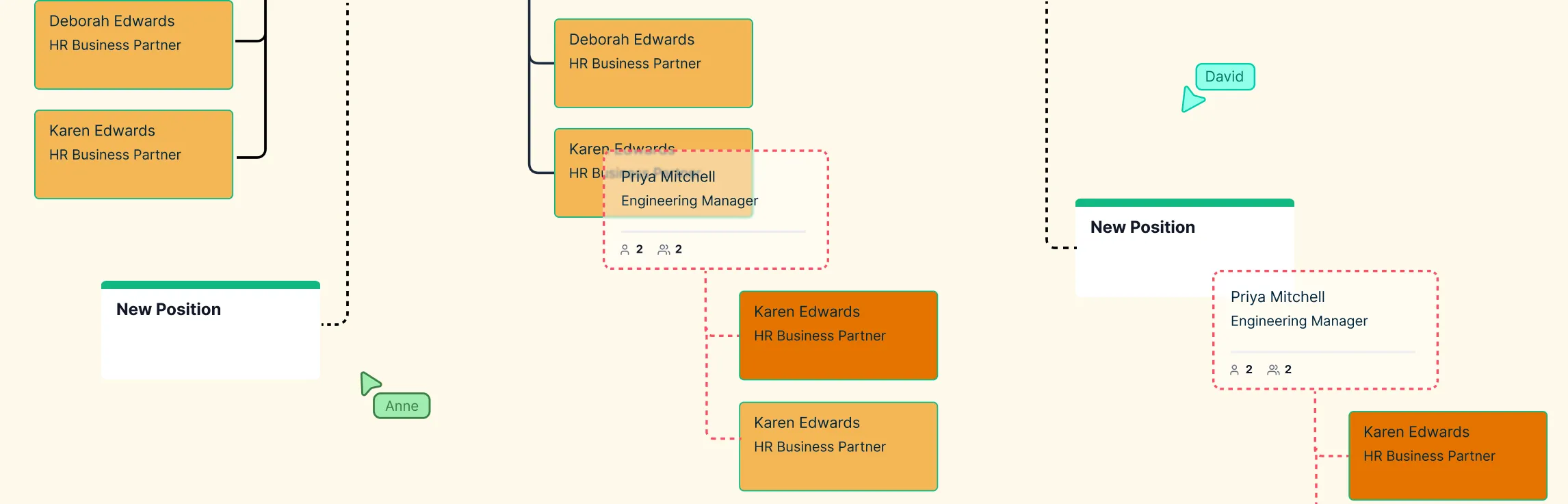
Intuitive Drag-and-Drop: Organize your teams effortlessly. Move divisions, departments, or individual roles exactly where you need them—no messy layouts or broken connections.
Unlimited Canvas: Expand your chart without constraints. Add new teams, cross-divisional links, or multiple layers of divisions with ease.
Collaborate in Real-Time: Work alongside your colleagues simultaneously. Every change is updated live, eliminating version confusion.
Attach Notes & Documentation: Keep role descriptions, responsibilities, and important details directly linked to each shape—everything your team needs is in one place.
Smooth Integrations: Connect with tools like Google Workspace, Microsoft Teams, Slack, and Confluence to keep your org charts aligned with everyday workflows.
With Creately, your org chart isn’t just a diagram—it’s a dynamic, living blueprint of your divisional structure. Visualize clearly, move quickly, and create charts that grow with your organization.
Tips for Successfully Implementing a Divisional Structure
Rolling out a divisional organizational structure effectively requires thoughtful planning and communication. Here are some practical tips to ensure success:
Roll Out Gradually
Implement divisions step by step rather than all at once. Gradual rollout allows teams to adjust to new reporting lines, responsibilities, and workflows without feeling overwhelmed.
Communicate Clearly
Transparency is key. Clearly explain the purpose of each division, reporting structures, and how teams fit into the bigger picture. Regular updates and open channels help prevent confusion and build trust.
Align Divisions with Strategy
Ensure that each division’s goals and responsibilities align with your overall business strategy. Divisions should complement one another and contribute directly to the company’s mission and objectives.
Review and Adapt Regularly
A divisional structure isn’t set in stone. Periodically review performance, processes, and market conditions to adjust divisions as needed. Flexibility ensures your organization stays responsive and efficient.
A divisional structure brings clarity, accountability, and flexibility to modern organizations. By organizing teams around products, regions, or customers, companies can make faster decisions, align efforts with strategy, and scale efficiently. Using Creately’s Org Chart templates, you can turn these divisions into a visual, dynamic map of your organization—making it easier to communicate roles, track performance, and empower teams. Start building your divisional org chart today and transform how your organization works, collaborates, and grows.
Helpful Resources
Explore rules for drawing organizational charts and org chart best practices to make your org chart more meaningful and useful.
Easily make organizational charts to visualize the reporting structure of your organization for effective HR planning and management with org chart maker.
Learn simple steps to create an org chart that fits your business, along with tips and tools to make it easy to build and update.
FAQs About Divisional Structure
What types of divisional structures exist?
How does a divisional structure differ from a matrix structure?
What companies benefit most from a divisional structure?
Can small businesses use a divisional structure?
How do I measure the success of a divisional structure?