TOWS Analysis Template
Determine Your Optimum Strategy with TOWS Analysis
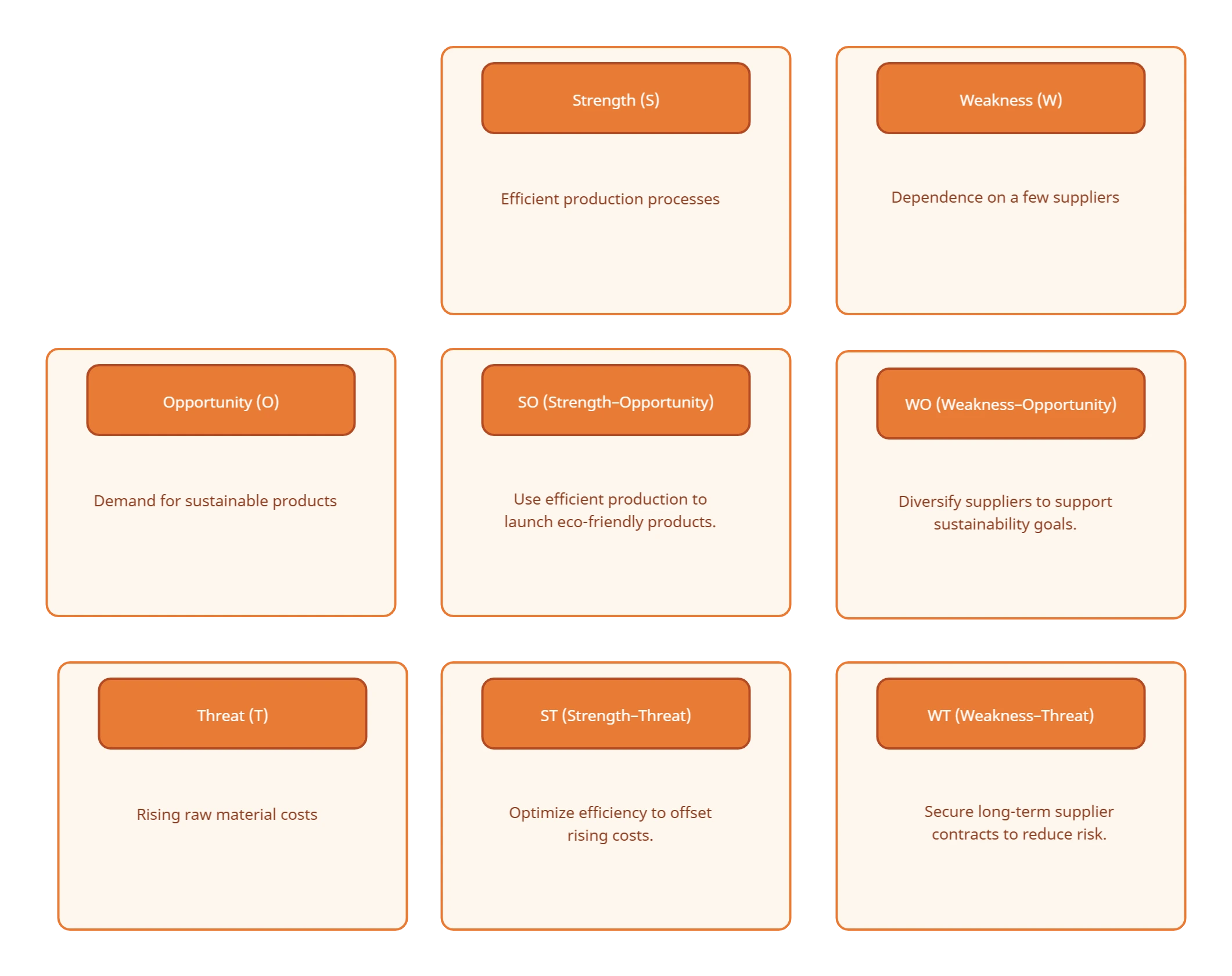
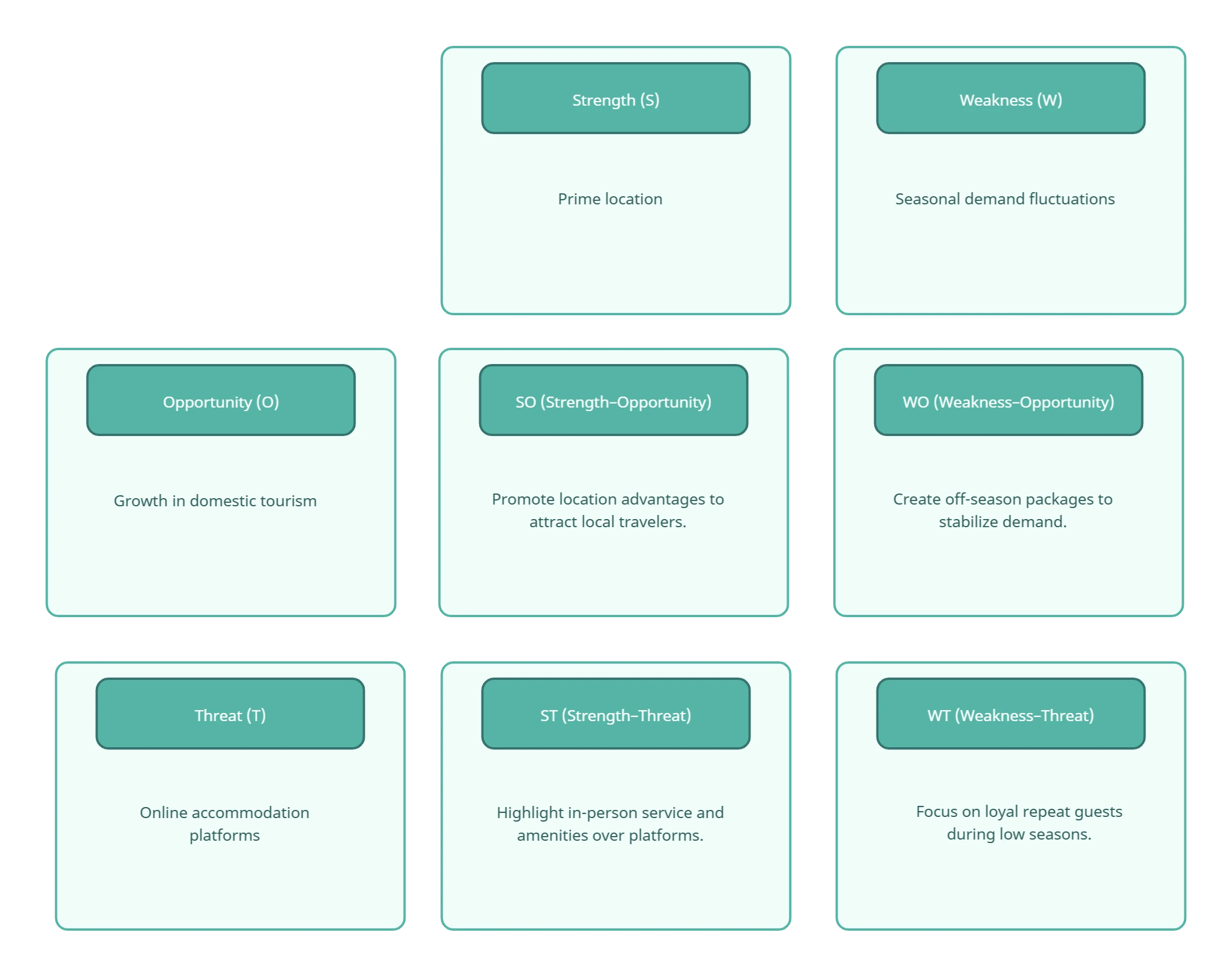
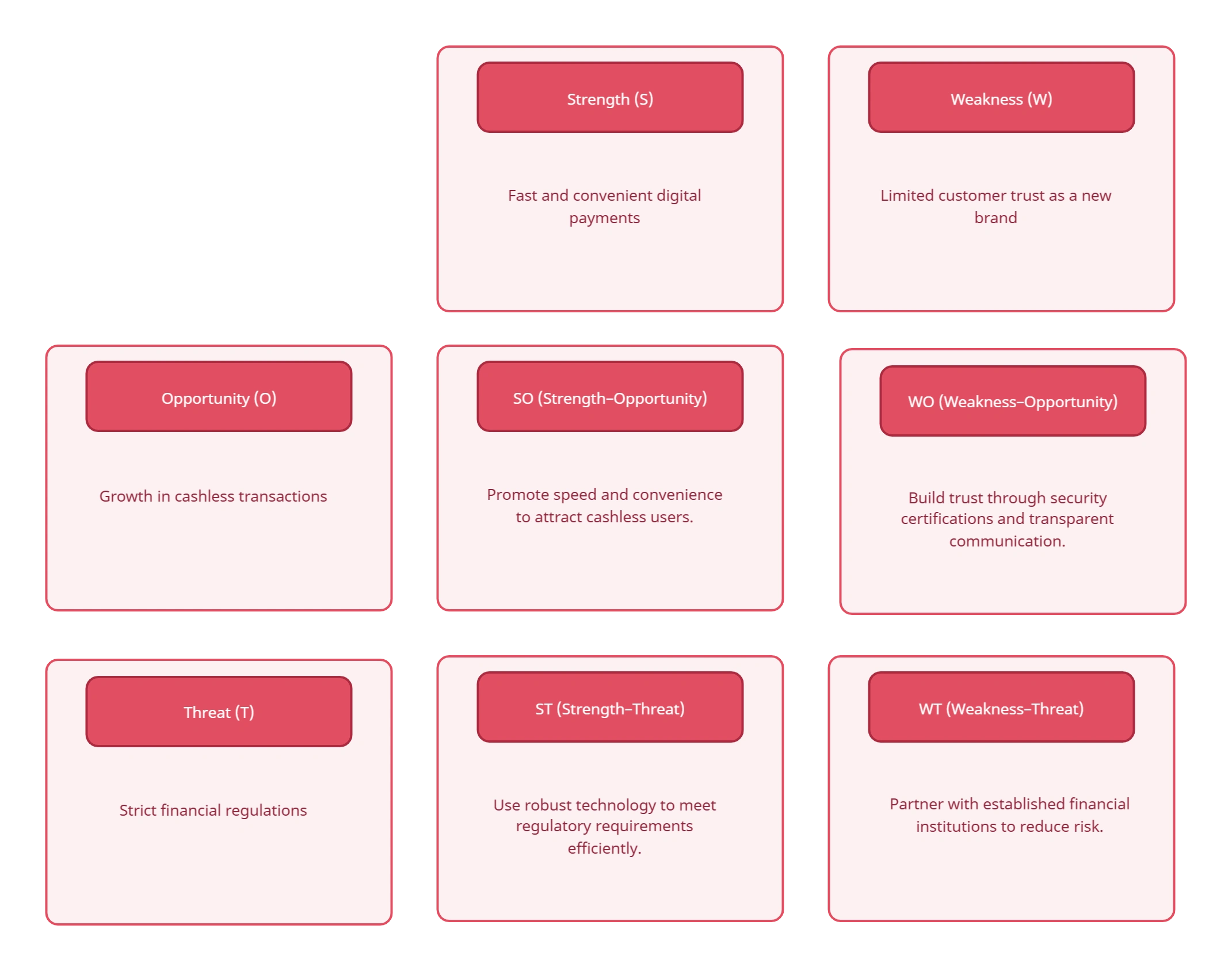
A TOWS analysis template turns SWOT findings into four actionable strategy types; SO, ST, WO, and WT. Start with an editable matrix, work with your team in real time, and assign the strongest options without leaving the canvas.
- Use ready-made templates to uncover effective strategic options.
- Collaborate live to review strategies, add context, and align in one shared canvas.
- Turn TOWS insights into focused actions with clear ownership, timelines, and next steps.
Over 10 Million people and 1000s of teams already use Creately
Customizable Ready-Made Templates for TOWS Analysis
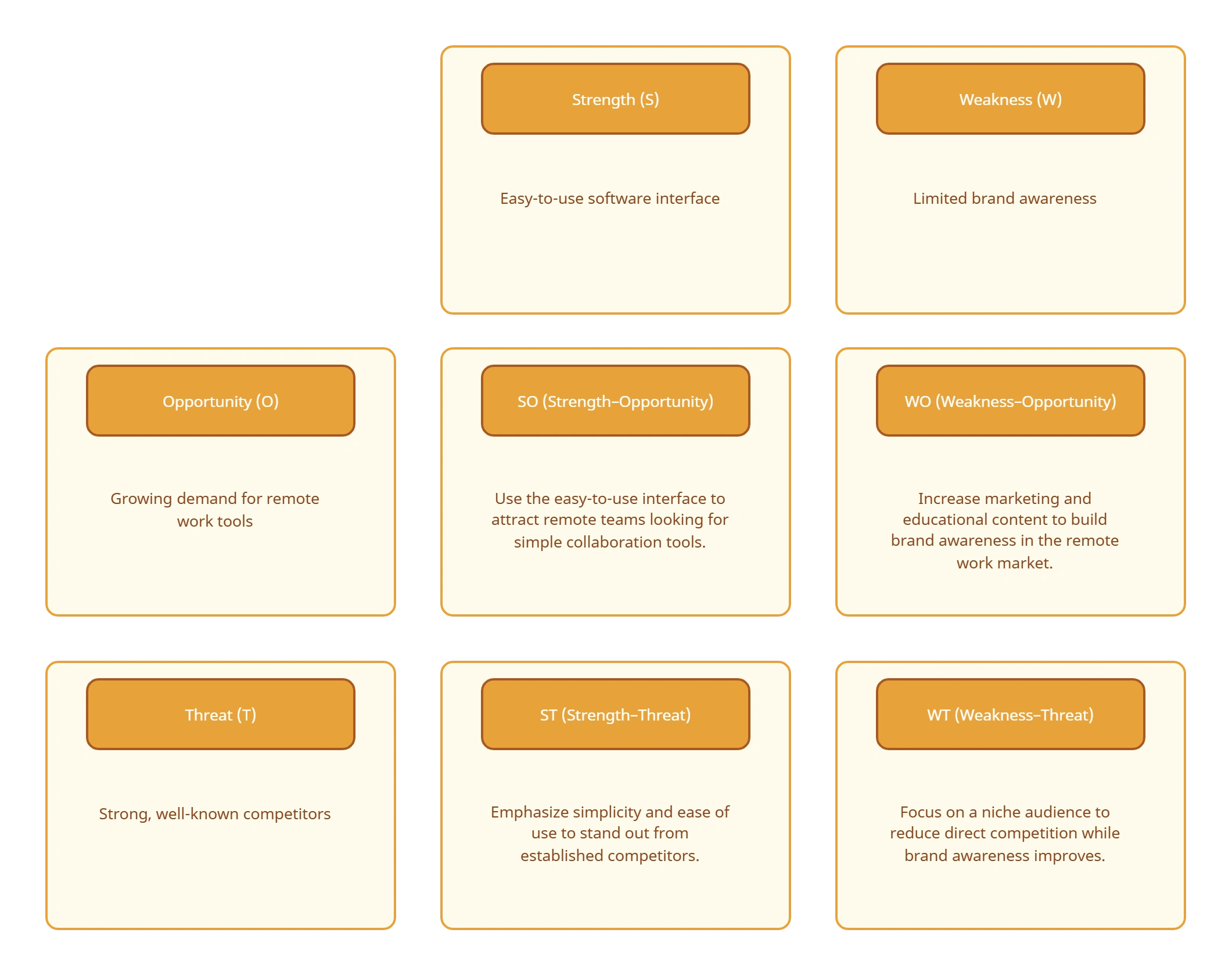
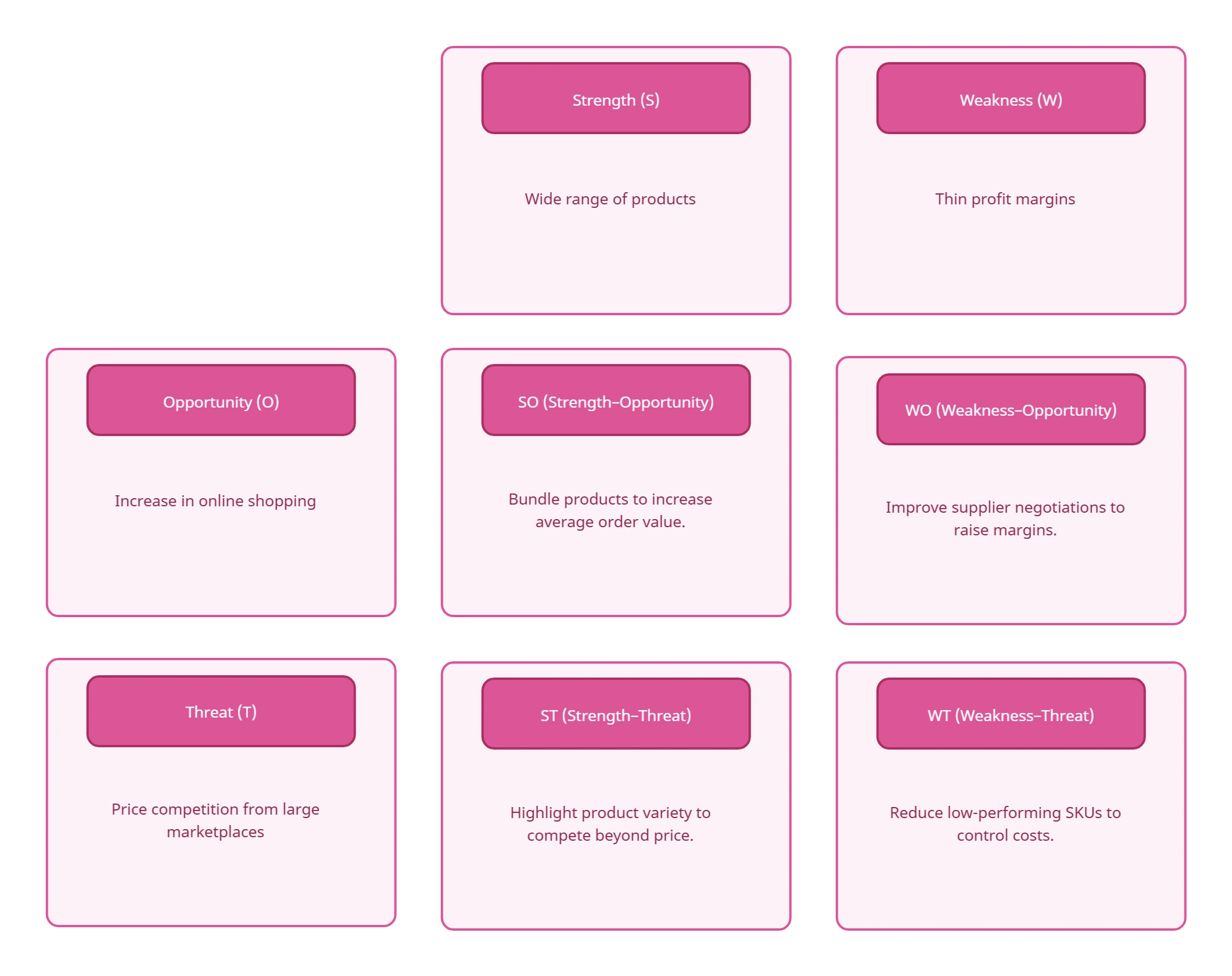
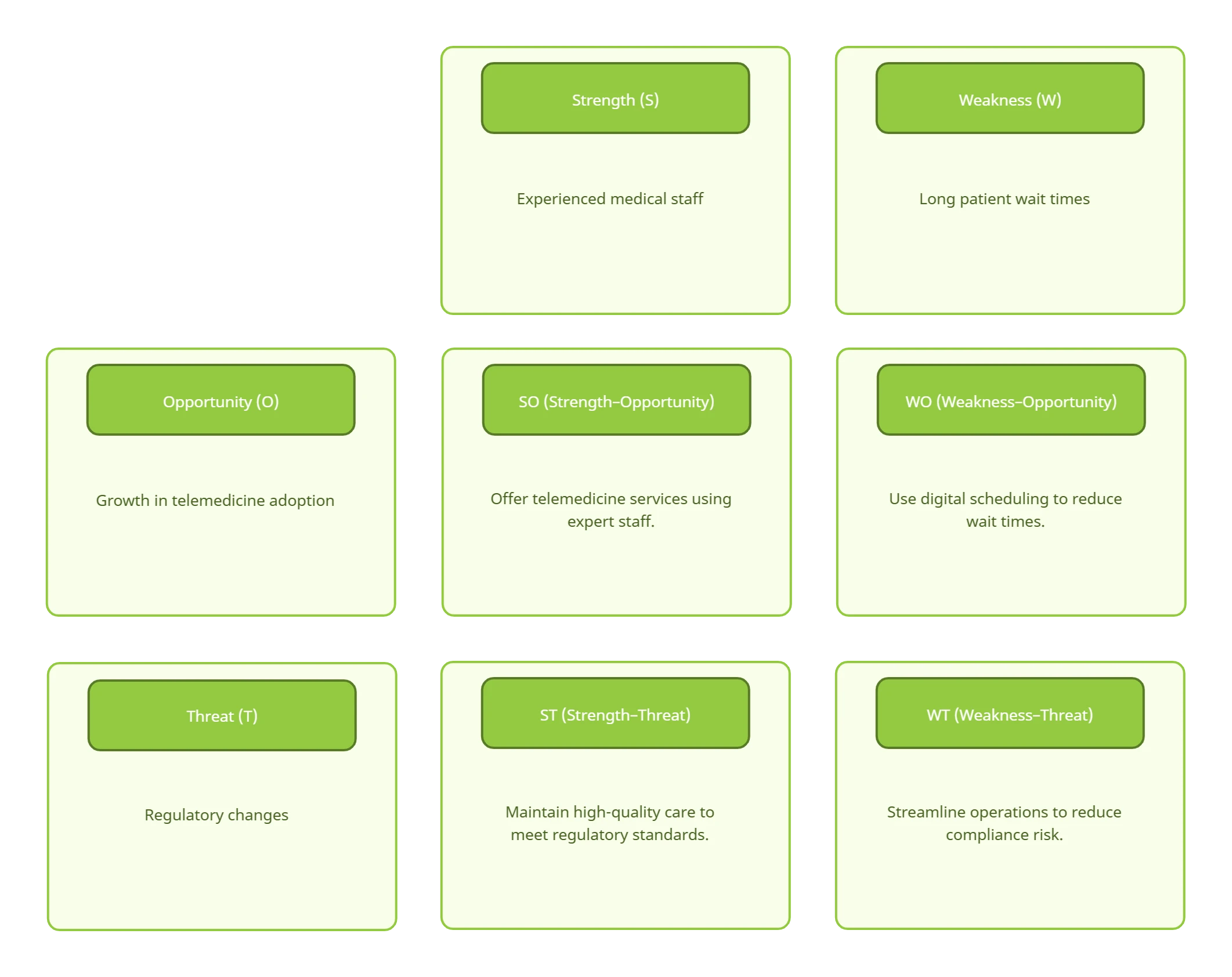
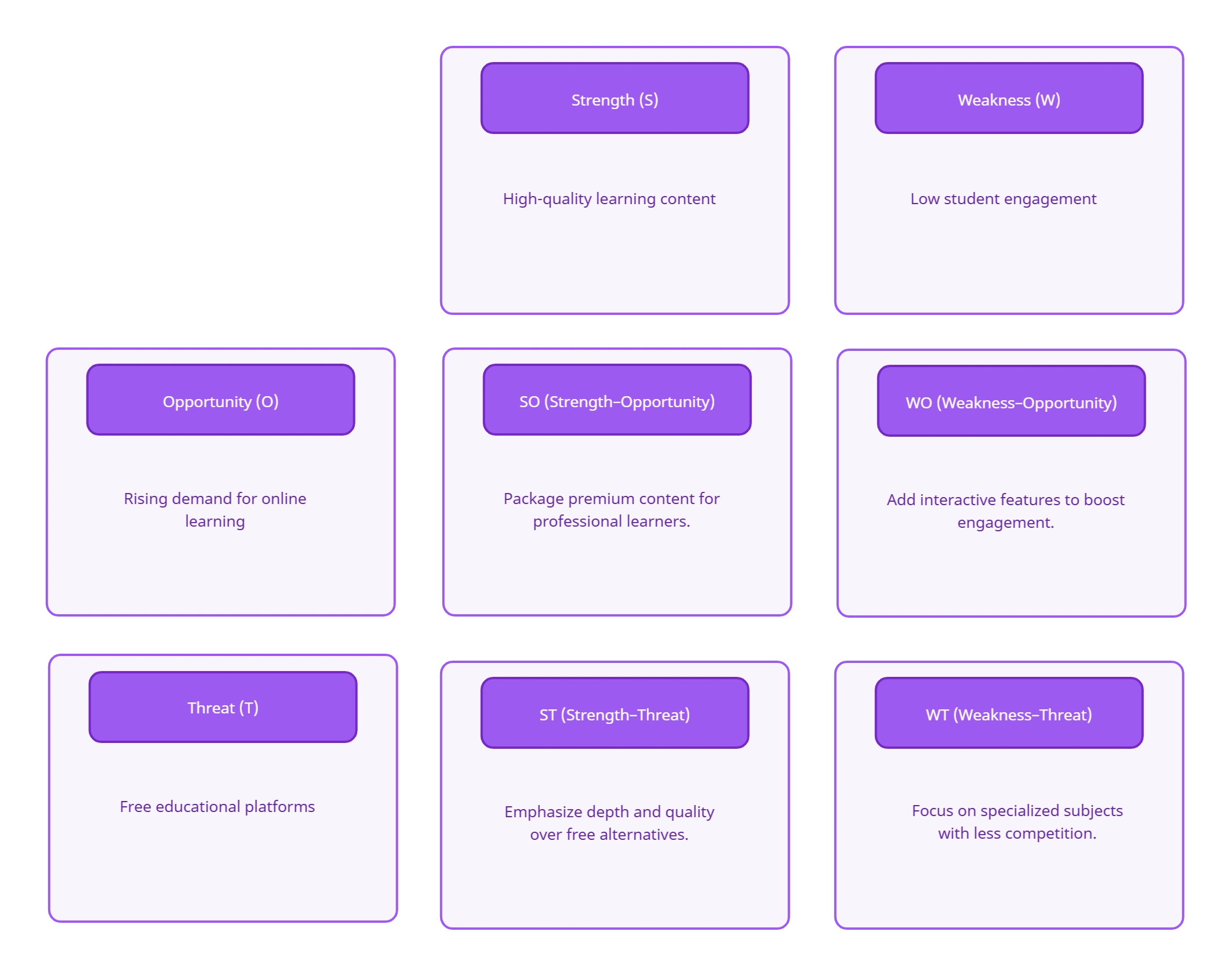
Translate SWOT Insights into Actionable TOWS Strategies
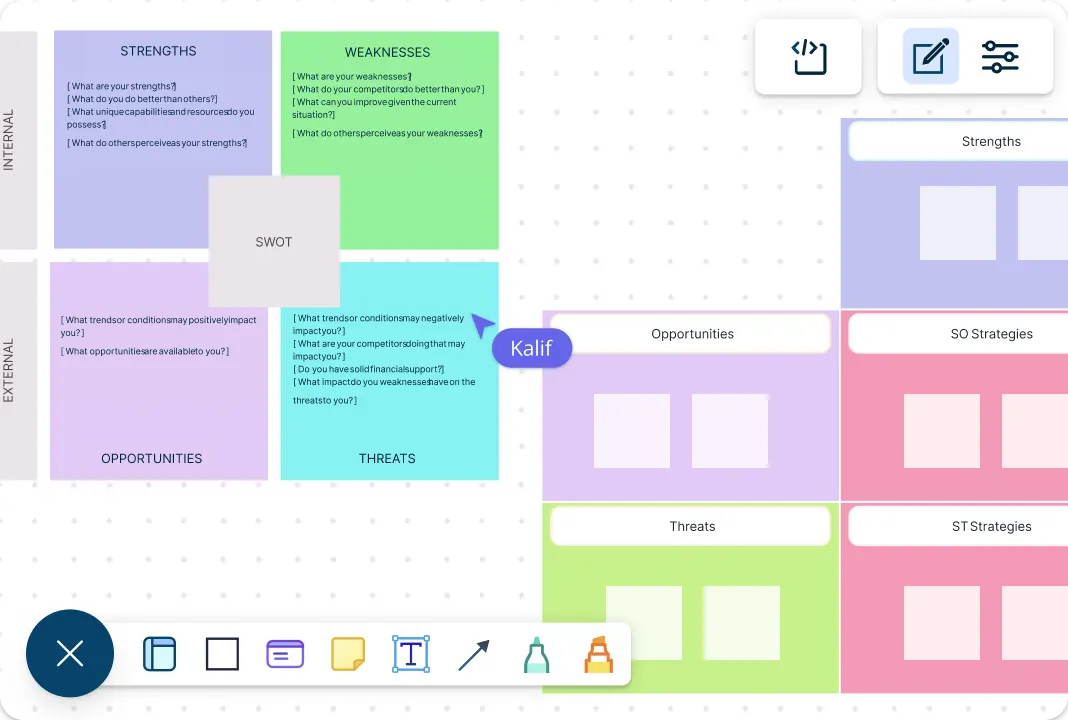
Analyze your situation from every angle using multiple strategy frameworks designed to surface your organization’s strengths, weaknesses, opportunities, and threats. Build multi-perspective insights by converting SWOT findings into a TOWS matrix diagram and clear action plans using the same underlying inputs. Bring in internal and external research from different sources to evaluate the factors shaping your decisions, and keep critical context close by adding documents, links, and supporting notes to each factor. With everything connected and easy to revisit, you can move from situational analysis to well-reasoned strategic options with clarity and confidence.
Brainstorm and Map Complex Strategic Relationships Visually
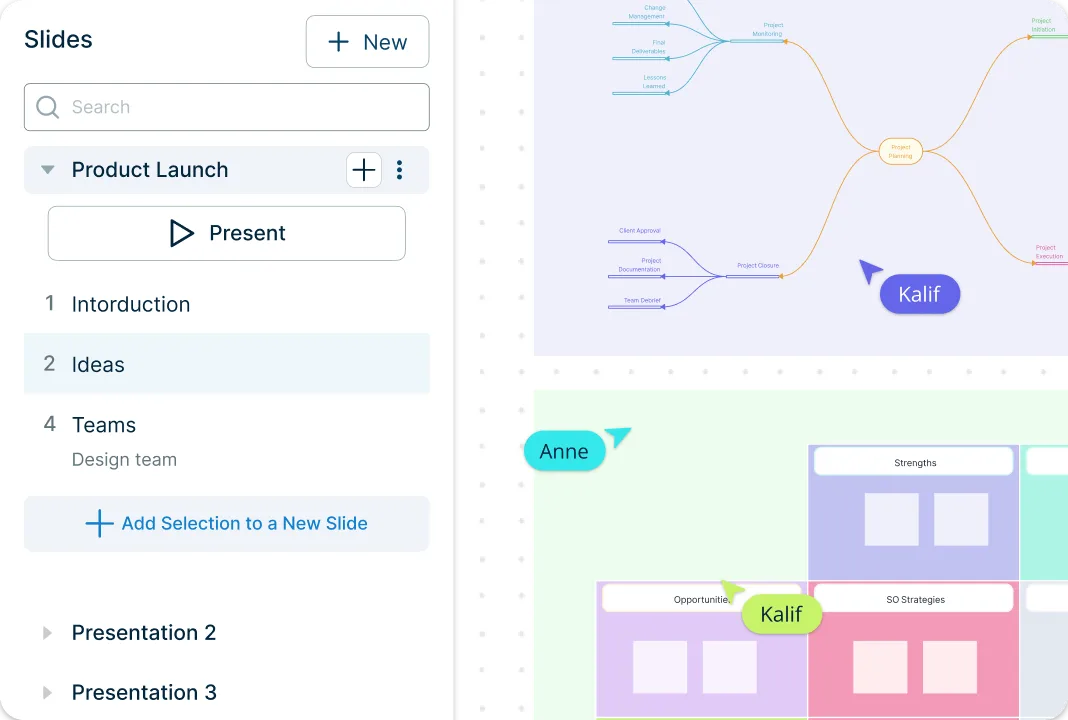
Get started quickly with ready-made TOWS templates that remove setup time and help you focus on analysis instead of structure. Built-in brainstorming tools such as mind maps and post-it note walls make it easy to capture, group, and analyze strategic options as ideas take shape. Customize colors, shapes, and layouts to highlight priorities, compare strategies, and make complex TOWS relationships easier to interpret at a glance. Built-in tools to create interactive and dynamic presentations, reports, and dashboards help you share findings with stakeholders and gain their support without recreating your analysis in multiple formats.
Align Stakeholders with Real-Time TOWS Matrix Co-Editing
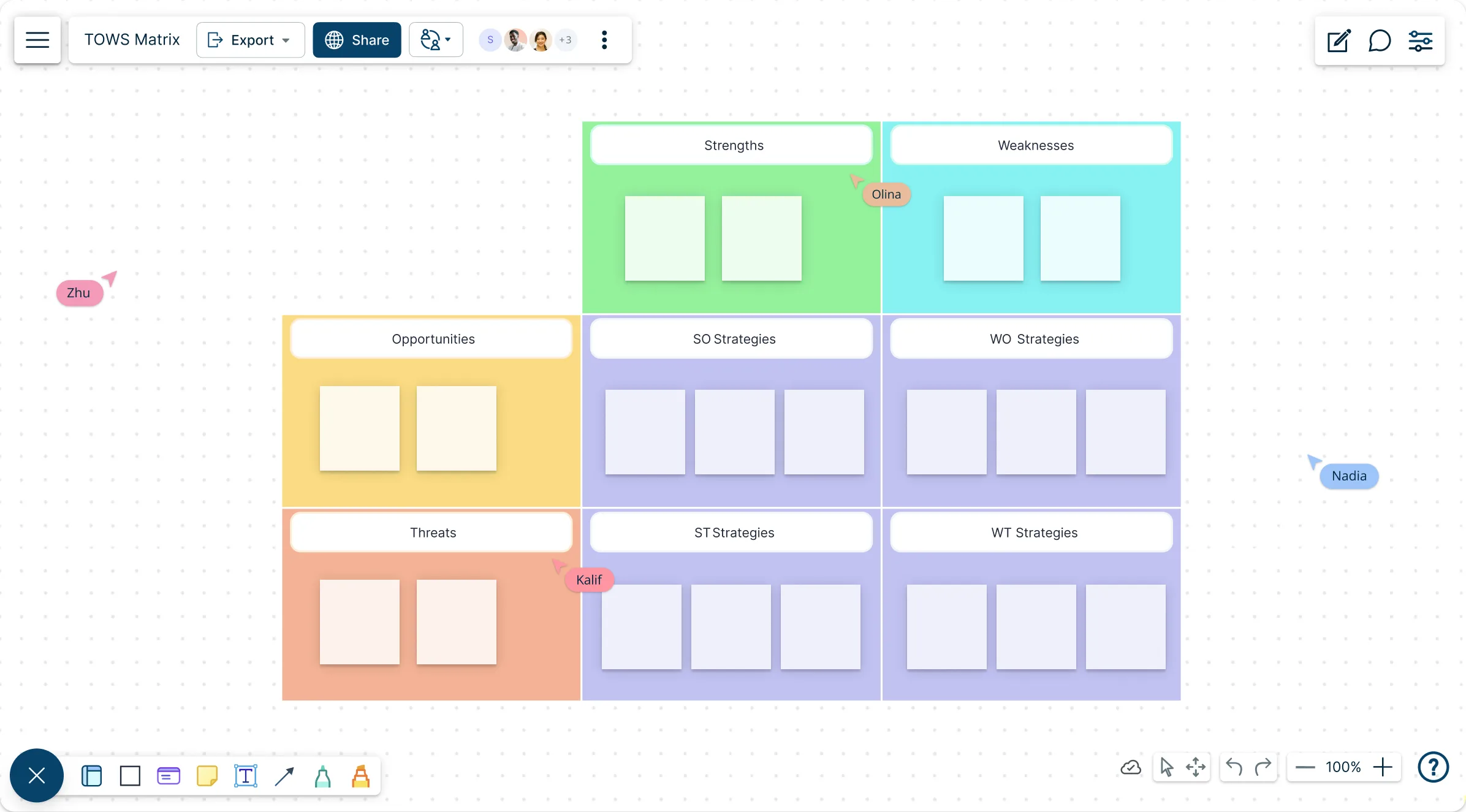
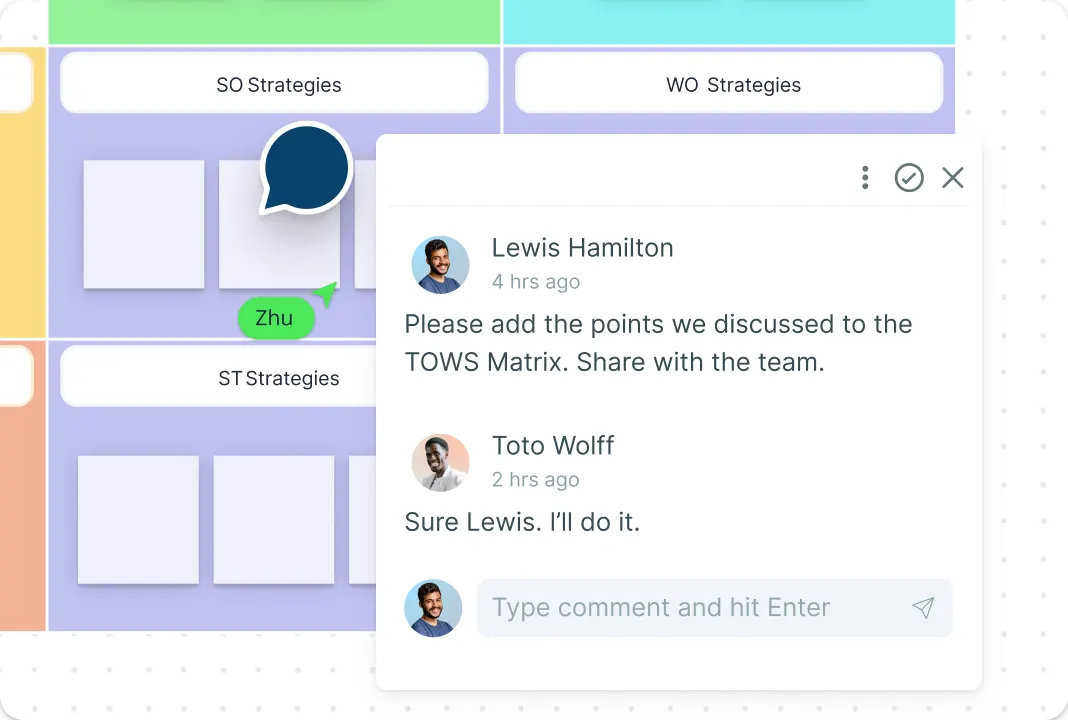
Work side by side with your team or stakeholders on a shared TOWS analysis diagram, with live cursors showing real-time contributions. Keep discussions focused using contextual comments and @mentions to refine strategies and involve the right people. Manage access easily when collaborating across teams or with external partners, and stay updated with smart notifications for every change. Move from scattered SWOT inputs to aligned TOWS strategies without endless documents or back-and-forth reviews. With everyone aligned, strategic decisions move forward faster and with confidence.
What Is TOWS Analysis?
TOWS Analysis is a strategic planning method used to turn insights from a SWOT analysis into concrete, actionable strategies. Instead of only listing strengths, weaknesses, opportunities, and threats, TOWS analysis focuses on how to deliberately combine these factors to guide decision-making. By matching internal capabilities with external conditions, it helps teams identify growth opportunities, address gaps, manage risks, and prioritize strategic actions more effectively.
For programs that need to show how a selected strategy will produce results, use a logic model template to connect the TOWS decision to inputs, activities, outputs, and measurable outcomes.
How the Four TOWS Quadrants Work
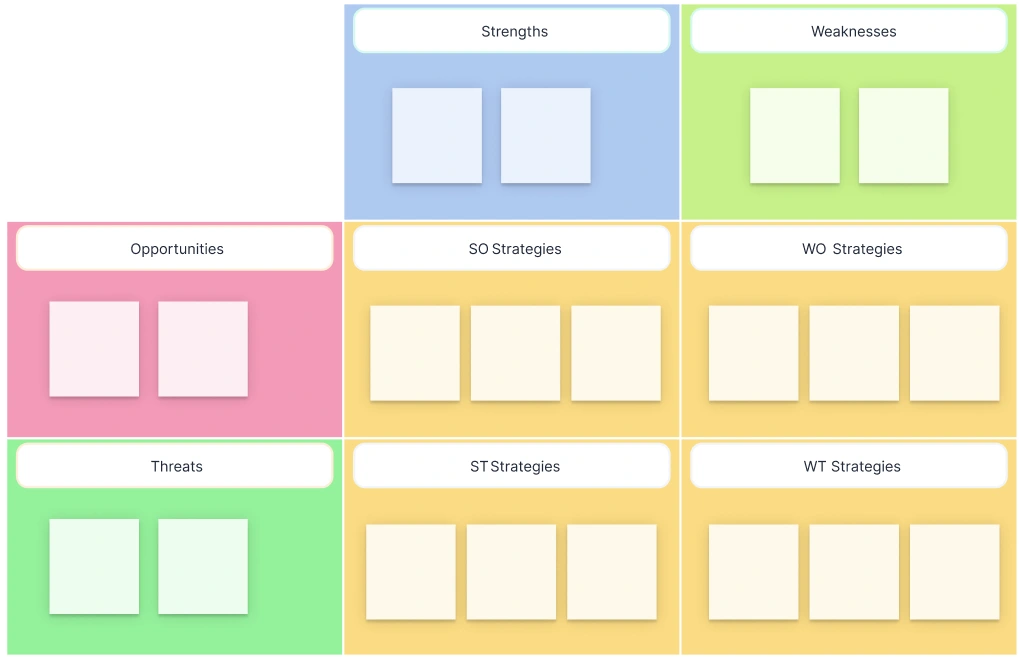
SO — Strengths and Opportunities:
Ask, “Which strength gives us an advantage in this opportunity?” A SaaS company with strong onboarding and growing demand in a new region might localize its proven onboarding program before expanding sales.ST — Strengths and Threats:
Ask, “Which strength can protect us from this threat?” The same company could use high customer retention and product expertise to defend against a lower-priced entrant.WO — Weaknesses and Opportunities:
Ask, “Which opportunity could help us correct this weakness?” A partner channel could offset limited local market knowledge during regional expansion.WT — Weaknesses and Threats:
Ask, “How can we reduce this weakness and avoid the threat?” The team could delay a broad launch until support coverage and regulatory readiness improve.
Write factors as evidence-based observations and strategies as actions. “Strong brand” is a factor. “Use brand trust to recruit three regional implementation partners” is a strategy.
How to Make a TOWS Matrix
Launch Creately & Select a Template:
Sign in to your account and open a new workspace. Browse the template library for “TOWS Matrix” to find a pre-structured layout. This instantly sets up your SO, WO, ST, and WT quadrants, so you can jump straight into strategy instead of formatting.Add Your SWOT Factors:
List your strengths, weaknesses, opportunities, and threats directly on the canvas. Use text boxes, sticky notes, or the notes panel to capture ideas quickly. Keeping each factor concise makes it easier to connect them into clear strategies later.Build TOWS Strategies Visually:
Drag and pair related SWOT items to form SO, WO, ST, and WT strategies. Creately’s infinite canvas and smart alignment help you organize relationships clearly, making it easy to see how internal and external factors combine.Customize and Collaborate in Real Time:
Customize your matrix using colors, labels, and shapes to highlight priority strategies. Invite teammates to collaborate in real time, add comments, mention stakeholders, and refine ideas together, all within the same workspace.Prioritize Your Strategic Options:
Score each option for impact, feasibility, and confidence. Use voting to create a short list and document why lower-priority options were deferred.Assign Actions and Share:
Turn the selected options into assigned actions with owners and due dates. Share the workspace, present it live, or connect the decisions to an action plan template for execution.
How to Run a 60-Minute TOWS Workshop
Review SWOT Inputs — 10 Minutes
Confirm the factors are specific, current, and supported by evidence. Move unresolved assumptions to a parking area instead of debating them inside every quadrant.Cross-Match Factors — 25 Minutes
Split participants across SO, ST, WO, and WT. Ask each group to write action statements that name the factor pair and the proposed response.Prioritize Options — 15 Minutes
Vote on impact and feasibility, then test the leading options against constraints, dependencies, and risk.Assign Next Steps — 10 Minutes
Name an owner, define the first action, and set a review date. Keep comments and decisions attached to the matrix for asynchronous follow-up.
Real-time cursors, comments, voting, and version history let remote and hybrid teams run the same workshop without passing static files between participants.
TOWS Analysis Example for a SaaS Expansion
Consider a 200-person SaaS company entering a new regional market. It has high retention and strong onboarding, but limited local awareness and support coverage. Market demand is growing, while a lower-priced competitor and new data requirements create risk.
| Quadrant | Factor Pair | Strategy |
|---|---|---|
| SO | Strong onboarding + growing regional demand | Localize the onboarding program and use it as the lead offer for the regional launch. |
| ST | High retention + lower-priced competitor | Build customer proof around time-to-value and renewal outcomes instead of competing on price. |
| WO | Limited awareness + partner demand | Recruit regional implementation partners with established customer relationships. |
| WT | Limited support coverage + new data requirements | Stage the launch by market and delay broad promotion until support and compliance checks pass. |
The team can prioritize the partner-led WO strategy and staged WT strategy first because both reduce launch risk while creating a path to revenue. The selected actions can then move into a strategy map or shared roadmap.
FAQs About the TOWS Matrix Generator
What are Creately’s tows matrix template pricing plans?
- Free Plan — $0/month for basic tows matrix creation and collaboration
- Starter & Team Plans — $8/month or $5/month billed annually
- Business Plan — $149/month or $89/month billed annually
Annual billing helps you save more while adding advanced collaboration, workspace management, and enhanced TOWS matrix features. You can compare all available plans and features on the Creately Pricing Page.
How can you create TOWS matrices faster?
Are there templates for different TOWS matrix use cases?
Can teams collaborate on TOWS matrices?
How long should a TOWS workshop take?
Can I add notes, data, and files?
Can I share, present, or export TOWS matrices?