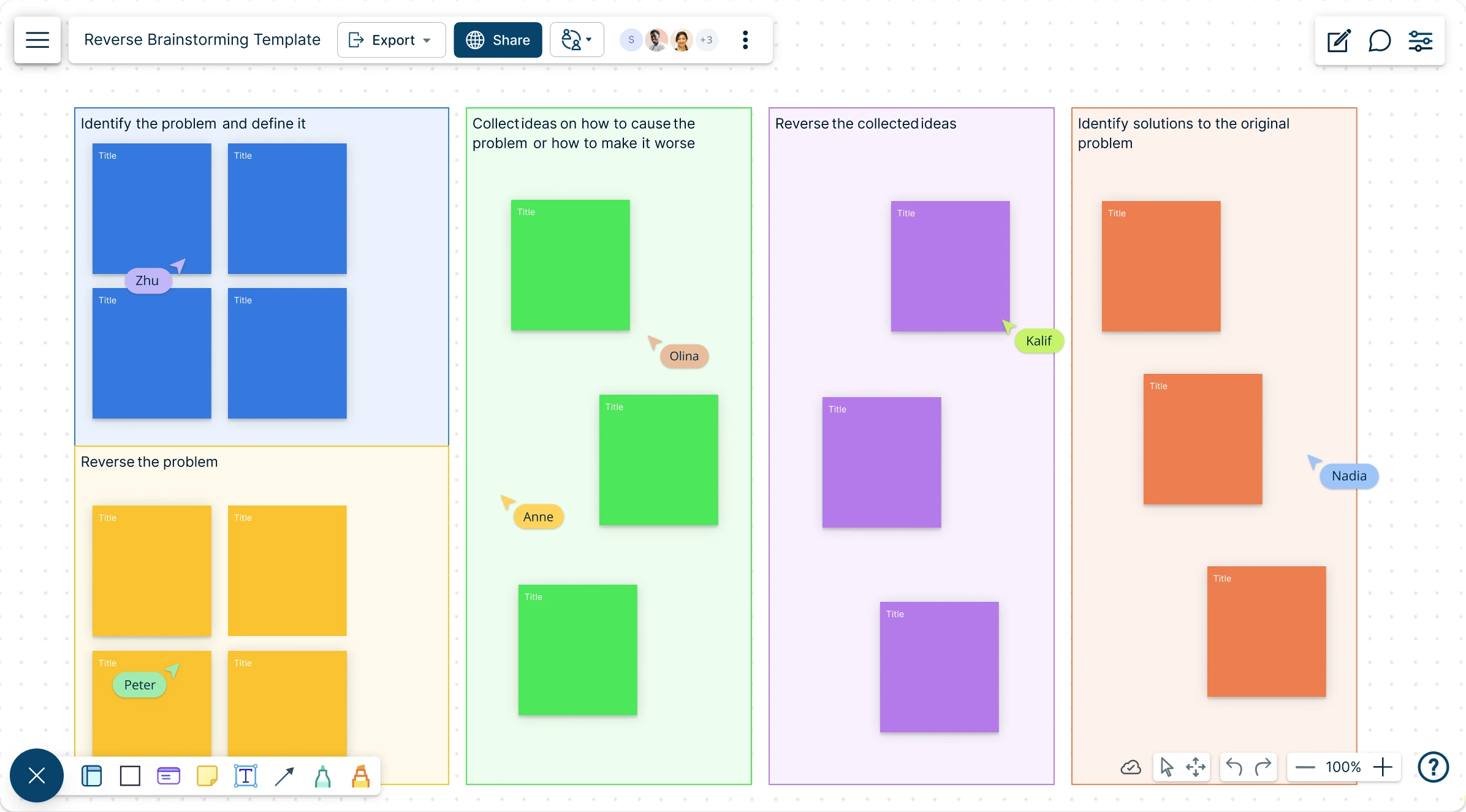
Reverse Brainstorming Template
Unlock Creative Problem Solving with Reverse Brainstorming
Gain fresh perspectives and solve complex business challenges by flipping the problem.
- Quickly generate reverse brainstorming ideas with AI assistance
- Flip problems to uncover hidden insights and creative solutions
- Built-in collaboration tools to facilitate brainstorming sessions online
Over 10 Million people and 1000s of teams already use Creately

AI Reverse Brainstorming Generator
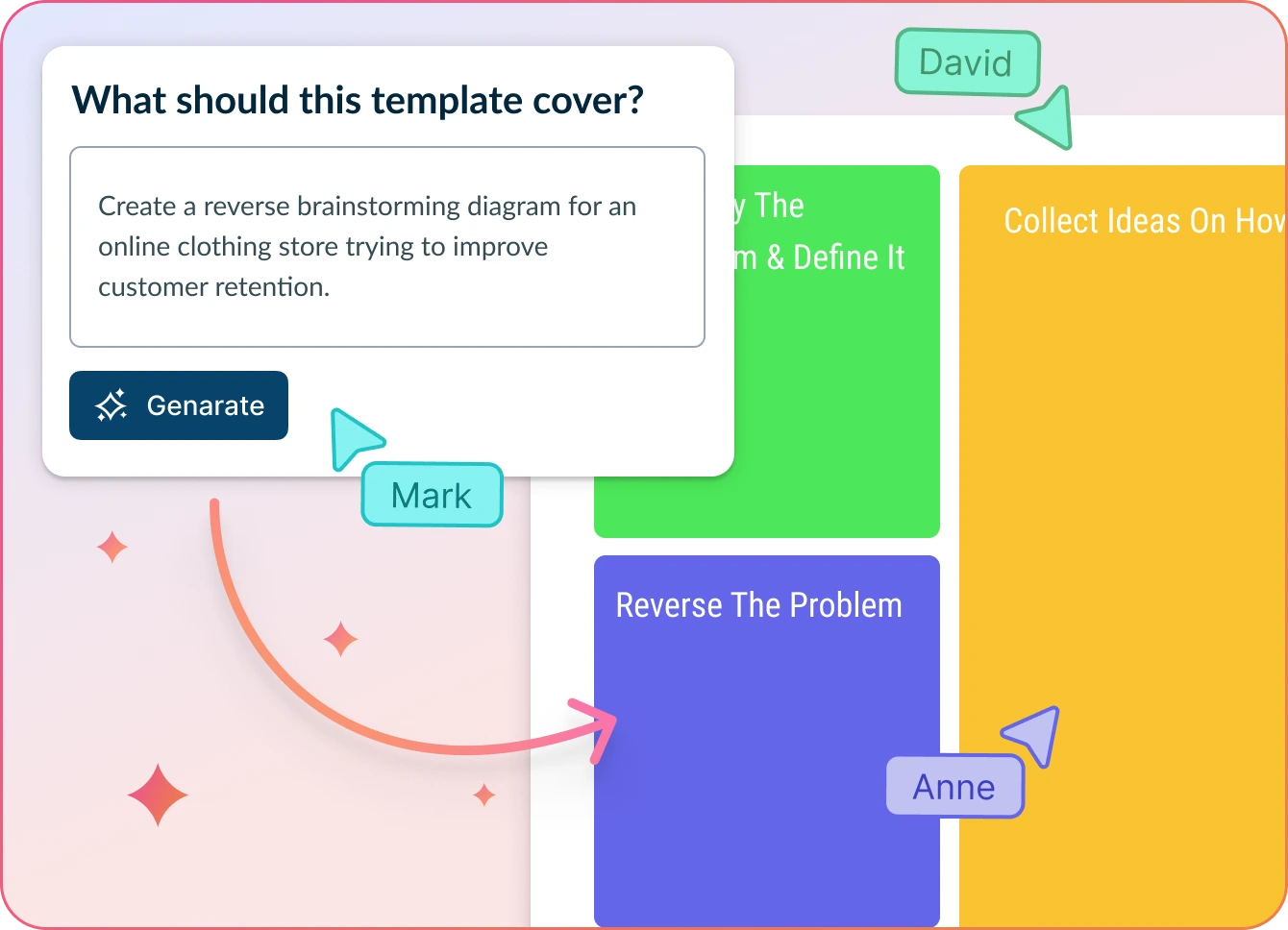
Effortless Problem Solving, Without the Guesswork
- Just describe your challenge and hit ‘Generate’.
- Creately will instantly build a reverse brainstorming session—with a standard structure complete with potential causes and suggested solutions.
- Easily collaborate, explore root causes, and flip problems into solutions—all in one shared workspace.
Why teams love Creately’s AI Reverse Brainstorming Generator
 Save time – Auto-generate structured reverse brainstorming sessions in seconds, so your team can focus on solving—not setting up.
 Uncover hidden trends – Uncover patterns, blockers, and blind spots that typical brainstorming often misses.
 Privacy-first – All your inputs stay securely within Creately. No external processing, no third-party storage.
 Multi-lingual support – Brainstorm seamlessly with global teams—no extra setup required.
 Objective insights – AI flips the problem and clusters suggested solutions to spark unconventional thinking.
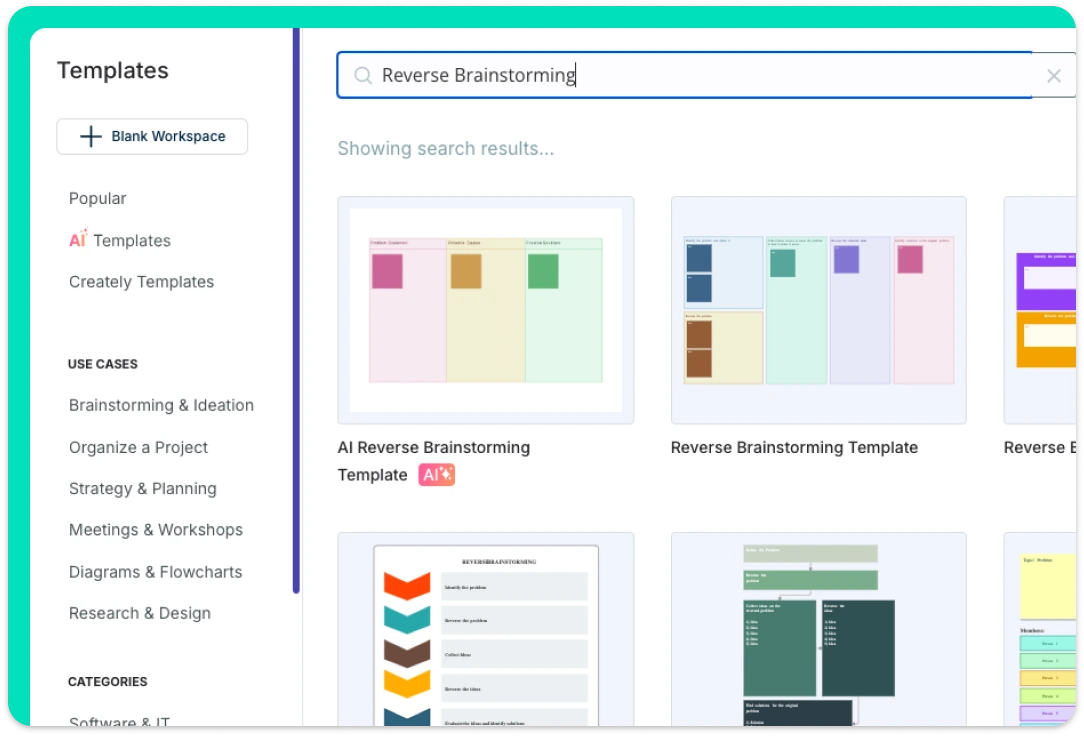
Bring Your Best Ideas to Life Visually
Creately offers multiple ready-made reverse brainstorming templates to kickstart idea generation and implementation. Its infinite canvas and freehand drawing tools make it easy to sketch, storyboard, and expand on ideas in a natural flow. Additional brainstorming tools like mind maps help teams capture and organize thoughts for deeper analysis. With voting, you can collaboratively rank ideas based on impact, effort, risk, or benefit—making it easier to focus on what matters most.
Powerful Tools for Collaborative Brainstorming
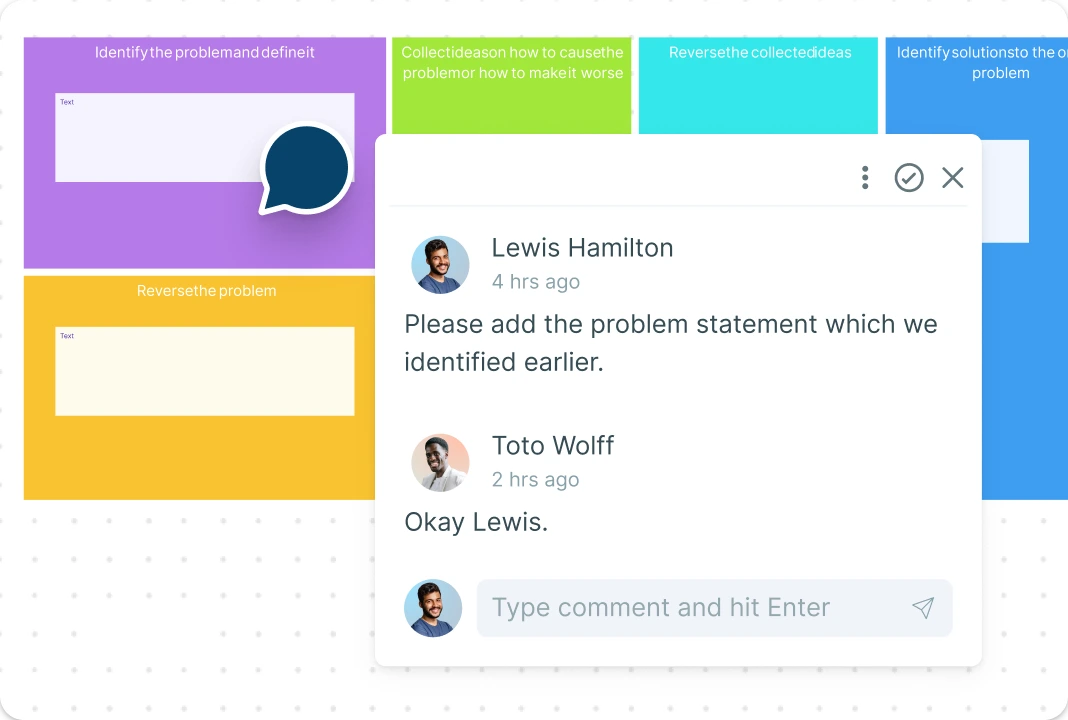
Creately’s workspace enables true multi-user collaboration, allowing teams to seamlessly conduct brainstorming sessions from anywhere. With real-time cursors, multiple participants can work together on a shared canvas simultaneously—no delays, no confusion. Use @mentions to assign tasks and keep conversations organized with threaded comments—ensuring smoother follow-ups and better decision-making.
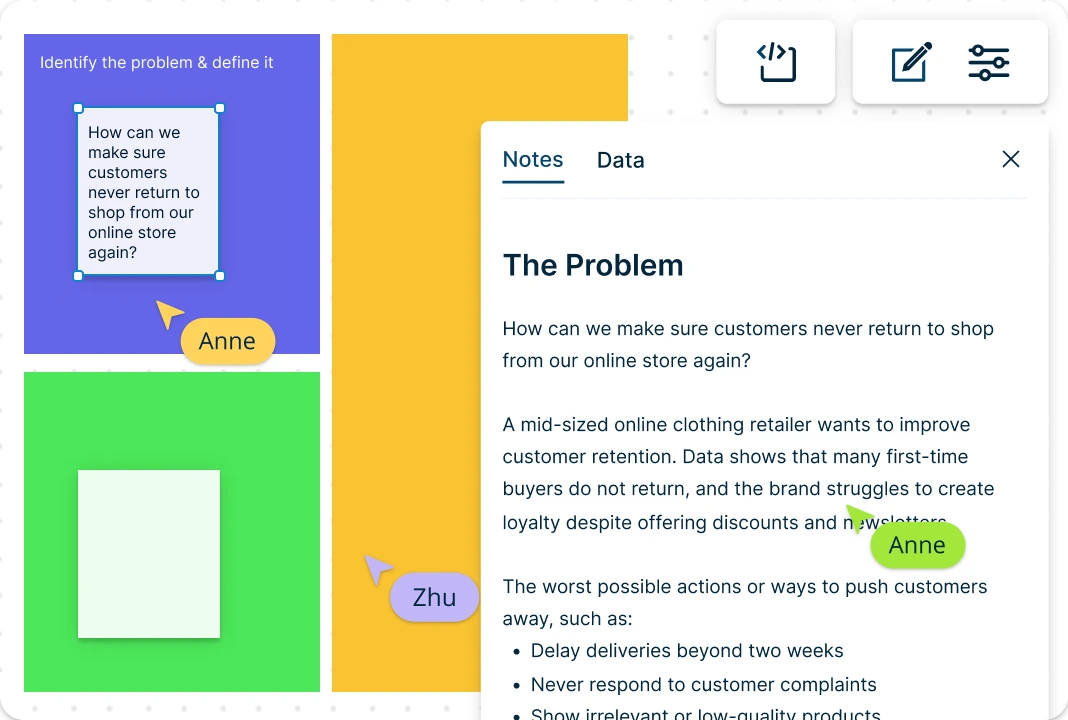
Bring Context and Clarity to Reverse Brainstorming
Creately enhances reverse brainstorming by letting you bring in data from any source and visualize it as dynamic shapes to uncover hidden causes. Enrich each idea with notes, attachments, and links to maintain context. Use full version history to track idea evolution and roll back when needed. Turn your reverse brainstorming outcomes into interactive presentations to align your team and stakeholders effortlessly.
What Is Reverse Brainstorming?

How to Use the Reverse Brainstorming Template in Creately
Select a Reverse Brainstorming Template:
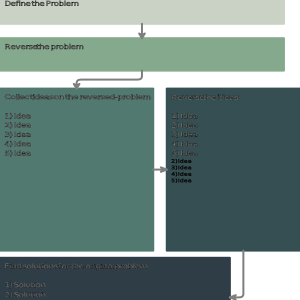
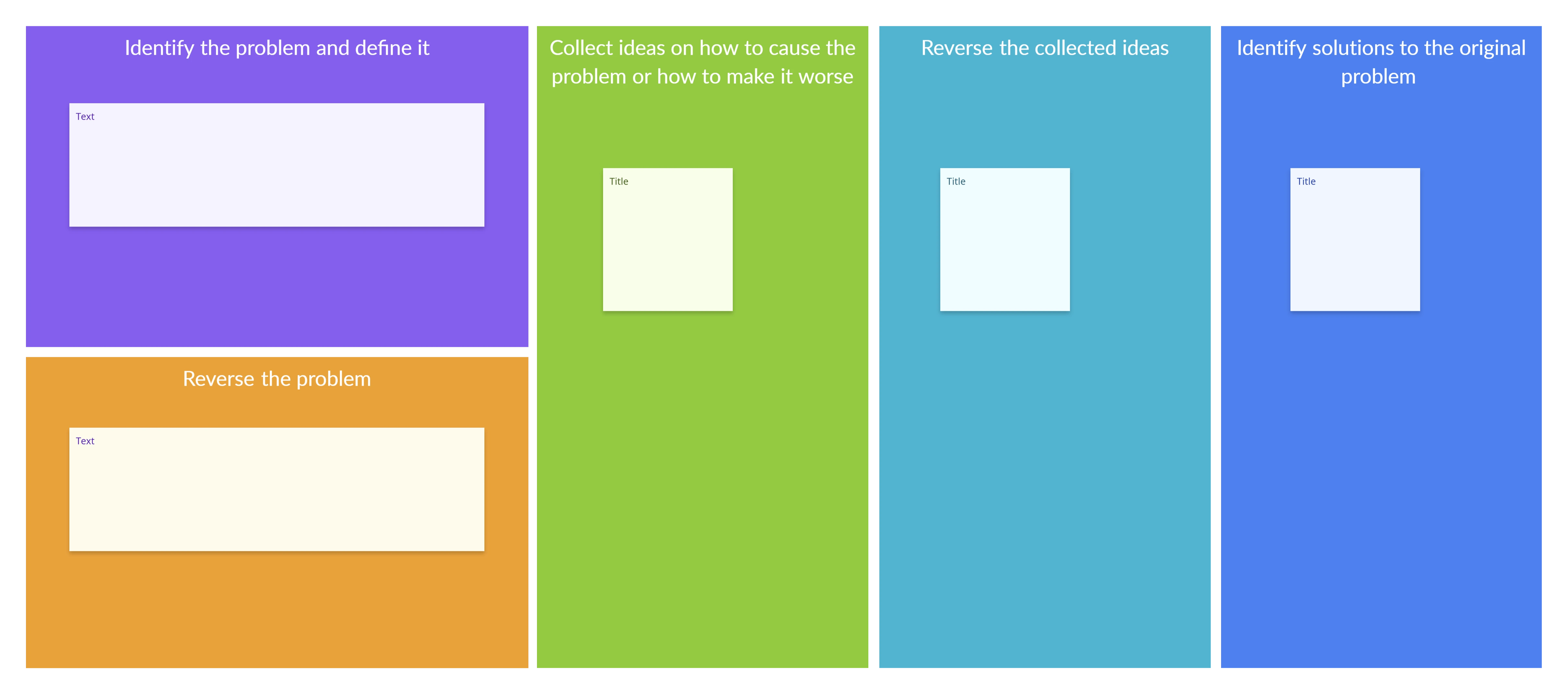
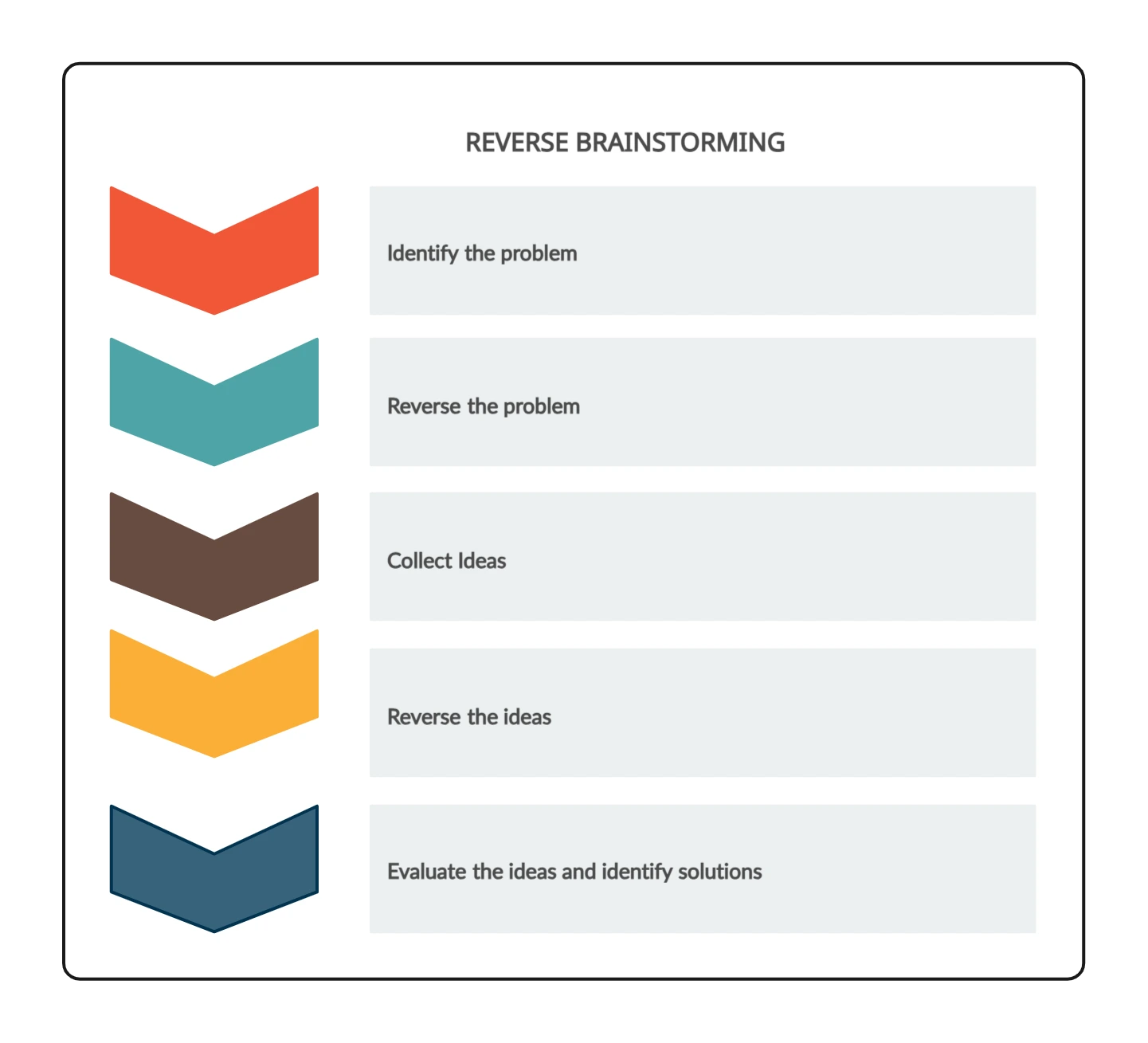
Browse Creately’s template library and choose the reverse brainstorming template. This pre-built structure will help guide your team through identifying ways to cause the problem, which sparks deeper insights into root causes.Define the Problem Clearly:
Begin by writing down the core problem you want to solve. Ensure the problem is specific and actionable, as this sets the direction for all subsequent brainstorming.Flip the Problem Statement:
Reframe the issue by asking, “How can we cause this problem?” or “What would make this situation worse?” Add these reversed prompts to the template to fuel idea generation.Generate Negative Ideas Collaboratively:
Invite your team onto the workspace to contribute “how to cause the problem” ideas. Use sticky notes or shapes to capture each idea and organize them by theme or impact using Creately’s drag-and-drop tools.Analyze and Categorize Causes:
Group related ideas and identify recurring patterns. Use visual tools like clusters, color codes, or connectors to categorize causes—technical issues, human errors, process gaps, etc.Reverse the Ideas into Solutions:
Now flip the negative ideas into solutions or preventive actions. For example, if a cause is “ignore user feedback,” the solution might be “implement a regular user feedback loop”.Finalize and Share the Diagram:
Review the solutions, finalize the layout, and share the reverse brainstorming outcome with stakeholders. You can export it in PDF, PNG, or use presentation mode to walk through findings interactively.Use AI to Speed Up the Process:
Try Creately’s AI reverse brainstorming template to auto-generate potential causes or idea prompts. Simply enter your problem statement and let the AI suggest reversed thinking pathways to jumpstart your session.
Reverse Brainstorming Examples to Get Started
FAQs About Reverse Brainstorming
How is Reverse Brainstorming different from regular brainstorming?
When should I use a Reverse Brainstorming Template?
Can I collaborate with others using this template?
Is the reverse brainstorming example customizable?
What is an example of reverse brainstorming for students?