Meeting Planning Template
Conduct Focused and Productive Meetings
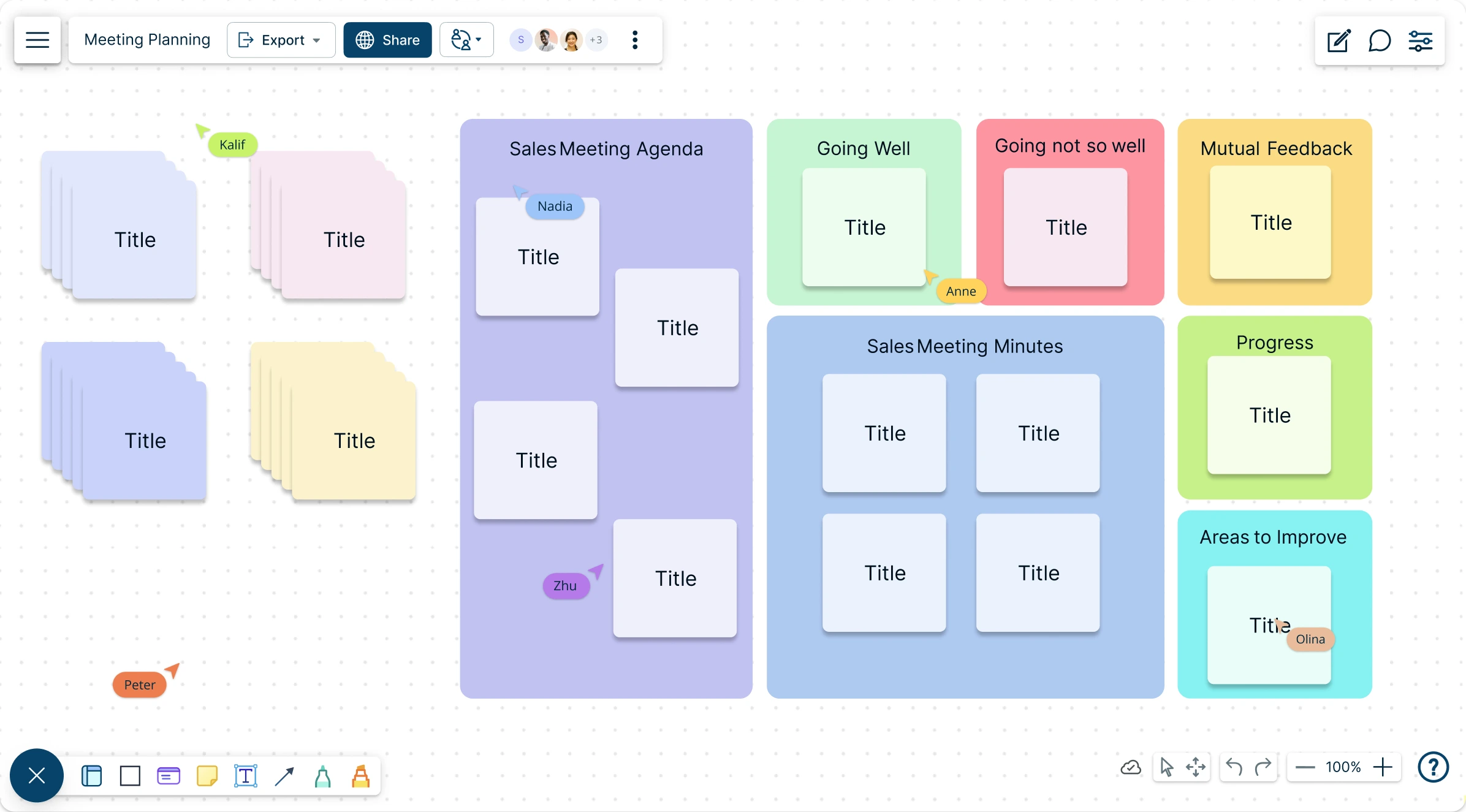
Use Creately’s meeting planning template to visually plan and organize productive team meetings.
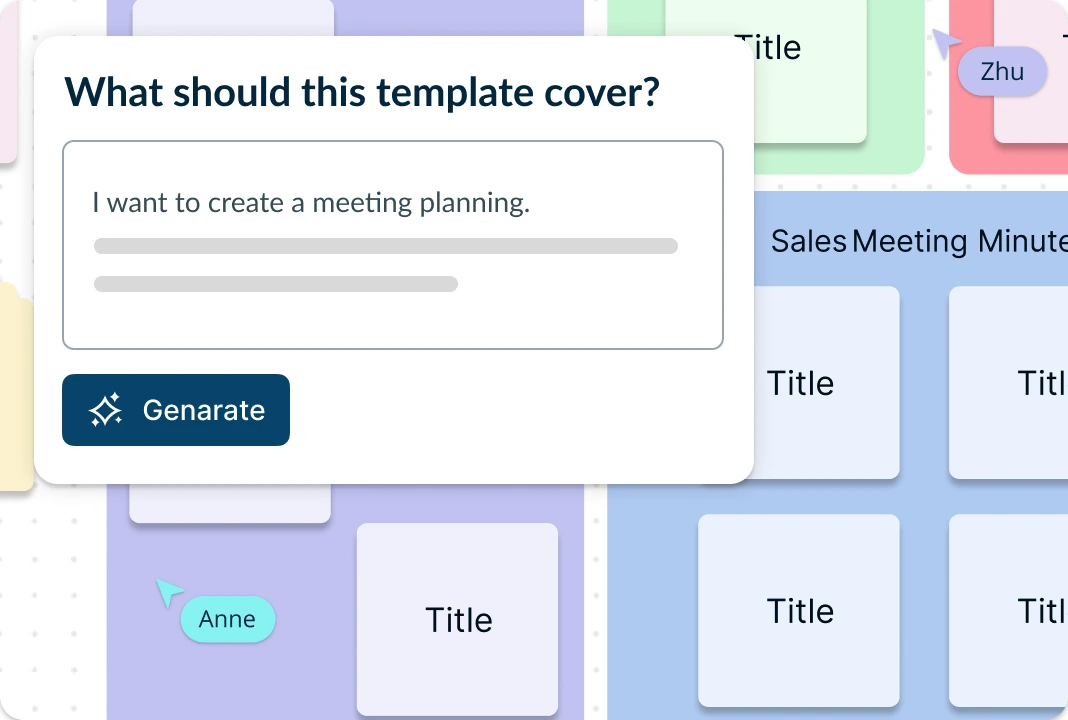
- Establish meeting agendas quickly qith AI assistance
- Record meeting outputs and create actionable plans
- Real-time collaboration to work with multiple stakeholders
Over 10 Million people and 1000s of teams already use Creately

Plan Productive Meetings From the Start
Creately’s meeting planning templates help teams structure agendas, define roles, capture discussion points, and prepare for focused meetings in one shared workspace. Use drag-and-drop editing to add agenda items, meeting notes, decisions, and action points, while in-app AI assistance can help refine agenda topics or expand discussion points where helpful. Share the workspace with the right people so participants can review the plan and contribute before the meeting begins.
Run Interactive And Dynamic Meetings
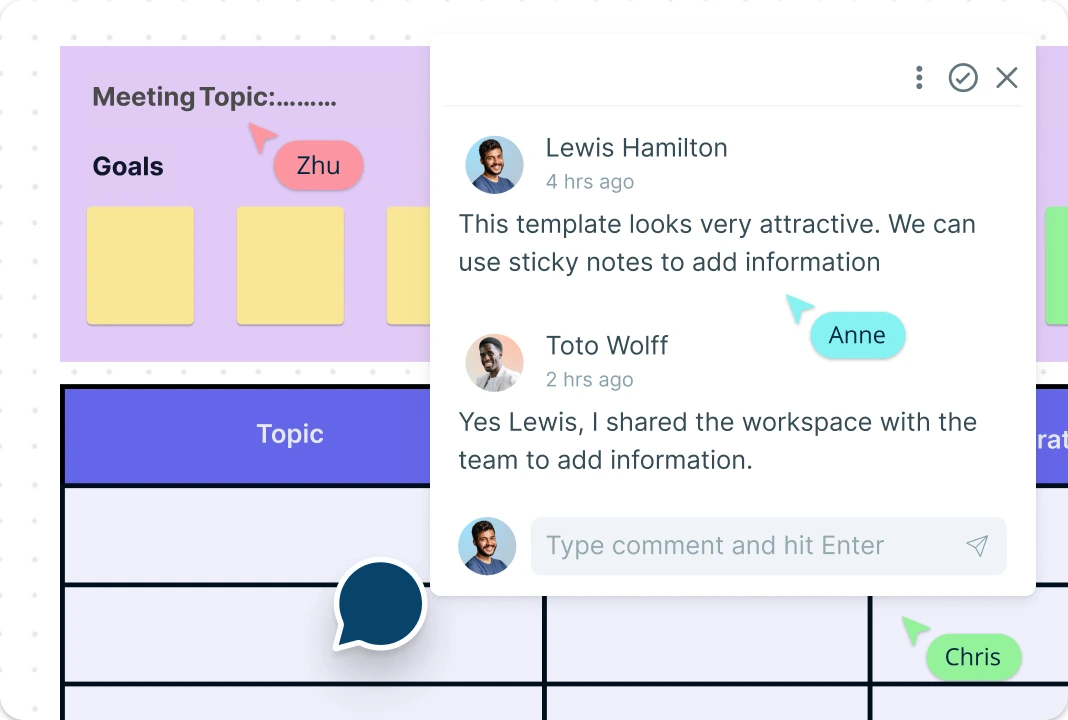
Creately’s meeting planning templates help teams structure agendas, define roles, capture discussion points, and prepare for focused meetings in one shared workspace. Use drag-and-drop editing to add agenda items, meeting notes, decisions, and action points, while AI options can help refine agenda topics or expand discussion points where helpful. Share the workspace with the right people so participants can review the plan and contribute before the meeting begins.
Turn Meeting Discussions Into Action
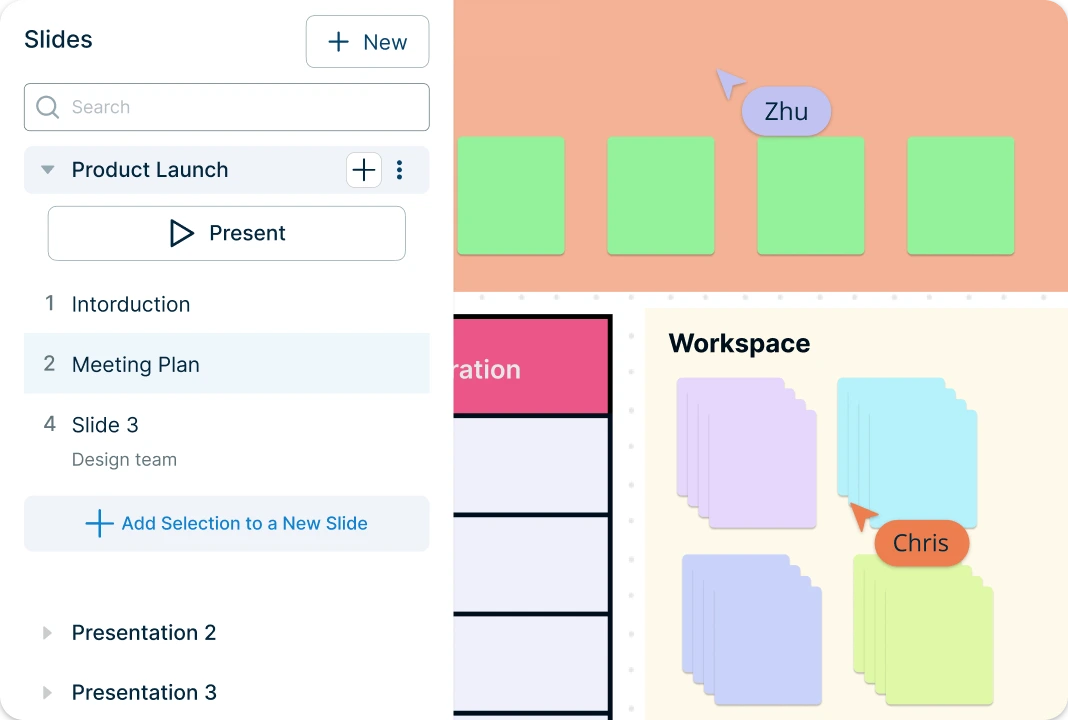
Use Creately’s presentation mode to walk stakeholders through key discussion points, decisions, and next steps. Link meeting outputs to related workspaces, roadmaps, action plans, or project boards so follow-up work stays connected after the meeting. Export or share the meeting plan with stakeholders to keep everyone aligned on what was discussed, what was decided, and what needs to happen next.
What is a Meeting Planning Template?
How to Use the Meeting Planning Template in Creately?
Open the Creately Workspace:
When you open Creately, you’ll be welcomed by the infinite canvas—your workspace for structuring meetings. Here, you can use various shapes, symbols, and tools to visualize your meeting agenda and planning process.Choose a Meeting Plan Template:
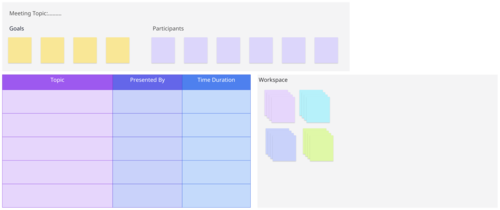
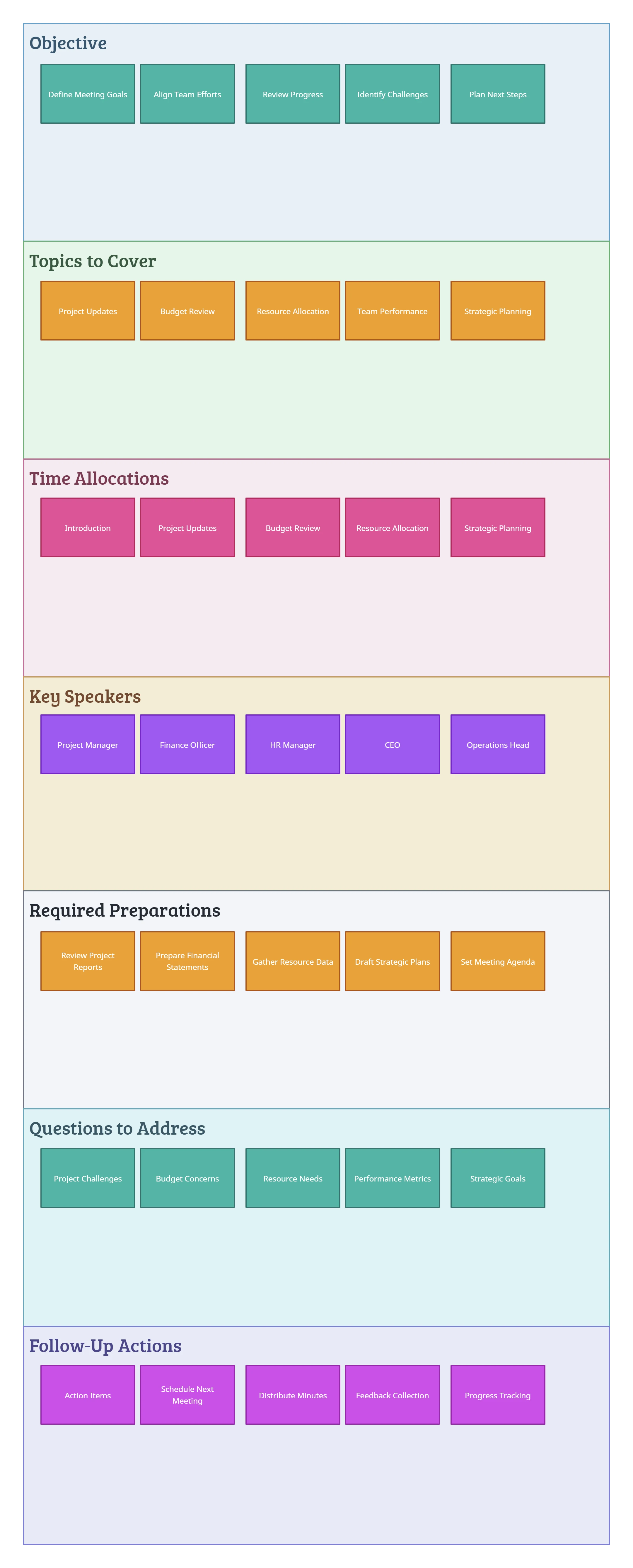
Browse Creately’s collection of meeting plan templates to find one that suits your needs. These templates help establish agendas, assign roles, and outline responsibilities. Add your chosen template to your workspace and customize it to fit your meeting objectives.Define Meeting Goals and Participants:
Before filling out your template, identify the purpose of the meeting—whether it’s brainstorming, decision-making, or project updates. Define key participants and their roles to ensure a structured discussion.Gather Relevant Discussion Points:
Compile agenda items, action points, and supporting materials to guide the conversation. Add these items to the canvas and use Creately’s drag-and-drop features to organize topics, ensuring clarity and efficiency.Fill Your Meeting Plan Template:
Populate the meeting organizer template with the gathered information. Utilize color coding, tags, comments, and sticky notes to highlight priorities, deadlines, and key takeaways.Invite Team for Real-Time Collaboration:
Meetings are more effective when teams collaborate. Invite stakeholders—whether internal teams or external partners—to contribute insights and refine the agenda. With real-time editing, everyone stays aligned and engaged.Share and Execute Your Meeting Plan:
Once finalized, share your completed agenda planning template with participants. Export it as PNG, JPEG, PDF, or SVG, or generate a slideshow for easy presentation.
Meeting Planning Templates to Get Started


FAQs About Meeting Planning Templates
What are Creately’s meeting planning template pricing plans?
- Free Plan — $0/month for basic meeting planning creation and collaboration
- Starter & Team Plans — $8/month or $5/month billed annually
- Business Plan — $149/month or $89/month billed annually
Annual billing helps you save more while unlocking advanced collaboration, workspace management, and enhanced meeting planning features. You can compare all available plans and features on the Creately Pricing Page.
How can you create meeting plannings faster?
Are there templates for different meeting planning use cases?
Can teams collaborate on meeting plannings?
Can I add notes, data, and files?
Can I share, present, or export meeting plannings?






















