Retro Software
Turn Team Feedback into Action with the Online Retro Tool
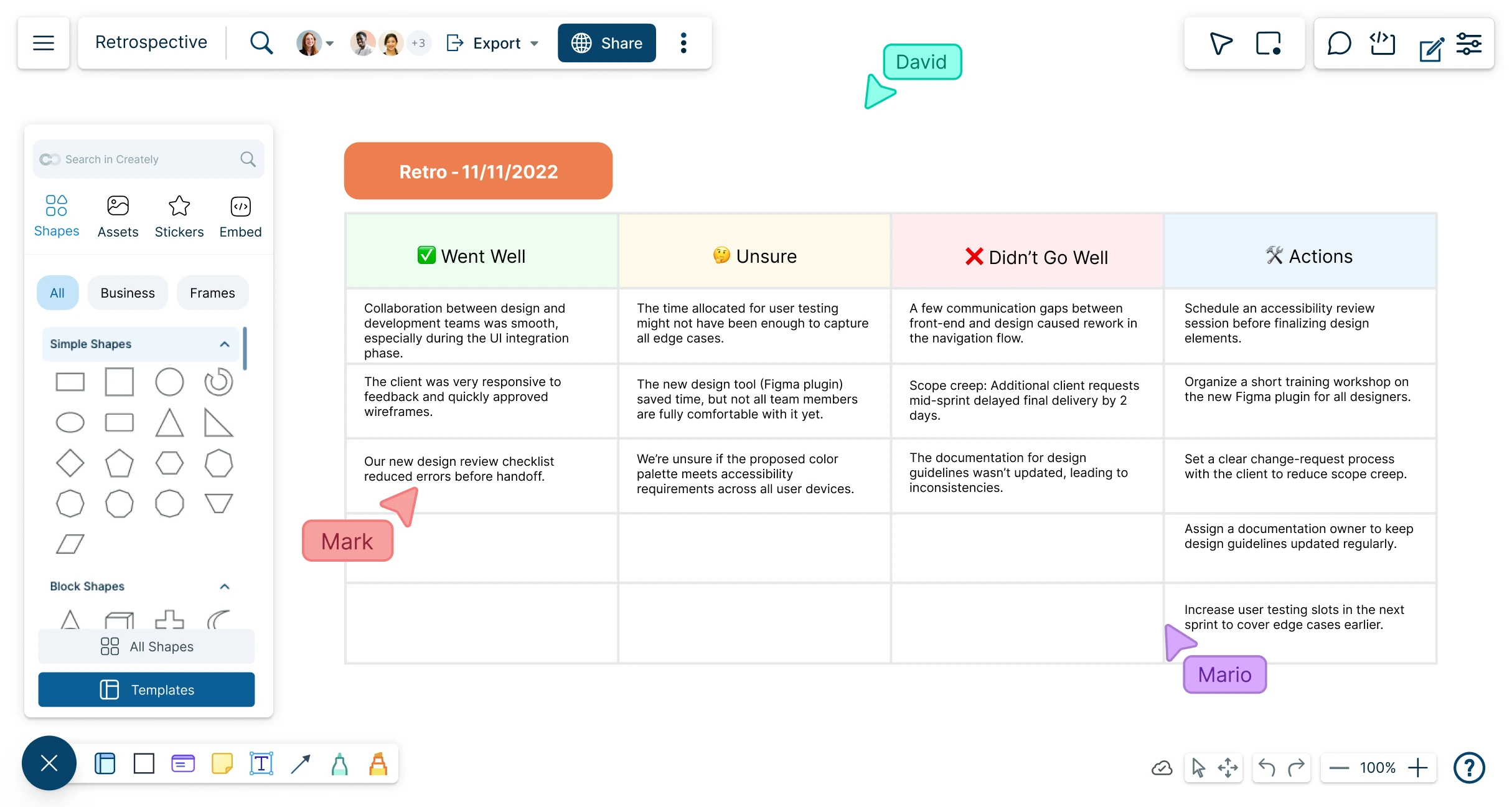
Plan, schedule, and manage collaborative retrospective meetings. Use Creately’s retro software to analyze project progress, uncover blockers, and streamline workflows with customizable retro boards.
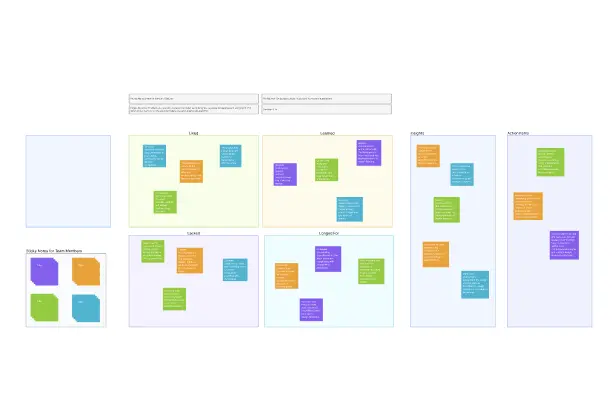
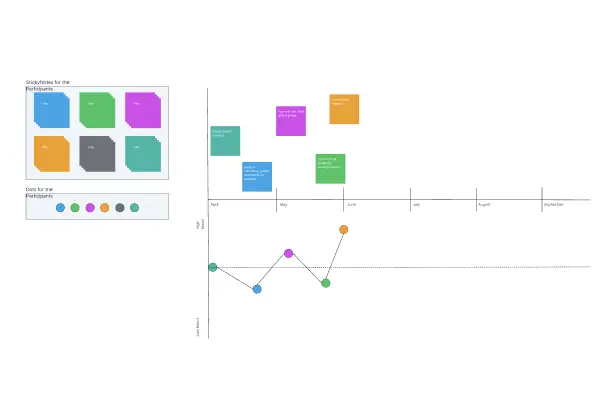
Ready-to-use retro board templates for every format
Shared visual canvas with multi-user collaboration
Comprehensive shape library with easy drag-and-drop design




 Diagramming Visual Collaboration Org Chart








How to Run a Retrospective Meeting?
Visualize Projects & Brainstorm Solutions with the Retro Software
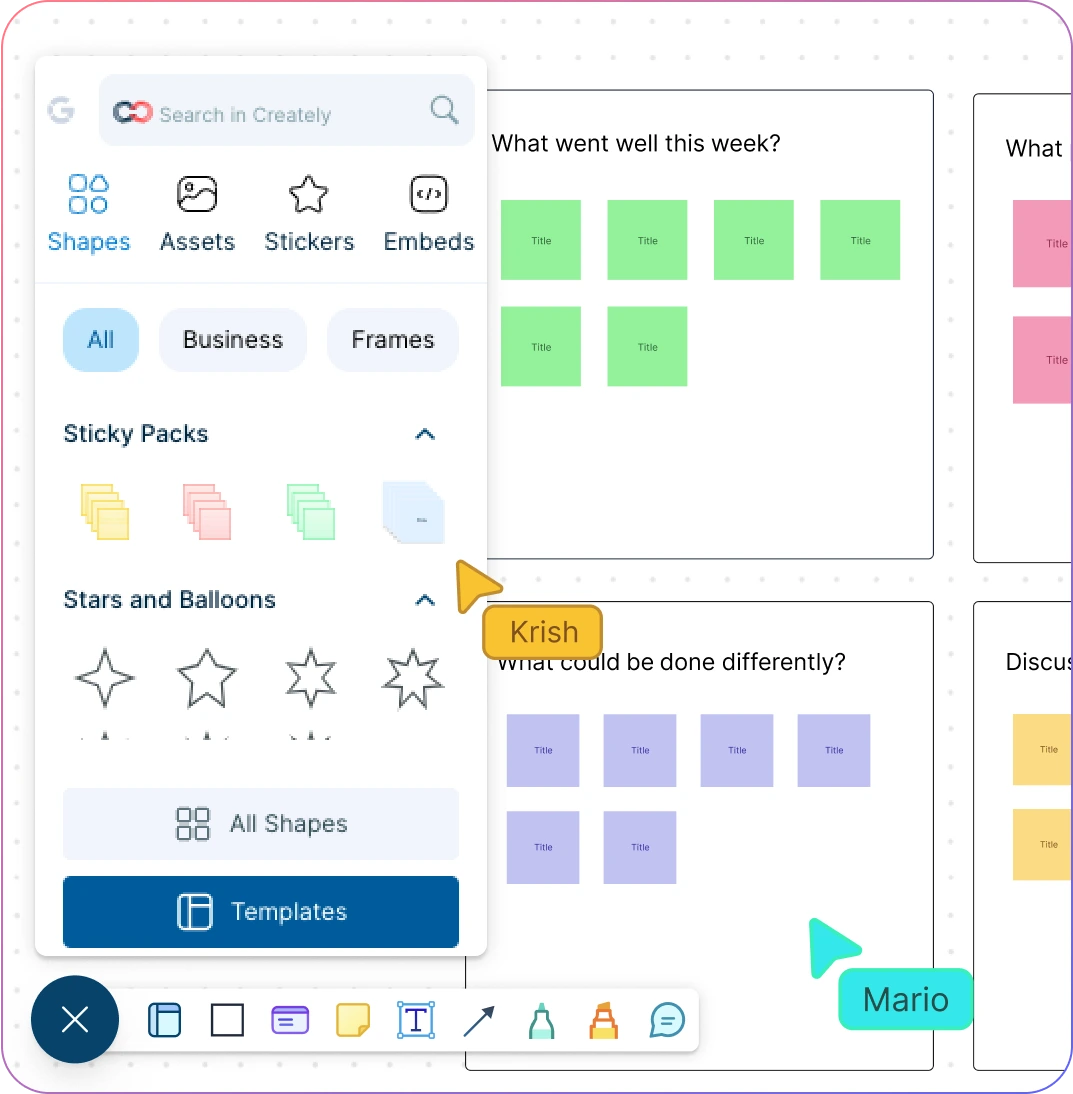
Reflect on past projects and identify areas for improvement with digital sticky notes.
Structure your retro discussions with predefined retro board templates.
Collaborate visually in real-time using a virtual whiteboard and freehand drawing.
Present findings, trends, and project progress clearly with intuitive visual tools.
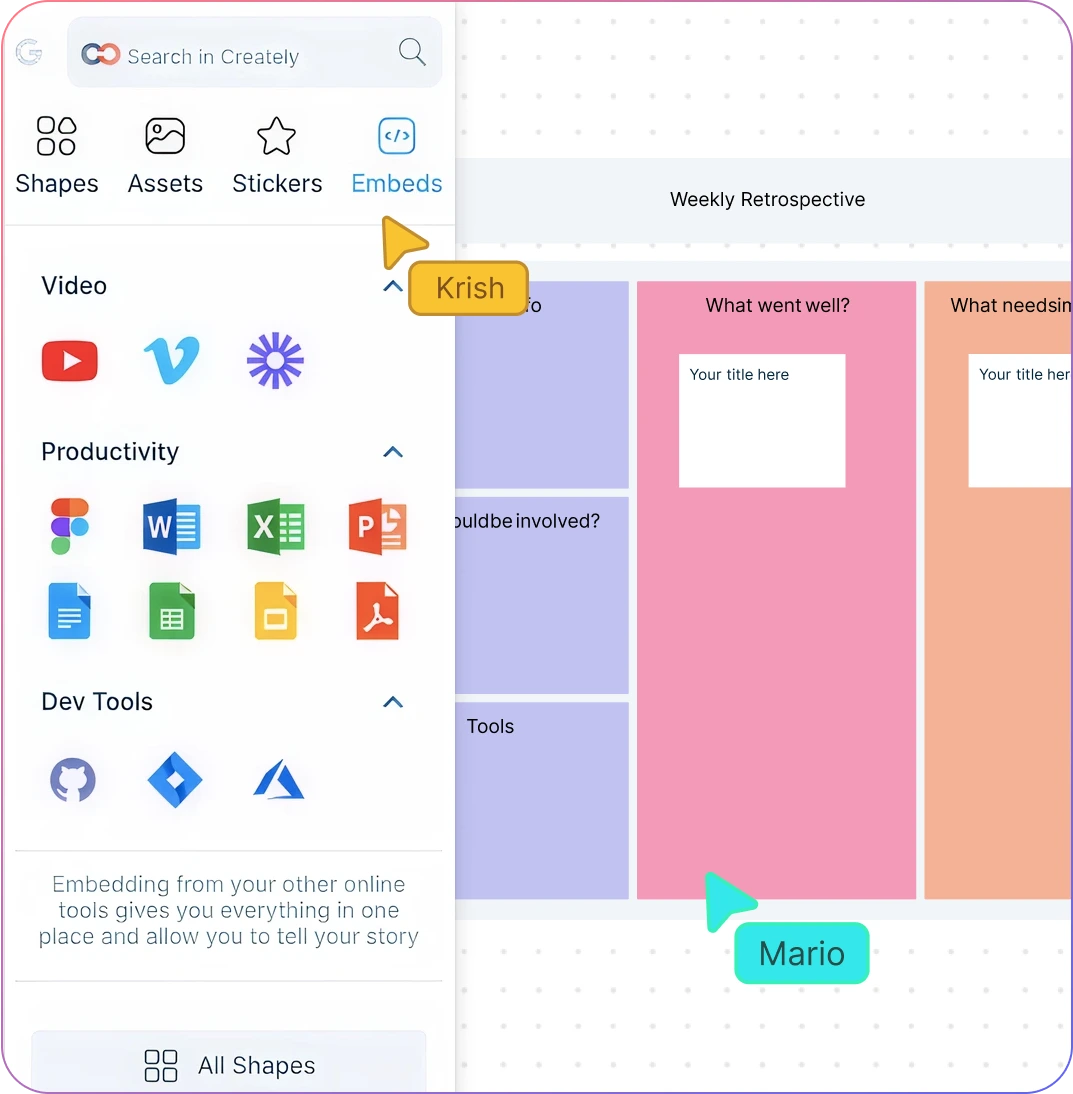
Keep Everything in a Centralized Retro Board
Manage team retros and documents seamlessly on an infinite canvas.
Attach data to sticky notes from any source to enrich your retro items.
Drag and drop or import images, screenshots, and illustrations easily.
Add context to each shape with integrated notes for detailed retro meetings.
Go From Retro Insights to Action Items
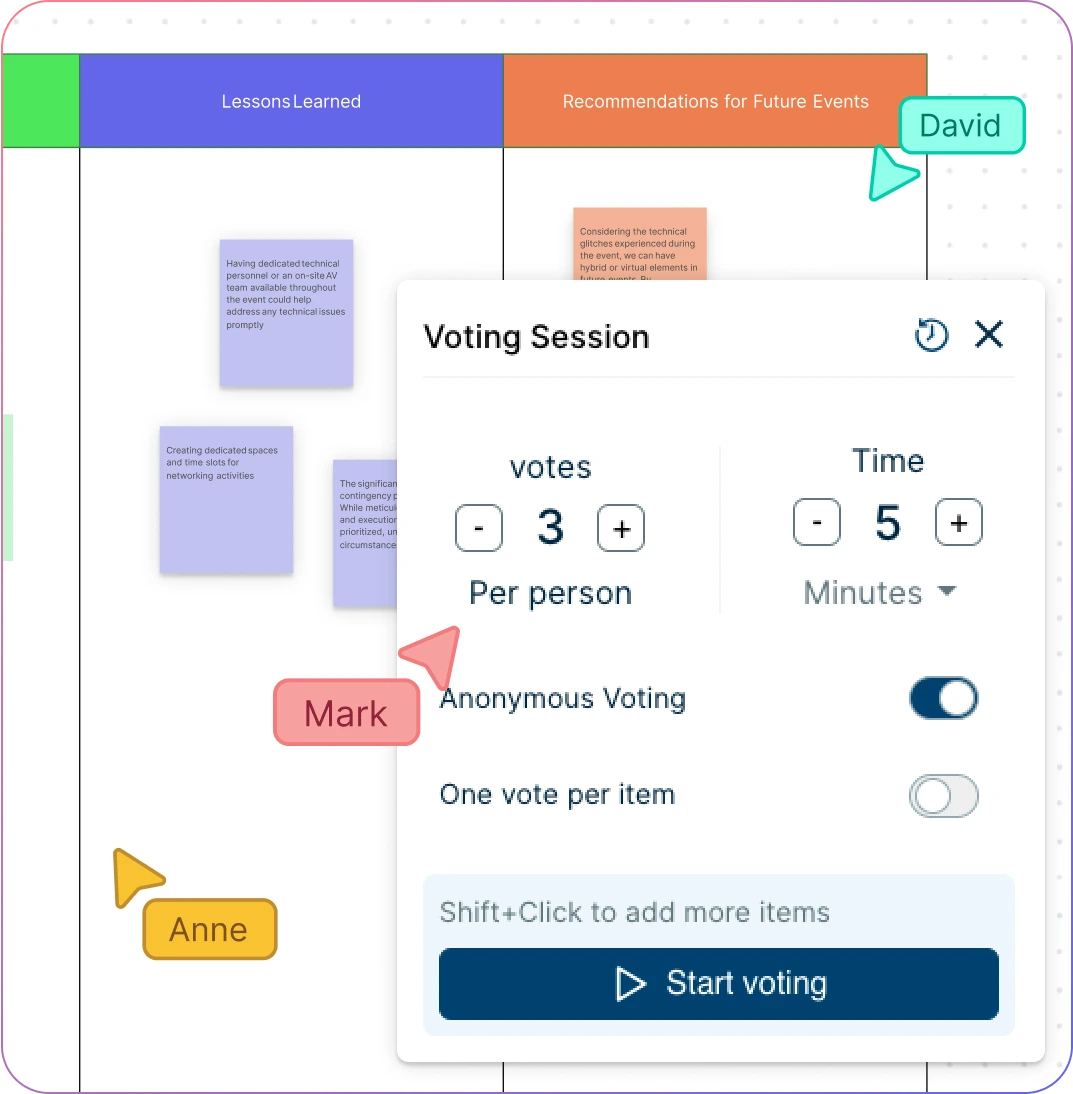
Categorize and prioritize action items using visual voting and prioritization grids.
Assign roles, set due dates, and add estimates with built-in data fields.
Manage tasks efficiently with Agile tools like Kanban boards, roadmaps, and more.
Sync progress seamlessly with your team’s existing workflows through powerful integrations.
Bring Your Team Together for Better Retro Meetings
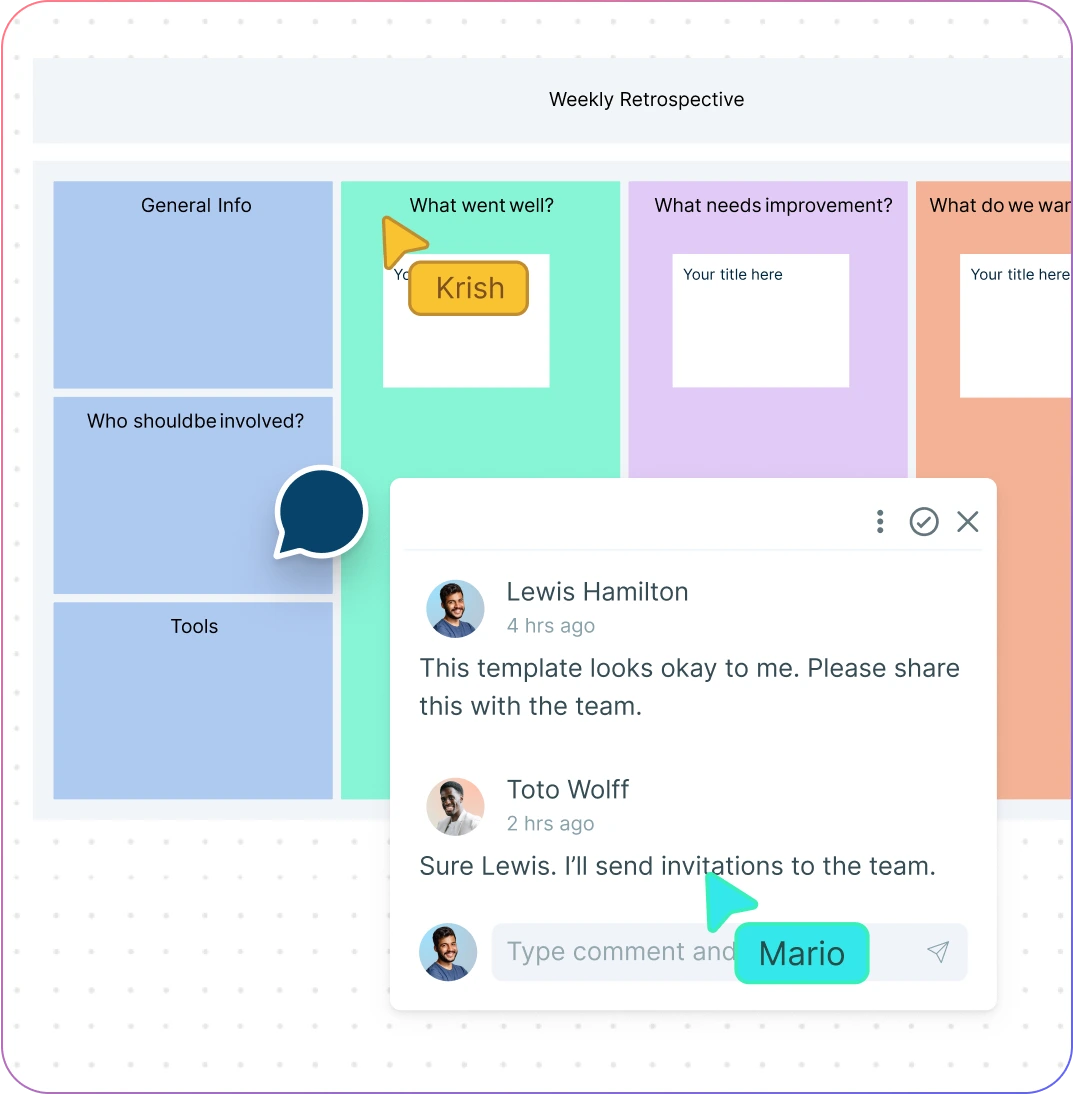
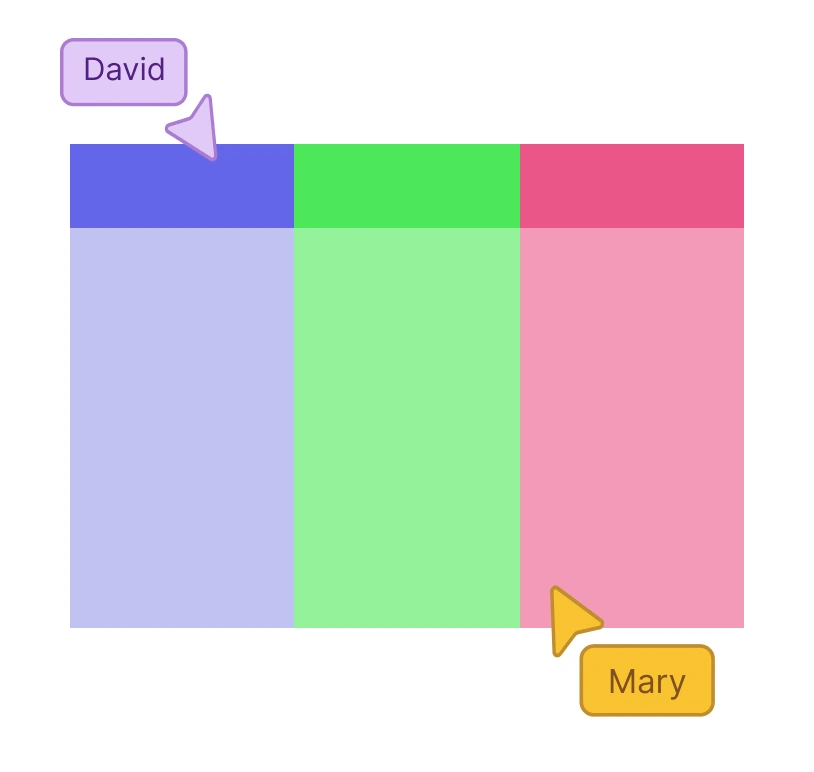
Live mouse tracking allows your team to coordinate retro meetings in real-time, with cursors visible for any number of participants.
Multi-user collaboration lets teams work together in real-time or asynchronously to review projects and identify successes and challenges.
In-context comments enable teammates to be tagged for clarification and direct action within the workspace.
Status flags on workspaces help maintain workflows and quickly identify versioned documents or key reference points.
What Is a Retrospective?
How to Use Creately’s Retro Software?
Launch Creately
Sign in to Creately’s retro tool and create a new workspace. Start with a blank canvas or select a retro board template from the in-app template library.
Customize Your Retro Board
Set the theme or focus for your retro discussion. Add headings, text boxes, and configure the layout to align with your project, sprint, or team objective.
Capture Ideas and Feedback
Use virtual sticky notes and the notes panel to collect insights from all team members. Encourage everyone to add thoughts, observations, and suggestions directly onto the online retro tool.
Collaborate and Organize
Group and cluster related ideas using drag-and-drop functionality. Utilize real-time collaboration features, comments, and reactions to discuss and prioritize items effectively.
Review, Assign, and Share Action Items
Turn prioritized ideas into actionable tasks. Assign responsibilities, set due dates, and monitor progress. Finally, share the completed retro board with your team for follow-up and reference.
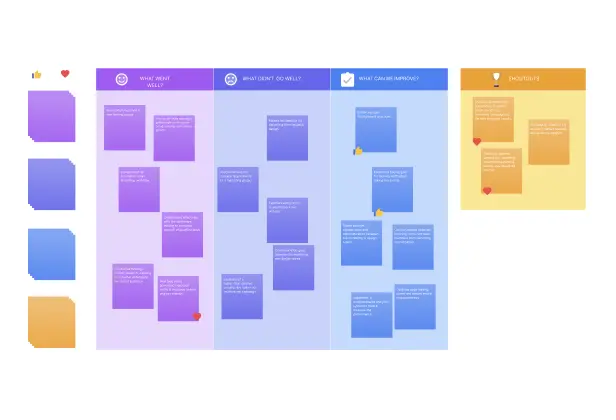
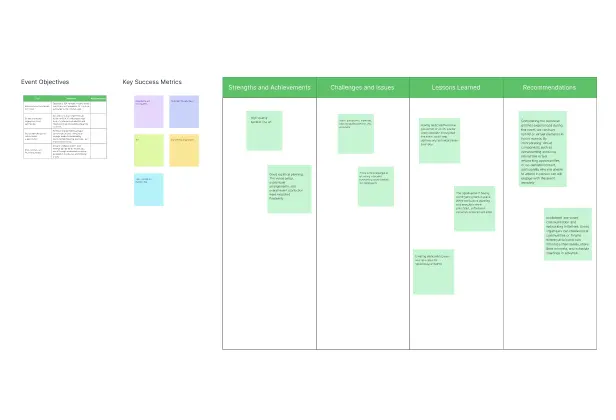
Create a Retro BoardGuide the Flow of Your Next Retro Meeting with These Templates
FAQs on the Retro Board
What are Creately’s retro software pricing plans?
- Free Plan — $0/month for basic retro creation and collaboration
- Starter & Team Plans — $8/month or $5/month billed annually
- Business Plan — $149/month or $89/month billed annually
Annual billing helps you save more while unlocking advanced collaboration, workspace management, and enhanced retro features. You can compare all available plans and features on the Creately Pricing Page.
How can you create retros faster?
Are there templates for different retro use cases?
Can teams collaborate on retros?
Can I add notes, data, and files?
Can I share, present, or export retros?