Scrumban is an Agile approach that combines selected Scrum practices with Kanban’s visual, pull-based workflow and work-in-progress limits. Teams use it to retain useful planning cadences while managing work continuously and adapting priorities as capacity becomes available.
What Is Scrumban?
To understand Scrumban, let’s first recap Scrum and Kanban.
Scrum is an Agile framework in which a small team works toward a Product Goal through fixed-length Sprints of one month or less. It defines accountabilities, events, and artifacts that support inspection and adaptation.
Kanban is a strategy for optimizing the flow of value through a visual, pull-based system. Teams visualize the workflow, control work in progress, make policies explicit, and use feedback loops to improve flow. Kanban does not prescribe specific team roles or a fixed iteration length.
Scrumban emerged as teams combined Scrum practices with Kanban flow management. It can support a gradual transition from Scrum to Kanban, but teams also use it as an ongoing approach when they need both planning structure and flexibility. Because Scrumban has no single prescriptive framework, each team should document its cadence, work-in-progress limits, pull policies, and replenishment rules.
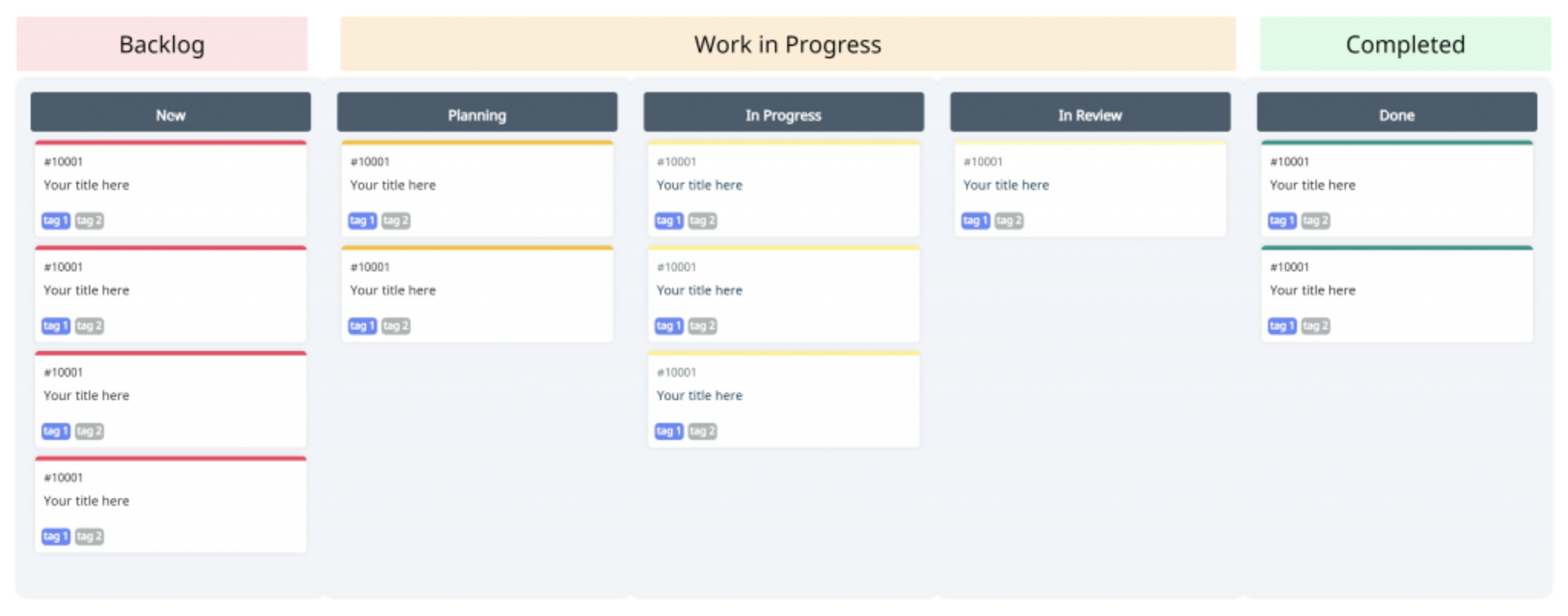
Scrumban combines selected elements of Scrum with Kanban practices. The exact implementation varies by team, so the comparison below describes common patterns rather than mandatory Scrumban rules.
When to Use Scrumban
Consider Scrumban when work arrives unpredictably, priorities change frequently, or a Scrum team needs stronger visibility into flow and work in progress. It can also suit maintenance and support work that benefits from on-demand planning but still needs regular reviews. Before adopting it, assess the team’s existing practices, service expectations, dependencies, and ability to define and maintain explicit workflow policies.
Scrum vs Kanban vs Scrumban
| Scrum | Kanban | Scrumban | |
|---|---|---|---|
| Best for | Complex product work that benefits from a clear goal and regular inspection within fixed-length Sprints. | Services and workflows that benefit from continuous flow and explicit control of work in progress. | Teams that want to combine a planning cadence with pull-based flow and WIP limits. |
| Work cycles | Fixed-length Sprints of one month or less, with defined Scrum events. | Continuous flow; a fixed iteration is not required. | Team-defined cadence; may use iterations, continuous flow, or both. |
| Planning | Sprint Planning establishes the Sprint Goal and initial Sprint Backlog. | Replenishment occurs according to explicit policies and available capacity. | Often uses on-demand replenishment triggered by capacity or a defined planning threshold. |
| Prioritization | The Product Owner orders the Product Backlog; Developers select work for the Sprint. | Work is selected according to explicit ordering and pull policies. | The team defines its ordering and pull policies; prioritization is not inherently assigned to a manager. |
| Team structure | A Scrum Team typically has 10 or fewer people and includes a Product Owner, Scrum Master, and Developers. | Kanban does not prescribe team roles or team size. | Scrumban does not prescribe universal roles or team size; teams often retain useful existing accountabilities. |
| Work-in-progress limits | Scrum uses a fixed Sprint and Sprint Goal but does not prescribe per-column WIP limits. | WIP is explicitly controlled to support flow. | WIP limits are commonly used to support pull-based flow. |
| Core visual tools | Product Backlog, Sprint Backlog, and Increment; teams may also use a board. | A visual workflow, explicit policies, WIP controls, and flow metrics. | A visual workflow or Scrumban board, WIP limits, and team-defined planning signals. |
| Ownership | The Scrum Team is accountable for creating a valuable Increment; specific Scrum accountabilities are defined. | Ownership is defined by the organization and its workflow policies. | Ownership is defined by the team’s chosen roles and policies. |
| Change policy | Scope may be clarified and renegotiated with the Product Owner during a Sprint without endangering the Sprint Goal. | New work is pulled when capacity and policy allow. | New work is pulled according to the team’s capacity, WIP limits, and replenishment policy. |
Advantages and Disadvantages of Scrumban
Advantages
Teams can introduce Scrumban incrementally by visualizing their existing workflow, defining pull policies, and setting appropriate WIP limits.
Teams can retain useful existing roles while adapting planning and workflow policies to their context.
Scrumban does not prescribe a universal set of meetings, allowing teams to choose feedback cadences that support their workflow.
Teams can combine longer-term planning with near-term, capacity-based replenishment rather than committing every item to a fixed Sprint.
A Scrumban board and WIP limits make blocked work and potential flow constraints easier to identify and discuss.
Disadvantages
Scrumban has no single official rulebook, so teams must agree on their own roles, cadences, WIP limits, and replenishment policies.
Without explicit workflow policies and regular review, a hybrid approach can become inconsistent and difficult to evaluate.
How Creately Simplifies Scrumban for Your Team
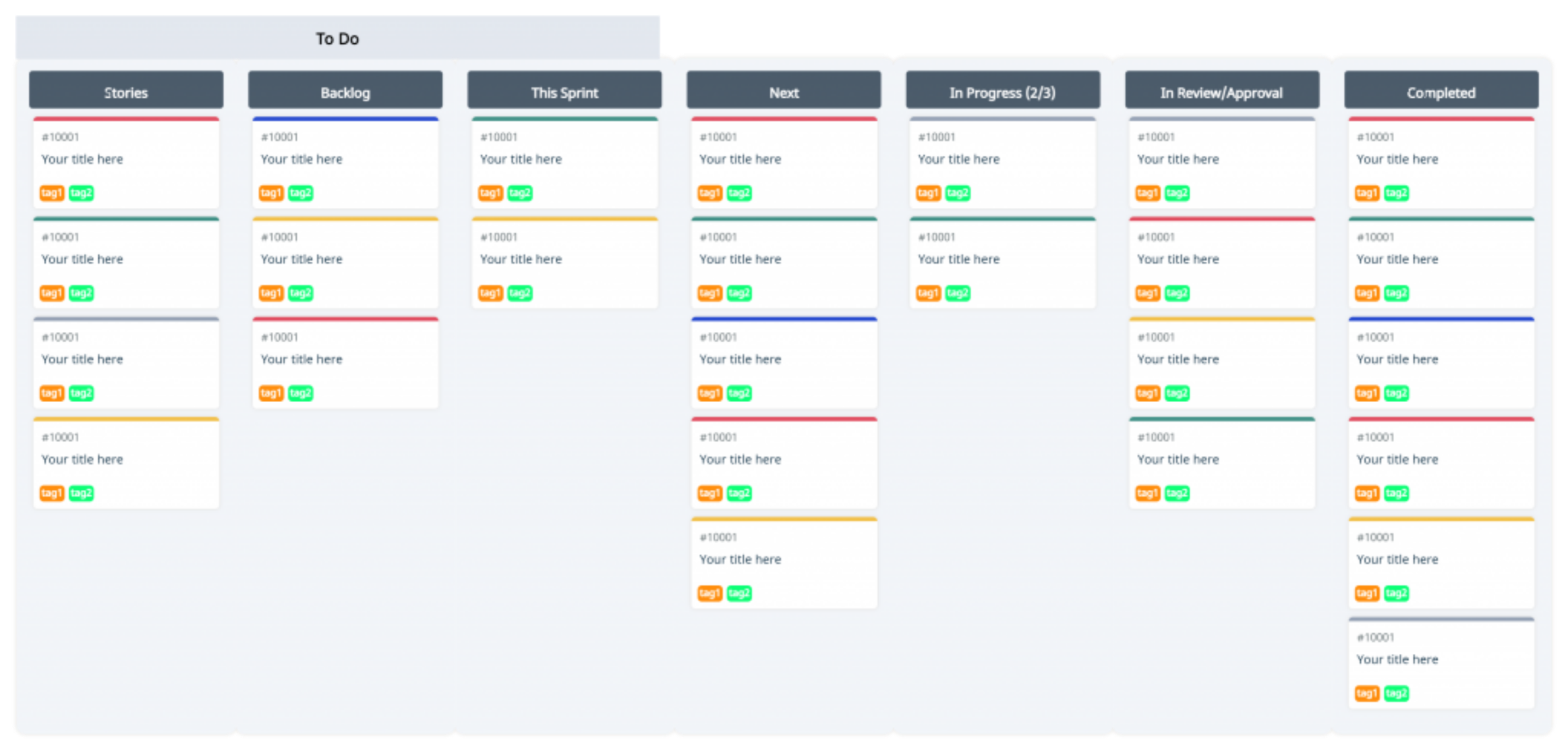
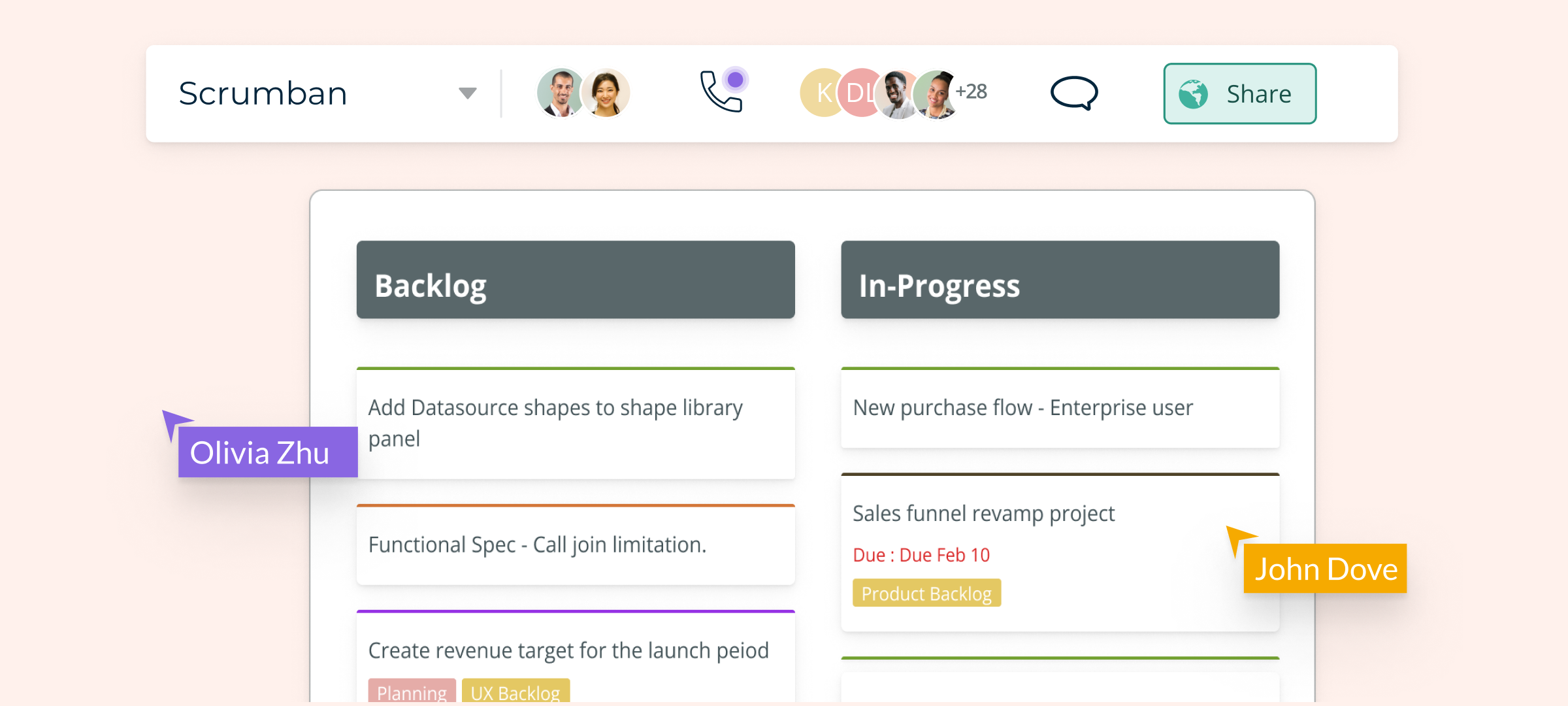
With Creately’s process mapping software, teams can keep a Scrumban workflow visible and maintain relevant operational context alongside it. The following capabilities can help teams create and review a Scrumban board:
Use the infinite canvas to place a Scrumban board beside supporting timelines, process maps, or other project visuals.
Start with Kanban-style boards and task cards, then adapt the columns and visual policies to the team’s workflow.
Move cards between workflow stages and use visual cues to show work types, priorities, or blocked items.
Keep relevant notes, links, and files connected to the workspace so supporting process context is easier to find.
Add structured properties such as owners, status, and duration where they are useful for the mapped process.
Use comments and mentions to discuss work in context and record feedback for the appropriate owner.
Collaborate in real time so cross-functional teams can review changes and clarify handoffs on the shared canvas.
Revisit the board and its connected context during workflow reviews so it remains useful as living documentation rather than a static snapshot.
Join Creately to start your Scrumban experience today!