Marketing Diagram Software
Visualize & Analyze Campaigns with Powerful Marketing Diagrams
Collaborate with your team to set marketing goals, analyze customer data, and brainstorm ideas to develop marketing campaigns using strategy diagrams, all in one shared workspace.
Infinite canvas to map marketing goals, strategies, and plans
Ready-to-use marketing diagram templates to spark innovation
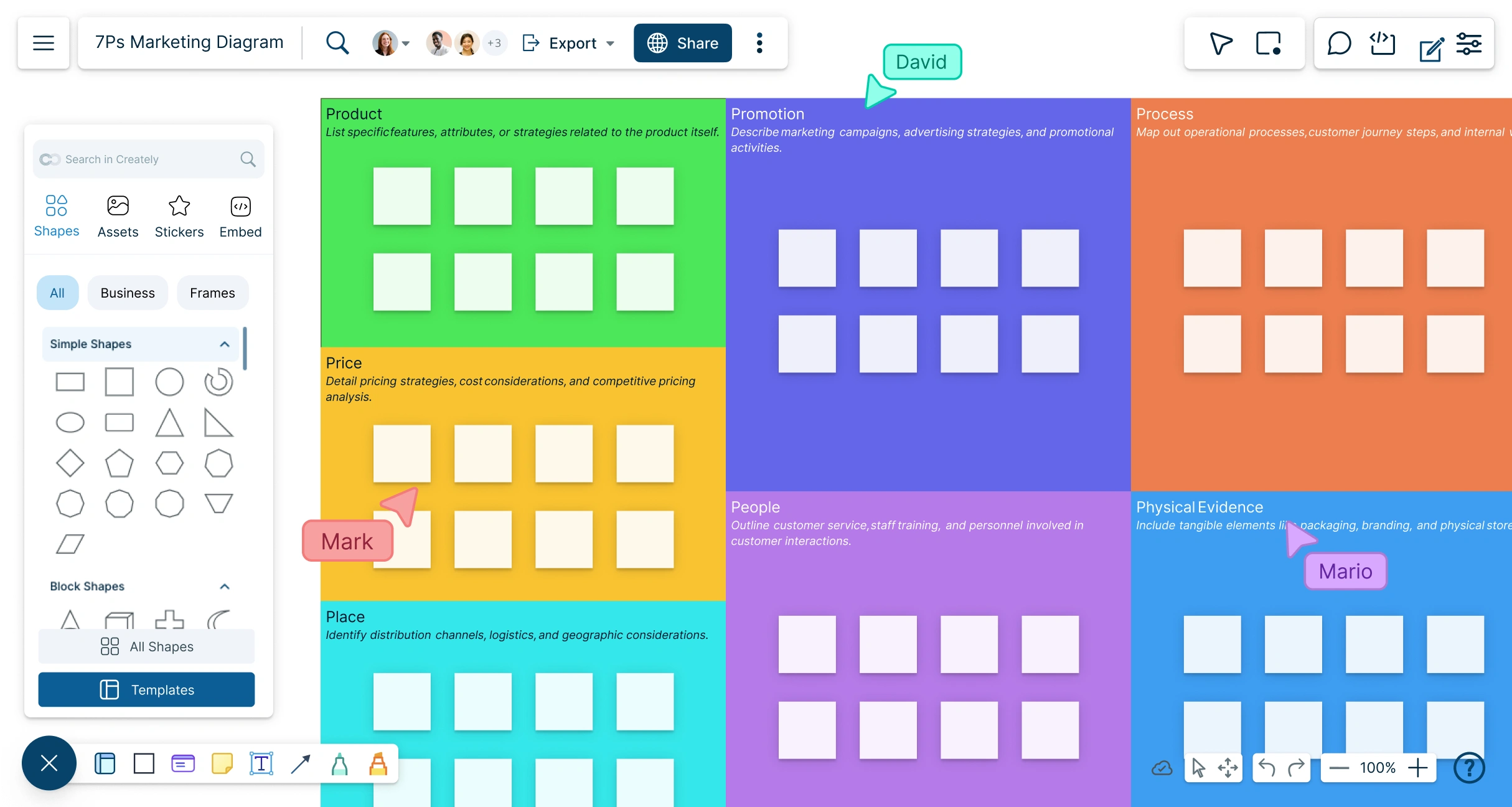
Real-time collaboration to build marketing charts with your team



 Diagramming Visual Collaboration Org Chart


Identify Trends & Discover Insights with Marketing Diagrams

Conduct brainstorming sessions with built-in ideation tools and sticky notes.
Add research data and additional context to shapes via the notes and data panels.
Visualize market data from external sources using marketing charts and graphs.
Analyze data gaps using the extensive templates available on marketing models.
Collate information on an infinite canvas as a central hub for strategy planning.

Develop Effective Marketing Strategies with Marketing Strategy Graphs
Visualize marketing plans, strategies, and processes with pre-made frameworks and templates.
Build simple to complex marketing diagrams using the intuitive drag-and-drop interface.
Customize diagrams with configurable color themes and advanced text formatting.
Access 50+ diagram types, including sales funnels, matrices, and marketing strategy charts, in the template library.
Organize & Centralize Marketing Assets for Easy Access

Record, organize, and categorize marketing data with customizable tables.
Build marketing presentations, reports, dashboards, and strategy charts.
Add context by importing images, vectors, screenshots, and other assets.
Embed documents and resources with in-app previews to centralize all marketing materials.

Collaborate in Real Time with Your Team, Anytime, Anywhere
Manage, share, and review ideas, action plans, and marketing strategies collaboratively.
Keep workflows aligned with workspace-level status tracking.
Stay updated on document changes with smart notifications and version control.
Collaborate on marketing charts and diagrams in real time with your team.
Plan and Execute Marketing Strategies Using Interactive Strategy Diagrams

Build custom databases for market data, from consumer behavior to web analytics.
Arrange and visualize data using Kanban boards, timelines, grids, and frames.
Generate multiple views of the same information with reusable model objects.
Extend marketing diagrams with custom properties and additional fields for detailed planning.
What Is a Marketing Diagram?

How to Create a Marketing Diagram Using Creately?
Launch Creately and Open Your Workspace
Sign in to Creately and open a new workspace to start your marketing diagram project.
Choose a Template or Start from Scratch
Select a pre-made marketing diagram template or create one from scratch using Creately’s extensive shape library and customizable elements.
Add Data and Visual Elements
Incorporate research data, notes, sticky notes, and other multimedia using the notes panel. Map out strategies, plans, and campaigns visually with charts, frames, and icons.
Collaborate with Your Team
Invite team members to collaborate in real time. Use @mentions, multiple cursors, and in-line comments to review ideas, provide feedback, and refine your marketing diagrams together.
Review, Finalize, and Share
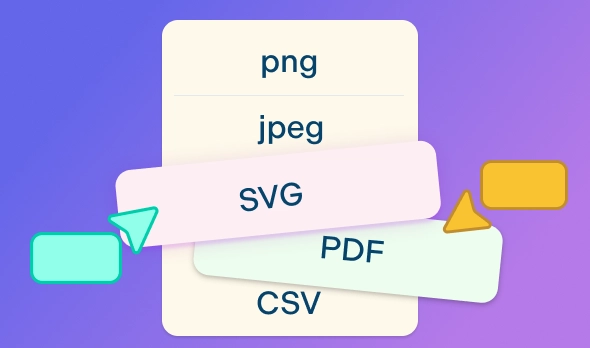
Finalize your diagrams, update them based on feedback, and share with stakeholders. Export diagrams in multiple formats (JPEG, PNG, SVG, or PDF) or present directly from Creately’s canvas.
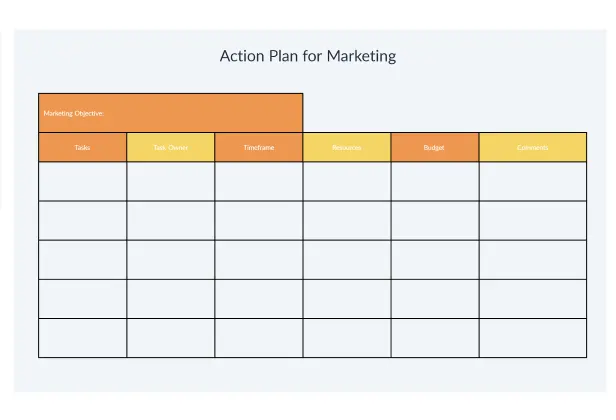
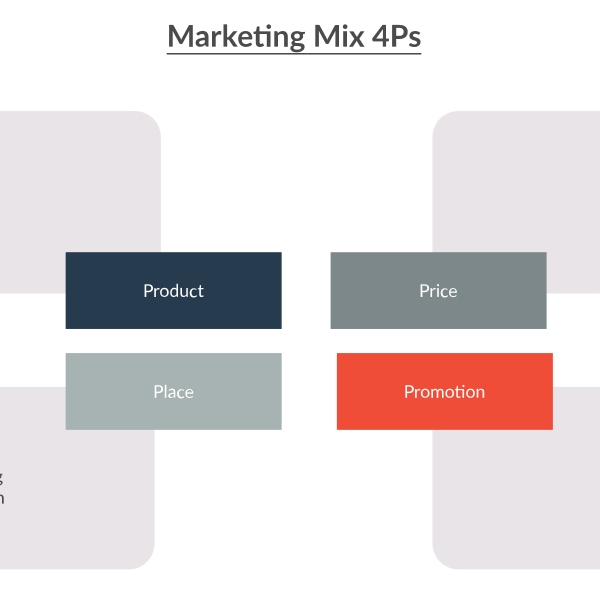
Create a Marketing DiagramCreate Your Marketing Diagram Online with These Free Editable Templates
FAQs About Creately's Marketing Diagram Software
What are Creately’s marketing diagram software pricing plans?
- Free Plan — $0/month for basic marketing diagram creation and collaboration
- Starter & Team Plans — $8/month or $5/month billed annually
- Business Plan — $149/month or $89/month billed annually
Annual billing helps you save more while unlocking advanced collaboration, workspace management, and enhanced marketing diagram features. You can compare all available plans and features on the Creately Pricing Page.
How can you create marketing diagrams faster?
Are there templates for different marketing diagram use cases?
Can teams collaborate on marketing diagrams?
Can I add notes, data, and files?
Can I share, present, or export marketing diagrams?