Evidence Board Maker

Connect Clues & Map Investigations Faster with Smarter Evidence Boards

Map out key details, link related evidence, visualize connections, and collaborate with a powerful investigation board online.

  • Organize documents, images, audio, and video in an intuitive evidence board layout.
  • Use customizable shapes, tags, and annotations to detail evidence.
  • Visualize evidence with interactive, user-friendly, detective board features.

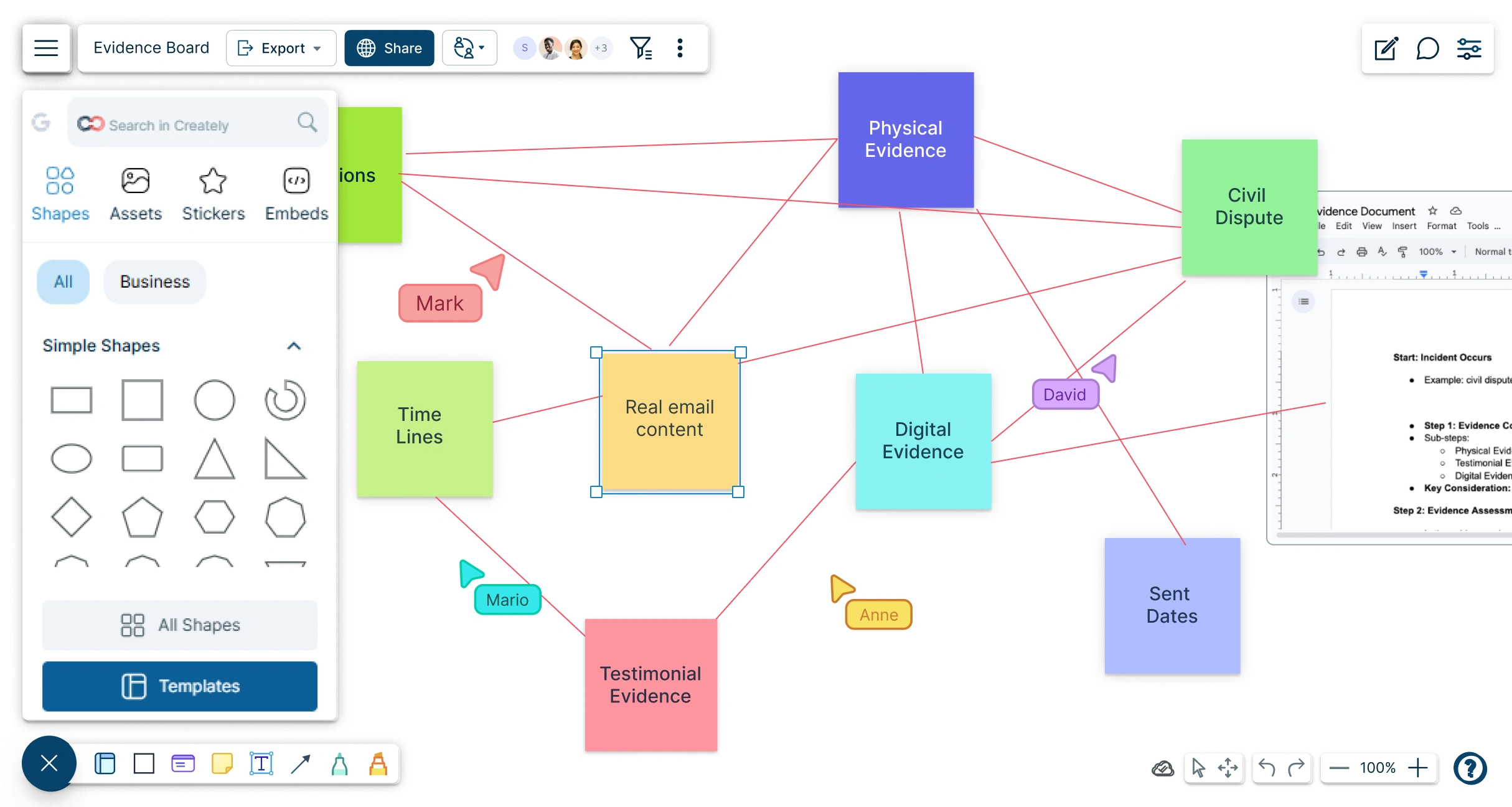
Snapshot of Creately's Interface with a Evidence Board Maker Template
Over 10 Million people and 1000s of teams already use Creately
Diagramming Grid Leader 2025 Diagramming
Visual Collaboration Grid Leader 2025 Visual Collaboration
Org Chart Grid Leader 2025 Org Chart
Most Implementable 2025 Best Results 2025 Ease to Do Business With 2025

Used by Over 10 Million people and 1000s of teams

A Comprehensive Tool for Visual Collaboration and Diagramming
it is ease of collaborative diagramming and real-time editing. This allows teams to brainstorm, create, and refine diagrams together in a way that feels intuitive and seamless, regardless of location.
JUAN LEONARDO G
Small-Business
Efficient and User-Friendly Diagramming Tool
I love how easy it is to create and collaborate on diagrams with Creately. The real-time collaboration feature is incredibly helpful for team projects, and the extensive library of templates and shapes saves a lot of time
Aymen G
Small-Business
Creately provides best diagram structure.
Creately has proven to be an incredibly creative tool, enhancing the visual appeal of our company tasks significantly. Additionally, its pricing is highly competitive, offering great value for the features it provides.
Ruchika N
Assistant Manager
Creately: Simple Diagram Tool
I like that Creately is easy to use. It helps me create diagrams quickly and easily.
Ananya G
Executive Committee Member
Creately: A smart choice for expressing ideas over diagrams
Creately is a simple and user-friendly application for creating diagrams to visualize complex technical ideas and data flow on wireframes, flow charts, and other visual options. The best part of this tool is its real-time collaboration features, which help us to enhance the workflows in the team.
Gulam M
Software Engineer
User friendly and visually appealing!!
The interface is easy to use. The look is aesthetically pleasing as well. Love the functionality.
Chrisoula
Small-Business
Intuitive Design and Effortless Creativity
What I like best about Creately is its intuitive design and the ease with which it allows me to create attractive designs. From the moment I started using it, I was impressed by how easy it was to navigate the platform and how quickly I could bring my ideas to life in visually appealing diagrams and charts.
DARWIN M.
Mid-Market
Creatly Awesome App
In creatly easy to use and easy to design our all network diagrams for the clients and easy to export and Creately offers a user-friendly interface that makes it easy for users to create various types of diagrams without extensive training or experience. We used creately on daily basis for making diagram.
Surya Prakash M
Tech Lead Security
Easy to use
Creately has better options than Canva. It has great templates. it is a great product to use for visual org charts.
Jennifer D.
Initial Implementation
Great AI features
AI Modelling capability. It gives Prompt examples so user can learn how to create effective prompts
Karma A.
Business Manager

Start Organizing Your Evidence with Evidence Board Templates
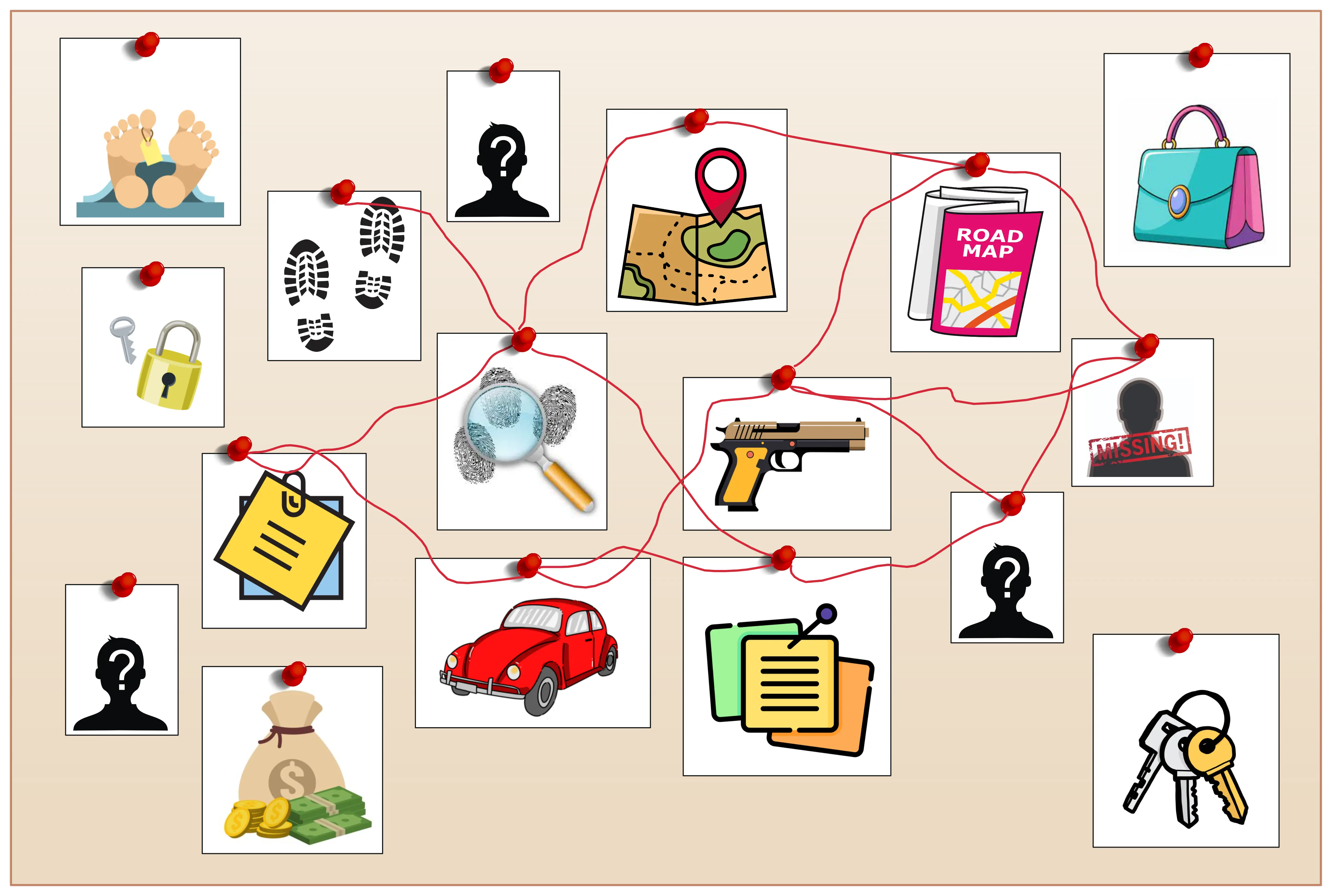
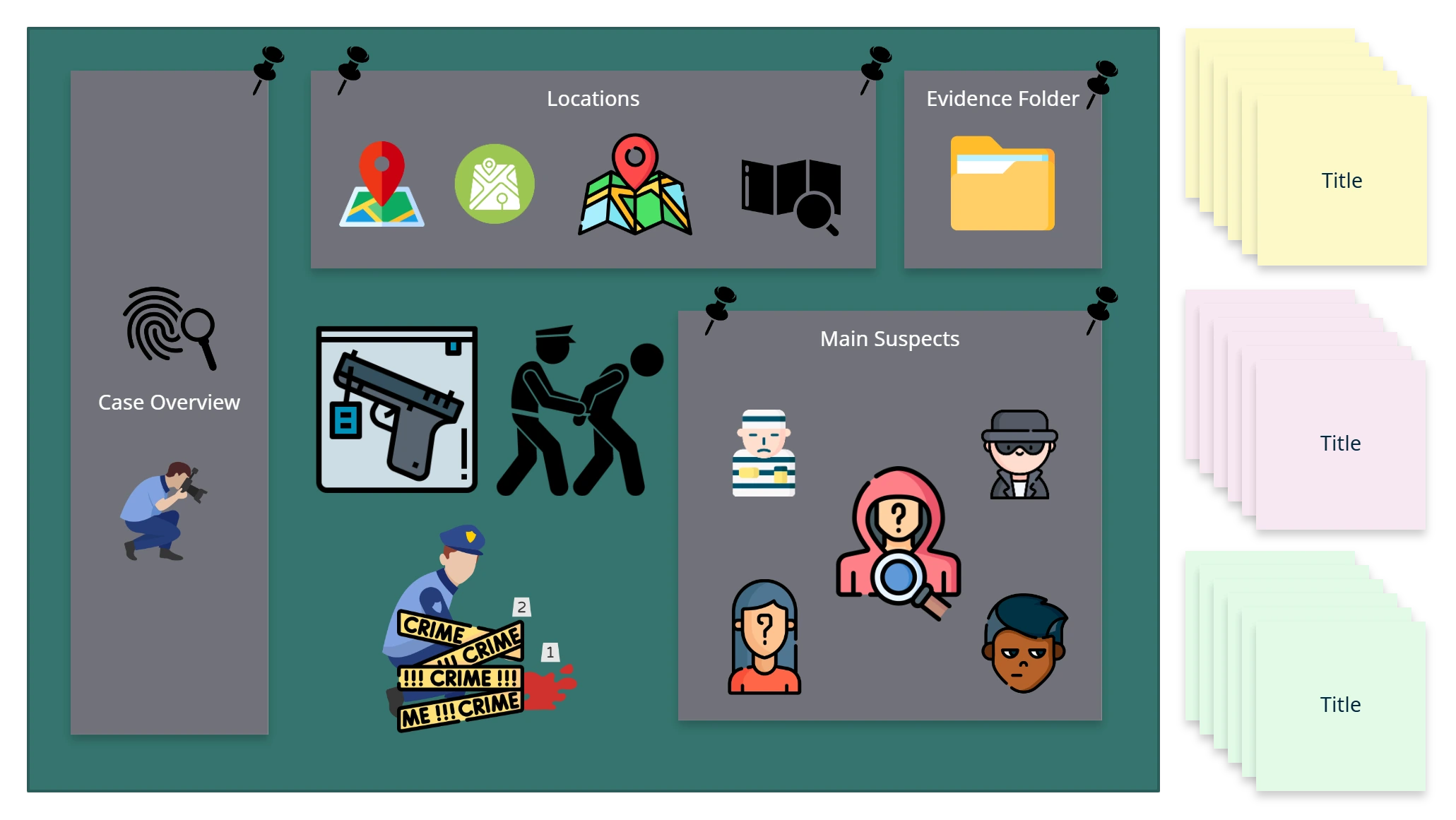
Detective Board Template

Detective Board Template

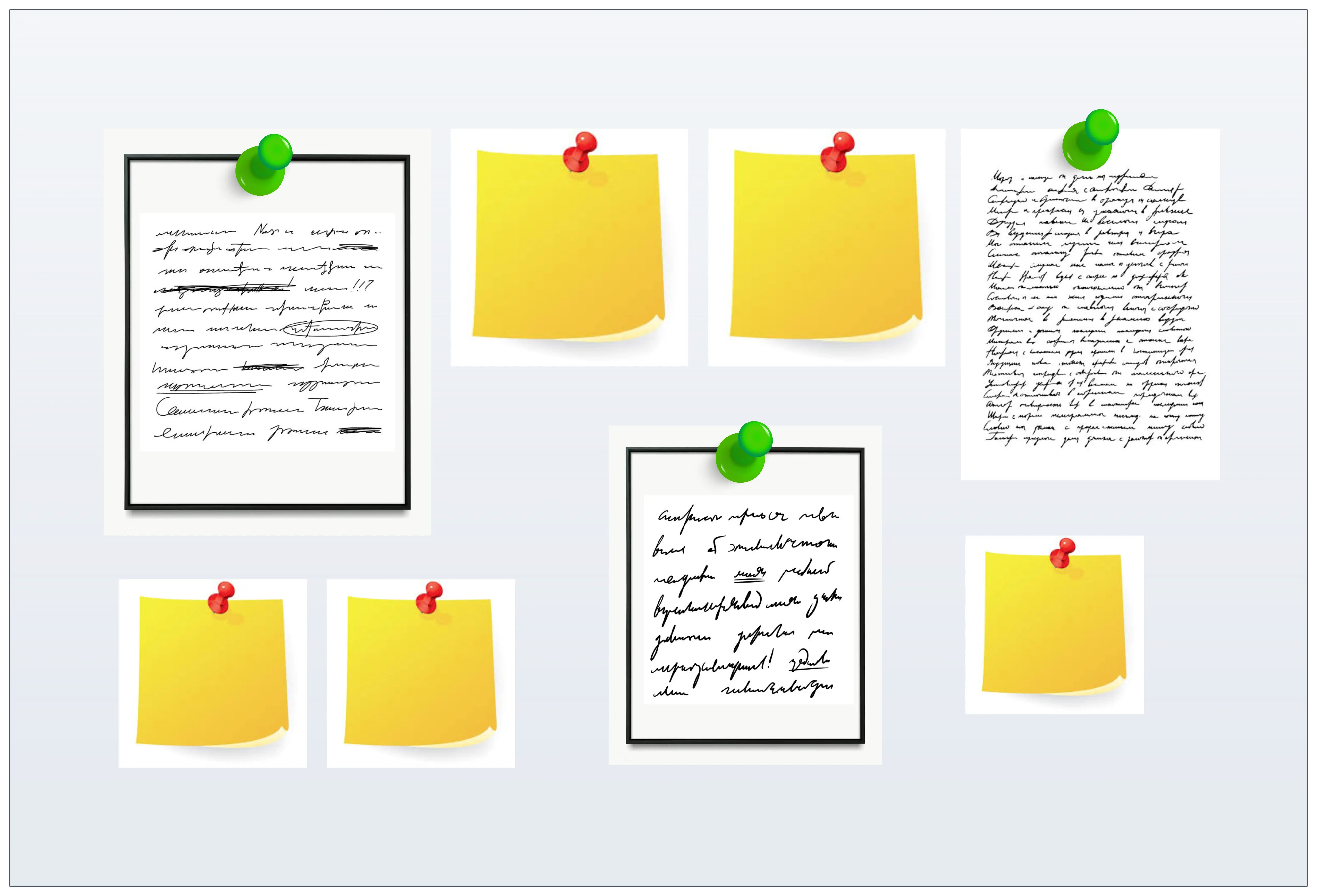
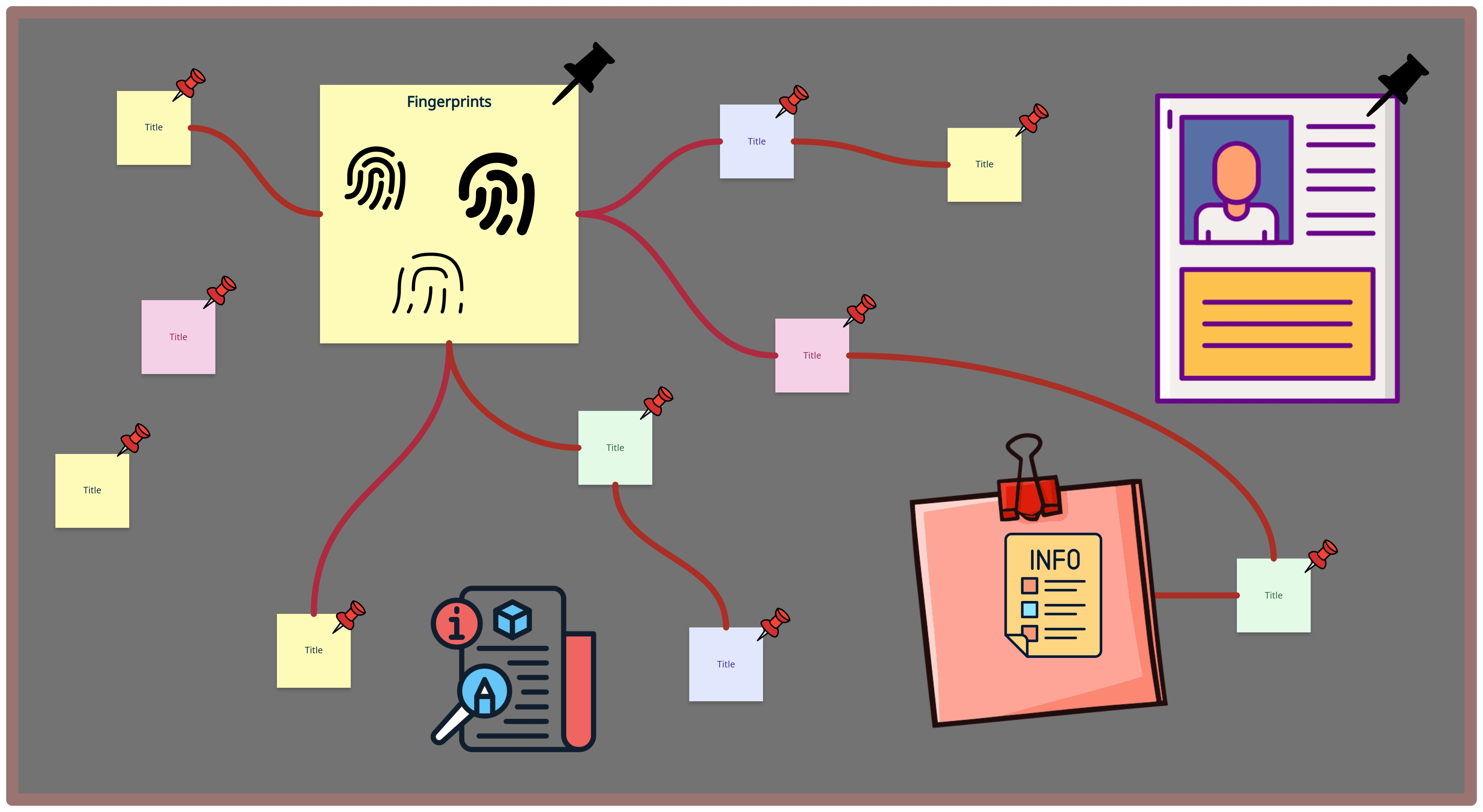
Evidence Frame Template

Evidence Frame Template

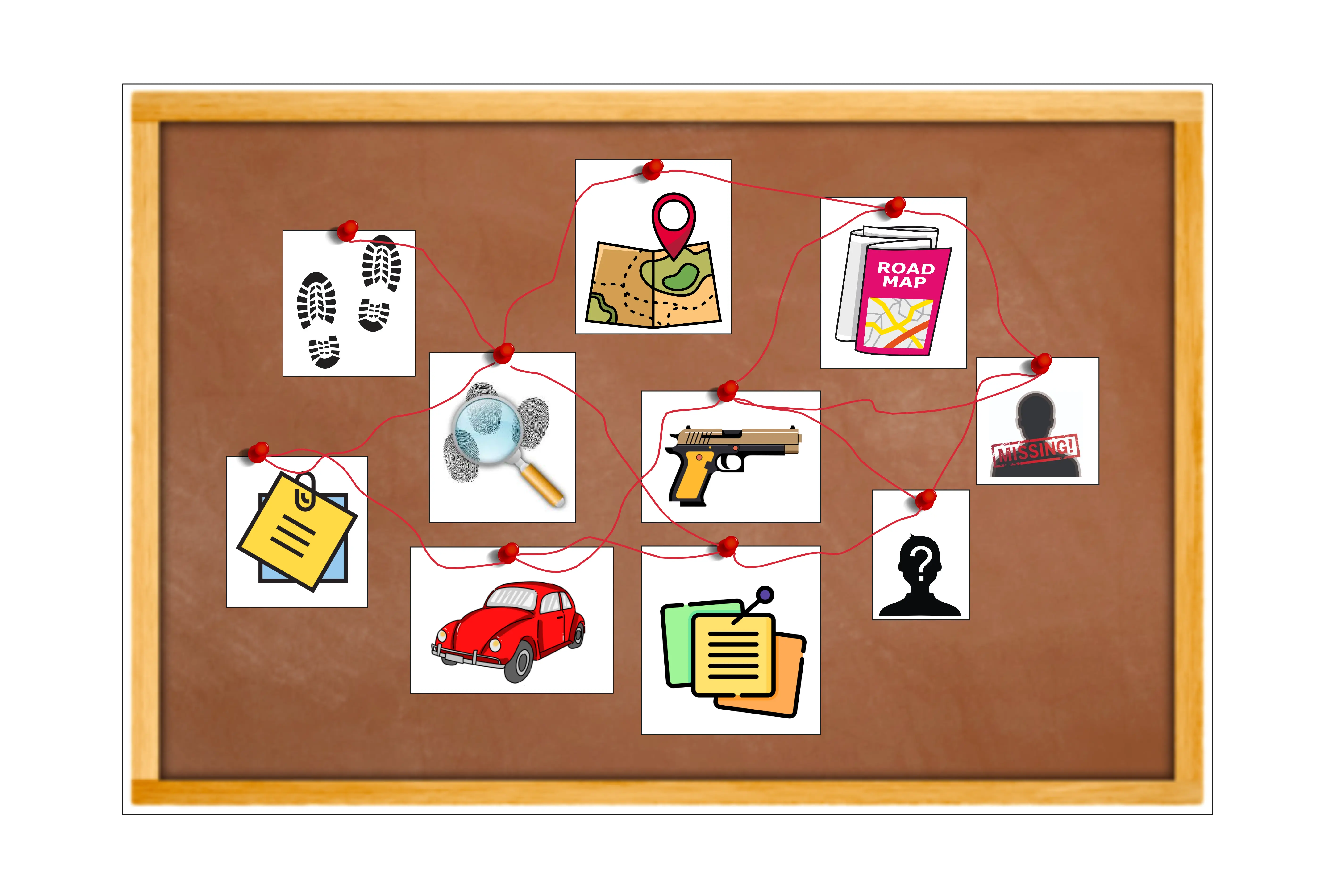
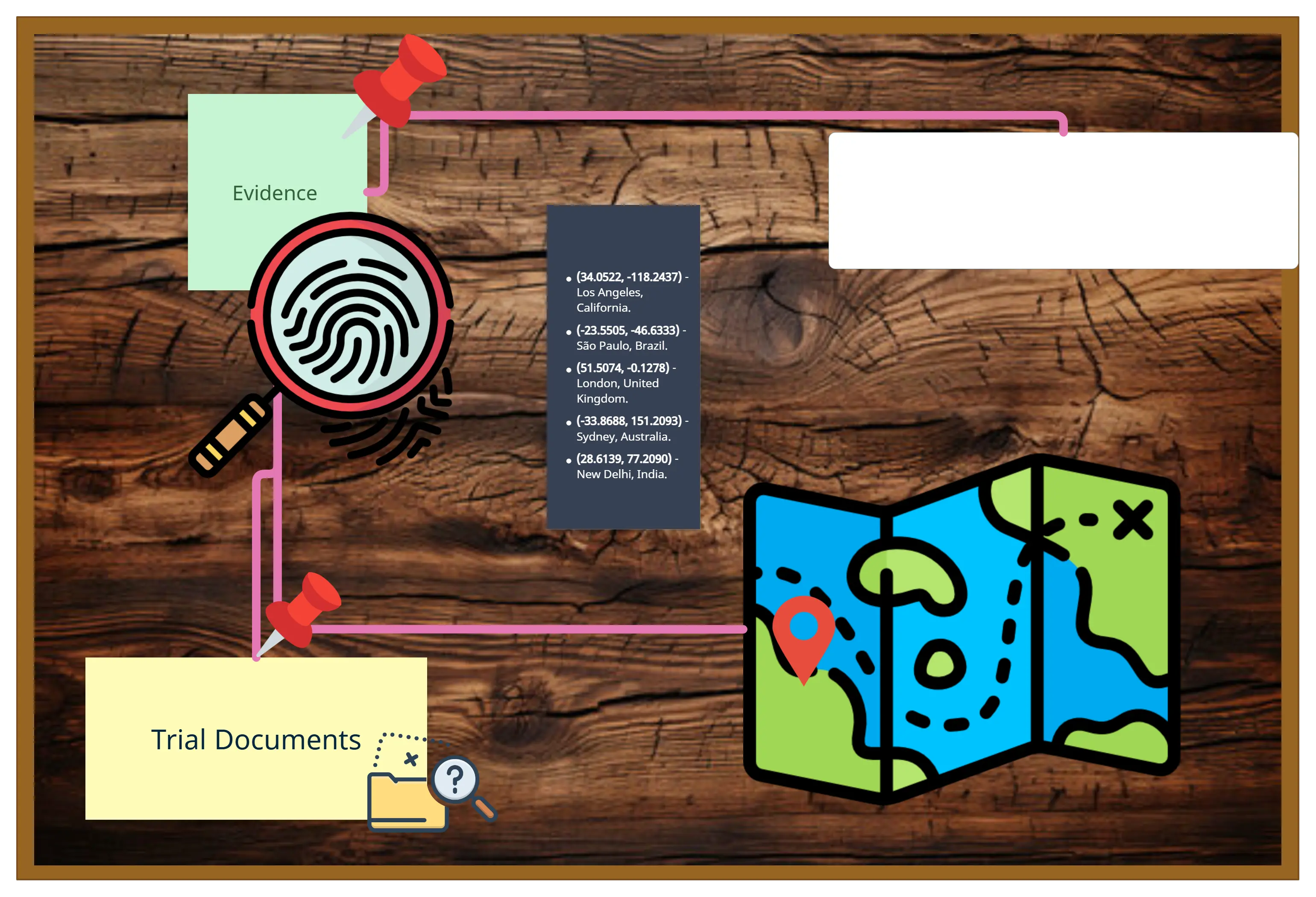
Investigation Board Template

Investigation Board Template

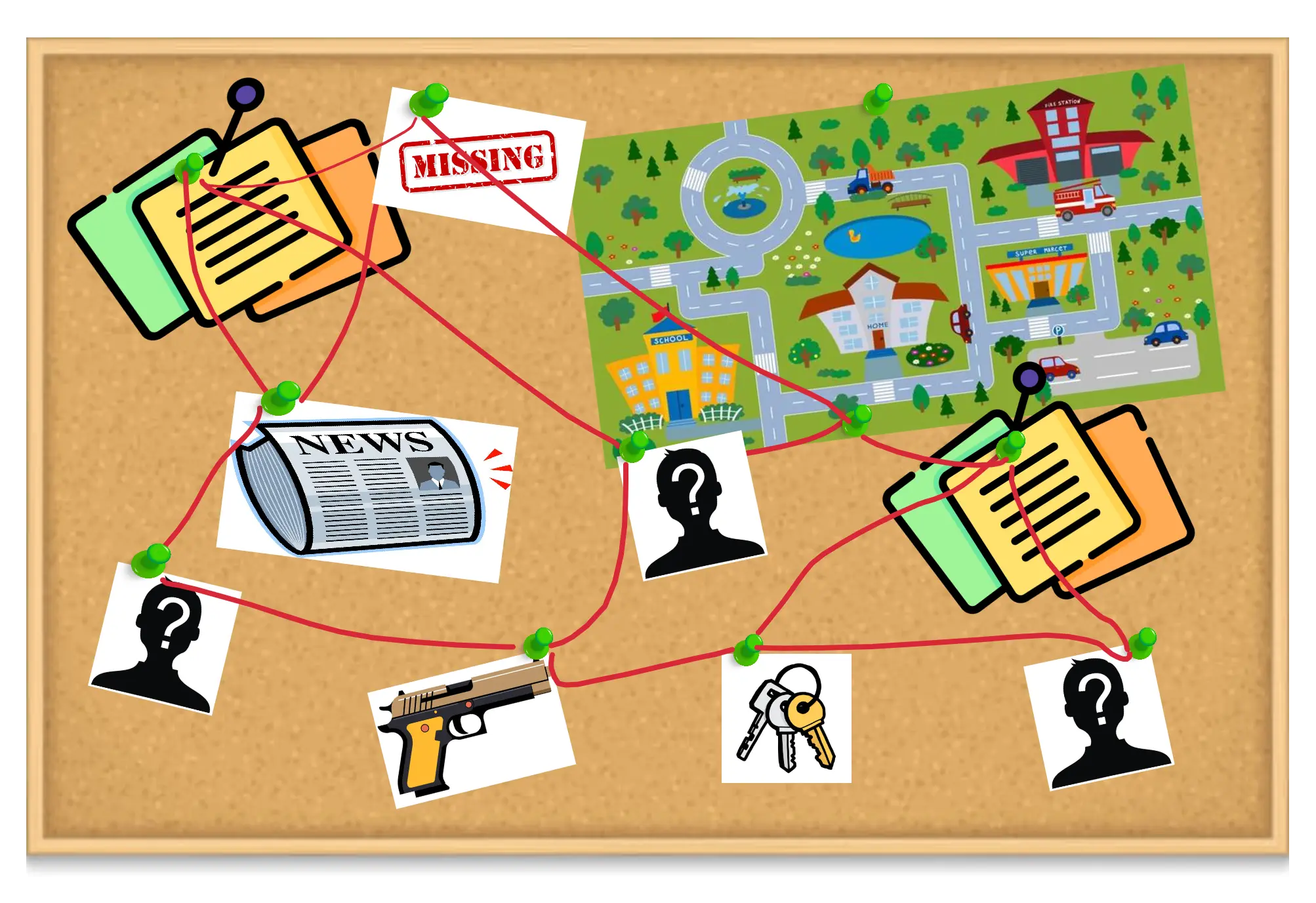
Evidence Board Template

Evidence Board Template

VISUALIZE & ANALYZE

Structure Evidence Visually for Faster, Smarter Analysis
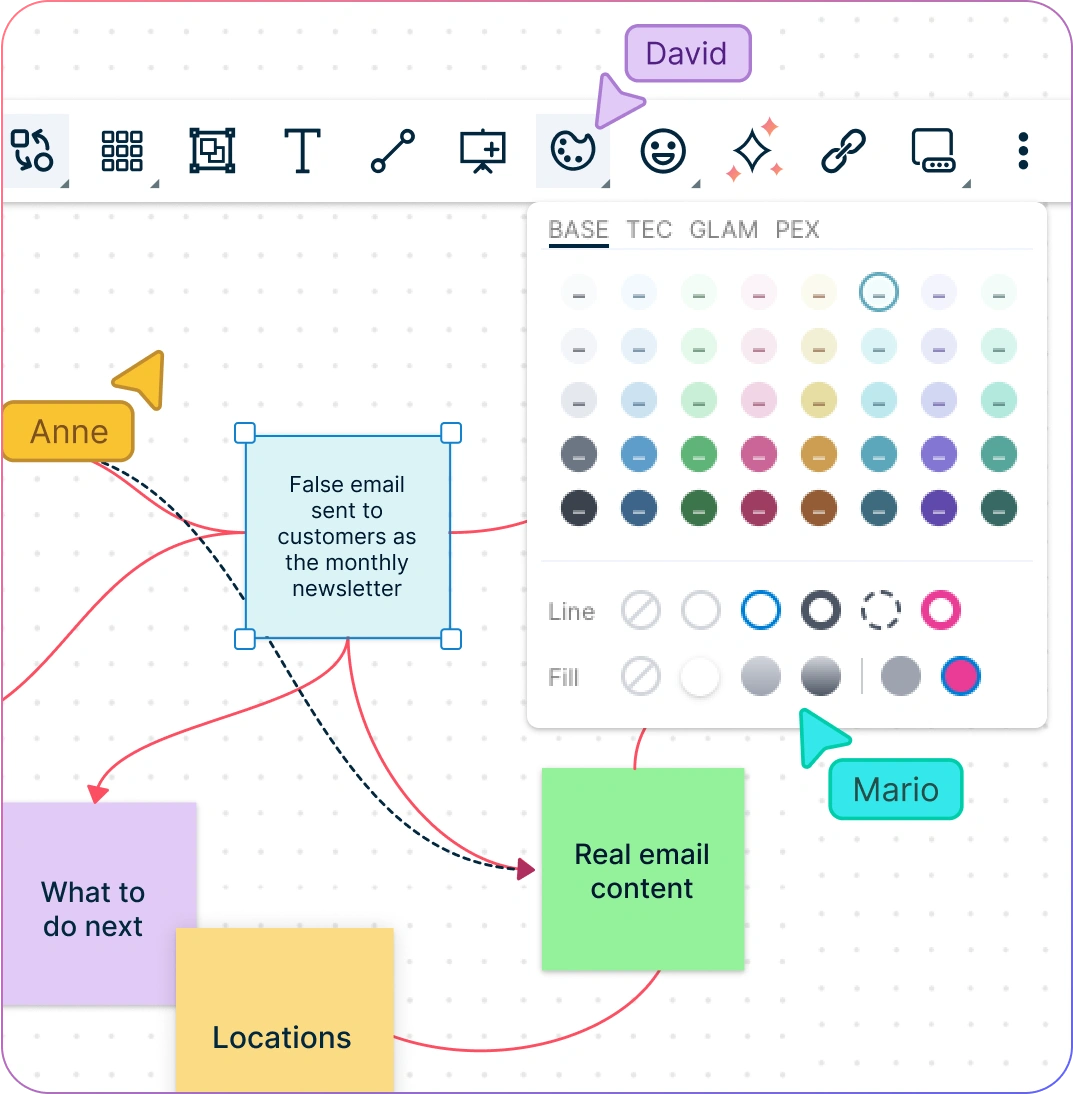
screenshot of an evidence board in Creately evidence board maker
  • Organize large volumes of evidence with flexible shapes and connectors and an intuitive drag-and-drop canvas.
  • Collaborate in real time with Creately’s intuitive interface, enabling seamless teamwork and immediate updates.
  • Link various evidence points, display key insights, and track progress on a single investigation board.
  • Add annotations, media, and references to enrich context and uncover hidden relationships.
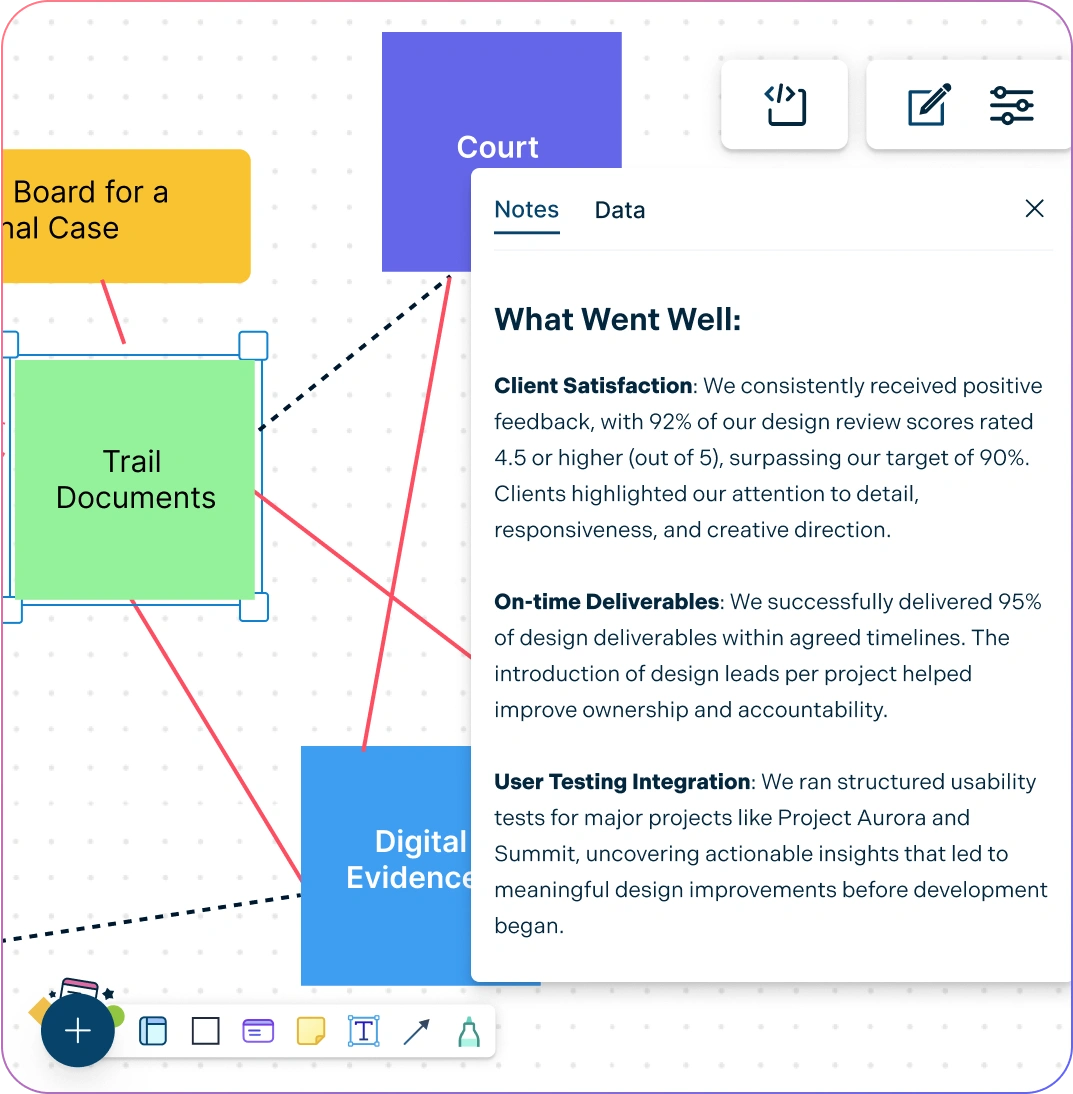
screenshot of an evidence board in Creately evidence board maker
Screenshot of organizing evidence documentation in Creately's evidence board software
CONNECT & ORGANIZE

Streamline Evidence Gathering and Organization Online

Screenshot of organizing evidence documentation in Creately's evidence board software
  • Integrate notes, documents, images, and links directly for clearer evidence mapping.
  • Track changes and revert to previous versions of your evidence boards using version control.
  • Easily embed your visual investigation boards on any website, intranet, or external platforms.
  • Control access securely for team members, stakeholders, or external collaborators.
COLLABORATE

Efficient Collaboration on Evidence Analysis with Your Team
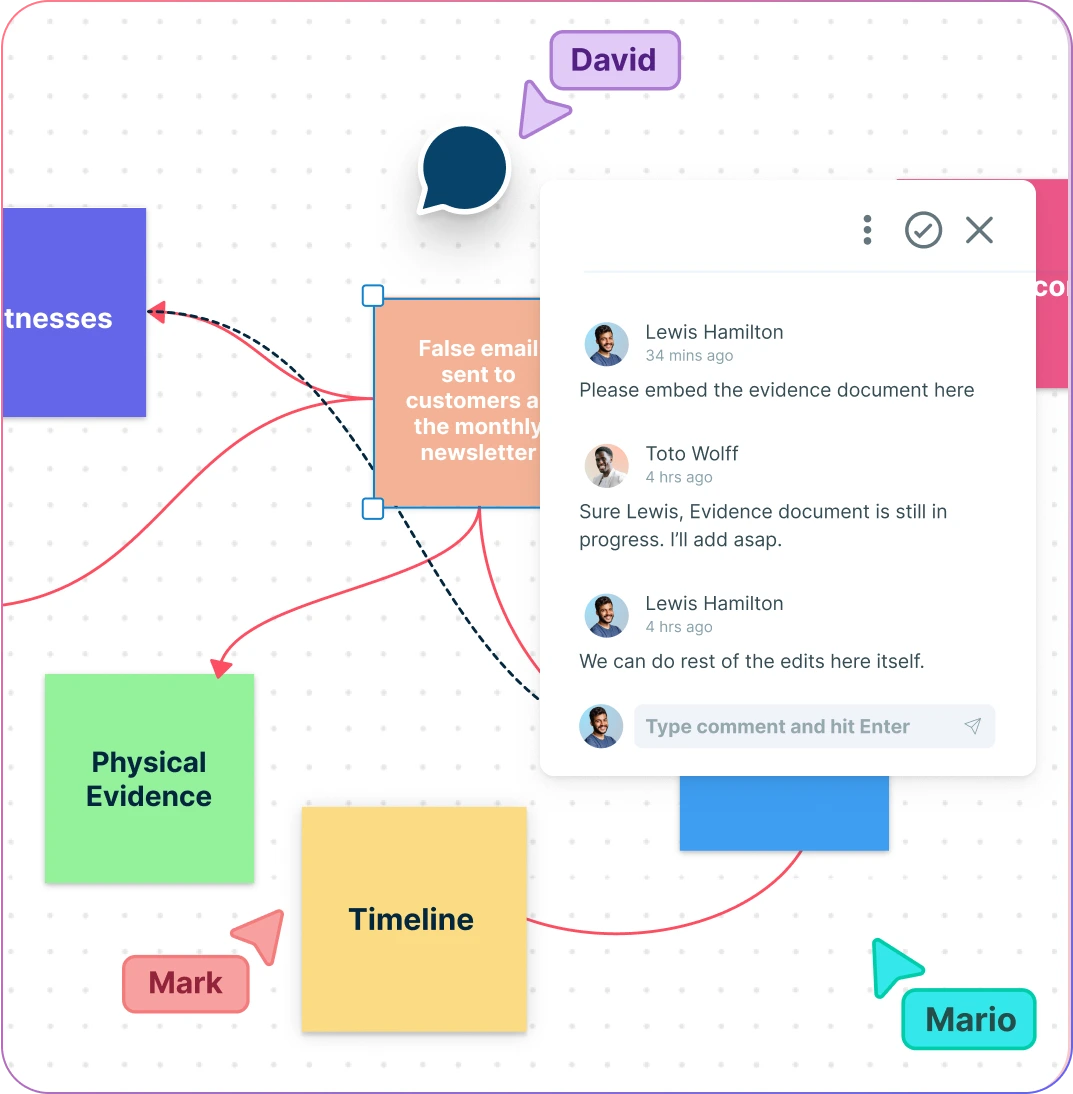
screenshot of users collaborating in Creately's evidence board workspace
  • Analyze and discuss evidence in real time with seamless team collaboration.
  • Share evidence boards across teams and organizations with secure sharing links.
  • Manage access controls for private and public evidence, ensuring secure teamwork.
  • Integrate your existing tools and workflows to streamline your investigation process.
screenshot of users collaborating in Creately's evidence board workspace
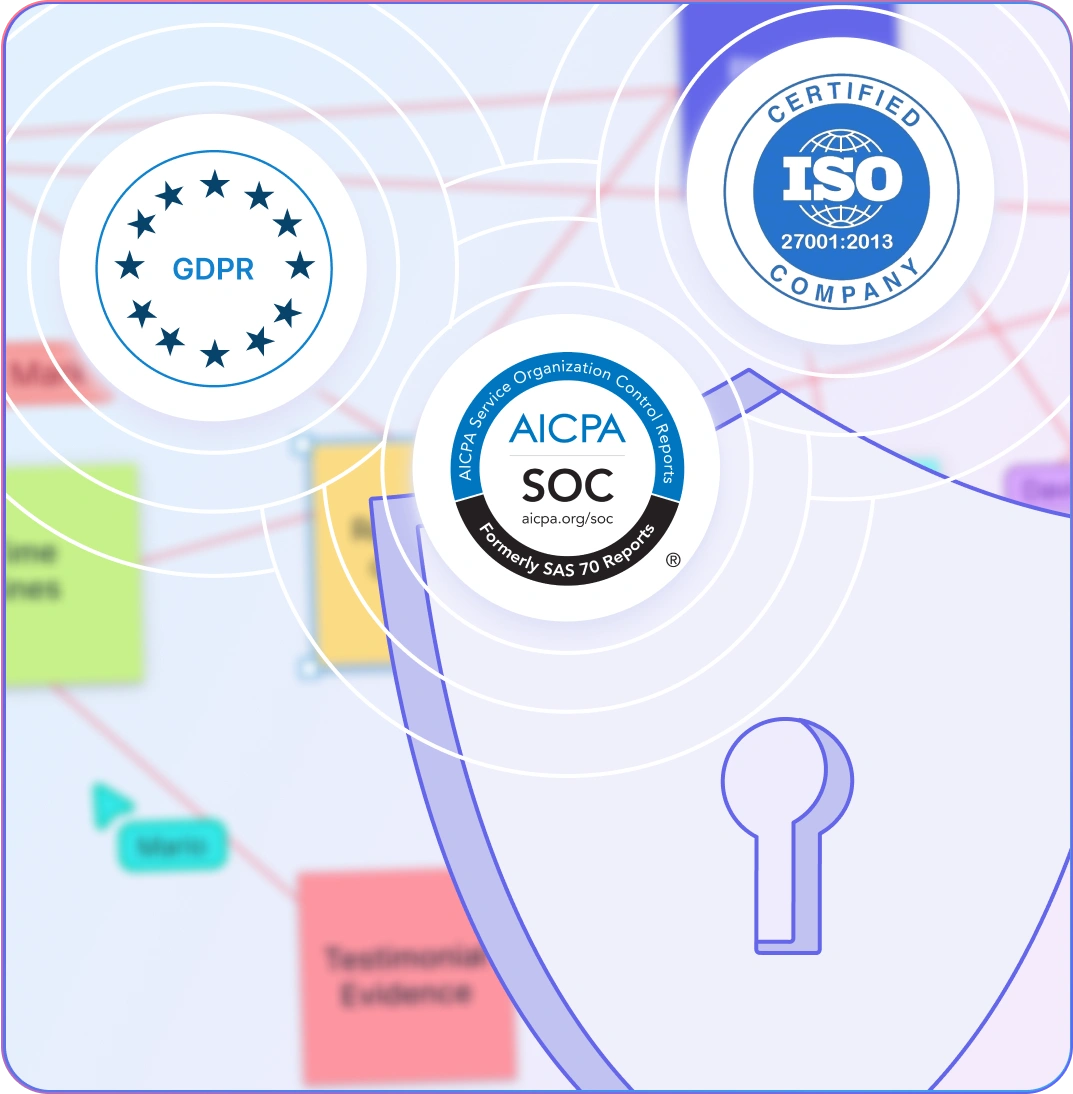
Illustration of security certifications of Creately
SECURITY & PRIVACY

Enterprise-Grade Security and Privacy for Your Investigation Boards

Illustration of security certifications of Creately
  • Protect sensitive evidence with enterprise-grade security protocols, including SOC 2 Type II and ISO certifications.
  • Ensure GDPR compliance for secure collaboration across teams and organizations.
  • Opt for on-premise deployment to maintain full ownership and control over confidential investigations.
  • All data is encrypted during storage and sharing, keeping your collaborative workflows safe from start to finish.

What Is an Evidence Board?
What Is an Evidence Board?
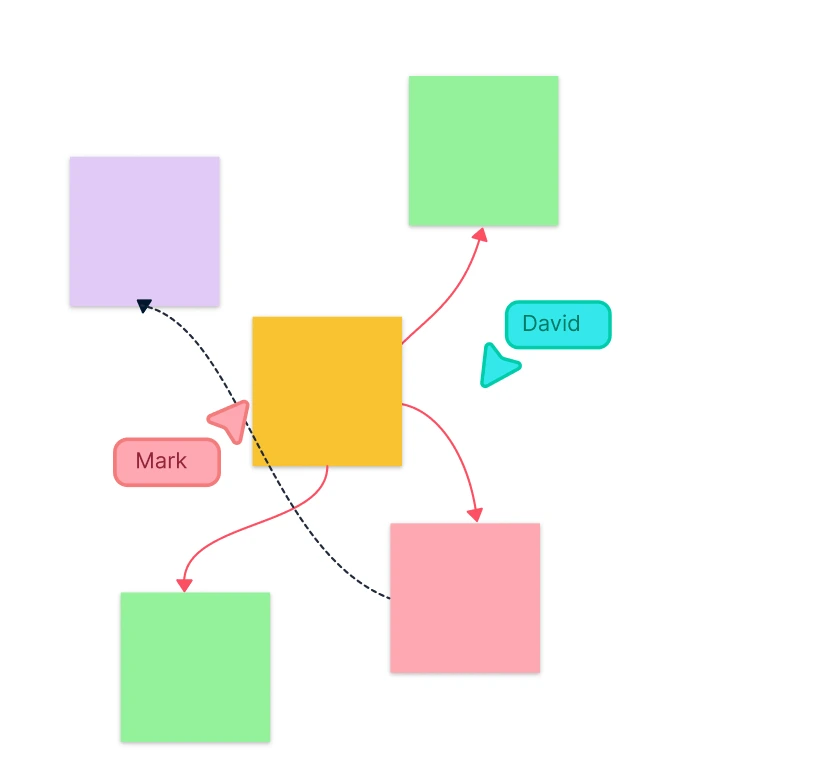
An evidence board is a visual representation of critical evidence, key facts, and relationships that help individuals and teams piece together complex situations. By structuring evidence visually, it becomes easier to identify patterns, connections, and missing pieces that can inform decision-making. Creately’s Evidence Board Maker offers a flexible canvas with a wide range of tools for organizing, annotating, and analyzing evidence effectively.

How to Create an Evidence Board in Creately?

  1. Create Your Workspace

Open an evidence board template in Creately’s Evidence Board Maker and invite your team to collaborate. This shared space will serve as a hub for gathering, organizing, and analyzing all the critical evidence.

  1. Define the Scope of Evidence

Before you begin, clarify what pieces of evidence are essential for your analysis. Define the relationships between pieces and understand how they will be used in the larger context.

  1. Gather Relevant Evidence

Work with your team to identify and gather all the necessary evidence. Include documents, images, and other materials that are crucial for building the board.

  1. Create Your Evidence Board

Drag and drop evidence pieces into the Evidence Board Maker canvas. Use various shapes and connectors to visualize relationships and organize information clearly.

  1. Add annotations and details

Add labels, tags, notes, and use the hand-drawing tool to provide further context, helping clarify the significance and role of each piece of evidence in the overall analysis.

Draw connections between pieces of evidence to reveal insights or missing links. Use arrows, lines, and other connectors to map out relationships and outcomes.

  1. Collaborate and Refine

Share the findings on the board with your team. Collaborate in real time by leaving comments, discussing findings, and refining your analysis together.

  1. Share and Publish

Once finalized, share your evidence board with key stakeholders or embed it in other platforms with secure links. You can export the evidence board in different formats for reporting or presentations.

Explore More Evidence Boards and Investigation Templates
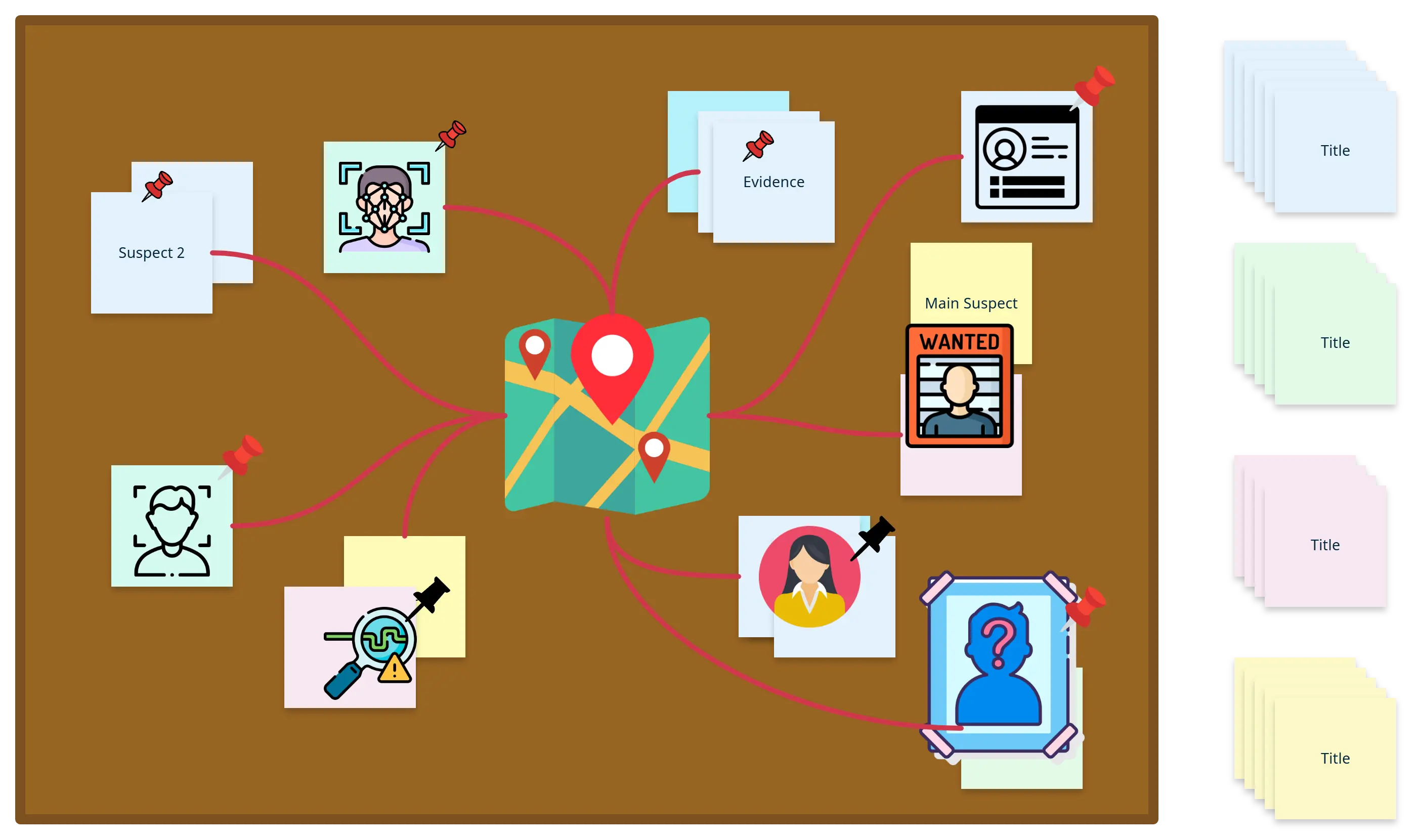
Investigation Evidence Board

Investigation Evidence Board Template

Crime Evidence Board

Crime Evidence Board Template

Evidence Board Maker Template

Evidence Board Maker Template

Evidence Board Template

Evidence Board Template

FAQs About the Online Evidence Board Maker

Who uses Evidence Boards?

Evidence boards are used by professionals in various fields, such as investigators, analysts, project managers, and teams working on complex cases or data analysis. They are particularly useful in legal, law enforcement, and research environments, helping teams organize and analyze data visually to draw conclusions or make decisions.

Why do you need an online Evidence Board?

An online Evidence Board Maker allows you to create detailed and visual representations of evidence with ease. It helps accelerate the organization, annotation, and analysis process while fostering collaboration with teams, especially when working remotely.

Is the Evidence Board Maker free, and can I download it?

You don’t need to download the Evidence Board Maker to use it. Creately offers a free trial for new users, granting access to all features, including creating and collaborating on evidence boards online. While some tools, like Creately, provide free versions with basic features, premium plans unlock advanced options such as unlimited boards, export formats, and enhanced team collaboration.

How do I publish and share my Evidence Board?

You can export your evidence board in multiple formats, including PNG, PDF, and SVG. Additionally, you can securely share the board with team members and stakeholders via direct links or embed it into websites or presentations.

Can I collaborate with my team on an Evidence Board in real time?

Yes, the Evidence Board Maker supports real-time collaboration. You can work simultaneously with your team, add updates, make annotations, and see changes instantly. Features like secure sharing, comments, and version control ensure seamless teamwork.

Does Creately support custom shapes for evidence?

Yes, Creately’s Evidence Board Maker allows you to customize shapes and connectors to meet your specific needs. You can tailor the appearance of each piece of evidence and the layout of your board to match your preferences.
Streamline Your Workflows by Integrating with the Tools You Love
Creately integrates with the tools your teams use every day and supports your team’s workflow seamlessly.
Github
Microsoft
Google Drive
Google Sheets
Google Docs
Google Slides
Confluence
Why Is Creately a Better Evidence Board Maker?
Creately is the intelligent visual platform enabling visual collaboration, knowledge management and project execution.
Why Is Creately a Better Evidence Board Maker?
Infinite Visual Canvas
Real-Time Collaboration
Custom Databases
Data Driven Docs
Professional Diagramming
Enterprise Grade Security
Project & Task Management
Powerful Visual Modelling
G2
Atlassian
GetApp
Capterra
Software Advice
Trust Radius

24/7 Live Support

Live in-app chat support

Sign up for a Free Account Today
banner-img