Evidence Board Maker
Connect Clues & Map Investigations Faster with Smarter Evidence Boards
Map out key details, link related evidence, visualize connections, and collaborate with a powerful investigation board online.
- Organize documents, images, audio, and video in an intuitive evidence board layout.
- Use customizable shapes, tags, and annotations to detail evidence.
- Visualize evidence with interactive, user-friendly, detective board features.



 Diagramming Visual Collaboration Org Chart


Start Organizing Your Evidence with Evidence Board Templates
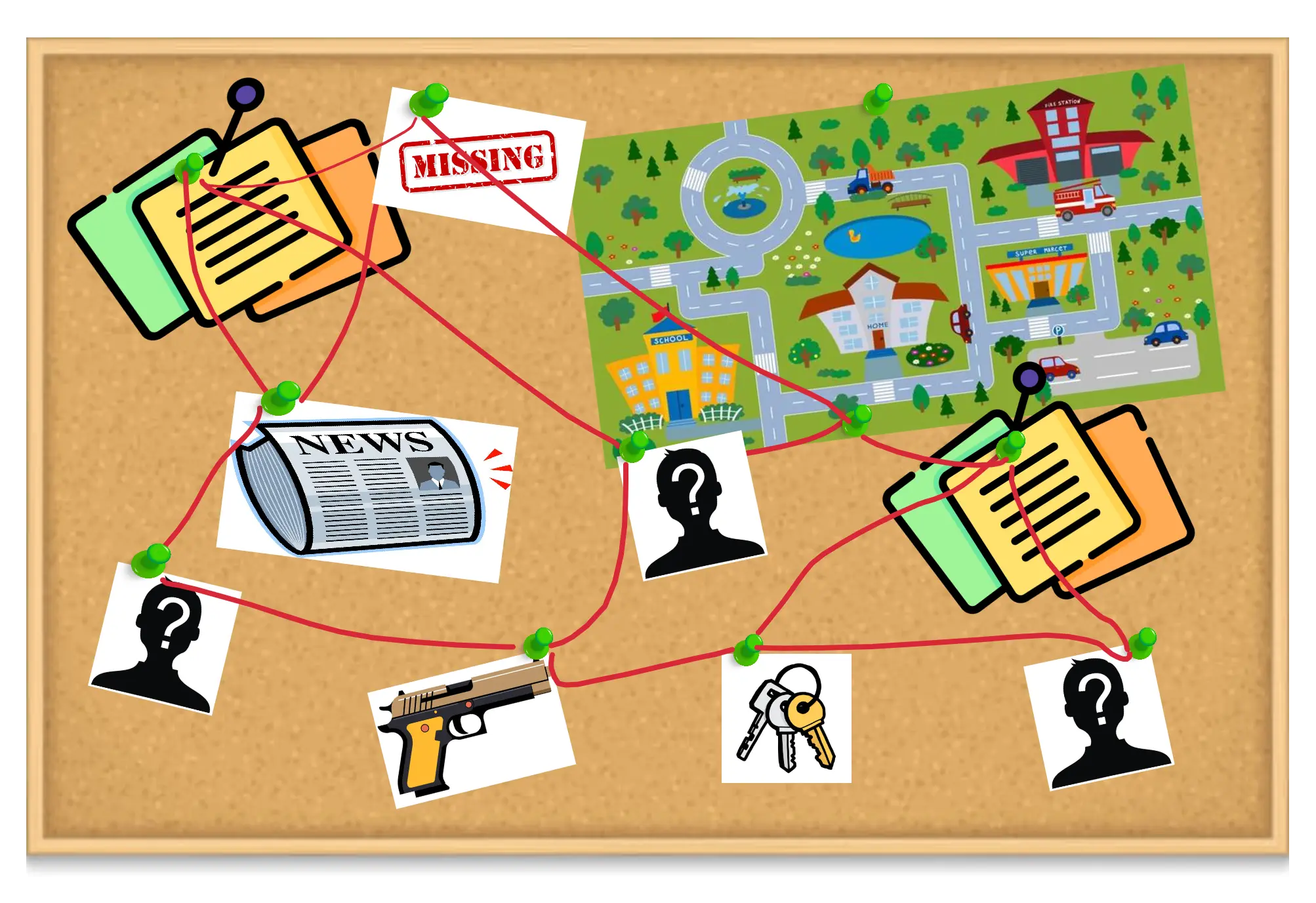
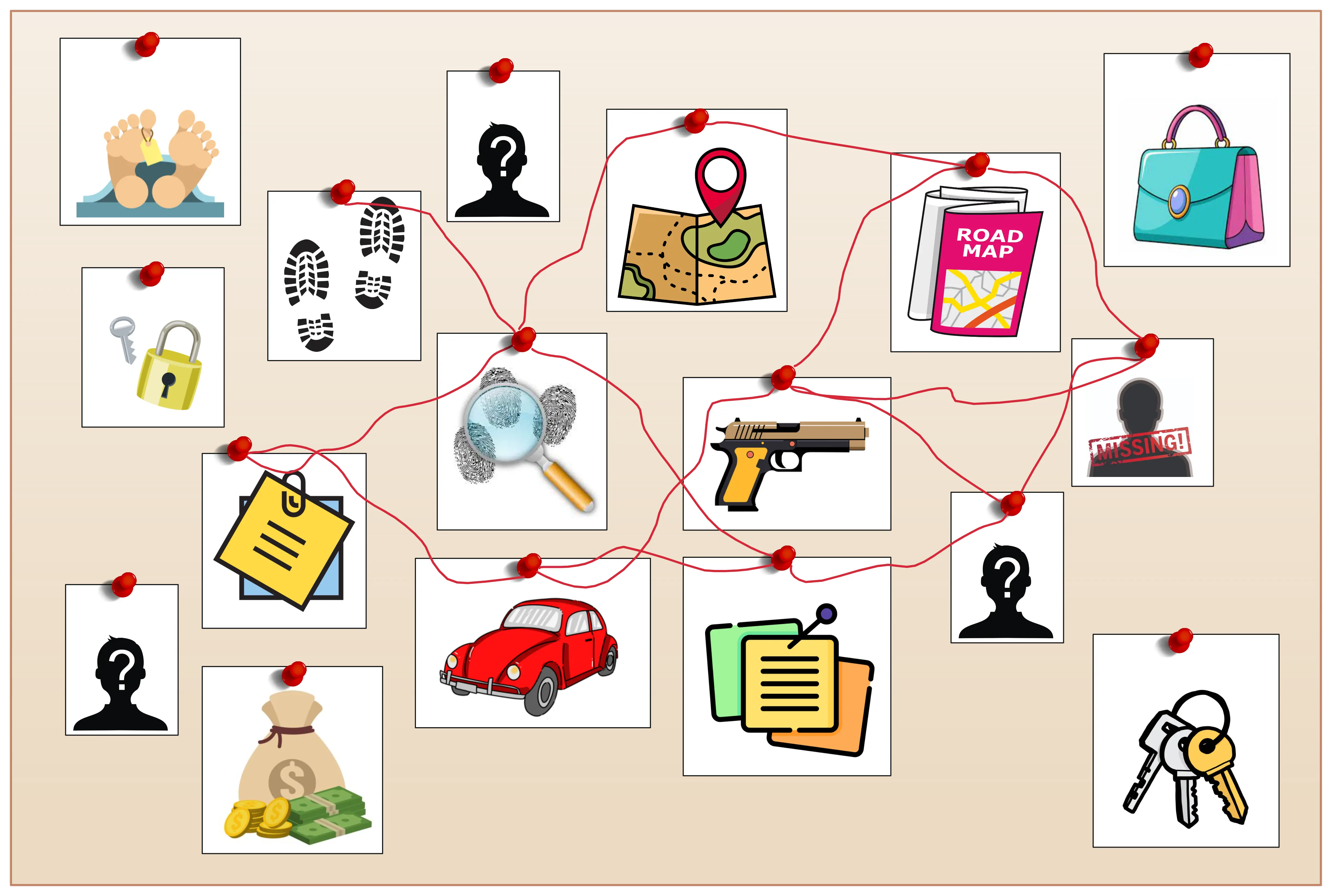
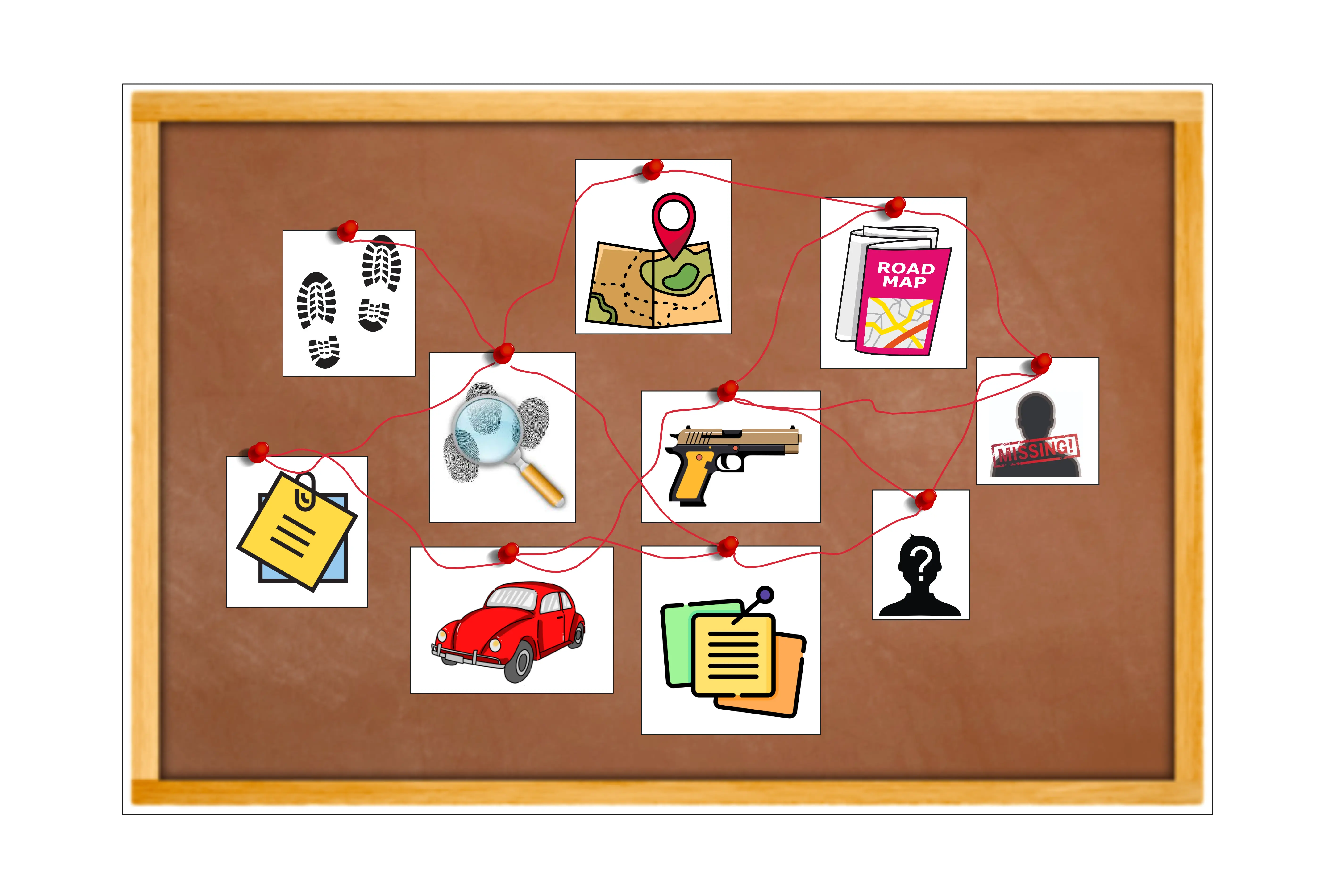
Structure Evidence Visually for Faster, Smarter Analysis
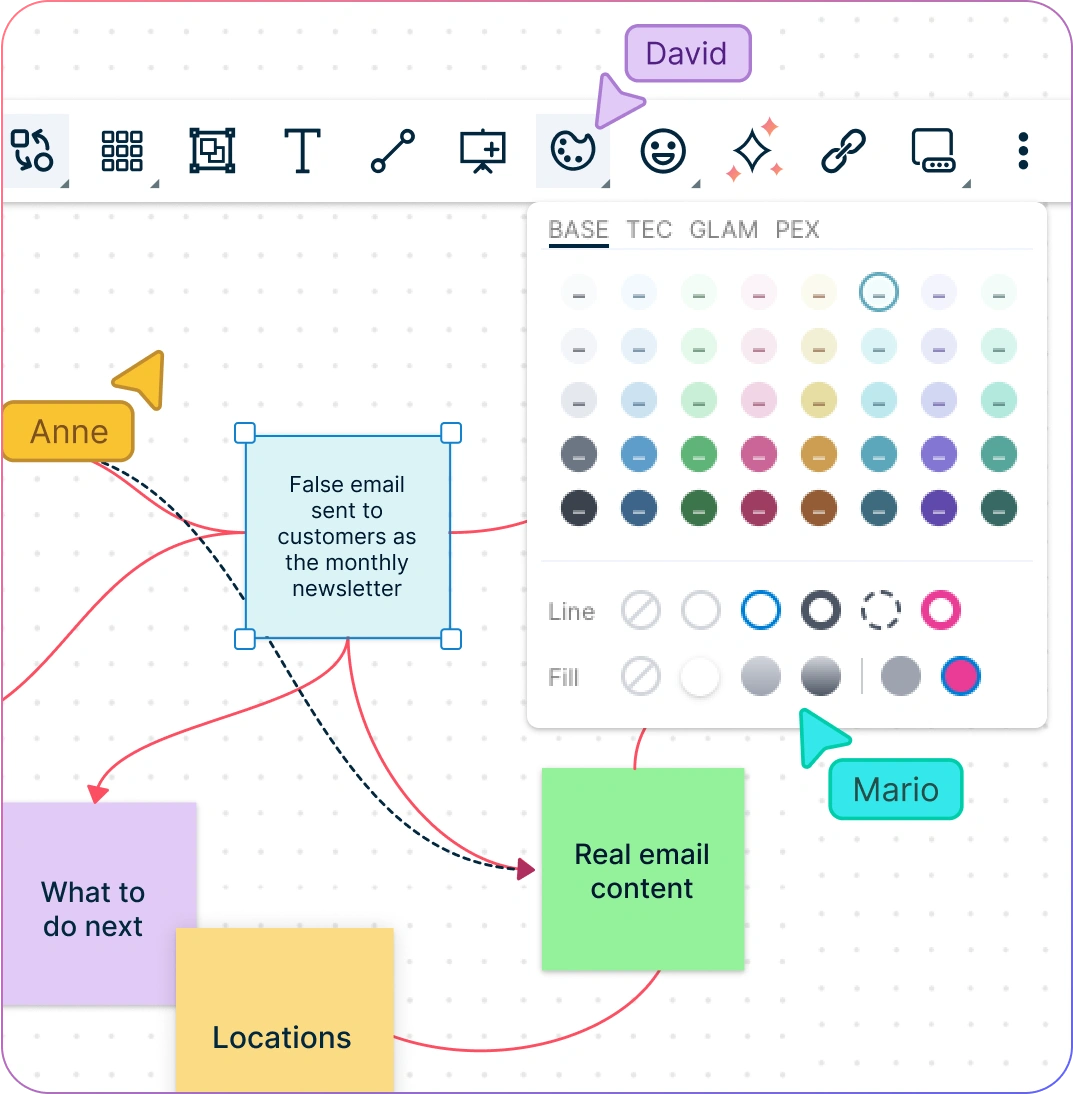
- Organize large volumes of evidence with flexible shapes and connectors and an intuitive drag-and-drop canvas.
- Collaborate in real time with Creately detective board maker’s intuitive interface, enabling seamless teamwork and immediate updates.
- Link various evidence points, display key insights, and track progress on a single investigation board.
- Add annotations, media, and references to enrich context and uncover hidden relationships.
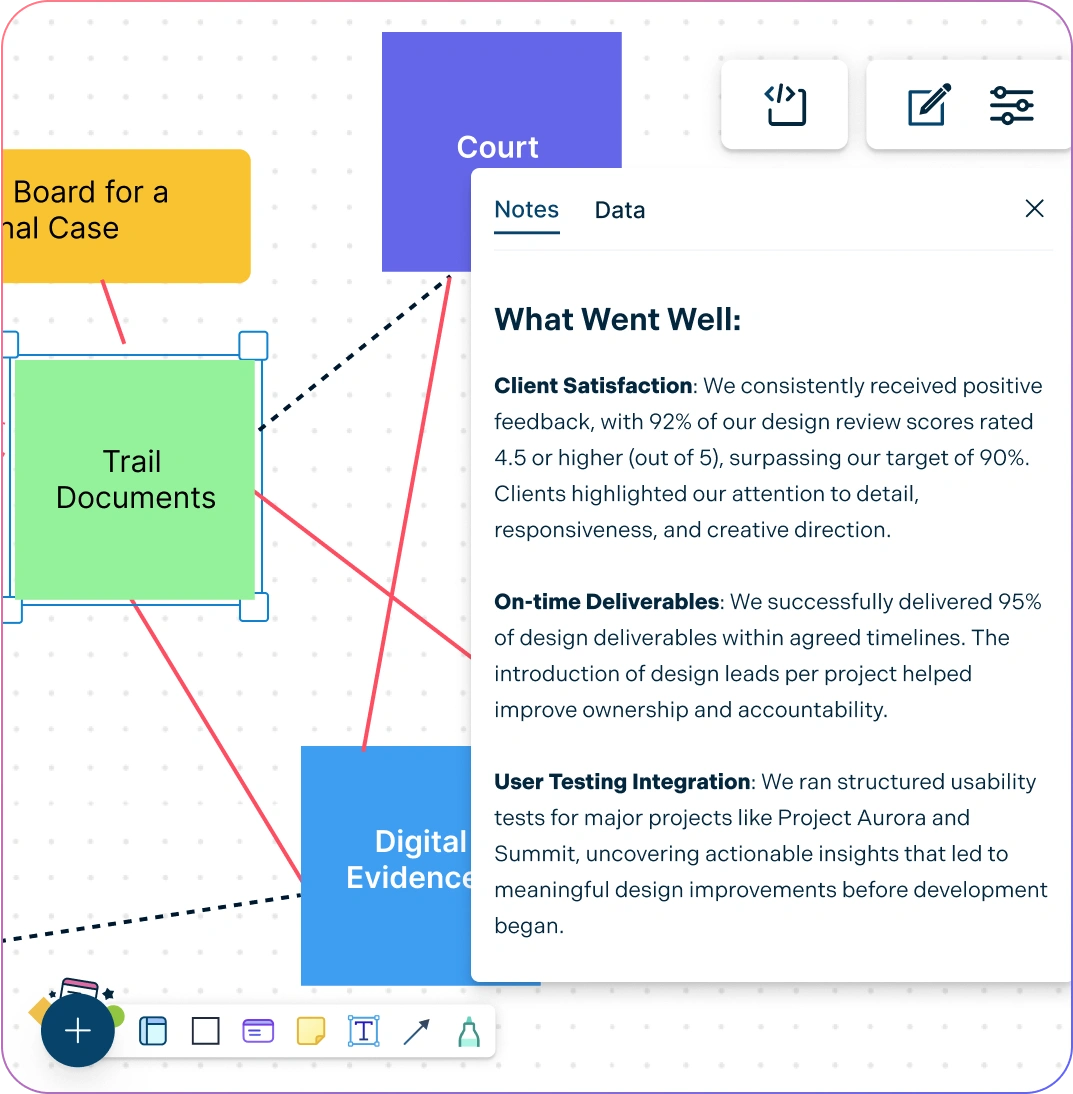
Streamline Evidence Gathering and Organization Online
- Integrate notes, documents, images, and links directly for clearer evidence mapping.
- Track changes and revert to previous versions of your evidence boards using version control.
- Easily embed your visual investigation boards on any website, intranet, or external platforms.
- Control access securely for team members, stakeholders, or external collaborators.
Efficient Collaboration on Evidence Analysis with Your Team
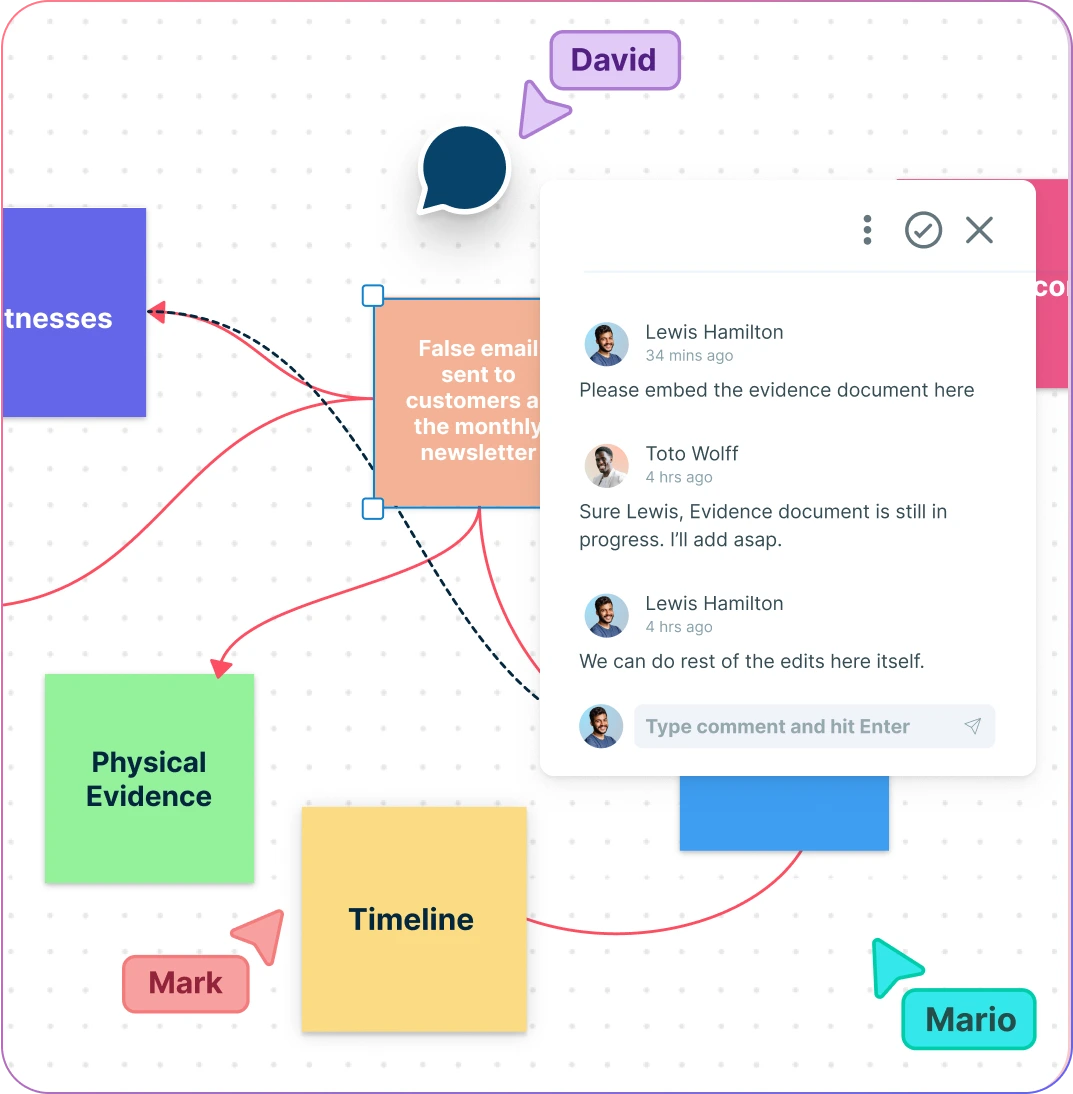
- Analyze and discuss your detective board online in real time with seamless team collaboration.
- Share evidence boards across teams and organizations with secure sharing links.
- Manage access controls for private and public evidence, ensuring secure teamwork.
- Integrate your existing tools and workflows to streamline your investigation process.
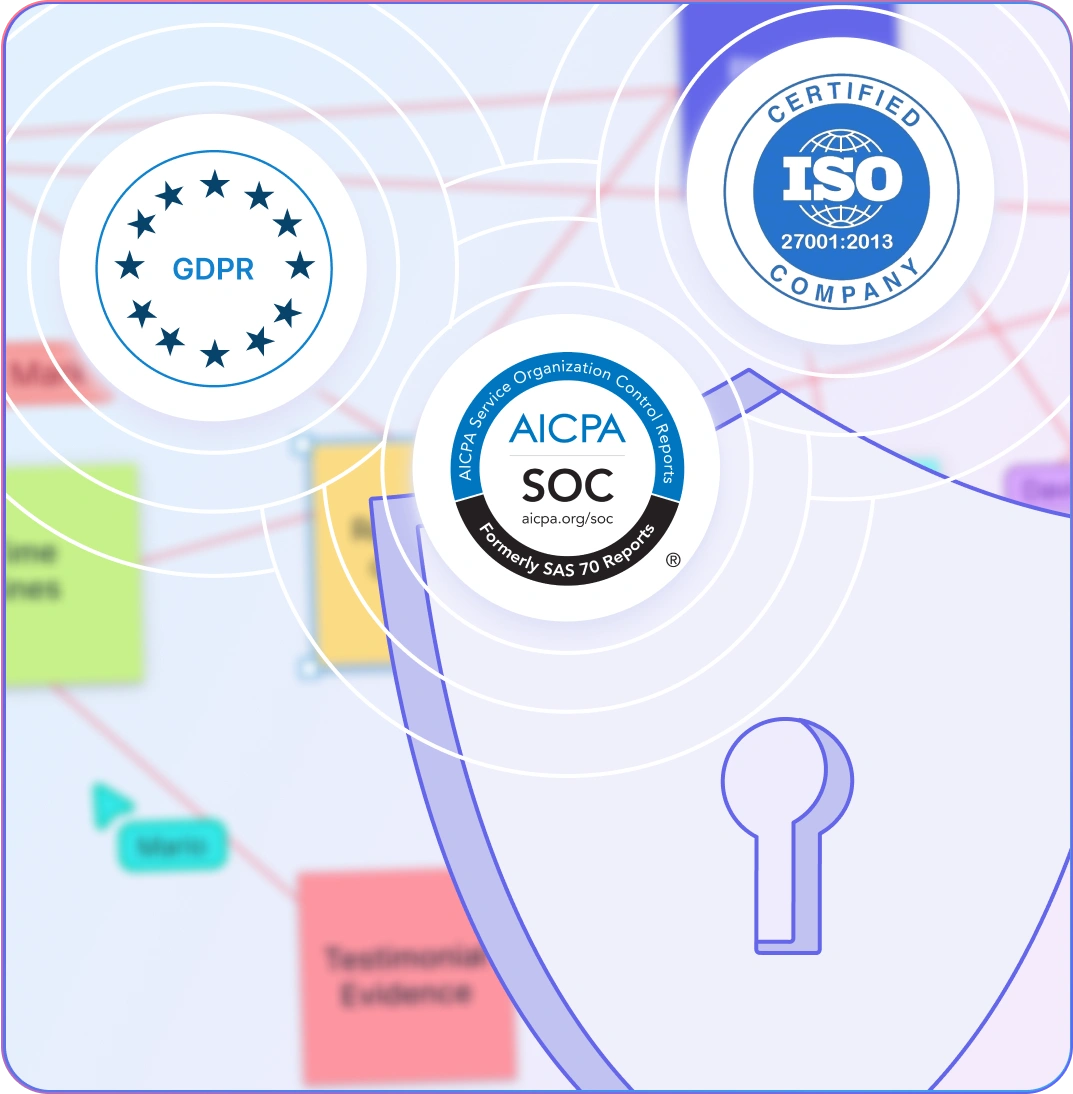
Enterprise-Grade Security and Privacy for Your Investigation Boards
- Protect sensitive evidence with enterprise-grade security protocols, including SOC 2 Type II and ISO certifications.
- Ensure GDPR compliance for secure collaboration across teams and organizations.
- Opt for on-premise deployment to maintain full ownership and control over confidential investigations.
- All data is encrypted during storage and sharing, keeping your collaborative workflows safe from start to finish.
What Is an Evidence Board?
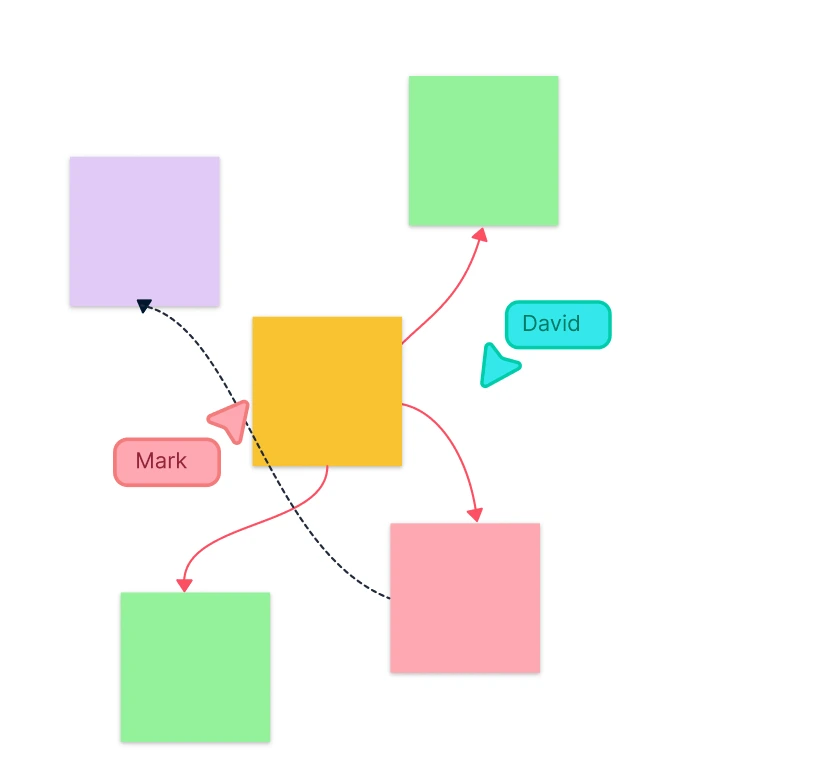
How to Create an Evidence Board in Creately?
Create Your Workspace
Open an evidence board template in Creately’s Evidence Board Maker and invite your team to collaborate. This shared space will serve as a hub for gathering, organizing, and analyzing all the critical evidence.
Define the Scope of Evidence
Before you begin, clarify what pieces of evidence are essential for your analysis. Define the relationships between pieces and understand how they will be used in the larger context.
Gather Relevant Evidence
Work with your team to identify and gather all the necessary evidence. Include documents, images, and other materials that are crucial for building the detective board template.
Create Your Evidence Board
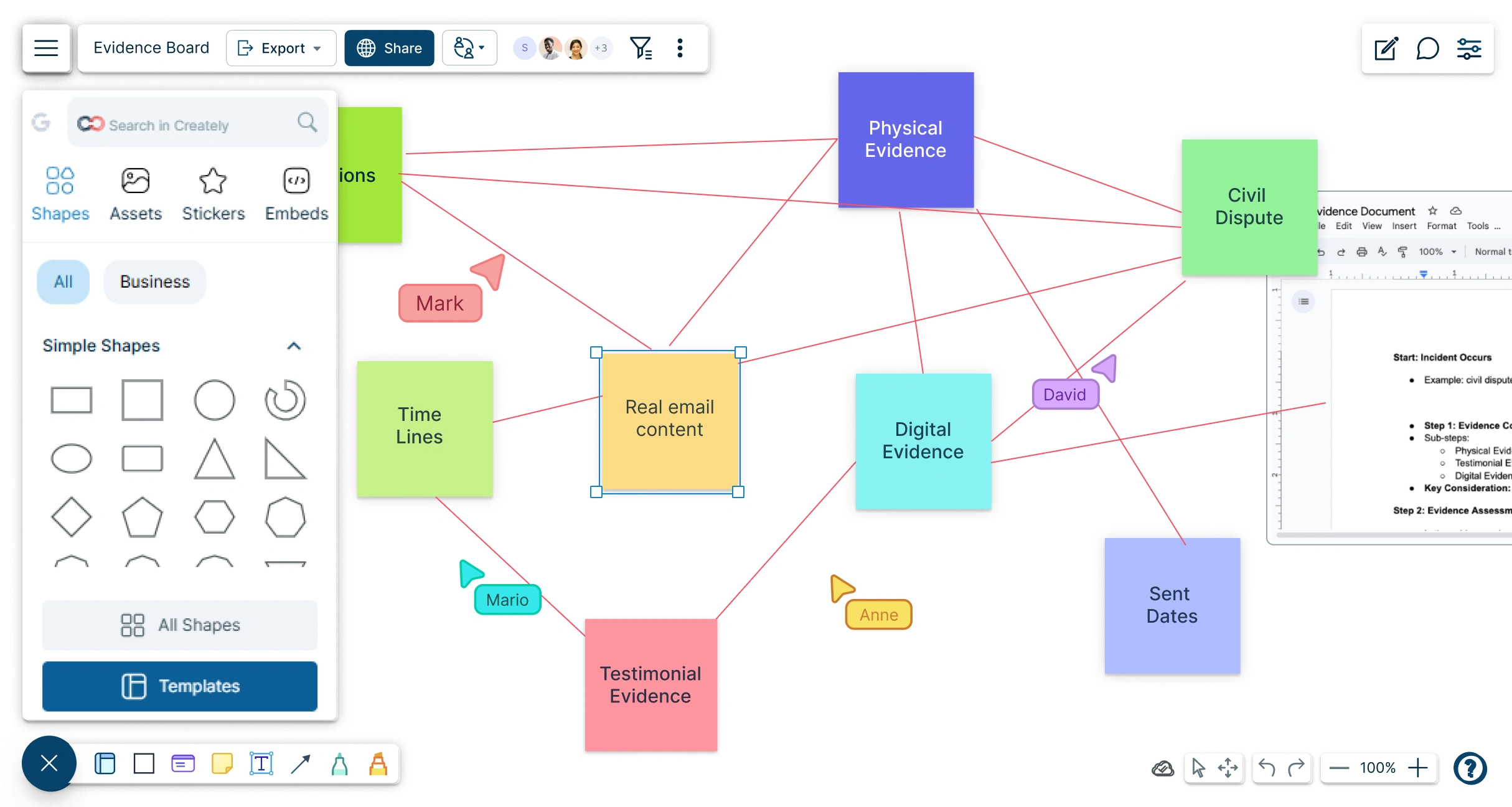
Drag and drop evidence pieces into the Evidence Board Maker canvas. Use various shapes and connectors to visualize relationships and organize information clearly.
Add annotations and details
Add labels, tags, notes, and use the hand-drawing tool to provide further context to the detective board, helping clarify the significance and role of each piece of evidence in the overall analysis.
Link Evidence Together
Draw connections between pieces of evidence to reveal insights or missing links. Use arrows, lines, and other connectors to map out relationships and outcomes.
Collaborate and Refine
Share the findings on the detective board online with your team. Collaborate in real time by leaving comments, discussing findings, and refining your analysis together.
Share and Publish
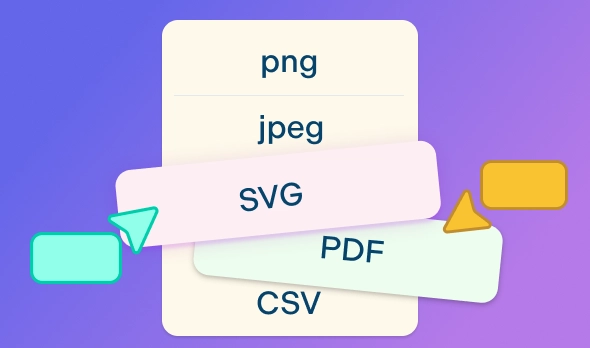
Once finalized, share your evidence board with key stakeholders or embed it in other platforms with secure links. You can export the evidence board in different formats for reporting or presentations.
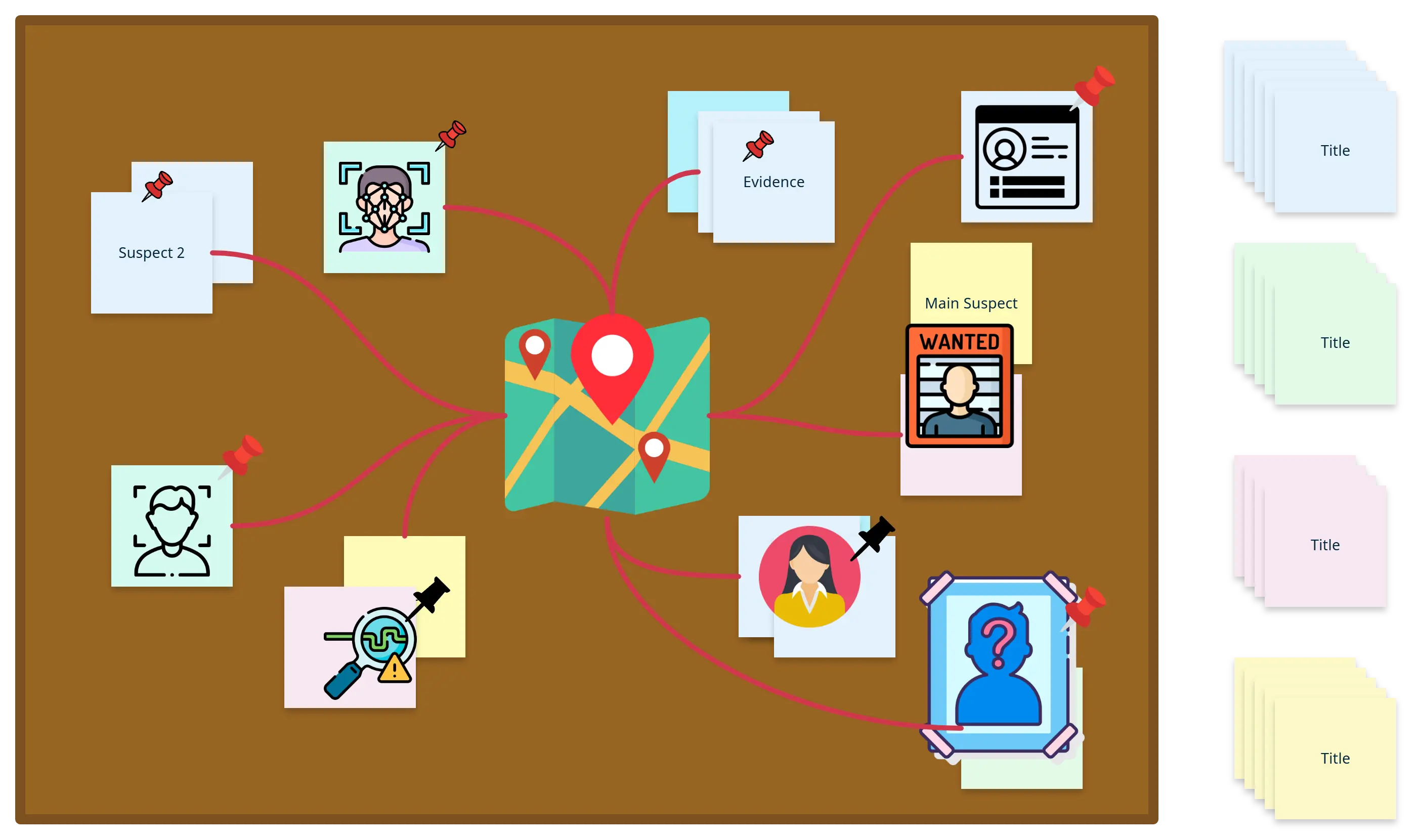
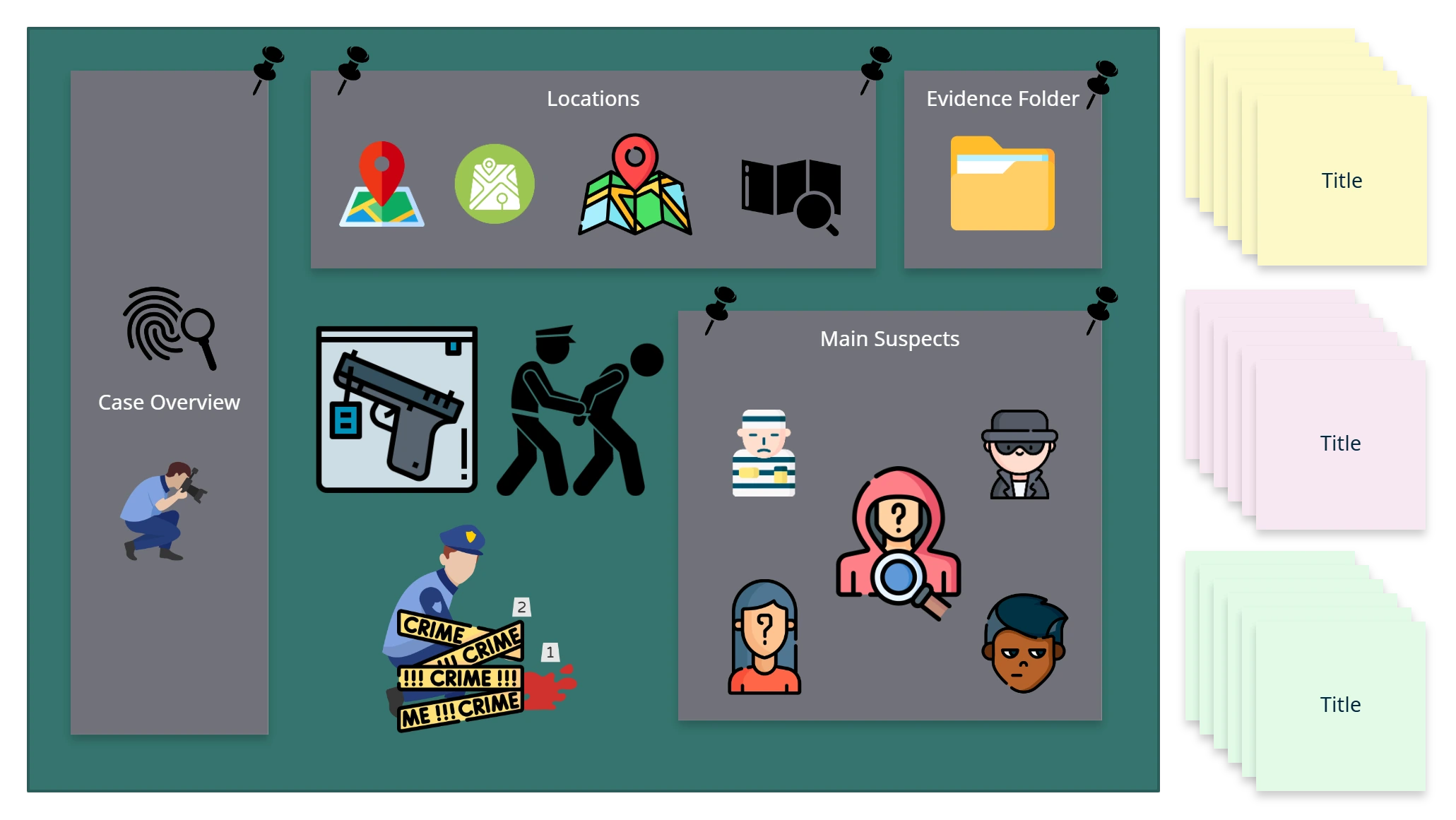
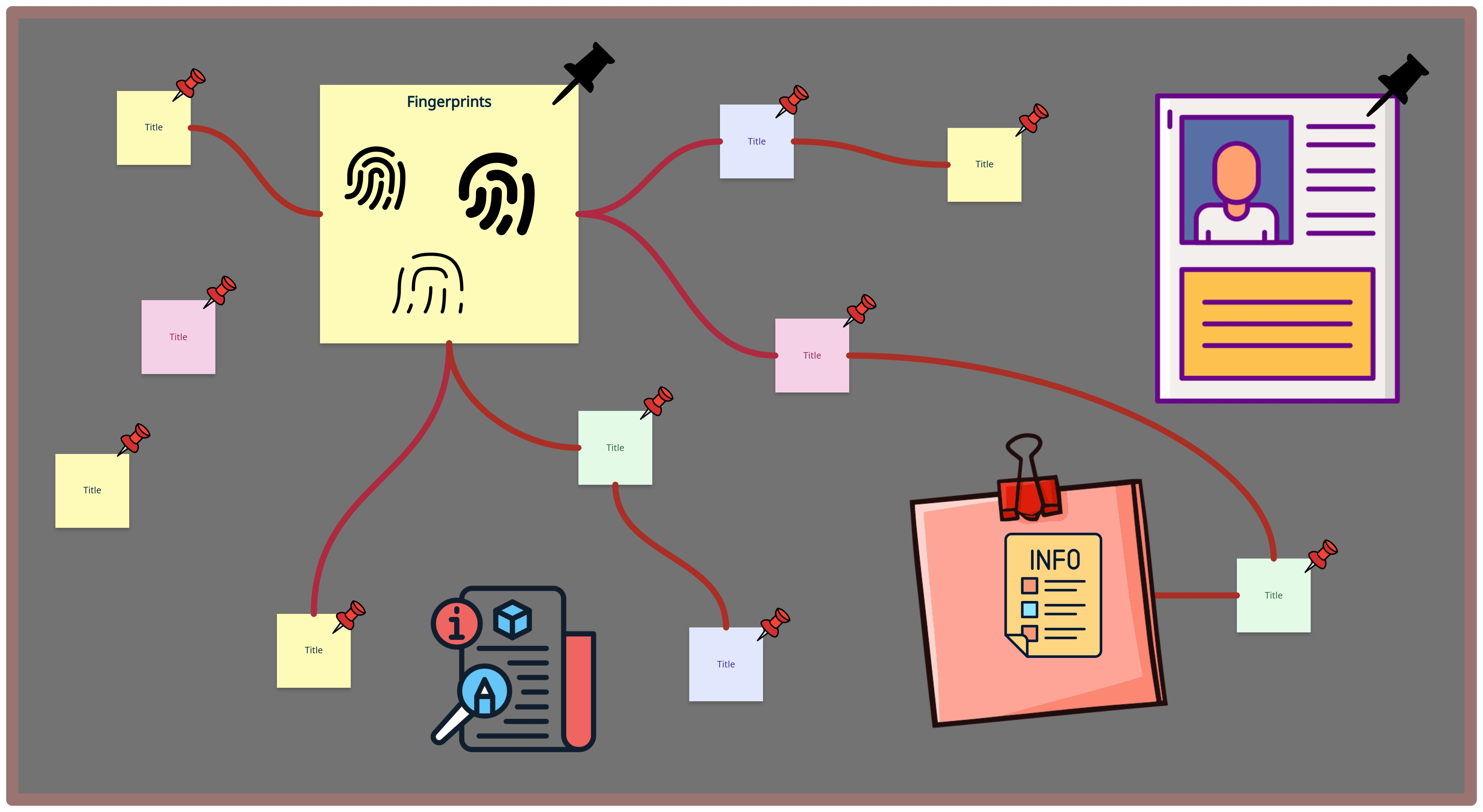
Explore More Evidence Boards and Investigation Templates
FAQs About the Online Evidence Board Maker
What are Creately’s evidence board maker pricing plans?
- Free Plan — $0/month for basic evidence board creation and collaboration
- Starter & Team Plans — $8/month or $5/month billed annually
- Business Plan — $149/month or $89/month billed annually
Annual billing helps you save more while unlocking advanced collaboration, workspace management, and enhanced evidence board features. You can compare all available plans and features on the Creately Pricing Page.
How can you create evidence boards faster?
Are there templates for different evidence board use cases?
Can teams collaborate on evidence boards?
Can I add notes, data, and files?
Can I share, present, or export evidence boards?