Ecomap Maker
Better Understand Your Clients’ Relationship Dynamics
Visualize and analyze relationships in play in an individual’s life. Streamline counseling and social work assessment with intuitive visual tools.
Get a headstart with customizable ecomap templates
Real-time collaboration to work with clients & colleagues
Export, present, and share your findings, reports, & research




 Diagramming Visual Collaboration Org Chart


How to make an Ecomap?
Create an Ecomap with Ease Using Our Free Ecomap Maker
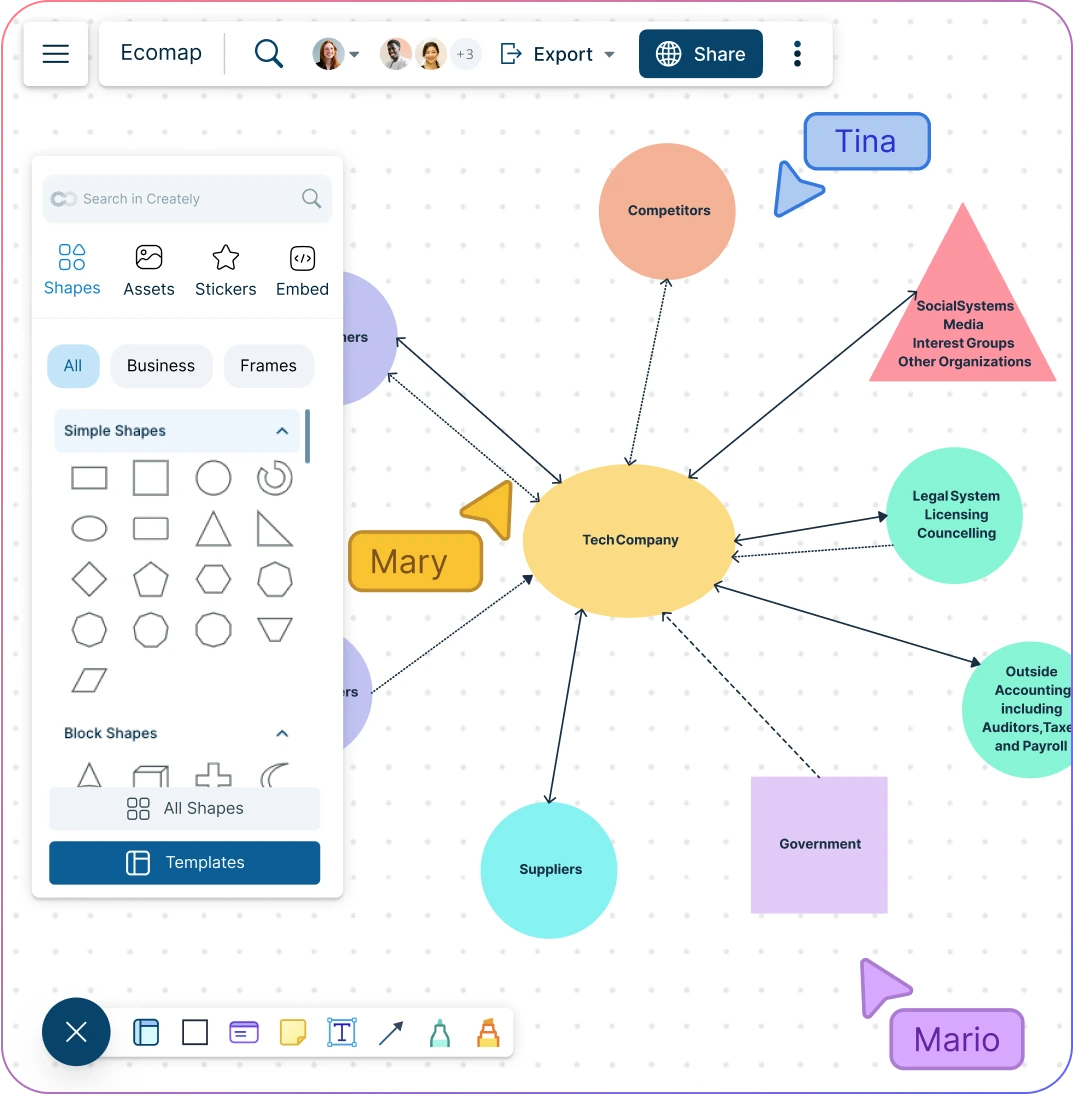
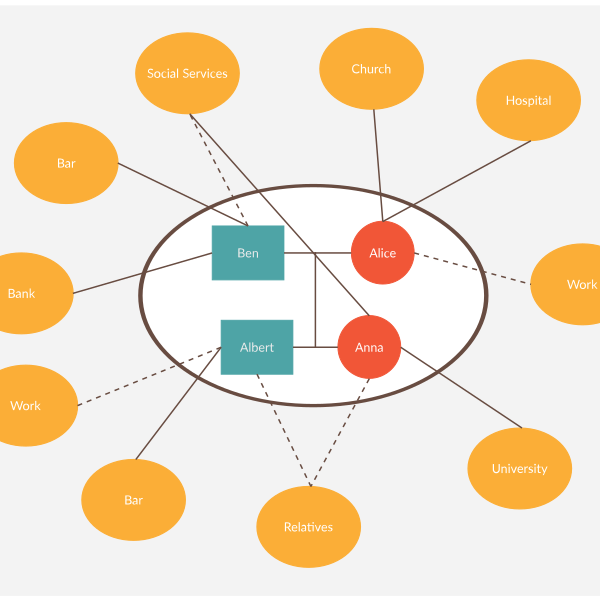
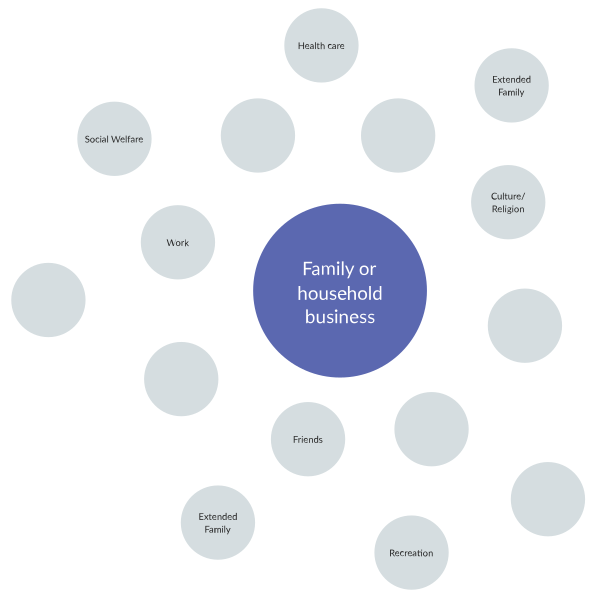
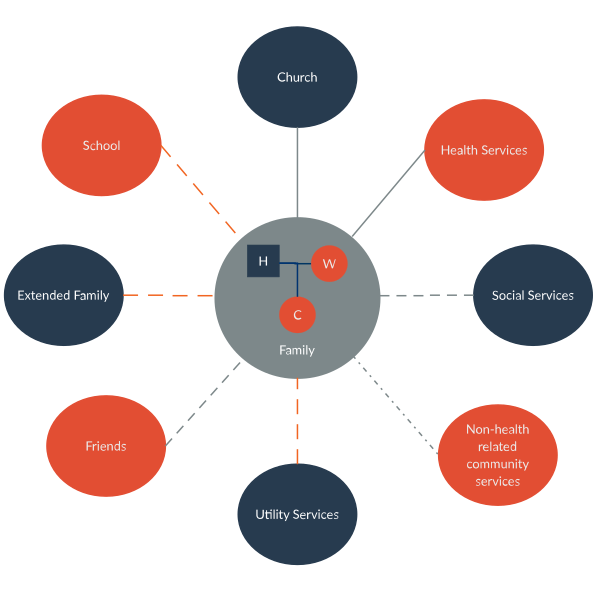
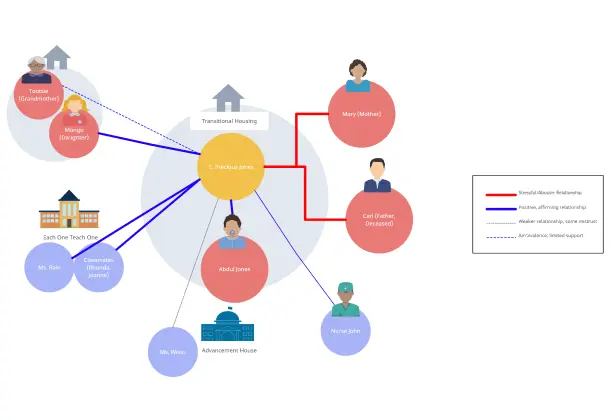
Map your client’s relationships quickly with multiple ecomap templates.
Style ecomaps faster during assessments with preset color themes & styles with Ecomap maker.
Depict family relationships in an instant with dynamic connectors in our ecomap generator.
Professional shape libraries for family trees, genograms, sociograms, & more using Ecomap maker.
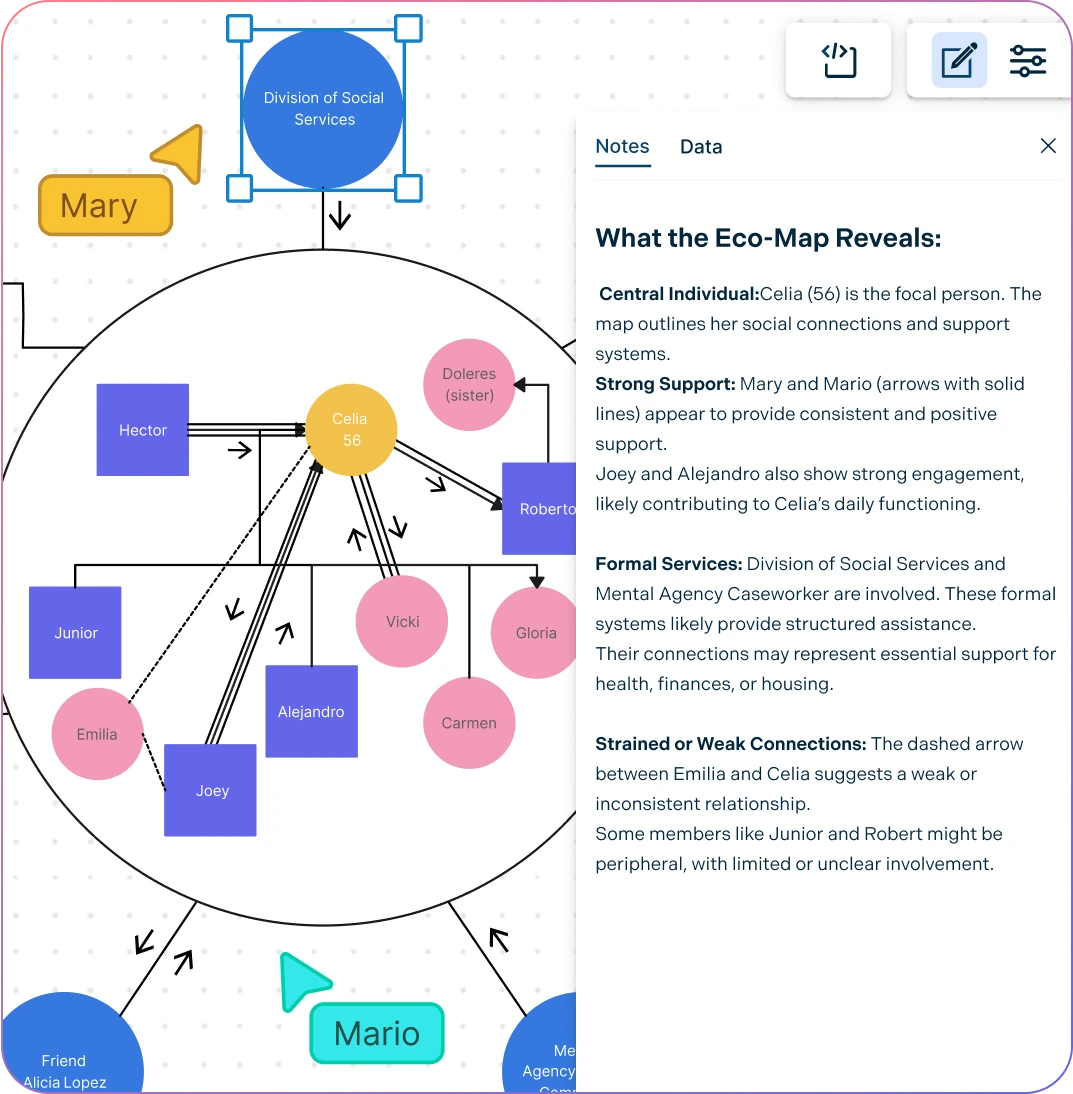
Organize All Your Data in One Place
Gather & organize multidimensional information on clients during research.
Add details about your client with custom shape properties & additional data fields using Ecomap Maker.
Provide more context by importing images, vectors, and more into the canvas.
Use integrated notes and annotations to document insights and context around each relationship with the ecomap creator.
Effortlessly Engage with Clients and Colleagues with Ecomap Creator
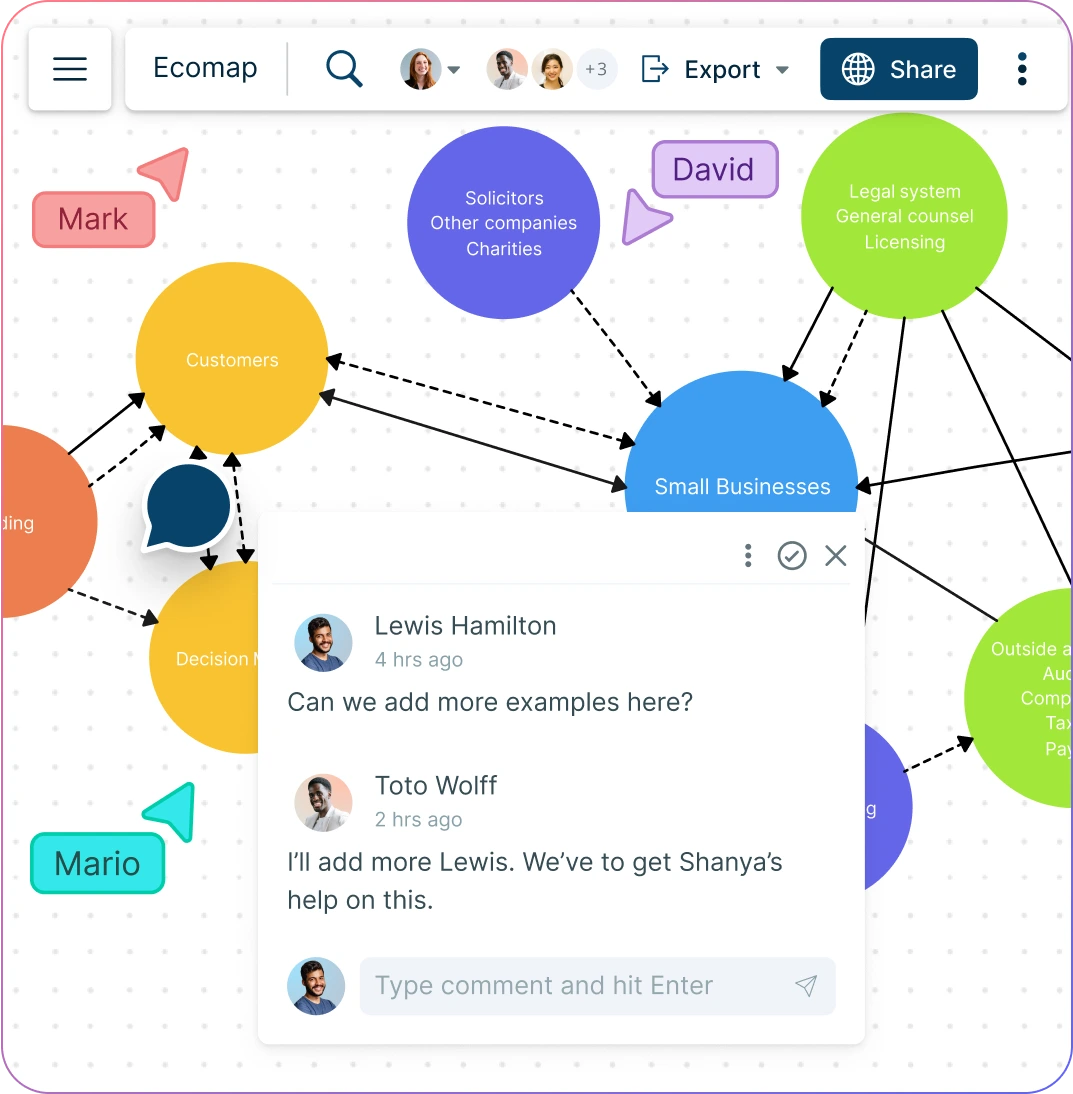
Create an ecomap collaboratively with family members or colleagues on a shared, real-time canvas.
Add contextual comments and carry out async discussions directly within the ecomap workspace.
Embed ecomaps into websites, intranets, or present in view-only mode for easy sharing.
Easily share, review, and edit ecomaps with multiple access & role levels.
What is an Ecomap Maker?
How to Use an Ecomap Generator Collaboratively?
Ecomaps are often created involving the individuals or family members themselves in an interactive and collaborative setting. Their participation helps gather information and gain insights into the strengths, challenges, and relationships within the group.
Creately’s ecomap creator can be used collaboratively in a number of ways.
- Collaborative information gathering:
Using an ecomap creator collaboratively allows individuals and families to work together to map their social networks, ensuring all key relationships and support systems are captured accurately and kept up to date.
- Joint problem-solving:
With an ecosystem map generator, families and professionals can identify strengths and challenges in the support system, making it easier to discuss and prioritize solutions based on what the map reveals.
- Joint decision making:
An eco map creator helps people evaluate different options by visualizing how decisions might affect the relationships and systems mapped, promoting informed, collective choices.
- Building consensus:
Creating an ecomap in social work or counseling settings fosters mutual understanding and quicker agreement among group members, reducing tension and encouraging unified action.
In each of these examples, the online eco map creator is used as a visual tool to foster communication, collaboration, and decision-making. When individuals and family members come together to collaborate on creating the ecomap, it can help to foster a sense of empowerment and increase the chances of successful outcomes.
How to Create an Ecomap with Creately
Set Up a Collaborative Workspace
Open a Creately workspace and share it with your colleagues or the client you wish to collaborate with during the interview. You can use this workspace to centralize everything from survey and interview data and to interview questions and answers. Using real-time mouse cursors and synced previews, you can easily track the changes other participants make in the workspace.
Select an Ecomap Template or Start from Scratch
Utilize one of Creately’s pre-made ecomap templates for a quicker start, or create an ecomap from scratch. Creately’s professionally designed ecomap templates come tailored for social work, counseling, education, and healthcare with standard ecomap symbols and connector styles.
Invite Client to Create the Ecomap
With Creately’s Ecomap maker, clients can also take an active role in building the ecomap if desired. Invite your client to collaborate on the eco map maker software through a secure, editable link, or give them review access where they can leave comments.
Create Ecomap with Drag-and-Drop Shapes
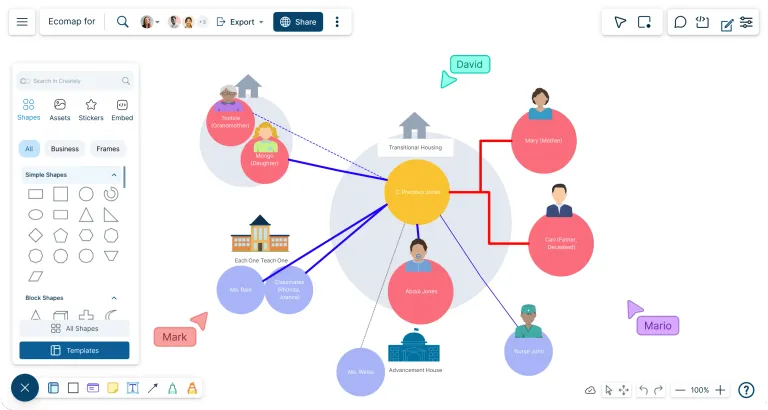
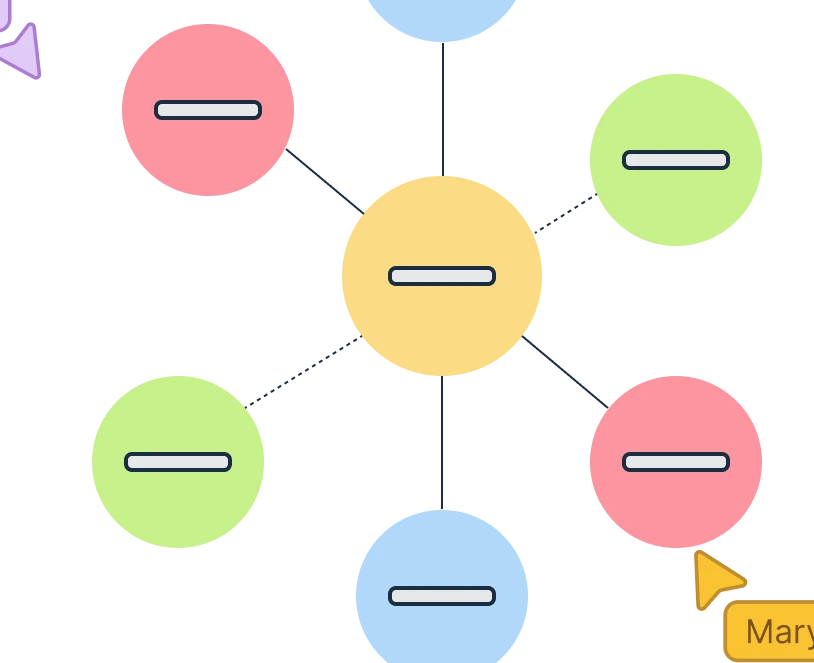
Drag a circle to the center of your canvas to represent the primary individual or group. Add their name and any relevant details to anchor the ecomap before connecting external relationships and systems.
Represent External Connections
Using the eco map maker, add surrounding circles around the central individual to represent key external connections such as friends, schools, workplaces, service providers, or community resources. These nodes help visualize the broader social ecosystem influencing your client’s life.
Represent External Connections
Use smart connector lines in the ecomap maker to link external entities to the central individual or group. Choose from various ecomap connector types to represent the strength or quality of each relationship, and add arrowheads to indicate direction or flow of influence.
Export or Share Your Ecomap
Once you have created the ecomap, you can download it as an image or export it as a PDF for printing. Creately’s eco map maker comes with a presentation mode which allows you to showcase your ecomap clearly during meetings, sessions, or reports without leaving the workspace.
Create an EcomapCreate Ecomaps Online with These Premade Templates
FAQs about the Online Ecomap in Creately
What are Creately’s ecomap maker pricing plans?
- Free Plan — $0/month for basic ecomap creation and collaboration
- Starter & Team Plans — $8/month or $5/month billed annually
- Business Plan — $149/month or $89/month billed annually
Annual billing helps you save more while unlocking advanced collaboration, workspace management, and enhanced ecomap features. You can compare all available plans and features on the Creately Pricing Page.
How can you create ecomaps faster?
Are there templates for different ecomap use cases?
Can teams collaborate on ecomaps?
Can I add notes, data, and files?
Can I share, present, or export ecomaps?