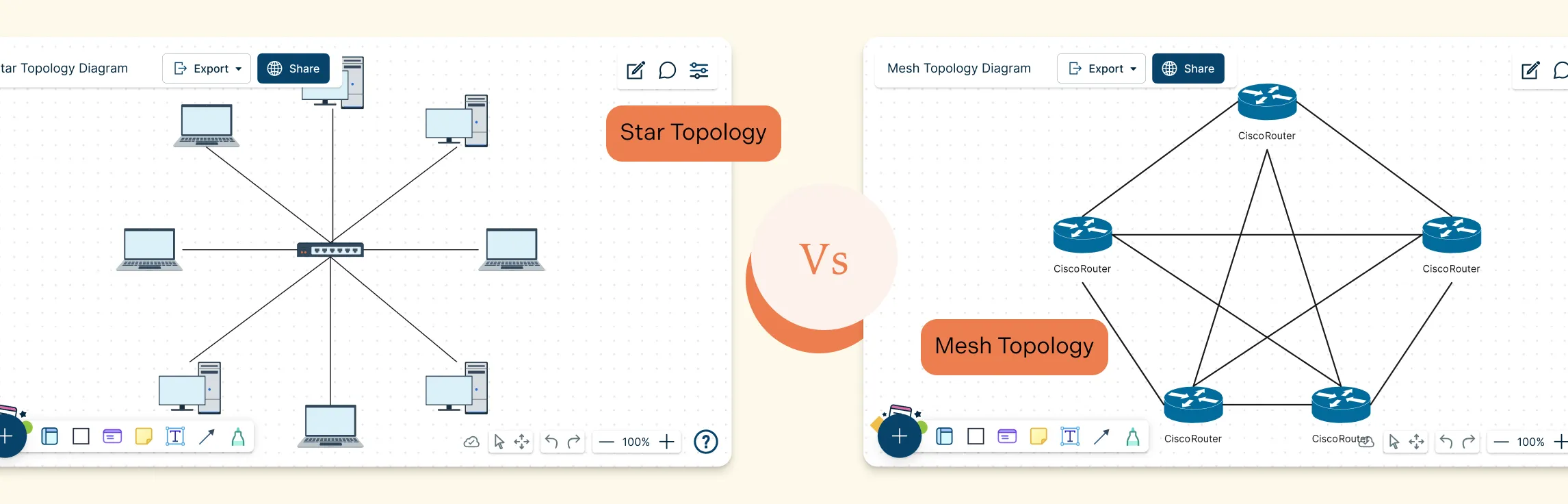
Choosing the right network layout can make all the difference in performance, reliability, and scalability. Star and Mesh Topology are two of the most popular designs, each offering unique ways to connect devices and manage data flow. Whether you’re building a small office network or a large, high‑availability system, understanding Star and Mesh Topology helps you make smarter design decisions, troubleshoot effectively, and ensure your network can grow with your needs.
What Is Star Topology?
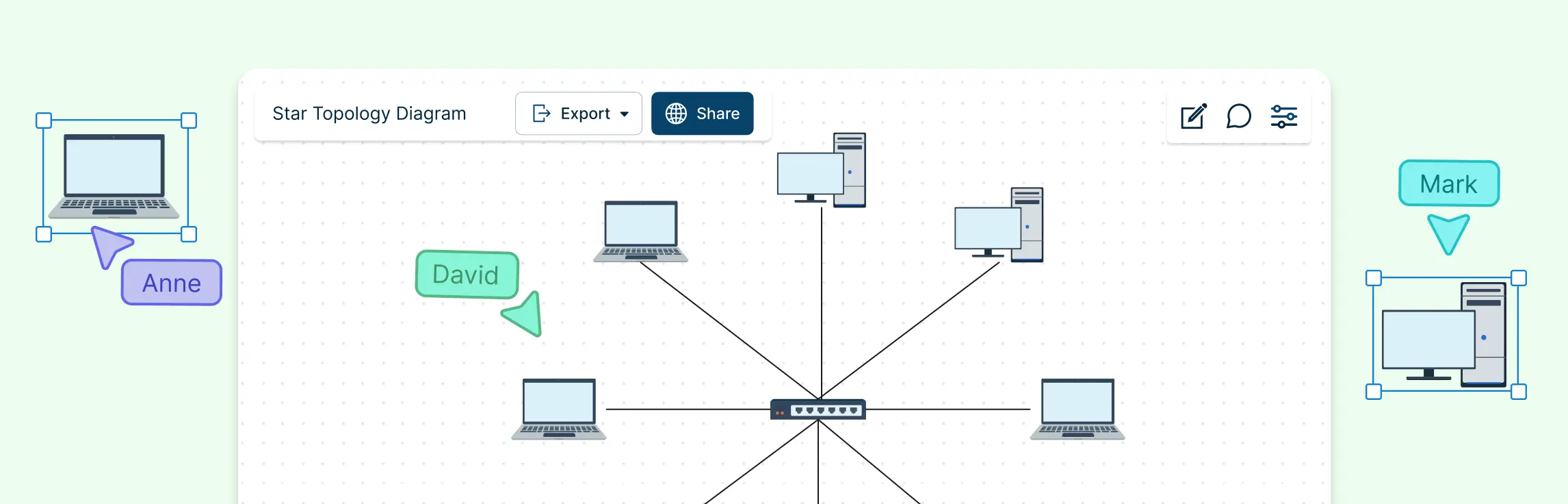
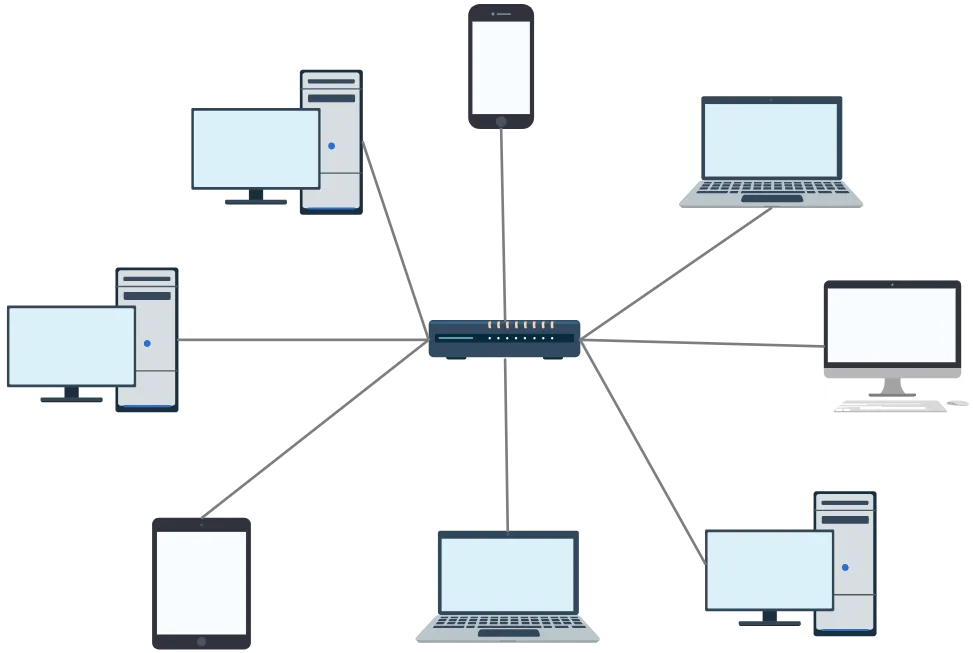
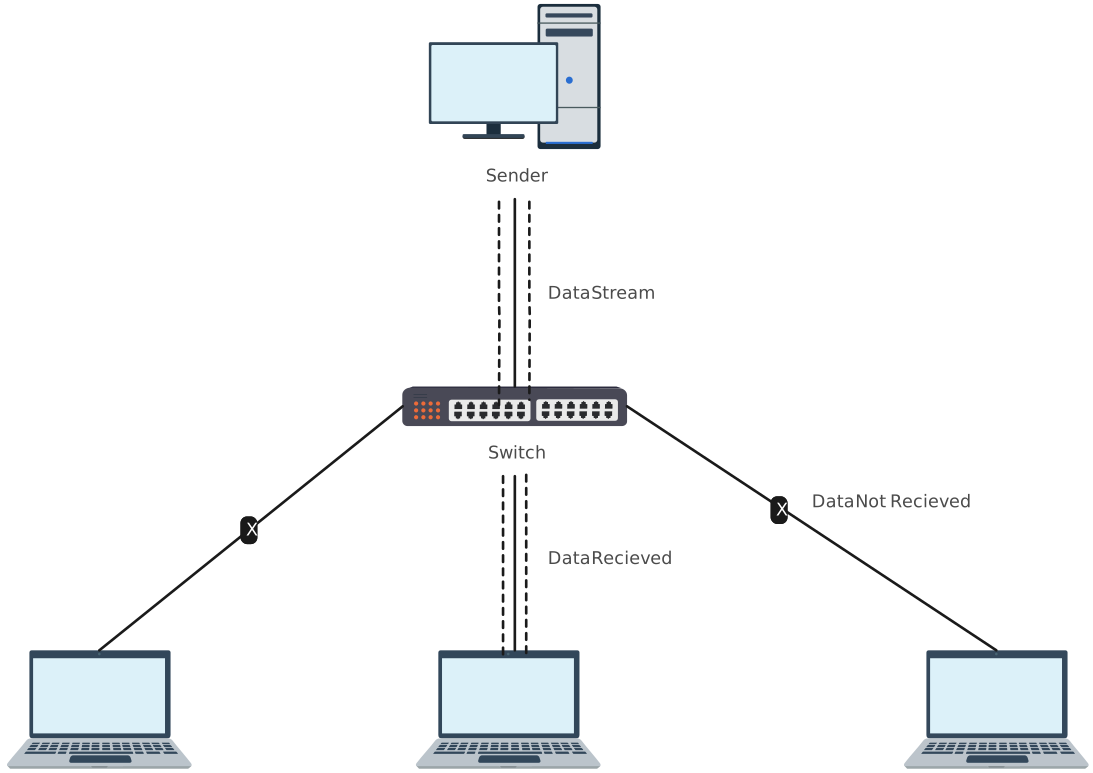
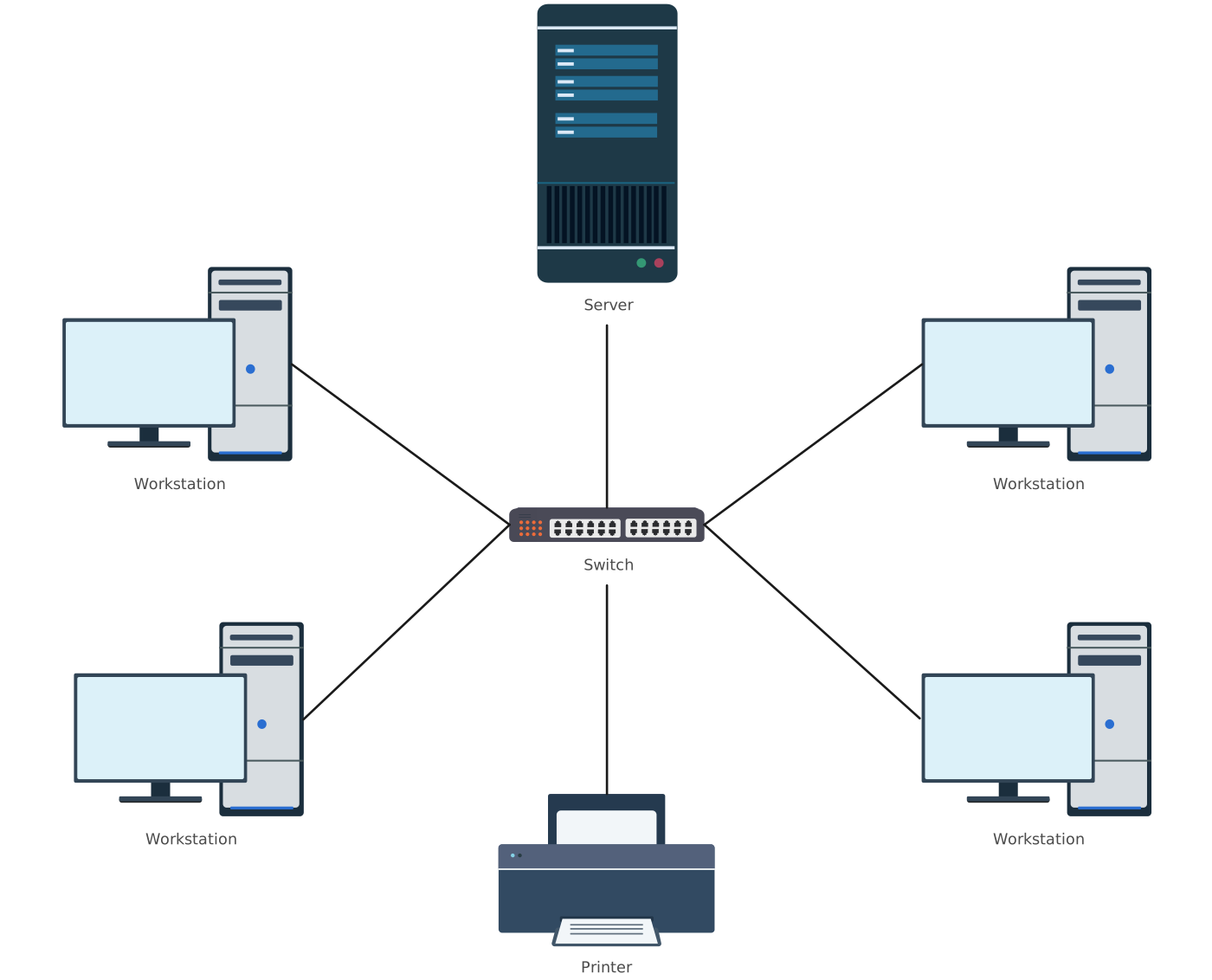
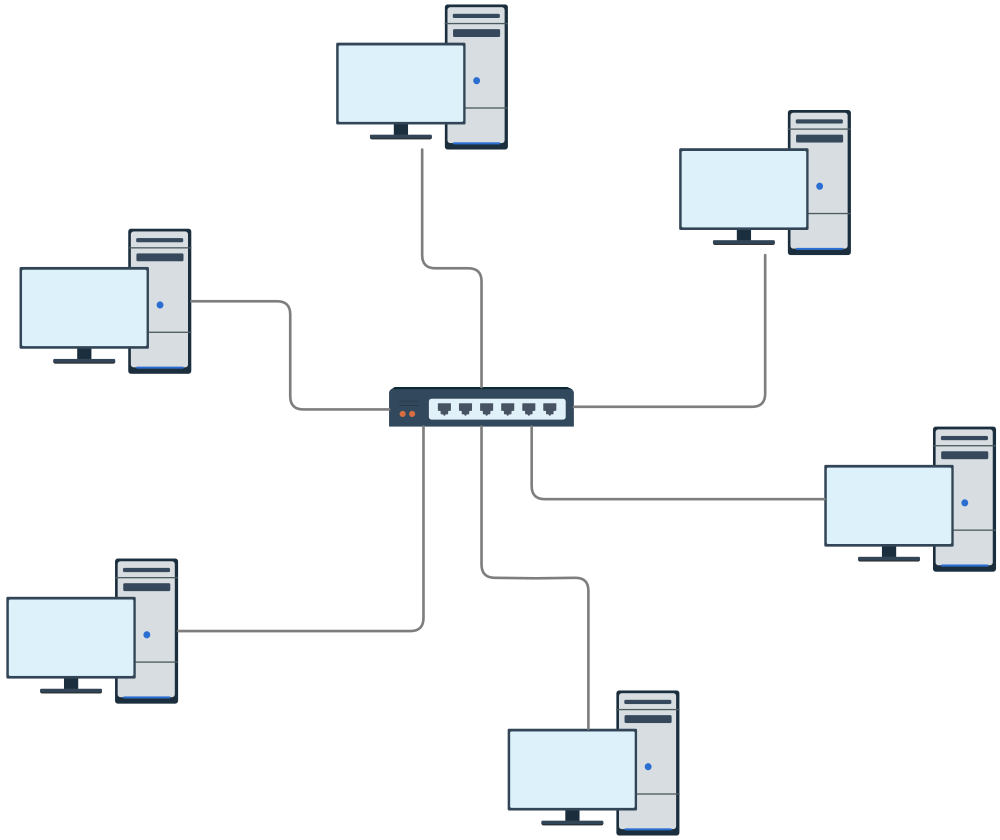
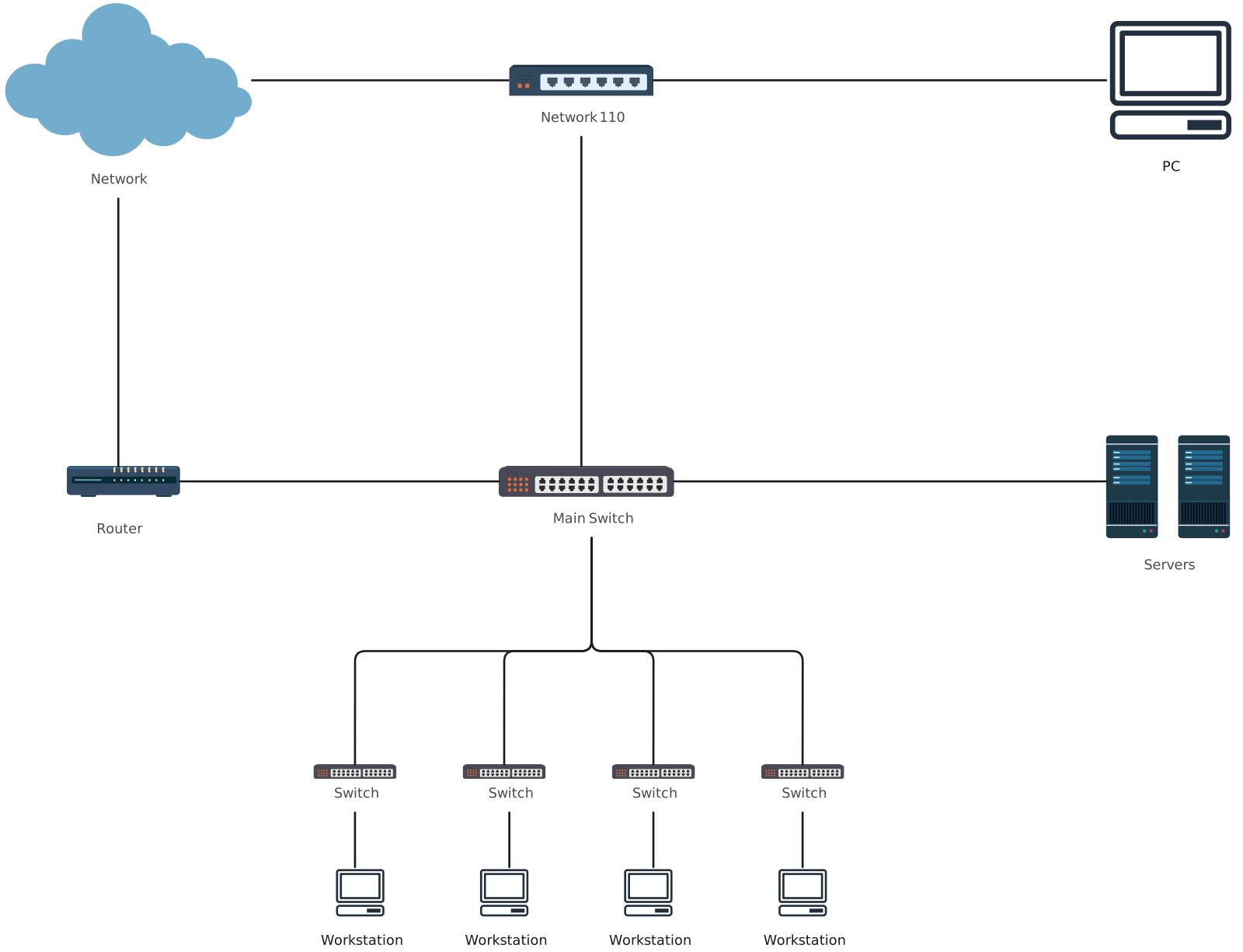
Star topology is a network design where every device connects directly to a single central node — usually a hub, switch, or router — which acts as the heart of the network. All devices rely on this central point to send and receive data.
How It Works
When one device wants to communicate with another, it sends its data to the central node.
The hub or switch then forwards the data to the intended device.
All traffic flows through the central node, making the network easy to manage.
This layout is commonly used in Local Area Networks (LANs) due to its simplicity and predictability.
Pros and Cons of Star Topology
| Pros | Cons |
| Simple setup and maintenance — easy to install and organize devices | Central point of failure — if the hub or switch fails, the whole network goes down |
| Easy troubleshooting and isolation of faults — a problem with one device doesn’t affect others | Higher cabling cost — each device needs a dedicated cable to the hub |
| Scalable — new devices can be added easily by connecting to the central node | Potential performance bottleneck — hub can slow down under heavy traffic |
| Popular use cases — ideal for homes, offices, classrooms, and small to medium-sized businesses | Limited redundancy — network depends heavily on the central node |
What Is Mesh Topology?
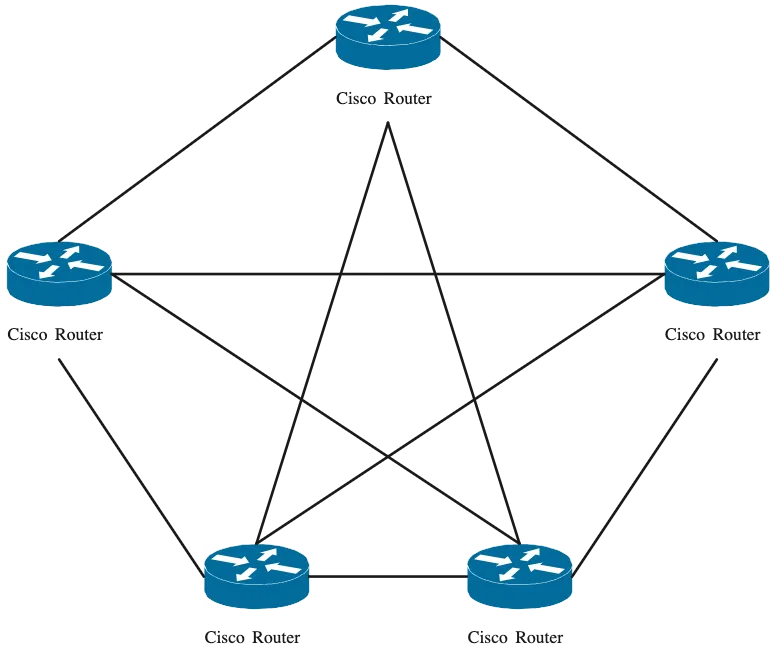
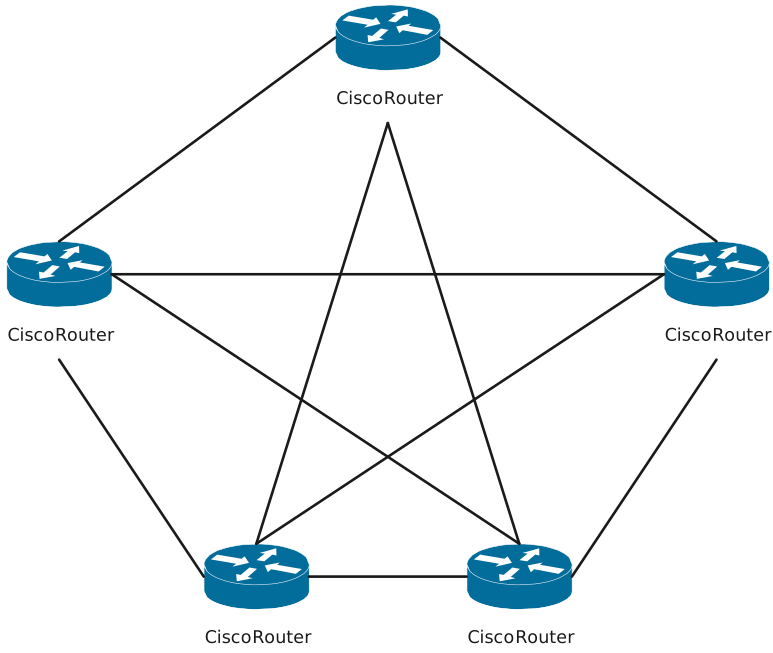
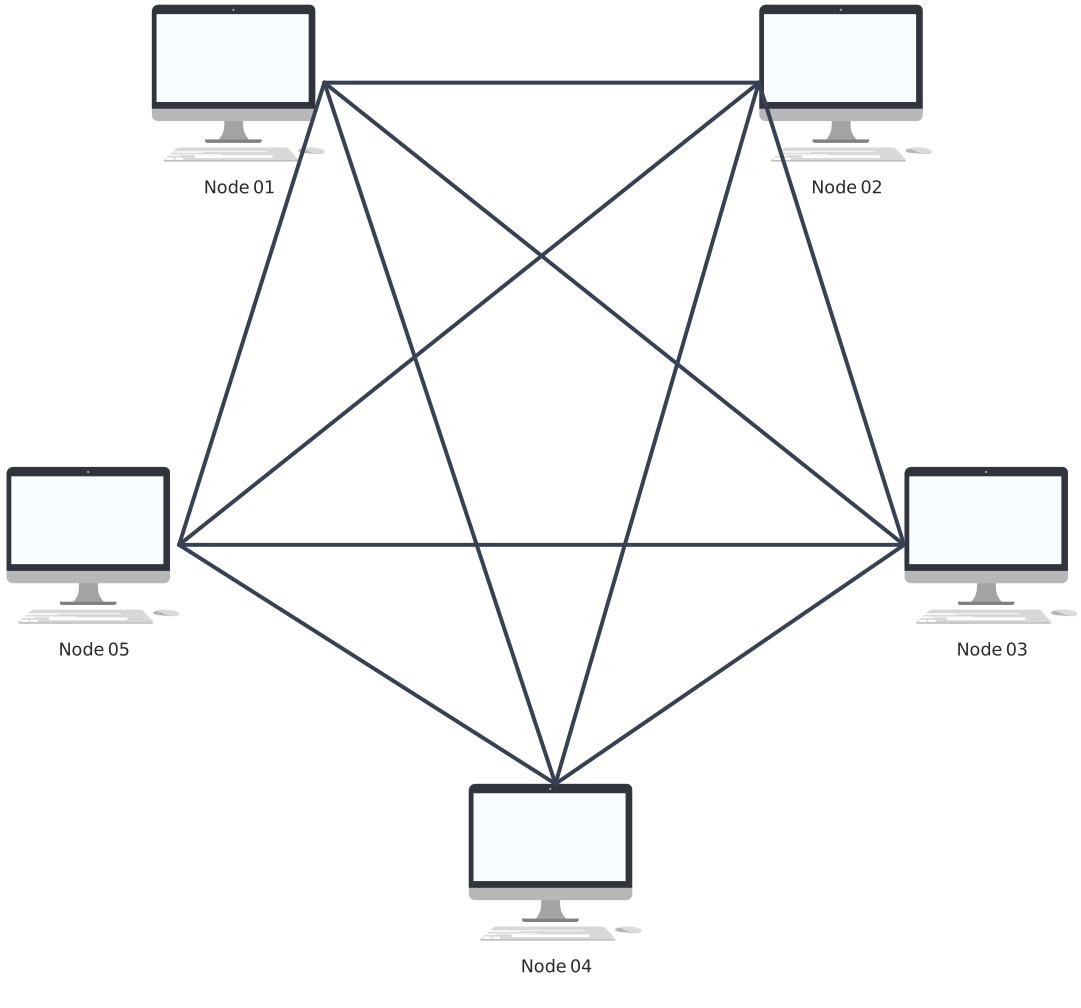
Mesh topology is a network design where every device (node) is connected directly to multiple other devices, creating multiple paths for data to travel. In a full mesh, every node connects to every other node, while in a partial mesh, only some nodes are interconnected. This design maximizes reliability and fault tolerance.
How It Works
Each node can send and receive data independently, often choosing the shortest or fastest path to the destination.
Multiple paths between devices provide redundancy, so if one link fails, data can reroute through another path.
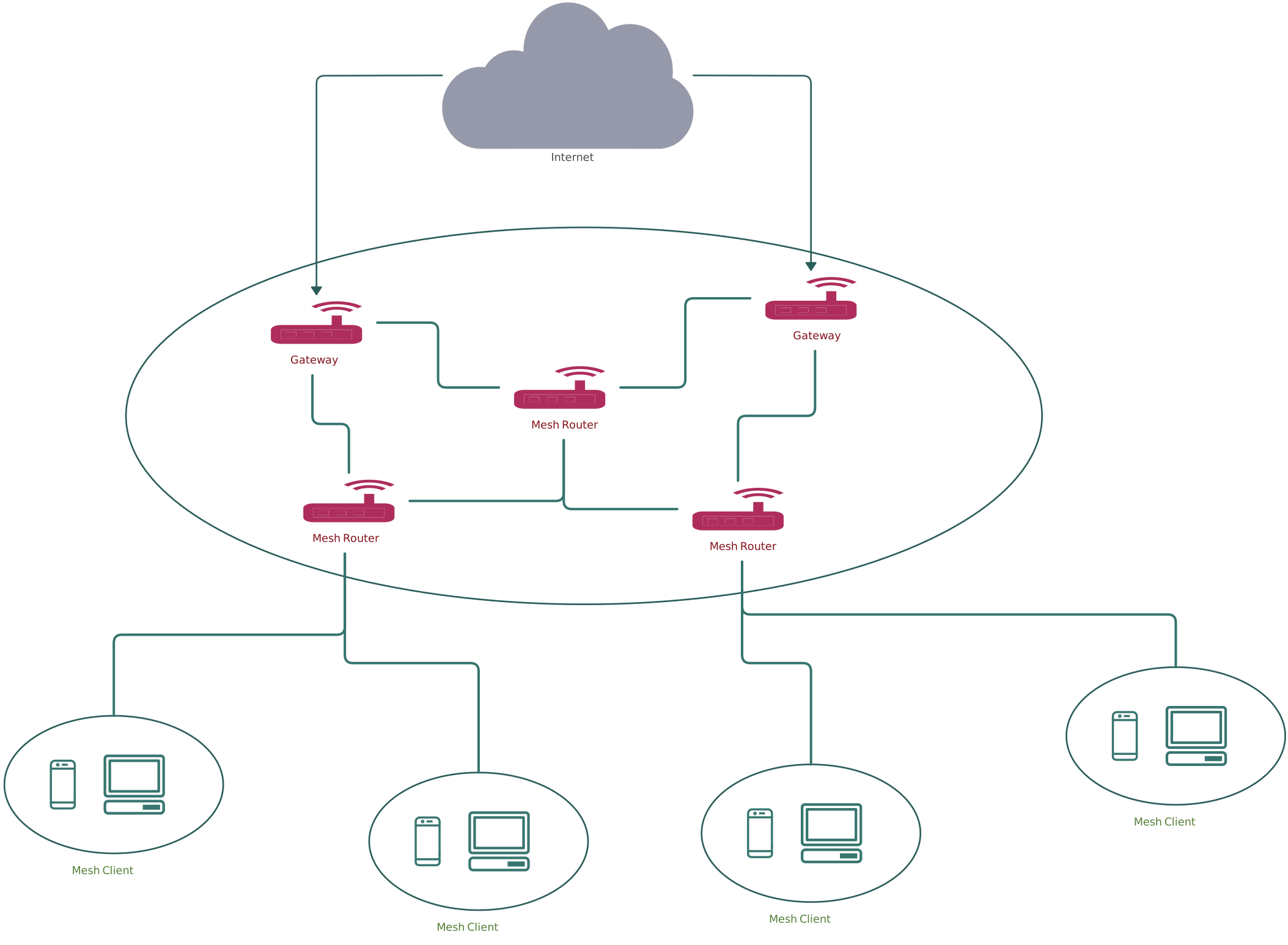
Mesh topology is widely used in wireless networks, IoT networks, and mission-critical systems where reliability is key.
Pros and Cons of Mesh Topology
| Pros | Cons |
| Very high reliability and fault tolerance — multiple paths prevent single points of failure | Expensive — many connections and cables required |
| Excellent redundancy — network continues operating even if one or more links fail | Complex installation and management — harder to configure and maintain |
| Scalable — new nodes can be added without disrupting the network | Potential latency — data may take longer paths depending on routing |
| Ideal for mission-critical systems, IoT networks, and wireless sensor networks | Higher hardware requirements — more network interfaces needed per device |
Star vs Mesh Topology: Key Differences
| Feature | Star Topology | Mesh Topology |
| Architecture | All devices connect to a single central hub, switch, or router | Every device connects directly to multiple other devices (full or partial connections) |
| Data Flow | Data passes through the central node before reaching the destination | Data can take multiple paths directly between nodes; routing chooses the optimal path |
| Fault Tolerance | Moderate — only the failed device is affected, but central hub failure affects the entire network | Excellent — multiple paths provide redundancy; network continues even if one or more links fail |
| Scalability | Easy — new devices are added by connecting to the central hub | Flexible but more complex — new nodes require multiple connections for optimal performance |
| Setup Complexity | Low — simple to install and manage | High — installation and configuration are more complex due to multiple connections |
| Cost | Relatively low — fewer cables and hardware than mesh | High — many connections and network interfaces required per device |
| Performance Under Load | Can become a bottleneck at the hub during heavy traffic | Balanced — multiple paths reduce congestion, but routing can add latency |
| Maintenance | Easy — problems are isolated to a single device | Difficult — troubleshooting requires checking multiple connections and routing paths |
| Reliability | Depends on the central node — hub failure disrupts the entire network | Very high — redundant paths ensure network remains operational even if several links fail |
| Use Cases | Home networks, small/medium offices, classrooms | Wireless sensor networks, IoT networks, mission-critical systems, ISP backbone networks |
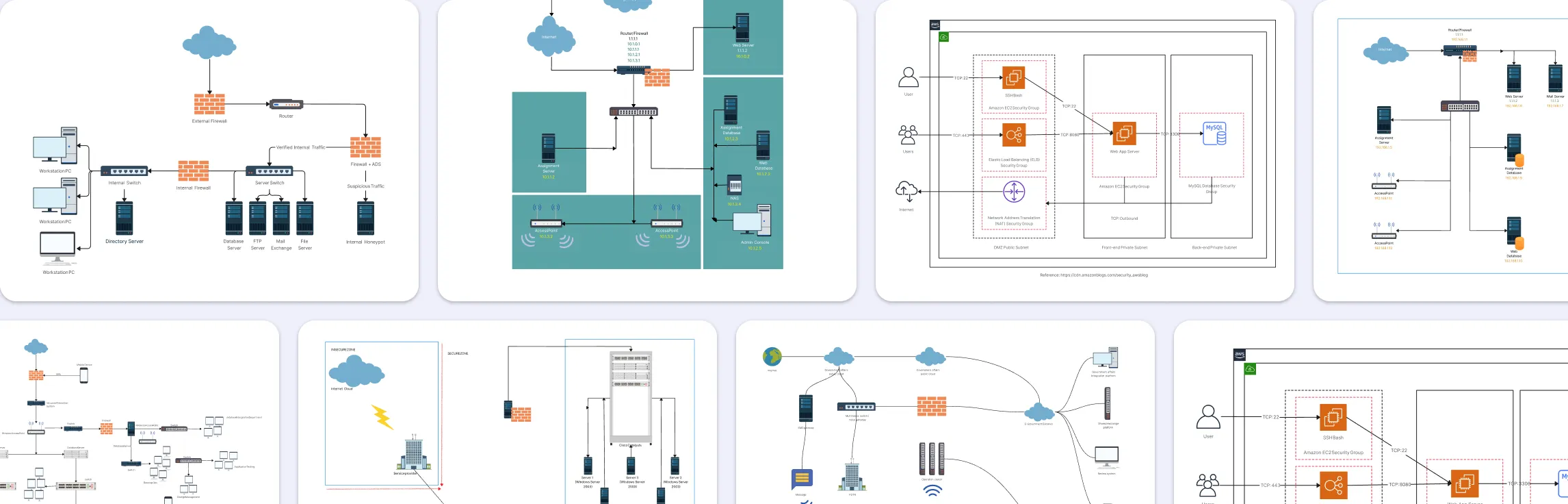
Mesh and Star Topology Templates
Star Topology Templates

Mesh Topology Templates
Helpful Resources
Learn how to draw a network diagram step by step, from planning what to include to laying out components clearly and choosing the right symbols.
Discover key bus topology diagram elements, highlight common design patterns, and point out the limitations you need to account for when working with this topology.
Discover how a hybrid topology diagram effectively visualizes complex networks. Explore types, advantages & disadvantages, step-by-step creation tips, and best practices, plus free templates to plan, scale, and manage networks with ease.
Learn what mesh topology is, how it works, variations like full and partial mesh, and see clear network topology diagrams. Includes advantages, disadvantages, and free templates.
Understand how to approach Cisco network topology diagrams with confidence and create visuals that are practical, accurate, and easy to understand.
Learn how to create a home network setup diagram step by step, understand common layouts, follow practical best practices, and use free templates to map your setup.
Discover how to create a wide area network diagram step by step, understand key components, WAN examples, and follow proven best practices.
Everything you need to know about LANs, from the basics and key components to network types, advantages, and best practices.
Discover what a logical network diagram is, how it differs from a physical network diagram, why it’s useful, and how to create one.
FAQs About Mesh vs Star Topology
What is hybrid star mesh topology?
Which topology is more reliable, star or mesh?
Which topology is better for small offices or homes?
Which topology is better for large or mission-critical networks?
Does mesh topology require more maintenance than star topology?
Can hybrid topology use other types of topologies?