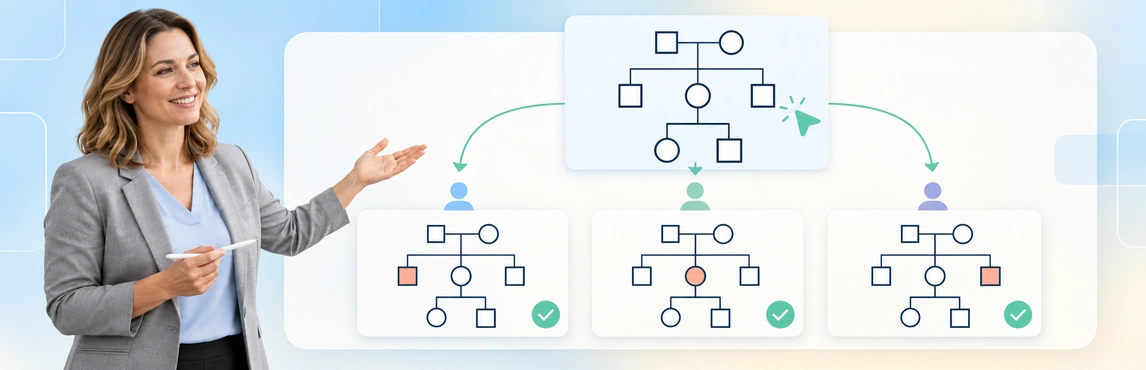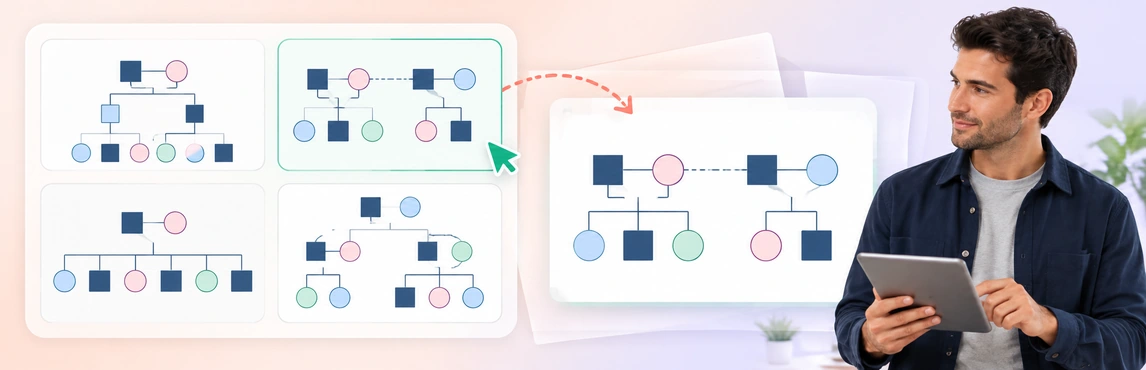
Choose the template that best matches the question your team needs to review, then replace every sample detail with source-checked information. The eight editable layouts below cover family structure, current care arrangements, support networks, separated households and relationship notation. Preview names and relationships are fictional examples, not case findings or recommended outcomes.
Choose a Template for the Case-Work Question
| Starting situation | Template to start with | What it helps the team review |
|---|---|---|
| General family structure and case context | Social Work Genogram | Family connections and the key details to confirm before review |
| Foster care or adoption pathway | Foster-to-Adopt System Genogram | Family ties, care arrangements and changes that need a source check |
| Current legal or care review | Genogram for a Child Custody Case | Relationship labels and the record supporting legal-status information |
| Support and community context | Social Work Support Network Genogram | Reported supports, gaps and people who may need follow-up |
| Children across separated households | Dual-Household Co-Parenting Map | Current household structure without collapsing different roles into one label |
| Blended, step and half-sibling relationships | Multi-Generational Reconstituted Family | Connections across households and generations while keeping uncertainty visible |
| Family branches or missing connections | Family Relationship Genogram | Family relationships that need clarification or a follow-up question |
| Consistent relationship notation | Relationship Types Genogram | The legend and labels the team applies to common relationship patterns |


Before You Use Any Template
Keep the agency-approved legend with the chosen layout and remove every sample label. Before the genogram enters a review, check that family, care, legal and support relationships remain distinct; mark reported, disputed and unknown information clearly; record the source and review date in the authorized case record; and confirm that the intended recipient may receive the version you plan to share.
For a fictional agency baseline, take the Social Work Genogram above and add a small legend that distinguishes confirmed family ties, reported care arrangements and unknown connections. Label the map Training example F-204, list the permitted fictional source note as intake note, 12 October, mark each unverified relationship needs review, and add reviewed 14 October; next check 21 October. Keep the follow-up question beside the map: “Who can confirm the current caregiver arrangement?” This is an example of a human-reviewed template setup, not an agency-approved case form or a determination about care.
For a shared notation reference, use the guide to standardizing genogram symbols across a social work team and genogram symbols. The appropriate relationship type is the one that represents the source-checked case information, not the one that makes the template look complete.
Reuse the Layout Consistently
Choose the layout, add only permitted and source-checked information, apply the shared legend, and set the next review point. Keep a history of meaningful changes under the agency’s own process rather than copying an earlier map forward unchanged. The guide to maintaining genograms during long-running child welfare cases can help teams plan handovers and updates.
Copyable template-control record: Owner: [name/team]; approved version: [identifier/date]; intended task: [review question]; required fields: [legend, source/status, review date, follow-up]; change note: [what changed and why]; next review: [date/owner]. Maintain this record through the agency’s own process; the template does not enforce approval or version control by itself.
Adapt a Template in Creately Clinical Maps
Creately Clinical Maps gives teams 60+ relationship types, notes and collaborative review. Use a template for the structure, then replace every sample name, relationship and label with source-checked information.
| Need | Creately Clinical Maps support | Check before use |
|---|---|---|
| Create an editable map | Basic drawing, templates and image export | Review the contents before sharing an image |
| Draft from permitted text | Text-to-genogram | Verify every generated detail against the source |
| Capture structured case context | Social Work field pack, views and reports | Confirm that the workspace has the required access and clearance |
| Review with colleagues | Comments and role-based sharing | Confirm disclosure is appropriate for each recipient |
Basic drawing, templates and image export are available on every plan. Assisted text-to-genogram generation is metered; confirm current allowances in your workspace. Advanced capabilities require Enterprise, a Genogram grant and protected-data clearance. Text-to-genogram produces a draft for review; it does not verify evidence, diagnose, assess risk or make placement recommendations. For training, use fictional or appropriately de-identified scenarios.
Prepare the Review Copy
Before sharing or exporting, confirm that the legend is present where it is needed, sample content is removed, current and historical information are clear, and the copy suits the recipient. Use the sharing guide to review recipient access and the export guide to prepare the review copy.
Helpful Resources
Build onboarding exercises, a shared review rubric and calibration practice around your agency’s template workflow.
Turn visible gaps in a family map into focused questions, ownership and review points.
Use family mapping to prepare source-based questions for safety and placement reviews.