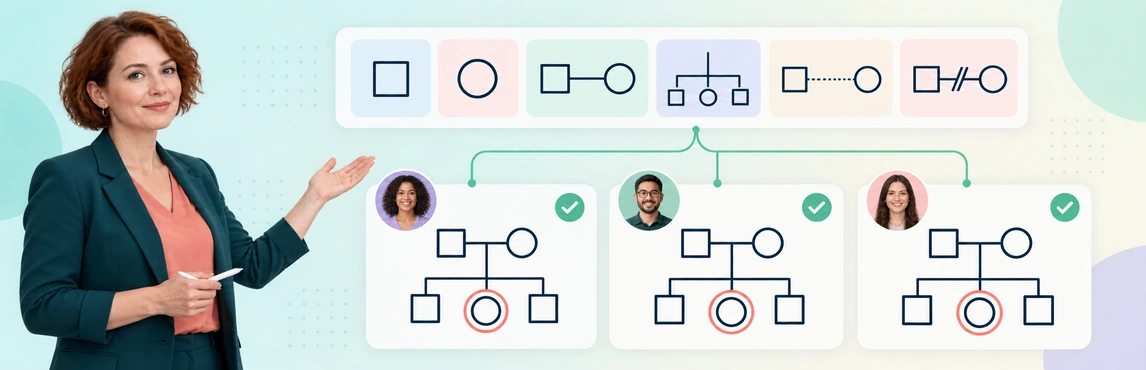
To standardize genogram notation across a social-work team, agree on a reference, publish a shared legend and test whether colleagues interpret the same map consistently. Define the notes that must accompany sensitive or uncertain labels, then assign responsibility for reviewing changes. A common symbol library helps with drawing, but the team still needs to agree on meaning and evidence.
This guide focuses on team practice in child-welfare documentation. Use the genogram symbols guide for the notation reference and the child-welfare case-management guide for the wider workflow.
Choose a Reference and an Owner for the Legend
Begin with the notation and recording requirements your agency uses. Identify the reference edition or guidance, the person responsible for the team legend and the process for approving exceptions.
Victoria’s Child Protection Manual advises using a key to explain other symbols introduced into a genogram and explaining the purpose, process and symbols when working with a family. This is a practical example of making meaning explicit; it is not a requirement that every agency use one identical diagram style. Source: Victoria Child Protection Manual, Genograms.
Give the team reference a clear scope:
- The approved symbol and line conventions.
- Required labels, sources and dates.
- How unknown or disputed information is shown.
- Who reviews additions and how readers are told about changes.
Use the Simple Genogram Template below for the first exercise: add the team legend and ask a colleague to explain each visible connection. Start small enough that a disagreement in meaning is easy to locate.


Define Meanings, Required Notes and Limits Together
A legend should do more than name a line style. It should explain the situation the label describes and the information needed before someone uses it.
| Legend entry | Team agreement to record | Misinterpretation to prevent |
|---|---|---|
| Person symbol and identifier | Which recorded attributes the symbol represents, with respectful labels and unknown options | Inferring identity or other personal information from appearance |
| Partner relationship | The relationship status, source and relevant dates | Treating separation, divorce and reported conflict as the same thing |
| Parent-child or caregiving link | How biological, adoptive, foster, step and care relationships are distinguished | Equating current care with legal responsibility |
| Emotional relationship | Whose account or observation supports the label and when | Turning an interpretation into an established fact |
| Uncertain information | A visible notation and source/status note | Making missing information appear absent or confirmed |
| Historical arrangement | How dates and current versus past status are displayed | Presenting an earlier arrangement as current |
Keep legal status tied to the authoritative record. A shared legend should not give a relationship line more certainty than the source supports; the sensitive documentation guide explains attribution in more detail.
A Copyable Team Legend
This fictional v1.0 example, owned by the team lead for training, is a reference to adapt and approve through the agency’s own process. The text inside each line label must remain visible in a grayscale copy.
| Symbol or line sample | Meaning and permitted use | Required source/status note | Prohibited inference | Reference version and owner |
|---|---|---|---|---|
Child —[sibling]— Kai | Recorded sibling connection; use only when the relationship is supported | Record or attributed account, date, confirmed/reported/unknown | Shared household or contact frequency | Example v1.0; team lead |
Child —[current care]— foster caregiver | Current day-to-day care arrangement, separate from parentage | Placement record, effective date and review status | Biological or legal-parent status; permanent placement | Example v1.0; team lead |
Child —[reported contact]— aunt | Child’s account of contact; label it as reported | Who reported it, recording date and any unknown frequency | Approved caregiver role or verified availability | Example v1.0; team lead |
? —[unconfirmed relationship]— Child | A connection awaiting a source check | Source of the question, owner and next review date | A confirmed missing person or kinship tie | Example v1.0; team lead |
Copy the table with its version and owner into the team reference, then replace these fictional labels with the service’s approved notation and record requirements. A shared tool library does not enforce this reference automatically.
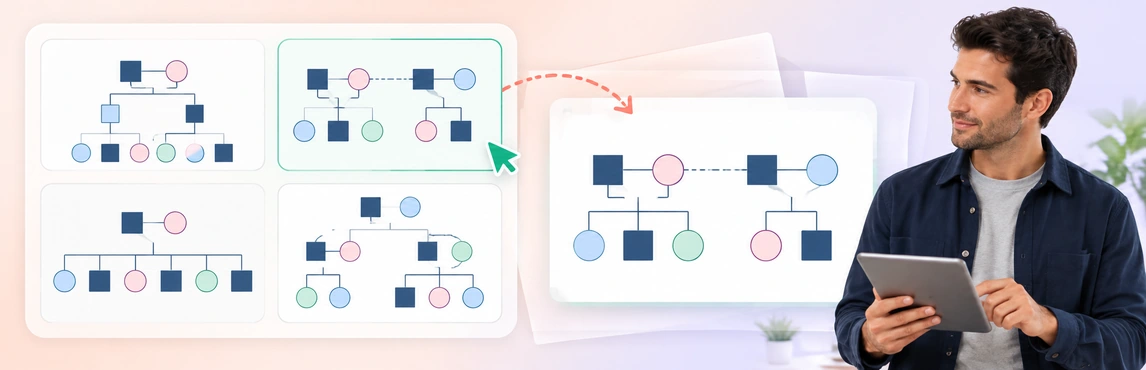
The Divorce and Blended Family Genogram offers a different test from a simple family layout. Ask workers to distinguish partner status, step relationships and care arrangements without using a single line to imply all three.

Test Family Structure Before Interpreting Relationships
Use varied fictional structures to test genogram notation standards in practice. A team may agree on a simple parent-child line yet interpret a branching connector or a shared household outline differently.
For each practice map, have a second reader answer:
- Who is connected to whom, and by which type of relationship?
- What does the layout communicate, apart from the labels?
- Which details are supported by the scenario, and which remain unknown?
- What additional note would prevent a plausible misreading?
The Twins Genogram is useful for testing a branching relationship convention. Explain the specific notation in the legend and leave details such as twin type unspecified unless the source establishes them; shared age or appearance is not enough to supply missing facts.

Make Color and Context Understandable to Every Reader
A red line can mean conflict to one worker and a review flag to another. Agree on its purpose and retain that meaning through a text label or other cue when color is unavailable.
W3C’s explanation of WCAG 2.2 success criterion 1.4.1 says that color should not be the sole visual means of communicating information. Applied to a shared genogram, this supports using labels, shapes or other distinctions alongside color. It does not by itself establish that the full diagram or exported document meets every accessibility requirement. Source: W3C, Understanding Use of Color.
For a simple print check, imagine one green line for current care and one blue line for reported contact. Both can look gray in a black-and-white copy. Keep [current care] and [reported contact] on the lines and in the legend, so the distinction survives without color.
Check the reference and sample maps:
- In grayscale, so meaningful distinctions remain visible.
- At the intended print or export size, including the legend.
- With plain-language explanations of abbreviations and specialist terms.
- For respectful, attributed descriptions of cultural and family context.
Use the Cultural Genogram below to review what each color and annotation is intended to convey. Practice with fictional information, distinguish self-described identity from assumptions, and avoid treating culture or religion as a proxy for relationship quality or risk.

Run a Short Peer-Review Exercise Before Rollout
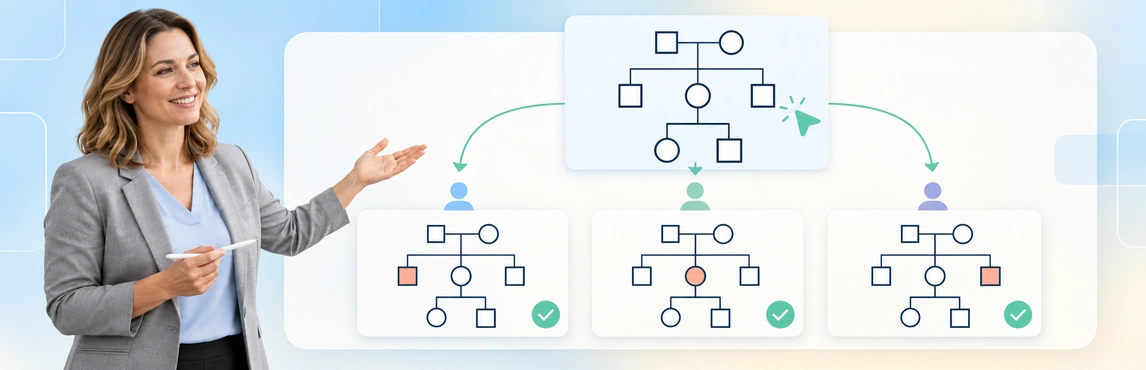
Give two workers the same fictional scenario and the proposed legend. Ask them to draw independently, then compare what another colleague understands from each map rather than judging which one looks more polished.
For example: “A child lives with a foster caregiver and has a sibling in another household. The child reports contact with an aunt; the frequency is unknown.” This exercise tests family connections, current care and uncertainty without needing identifiable case material.
| Difference found | What the team should resolve |
|---|---|
| One map implies a biological link to the caregiver | Clarify the caregiving convention and its required label |
| One map gives the aunt a confirmed support role | Preserve the reported account and the unknown detail |
| The sibling is missing from one map | Check the source-reading process as well as notation |
| A connector has two plausible meanings | Revise the legend or add a clarifying note |
| The diagram is understandable only in color | Add a label or another visible distinction |
Record the agreed correction, update the example and test it again. Review both the meaning and the source; matching diagrams can still repeat the same unsupported assumption.
Answer key for the fictional exercise: show the foster caregiver as current care, not as a biological parent; show the sibling in another household; show the aunt’s contact as the child’s report with frequency unknown. A different layout is acceptable if these distinctions and source limits remain clear. An invented parentage, confirmed support role or contact frequency is not.
For a fuller onboarding exercise, use the case-worker training guide.
The 3 Generations Genogram Template expands the exercise to a larger layout. Use it to check generation placement, identifiers and whether the legend remains useful when the map becomes denser.

Use Creately Clinical Maps to Apply the Team Reference
Creately Clinical Maps supports McGoldrick/Gerson clinical notation, 60+ relationship types, notes and collaborative review. These give colleagues a common set of tools; choosing an appropriate label and checking its source remain review tasks.
- Choose the approved reference and owner. Keep the legend version identifiable on training examples and case maps.
- Define symbols and required notes. Use the relationship-types guide as background alongside agency conventions.
- Test varied fictional examples. Check structure, uncertain information and the actual export.
- Compare interpretations. Use comments to identify ambiguity and record the agreed meaning in the reference.
- Publish and manage changes. Keep the current reference accessible to authorized staff and explain later amendments.
| Capability | Team use | Boundary |
|---|---|---|
| Basic drawing and text-to-genogram | Prepare maps and fictional practice examples | Basic is on every plan; assisted generation is metered. Confirm current allowances and options with Creately before relying on further generation |
| Relationship types and notes | Apply labels and explain their meaning | The library does not verify facts or enforce the agency’s policy |
| Comments and collaboration | Review differences with authorized colleagues | Agreement still needs an identified owner and review process |
| Advanced field packs, views and reports | Organize domain-specific information | Require an eligible Enterprise Genogram workspace and approved protected-data arrangements; confirm access with your administrator or Creately sales |
| Basic image export | Check that notation and legend survive handoff | Inspect the actual content and readability before sharing |
Field packs organize domain-specific data; they do not replace a shared legend. Check AI-generated people, connections and wording against permitted sources before using a draft. Pattern observations are heuristic, not diagnoses or validated risk scores.
Manage Exceptions, Older Maps and External Handoffs
To maintain genogram notation standards over time, keep the meaning of older records traceable. An unfamiliar connector should prompt a check of its original legend and sources before anyone replaces it with a current label.
Use a small change record:
- The old convention and where it was used.
- The proposed meaning or replacement, with any uncertainty.
- The person approving the change and its effective date.
- Which templates and examples need updating.
- How earlier copies will be retained under agency rules.
Do not silently relabel an old allegation or interpretation as a finding. For changes to live cases, use the genogram maintenance guide. For external review, include the appropriate legend and follow the audience and disclosure checks in explaining family relationships in case reviews and court reports.
Start with the varied examples above or browse the genogram template community. Explore social-work genogram software to prepare practice maps; these layouts help test the team reference and are not approved agency standards in themselves.