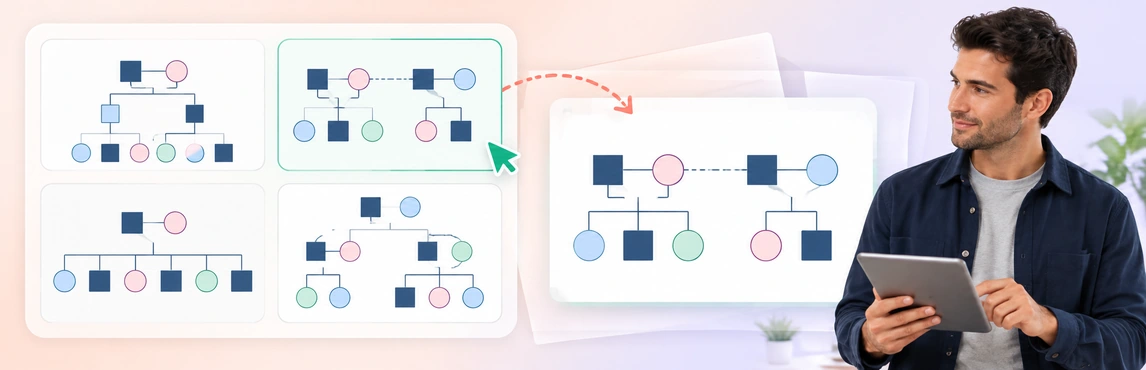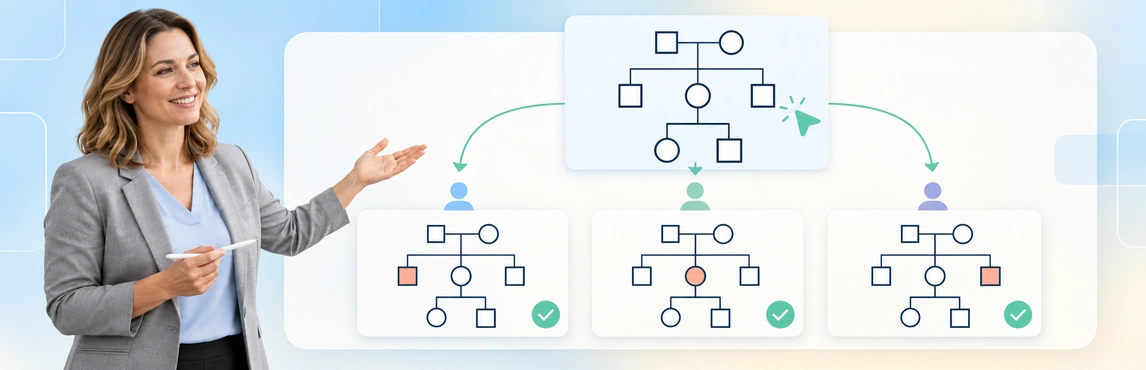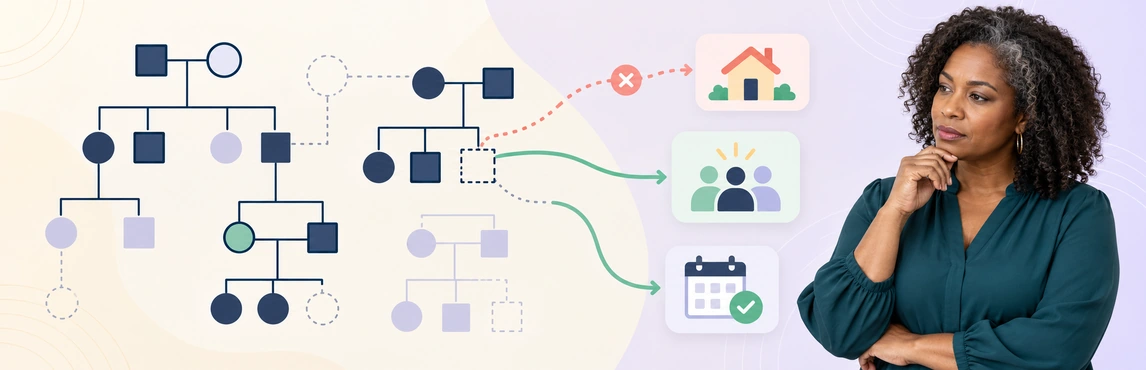
Incomplete family mapping can narrow the options a child-welfare team considers, hide practical support, and carry outdated assumptions into long-term case planning. A genogram can make missing relationships and unanswered questions visible. Its value comes from checking those gaps with the family and relevant records, then assigning follow-up rather than treating an unfinished diagram as a complete account.
This guide focuses on the planning consequences of missing information. For the broader case workflow, use genograms for child welfare case management.
What Can Be Missing from a Family Map?
A map may include every person named at intake and still omit information needed for the next review. Completeness depends on the planning question, the available sources, and the date of the information.
Look beyond whether a shape has a name:
- Family structure: an unrecorded family branch, sibling relationship, former caregiver, or household member.
- Practical support: someone who helps with transport, school routines, language, or contact.
- Availability: a relationship is known, but willingness or capacity to help has not been discussed.
- Contact context: “no contact” has no date, source, or explanation of whether it is reported or formally restricted.
- Change over time: a past household or caregiving arrangement appears current.
- The child’s perspective: important people and connections identified by the child are missing.
An empty space is a question, not evidence that support does not exist. Use the agency’s notation for unknown information and keep a source reference alongside consequential details. The genogram symbols guide provides notation background without replacing local recording requirements; use the team-standardization guide to agree on consistent labels for uncertainty.
How Gaps Can Change Long-Term Planning
The following are planning risks to check, not predictions about a family. A fuller map supports inquiry; it does not determine placement suitability or replace an assessment. See how genograms support safety and placement decisions for using the map in a structured review.
| Missing information | Assumption a team might make | Planning question to resolve |
|---|---|---|
| One side of the family | No relatives on that side can contribute | Which connections are known, and what inquiry is still needed? |
| A trusted adult outside the household | Support is limited to the current caregiver | Who matters to the child, and what role, if any, could they offer? |
| Sibling locations and contact | The current arrangement covers sibling connections | What is the current contact plan, and what needs review? |
| A caregiver’s practical limits | A named supporter is available for every task | Which tasks, times, and limits have actually been confirmed? |
| Source and date for estrangement | A historical account describes current contact | Whose account is recorded, when, and are there different perspectives? |
| A change in household or care | Last review’s plan still reflects daily life | Which actions or responsibilities now need updating? |
Source-backed practice point: Georgia DFCS describes genograms as a way to identify relatives, fictive kin, and other committed people who may support a family. Its guidance includes people outside the household and cultural understandings of family. This is a jurisdiction-specific example, not a universal procedure. Source: Georgia DFCS, 19.19 Genogram.
For day-to-day practice, that means asking about the role a person plays before assigning one to them; the foster-care and blended-family documentation guide explains how to record kinship and informal care without assuming legal authority. Someone may be a valued connection without being willing or able to provide care.
Fictional Example: The Relative Missing from a Review
A team is reviewing the plan for a 10-year-old living with a foster caregiver. The intake map shows the child, parents, and current caregiver. A later conversation identifies an aunt who has kept in touch and a sibling living elsewhere; neither appears on the map.
These are fictional details for illustrating documentation. The aunt’s inclusion does not make her an approved caregiver, and the diagram does not establish what contact should occur.
| Map version | Connections shown | Source and status | Question for the next meeting |
|---|---|---|---|
| Before the conversation | Child → parents; child → foster caregiver | Intake map; no extended-family or sibling entry | Which relationships have not yet been checked? |
| After the conversation | Add child → sibling and child → aunt as reported connections | Child’s account; identities, current contact, and aunt’s availability unverified | Who will check the sibling arrangement and the aunt’s possible support role? |
| Initial record | Additional information to document | Follow-up for the case team |
|---|---|---|
| “No extended family support identified” | The child reports regular contact with an aunt | Record the source and follow the approved process to clarify the connection |
| No sibling shown | A sibling relationship is reported | Confirm identity and current arrangements from authorized sources |
| Foster caregiver handles all transport | The caregiver reports a scheduling difficulty | Review practical support needs without assuming the aunt can fill the gap |
| Map has no review date | Information comes from different points in the case | Date the current review and distinguish earlier arrangements |
The revised map changes the meeting agenda: the team has specific connections and questions to investigate. Any resulting changes to the case plan still require the relevant conversations, assessment, authorization, and documentation.
At the first planning review, the aunt and sibling remain reported connections: the worker checks the sibling’s current contact arrangement and asks whether the aunt is available for a specific support role. At the next scheduled review, the team records what those checks established or why they remain unresolved, then updates the action owner and date. A reported relationship never becomes an approved caregiving arrangement just because it stays on the map.
A Starting Layout for Support Connections
Use the existing support-network template to practice the example with fictional details. Label whether each connection is reported or confirmed and keep practical support separate from biological relationships.


Turn Uncertainty into Follow-Up Before the Next Review
Incomplete family mapping is easier to manage when each material gap has a clear next action. Collect information relevant to the planning question through the approved process; a larger diagram is not automatically a better record.
- Define the question and date. State what the next meeting needs to resolve and when the map was last checked.
- Review people and roles. Check family branches, current household members, former caregivers, siblings, and people the child identifies as important.
- Record information status. Distinguish unknown, reported, disputed, and confirmed details. Note the source and avoid turning allegations or relationship interpretations into findings.
- Assign follow-up. Give each material gap an owner and a review date in the case record. Record barriers without treating a lack of response as unwillingness.
- Update the plan as well as the picture. Review corrections through the agency process, retain the necessary history, and document any authorized changes to actions or responsibilities; use the guide to maintaining genograms during long-running cases to organize updates and reviewed versions.
Source-backed planning point: NSW Government describes case planning as an ongoing process with goals, actions, responsibilities, and regular updates as a child’s circumstances change. Its guidance also includes cultural connections and contributions from the child, family, carers, and other important people. Source: NSW Government, Case planning.
A practical follow-up record can stay short:
Copy the blank row into the approved case record for each question the next meeting must clarify.
| Gap | Source/status | Owner | Next action | Review point |
|---|---|---|---|---|
| Aunt’s current role unclear | Reported by child; not yet confirmed | Assigned worker | Clarify through approved contact process | Before next scheduled planning meeting |
| Sibling arrangement absent | Requires record check | Assigned worker | Reconcile permitted case information | At supervisor review |
| Transport support uncertain | Current caregiver reports difficulty | Case team | Review needs and available options | Agreed follow-up date |
| [Gap to clarify] | [Source and status] | [Owner] | [Specific check] | [Next review date] |
For recurring source and transcription problems, see common mistakes when using genograms to explore intergenerational trauma; for comparisons across a caseload, see why family patterns are hard to see across multiple child-welfare cases.
Use Creately Clinical Maps to Keep Gaps Visible
Creately Clinical Maps supports family mapping with 60+ relationship types, notes, and collaborative review. Use it to organize known connections and unresolved questions alongside the case record. A drawing or AI-generated draft cannot verify missing facts or select a safe placement.
- Build from permitted information. Draw the map or use text-to-genogram drafting, then check every generated person, connection, and date.
- Make unknowns explicit. Add a label or note explaining what has not been established. Keep sensitive source detail in the authorized record rather than copying it everywhere; use the sensitive genogram documentation guide to review attribution, uncertainty and sharing.
- Review together. Use comments and appropriate permissions for authorized colleagues to flag discrepancies. Read-only access prevents editing; it does not itself authorize disclosure. Follow the genogram sharing and access-review workflow before inviting a reviewer.
- Prepare the review copy. Check which details appear in a shared map or export, and connect unresolved questions to assigned actions. Use the genogram export checklist before distribution.
For deeper checks, use the sensitive genogram access-control guide to inspect the recipient’s view and the case-review explanation guide to present source-based relationships.
| Need | Product support | Access boundary |
|---|---|---|
| Draw a family map or draft from text | Basic drawing and text-to-genogram | Basic is available on every plan; assisted generation is metered. Confirm current allowances and options with Creately before relying on further generation |
| Capture structured social context | Social Work field pack | Advanced requires an eligible Enterprise Genogram workspace and approved protected-data arrangements; confirm access with your administrator or Creately |
| Review with a colleague | Role-based sharing and comments | Follow organizational approval and the recipient’s permitted access |
| Prepare a case-review artifact | Image export or Advanced reports | Check format availability and the contents before sharing |
The social-work genogram guide covers broader applications. Check your organization’s requirements for identifiable case information; product access is not approval to enter or disclose it.
Templates for Reviewing Family Mapping Gaps
Choose a layout that helps answer the next planning question. Use fictional details for training, following the case-worker genogram training guide for exercises and review criteria. See reusable genogram templates for child-welfare agencies for additional starting layouts and shared-legend guidance, and replace sample labels before using any template in an authorized case workflow.
- Family Relationship Genogram: Check whether family branches and relationship labels are represented.
- Foster-to-Adopt System Genogram: Separate family ties from changes in care arrangements; the sample does not imply a particular permanency goal.
- Genogram for a Child Custody Case: Practice linking relationship and legal-status labels to the relevant source record, without treating the template as legal advice.


Explore the existing social-work genogram tools to adapt a layout to your team’s review process.