Starting a new job comes with a lot of questions. Who do I report to? Who approves what? Who do I go to for HR, IT, or payroll help? Which teams will I work with most?
That is where an organizational chart can make employee onboarding much easier.
Instead of leaving new hires to piece things together through meetings, emails, and guesswork, an employee onboarding org chart gives them a clear visual of the people, teams, and reporting lines around them. It helps them understand where they fit, who they work with, and how the organization operates from day one. This focus on clarity and connection matches what onboarding research highlights as most important for newcomer adjustment.
What Is an Org Chart for Employee Onboarding?
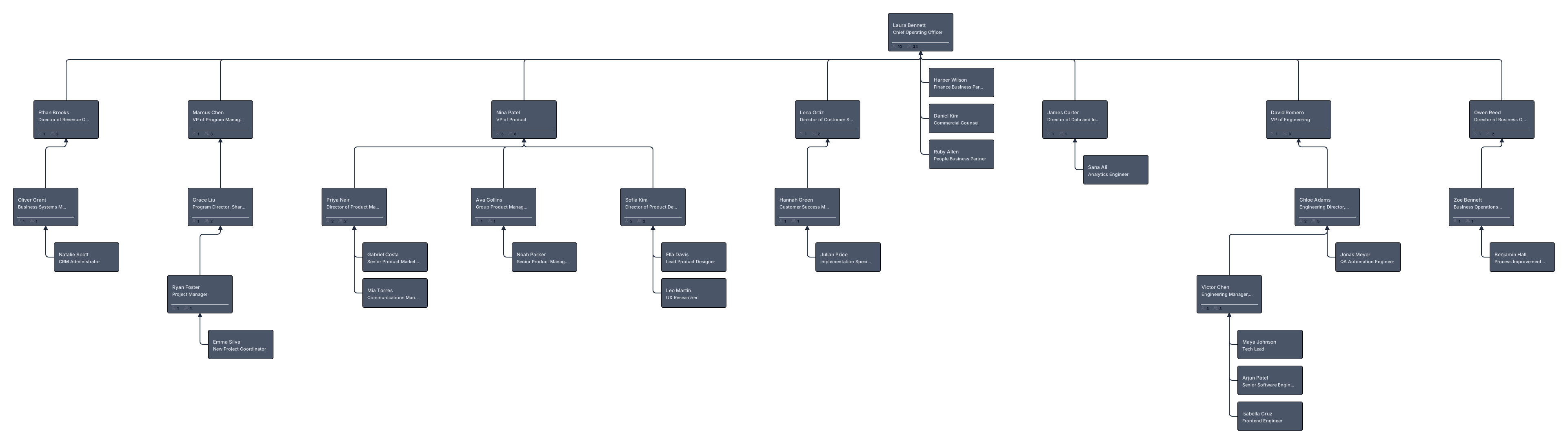
An organizational chart for employee onboarding is a visual guide that introduces a new hire to the people structure around their role.
Unlike a standard organizational chart that simply shows hierarchy, an onboarding org chart is designed to answer practical questions a new employee has in their first days and weeks. It helps them understand their manager, teammates, cross-functional contacts, support teams, and the wider department structure without feeling overwhelmed.
Why Org Charts Matter in Employee Onboarding
A good onboarding experience is not just about completing tasks. It is also about helping people feel confident, informed, and connected.
They improve role clarity
New employees settle in faster when they understand how their role fits into the larger organization. An org chart gives them that context at a glance. It shows where their team sits, who they report to, and how work flows across departments.
They support social integration
Org charts help new hires see who they will work with, who they can go to for help, and how different people and teams are connected. Instead of figuring this out slowly through meetings and messages, they can quickly identify their manager, teammates, cross-functional collaborators, and key support contacts.
They reduce confusion and repeated questions
A new hire often spends the first few weeks trying to understand how things work. A well-designed org chart reduces that uncertainty by giving them one clear place to look up reporting lines, team relationships, and key contacts.
They are especially useful for remote and hybrid teams
When employees are not sharing a physical office, they miss out on informal learning and spontaneous introductions. A visual onboarding organizational chart helps close that gap. It gives new hires a quick way to learn who is who, what each person does, and how the team is connected even when everyone works from different places.
What to Include in an Org Chart for Onboarding Process
The best onboarding org charts do more than show names in boxes. They help new employees navigate the organization with confidence.
Here are the most useful details to include.
Core reporting structure
Start with the basics. Show the new hire’s manager, direct teammates, department head, and immediate reporting lines. This gives them a solid understanding of the formal structure around their role.
Key people they need to know first
An onboarding org chart should highlight the people a new hire is most likely to interact with early on. This may include their buddy or mentor, HR contact, IT support contact, payroll or admin contact, and team lead.
Role context
Names and job titles are helpful, but they are often not enough. Add short role descriptions or responsibility notes so the new hire understands what each person is responsible for and when to reach out to them.
Cross-functional connections
Most employees work beyond their immediate team. Show frequent collaborators in other functions such as finance, operations, legal, product, marketing, or customer support. This makes the org chart much more useful during onboarding because it reflects how work really gets done.
Helpful profile details
Depending on the company, it can be useful to include profile photos, location, time zone, email address, phone number, or communication preferences.
Types of Org Charts Useful for Employee Onboarding
There is no single format that works for every new hire. The right org chart depends on the size of the company, the complexity of the role, and how many teams the employee needs to understand.
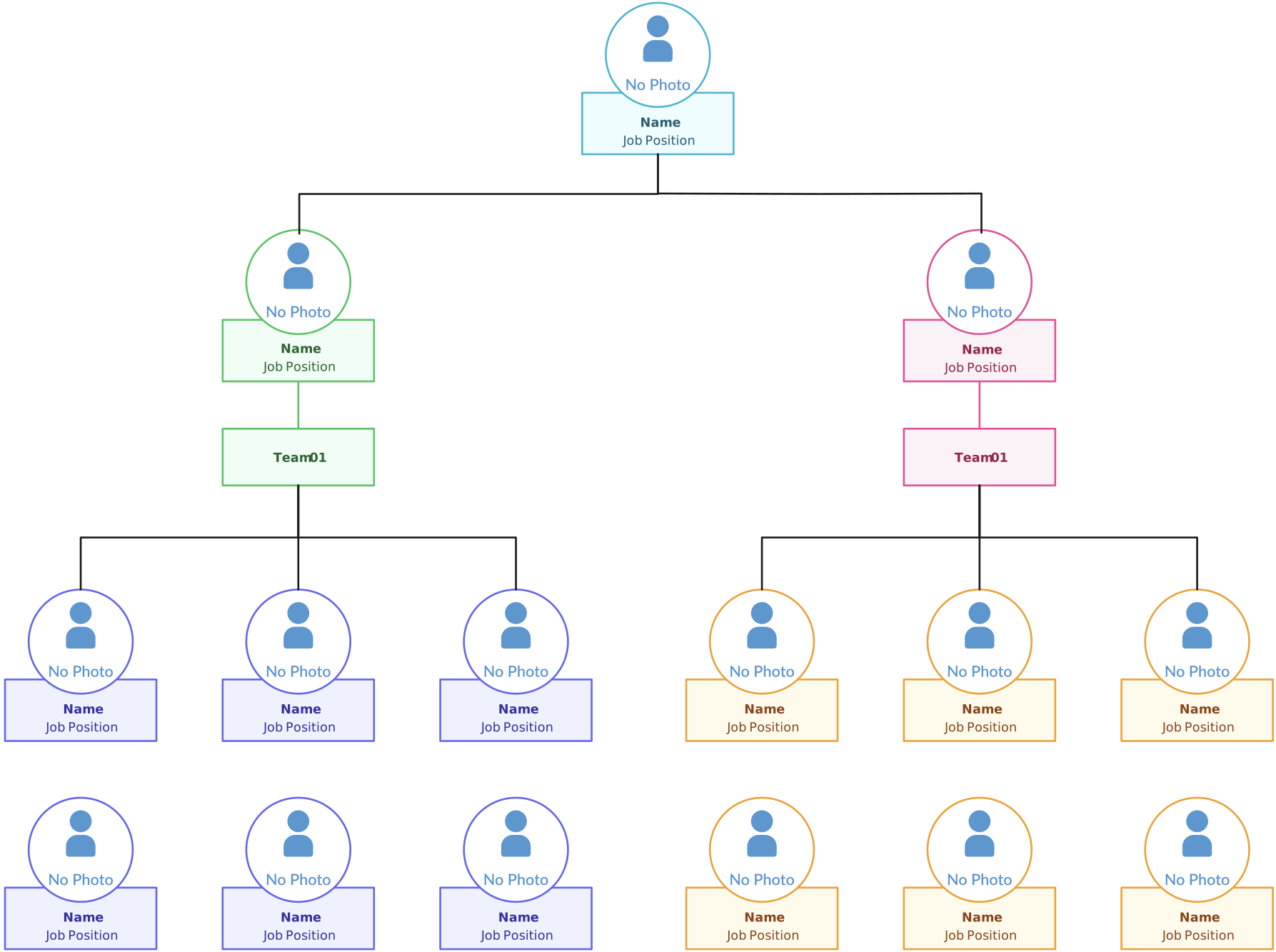
Team org chart
The team organizational chart is the simplest and most useful starting point for most new hires. It shows the employee’s immediate manager, teammates, and direct reporting structure.

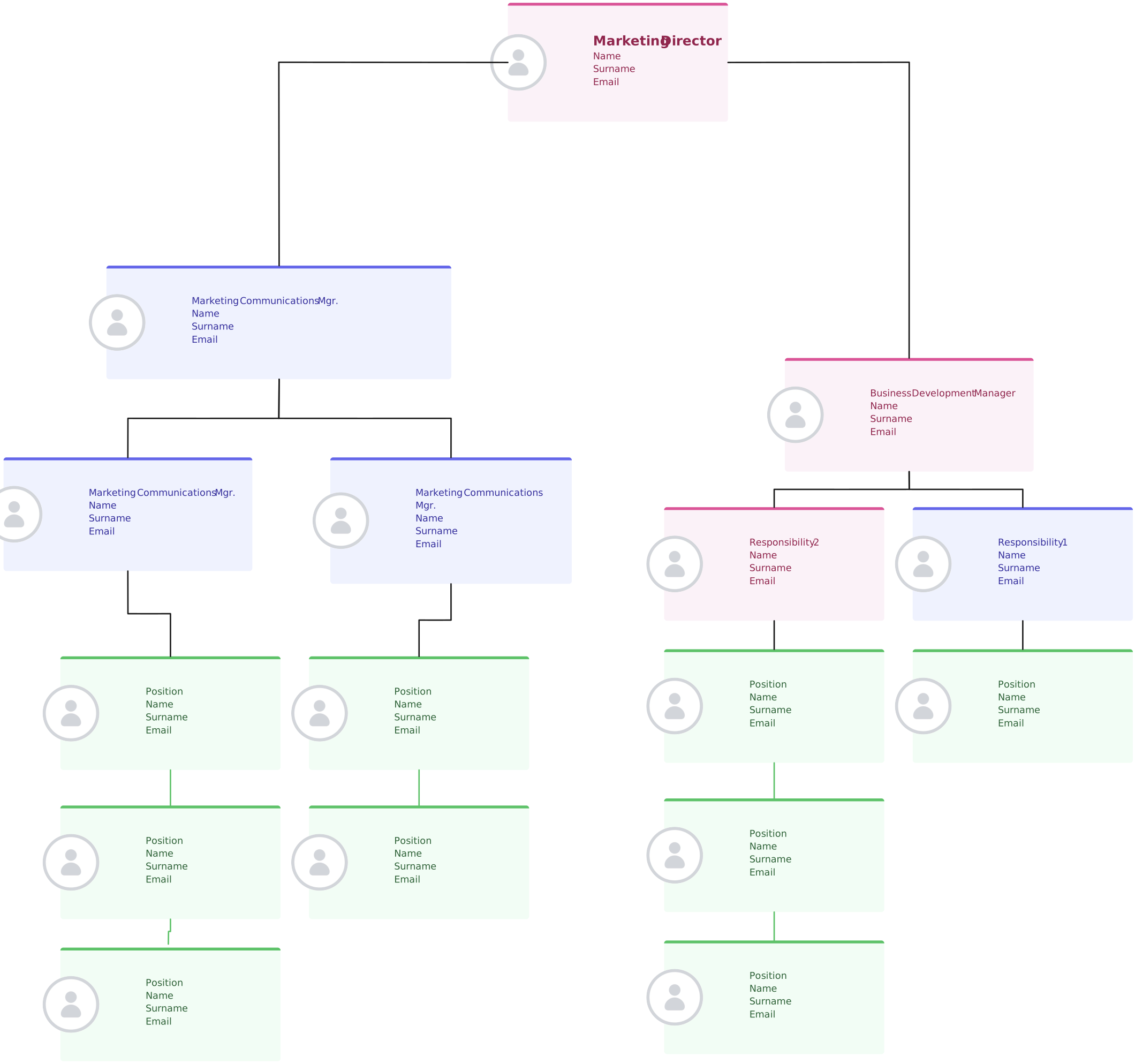
Department org chart
This helps employees understand how their team fits into the wider department. It is especially useful for larger organizations where multiple teams work under one function.
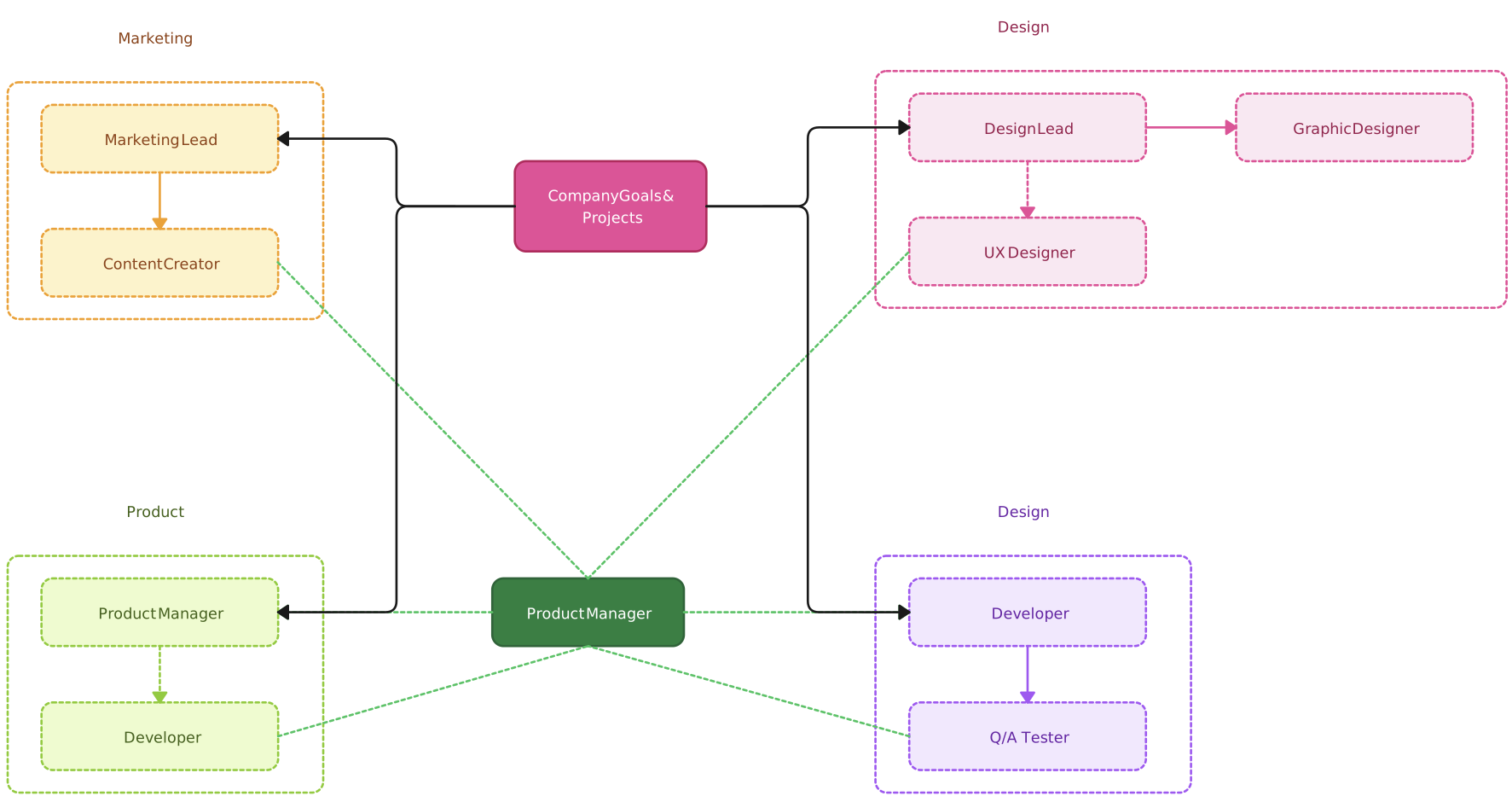
Cross-functional onboarding org chart
This version includes frequent collaborators from outside the new hire’s immediate team. It works well for roles that depend on coordination across several departments.
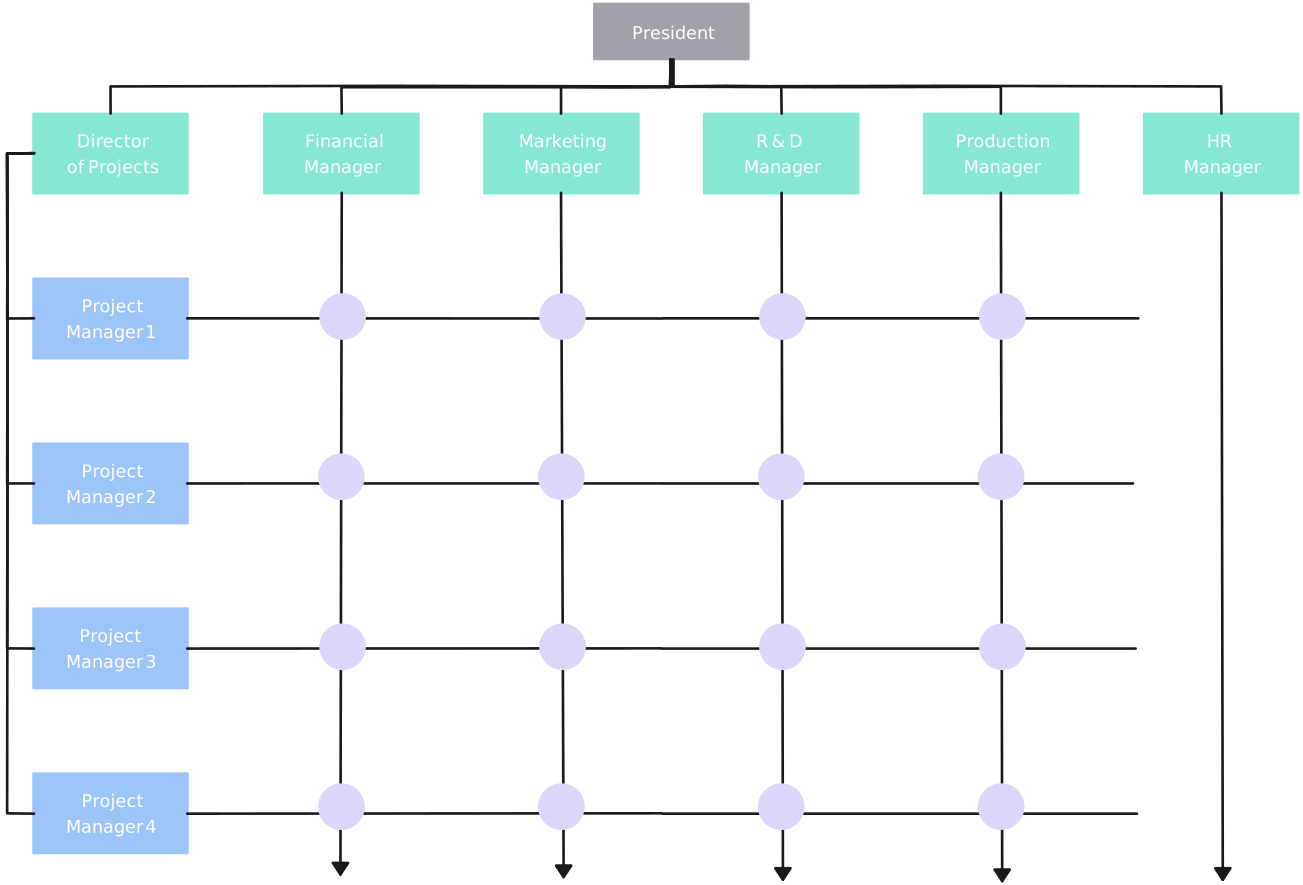
Matrix org chart
In matrix organizations, employees may report to more than one manager or work across multiple functions.
Remote meet-the-team org chart
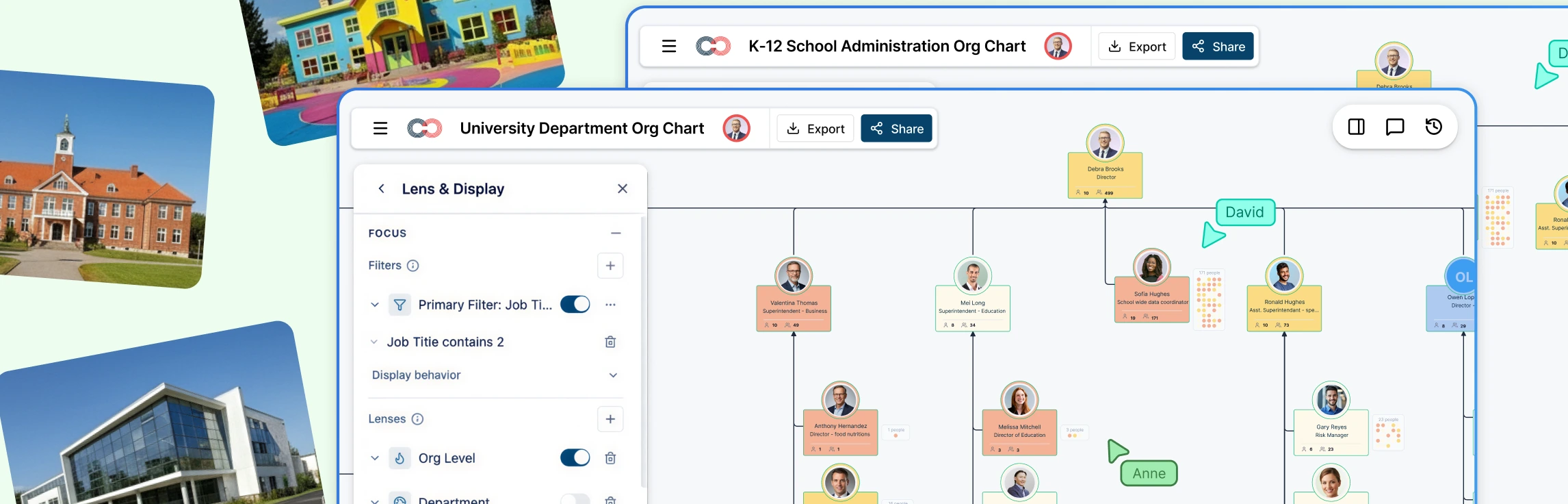
For distributed teams, this style can include photos, locations, time zones, and communication channels to help new hires connect with the right people faster.
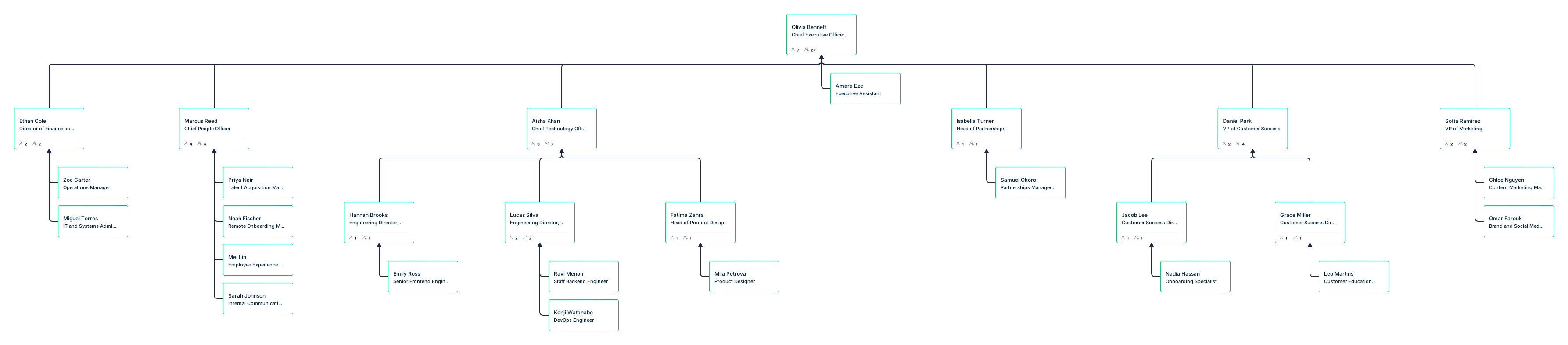
How to Create an Org Chart for Employee Onboarding
An onboarding org chart should help new hires understand more than just the hierarchy. It should show where they fit, who they work with, and who to turn to for support. With Creately’s org chart software, you can quickly build and customize org charts that make onboarding clearer and easier to navigate.
Step 1: Start with a template, import employee data, or build from scratch
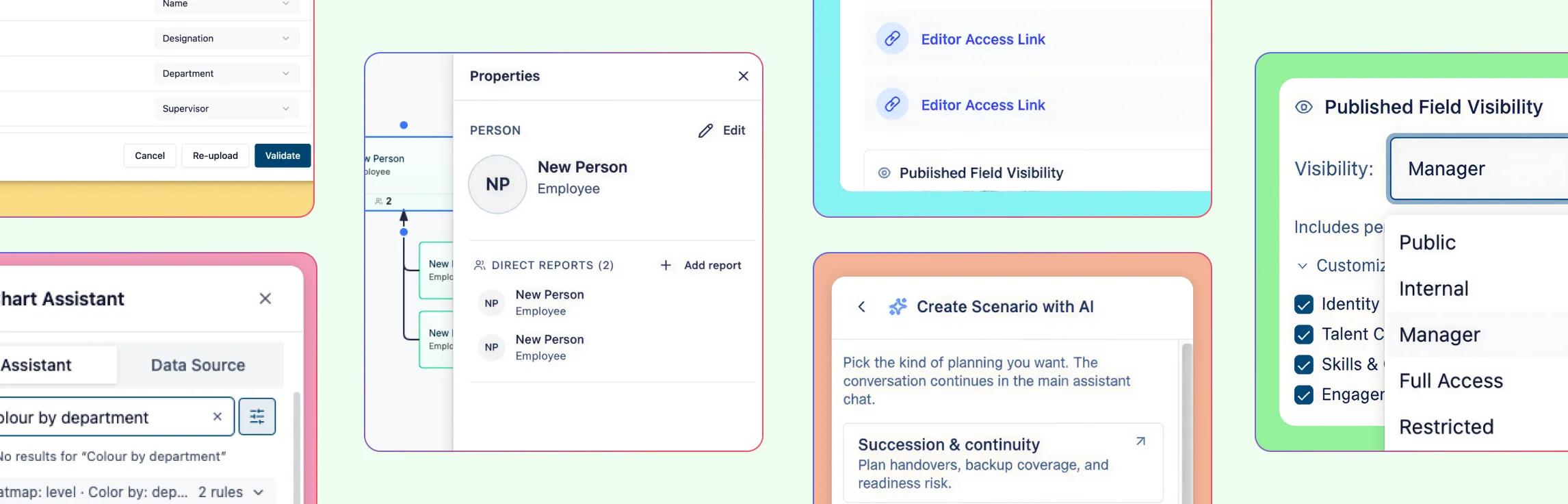
Choose the fastest way to create your onboarding org chart based on the information you already have. You can start with a template, import employee data from a spreadsheet or HRIS export using Creately’s CSV import wizard, or build the structure manually from a blank workspace. The import wizard auto-maps common fields like name, title, manager, department, and employee ID, validates the data before import, and generates the hierarchy with auto-layout.
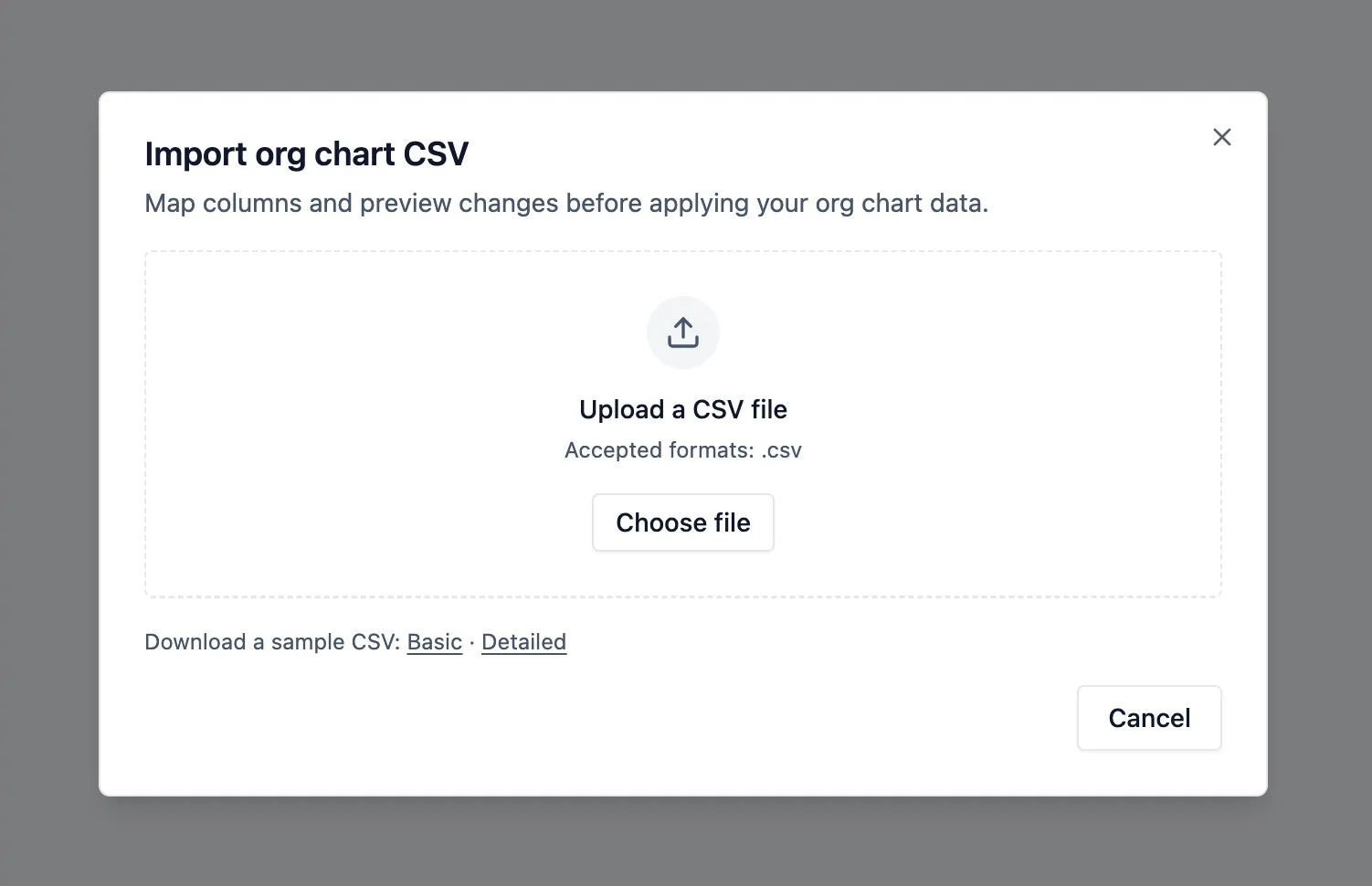
If you are creating a smaller or more tailored new employee onboarding chart, you can also add people and reporting lines manually. This gives you a solid starting structure that you can then customize for onboarding.
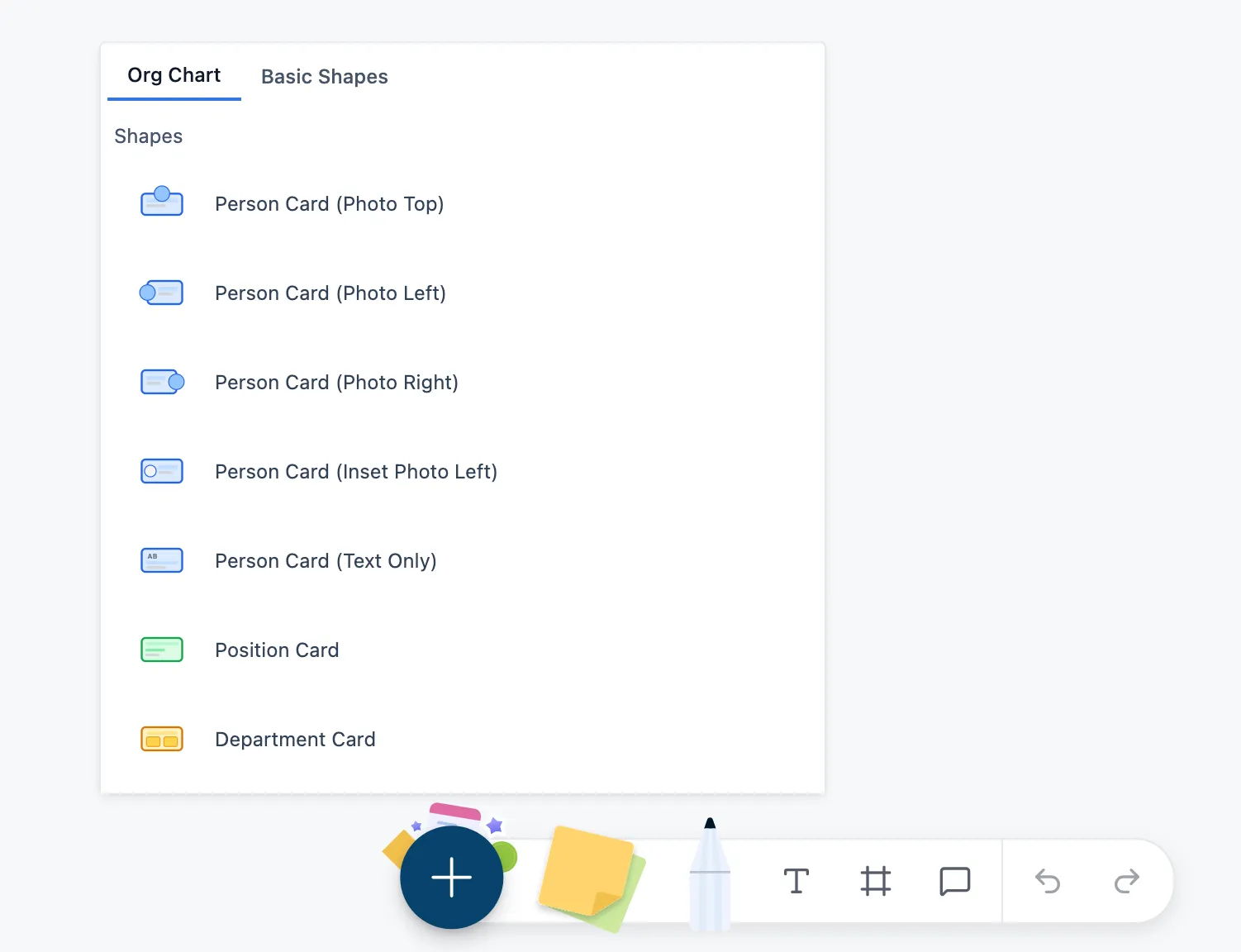
Step 2: Build and refine the reporting lines
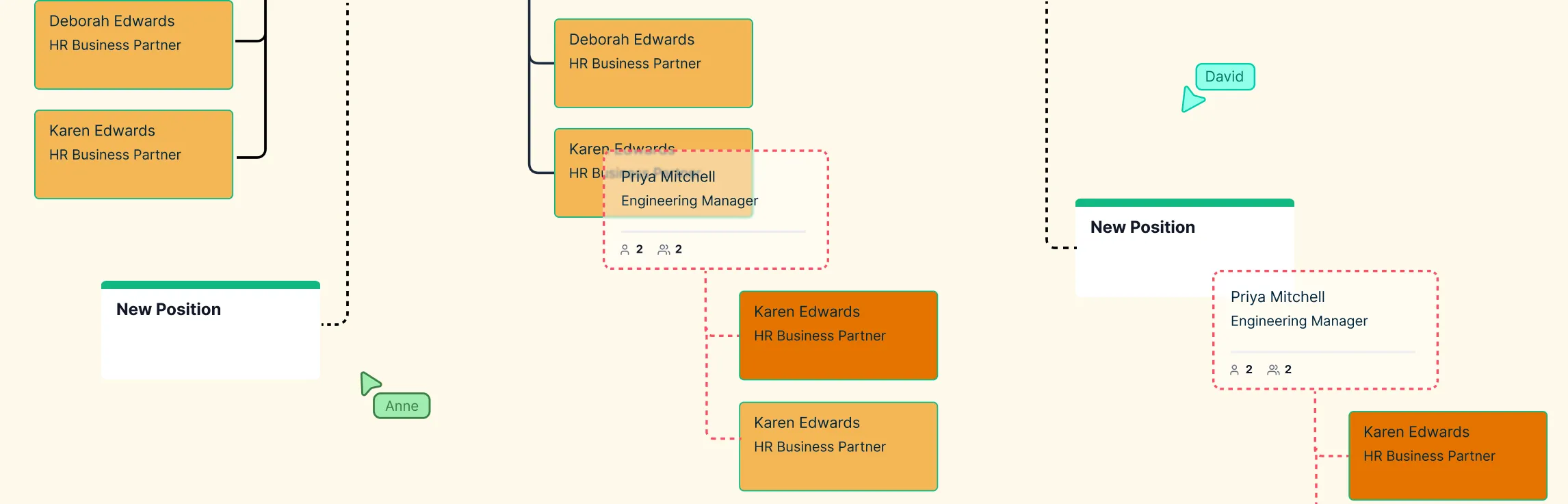
Once the onboarding team structure chart is in place, refine the structure so it clearly shows the new hire’s manager, direct team, and department. Creately makes this faster with inline editing and quick-create actions, while auto-layout keeps the hierarchy neat as you update reporting lines.
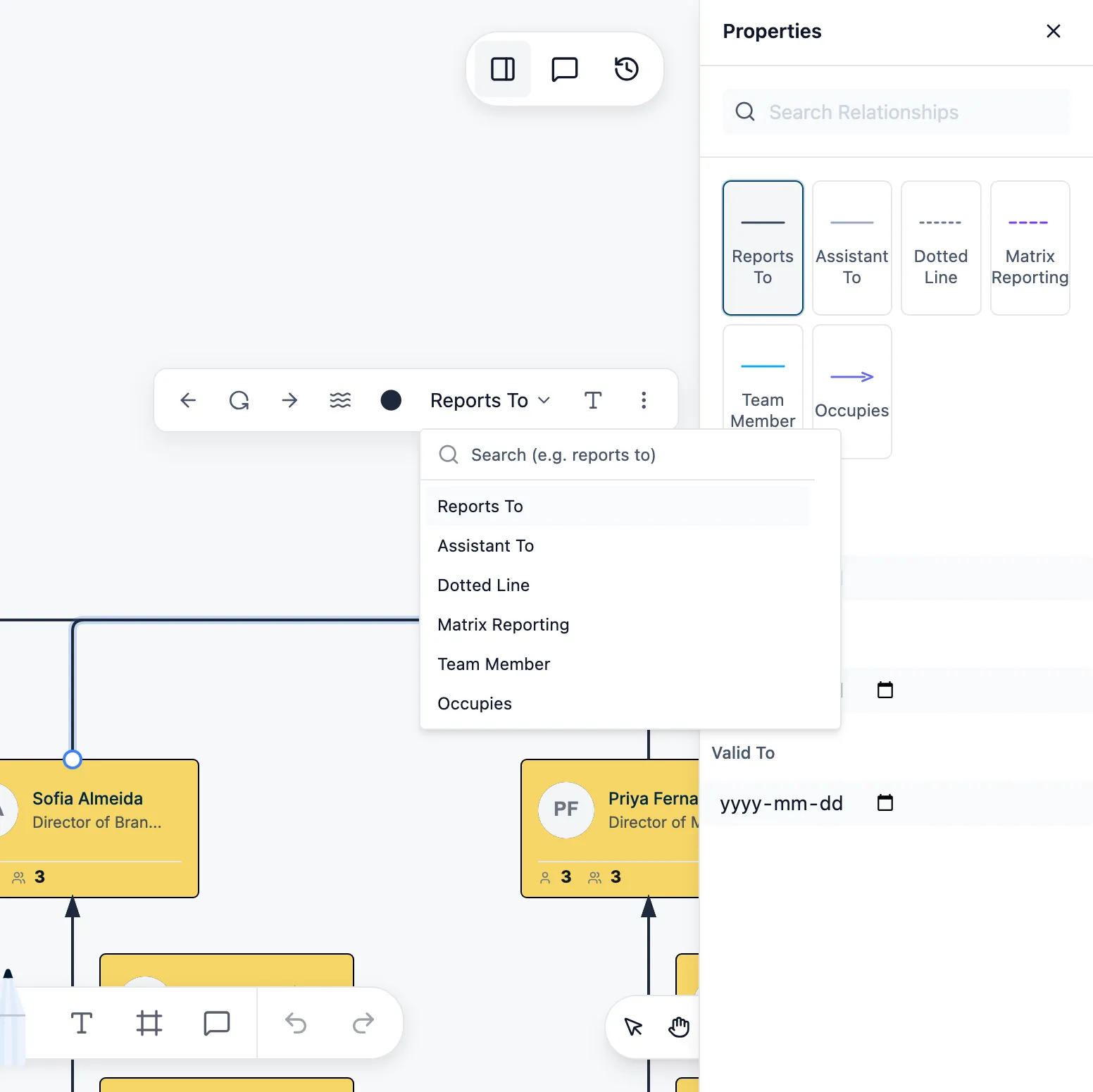
Step 3: Add the details new hires actually need
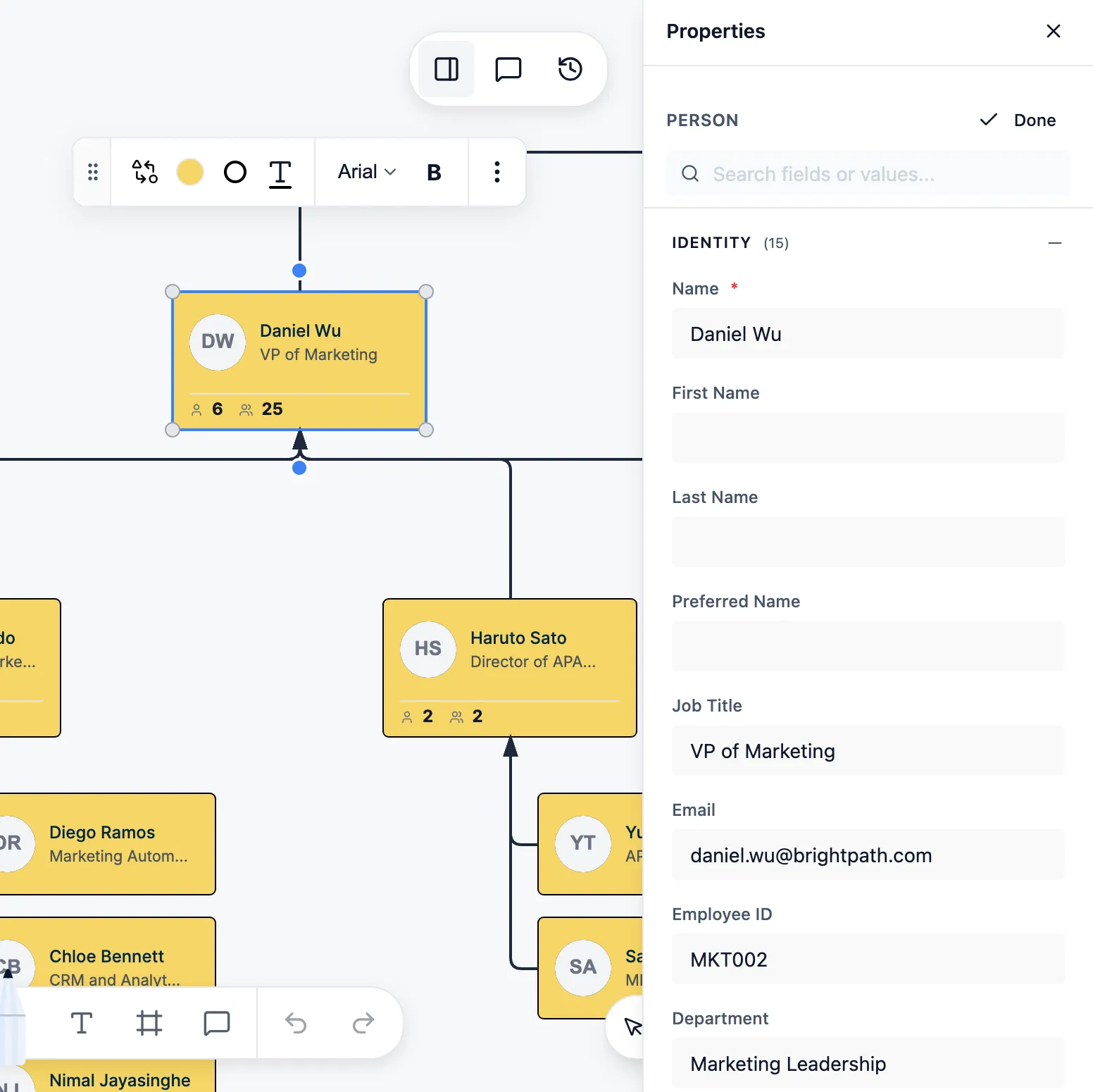
Turn the chart into a practical onboarding resource by adding useful details to person cards. Include the key people a new hire should know, such as their manager, buddy, HR contact, IT support contact, and close collaborators. You can also add helpful role and team context using custom fields and additional employee properties.
Step 4: Adjust the view to make the chart easier to navigate
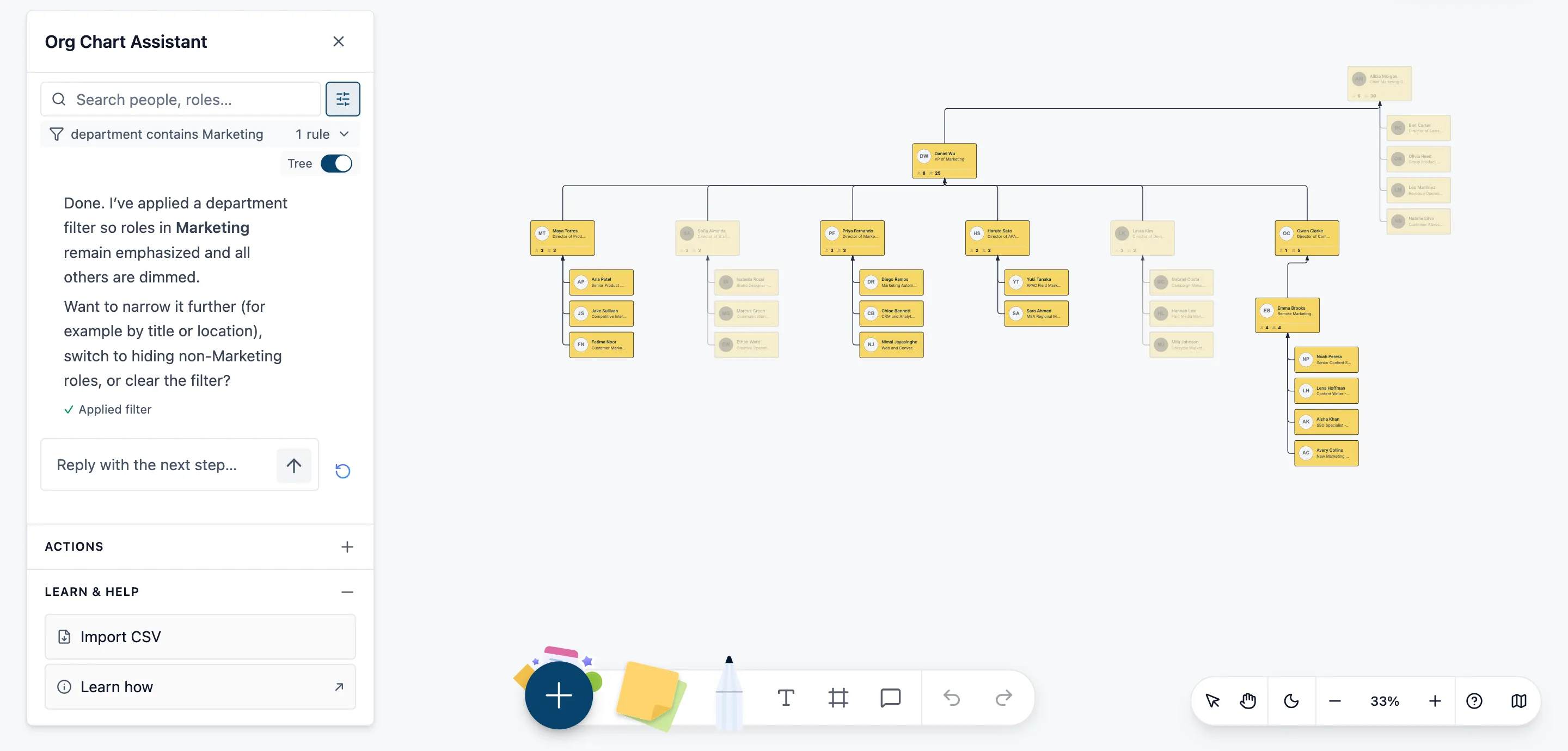
Use compact or full card views depending on how much detail you want to show. Collapse branches to reduce visual noise, or use focus view to isolate the new hire’s team or department. This makes the org chart easier to understand during onboarding without changing the underlying structure.
Step 5: Collaborate, share, and keep it updated
Review the org chart with HR and team leaders, then share it in the format that works best for your onboarding process.
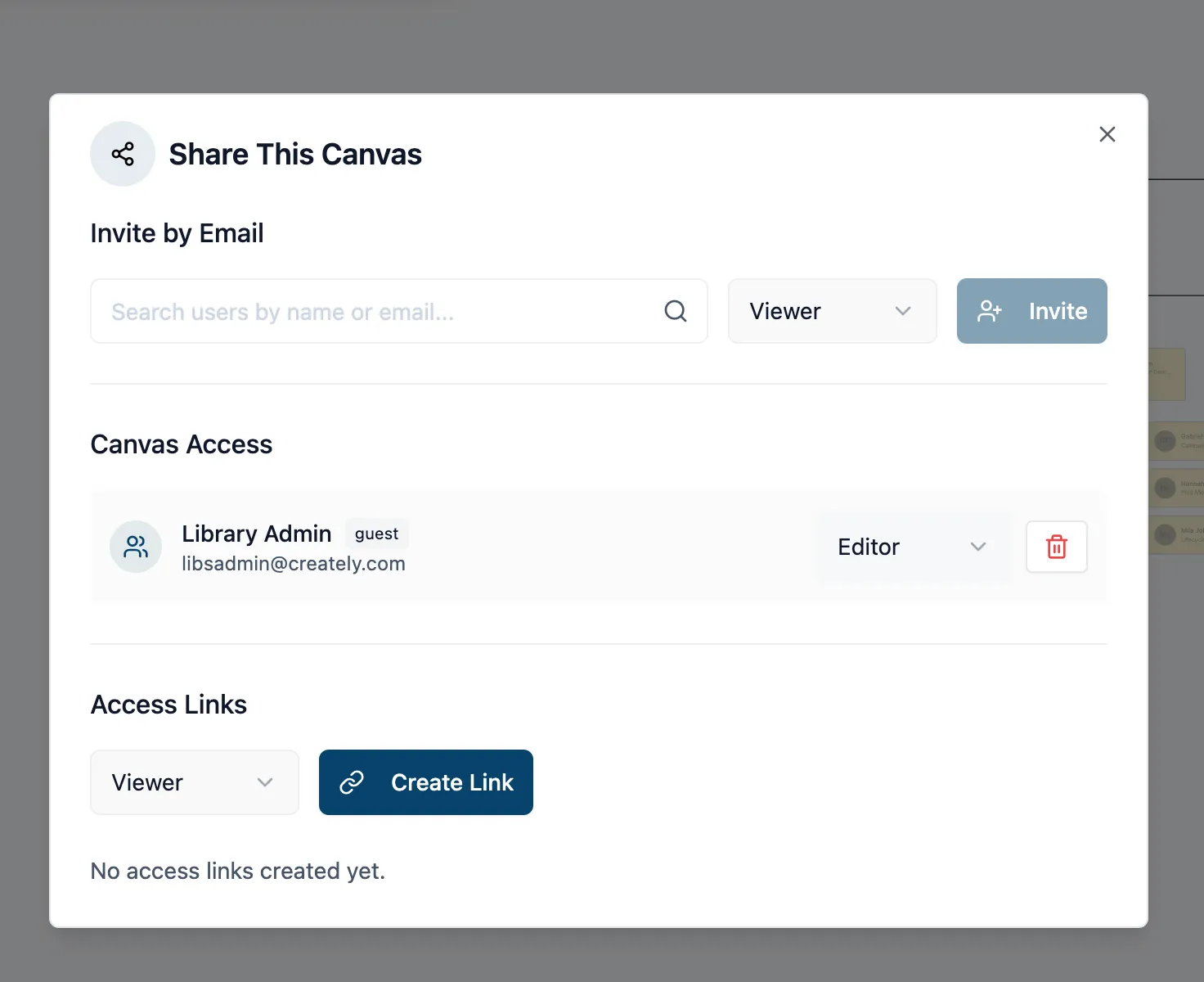
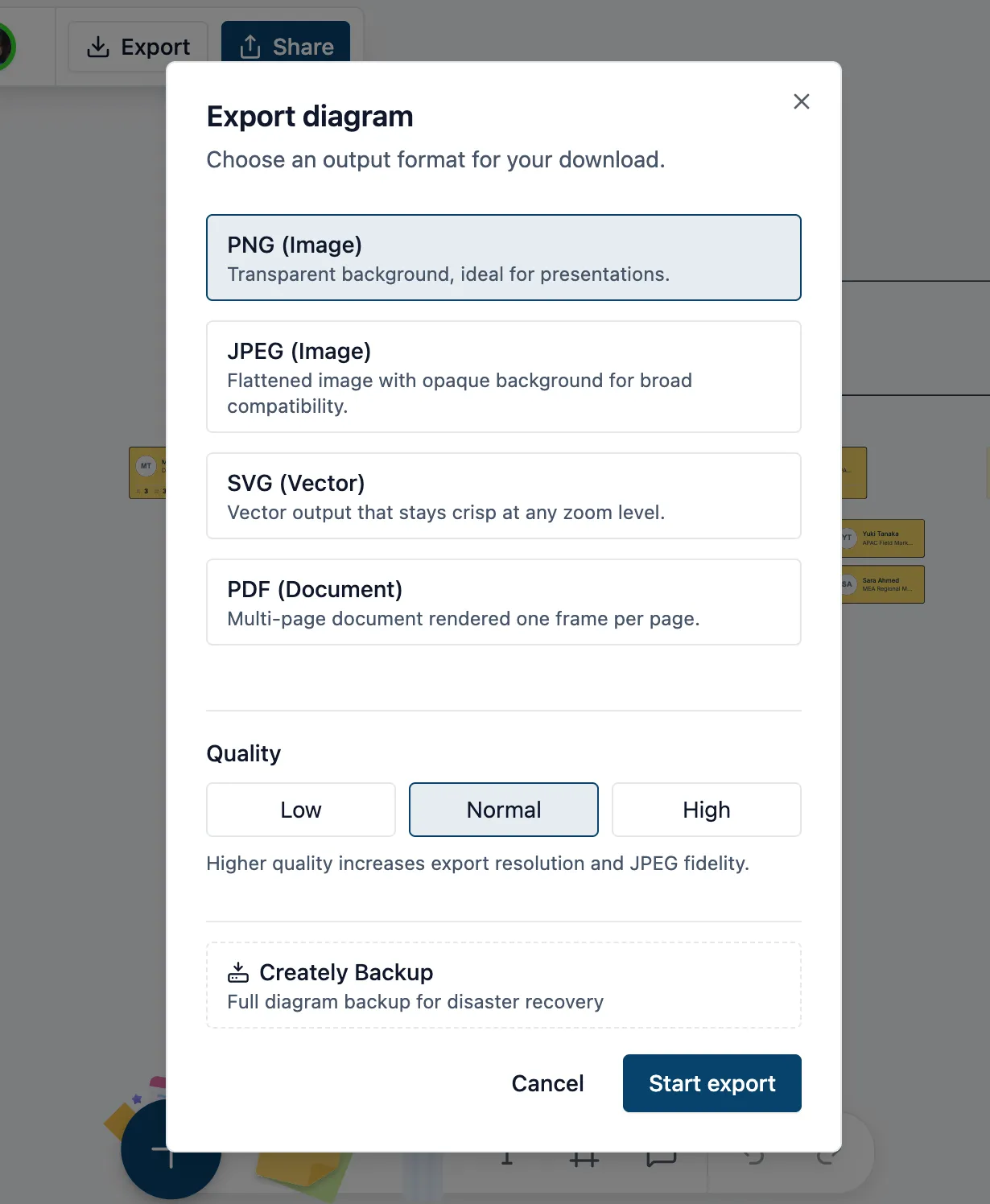
Creately supports undo for all major chart actions, role-based sharing, read-only links, and exports to PNG, SVG, PDF, and CSV. That makes it easy to keep your onboarding org chart useful and current as the organization changes.
Best Practices for Making Onboarding Org Charts Actually Useful
Keep the first view focused on the employee’s immediate team and essential contacts. New hires do not need the full company structure all at once.
Add context, not clutter. Short role descriptions, photos, and team labels can help a lot, but too much information in one view can make the chart harder to use.
Show the practical network around the role. Formal reporting lines matter, but so do the cross-functional people the employee will work with often.
Tailor the chart to the onboarding stage. A day-one view may only include the closest team and support contacts. A first-month view can expand into department structure and key collaborators.
Keep it current. An outdated onboarding org chart can create the exact confusion it is supposed to solve.
Use it alongside manager and buddy support. Research shows that onboarding is strongest when formal structure and social support work together.
Org Chart Examples for Employee Onboarding
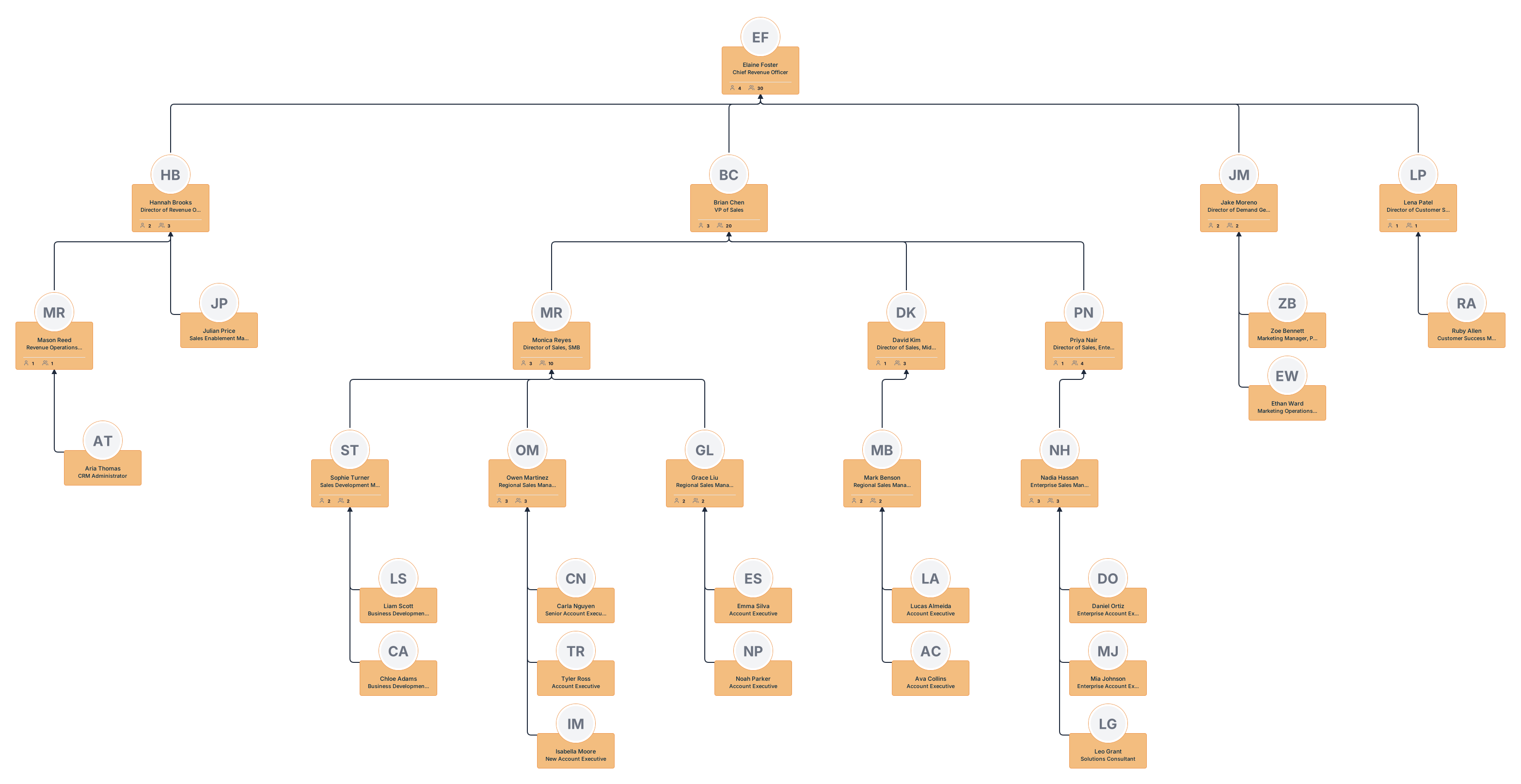
New sales hire onboarding org chart
Shows the new hire’s manager, sales teammates, sales leadership, and key cross-functional contacts such as marketing and revenue operations to help them understand how the sales team is structured.
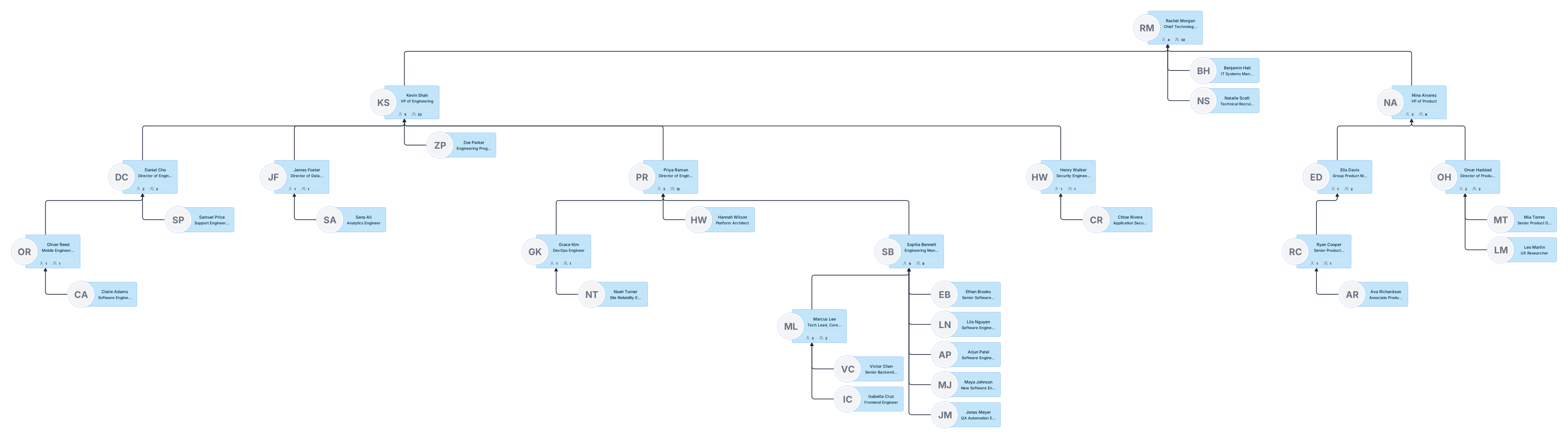
Engineering team onboarding org chart
Introduces a new engineer to their manager, team members, tech lead, product partners, and related engineering functions so they can quickly understand reporting lines and collaboration paths.
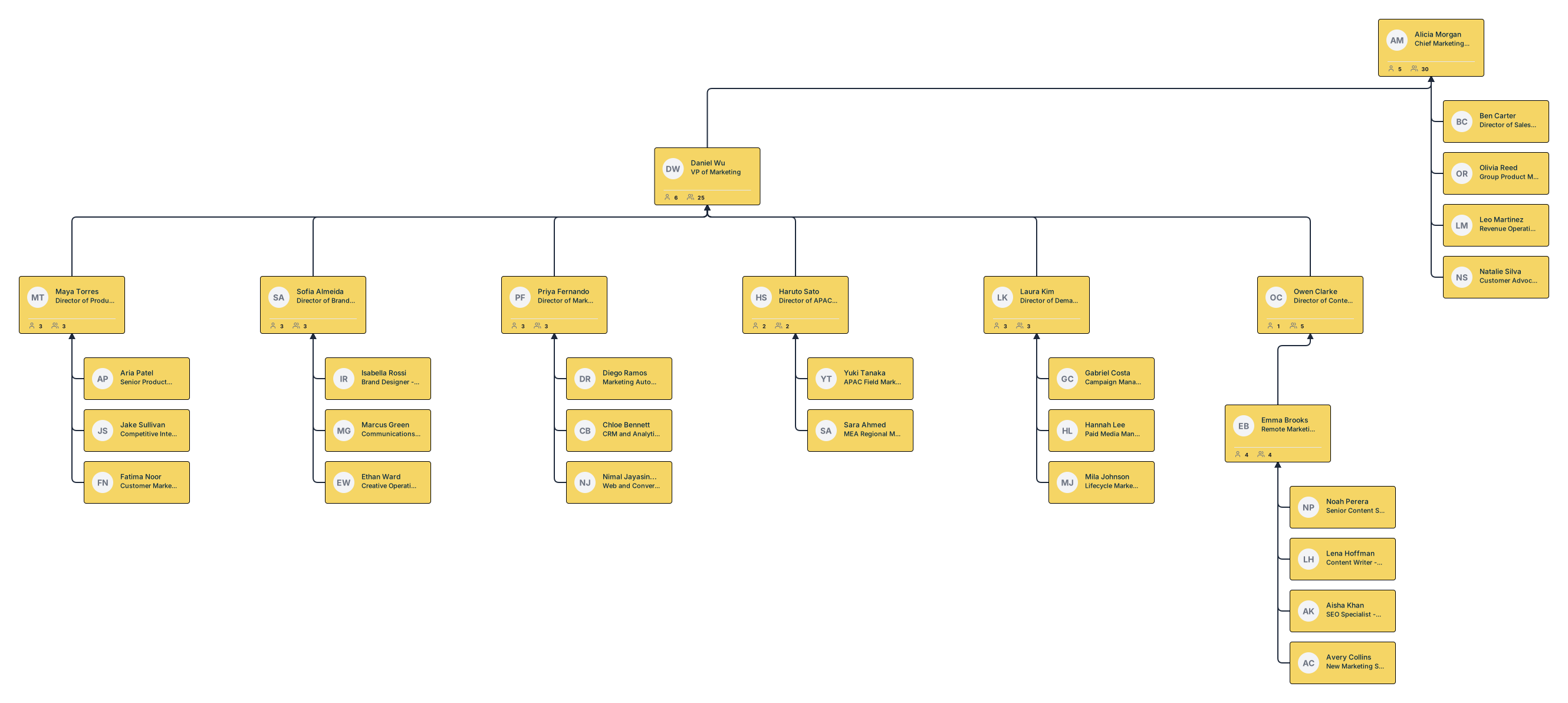
Remote marketing team onboarding org chart
Maps the remote marketing team with details such as roles, locations, time zones, and key points of contact to help new hires navigate a distributed team more easily.
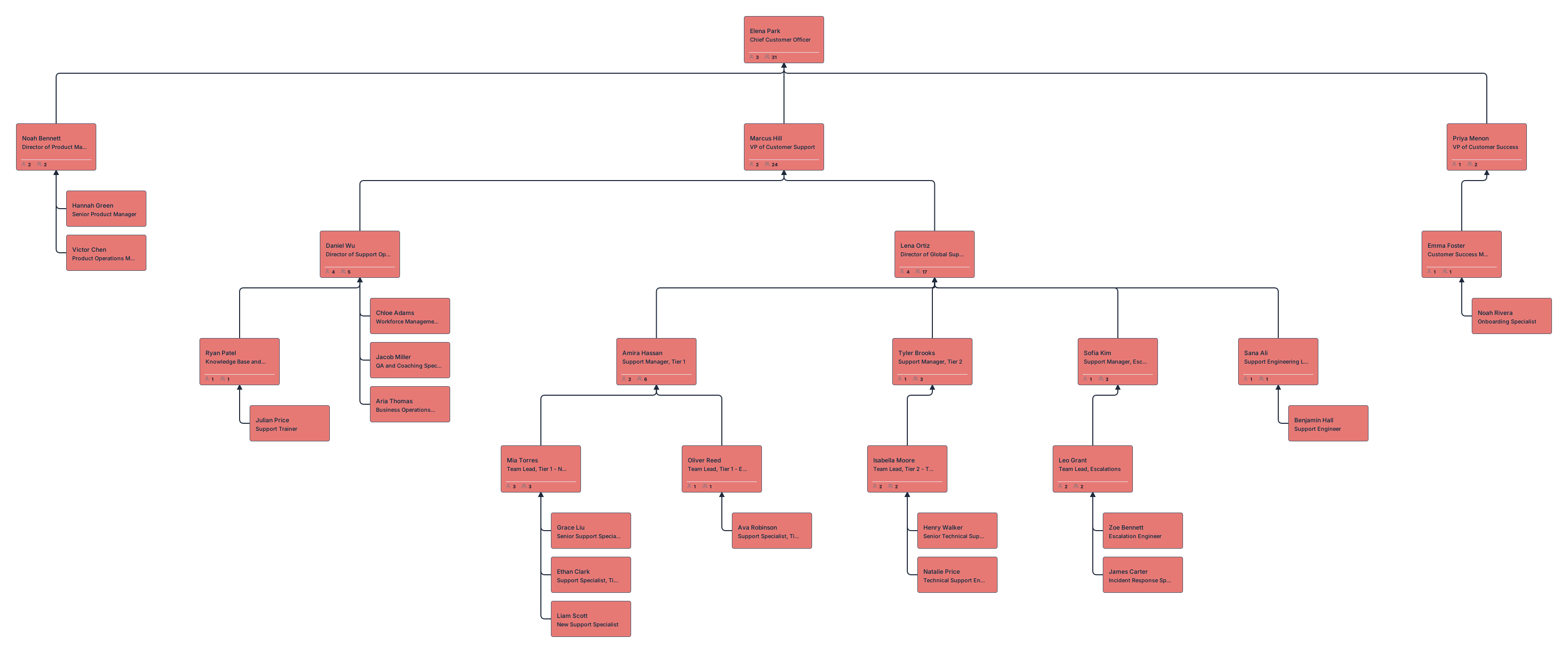
Customer support team onboarding org chart
Helps a new support hire understand the support team structure, escalation paths, team leads, and the teams they work with most, such as product, operations, and customer success.
Multi-department project onboarding org chart
Shows the teams and stakeholders involved in a shared project so a new hire can understand who is responsible for what and how different departments connect around the work.