A nonprofit org chart does more than show reporting lines. It helps clarify responsibilities, improve coordination across teams, and make your organization easier to understand.
By showing board oversight, leadership, programs, operations, development, and volunteers in one place, it gives your team a clear view of how the organization works today and where it may need to grow.
What Is a Nonprofit Org Chart?
A nonprofit org chart is a visual representation of your nonprofit’s structure. It shows the key roles in the organization, how teams or departments are arranged, and who reports to whom.
Unlike a standard business org chart, a nonprofit organization chart often needs to reflect both governance and operations. That means it should clearly show how oversight, leadership, and day-to-day functions are structured across the organization.
Why a Nonprofit Org Chart Matters
Nonprofits often operate with lean teams, overlapping responsibilities, and changing structures. When that structure only exists in scattered documents or in people’s heads, it becomes much harder to maintain clarity across the organization.
A nonprofit organization structure chart helps by:
- clarifying roles, responsibilities, and reporting lines across the organization
- making it easier for staff and volunteers to understand how teams and functions connect
- separating board oversight from day-to-day management responsibilities
- improving onboarding for new staff, board members, and volunteers
- helping leadership identify gaps, overlaps, and unclear ownership as the organization grows
- giving the organization a clearer way to communicate structure internally and externally
What To Include In a Nonprofit Org Chart
The exact structure of a non profit organization will vary depending on the size of your organization, how your teams are set up, and whether volunteers or committees play an active role. In most cases, the org chart for nonprofit should include the main governance, leadership, and operational roles that help people understand how the organization works.
| Org Chart Element | What to Show | Include It When… |
|---|---|---|
| Board of Directors | Oversight and governance roles | Always |
| Board Committees | Finance, governance, fundraising, or audit committees | They actively shape oversight or decision-making |
| Executive Director or CEO | The person leading daily operations | Always |
| Leadership Team | Senior functional or program leaders | You have multiple departments or managers |
| Program Teams | Core service delivery teams | Programs are a major part of your structure |
| Fundraising and Development | Development and donor-facing roles | Fundraising is handled by dedicated staff |
| Operations and Administration | Finance, HR, admin, and internal support roles | You want to show how internal support functions are organized |
| Volunteers | Volunteer coordinators or volunteer groups | Volunteers play an ongoing operational role |
Common Types of Nonprofit Organizational Charts
There is no single structure that fits every nonprofit. The right format depends on your size, leadership model, number of programs, and how centralized your operations are.
Hierarchical Nonprofit Org Chart
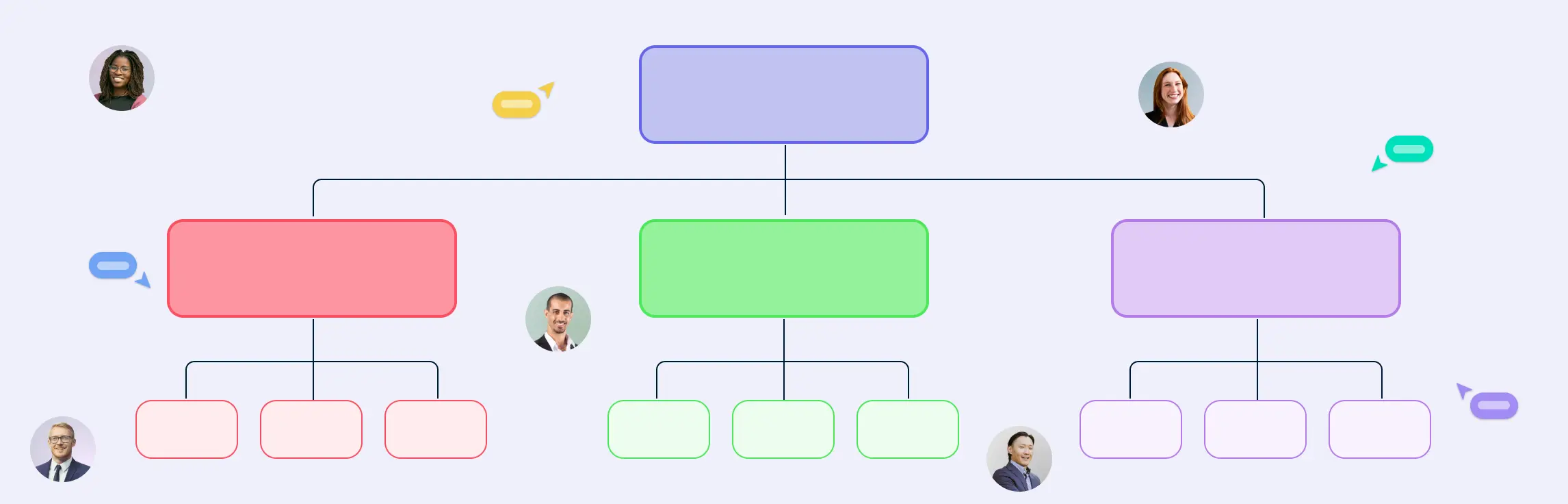
This is the most common format. It shows a clear top-down structure from the board to executive leadership and then to department heads and staff. The non-profit organization hierarchy chart works well for nonprofits that want a simple and familiar way to communicate reporting lines.

Flat Nonprofit Org Chart
A flat structure has fewer management layers. This is common in smaller nonprofits where teams are lean and collaboration is more direct. It can work well when the organization has a small staff and a less formal management structure.
Functional Nonprofit Org Chart
A functional chart groups people by major areas such as programs, finance, development, HR, and communications. This format is useful for nonprofits that have grown enough to need clearer ownership by function.
Program-Based Nonprofit Org Chart
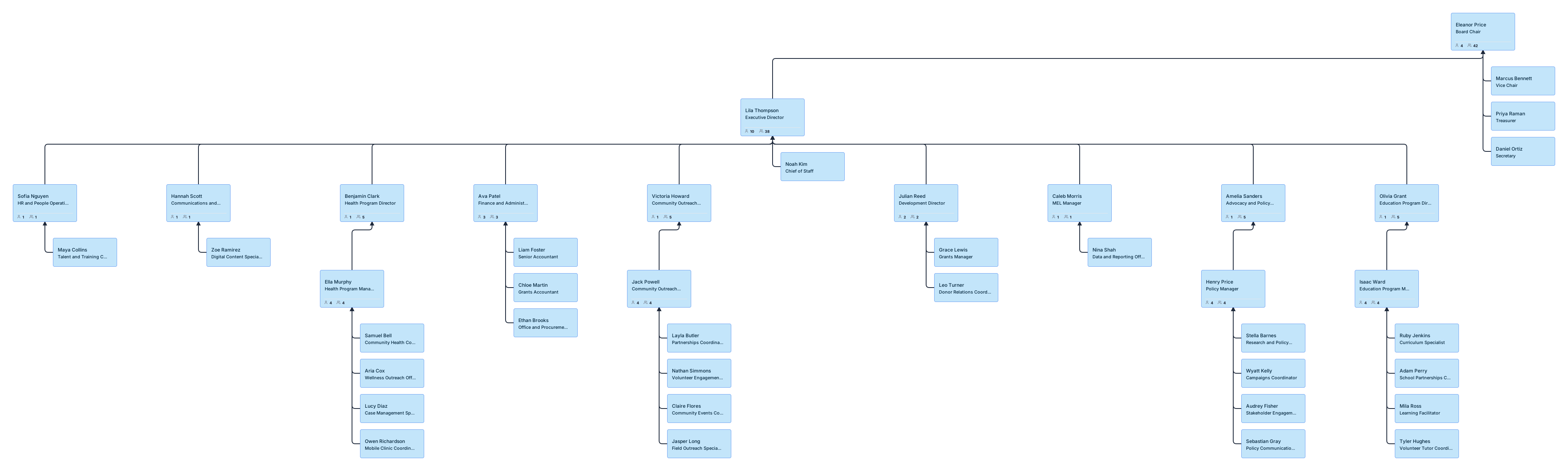
In this structure, the chart is organized around programs or service areas rather than just internal departments. This can be useful for nonprofits that run several major initiatives and want the structure to reflect how services are actually delivered.
Regional or Chapter-Based Nonprofit Org Chart
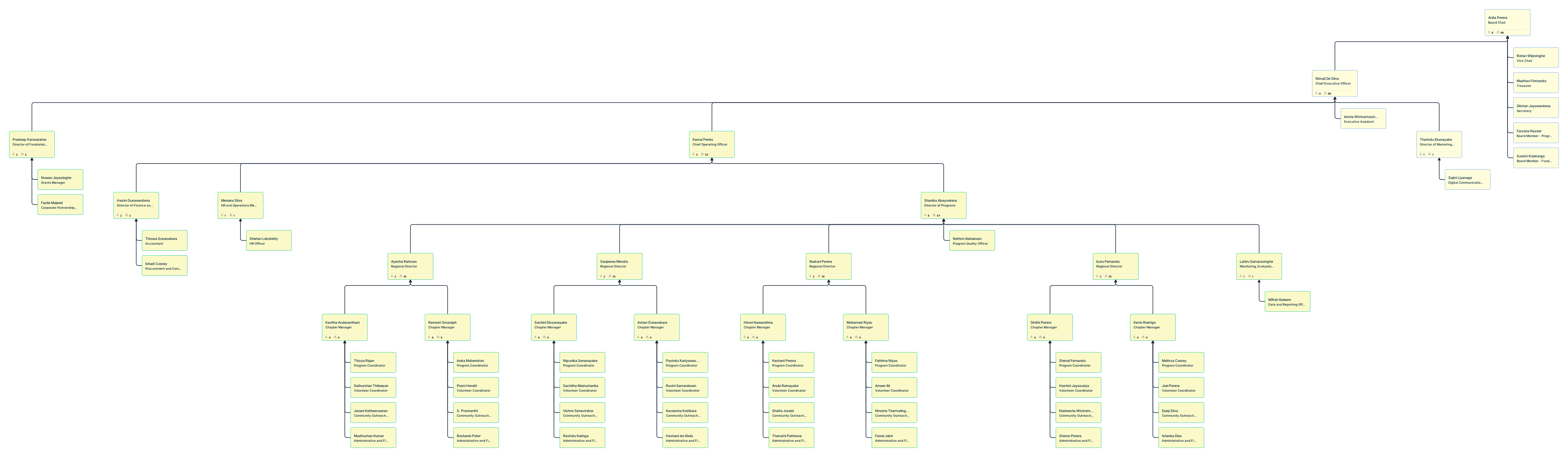
For nonprofits with multiple branches, chapters, or regional teams, the chart may reflect both central leadership and local structures. This helps show how the national or central office connects with local teams.
How To Create a Nonprofit Org Chart in Creately
If your nonprofit’s structure currently lives across spreadsheets, docs, and outdated chart files, the easiest way to build a clear, editable org chart is to bring that data into Creately’s nonprofit org chart software and turn it into a living visual workspace.
Here is how to create an org chart for nonprofit chart in Creately.
Step 1. Gather Your Existing Team Data
Start by collecting the people data you already have in spreadsheets or internal records. For most nonprofits, this may include staff lists, board records, volunteer rosters, or planning documents.
At minimum, gather:
- name
- title
- manager
- department
- employee ID, if available
You can also include additional fields such as hire date, program, employment type, or location. Starting with existing data helps you build your nonprofit org chart faster without manually entering every role.
Step 2. Import Your Data Into Creately
Import your data into Creately from a spreadsheet file, such as CSV or Excel. Creately’s import wizard can automatically recognize and map common columns such as:
- Name
- Title
- Manager
- Department
- Employee ID
- Hire Date
- Position Title
Before creating the org chart, Creately validates the file and flags issues such as:
- missing employee IDs
- unknown manager references
- reporting cycles
- empty rows
This helps you catch data issues early and create a cleaner structure from the start.
Step 3. Generate a Clean Org Chart Automatically
Once your data is imported, Creately automatically generates the org chart and applies a clean hierarchy based on your reporting relationships. This gives you a structured starting point without having to build the chart manually.
For nonprofits managing multiple teams or functions, this makes it much easier to turn spreadsheet data into a clear visual structure.
Step 4. Review and Refine the Structure
After the chart is generated, review it to make sure it reflects how your nonprofit actually operates. Check for:
- incorrect reporting lines
- wrongly grouped teams
- missing roles or departments
- unclear ownership across functions
If something needs to be fixed, you can update the chart directly. Since the full import is treated as a single undoable action, you can also revert the entire import if needed.
Step 5. Edit Roles Directly on the Chart
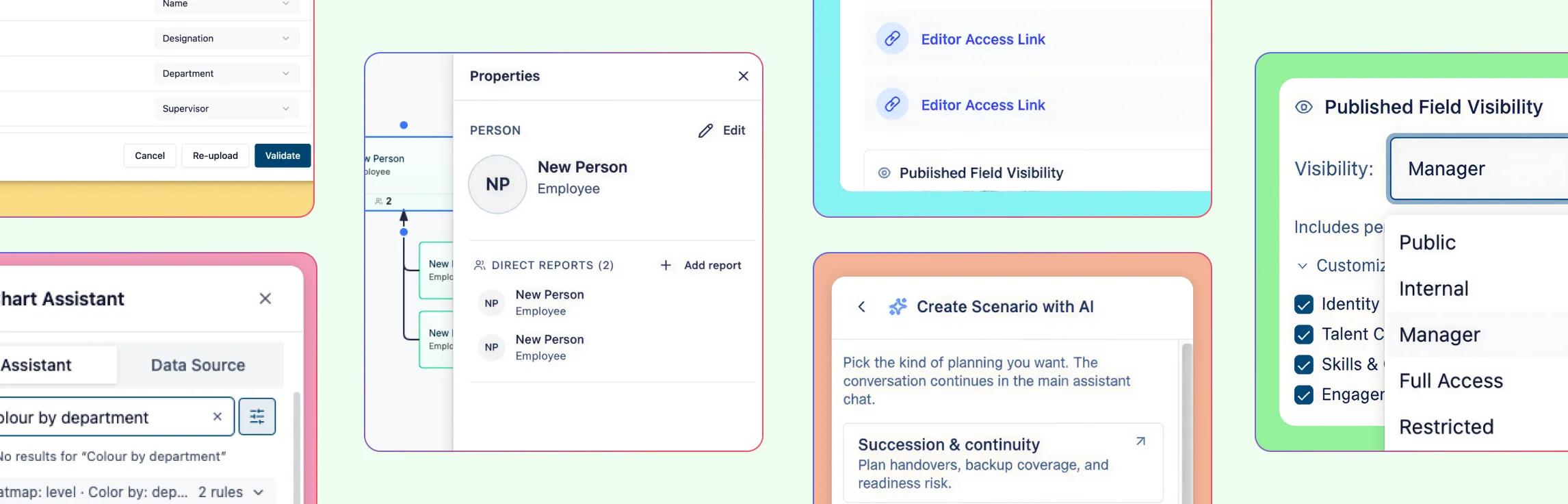
To make quick updates, simply double-click any person card to edit details like the name or title inline. There is no need to open a separate side panel for basic changes.
If your CSV included extra columns, those fields remain attached to each card as properties. This lets your nonprofit org chart hold more context than just reporting lines.
Step 6. Add New Roles as the Structure Changes
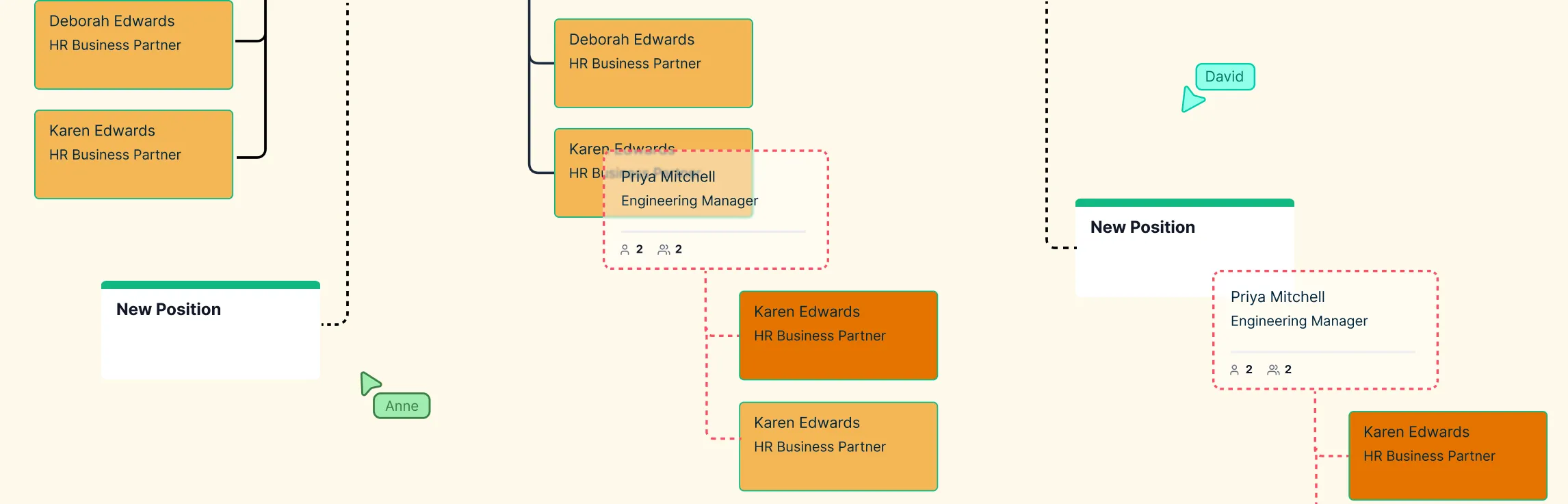
When your team grows or changes, you can quickly add a new direct report from the chart itself. Hover over the bottom of any card and use the blue connection dot to create a new role beneath it.
This makes it easy to update the org chart as your nonprofit adds new staff, shifts responsibilities, or plans future hires.
Step 7. Keep the Org Chart Up to Date
Instead of treating your org chart as a static file, keep it updated as your structure changes. That way, it continues to support onboarding, planning, communication, and leadership visibility over time.
Nonprofit Organizational Structure Examples
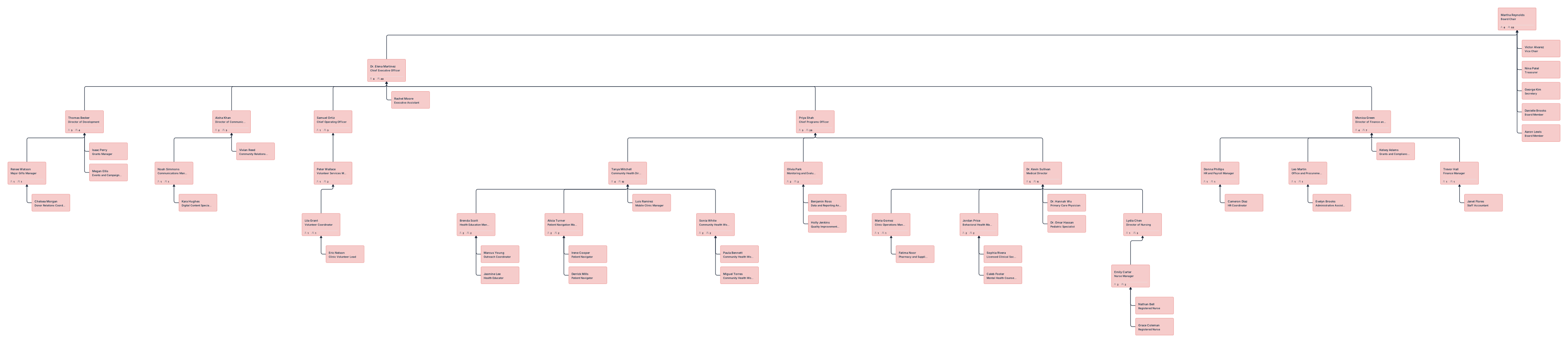
Fundraising-Focused Nonprofit Org Chart
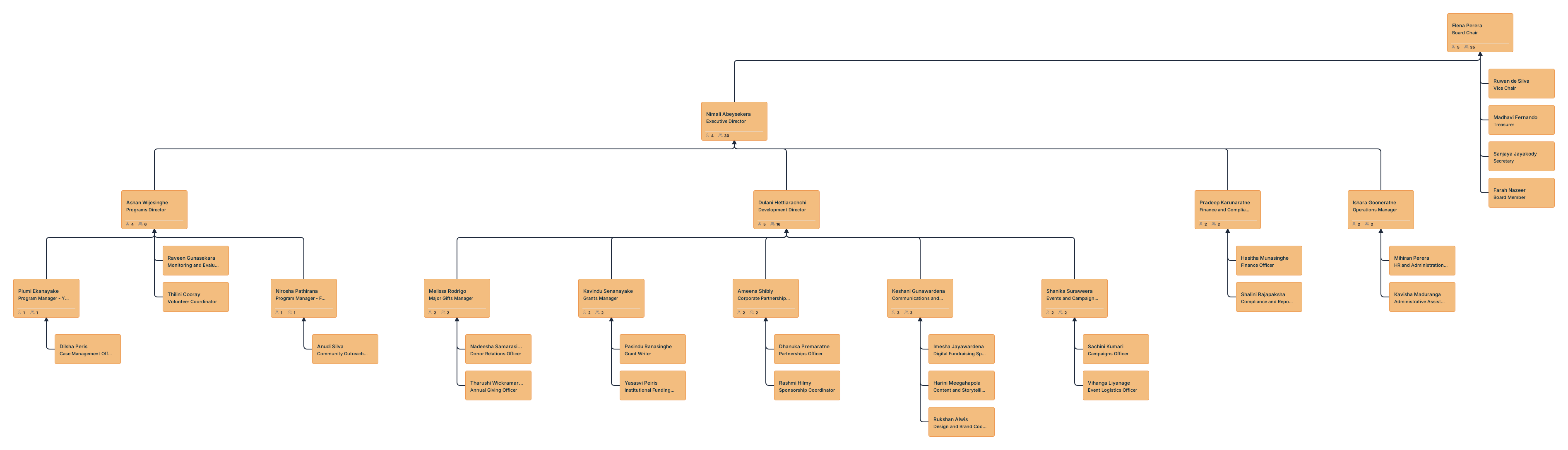
Shows a nonprofit structure centered on fundraising, with roles across development, donor relations, grants, events, and communications.
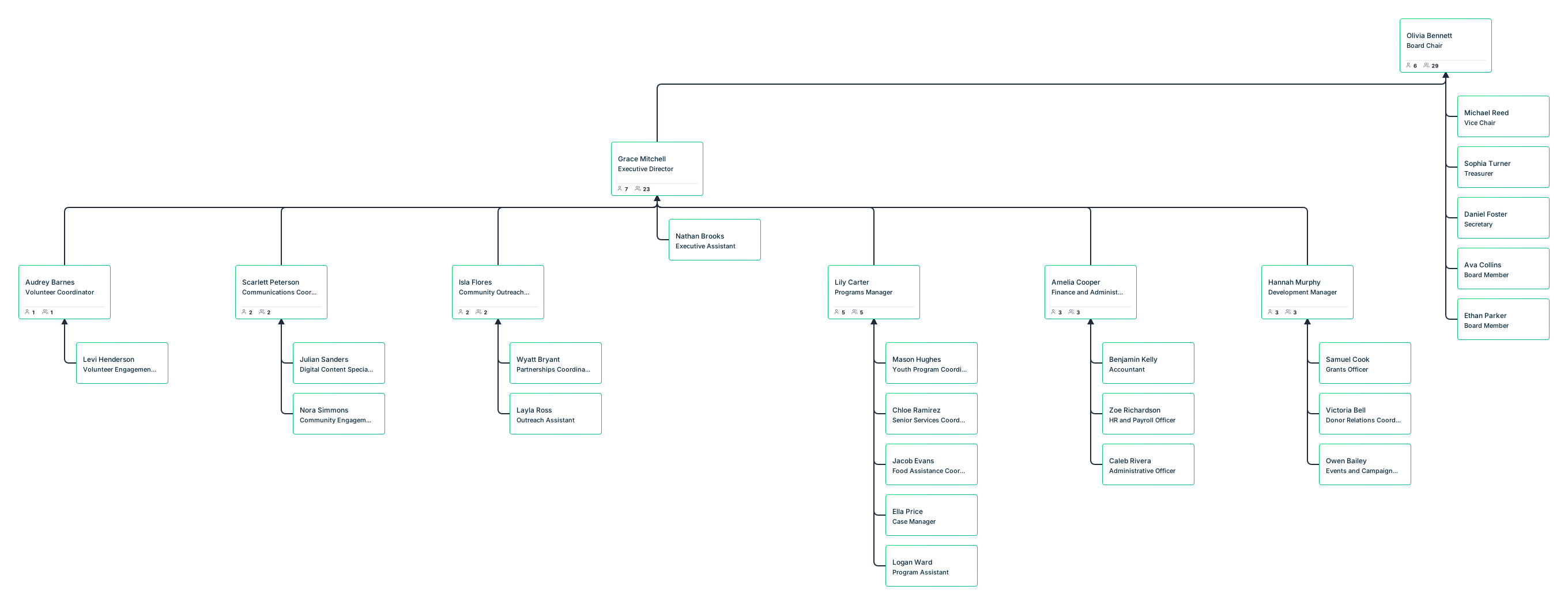
Volunteer-Based Nonprofit Org Chart
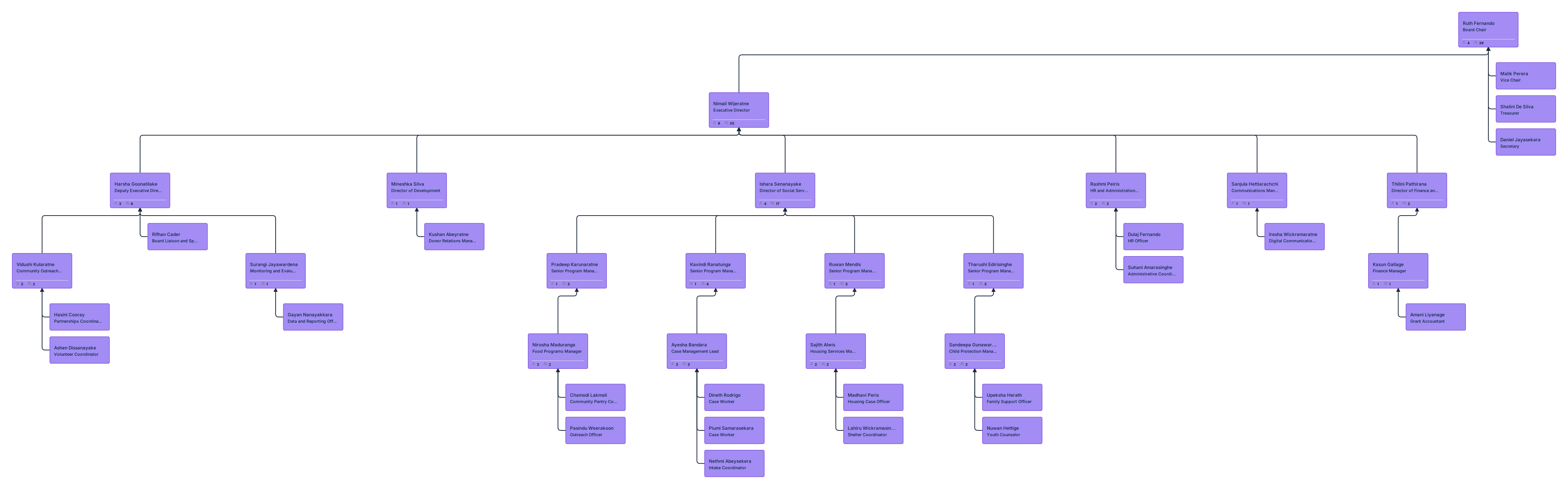
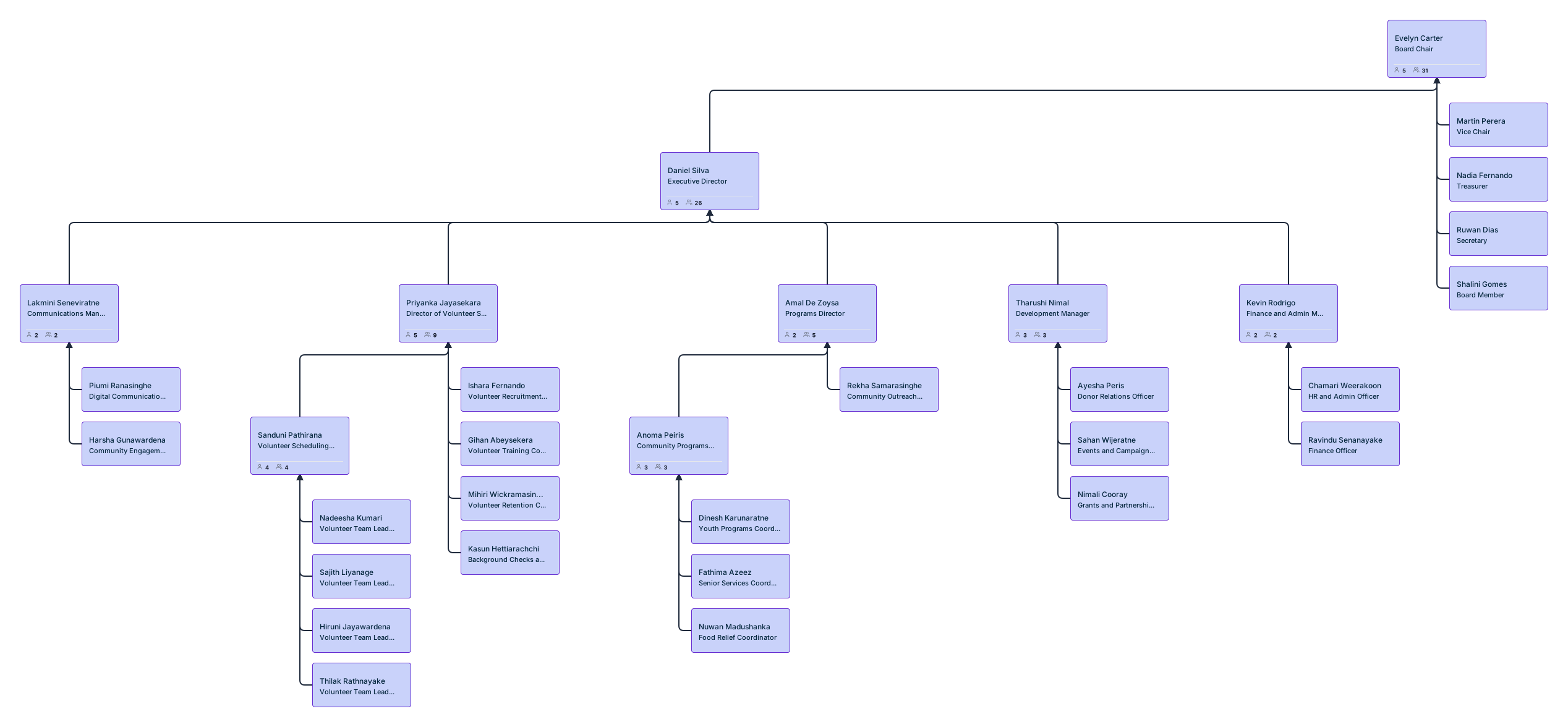
Shows how a nonprofit can structure staff and volunteer roles, making it useful for organizations where volunteers play a major role in programs, outreach, or events.
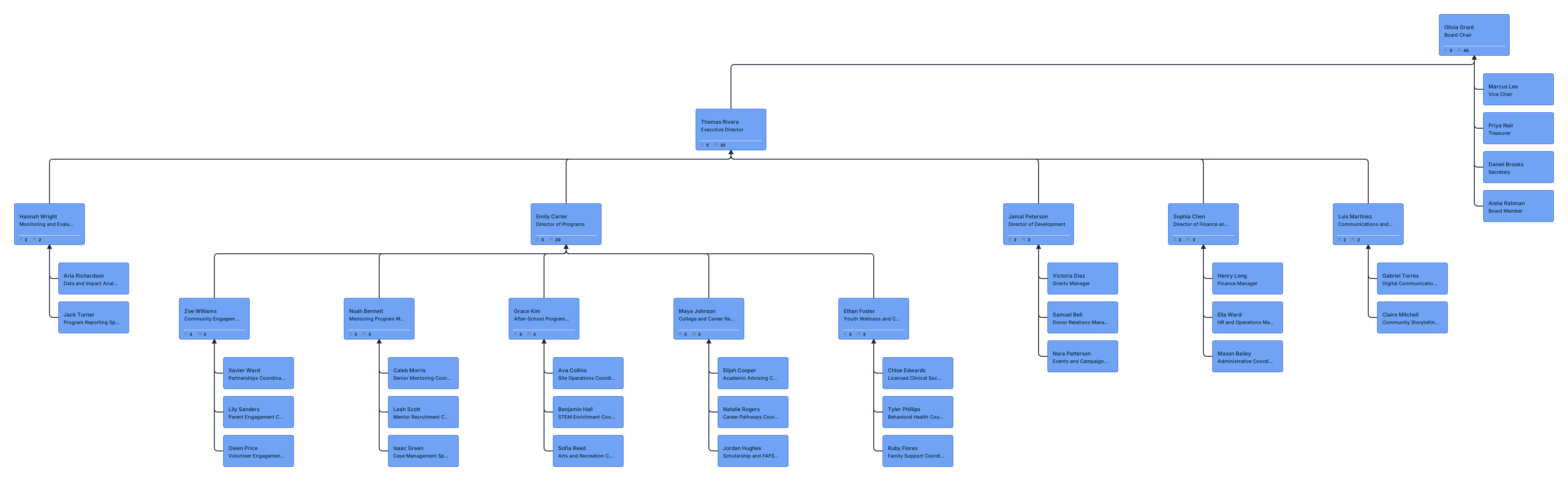
Youth Development Nonprofit Org Chart
Shows a nonprofit structure for youth-focused programs, with roles across leadership, program delivery, outreach, support services, and administration.
Best Practices for Building a Nonprofit Organizational Chart
A nonprofit org chart should be clear, accurate, and easy to update as the organization changes.
- Reflect how the organization actually works: Show real reporting lines and responsibilities, not just formal titles.
- Separate governance from management: Clearly distinguish board oversight from staff leadership and day-to-day operations.
- Keep it easy to read: Avoid too much detail or too many layers that make the chart hard to follow.
- Include only what is useful: Add volunteers, committees, or temporary roles only when they help clarify the structure.
- Review it regularly: Update the chart when roles, teams, or programs change.