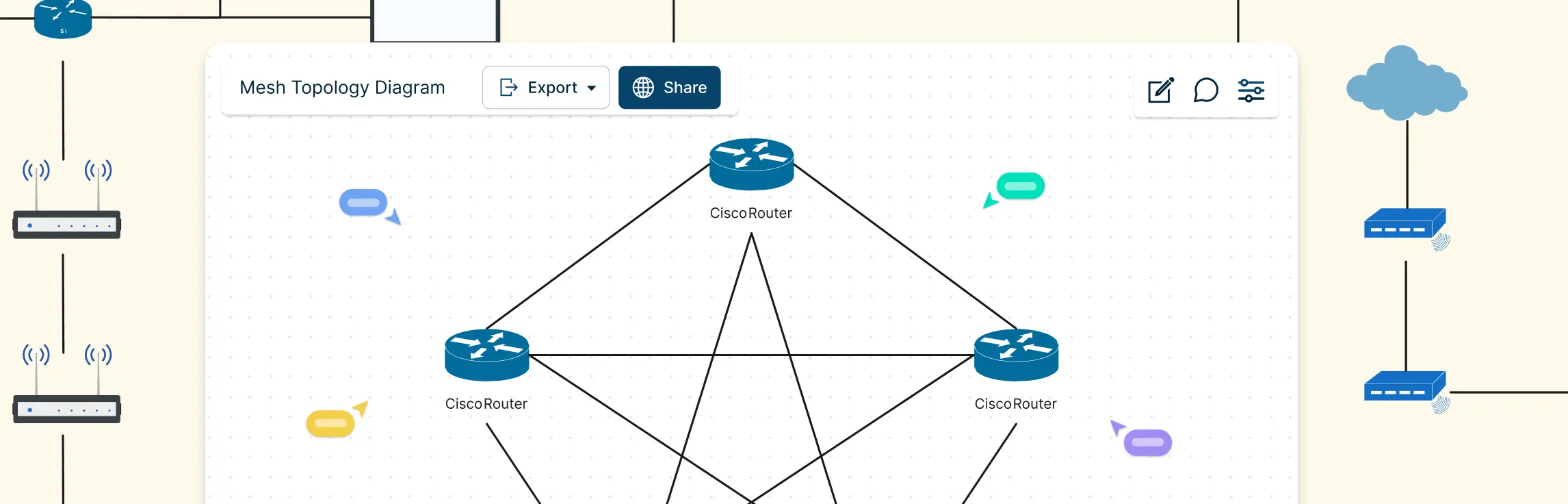
Mesh topology has become increasingly important as modern networks demand higher reliability, flexibility, and uninterrupted connectivity. Designed to keep data flowing even when individual connections fail, this network structure is widely used in environments where uptime and resilience matter most. Industry experts often highlight its ability to support dynamic routing, making it well-suited for wireless networks, IoT systems, and large-scale infrastructure. This guide walks you through mesh topology in computer network from a practical perspective, helping you understand its behavior, strengths, and structure through clear explanations and diagrams.
What Is Mesh Topology
Mesh topology is a network layout where devices, also called nodes, are connected through multiple pathways instead of relying on a single central point. This design allows data to travel along different routes, making the network highly reliable and responsive.
One of the biggest strengths of mesh topology is its ability to keep communication running even when a connection fails. If one path goes down, data automatically reroutes through another available link, reducing downtime and improving overall performance.
Types of Mesh Topology
Mesh topology comes in a few distinct forms, each offering different levels of connectivity, cost, and complexity. Understanding these types helps you choose the right design for your network needs. Here are the main types explained in clear, engaging language:
Full mesh topology
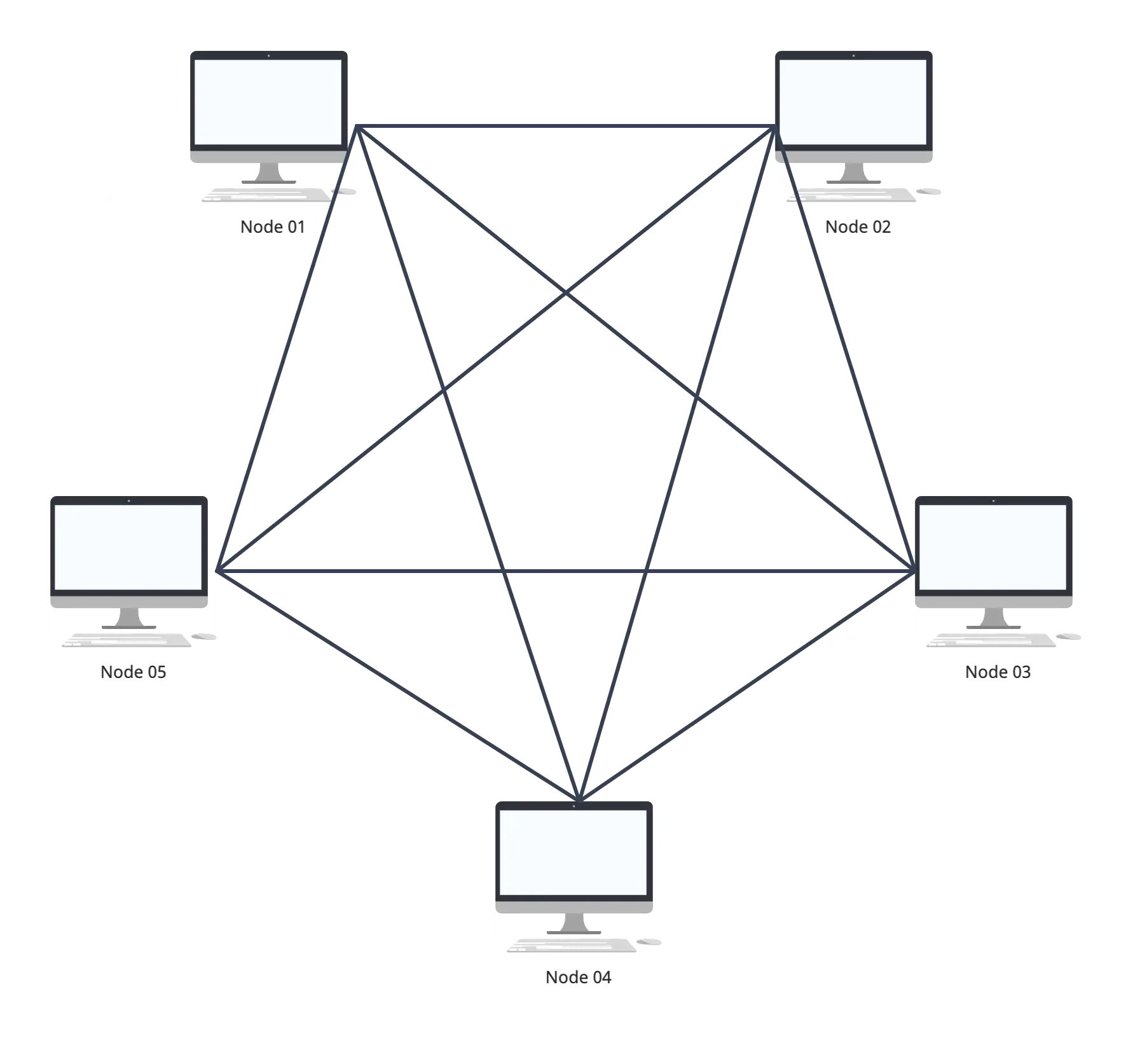
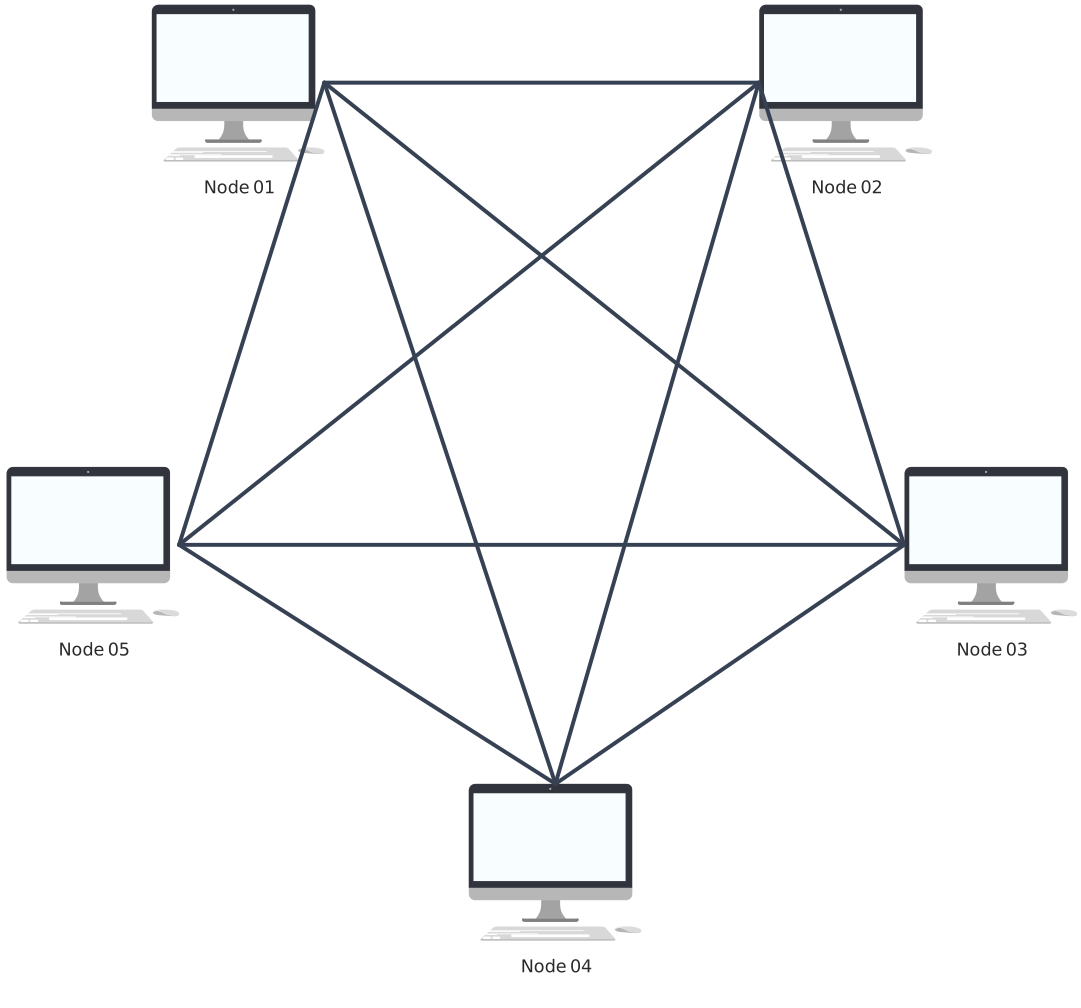
In a full mesh setup, every node connects directly to every other node. This creates the highest level of redundancy and fault tolerance because data can take many different paths. If one link fails, traffic instantly reroutes through another connection. Full mesh is extremely reliable, but it can be expensive and complex because it requires lots of connections.
Partial mesh topology
Partial mesh offers a more cost‑effective approach. Instead of every node being linked to all others, only key nodes have multiple connections. This still provides good redundancy and reliability but with fewer links to manage and lower implementation cost. Partial mesh is popular in larger networks where full connectivity isn’t necessary for every device.
Hybrid mesh topology
Hybrid mesh combines mesh with other network topologies like star or bus. This flexible approach lets designers tailor connectivity to specific needs — for example, a star layout in one section of a network and mesh between major hubs. It balances reliability and cost and is often used in enterprise and industrial environments.
Wireless mesh topology
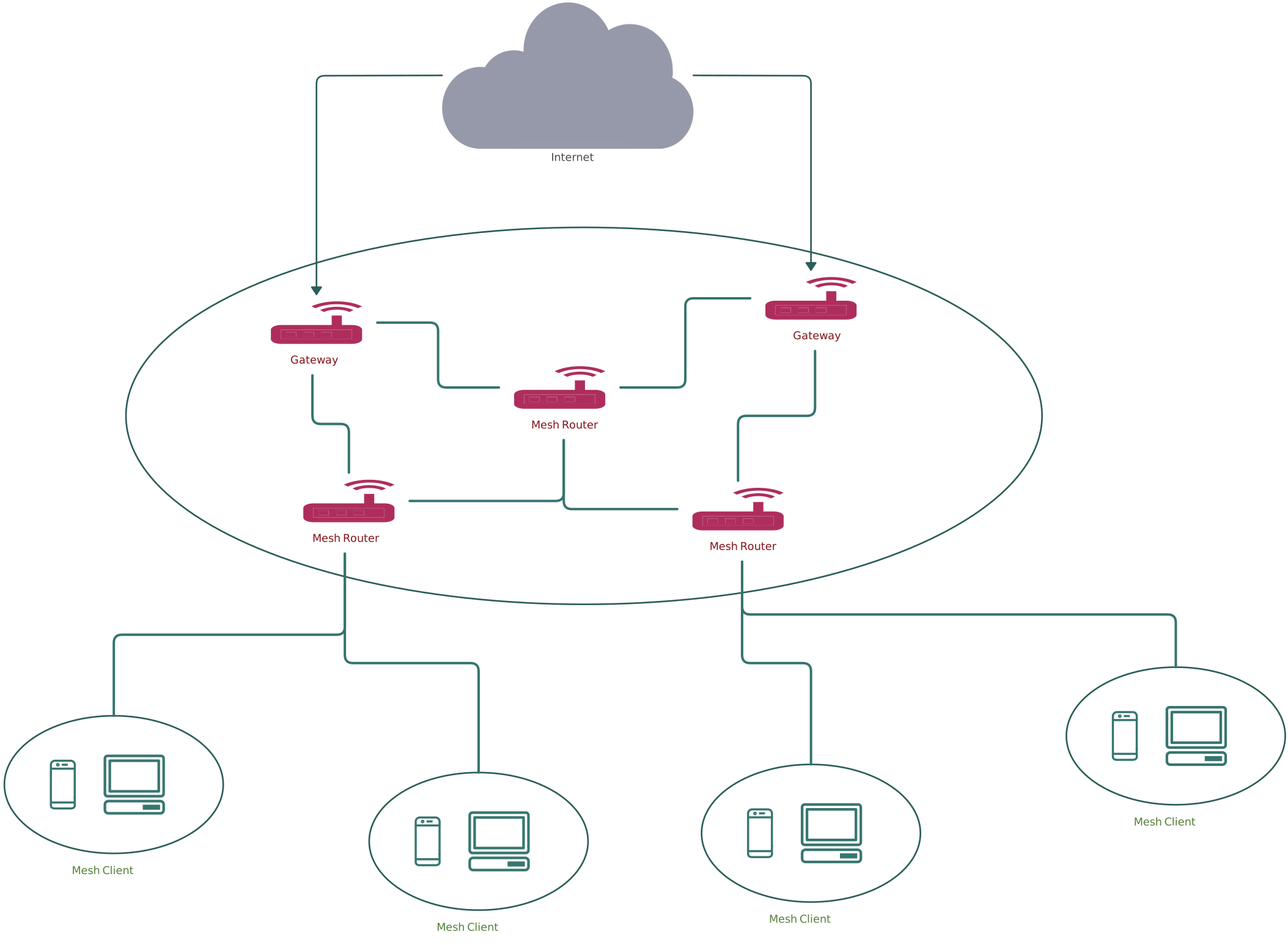
While not a separate structural type like full or partial mesh, wireless mesh deserves its own category because of how it works. Instead of physical cables, wireless nodes connect using radio signals. Each node relays data for the network, creating a self‑organizing and self‑healing system that’s ideal for home Wi‑Fi, smart cities, and large outdoor networks.
Components of Mesh Topology
In a mesh network, several key components work together to create a resilient and adaptable system that keeps data flowing even when parts of the network face issues. Here’s a breakdown of what makes mesh topology tick, explained in a simple, engaging way:
Nodes: These are the devices or points in the network that send, receive, and forward data. In a mesh setup, every node can communicate with one or more other nodes — and in full mesh, with every other node. The more connections a node has, the more options data has to travel reliably.
Links (connections): These are the communication paths between nodes. Links can be wired (like ethernet cables) or wireless (like Wi‑Fi radio signals). Multiple links between nodes create redundancy, so if one link fails, another can take over.
Routing logic: Mesh networks often use intelligent routing rules to decide the best paths for data. Instead of sending traffic through a central hub, nodes choose routes based on current network conditions, ensuring data moves efficiently even in changing environments.
Redundant paths: Redundancy means having backup routes. In mesh topology, extra paths between nodes prevent single points of failure and give the network the power to self‑heal when connections drop or nodes go down.
Network interface devices: These are the hardware elements (like wireless mesh routers or network adapters) that let nodes join and communicate in the mesh. In wireless setups, these devices often support dynamic connection protocols that adjust in real time.
How Does Mesh Network Topology Work
Mesh network topology is all about keeping data moving smoothly, even when individual connections fail. Instead of relying on a central hub, each device (or node) communicates directly with multiple others, creating several pathways for information to travel across the network.
Direct and dynamic connections: Each node connects to multiple others, so data doesn’t depend on a single route. If one link fails, the message automatically finds another path.
Intelligent routing: Nodes use smart routing protocols to choose the best available path in real time, adapting instantly to network changes.
Fault tolerance and self-healing: One of the biggest advantages of mesh topology is resilience. When a node or connection fails, the network self-heals by rerouting traffic without interrupting service.
Load distribution: Multiple pathways allow data traffic to spread evenly across the network, reducing bottlenecks and improving performance.
Scalability: Adding a new node is simple — it connects with existing neighbors and becomes part of the mesh, allowing the network to grow without major reconfiguration.
Key Applications of Mesh Topology in Networking
Wireless mesh networks: Widely used in citywide Wi‑Fi, public hotspots, and campus connectivity, wireless mesh networks let access points share data dynamically, extending coverage without relying on a central router.
Internet of Things (IoT) systems: Smart devices in homes, factories, and cities often use mesh topology to communicate efficiently. Because nodes can route data through neighbors, the network stays robust even when some devices disconnect or lose power.
Industrial and enterprise networks: In large facilities like factories, warehouses, and corporate campuses, mesh topology provides redundant pathways that keep critical systems online, reducing downtime and supporting continuous operations.
Smart home and building automation: Mesh networks help smart lights, thermostats, sensors, and security devices talk to each other reliably, often using standards like Zigbee or Thread that are built around mesh principles.
Disaster recovery and emergency communications: When infrastructure is damaged or overloaded, mesh networks can be deployed quickly to maintain communication between responders, devices, and command centers.
Military and tactical networks: Mesh topology supports mobile units and rugged environments where fixed infrastructure may be limited, helping teams stay connected across shifting conditions.
How to Draw a Mesh Topology Diagram
Step 1. Choose a network diagram tool
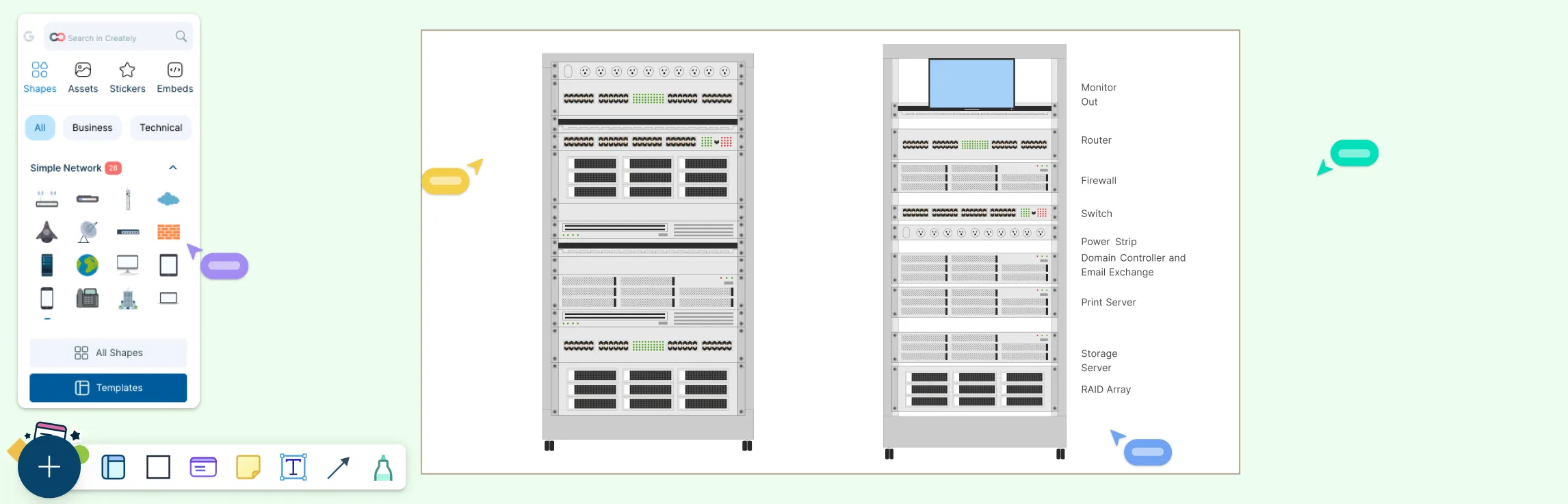
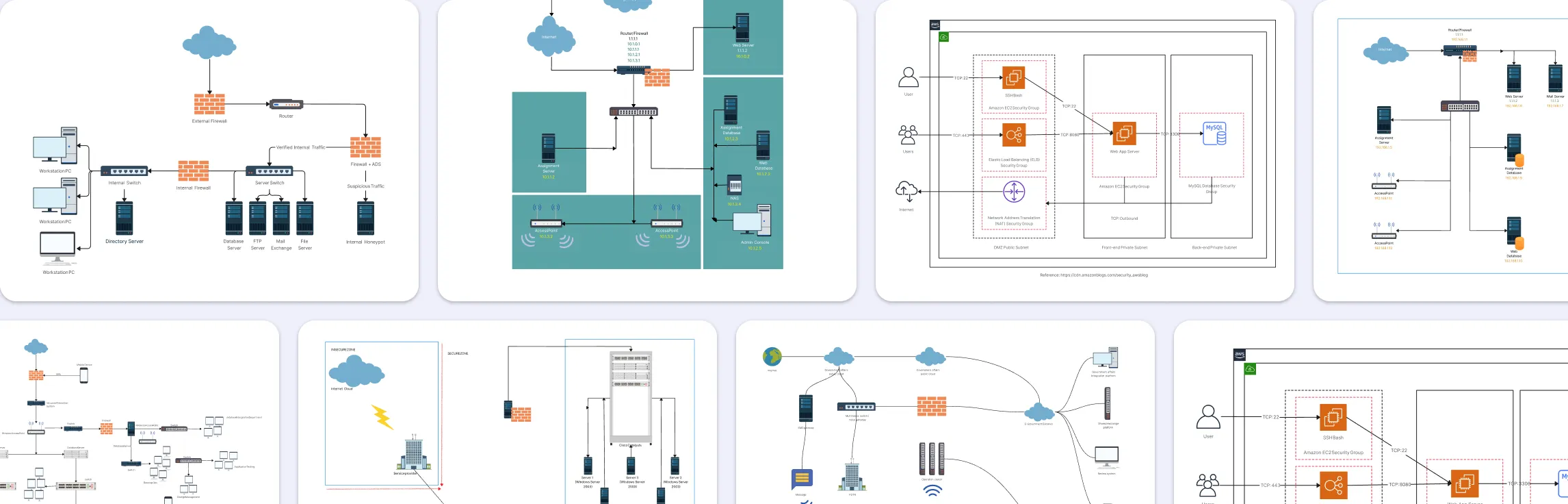
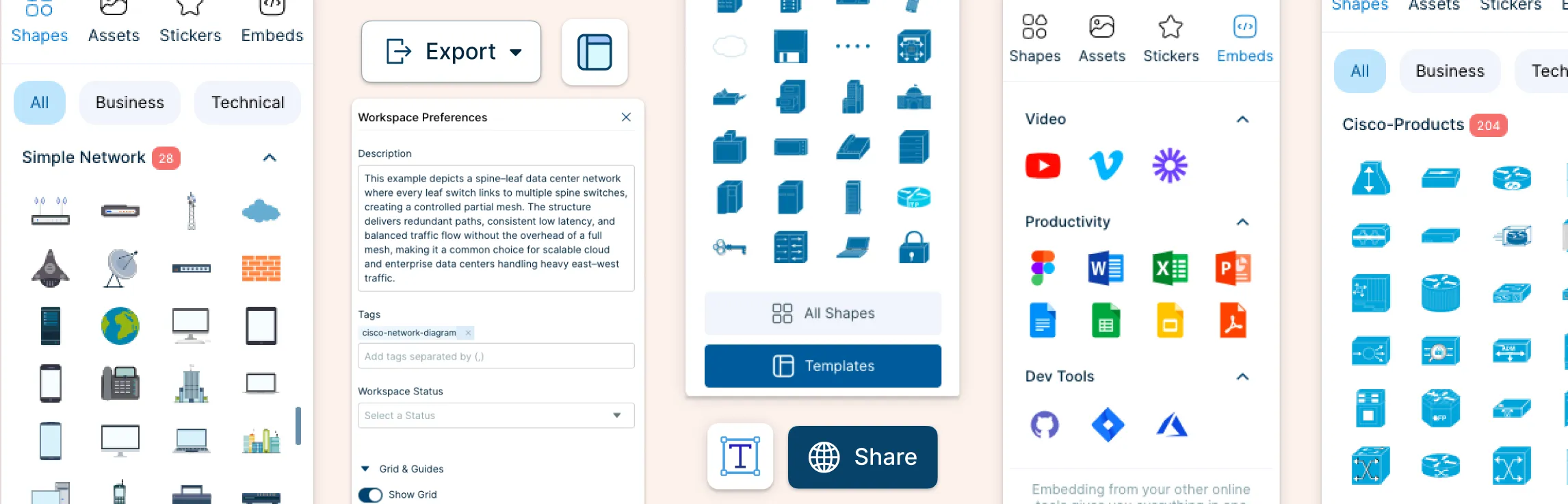
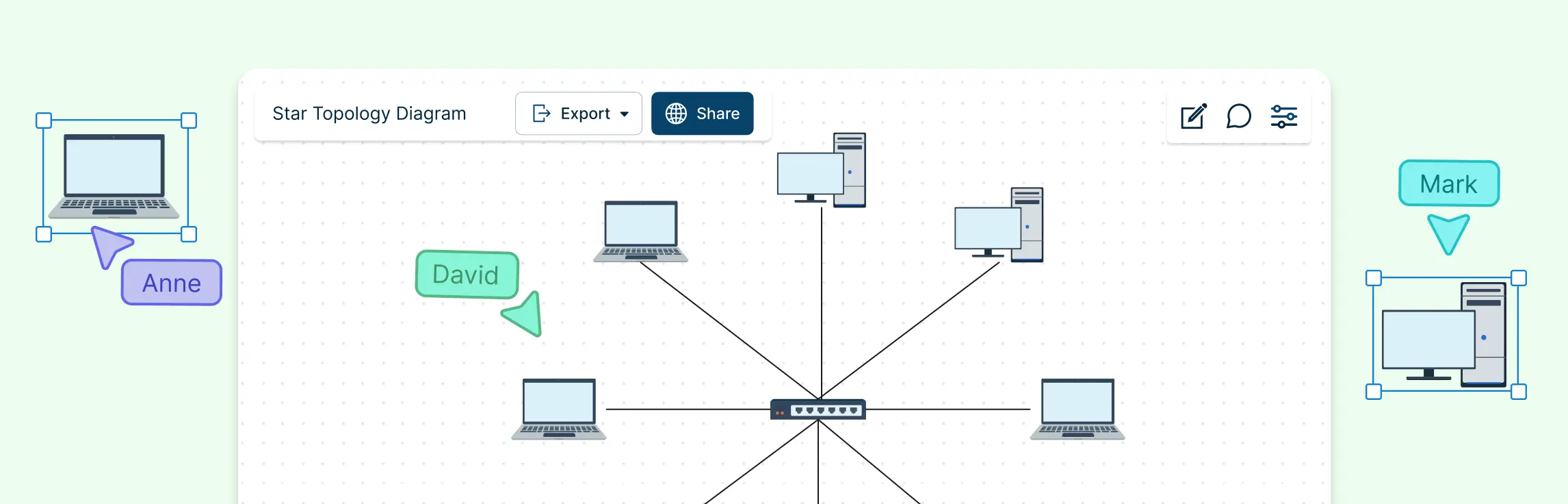
Start by picking a diagramming tool that makes the process smooth and visual. Creately’s network diagram tool is designed for network diagrams with features such as drag‑and‑drop shapes, intelligent connectors, and extensive libraries of network symbols. You can pick from ready‑made templates, collaborate in real time with teammates, and export your mesh network diagram in formats like PDF, PNG, or SVG for presentations or documentation. These features help you focus on the network design rather than on fiddling with the interface.
Step 2. Place your nodes
Begin by placing icons or shapes for the devices in your mesh network diagram — these could be computers, routers, switches, servers, sensors, or any nodes you want to show. Spread them out on the canvas so there’s room to draw connections clearly.
Step 3. Draw the connections
Connect the nodes with lines representing links. In a full mesh, draw lines between every pair of nodes. In a partial mesh, connect only key nodes to each other based on how data should flow in your network. Use straight or curved lines that don’t overlap too much to keep the diagram readable.
Step 4. Label and style
Add labels to your nodes and connections so viewers instantly understand what each part represents. You can use colors and symbols to distinguish between wireless and wired links, or highlight critical paths. A legend helps explain any color codes or icons you use.
Step 5. Highlight redundancy and paths
One of the biggest benefits of mesh topology is redundancy. Use arrows or different line styles to show how data could flow through alternate routes if a link fails. This helps readers visualize the resilience of the network.
Step 6. Add a title and legend
Finish with a clear title at the top and a legend explaining colors, icons, and line types. This makes your mesh network diagram instantly understandable, even to someone new to networking diagrams.
Step 7. Review and share
Double‑check your diagram for clarity and accuracy. If you’re collaborating with others, use real‑time editing and comments to refine it. Once finished, export or embed the diagram where needed — in documentation, presentations, or on your team wiki.
What Are the Advantages and Disadvantages of Mesh Topology
Network mesh topology stands out in networking because it delivers reliability, resilience, and flexibility, but like any design choice, it has trade‑offs.
| Advantages of Mesh Topology | Disadvantages of Mesh Topology |
| High fault tolerance – data reroutes automatically if a link fails | Higher cost – full mesh requires many connections and hardware |
| No single point of failure – network continues even if a node goes down | Complex setup and management – designing and maintaining connections takes effort |
| Smooth data traffic – multiple paths reduce congestion | More wiring for wired networks – increases installation effort |
| Scalability – new nodes can be added without disrupting the network | Routing overhead – intelligent path calculations require more processing |
| Dynamic routing – network adapts in real time to changes | Potential redundancy overkill – may be unnecessary for small networks |
| Ideal for wireless and IoT – strong coverage and adaptability |
Mesh Topology vs Other Network Topologies
| Topology | How It Works | Key Strengths | Limitations Compared to Mesh |
| Mesh | Every node connects to multiple nodes, creating multiple paths | High fault tolerance, no single point of failure, dynamic routing, scalable | Higher cost, complex setup, more connections to manage |
| Star | All nodes connect to a central hub | Simple to set up, easy to manage, cost-effective | Single point of failure at the hub, less resilient than mesh |
| Bus | Nodes share a single communication line | Low cost, easy to implement | Limited fault tolerance, if backbone fails entire network stops |
| Ring | Nodes connect in a closed loop | Data flows in predictable paths, organized traffic | Single node or link failure can disrupt network unless dual ring implemented |
| Hybrid | Combination of two or more topologies | Flexible, customizable for specific needs | Complexity increases with size; may still lack mesh-level fault tolerance |
Mesh Topology Examples
Mesh Network Topology Example
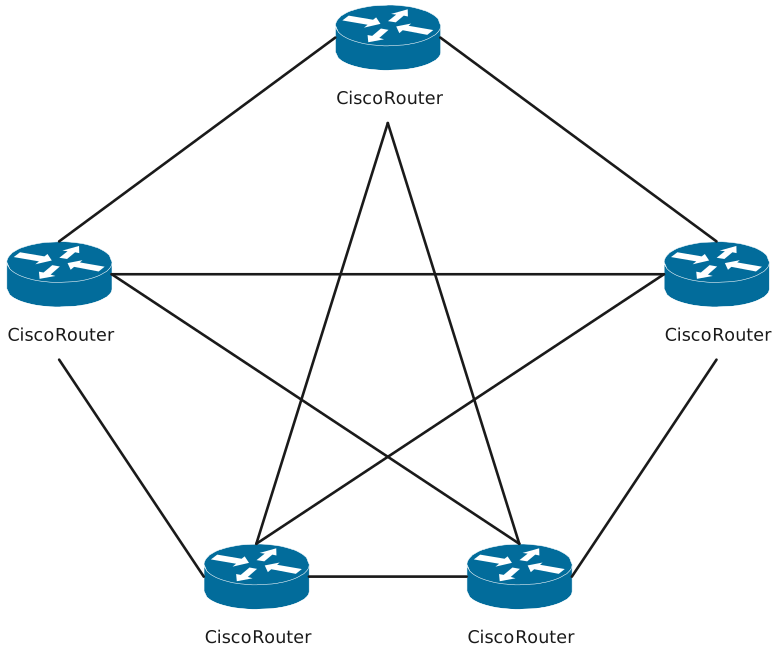

Mesh Network Diagram Example
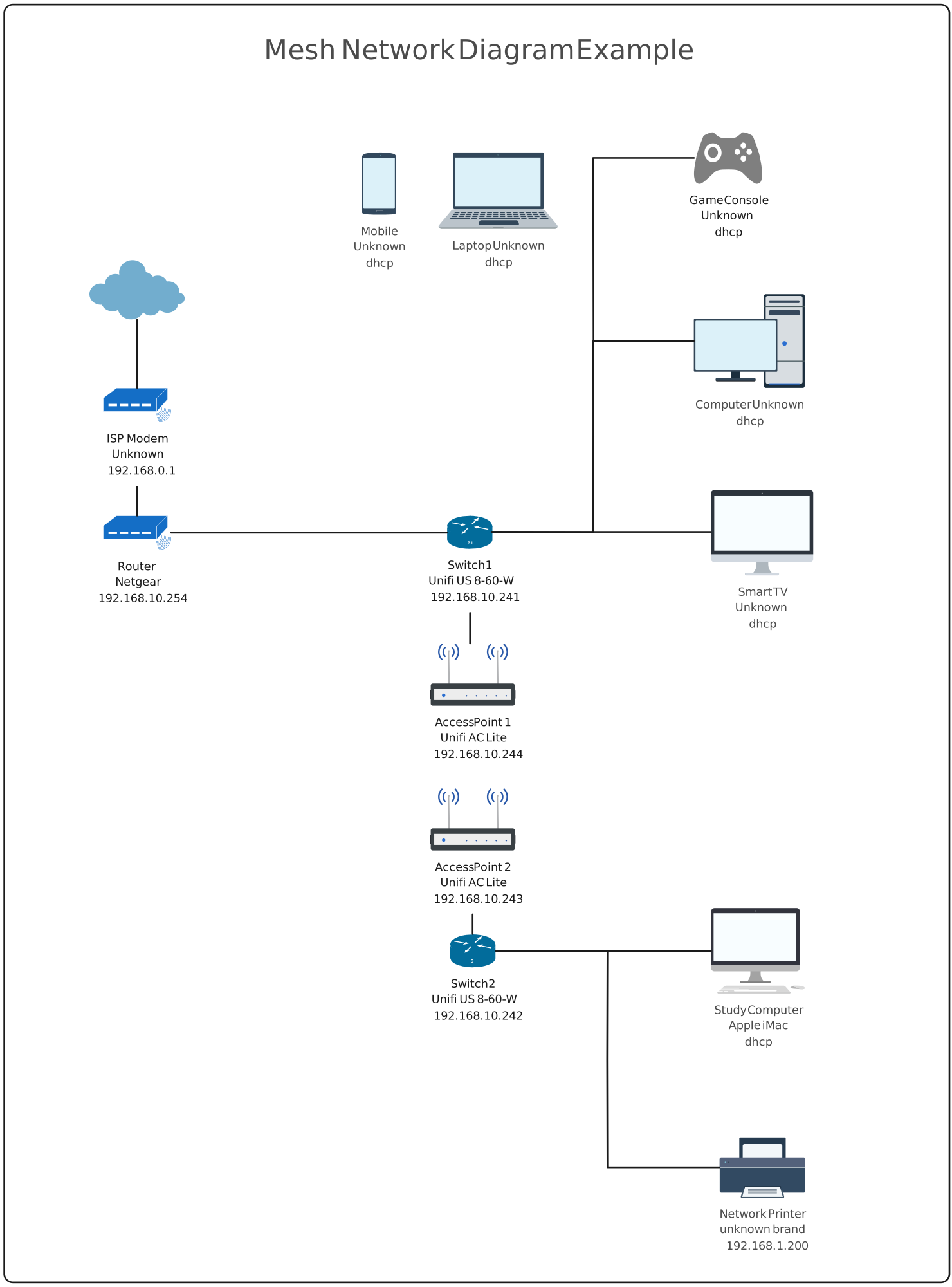
Mesh Network Topology
Wireless Mesh Network Topology Example
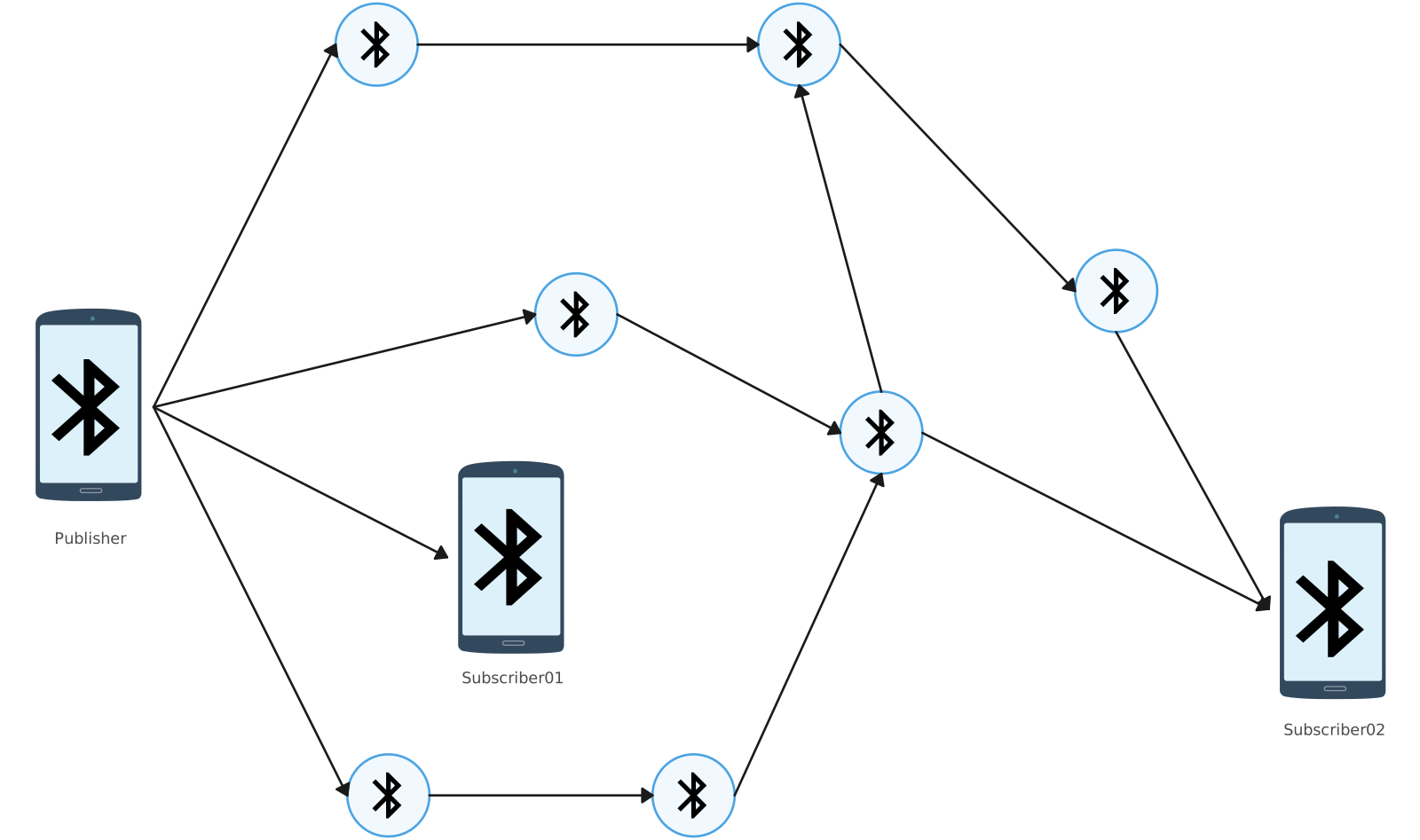
Bluetooth Mesh Network Topology
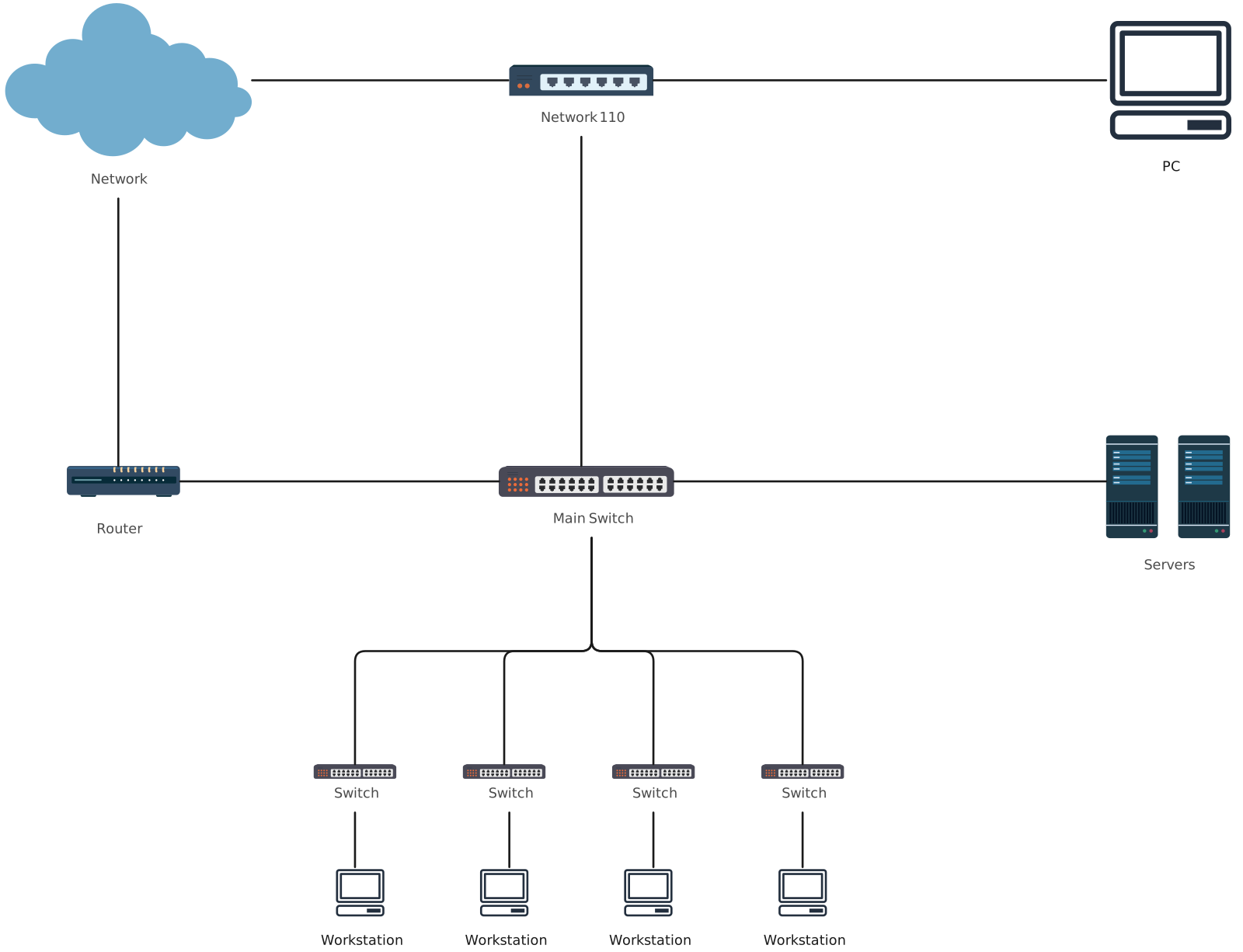
Mesh Topology Diagram
Helpful Resources
Learn how to draw a network diagram step by step, from planning what to include to laying out components clearly and choosing the right symbols.
Discover key bus topology diagram elements, highlight common design patterns, and point out the limitations you need to account for when working with this topology.
Learn how to create clear and professional star topology diagrams for LANs. Discover key components, types, advantages, comparisons with other topologies, and step-by-step tips for designing effective network diagrams.
Discover how a hybrid topology diagram effectively visualizes complex networks. Explore types, advantages & disadvantages, step-by-step creation tips, and best practices, plus free templates to plan, scale, and manage networks with ease.
Learn everything about tree topology in networking, including how it works, key characteristics, types, advantages, applications, diagramming tips, and templates for designing efficient, scalable networks.
Understand how to approach Cisco network topology diagrams with confidence and create visuals that are practical, accurate, and easy to understand.
Learn how to create a home network setup diagram step by step, understand common layouts, follow practical best practices, and use free templates to map your setup.
Discover how to create a wide area network diagram step by step, understand key components, WAN examples, and follow proven best practices.
Everything you need to know about LANs, from the basics and key components to network types, advantages, and best practices.
Discover what a logical network diagram is, how it differs from a physical network diagram, why it’s useful, and how to create one.