Creately vs Canva
Canva makes great visuals. It wasn't built to be a source of truth.
Import your org from a CSV. Ask "who has the widest span of control?" and highlight the answer on the chart. Model a reorg as a scenario, not a duplicated file. That's the work Canva can't do.
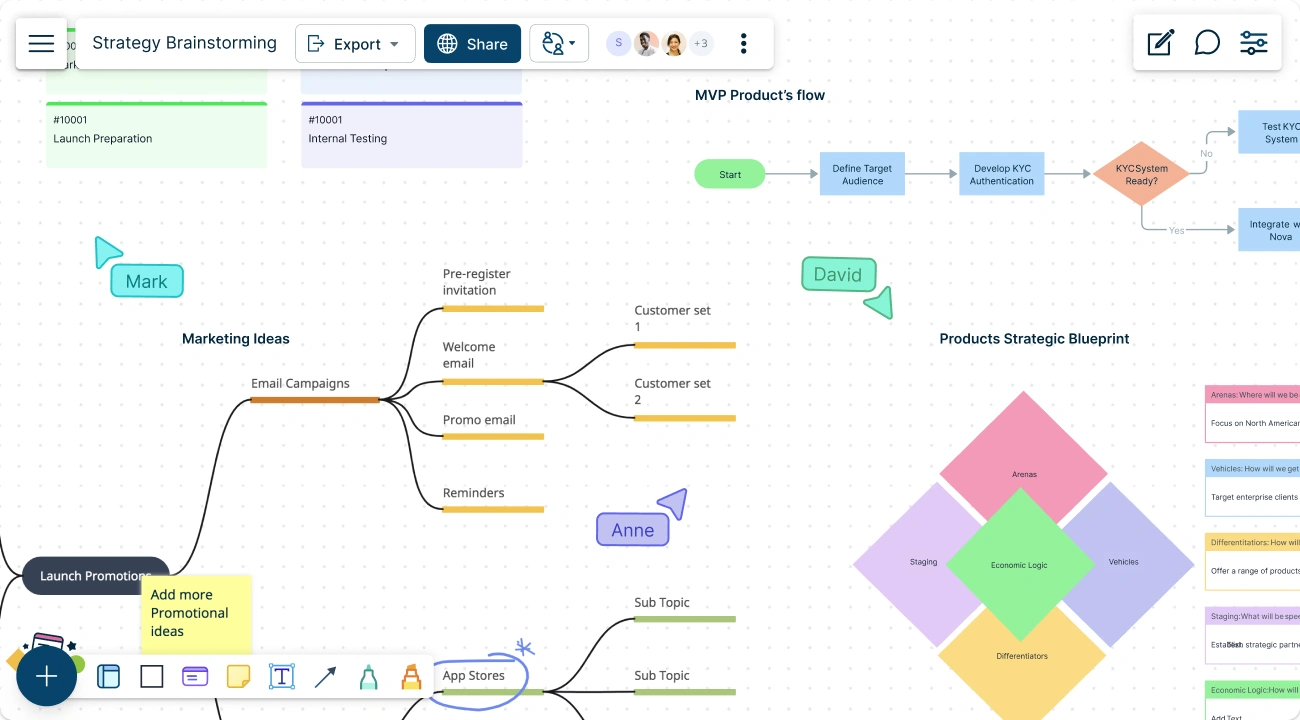
- Import from CSV/HRIS — Canva can't. Build an org chart from a spreadsheet in one step.
- Auto-layout that holds at 500 nodes, not 15.
- Ask questions in plain English, get visual answers highlighted on the chart.
 CSV/HRIS import builds structured org charts, flowcharts, and process maps directly. Auto-layout holds at 500+ nodes. Full diagram notation libraries built in. Named what-if scenarios overlay changes without touching the live diagram. Search any person, field, or shape. Natural-language queries answer org/process questions and highlight results on the canvas. Free.
Over 10 Million people and 1000s of teams already use Creately
Feels Familiar—Built for Diagrams
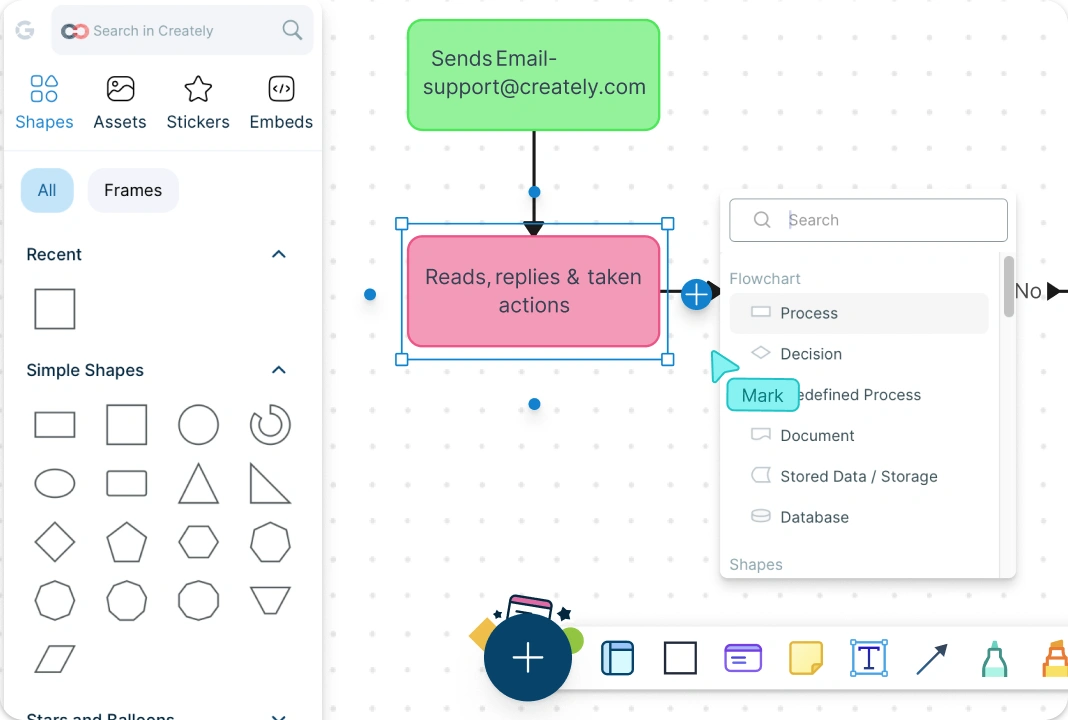
If you’re coming from Canva, you won’t need to “learn a new tool.” But you will stop fighting the canvas when the diagram gets big. Creately is built for structured diagrams like flowcharts, UML diagrams, and mind maps, with notation libraries, layout controls, and templates that keep complex work readable.
Start from a template and scale to hundreds of nodes without turning it into a manual alignment project.
One Canvas for Planning and Documentation
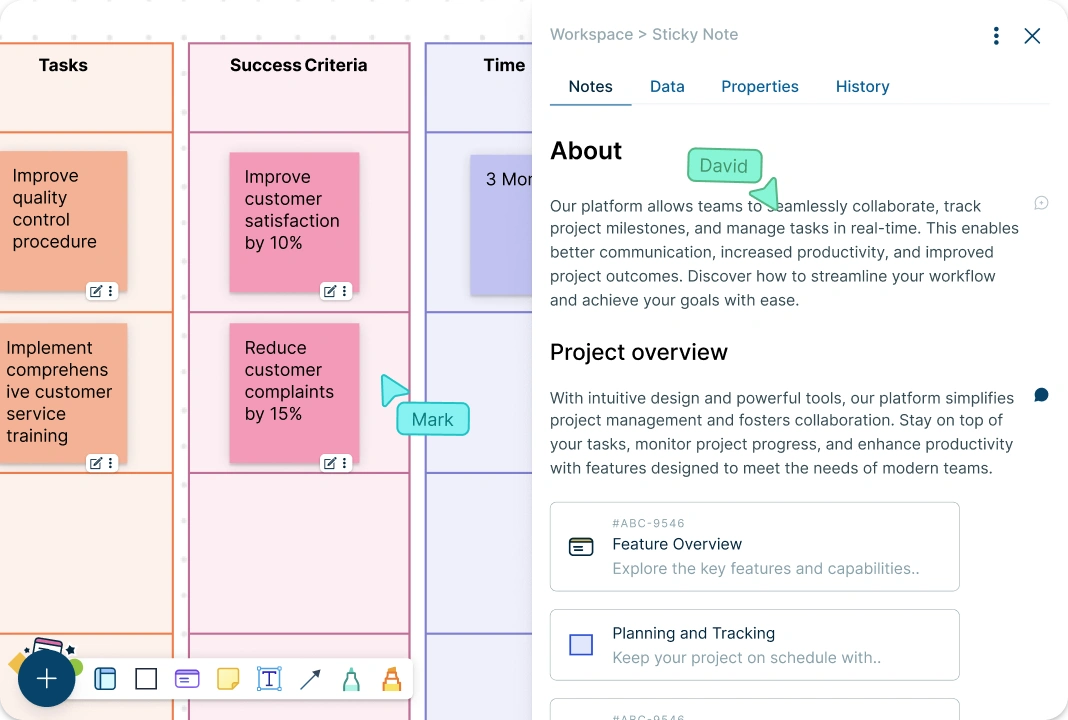
Your org and process data shouldn’t live in separate files. In Creately, the canvas becomes your source of truth—build an org chart from data, and keep process maps updated in the same workspace.
Attach context to shapes, bring in spreadsheets/docs, and keep everything current instead of rebuilding visuals every time details change.
Collaborate Live—Stay Aligned
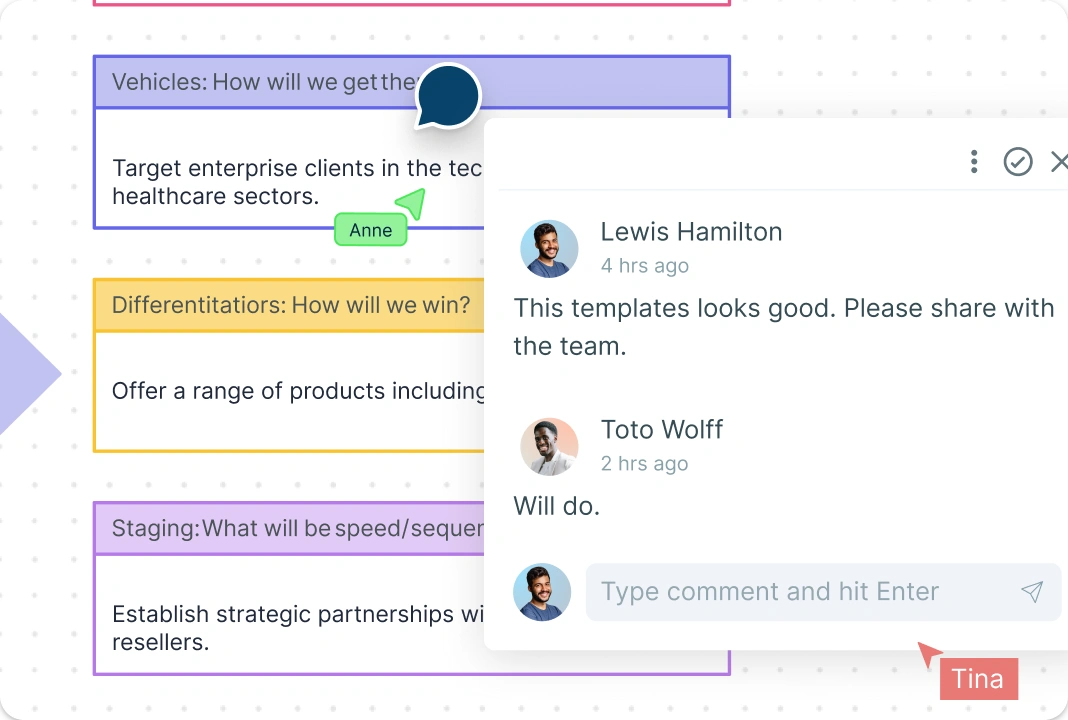
Switching isn’t about “can we co-edit?” It’s about staying aligned after the first draft. Creately keeps feedback, context, and decisions in the same workspace, so the diagram doesn’t fork into five versions.
Review changes, resolve comments, and keep one shared source of truth.
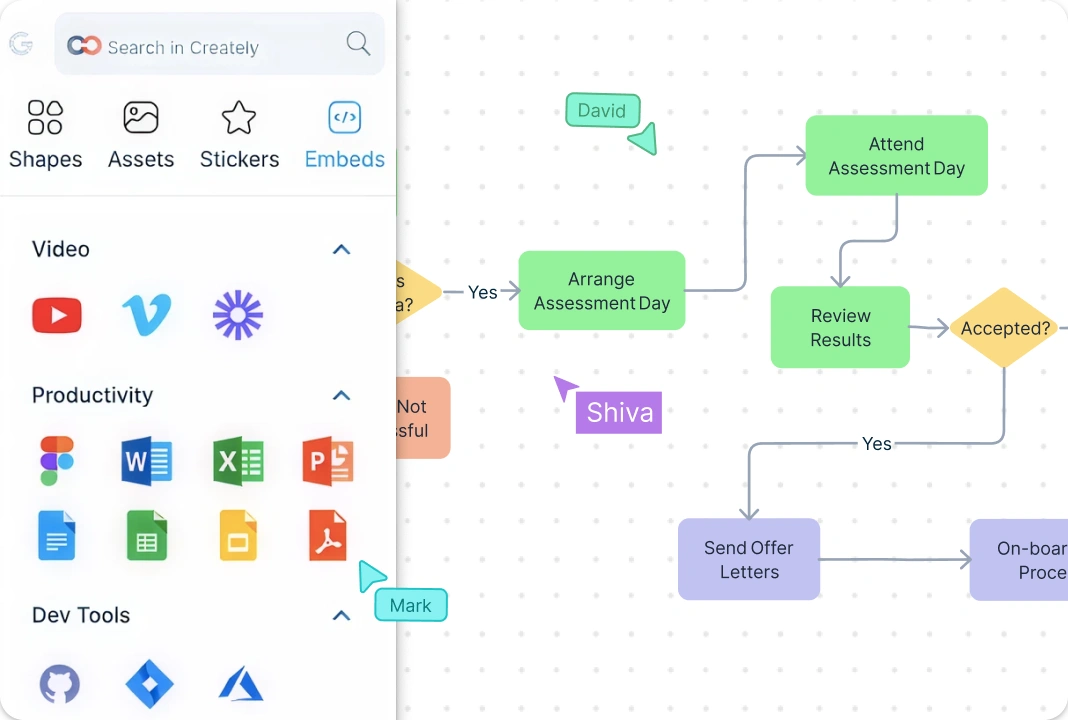
Connect the Tools You Already Use
A switch should reduce friction, not add it. Creately plugs into the tools your team already runs on like Google Drive, Slack, Confluence, so diagrams live where work happens.
Share a workspace once and keep everyone pointed at the latest version, not yesterday’s export.
Turn Visuals into Decisions and Action
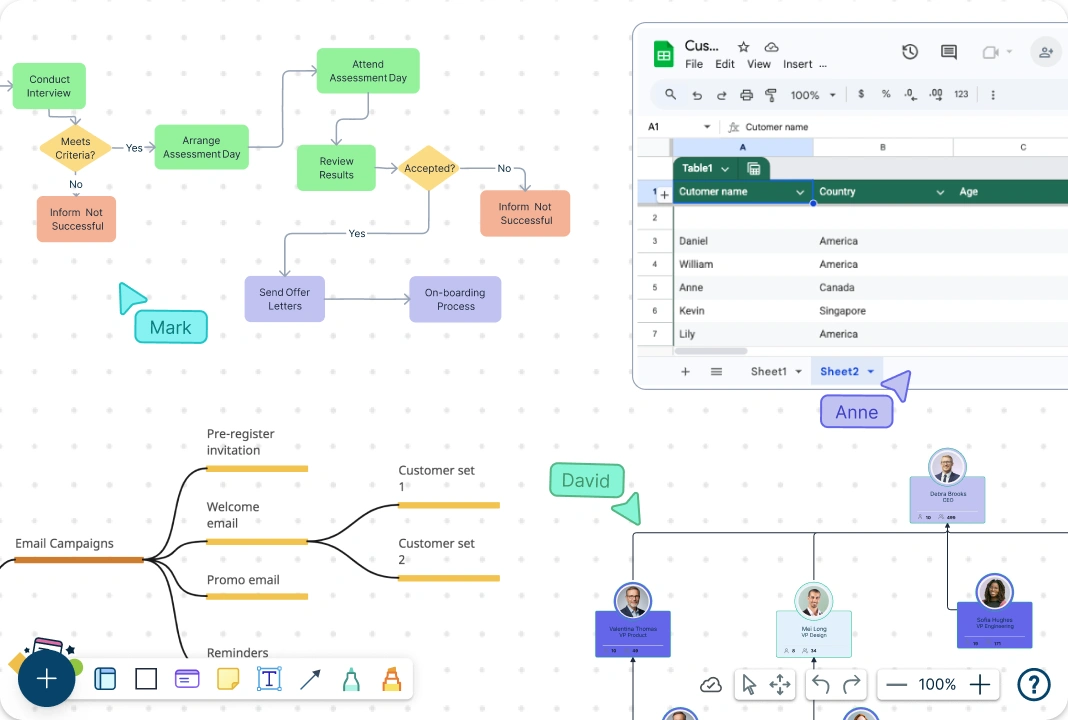
Canva makes visuals. Creately makes visual systems. Import data, run searches, model scenarios, and get answers highlighted on the canvas.
If your diagrams drive decisions, Creately is the upgrade.









How to Switch from Canva to Creately in 5 Steps
Sign Up Free and Open Creately in Your Browser:
Create your account and start instantly—no downloads. Works smoothly across Mac, Windows, and Linux.
Choose a Diagram Template (Not a Blank Design):
Pick a template for flowcharts, org charts, mind maps, UML, or planning boards so you start with the right structure.
Drag, Drop, and Auto-Arrange Your Diagram:
Add shapes and connectors with Canva-like simplicity, then use auto-arrange/alignment to keep everything clean as it grows.
Collaborate Live with Comments and Edits:
Share a link to invite teammates for real-time editing, comments, and feedback—everyone stays aligned in one workspace.
Share as a Link or Export When Needed:
Keep it editable in the cloud, or export to PNG/PDF/SVG when you need a static version for docs or presentations.
FAQs on Creately vs Canva
Is Creately a good Canva alternative for diagrams?
Is Creately free to try?
Can I keep the Canva-style simplicity in Creately?
What should I use Creately for instead of Canva?
What types of diagrams can I create with Creately?
Can my team collaborate in real time in Creately?
Can I share and export my diagrams?






















