Vertical Timeline Template
Visualize Your Milestones, Your Way
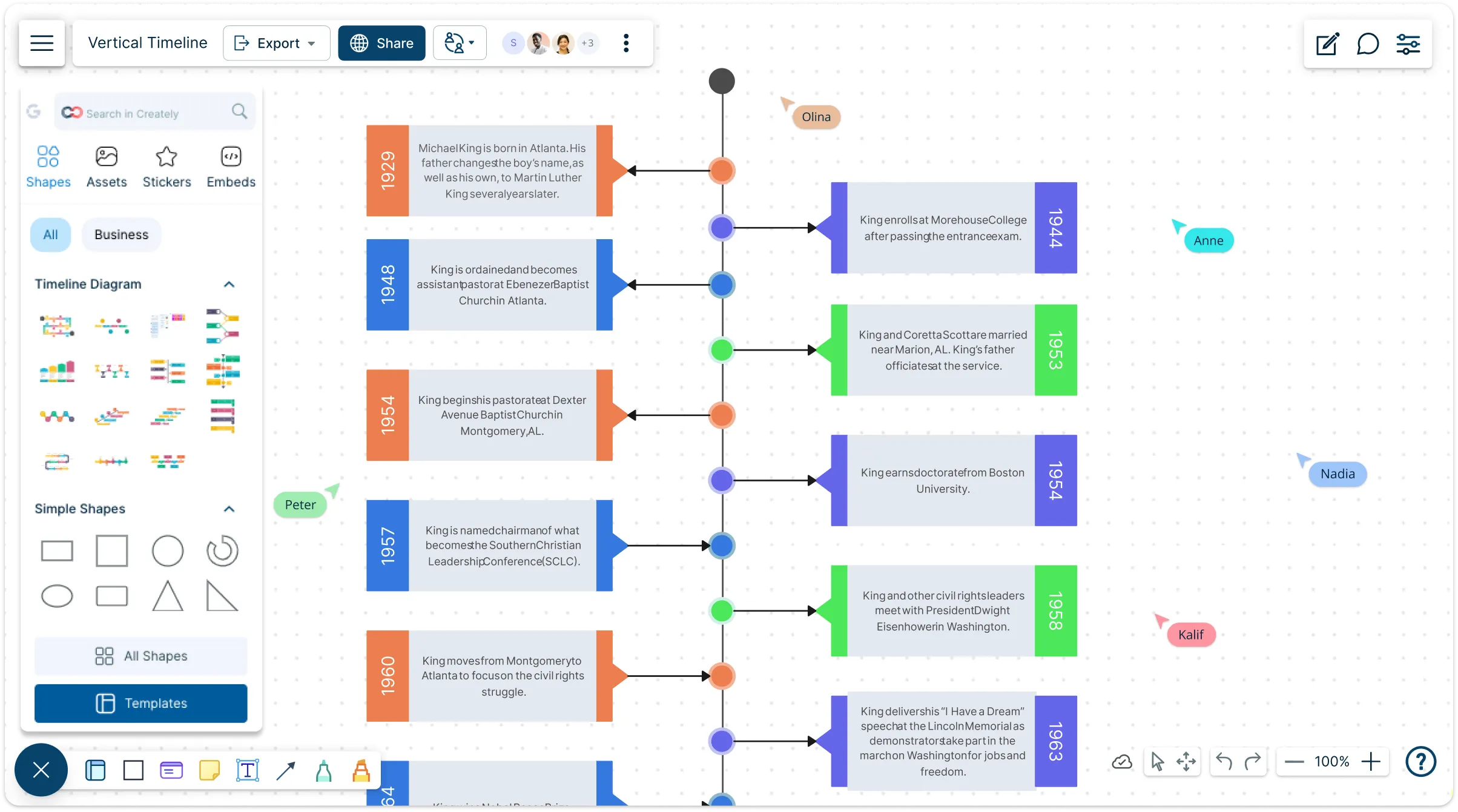
Turn complex timelines into clear, actionable plans. With Creately’s vertical timeline template, track projects, events, and milestones from start to finish—all in a single, intuitive view.
- Instantly create, edit, and organize your timelines - no design skills needed!
- Share and collaborate with your team and get instant feedback
- Customize colors, icons, and layout to fit any project, event, or roadmap
Over 10 Million people and 1000s of teams already use Creately

Free Ready-to-Use Templates
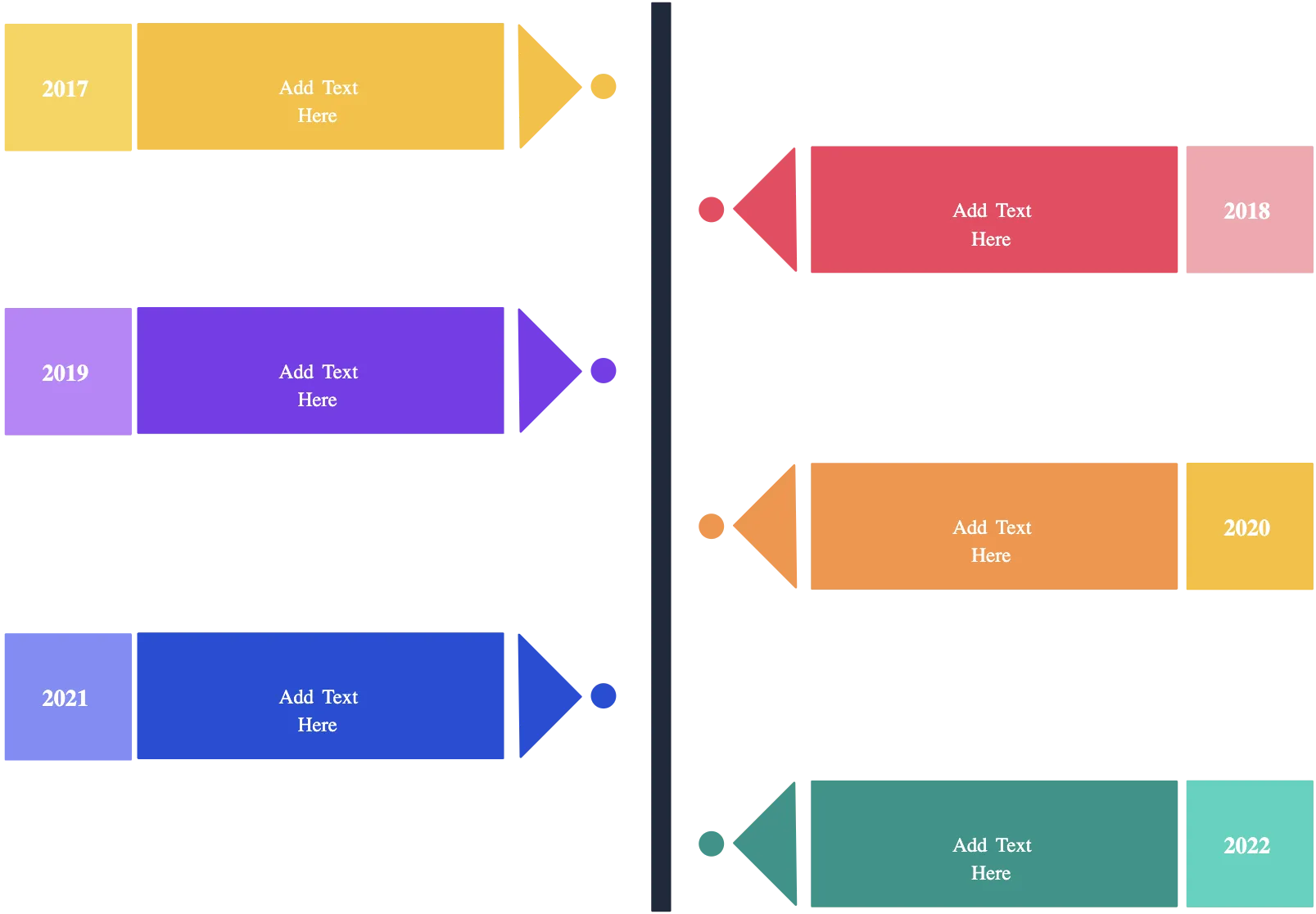
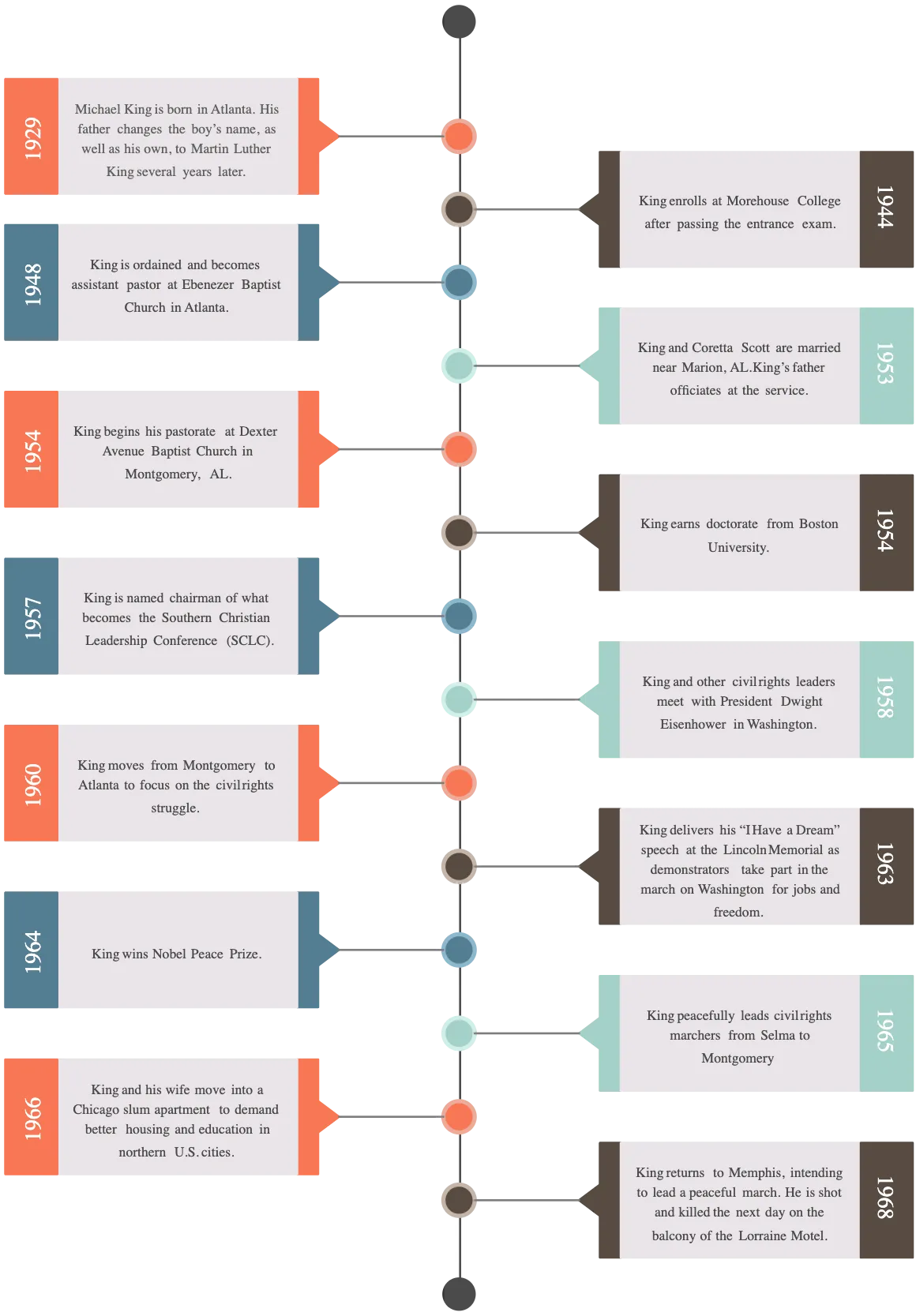
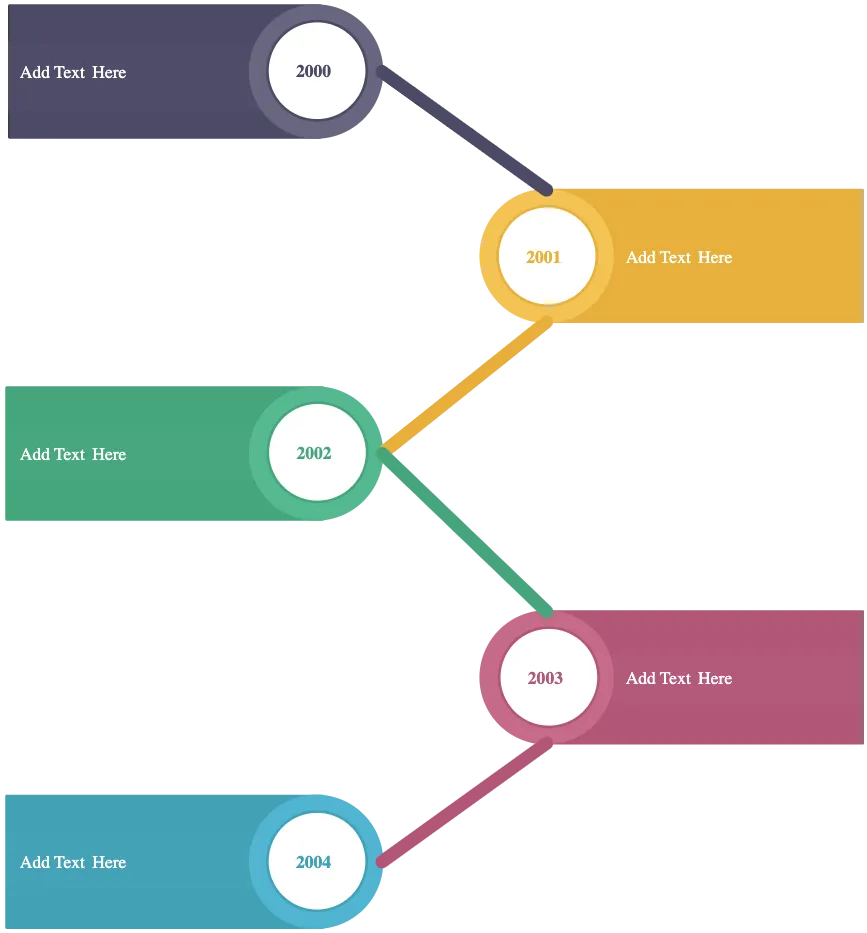
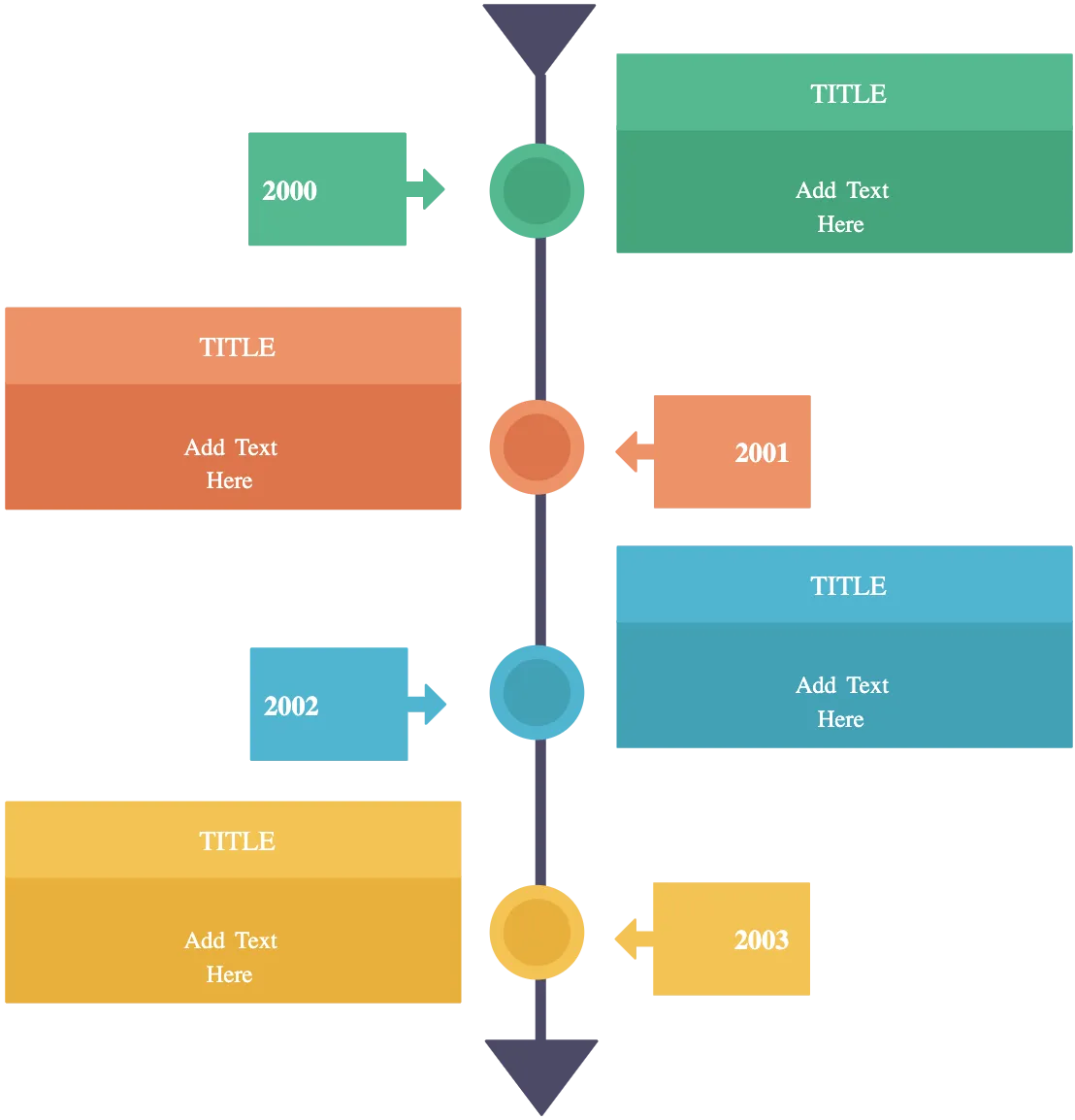
See the Full Path Ahead with Vertical Clarity
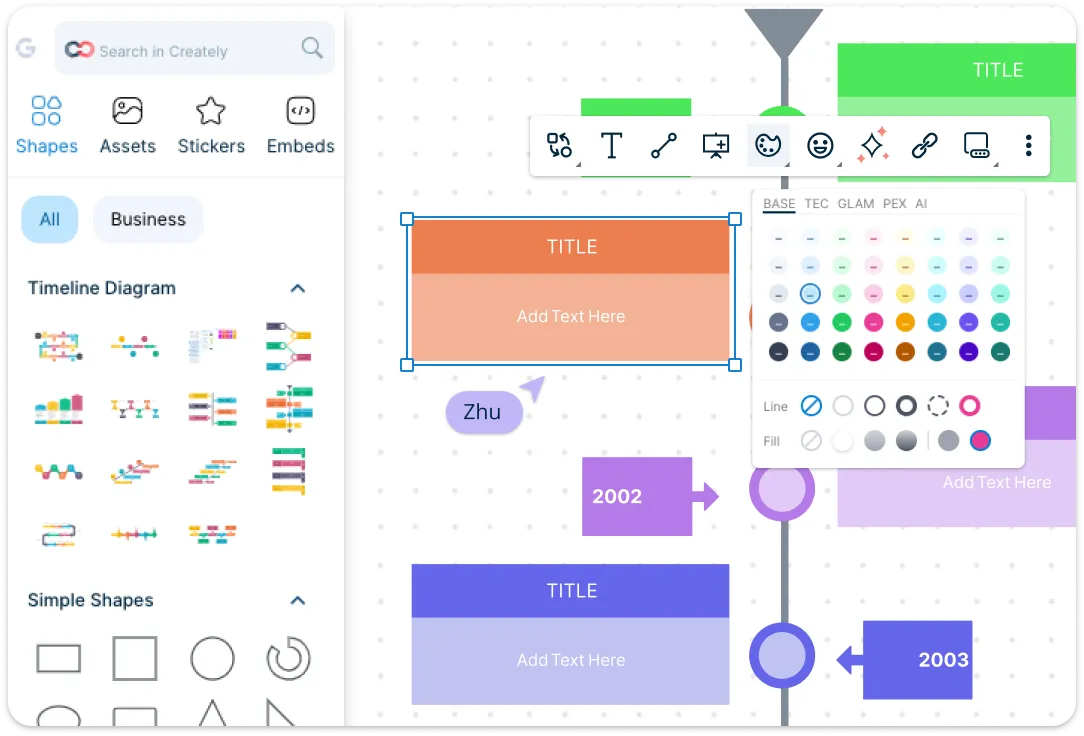
Turn your ideas into a timeline that’s as clear as it is compelling. With an intuitive interface, you can drag, drop, and arrange milestones in seconds—no learning curve, no frustration. Jumpstart your planning with ready-made templates or tailor every detail to fit your project, event or roadmap. Shape and icon libraries let you highlight key events and differentiate tasks, so everyone instantly sees the whole story, not just the timeline.
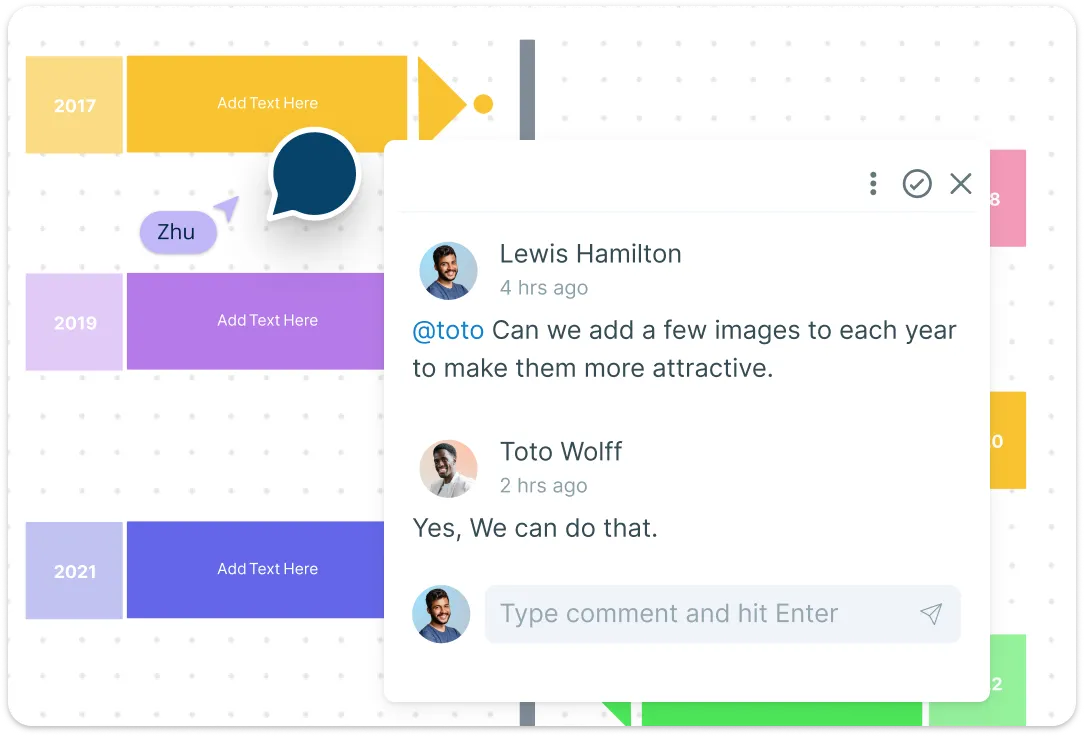
Collaborate Seamlessly with Your Peers
Turn your timeline into a shared workspace. Collaborate live with your team and get instant feedback. With comments and version tracking, every team member can contribute, suggest changes, and stay aligned. Discuss milestones, refine plans, and make adjustments together—without juggling multiple tools or losing context. This vertical timeline maker makes team coordination effortless.
Go from Timelines to Action Plans
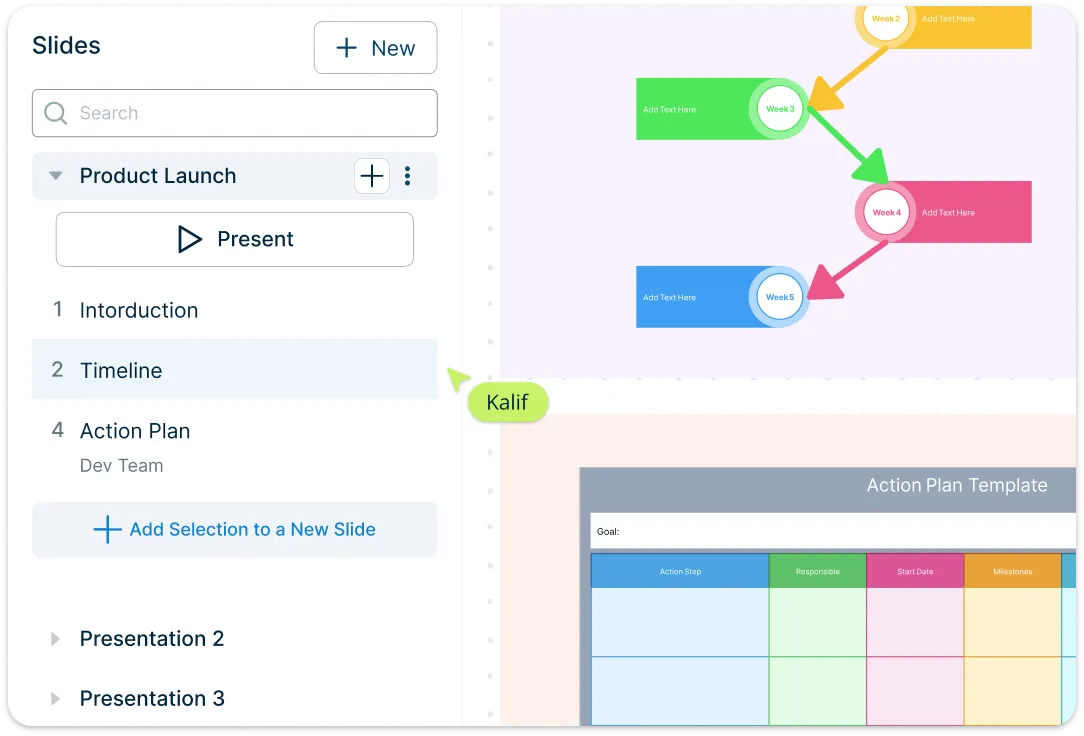
Go beyond planning—turn your timeline into a live action plan that drives results. Assign tasks, track responsibilities, and monitor progress so everyone knows what to do and when. Present your timeline with confidence using built-in presentation mode, or share and embed it seamlessly in reports, websites, or dashboards. With every milestone clearly mapped and every action visible, your team can move forward efficiently, make informed decisions, and achieve goals faster.
What Is a Vertical Timeline
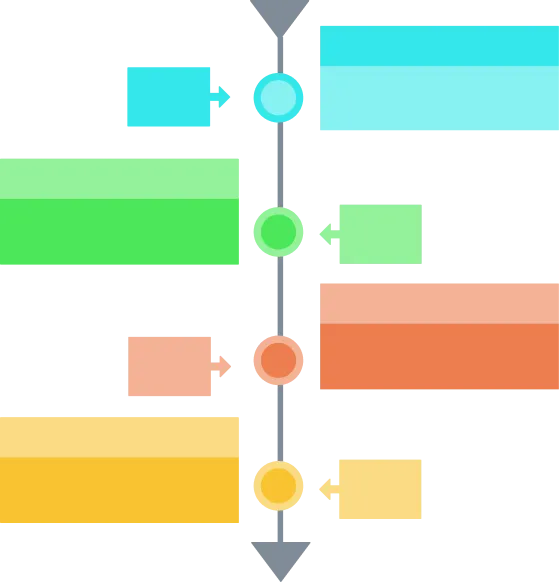
How to Create a Vertical Timeline
Start with a template:
Open Creately and choose a ready-made vertical timeline template. Templates give you a structured starting point, so you don’t have to build from scratch. Pick one that fits your project type—whether it’s a project plan, roadmap, or historical timeline.Add and arrange milestones:
Drag and drop timeline nodes to mark key events, tasks, or deadlines. Customize the order and spacing to reflect the sequence of your plan. This visual clarity makes it easy to see what comes next at a glance.Customize shapes, colors, and icons:
Use Creately’s shape and icon libraries to highlight important milestones, differentiate task types, or emphasize critical dates. Change colors, fonts, and shapes to match your branding or project style, making your timeline both functional and visually engaging.Collaborate with your team:
Invite teammates to edit your timeline in real-time right inside Creately’s vertical timeline tool. Add comments, track changes, and ensure everyone is aligned. Collaboration features make it easy to refine plans together without endless back-and-forth emails.Share, present, and embed:
Once your timeline is ready, use presentation mode in Creately’s vertical timeline software to showcase it to stakeholders or share and embed it in reports, websites, or dashboards. With Creately, your vertical timeline online isn’t just a visual—it’s a tool to communicate, track progress, and drive results.
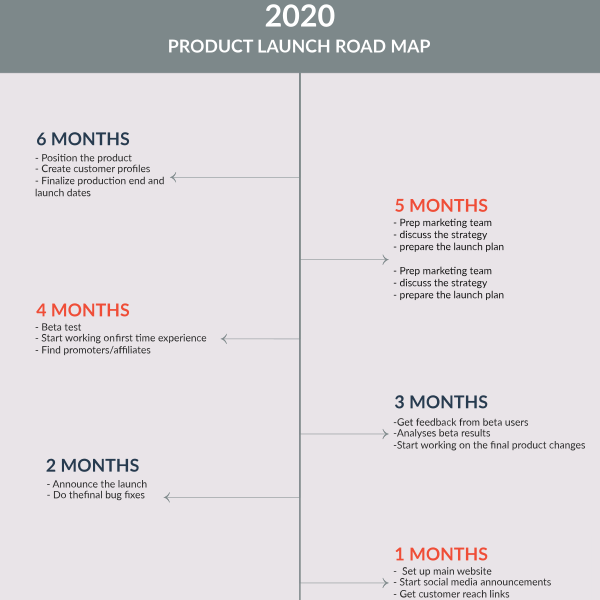
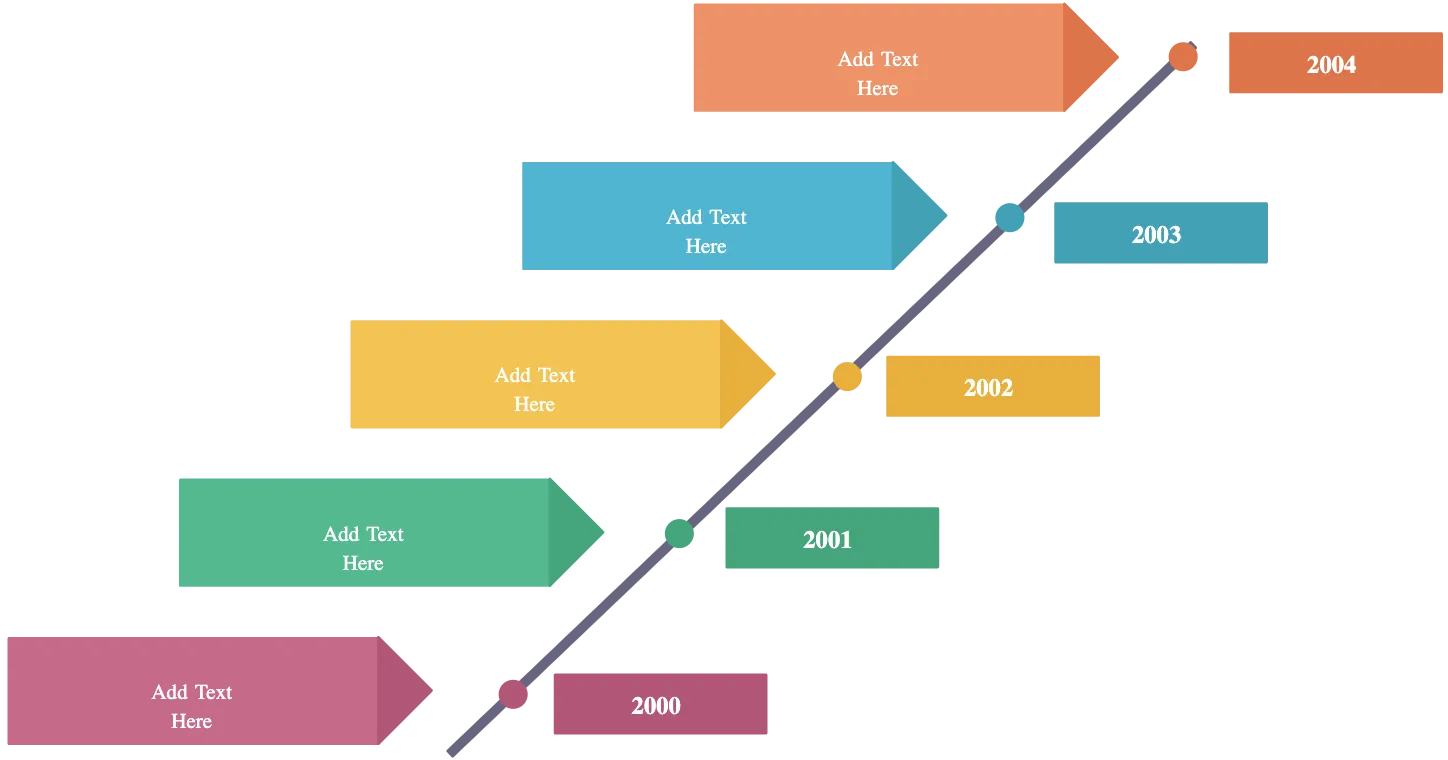
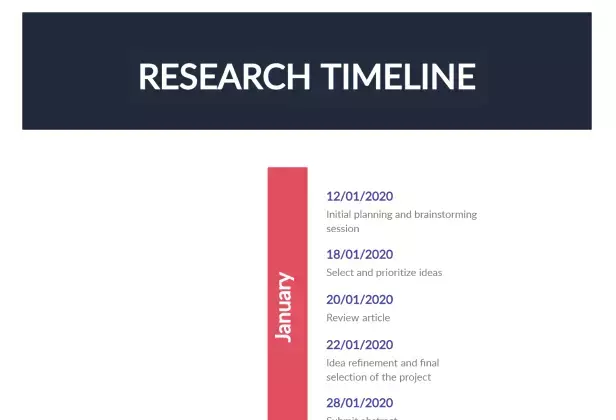
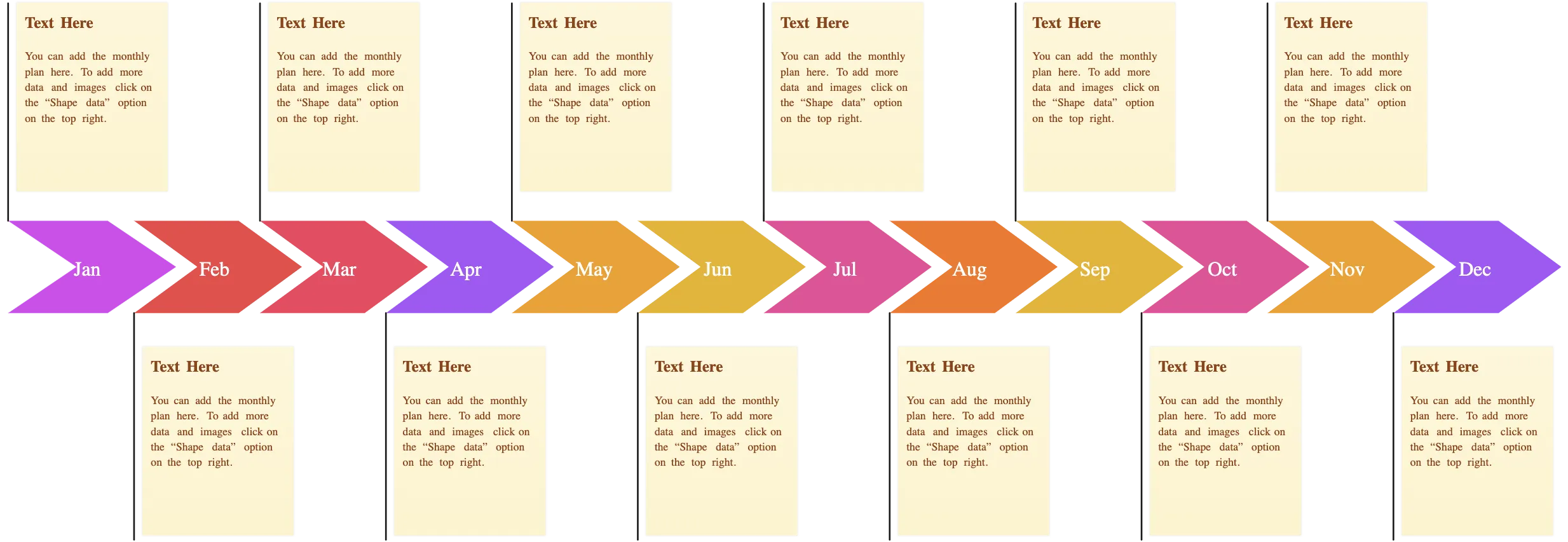
Vertical Timeline Examples to Spark Creativity
FAQs About Vertical Timeline Templates
What are vertical timeline infographics?
What are the benefits of using a vertical timeline template?
What are the common uses for vertical timelines?
- Project planning: Track tasks, milestones, and deadlines in a clear, chronological order.
- Product roadmaps: Visualize phases, releases, and key development stages.
- Historical events: Showcase events, achievements, or timelines in history or research.
- Team collaboration: Align team members on goals, responsibilities, and progress.
- Marketing campaigns: Plan initiatives, launches, and deadlines in an organized flow.
- Event planning: Map schedules, tasks, and milestones for events or conferences.
- Personal milestones: Track career goals, life events, or educational achievements.
- Reports and presentations: Turn complex data into visually engaging timelines or infographics.
How do I choose the right type of vertical timeline template?
What is the difference between a vertical and horizontal timeline?
Can I update my vertical timeline as the project evolves?
Is a vertical timeline suitable for complex projects?































