Training Needs Analysis Template
Identify, Analyze, and Bridge Training Gaps
Optimize your team’s development and performance with Creately’s Training Needs Analysis Template. Effortlessly uncover skills gaps, align training with business goals, and create actionable plans to enhance workforce capabilities.
- TNA templates to kickstart your analysis and customize for any team structure
- Real-time collaboration to gather insights and align on training priorities instantly
- Task management tools to monitor development plans, goals, and milestones
Over 10 Million people and 1000s of teams already use Creately

Plan, Track, and Achieve Your Training Goals with Training Needs Analysis Templates
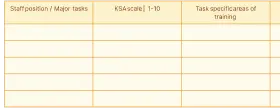

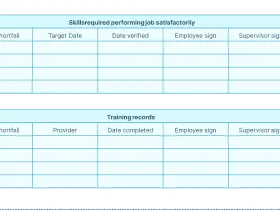
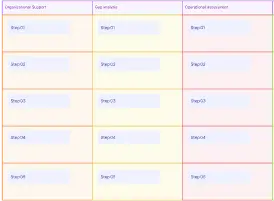
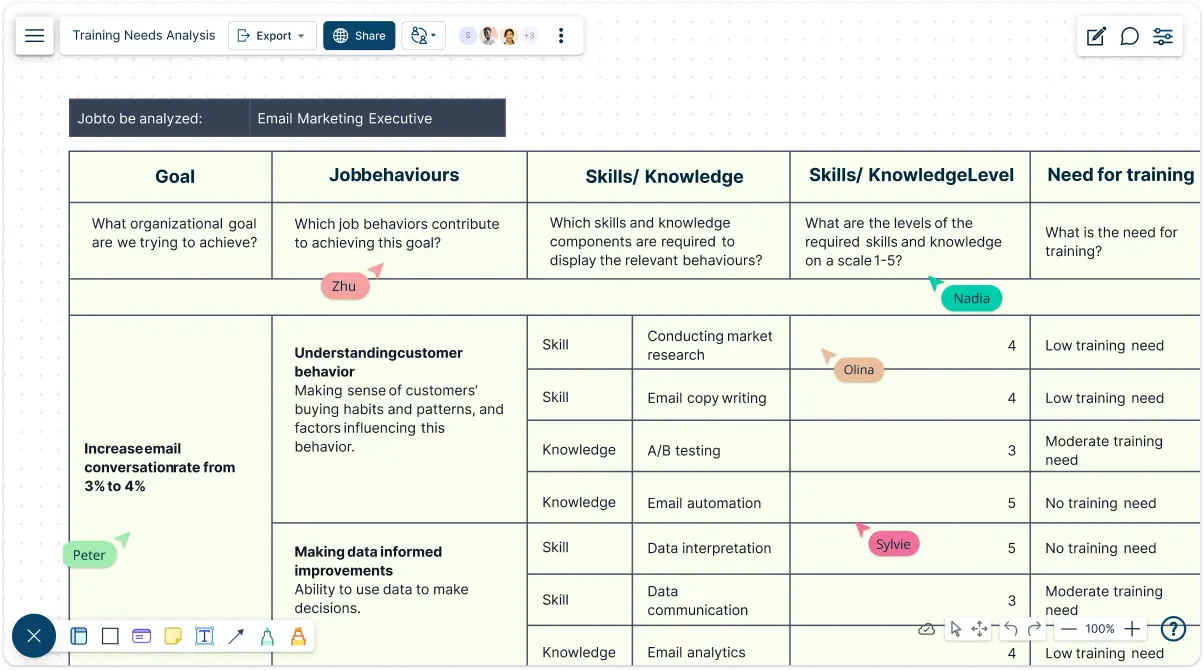
Training Needs Analysis Template to Understand & Close Skill Gaps
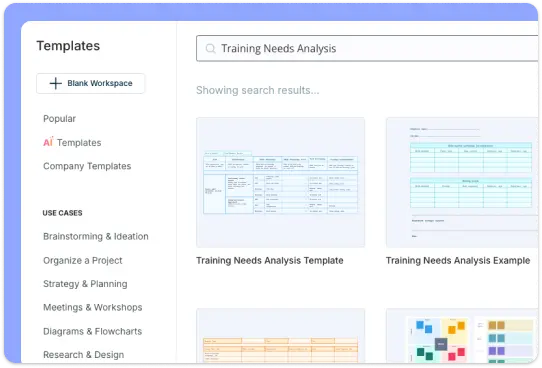
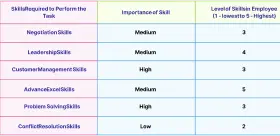
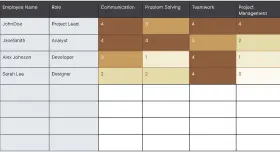
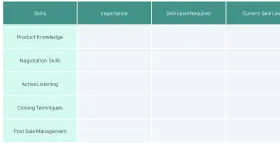
Creately’s Training Needs Analysis Template offers a structured and customizable framework to identify where skill gaps exist and how to address them effectively. With a range of pre-designed training needs analysis templates, you can dive right into the analysis process without needing to start from scratch. Modify elements to fit your organization’s specific needs, from mapping job roles to categorizing key competencies. The training needs analysis template’s intuitive drag-and-drop interface, combined with advanced table shapes and a rich library of icons, makes it easy to organize, assess, and understand team capabilities at a glance.
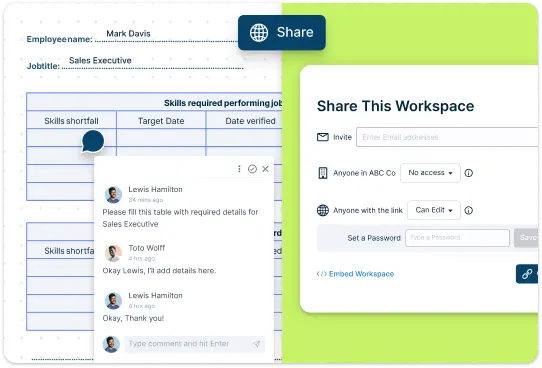
Real-Time Collaboration to Drive Meaningful Insights with Our TNA Template
Involve key stakeholders in the training needs analysis process with Creately’s robust collaboration features. Invite team members and managers to review and edit the training needs analysis template in real time, gathering valuable input from across departments. The real-time commenting feature allows team members to provide feedback on specific competencies or skill gaps, while version history keeps everyone aligned by tracking contributions. Customize sharing settings to control access and ensure the right people are engaged in the analysis, ultimately improving accuracy and alignment.
Training Needs Analysis Template to Organize Training Goals & Development Plans
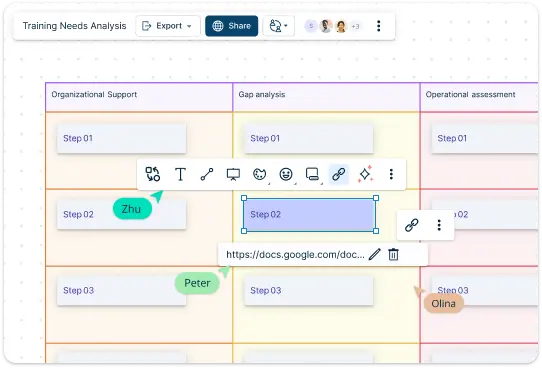
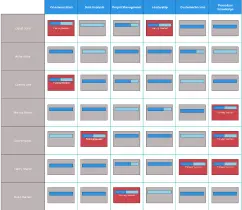
Go beyond identifying skill gaps by using Creately’s Training Needs Analysis Template to build actionable development plans. Assign priority levels to each skill gap, set clear objectives, and identify relevant training solutions—all in one centralized place. Visual indicators and color-coding make it easy to track progress and completion of training objectives. Additionally, you can attach documents or link relevant resources to specific training goals in the training needs analysis template, keeping supporting information at your fingertips and ensuring a structured, data-driven approach to workforce development.
What Is a Training Needs Analysis Template?
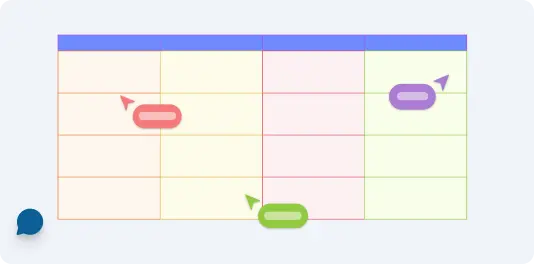
How to Use Creately’s Training Needs Analysis Template
Access the Template:
Begin by opening the Training Needs Analysis Template on Creately’s platform.Customize the Template:
Edit text boxes to input job roles, current skills, and required competencies. Adjust the layout using the drag-and-drop interface to organize your matrix according to your organization’s structure.Identify Skill Gaps:
Assign proficiency levels for each skill area and use color coding to highlight gaps. This visual approach helps you easily spot areas where training is needed most.Collaborate with Team Members:
Share the template with team members or managers and enable real-time editing to gather feedback. Use comments for discussions on specific skills or gaps, enhancing understanding and agreement on training priorities.Plan and Implement Training Solutions:
With identified skill gaps, create specific development goals and training plans. Link relevant training resources directly to skill areas, making it easy to access information and monitor progress.Present and Share Insights:
Utilize Creately’s presentation mode to showcase your analysis during meetings, or export the analysis as a PDF or PNG for further sharing and documentation.
When to Use a Training Needs Analysis Template
Launching a new project or initiative:
When your organization is starting a new project, product line, or process, a training needs analysis template helps identify the specific skills employees need to succeed.Adopting new technology or systems:
If your team is transitioning to new software, tools, or systems, a TNA template ensures employees receive the training they need to adapt and work efficiently.Evaluating team performance:
If performance reviews highlight areas where employees are struggling, a training needs analysis template helps pinpoint the exact skills or knowledge gaps and prioritize training.Preparing for organizational change:
During mergers, expansions, or restructuring, a training needs analysis template provides clarity on new roles and required competencies, ensuring employees are equipped to navigate the change.Improving employee engagement and growth:
Use a training needs analysis template to develop tailored training programs that support career development, helping employees feel valued and motivated.
Benefits of Using a Training Needs Analysis Template
Saves time and effort:
Pre-built templates provide a structured format, reducing the time spent on setup and organization. This allows you to focus on collecting data and planning effective training.Ensures comprehensive analysis:
Templates guide you through every step of the process, ensuring no critical areas—like skill gaps, priorities, or goals—are overlooked.Improves clarity and communication:
A visual template makes it easier to map out training needs and present findings to stakeholders. Clear visuals ensure everyone understands the priorities and planned actions.Enhances collaboration:
Using a collaborative tool like a TNA template enables HR teams, managers, and employees to work together effectively, contributing to a well-rounded analysis.Customizable for specific needs:
Templates can be tailored to fit your organization’s unique goals, team structures, or industries, making the TNA process more relevant and actionable.Supports strategic decision-making:
With all data organized in one place, a TNA template provides actionable insights that help prioritize training investments and align them with organizational objectives.Facilitates continuous improvement:
Regularly updating a TNA template ensures you track progress over time and adjust training plans as business needs evolve.
Premade Templates to Simplify Comprehensive Skill Assessments
FAQ About the Training Needs Analysis Template
What is the purpose of a Training Needs Analysis Template?
How customizable is Creately’s Training Needs Analysis Template?
Can multiple people collaborate on the analysis in real time?
How do I track progress with the Training Needs Analysis Template?
Can I share or export the completed analysis?































