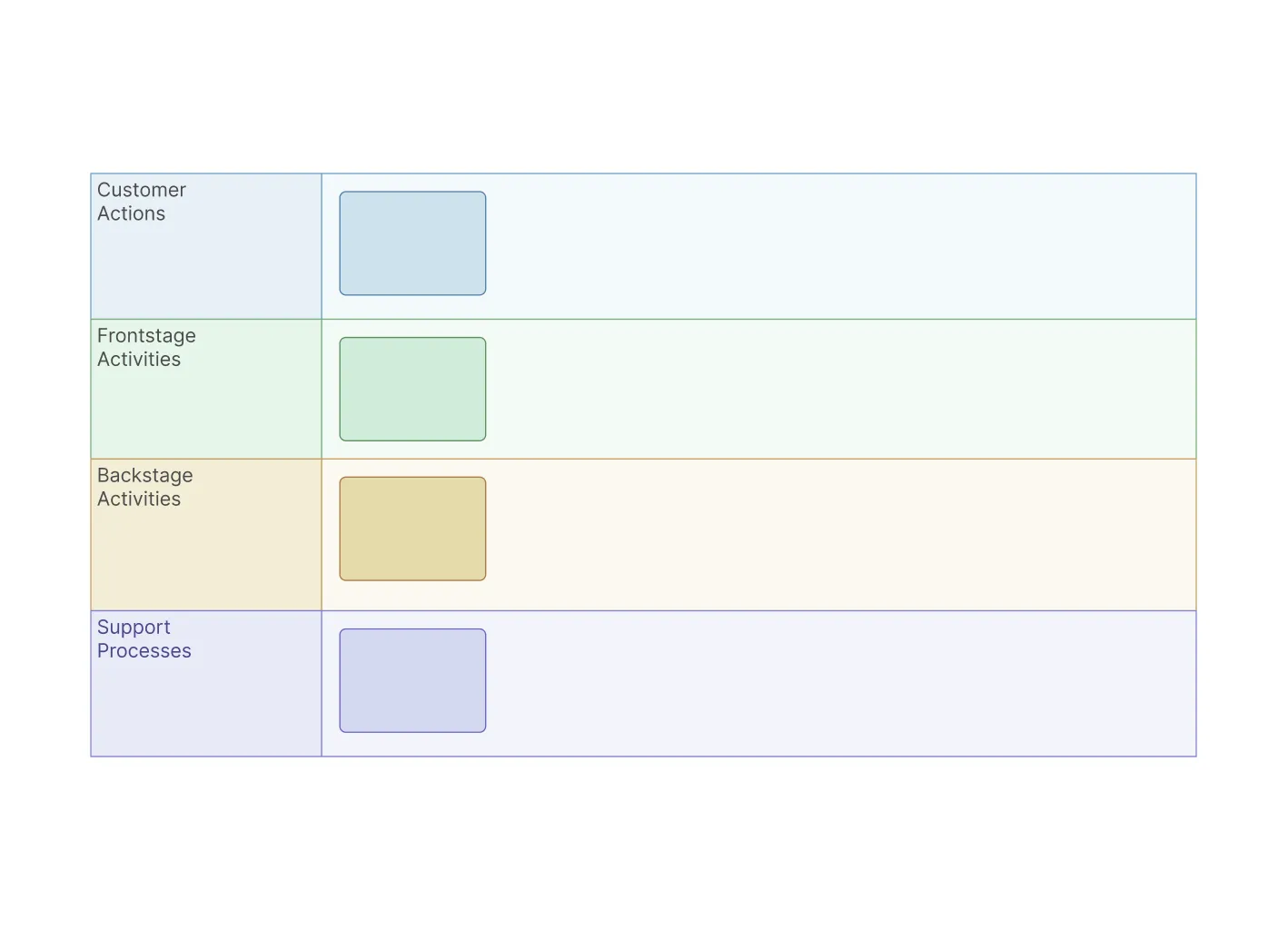
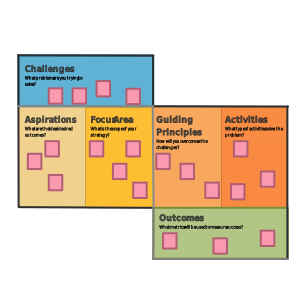
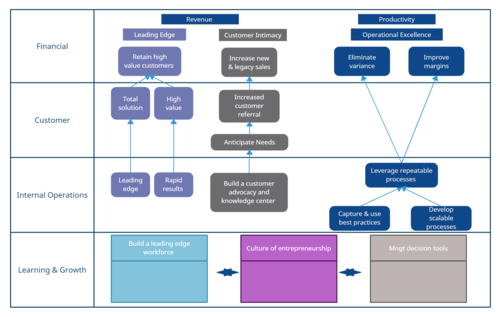
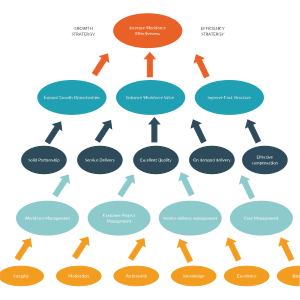
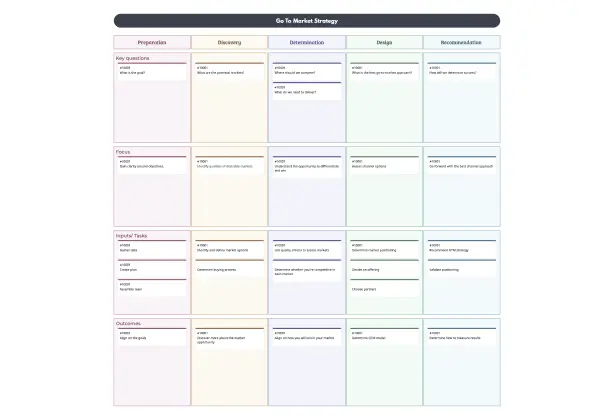
Strategy Blueprint Template

Visualize and Execute Strategy

Bring clarity, alignment, and action to your business strategy using Creately’s easy-to-customize strategy blueprint example.

  • Start with a professionally designed framework tailored for strategic clarity
  • Connect goals, KPIs, and initiatives in one dynamic, visual workspace
  • Work with teams live, share feedback, and keep everyone aligned
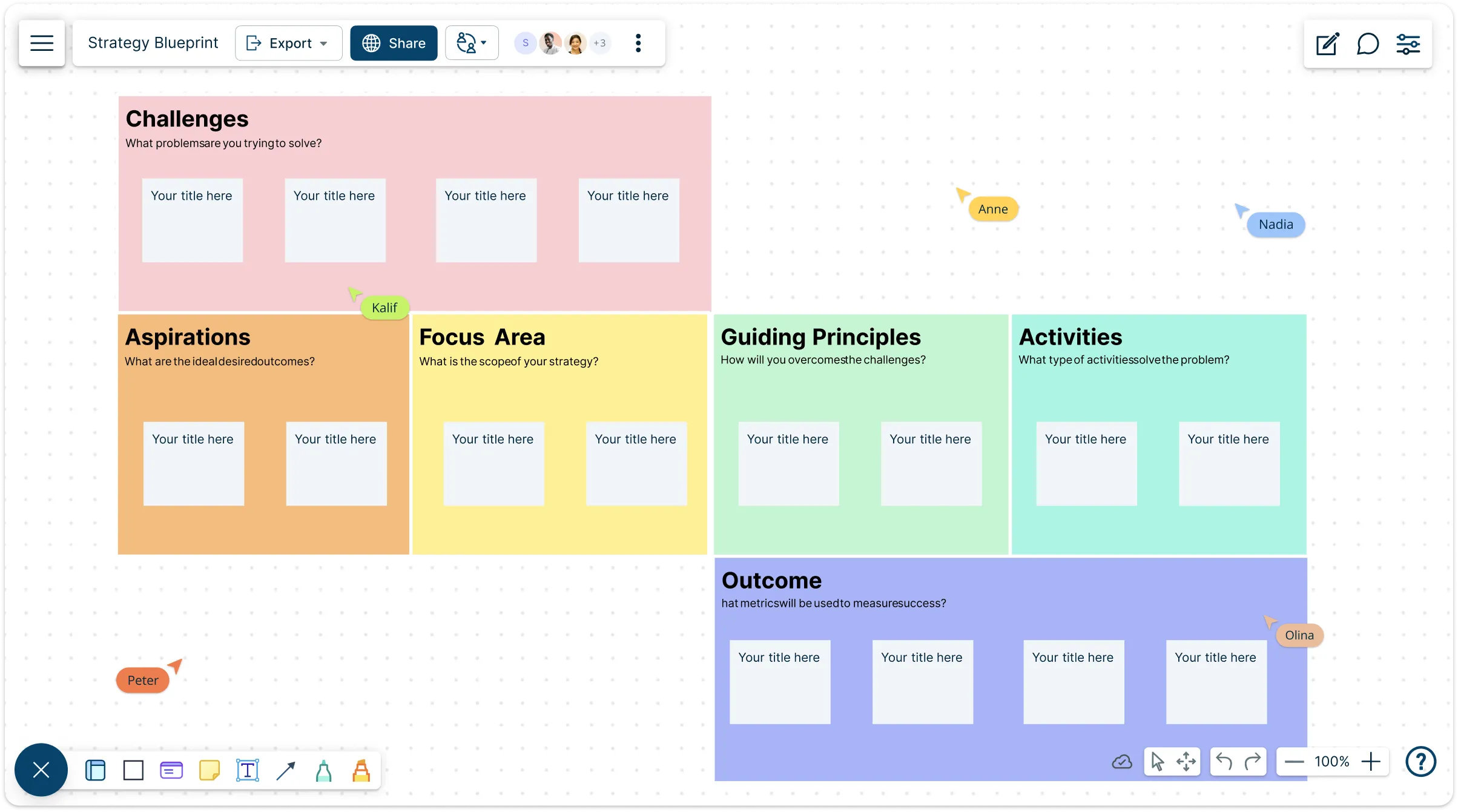
Strategy Blueprint Template

Over 10 Million people and 1000s of teams already use Creately

lp

AI Strategy Blueprint Generator

AI Strategy Blueprint Generator

Craft winning strategies faster with AI-powered clarity and structure

  1. Describe your vision, goals, or business challenge.
  2. Click Generate with AI → instantly map out strategic pillars, initiatives, and success metrics.
  3. Edit, collaborate, and align teams—all in one connected strategy blueprint.
Try Creately AI

Why teams love Creately’s AI Strategy Blueprint Generator

Try the AI Strategy Blueprint Generator
  • From vision to plan in minutes From vision to plan in minutes – AI turns high-level goals into actionable strategic blueprints.
  • See the big picture See the big picture – Visualize interdependencies between initiatives, resources, and KPIs.
  • Built for alignment Built for alignment – Co-create with leadership and cross-functional teams in real time.
  • All-in-one workspace All-in-one workspace – Link to roadmaps, business models, and org plans to stay connected.
  • Adaptable for any team Adaptable for any team – Perfect for leadership offsites, PMOs, and business unit planning.

Built-in Framework to Align Goals and Actions
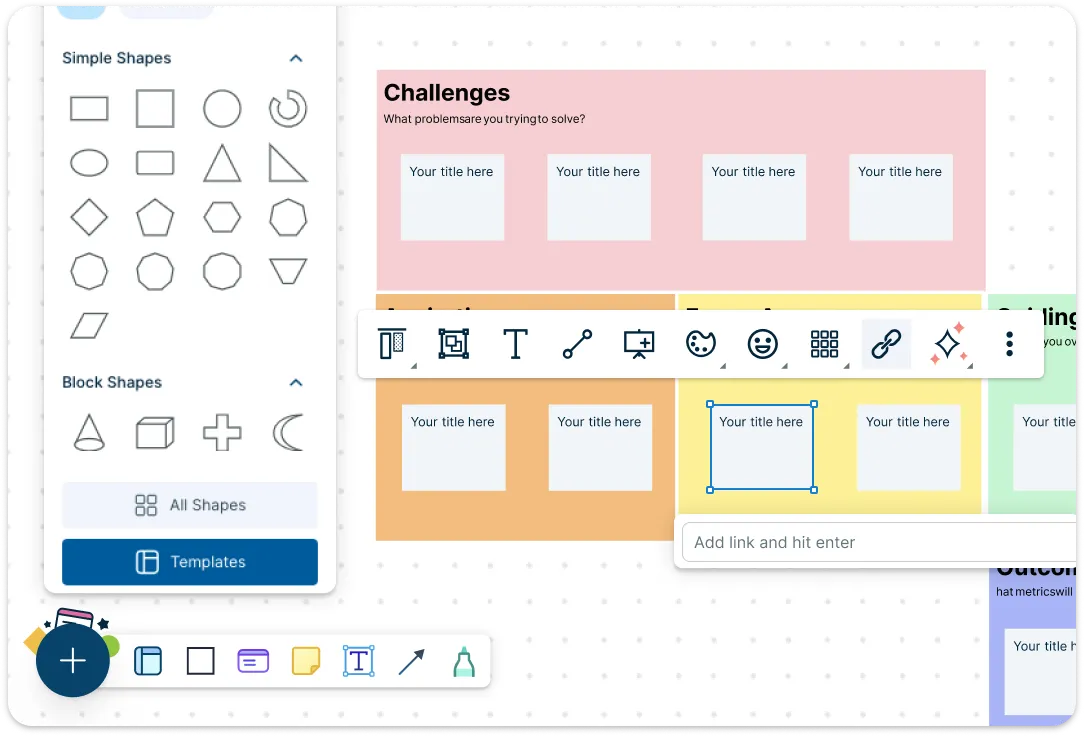
Snapshot of Creately's Editor with a Strategy Blueprint Template

The strategy blueprint template includes structured sections for mapping objectives, key results, priorities, and ownership. Kickstart your planning process using built-in brainstorming tools to capture ideas and define direction collaboratively. Use drag-and-drop elements, custom fields, and built-in task management tools to assign responsibilities and track progress as your plan evolves.
Snapshot of Creately's Editor with a Strategy Blueprint Template
Snapshot of Creately's Presentation Mode Features with a Strategy Blueprint Template

Unified Canvas for Strategic Visibility Across Teams

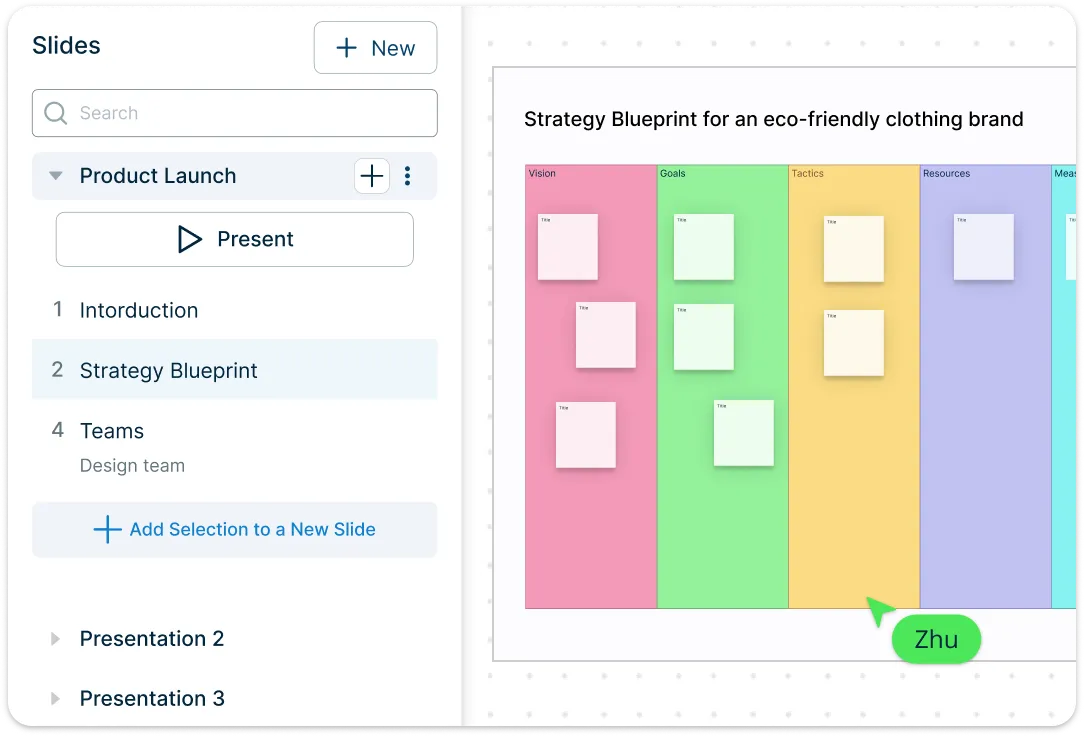
Snapshot of Creately's Presentation Mode Features with a Strategy Blueprint Template

Create a one-page strategic plan with Creately’s infinite canvas. Easily link to org charts, project boards, and documentation for complete visibility. Multi-page docs allow you to manage team-specific strategies without losing the big picture. Use presentation mode and export options to share progress with leadership or stakeholders.

Streamlined Collaboration and Secure Access Control
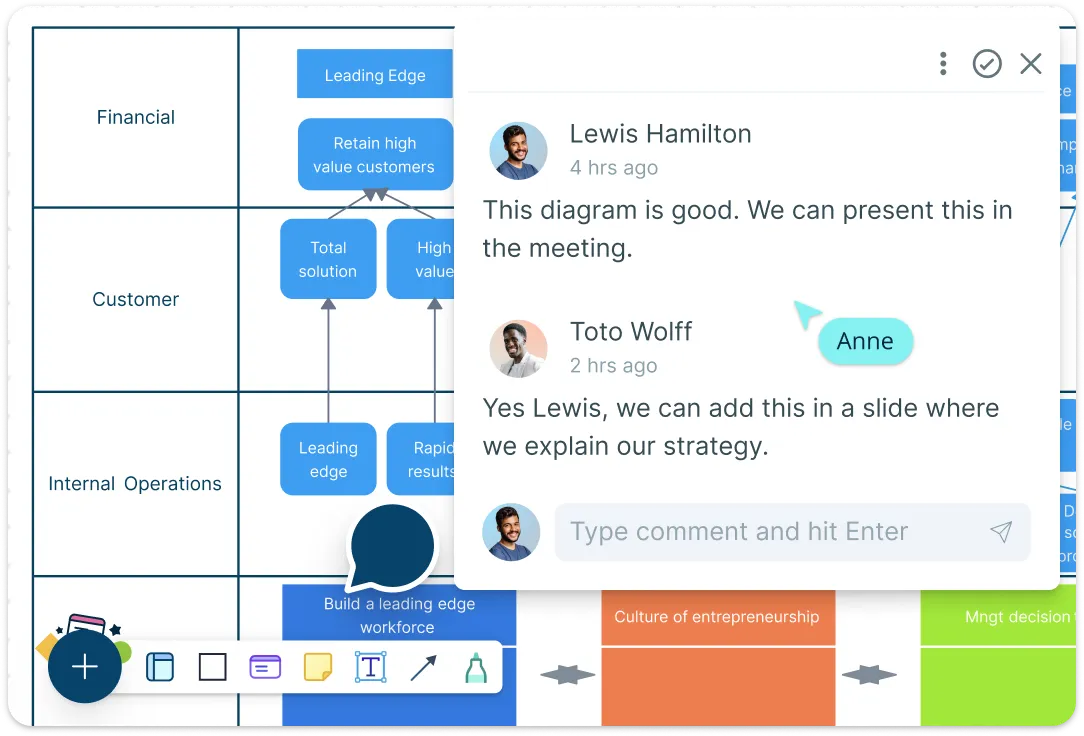
Image of Creately's Collaboration Features with Strategy Blueprint Example

Enable real-time feedback and cross-functional input with contextual comments and live editing. Set roles and permissions to manage who can view or edit each part of the plan. Whether you’re facilitating workshops or preparing for review sessions, collaboration stays smooth and secure.

Image of Creately's Collaboration Features with Strategy Blueprint Example
Snapshot of Creately's AI Feature with an Strategy Blueprint Template

AI Assistance to Simplify Strategic Planning

Snapshot of Creately's AI Feature with an Strategy Blueprint Template

Use the strategy blueprint generator to auto-generate strategy outlines based on your goals, SWOT inputs, or business context. Summarize complex plans, generate action points, or suggest improvements to existing strategies—all within the template. With AI support, you can iterate faster and make informed decisions with confidence.

What Is a Strategy Blueprint Template

A strategic blueprint is a visual planning tool used to outline and align key elements of a business strategy—such as goals, objectives, initiatives, KPIs, and ownership—in one structured framework. It helps teams map out strategic plans clearly, identify dependencies, assign responsibilities, and track execution. Designed for collaboration and adaptability, a strategy blueprint template ensures that everyone stays focused on shared outcomes and can easily adjust plans as business needs evolve.
What Is a Strategy Blueprint Template

How to Use Creately’s Strategy Blueprint Template

  • Launch the template:

    Open Creately’s strategy blueprint template from the template library. It comes with a ready-made structure to outline your strategic goals, objectives, key results, and initiatives.
  • Customize to fit your needs:

    Edit the pre-built sections using drag-and-drop components, custom fields, and preset color themes. Add integrated notes for clarity and use the built-in brainstorming tools to gather team input directly in the canvas.
  • Use the infinite canvas to connect related documents, project boards, and org charts. Build a single-page view or expand into multi-page documents for different teams or initiatives.
  • Assign and track tasks:

    Turn ideas into action with built-in task management features. Assign owners, set deadlines, and track progress without switching tools.
  • Collaborate and present:

    Invite stakeholders to review and collaborate in real time. Use comments and mentions to gather feedback, and switch to presentation mode or export your blueprint layout template to share in meetings or reports.
  • Use AI to auto-generate your initial plan:

    Leverage Creately AI to generate a first draft of your strategy with the AI strategy blueprint template. Provide basic inputs like business goals, SWOT insights, or team focus areas—Creately AI will populate the template with suggested objectives, action items, and structure you can refine further.
What Our Customers Say About Us
A Comprehensive Tool for Visual Collaboration and Diagramming
it is ease of collaborative diagramming and real-time editing. This allows teams to brainstorm, create, and refine diagrams together in a way that feels intuitive and seamless, regardless of location.
Juan Leonardo G
Efficient and User-Friendly Diagramming Tool
I love how easy it is to create and collaborate on diagrams with Creately. The real-time collaboration feature is incredibly helpful for team projects, and the extensive library of templates and shapes saves a lot of time
Aymen G
Creately provides best diagram structure.
Creately has proven to be an incredibly creative tool, enhancing the visual appeal of our company tasks significantly. Additionally, its pricing is highly competitive, offering great value for the features it provides.
Ruchika N
Great AI features
AI Modelling capability. It gives Prompt examples so user can learn how to create effective prompts
Karma A.
User friendly and visually appealing!!
The interface is easy to use. The look is aesthetically pleasing as well. Love the functionality.
Chrisoula

FAQs About the Strategy Blueprint Example

What are Creately’s strategy blueprint template pricing plans?

  • Free Plan — $0/month for basic strategy blueprint creation and collaboration
  • Starter & Team Plans — $8/month or $5/month billed annually
  • Business Plan — $149/month or $89/month billed annually

Annual billing helps you save more while unlocking advanced collaboration, workspace management, and enhanced strategy blueprint features. You can compare all available plans and features on the Creately Pricing Page.

How can you create strategy blueprints faster?

Creately helps you create strategy blueprints faster with an infinite canvas, drag-and-drop diagramming, smart connectors, and professionally designed templates. You can start with a ready-made layout or build from scratch, then collaborate and refine everything in one shared workspace.

Are there templates for different strategy blueprint use cases?

Yes. Creately offers editable templates for different strategy blueprint use cases, so you can start with a relevant structure and customize it to match your workflow, team, or project requirements.

Can teams collaborate on strategy blueprints?

Yes. Teams can work together on the same strategy blueprint in real time using live cursors, comments, mentions, and shared workspaces. This makes reviews faster and keeps everyone aligned.

Can I add notes, data, and files?

Yes. Creately lets you enrich your work with notes, links, images, documents, and additional context attached directly to shapes and items on the canvas. This helps you keep supporting information connected to the visual.

Can I share, present, or export strategy blueprints?

Yes. You can share strategy blueprints with a link, present them directly from the workspace, or export them in formats like PDF, PNG, SVG, and JPEG. This makes it easy to use Creately in meetings, documentation, reviews, and presentations.
Streamline Your Workflows by Integrating with the Tools You Love
Creately integrates with the tools your teams use every day and supports your team’s workflow seamlessly.
Github
Microsoft
Google Drive
Google Sheets
Google Docs
Google Slides
Confluence
Why Use Creately for Creating Strategy Blueprints
Creately is the intelligent visual platform enabling visual collaboration, knowledge management and project execution.
Why Use Creately for Creating Strategy Blueprints
Infinite Visual Canvas
Real-Time Collaboration
Custom Databases
Data Driven Docs
Professional Diagramming
Project & Task Management
Enterprise Grade Security
Powerful Visual Modelling

G2
Atlassian
GetApp
Capterra
Software Advice
Trust Radius

24/7 Live Support

Live in-app chat support

24/7 Live Support