Skill Gap Analysis Template
Identify and Bridge Skill Gaps
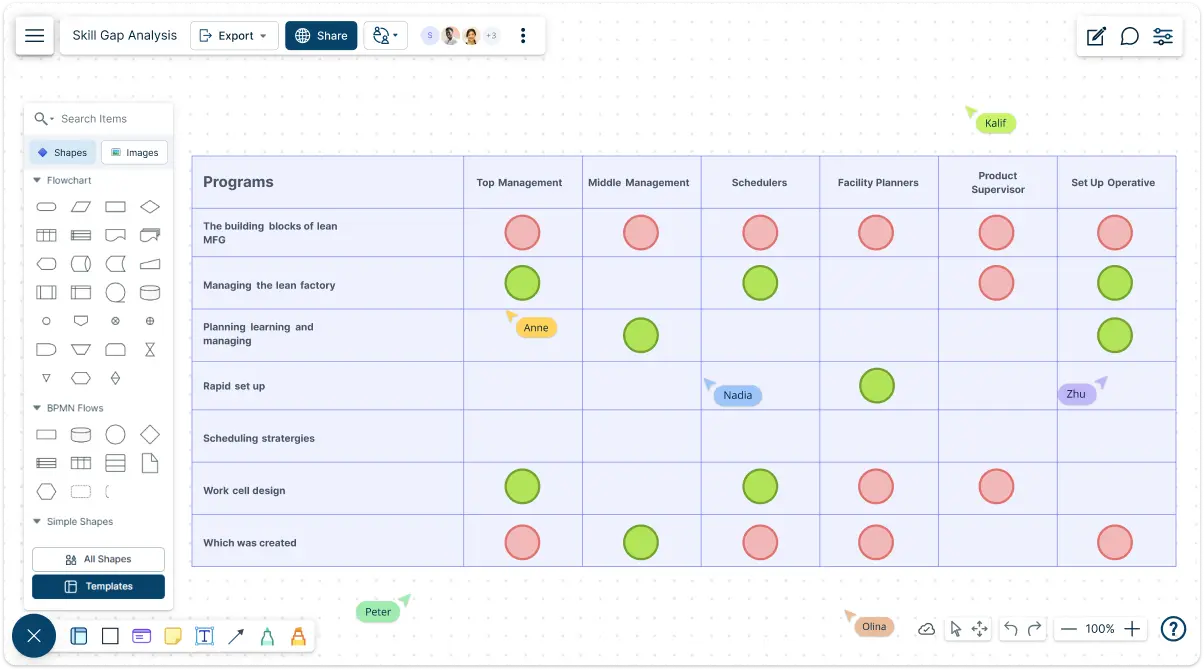
Maximize your team's potential and boost performance with Creately’s powerful skill gap analysis template. Assess current skills, uncover missing competencies, and create actionable plans for growth.
- Create, modify, and visualize your skill gap analysis quickly
- Collaborate with your team in real-time, no matter where they are
- Tailor the skill gap analysis template to suit your unique needs
Over 10 Million people and 1000s of teams already use Creately

Skill Gap Analysis Templates to Optimize Your Team’s Performance
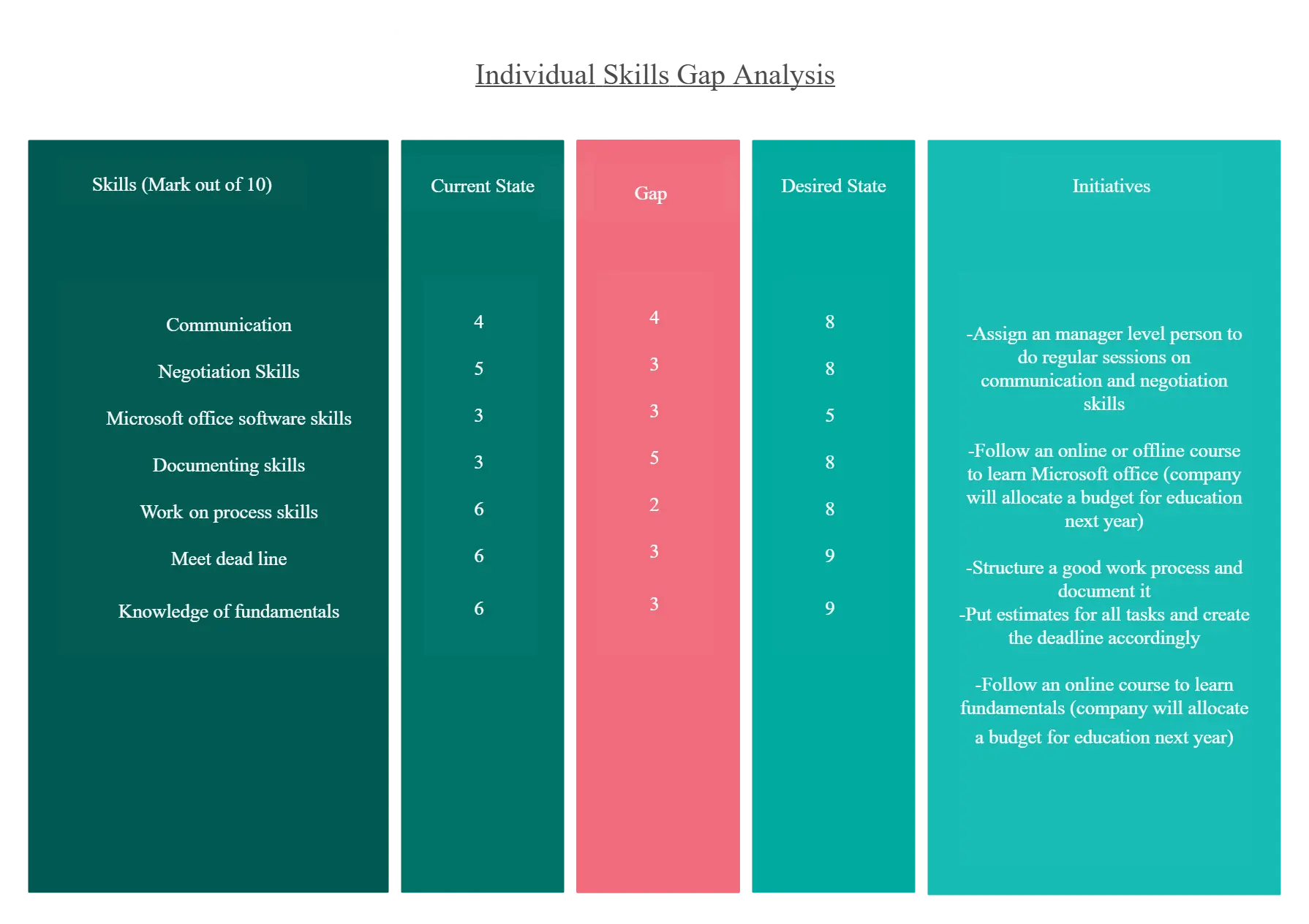
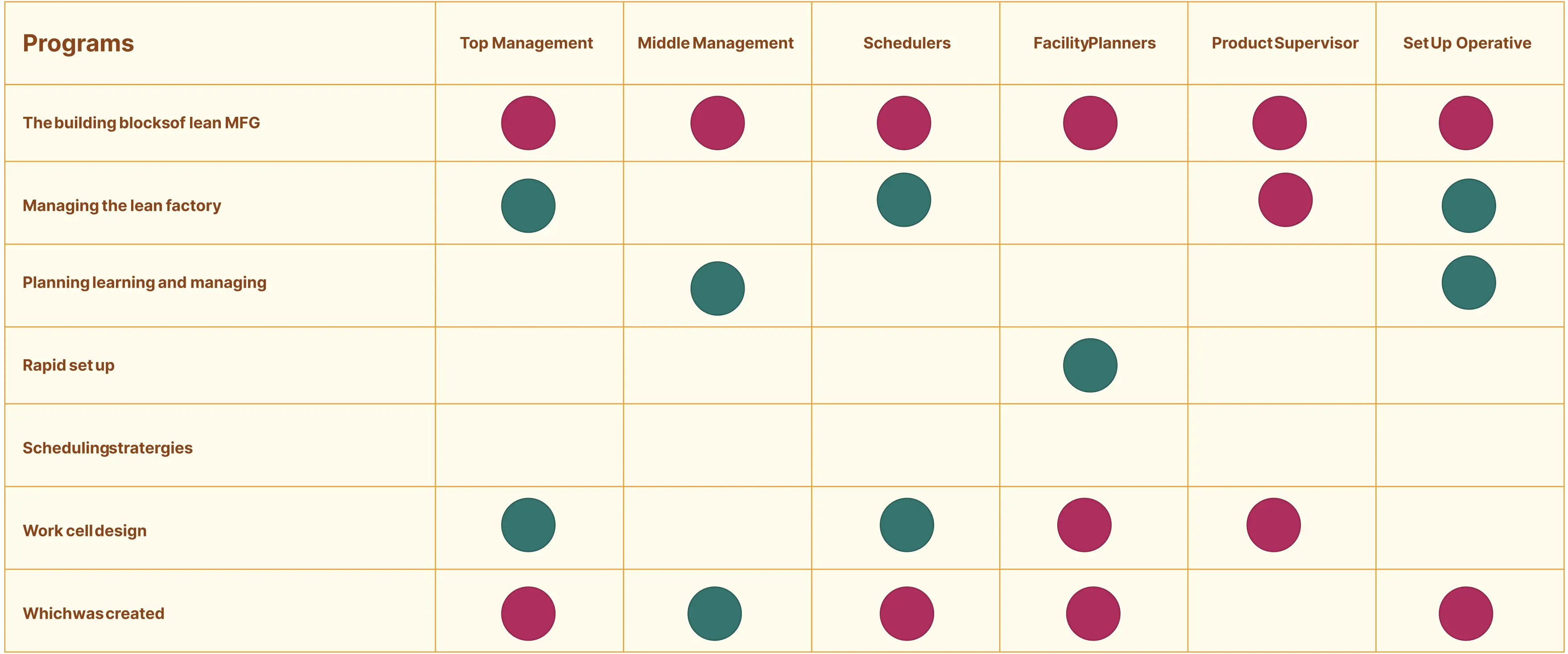
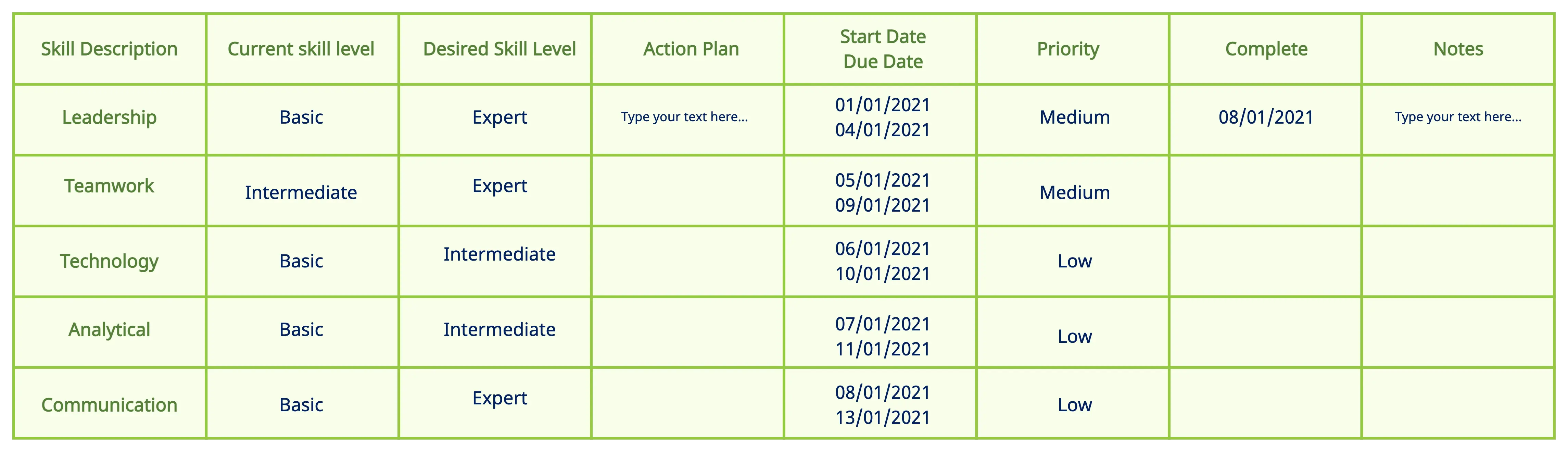
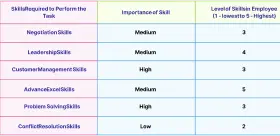
Personalize Skill Assessments with Our Skill Gap Analysis Template
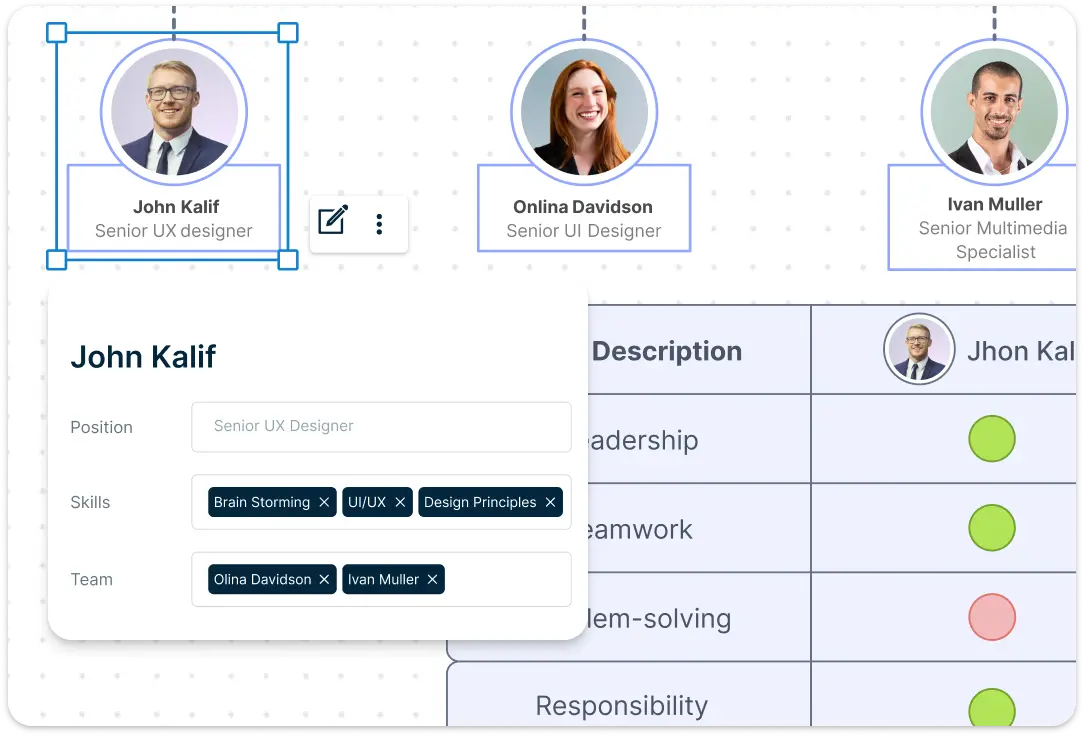
Creately’s skill gap analysis template allows you to modify categories, skill levels, and assessments to match your team’s goals. Create customizable tables to track employee skills, certifications, and competencies across your organization. Add custom fields to track competencies that matter most to your business, and adjust the visual layout to focus on the skills that are most relevant for each role.
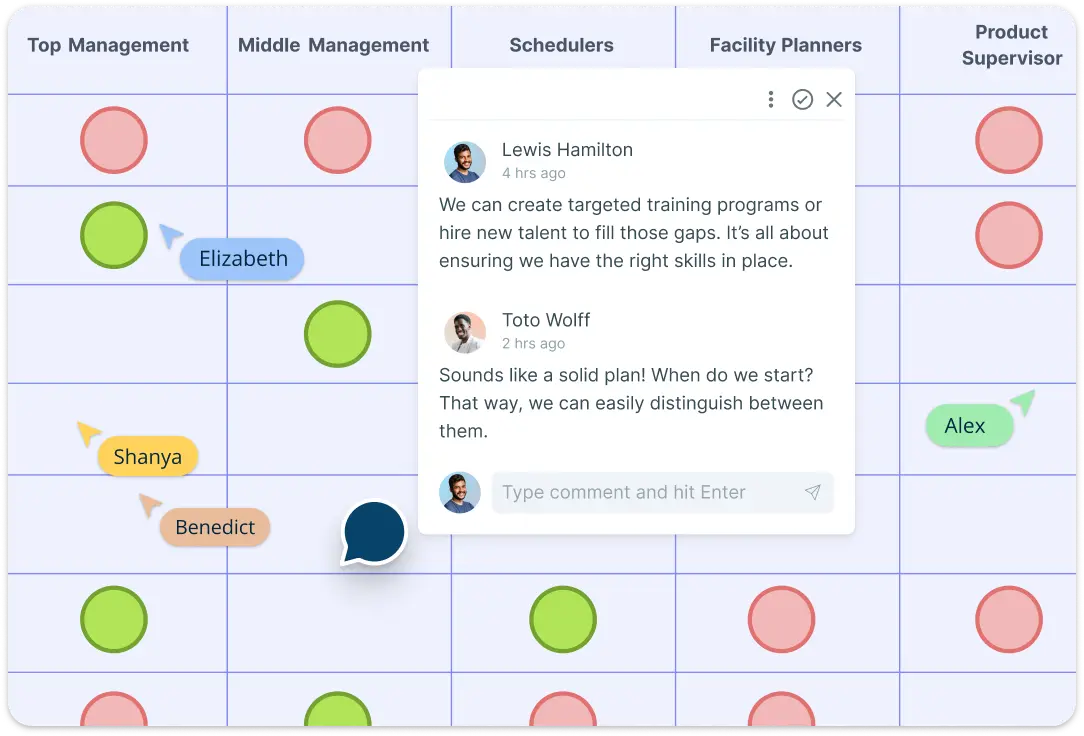
Streamline Team Collaboration with Our Skill Gap Analysis Template
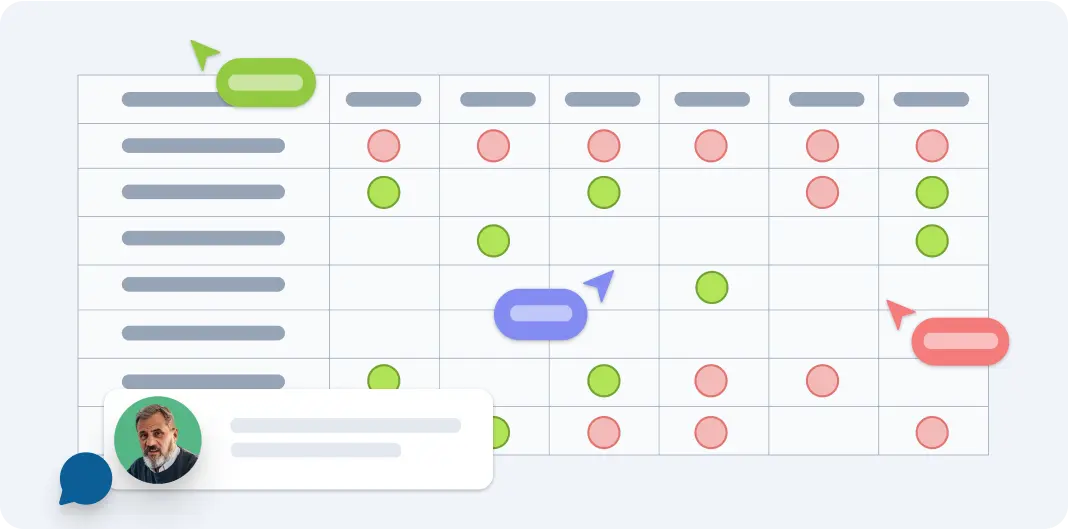
Collaborate on the skill gap analysis template with your team or stakeholders simultaneously with Creately’s real-time editing and commenting features. From HR professionals to department heads, multiple users can input data, suggest changes, and view updates live. Speed up decision-making and ensure that every perspective is considered, leading to more comprehensive action plans.
Gain Skill Gap Insights to Drive Focused Development Efforts
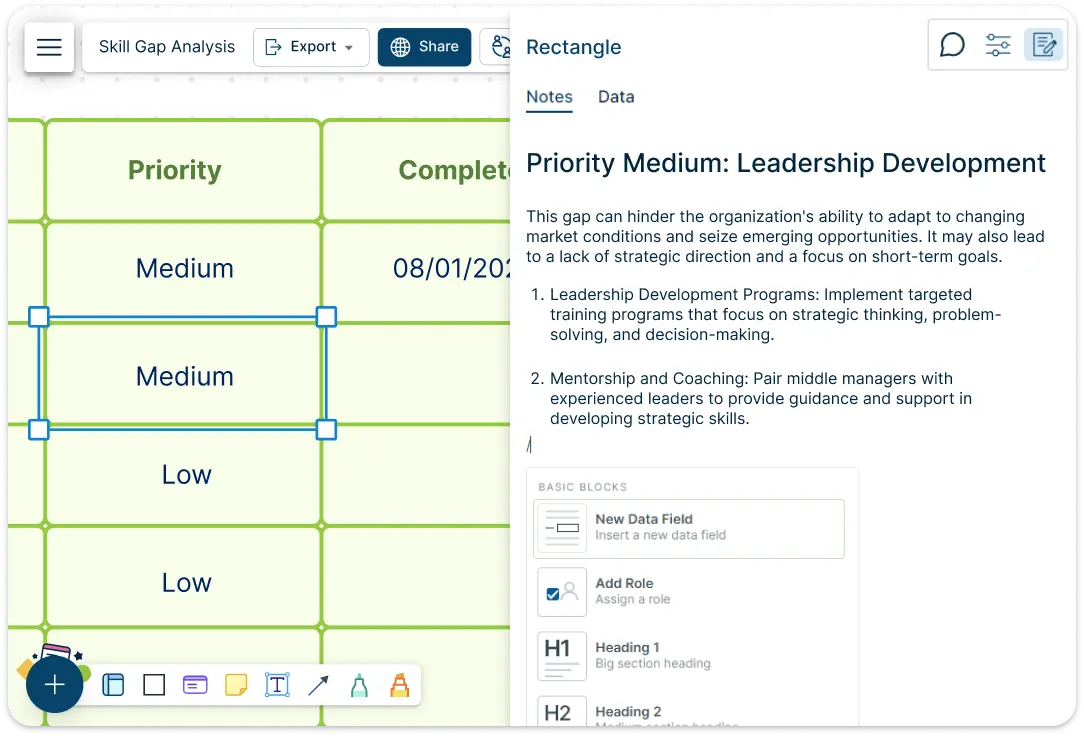
Creately’s built-in data visualization tools allow you to transform raw data into visually compelling charts, graphs, and reports. Use these visuals to identify key skill gaps, prioritize training efforts, and present findings to leadership in a clear, impactful way. Centralize all relevant employee data with attached documents, links, and notes, while using role-based access controls to securely manage, share, and review your skill gap analysis template.
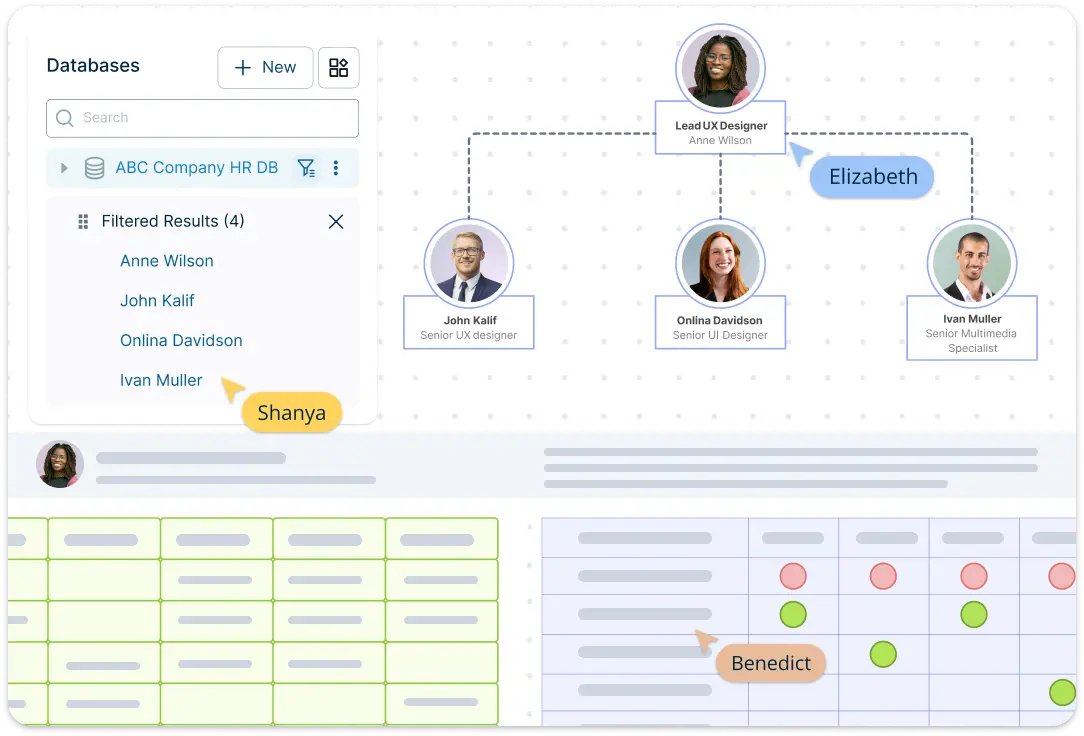
Track Employee Skills with Creately’s Skill Gap Analysis Template
Create customizable tables to track employee skills, certifications, and competencies across your organization with Creately’s visual tools. Seamless integration with HR systems and 2-way sync ensure real-time updates, making it easy to manage employee data and keep your skill gap analysis template current across platforms.
What Is a Skill Gap Analysis Template
How to Use Creately's Skill Gap Analysis Template
Start with the template:
Open the skill gap analysis template in Creately. The template provides a ready-made structure to begin mapping your team’s skills and competencies, saving you time and effort in setting up from scratch.
Input employee data:
Manually add employee information and their respective skills or competencies to the template. You can list out key skills required for specific roles and the current proficiency levels of your employees.
Customize skill categories:
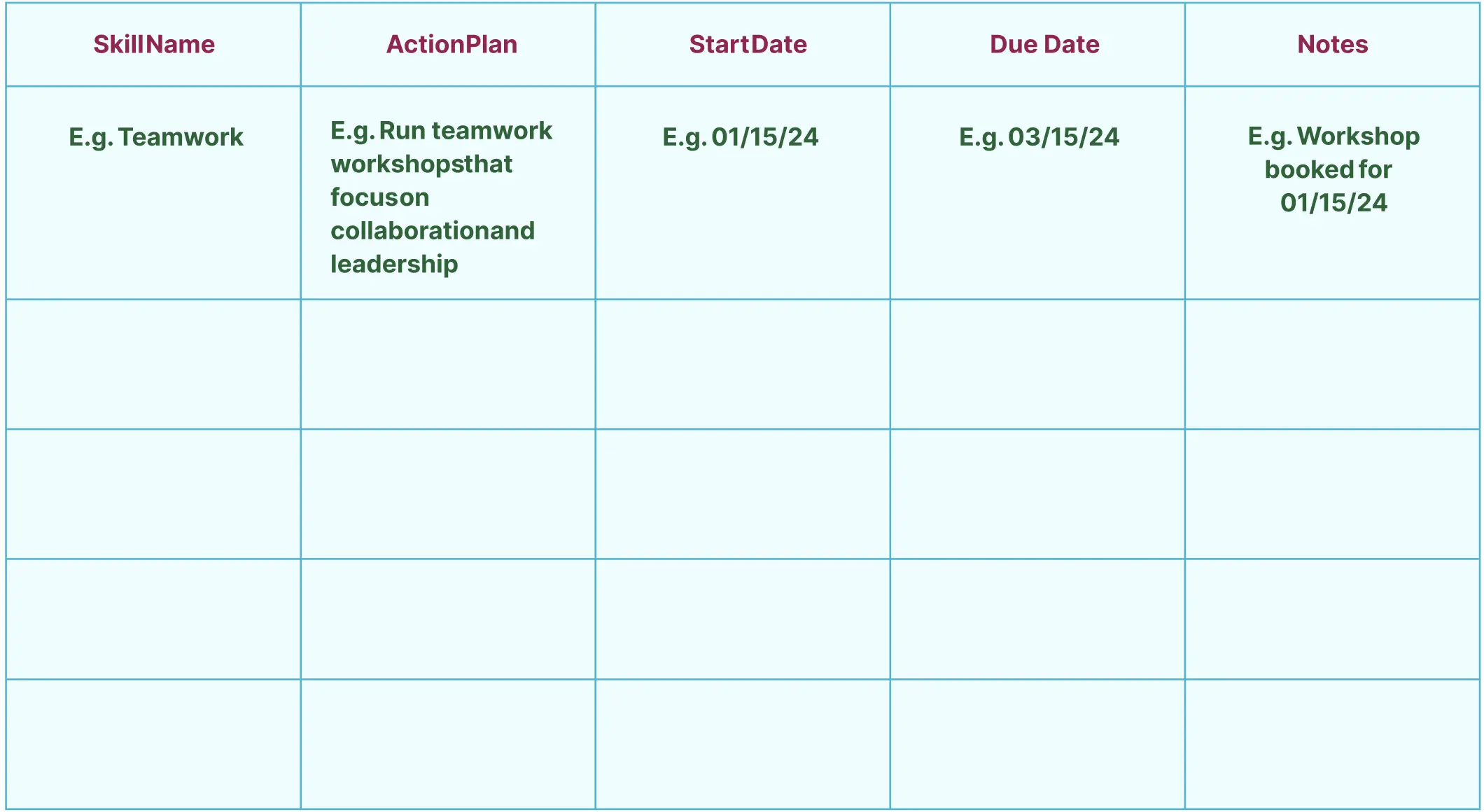
Adjust the categories or fields to suit the specific skills needed for each role in your organization. You can add additional rows for certifications, technical skills, or soft skills, depending on your industry and team needs.
Analyze skill gaps:
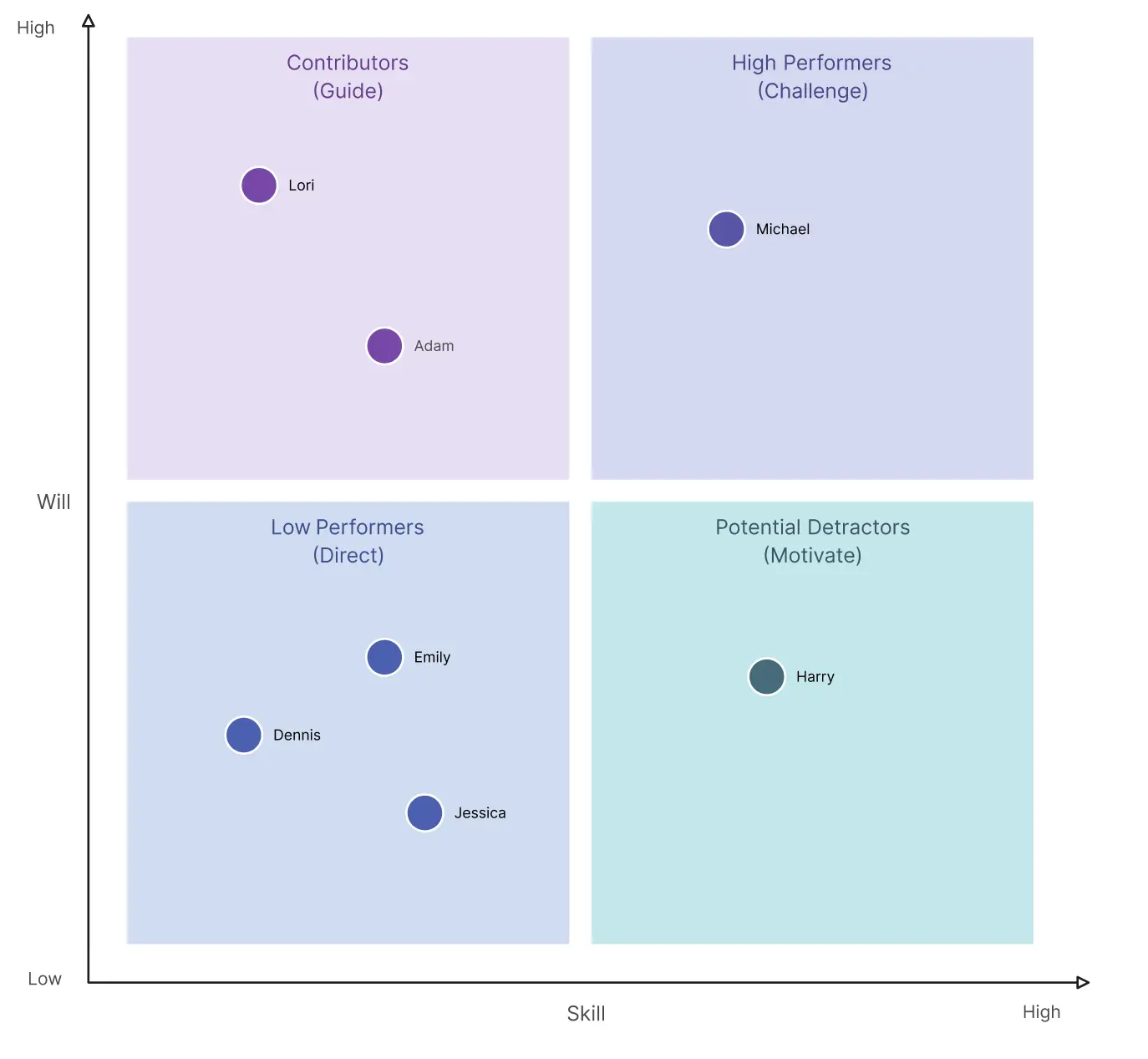
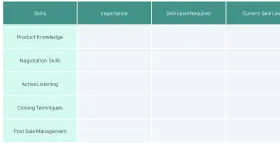
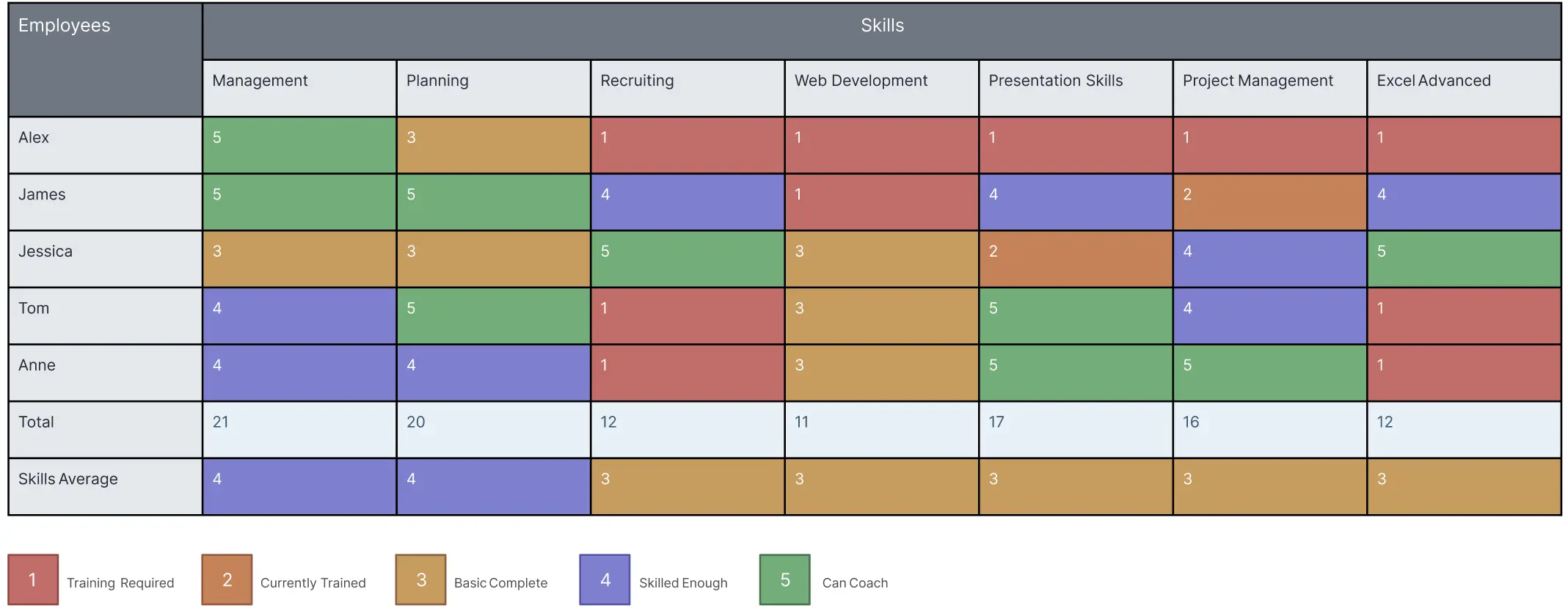
Once the data is input, compare the required skill levels with the existing ones to identify any gaps. The visual layout makes it easy to see where training or development is needed.
Collaborate and share:
Share the analysis with team members or department heads using Creately’s collaboration features. They can review, provide feedback, or suggest development plans based on the identified gaps.
Update and track progress:
As you implement training programs or employee development plans, continuously update the template. This will allow you to track progress over time and ensure skill gaps are closing.
Quickly Visualize and Address Competency Gaps with Pre-Built Templates
FAQs About the Skill Gap Analysis Template
Why should I use a skill gap analysis template?
How does a skill gap analysis template work?
What data do I need to perform a skill gap analysis?
How can a skill gap analysis template help with employee development?
Who should use a skill gap analysis template?































