Responsibility Assignment Matrix Template (RAM)
Ensure Project Clarity with Responsibility Assignment Matrix Template
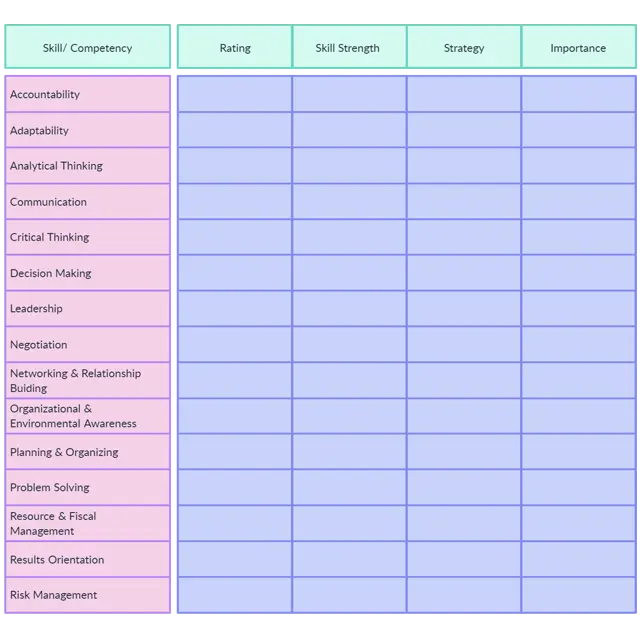
Transform complex project management into a defined blueprint of organizational roles and expectations. Meticulously mapping who is responsible, accountable, consulted, and informed for each project activity, this matrix eliminates ambiguity and drives precise team performance.
- Create crystal-clear role definitions for every project activity
- Eliminate task confusion and reduce project delays
- Visualize responsibilities with intuitive, customizable matrices
Over 10 Million people and 1000s of teams already use Creately

Define Roles Clearly with Our Responsibility Assignment Matrix Template
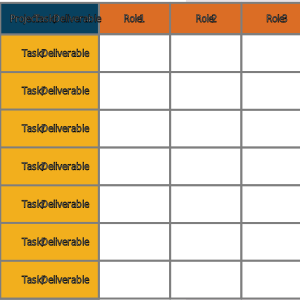
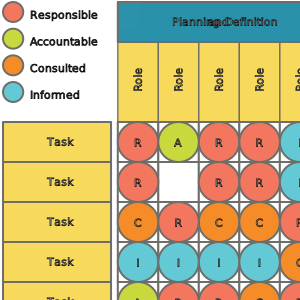
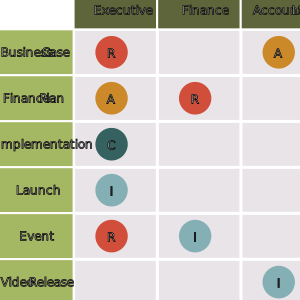
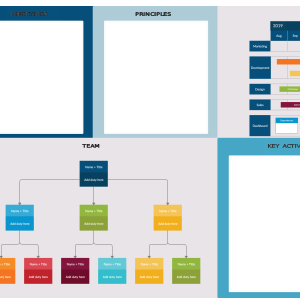
Clarify Responsibility and Visualize Your Path to Project Success
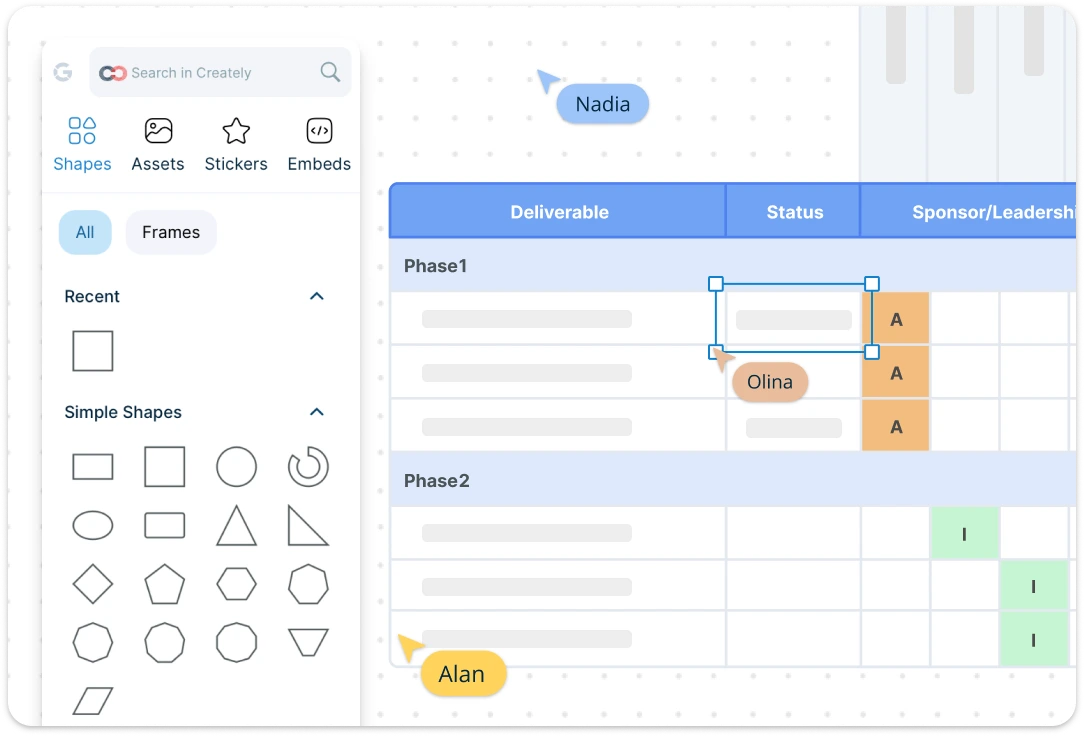
Access a library of ready-made templates for responsibility matrices to map out roles and responsibilities, adapting them to your specific project structure. Easily add, remove, and rearrange elements in your RAM template using an intuitive drag-and-drop interface for seamless editing. Use color-coding and advanced formatting options to categorize roles and indicate involvement levels, making it easier to analyze project responsibilities at a glance.
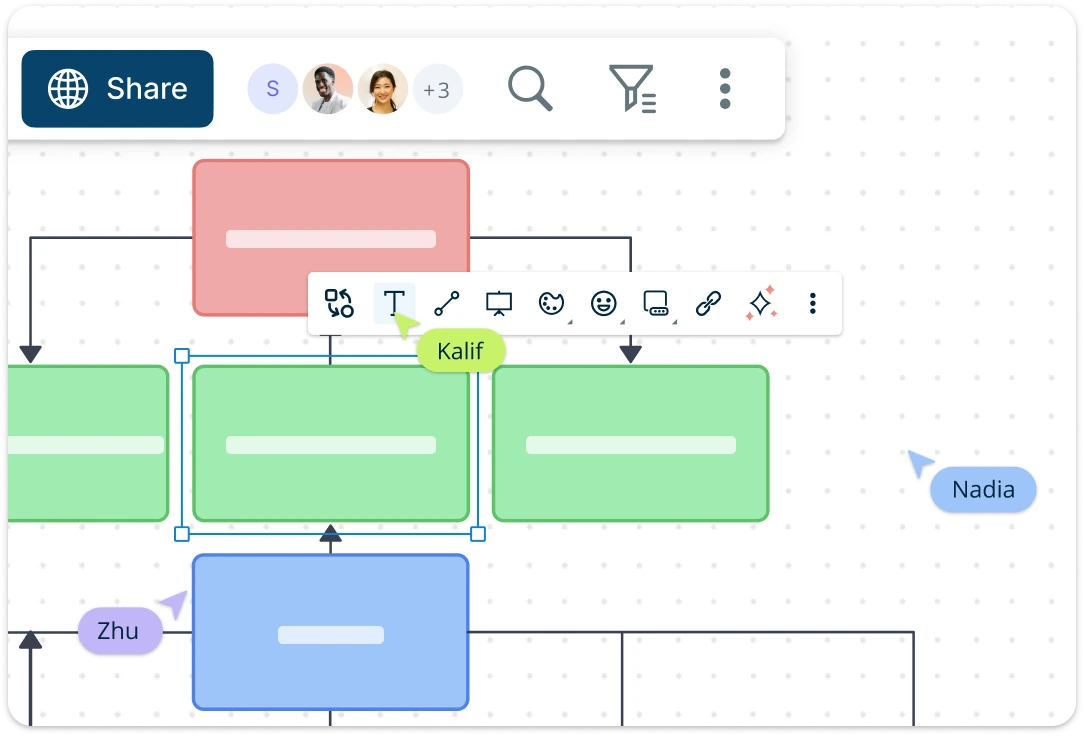
Collaborate for Effectively with the Responsibility Assignment Template
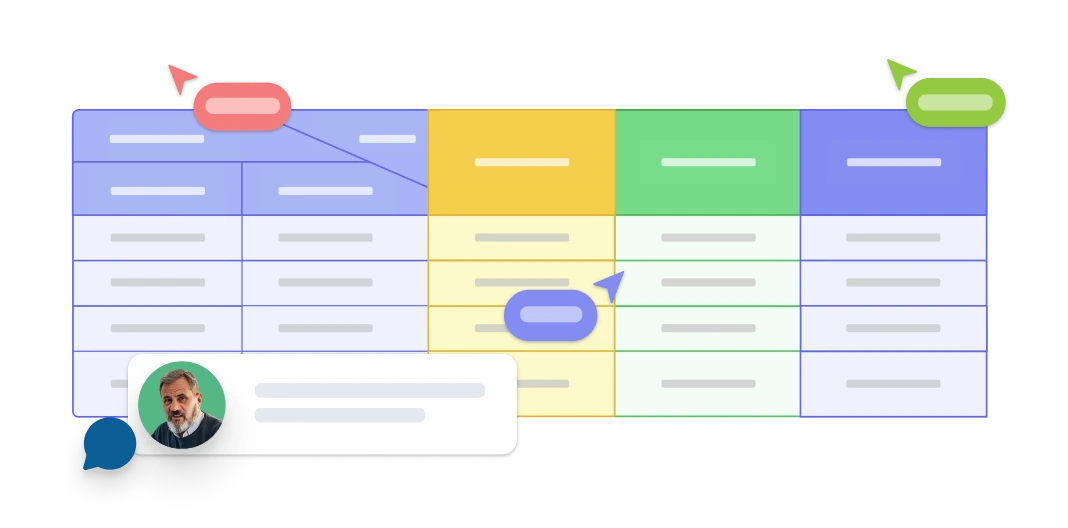
Enable seamless teamwork with real-time editing features, allowing all stakeholders to contribute to the Responsibility Assignment Matrix (RAM) simultaneously. Facilitate clear communication with inline commenting and annotation tools to ensure that every team member can share insights on roles and responsibilities. Version control ensures transparency and accountability, allowing you to track updates and maintain a complete history of assignments and changes within the matrix.
Assign Tasks and Centralize Project Information
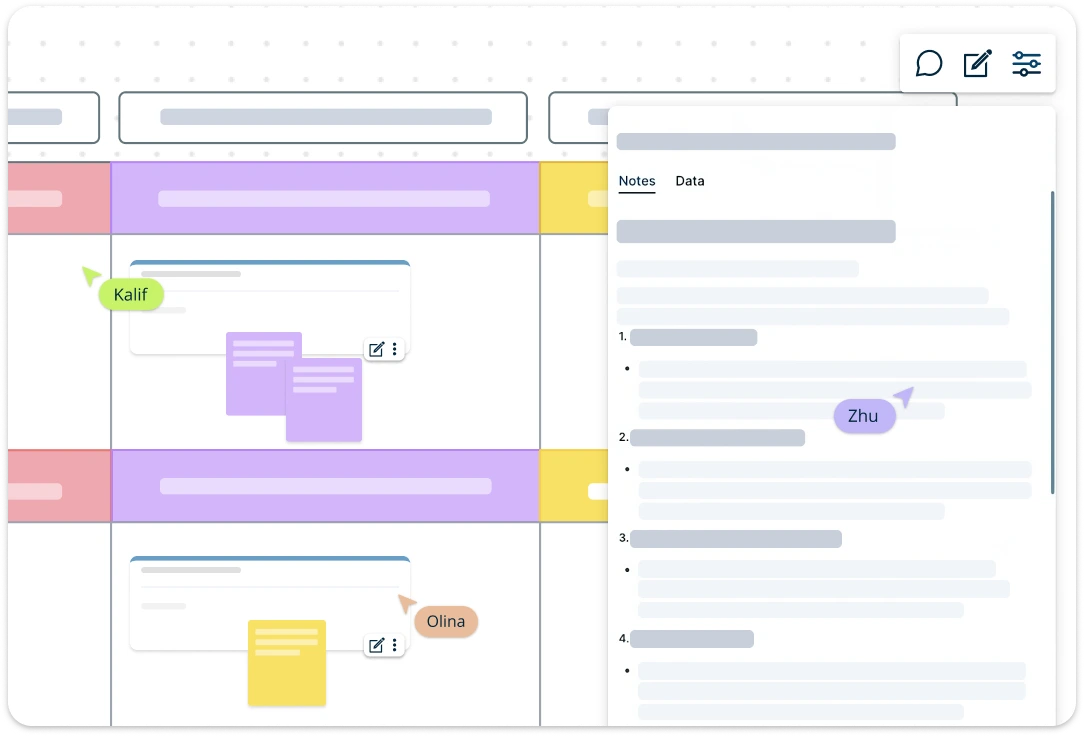
Keep all relevant documents and notes organized within the responsibility assignment template. Easily embed files or add notes, links, and resources related to each role or task with per-item notes and data fields, ensuring that crucial information is readily accessible. Share your responsibility matrix with stakeholders through secure links, making it easy for everyone to stay informed and engaged in the project planning process.
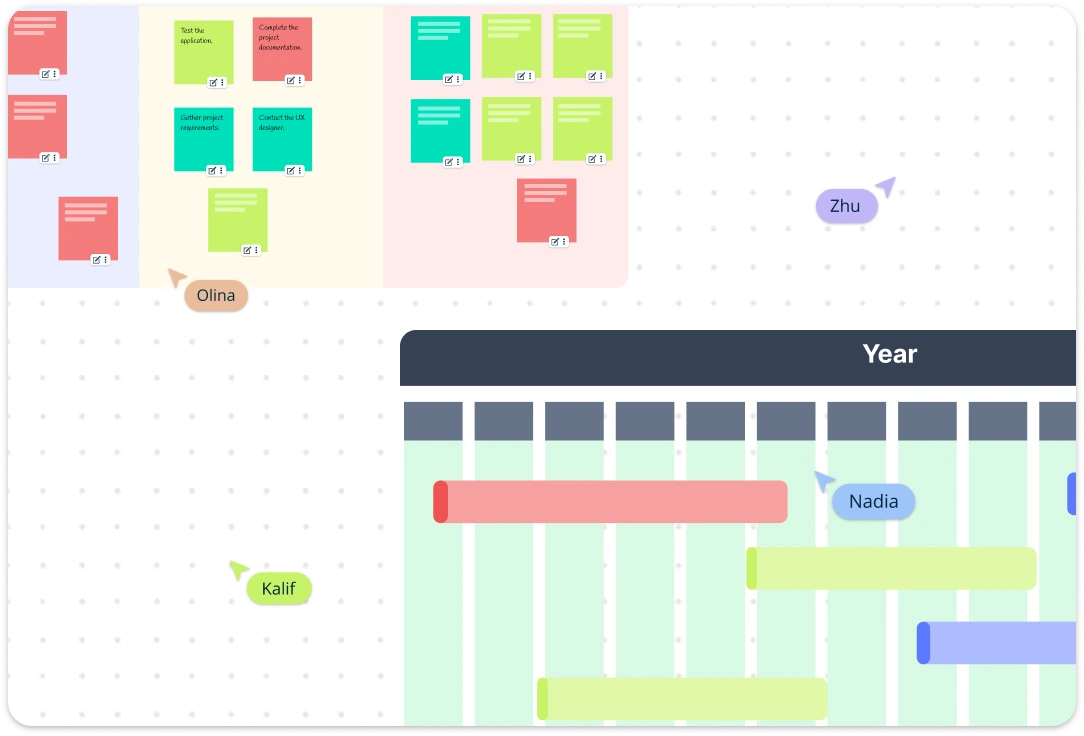
Establish Clear Timelines For Clear Accountability
Define key milestones throughout the project management process to ensure all stakeholders are aware of critical deadlines for task assignments, reviews, and deliverables. Visualize these timelines with Gantt charts, illustrating task dependencies and helping you manage resources effectively. Visualize project tasks using Kanban boards for a more agile approach, allowing you to track each team member’s progress through various stages.
Manage Project Uncertainty WIth the Responsibility Assignment Matrix
Use custom scenario planning templates along with the responsibility assignment matrix to compare potential project paths, enabling you to make informed decisions about resource allocation and team dynamics. With built-in risk assessment tools, you can evaluate the impact of each scenario and develop strategies to mitigate risks, ensuring a smooth and secure project execution even in uncertain circumstances.
What is a Responsibility Assignment Matrix Template?
How to Use Creately's Responsibility Assignment Matrix Template
Access the template:
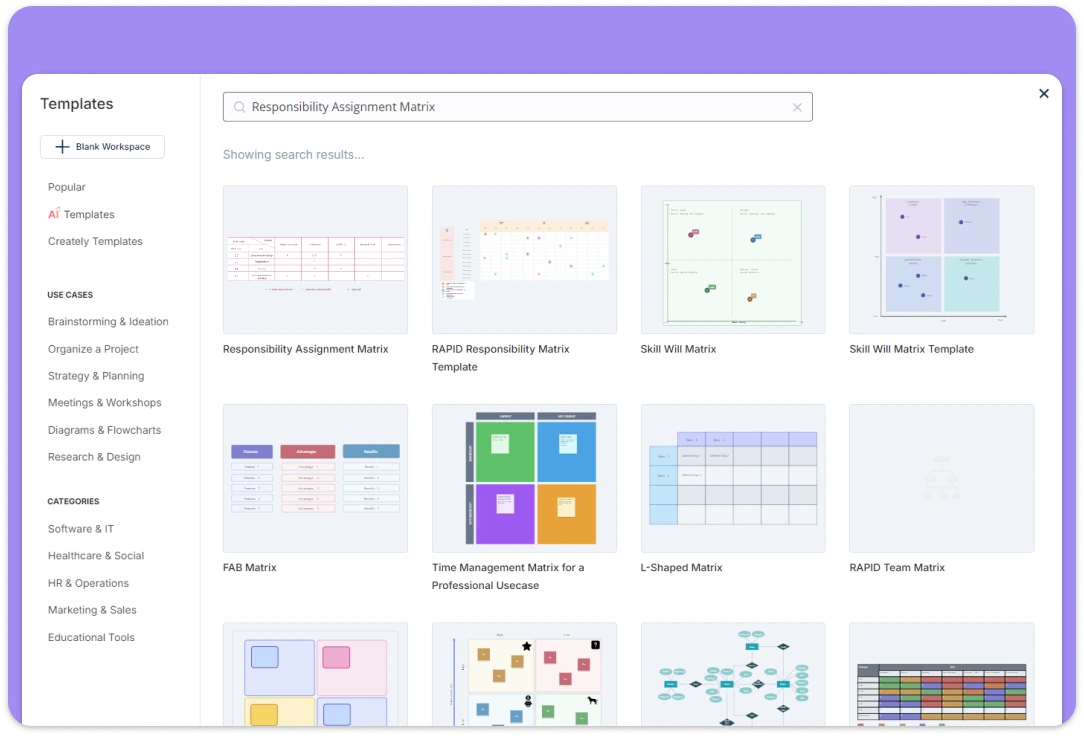
Open Creately and search for the responsibility assignment matrix template. Choose from pre-built templates designed for different project types or create one from scratch to fit your specific needs. This flexibility allows you to either jumpstart your planning process or customize the framework to your requirements.Identify Key Project Activities:
Begin by identifying the critical activities within your project. These are the tasks essential for the smooth functioning and overall success of your initiative. Add these activities to your RAM template and visually represent them to keep things clear and organized.Add Team Members and Roles:
Evaluate the involvement and responsibility levels of each team member. Use Creately’s color-coding and formatting features to indicate their level of involvement, such as “Responsible,” “Accountable,” “Consulted,” or “Informed.” Attach relevant documents to provide context for each role.Create Communication Plans:
Develop clear communication strategies for each responsibility level. Outline how and when team members should interact, share updates, and provide input. Use Creately’s built-in task management features to assign communication deadlines and track collaborationCollaborate with Your Team
Collaboration is crucial for effective responsibility assignment. Share the Responsibility Assignment Matrix Template (RAM) template with key stakeholders and invite their input. Use Creately’s real-time editing and commenting features to gather feedback, provide suggestions, and make adjustments together.
Benefits of Responsibility Assignment Matrix Template
Streamline Project Management Processes:
The Responsibility Assignment Matrix (RAM) simplifies project workflows by providing a clear, visual structure. It eliminates redundant meetings, clarifies roles, and allows team members to focus on executing tasks effectively. RAM acts as a strategic roadmap, guiding projects from start to finish with minimal friction.Create Clear Role Definitions:
Ambiguity in roles can derail a project. Responsibility Assignment Matrix Template (RAM)eliminates confusion by providing a detailed blueprint of responsibilities and authority. Team members gain clear expectations, reducing conflicts and ensuring accountability for every task.Enhance Team Communication
RAM boosts communication by defining who needs to be informed, consulted, or kept in the loop. It breaks down silos, fosters collaboration, and ensures everyone understands how their work connects, creating a transparent and cohesive team dynamic.Improve Accountability
With RAM, every task is assigned a clear owner, ensuring accountability at every level. This transparency minimizes delays, prevents tasks from slipping through the cracks, and motivates team members to deliver on their responsibilities.Facilitate Better Decision-Making
By outlining who has decision-making authority and who should be consulted, Responsibility Assignment Matrix Template (RAM) streamlines the decision-making process. It prevents bottlenecks, ensures input from the right stakeholders, and accelerates project progress while maintaining quality outcomes
FAQs About the Responsibility Assignment Matrix Template
FAQs About the Responsibility Assignment Matrix Template
What are Creately’s responsibility assignment matrix template (ram) pricing plans?
- Free Plan — $0/month for basic responsibility assignment matrix (ram) creation and collaboration
- Starter & Team Plans — $8/month or $5/month billed annually
- Business Plan — $149/month or $89/month billed annually
Annual billing helps you save more while unlocking advanced collaboration, workspace management, and enhanced responsibility assignment matrix (ram) features. You can compare all available plans and features on the Creately Pricing Page.
How can you create responsibility assignment matrix template (ram)s faster?
Are there templates for different responsibility assignment matrix template (ram) use cases?
Can teams collaborate on responsibility assignment matrix template (ram)s?
Can I add notes, data, and files?
Can I share, present, or export responsibility assignment matrix template (ram)s?






















