Resource Allocation Template
Level up Your Resource Planning with Creately’s Resource Allocation Template
Plan, organize, and track resources effortlessly with Creately’s resource allocation template. Whether you’re managing a small team or handling complex projects, our resource allocation template provides the structure you need to stay on top of everything.
- Start instantly with customizable resource allocation frameworks
- Work with your team in real-time, wherever they are
- Move beyond spreadsheets and create visually appealing resource plans
Over 10 Million people and 1000s of teams already use Creately

Streamline Your Workflow with Resource Allocation Templates
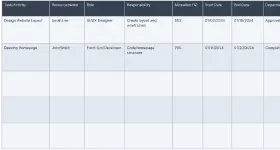
Plan Smarter and Save Time with Our Resource Allocation Template
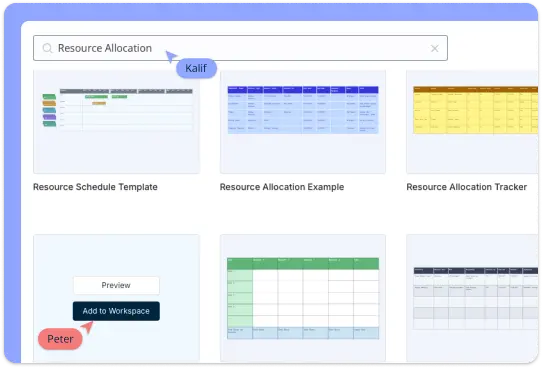
Say goodbye to the hassle of starting from scratch! Creately’s ready-to-use templates and frameworks make resource allocation a breeze. With its intuitive drag-and-drop interface, you can quickly customize your plans—adjust colors, fonts, and shapes to match your project style. Need to present your plan? Simply switch to presentation mode and share your work with ease, communicating with your team or stakeholders in no time.
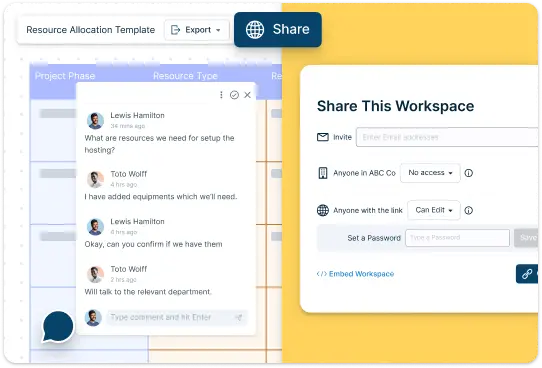
Collaborative Resource Allocation Template to Keep Everyone on the Same Page
Creately keeps your team in sync, no matter where they are. With real-time updates, everyone stays in the loop as things change. Sharing your resource allocation template is a breeze, whether in different formats or directly within the platform. Let your team get involved with comments, feedback, and even voting on ideas to make decisions together. Plus, you control who sees or edits what with customizable access levels, ensuring your plans stay organized and secure while everyone works seamlessly together.
Stay Flexible and In Control with Our Resource Allocation Template
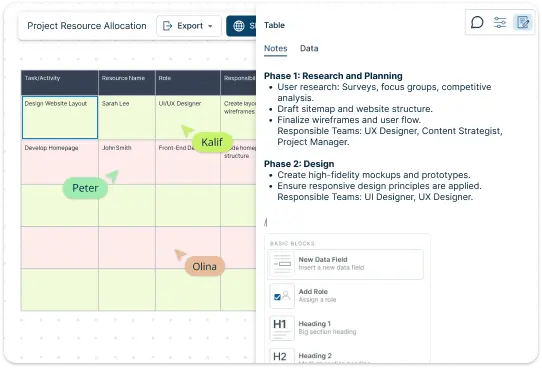
Creately offers the flexibility you need to stay in control of your resource allocation. Integrated notes and data fields allow you to attach important details or documents directly to your plans, ensuring that nothing is missed. You can create custom resource databases tailored to your project, allowing you to track and manage your resources with ease. Task tracking features let you monitor progress and make adjustments when necessary, ensuring your resources are being used effectively and efficiently throughout the project.
What Is a Resource Allocation Template

How to Use Creately’s Resource Allocation Template
Choose Your Resource Allocation Template:
Start by selecting one of Creately’s pre-designed resource allocation templates. Whether you’re managing a team or planning a project, you’ll find a resource allocation template that suits your needs.
Customize the Resource Allocation Template:
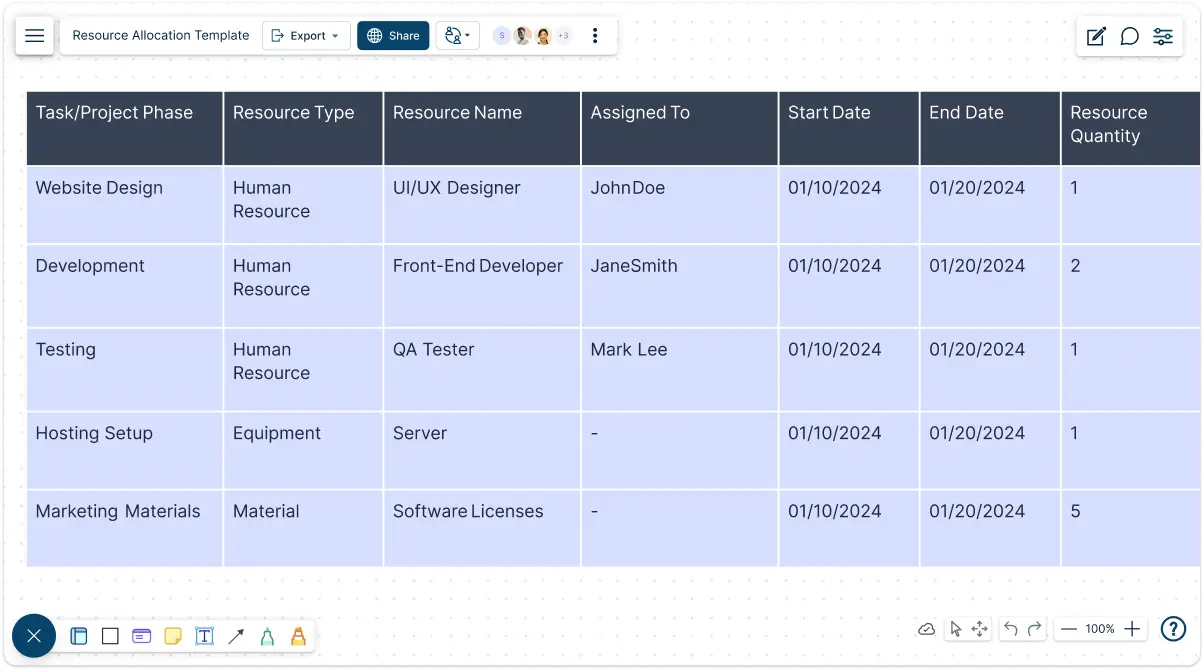
Once you’ve picked your resource allocation template, it’s time to customize it. Add your project tasks, define the resources needed, and assign them to team members. You can adjust colors, fonts, and layout to match your project style.
Assign Resources:
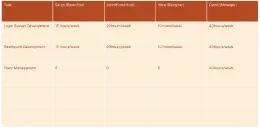
In the table, assign the necessary resources to each task. You can easily add names, materials, or equipment under the “Resources” column for clear tracking.
Set Deadlines and Priorities:
Add deadlines to each task and set priorities so your team knows what needs to be done first. You can use integrated notes and data fields to store additional details. This helps you stay on track and ensure nothing is missed.
Collaborate in Real-Time:
With Creately’s real-time collaboration features, you and your team can work together, edit, and provide feedback on the table simultaneously. You can share the table with your team, making sure everyone is aligned and up to date.
Monitor Progress:
Keep an eye on how your resources are being used. Creately’s tools help you track resource usage and identify if anything needs to be adjusted along the way.
When to Use the Resource Allocation Template
Planning a New Project:
At the beginning of any new project, a resource allocation template helps you plan ahead. It allows you to clearly identify what resources (people, tools, budget, etc.) are needed for each task, helping you stay organized from the start.
Tracking Resource Usage:
If you’re already working on a project, the resource allocation template is perfect for tracking how resources are being used. It helps you keep an eye on whether tasks are well-resourced or if adjustments need to be made to avoid bottlenecks.
Managing Multiple Tasks or Teams:
When handling multiple tasks or working with several teams, a resource allocation template helps you ensure that resources are distributed fairly and efficiently. It gives a clear overview of who is doing what and when, making it easier to keep everyone on track.
Budget Management:
If managing a budget is part of your project, the resource allocation template can help track how financial resources are allocated across tasks. You can easily compare actual spending to planned allocations and make necessary adjustments.
Forecasting Future Needs:
Use the resource allocation template to project what resources will be needed for future phases of a project. By looking ahead and assessing current usage, you can plan better for upcoming tasks, minimizing delays and shortages.
Get Organized with Ready-Made Resource Allocation Templates
FAQs on the Resource Allocation Template
What are Creately’s resource allocation template pricing plans?
- Free Plan — $0/month for basic resource allocation creation and collaboration
- Starter & Team Plans — $8/month or $5/month billed annually
- Business Plan — $149/month or $89/month billed annually
Annual billing helps you save more while unlocking advanced collaboration, workspace management, and enhanced resource allocation features. You can compare all available plans and features on the Creately Pricing Page.
How can you create resource allocations faster?
Are there templates for different resource allocation use cases?
Can teams collaborate on resource allocations?
Can I add notes, data, and files?
Can I share, present, or export resource allocations?






















