Remote Team Organizational Chart Template
Give Distributed Teams Clear Structure and Visibility
Build a remote team organizational chart template that helps everyone see who does what, who reports to whom, and how teams connect across locations, time zones, and functions. Use it to keep your remote org clear, current, and easy to navigate as your team grows.
- Import team data and build a clear remote org chart faster
- Map reporting lines and team connections with more clarity
- Add team details to improve visibility across distributed teams
Over 10 Million people and 1000s of teams already use Creately

Free Remote Team Org Chart Templates
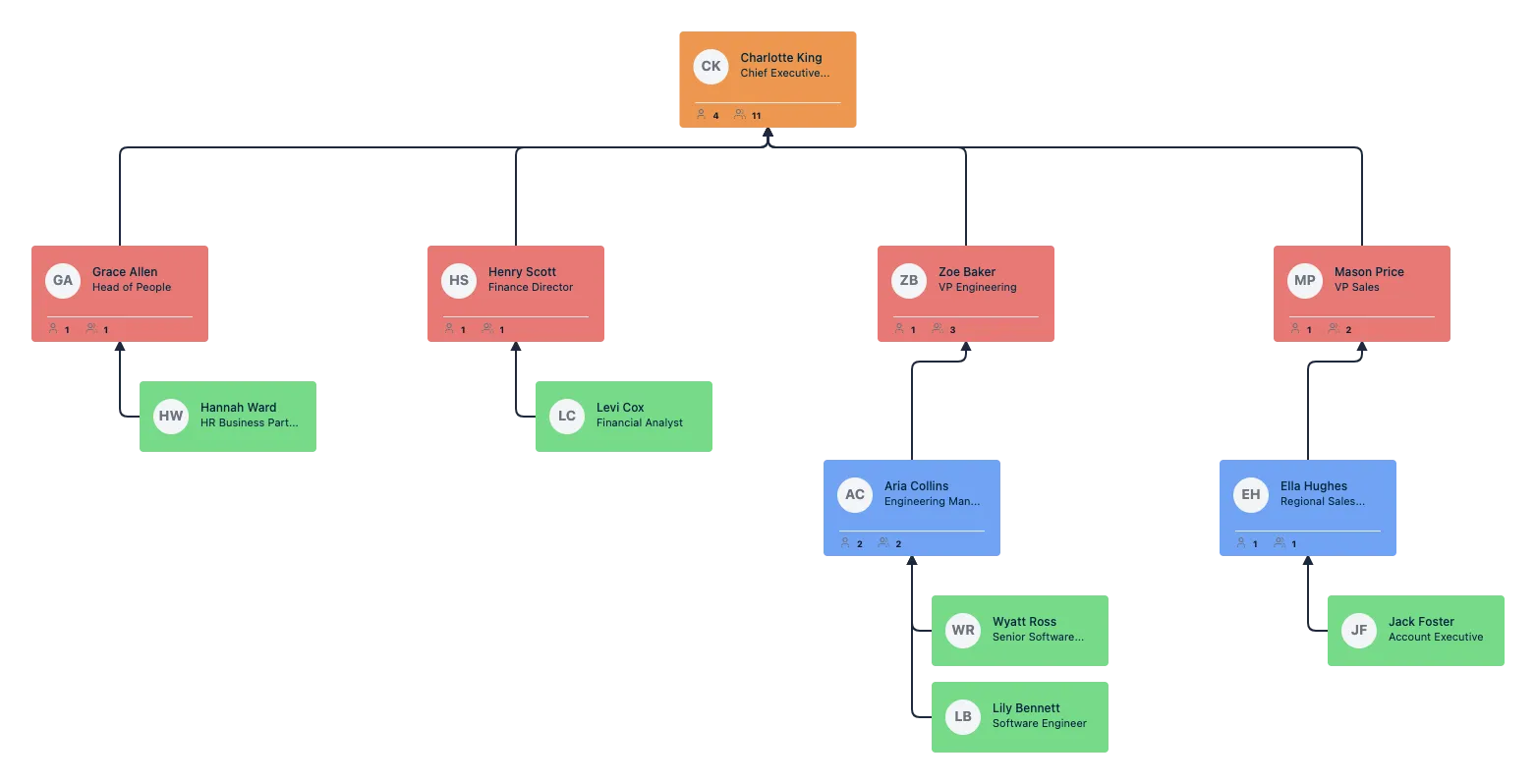
Build a Remote Org Chart That Stays Current
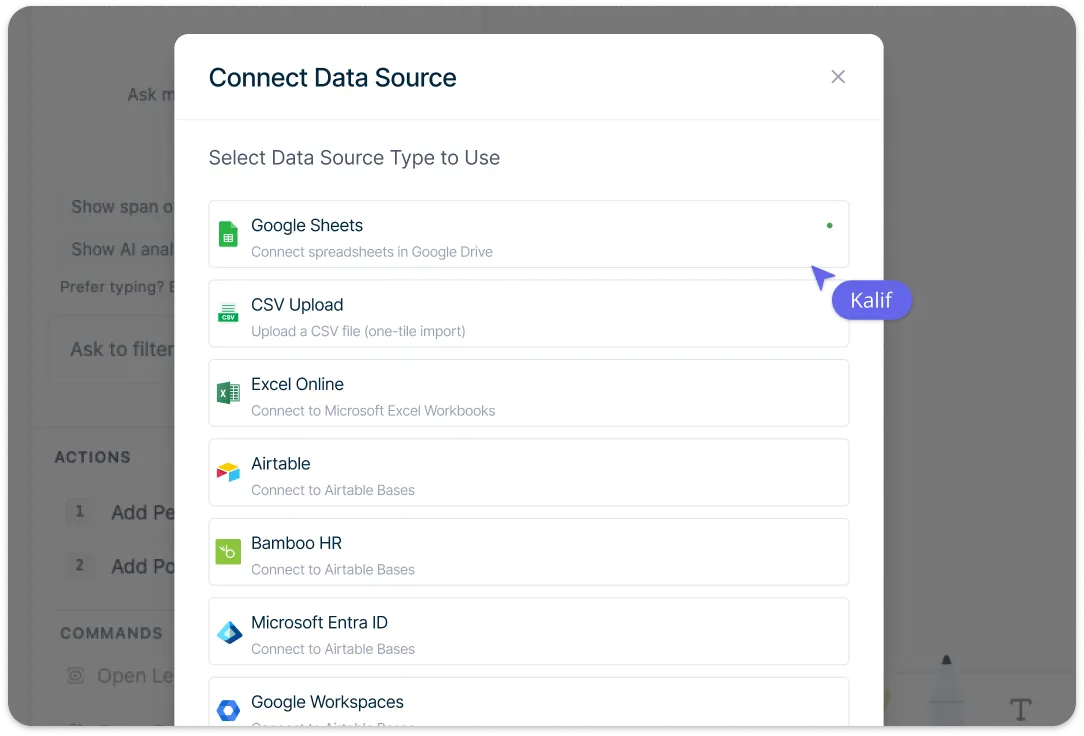
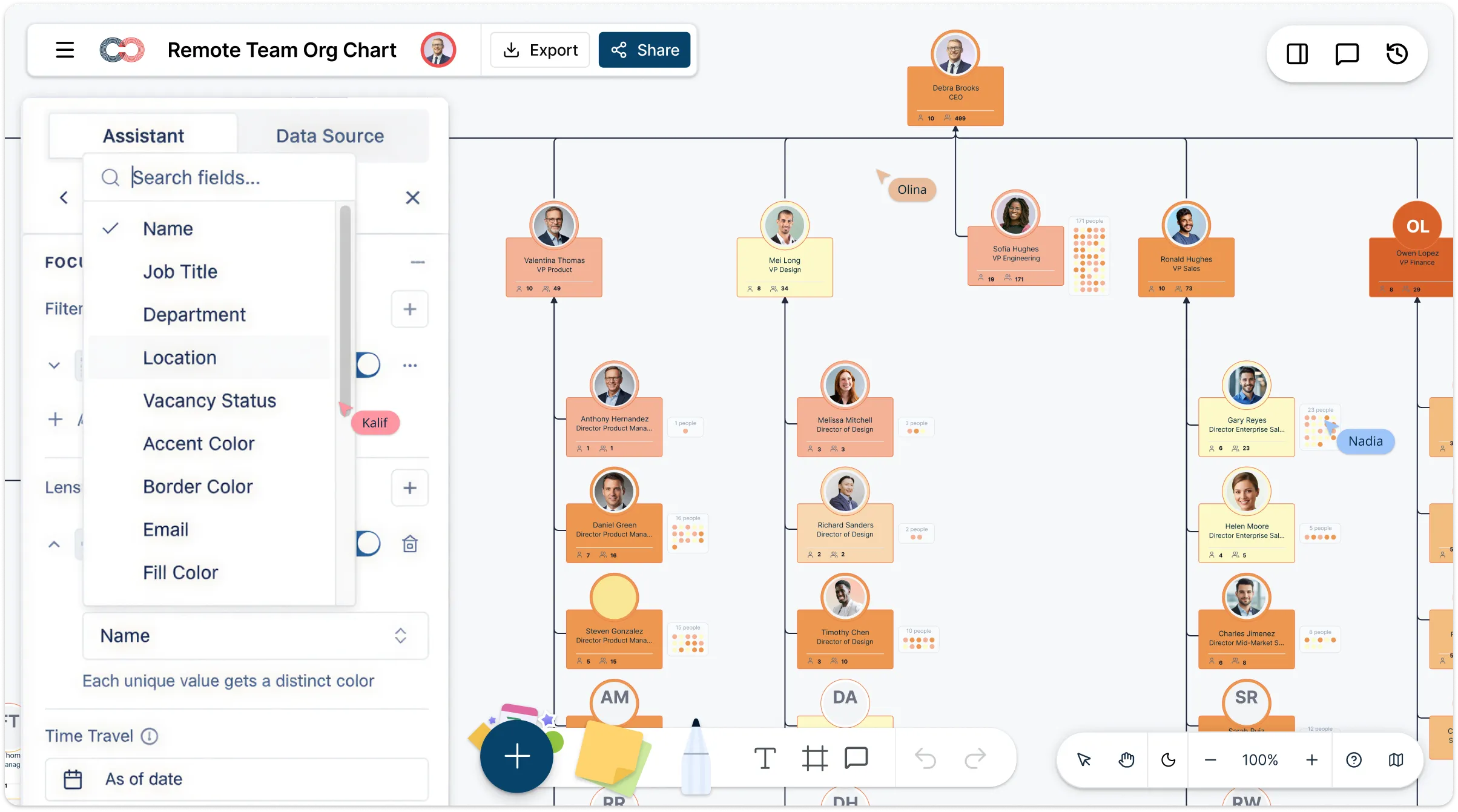
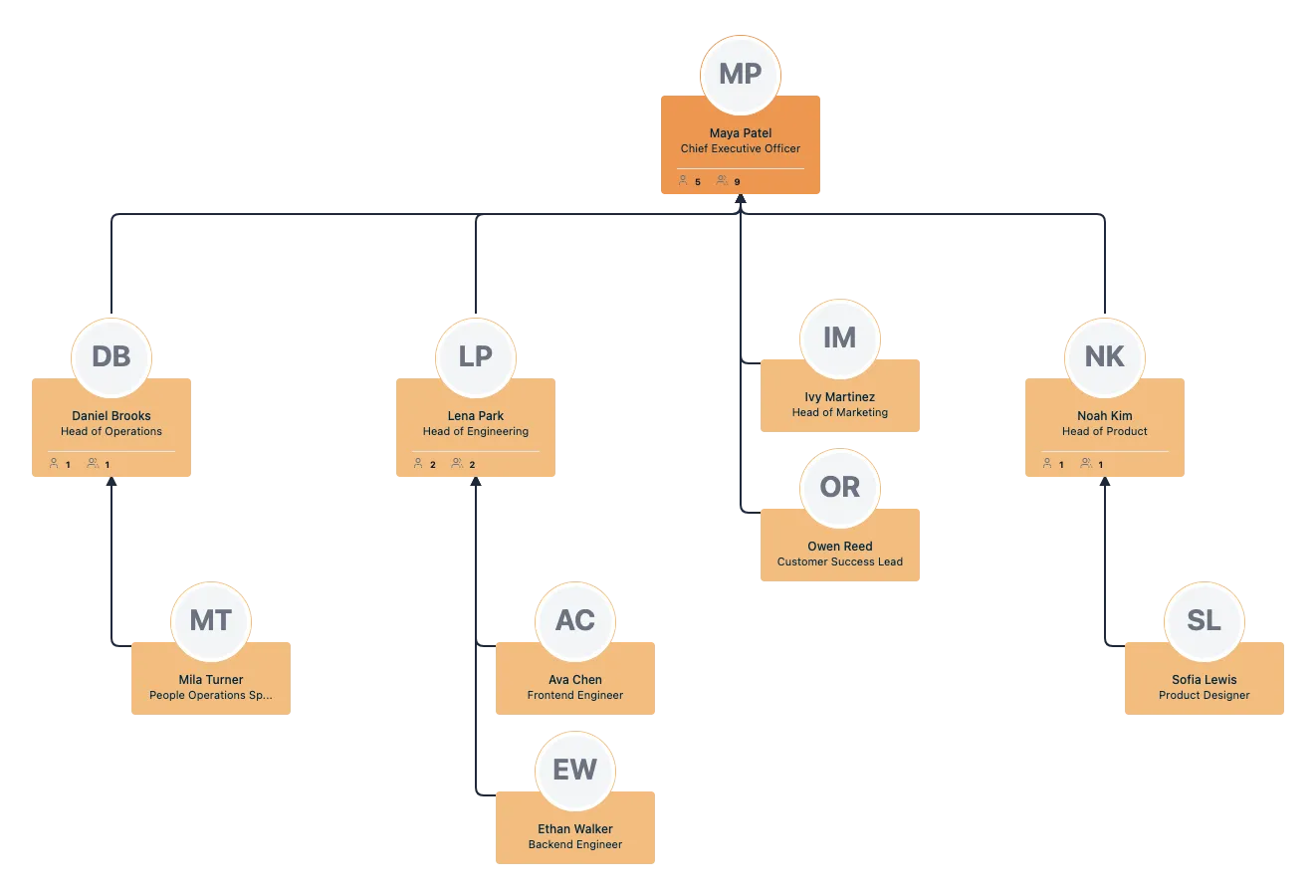
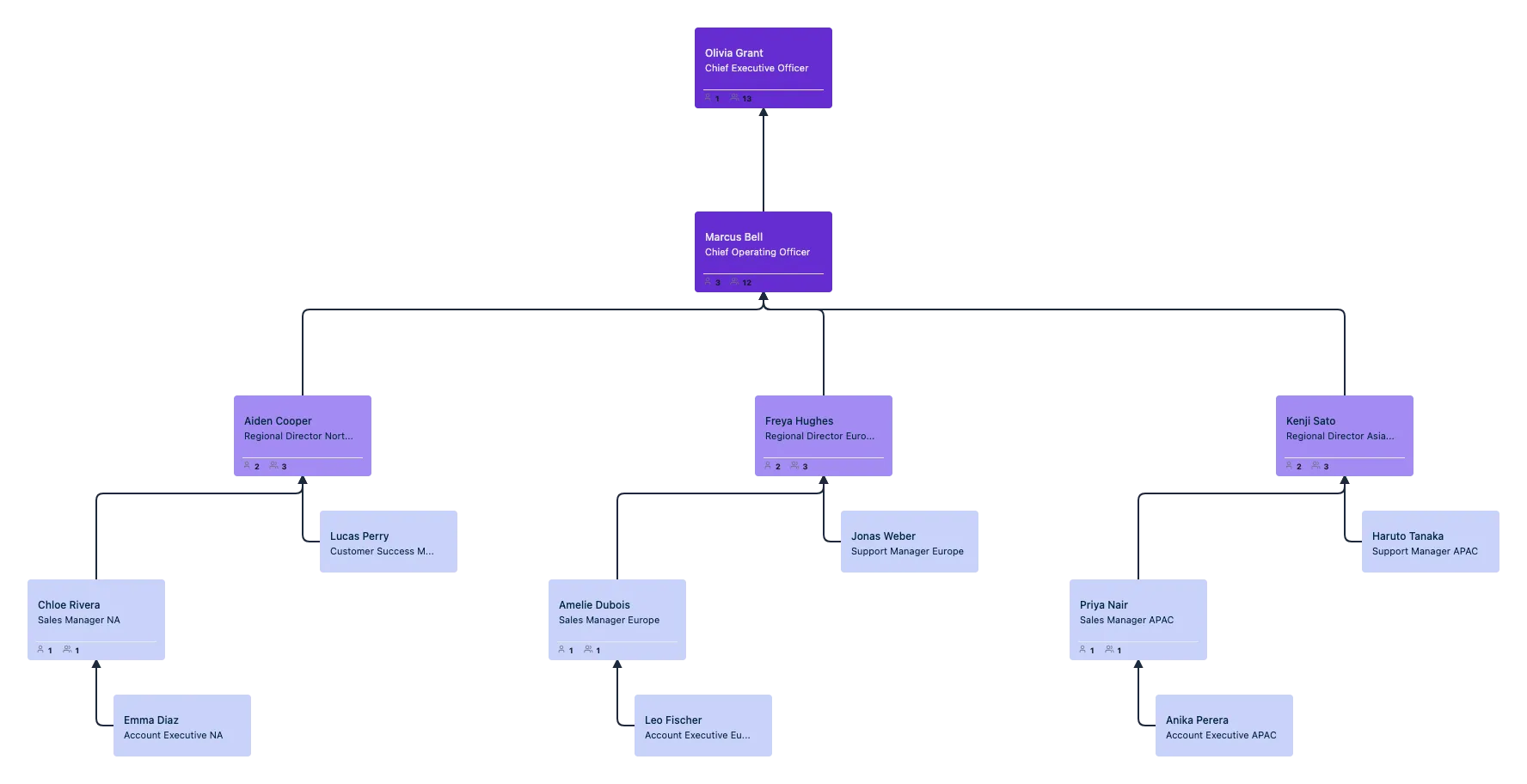
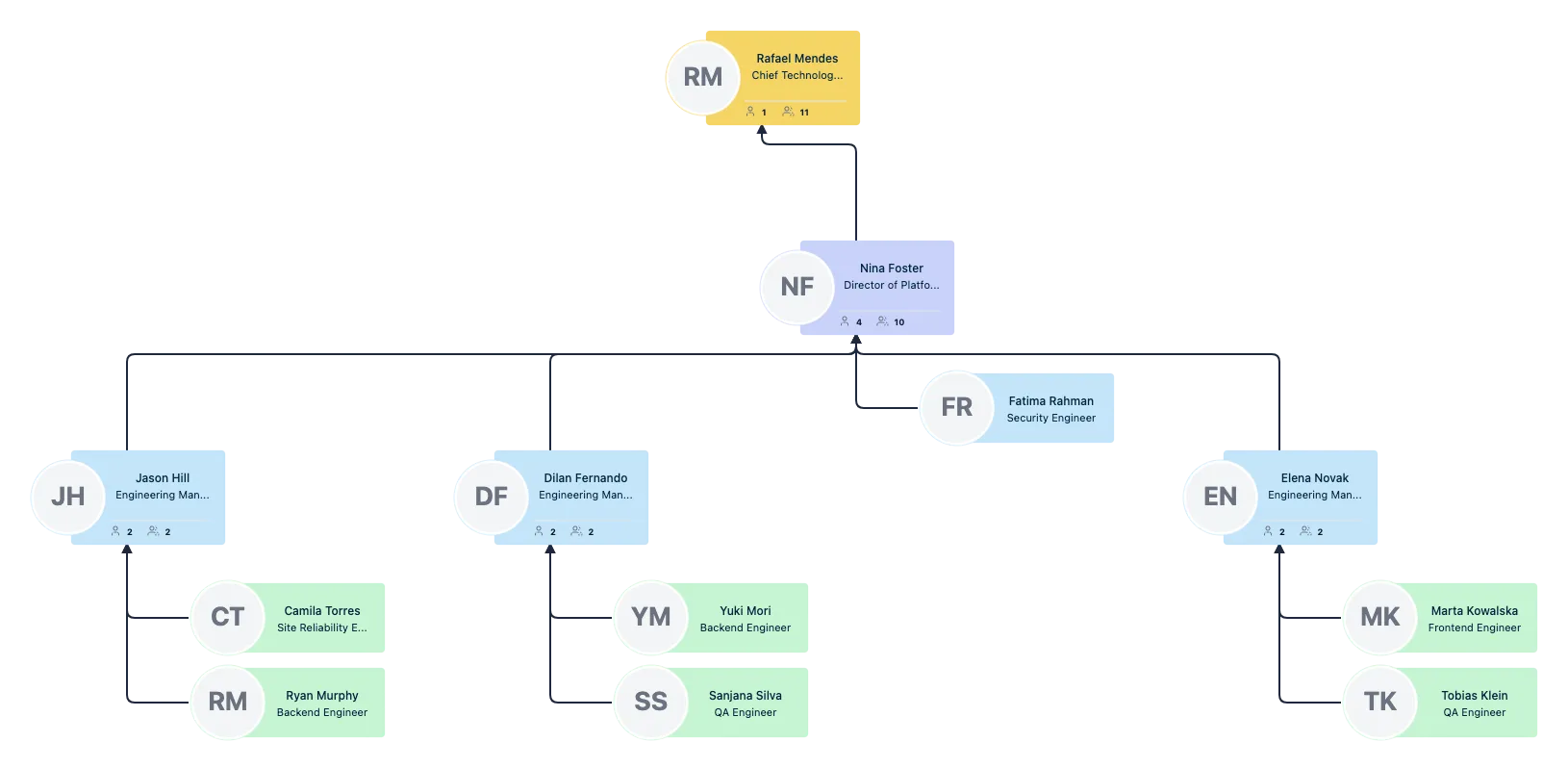
Create your remote team organizational chart faster from existing employee data or build it from scratch, then import spreadsheets with smart column mapping, validate data before import, and generate a clean hierarchy automatically. Keep the chart up to date as teams change with inline editing, quick-create actions, and custom properties that make it easy to add people, update reporting lines, and reflect changes without rebuilding the chart.
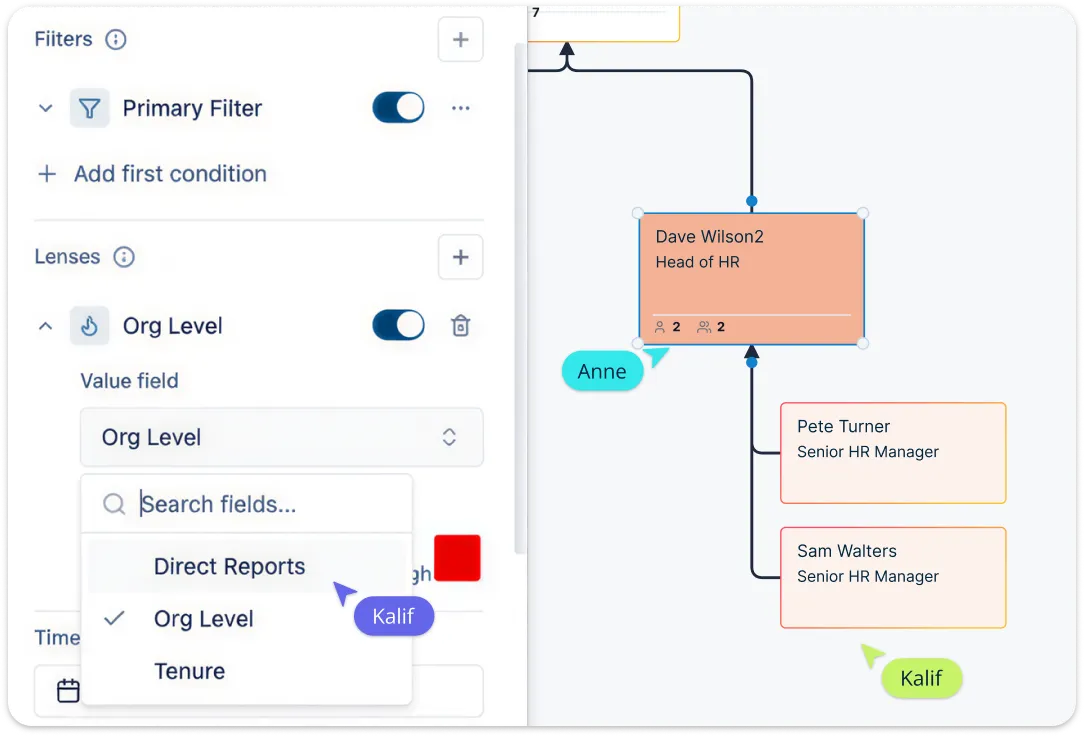
Make Distributed Teams Easier to Understand
Show reporting lines, departments, roles, locations, and work arrangements in one visual structure so remote employees can quickly understand how the organization works. Use Creately’s remote team organizational chart maker’s visual grouping and structured fields to make the organizational chart more useful than a static diagram and help distributed teams make sense of team structure faster.
Navigate Remote Teams with More Clarity
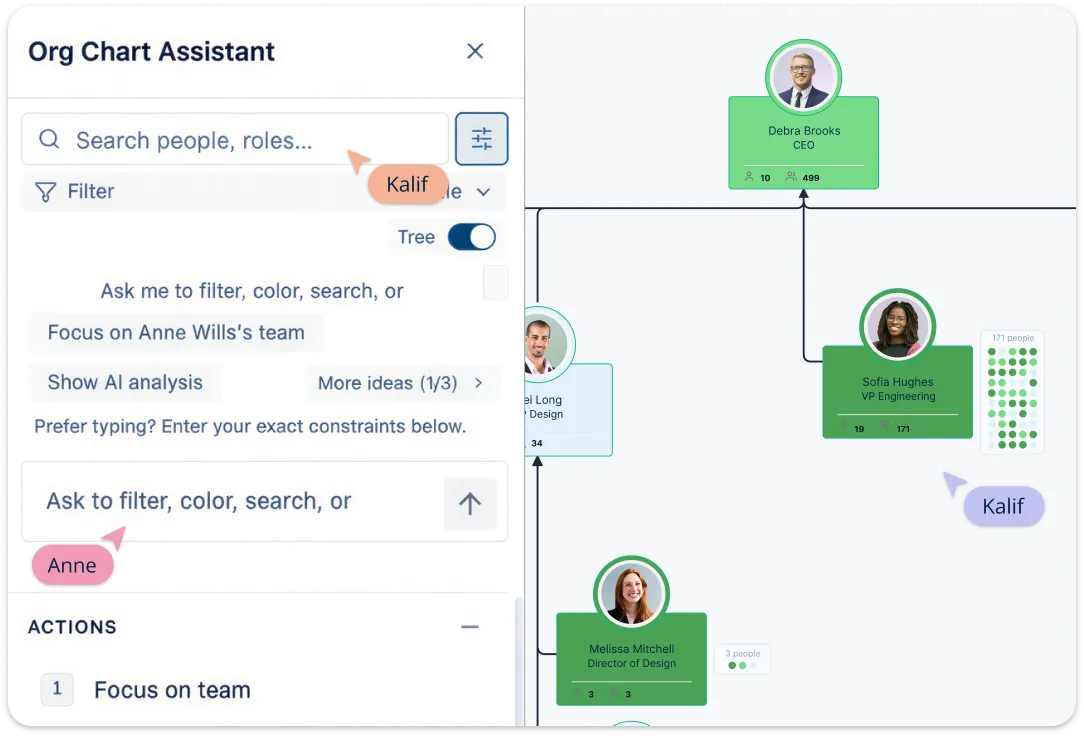
Help people find the right teammates faster by searching by name, role, department, or other team details, then zooming in on the exact part of the org chart they need. Use focus views and collapsible branches to reduce noise and make large remote organizations easier to navigate.
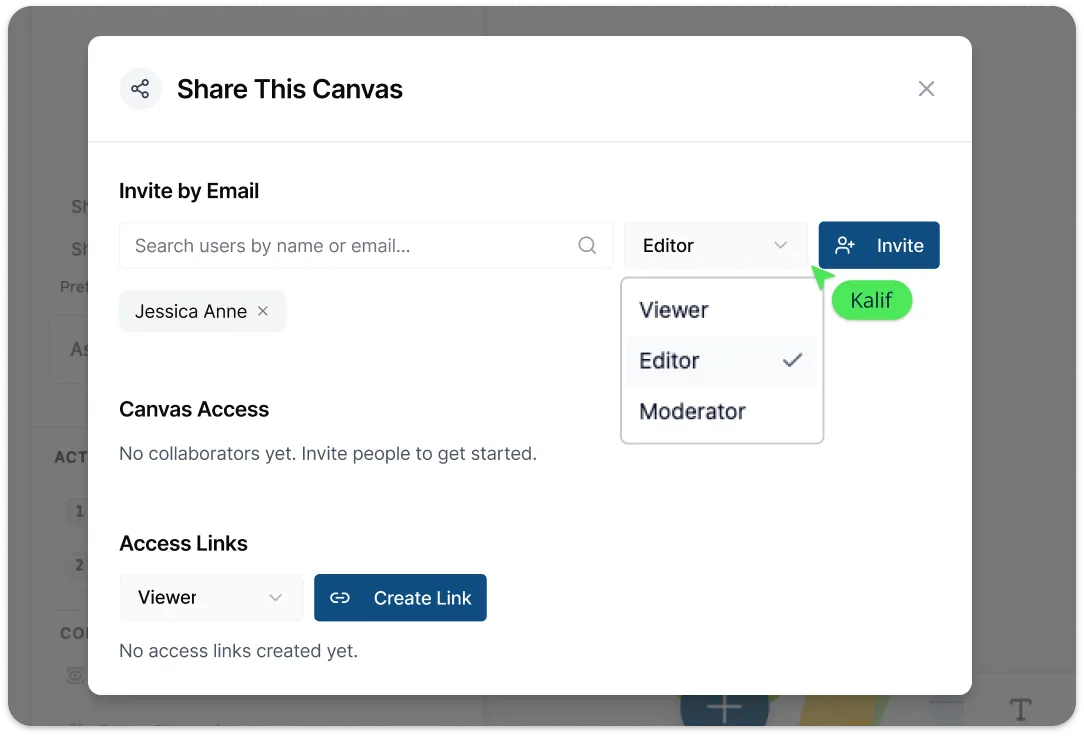
Collaborate on Team Structure in Real Time
Use the template as a shared workspace for remote planning so managers, People Ops, and team leads can review the same organizational chart together, comment on changes, and keep one source of truth. Real-time collaboration, role-based sharing, comments, and live updates help distributed teams stay aligned as structures change.
Turn Your Org Chart into a Better Remote Planning Tool
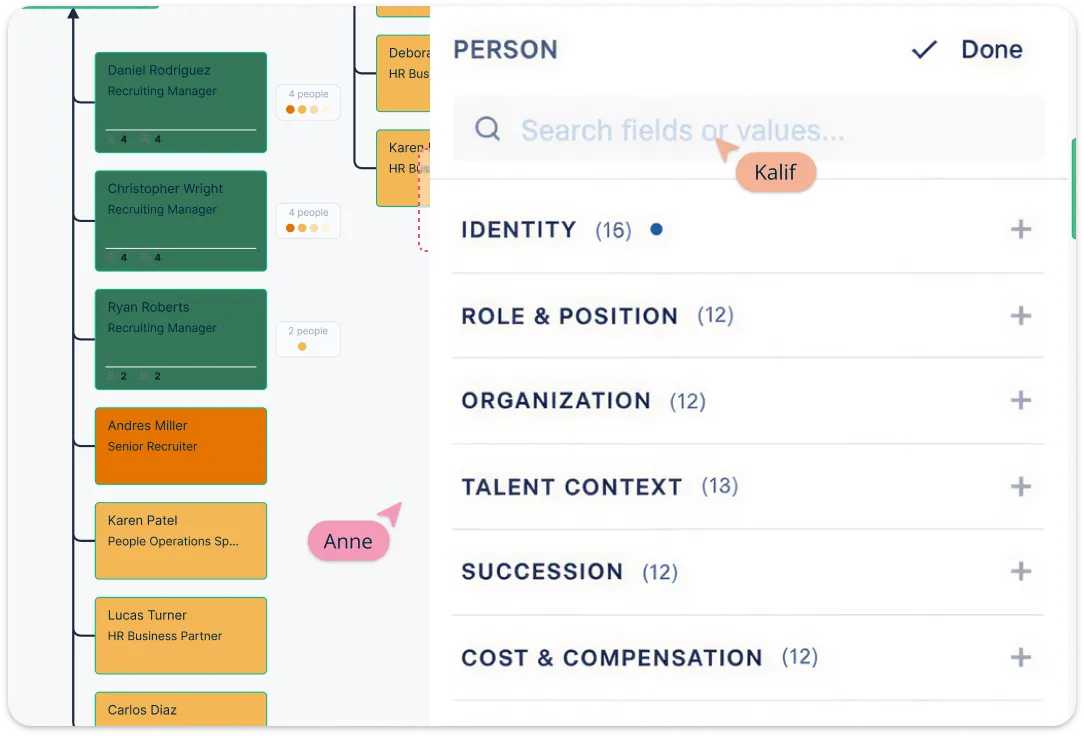
Go beyond basic hierarchy mapping by using the org chart to support planning and decision-making. Highlight teams by department, location, or work arrangement, and use the chart to spot gaps, clarify ownership, and understand how remote teams are spread across the business. Creately’s remote team organizational charts are designed as living workspaces rather than static diagrams, with field-driven views, filtering, color-by options, AI-assisted search, and support for richer org data that helps teams analyze structure as they work
What Is a Remote Team Org Chart
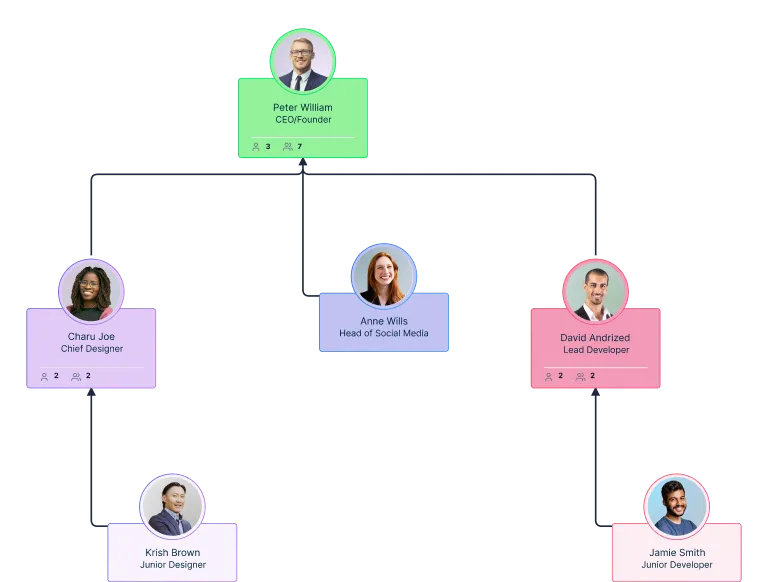
How to Create a Remote Team Org Chart in Creately
Step 1: Start with a template or import your team data
Open Creately’s remote team organizational chart creator and either start with a remote team organizational chart template or import a spreadsheet with employee names, titles, departments, and reporting lines to build the structure faster.Step 2: Build out the reporting structure
Add people, positions, and reporting lines to map your remote team hierarchy, and use quick-create actions to add managers or direct reports without building everything manually.Step 3: Add remote team details
Fill in role, department, location, and work arrangement details so everyone can see how the distributed team is organized across functions and regions.Step 4: Organize and review the chart
Use Creately remote team organizational chart builder’s auto-layout to generate a clean hierarchy, then review and update names, titles, and other details with inline editing to keep the chart accurate.Step 5: Share, navigate, and update together
Search for people by name, title, or department, focus on specific teams, and collaborate in real time so managers and team leads can keep the remote org chart current together.
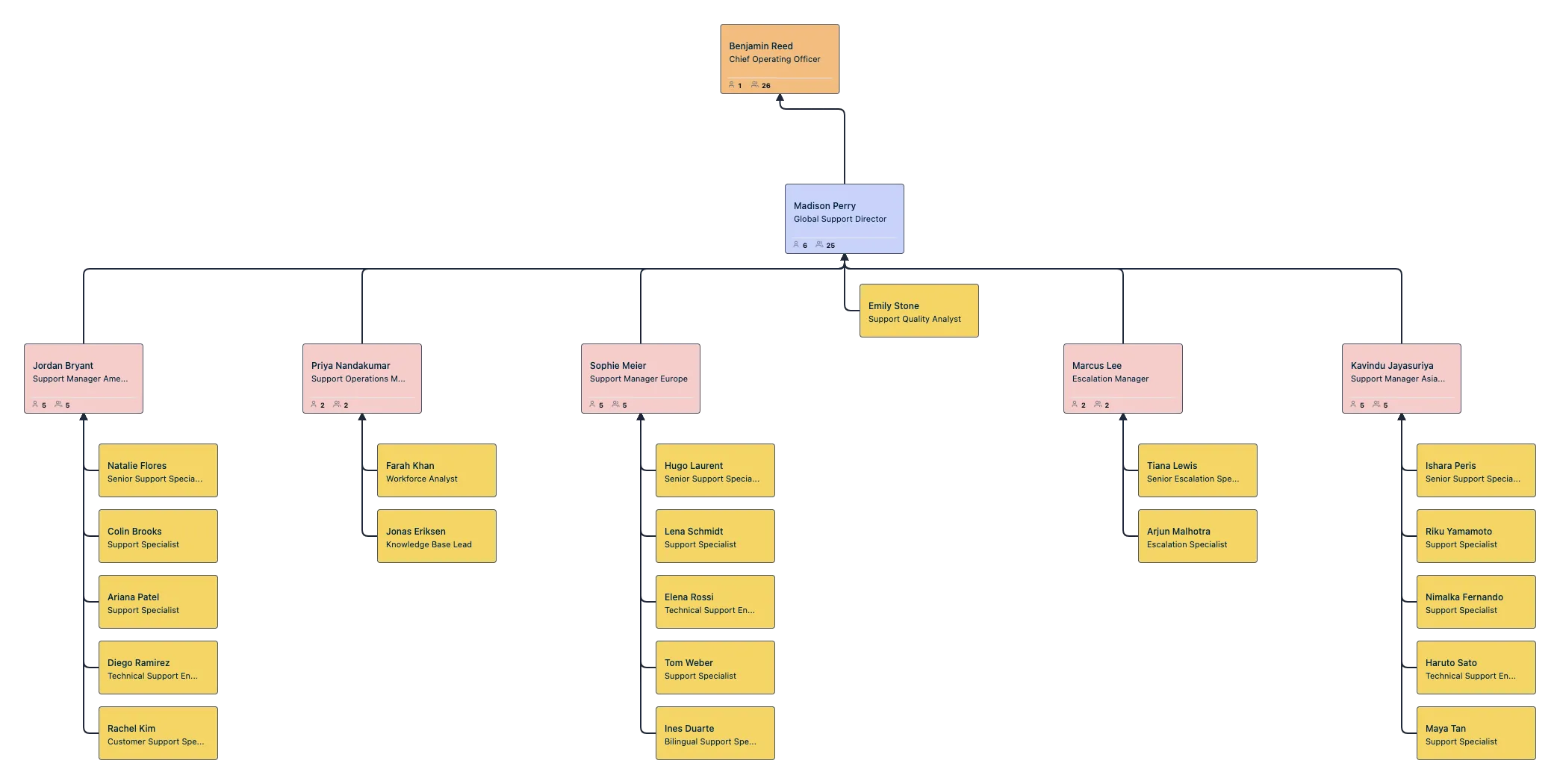
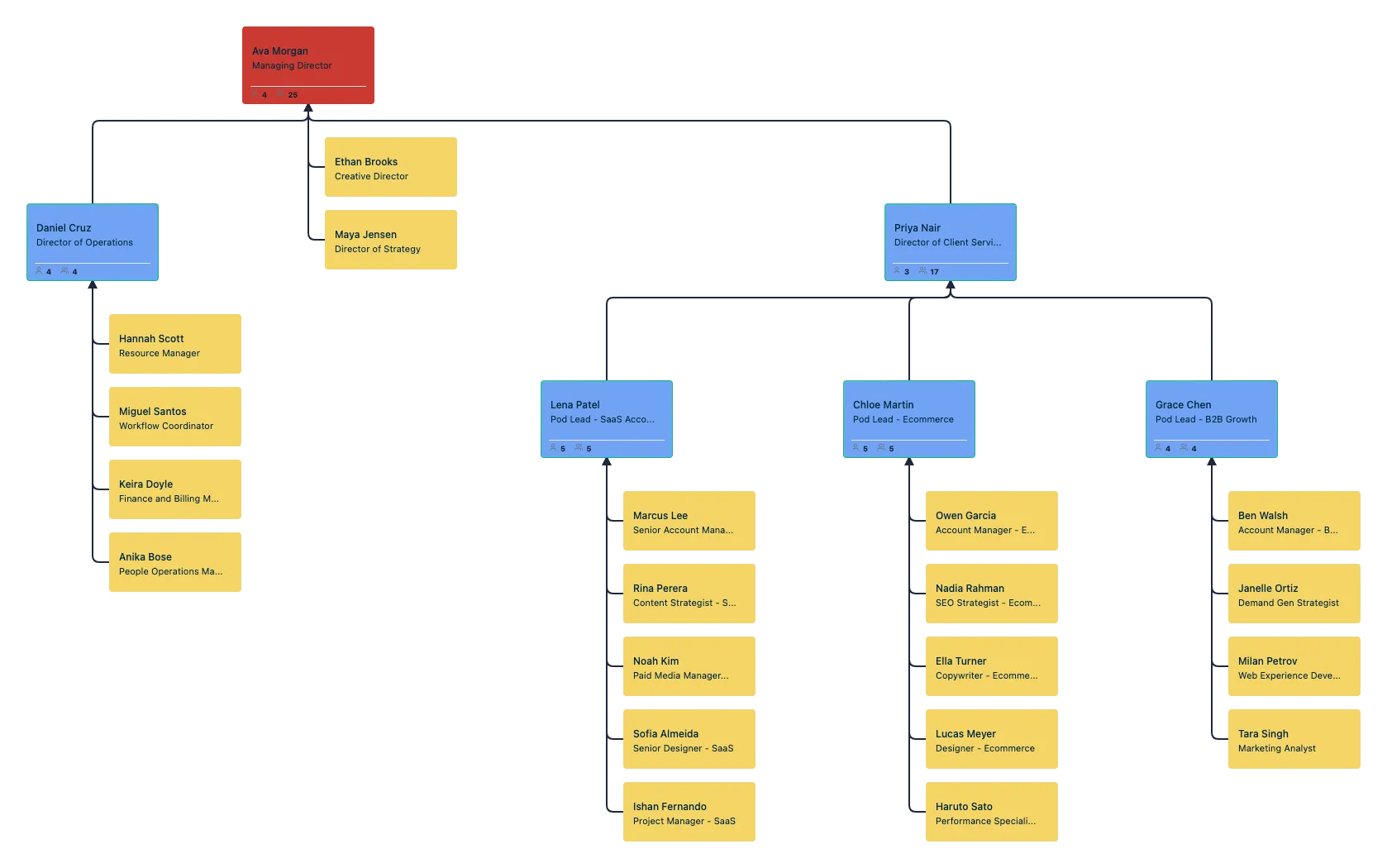
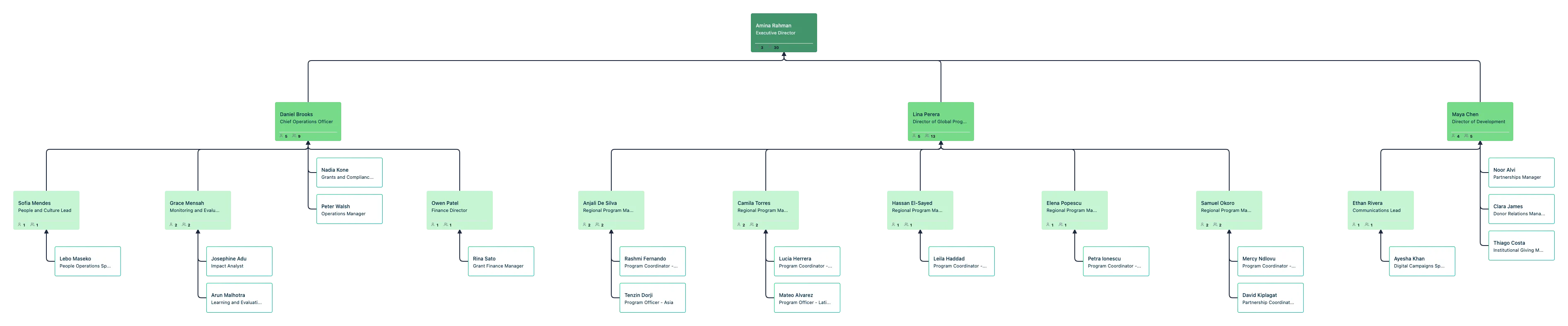
Editable Online Remote Team Organizational Chart Examples
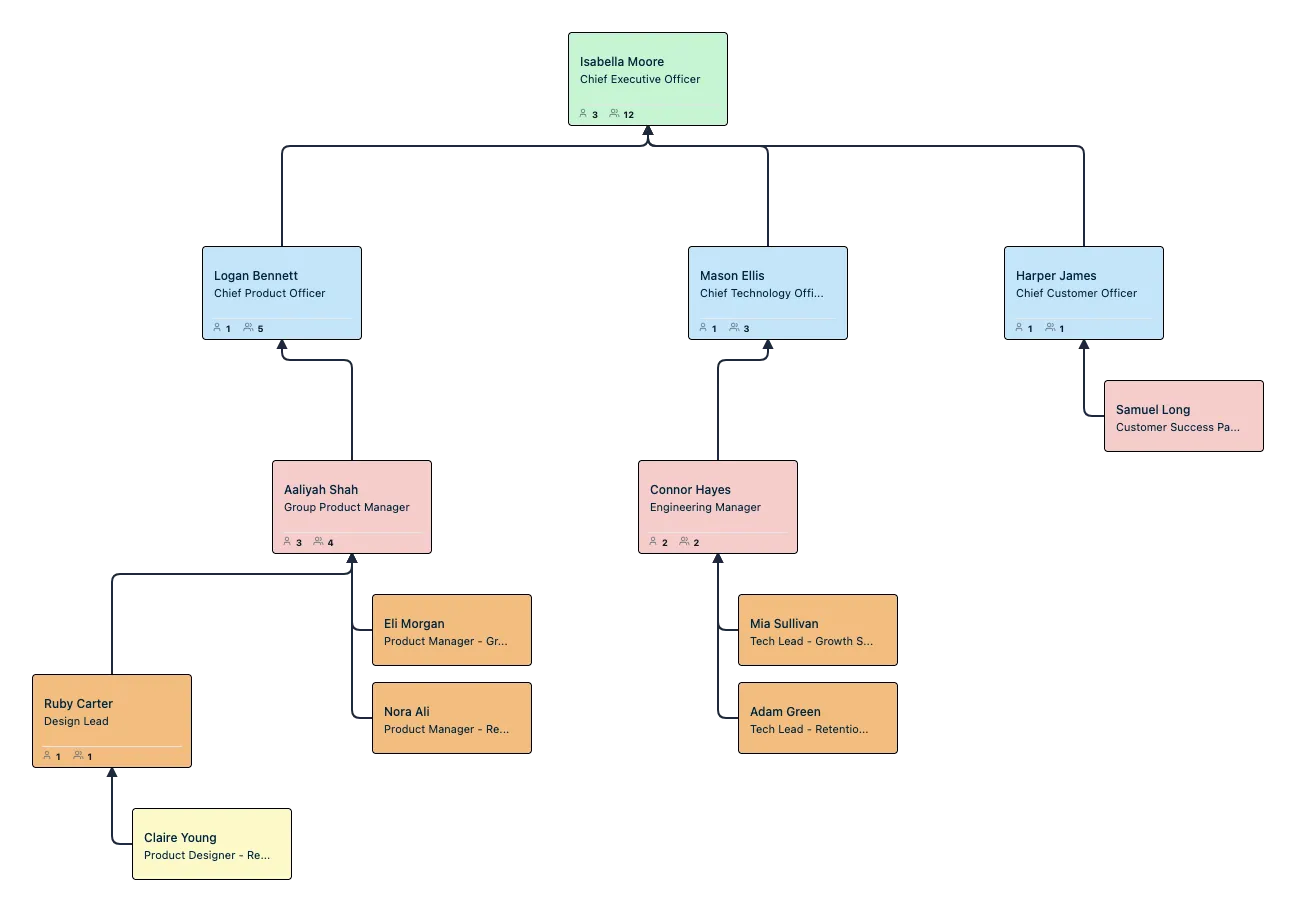
FAQs About the Remote Team Org Chart Template
Can I import a remote team organizational chart template from a spreadsheet?
Can I use this distributed team org chart to show remote, hybrid, and onsite employees together?
Can I update the remote org chart template as the team changes?
Can I collaborate with others on a virtual team organizational chart?
Can I use this virtual team organizational chart template for large distributed teams?
Can I customize this remote team organizational chart template for different remote team structures?































