Project Kickoff Meeting Template
Run Productive Project Kickoff Meetings
Orient the project team, establish goals, and centralize communication and project planning meetings
- Multiple pre-made project kickoff meeting templates to start right away
- Real-time collaboration features for productive meetings
- Visual tools to record meeting outputs & create quick action plans
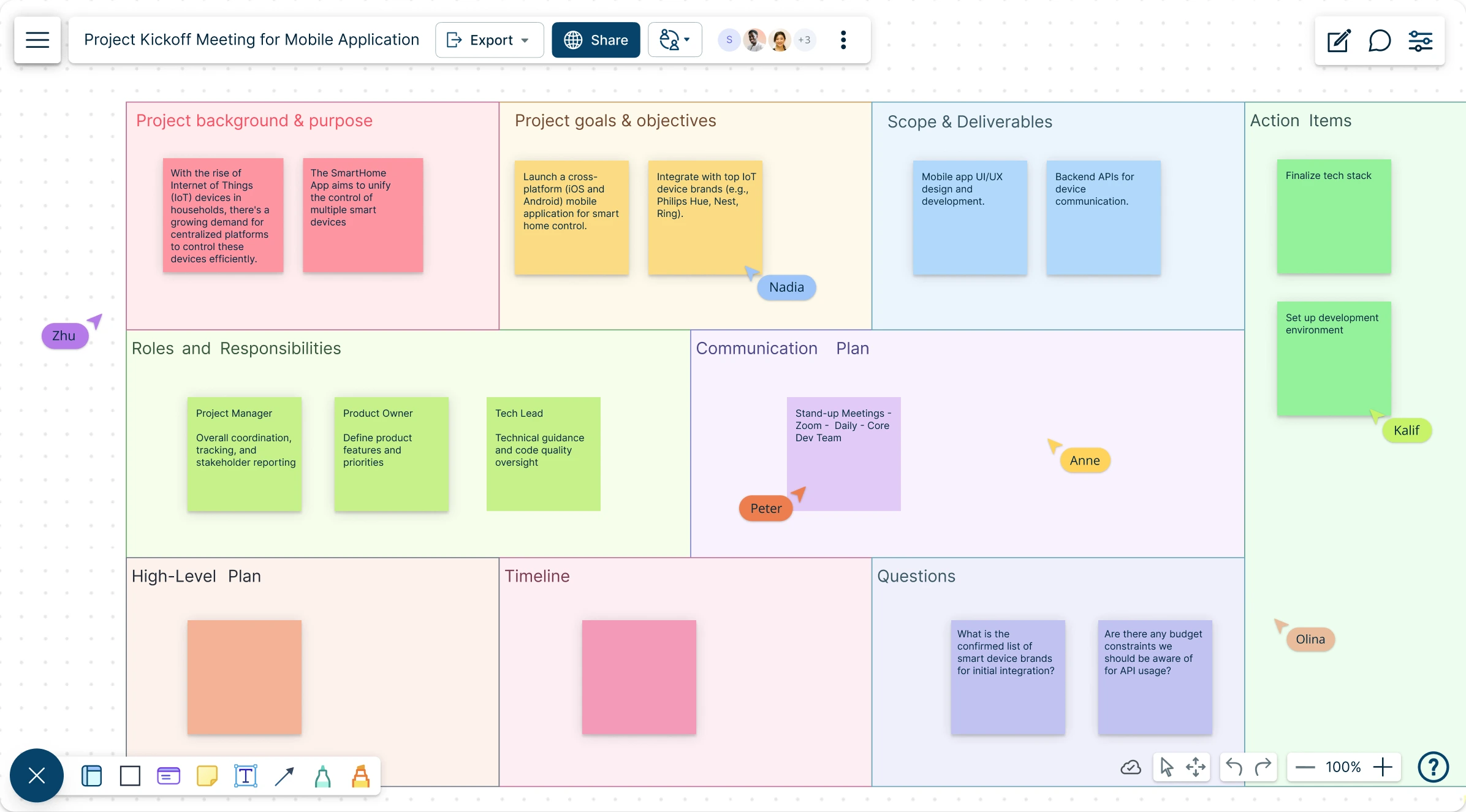
Over 10 Million people and 1000s of teams already use Creately

AI Project Kickoff Template Generator
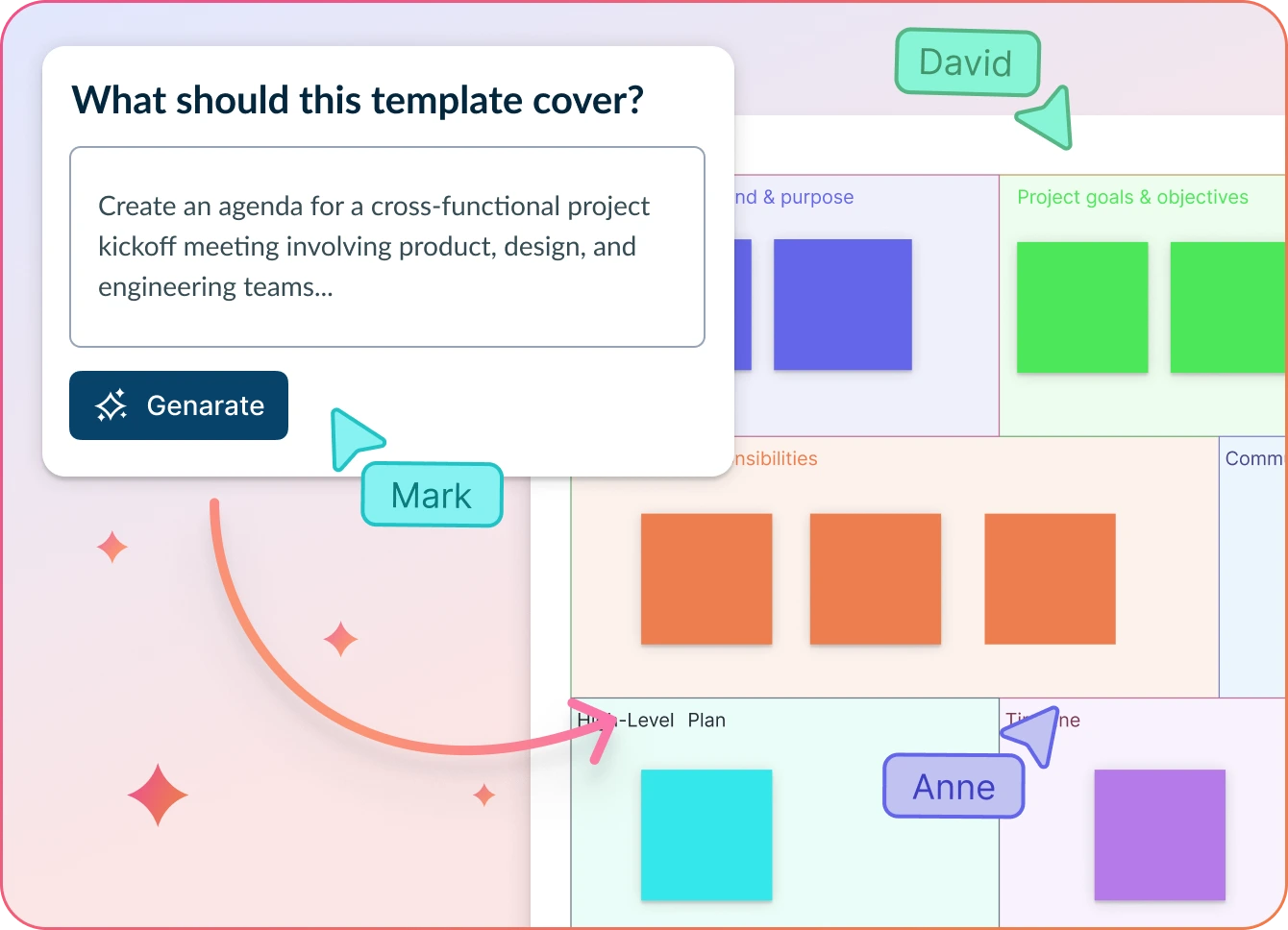
Smarter Planning, Faster Kickoff
- Enter outline of your next project and click ‘Generate’.
- Watch Creately plan your project kickoff meeting with tasks, due dates, roles, and more.
- Collaborate, edit/change, and finalize your project meeting—all within one canvas.
Why teams love Creately’s AI Project Kickoff Template
 Effortless planning – Streamline agenda creation with AI-powered automation, cutting manual effort by 90% for more productive conversations.
 Uncover hidden insights – Detect subtle patterns and connections that traditional methods might overlook.
 Security at the core – Your data stays within Creately, ensuring robust privacy with no external exposure.
 Global collaboration – Work seamlessly across languages, fostering inclusivity in diverse teams.
 Intelligent prioritization – AI-driven grouping that emphasizes meaningful insights over sheer volume.
Easy Tools to Run Project Kickoff Meetings
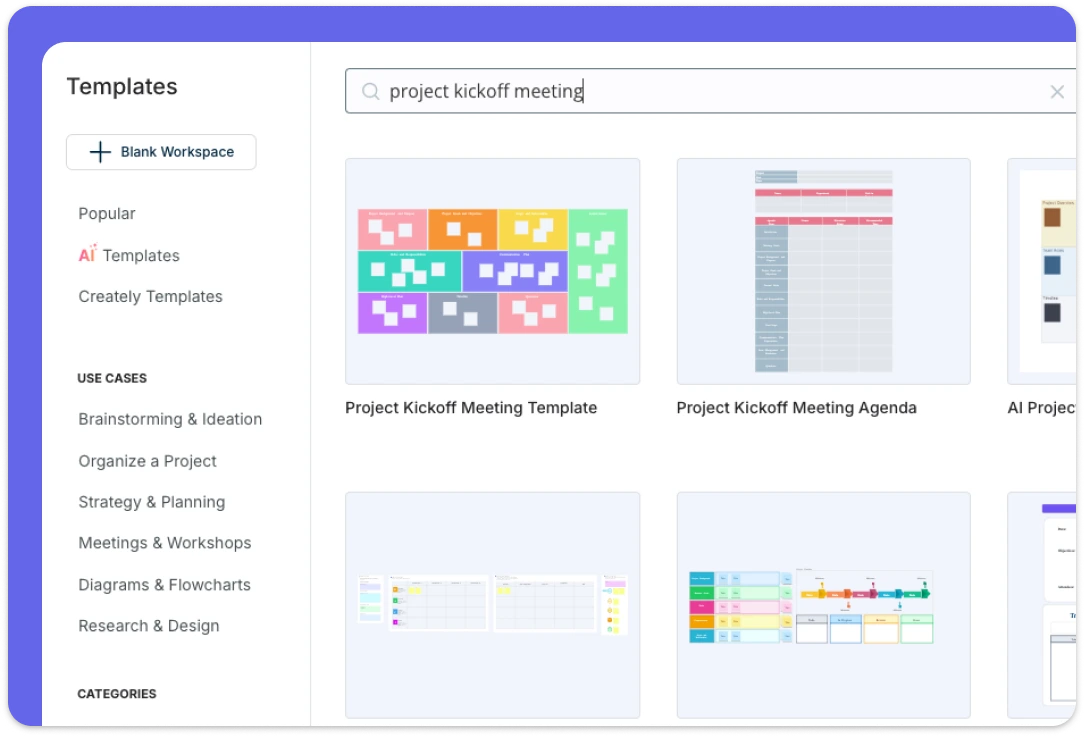
Use multiple pre-made kickoff meeting templates to structure your project planning meetings, project kickoff meetings, project review meetings, meeting agendas, daily scrums, & more. Sticky notes and freehand note taking makes it super easy to write down talking points and key meeting outcomes on the fly. Creately gives you access to an extensive shape library to easily visualize anything on the canvas; action plans, OKRs, workflows, Kanban boards, and more for quick action post meetings.
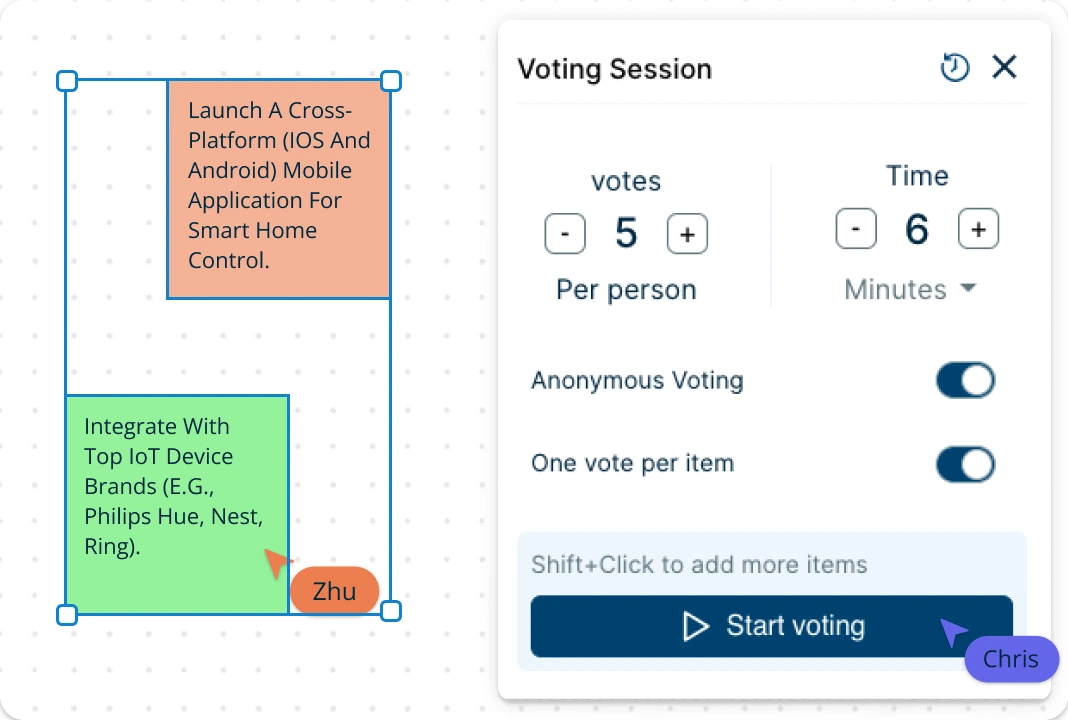
Conduct Interactive and Dynamic Project Meetings
Creately offers true multi-user collaboration, allowing your team to edit the kickoff meeting template together. The infinite canvas supports real-time cursers, contextual comments, and voting, all within the same workspace. Additionally, multiple access and role levels ensure project stakeholders have the appropriate permissions, across workspaces and folders, enhancing workflow efficiency and security.
Build an Efficient Project Workflow
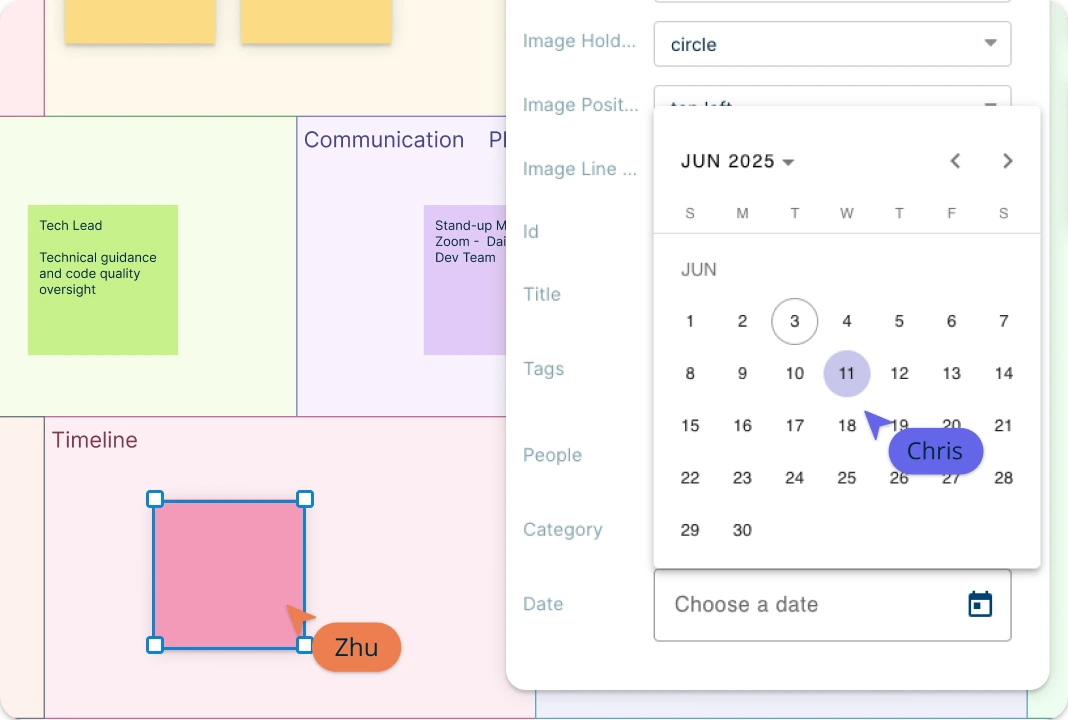
Team roles and tasks can be assigned in the project kickoff template, which could be linked to or from popular project management tools to keep a seamless project workflow. You can set estimated times and due dates for tasks and allocate resources based on availability and skill sets. Creately provides built-in tools to create interactive and dynamic presentations, reports, and dashboards on project plans to onboard stakeholders. The advanced folder structure is great for storing and organizing individual one-on-one meeting workspaces and notes for each employee.
What Is a Project Kickoff Meeting Template?
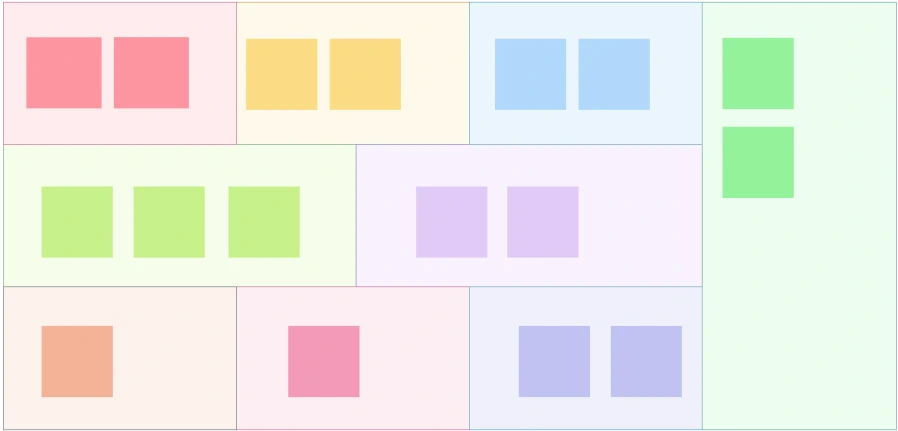
How to Use a Project Kickoff Meeting Template in Creately
Open a Creately project kickoff meeting template:
Browse the template library in Creately and select a kickoff meeting template that works for your project. If unsure how to proceed with the project kickoff meeting, this template can serve as a guide to figure out the details you need to gather to proceed.Invite team for the project kickoff meeting:
You can share the workspace with the rest of the team to allow them to view and edit the project kickoff meeting template in real-time. Start the kickoff meeting by introducing each other. Usually projects involve personnel from different departments, and even external stakeholders. Therefore an introduction is important to build trust and promote mutual understanding among them.Explain the project background:
Explain the project background which usually includes information on decisions made during the past meetings, and the business case behind the project ideas, the customer pain points that generated the idea in the first place, etc. Add this information to the kickoff meeting template to ensure everyone involved in the project will actually be working for the same purpose.Establish the scope of the project:
Here you need to set the project scope, and key deliverables. Once established, add these details into the relevant section of the kickoff meeting template. Also spend time on reassessing whether the goals set are realistic and attainable within the established timeline and the project constraints.Assign roles & responsibilities:
Clearly define team roles and assign tasks using the kickoff meeting template’s structured sections. Add context through contextual comments to record feedback and discussions asynchronously. You will need to add details about the project management methodology, the project management software that will be used to plan, organize and track the project tasks, and how the team will be dealing with change requests.Finalize, export and share:
Before ending the meeting, leave room to answer any questions the team might have. Save your finalized project kickoff template in SVG, PNG, JPEG, or PDF formats for easy distribution. You can also create a slideshow on the workspace and sharable links if you need to present any content to external stakeholders.
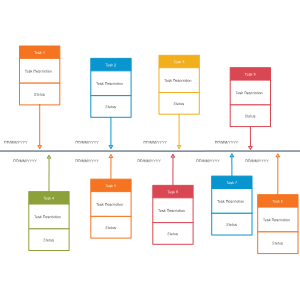
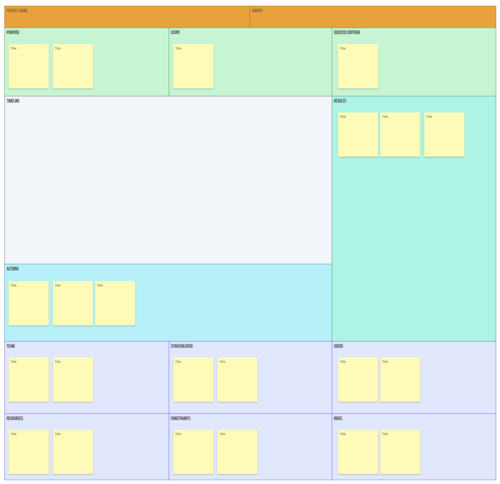
Project Kickoff Meeting Templates to Get Started
FAQs About Project Kickoff Meeting Templates
Why is a project kickoff meeting template important?
How can I customize a kickoff meeting template?
Can kickoff meeting templates be used for remote teams?
Who should attend a project kickoff meeting?
Can AI help with project kickoff meetings?































