Process Flow Diagram Template
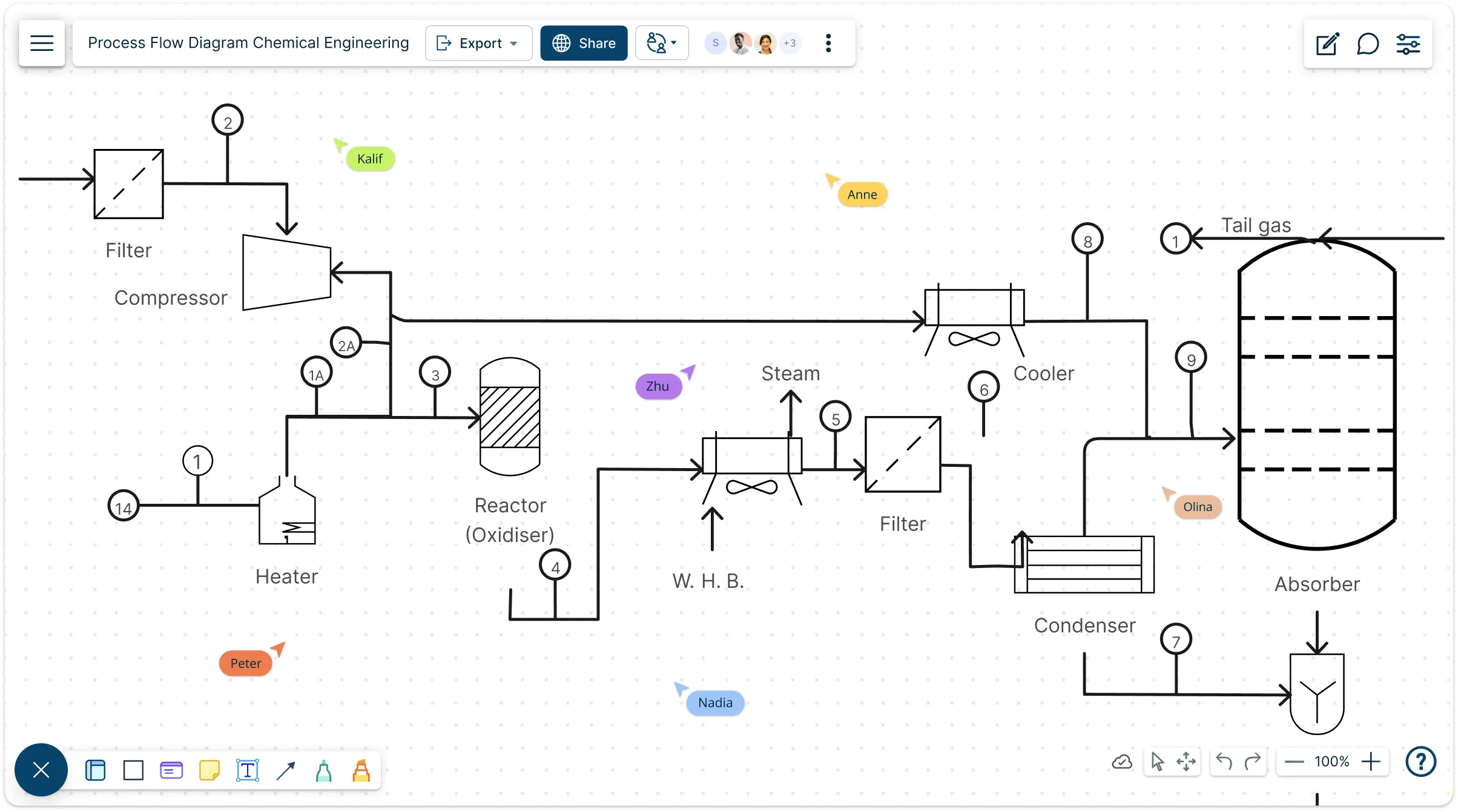
Easily Visualize and Design Industrial Processes
Quickly map out chemical and process engineering flows, equipment, and material streams with ready-to-use symbols and smart layout tools—all in one collaborative workspace.
- Built-in PFD symbol libraries for fast, accurate diagramming
- Auto-align, connect, and organize your diagram effortlessly
- Co-edit, comment, and review changes with your team instantly
Over 10 Million people and 1000s of teams already use Creately

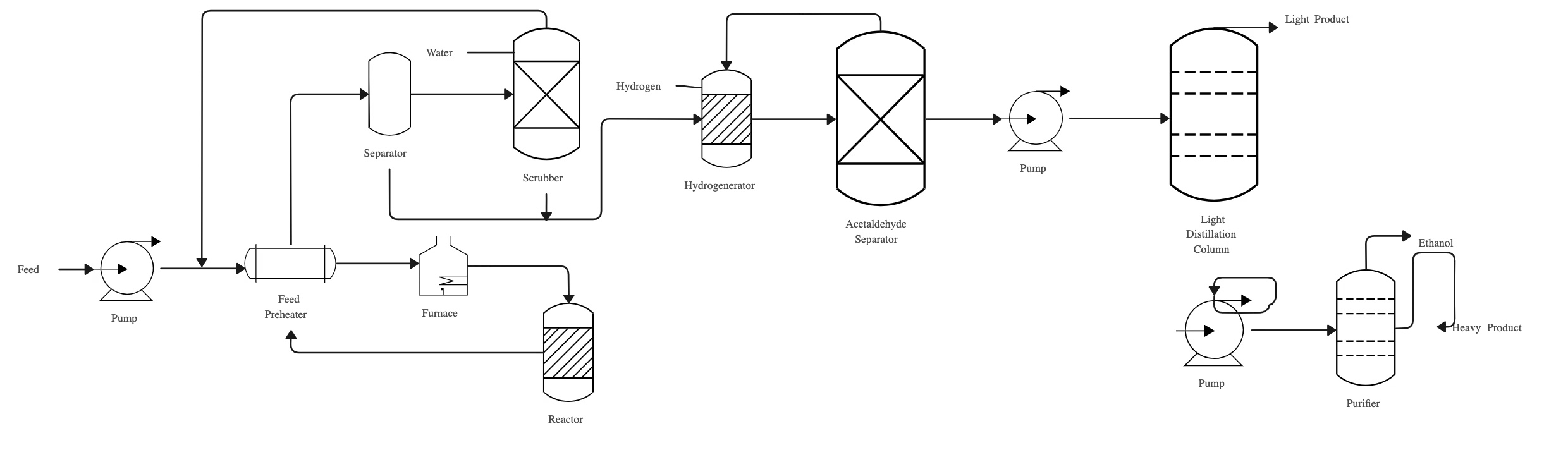
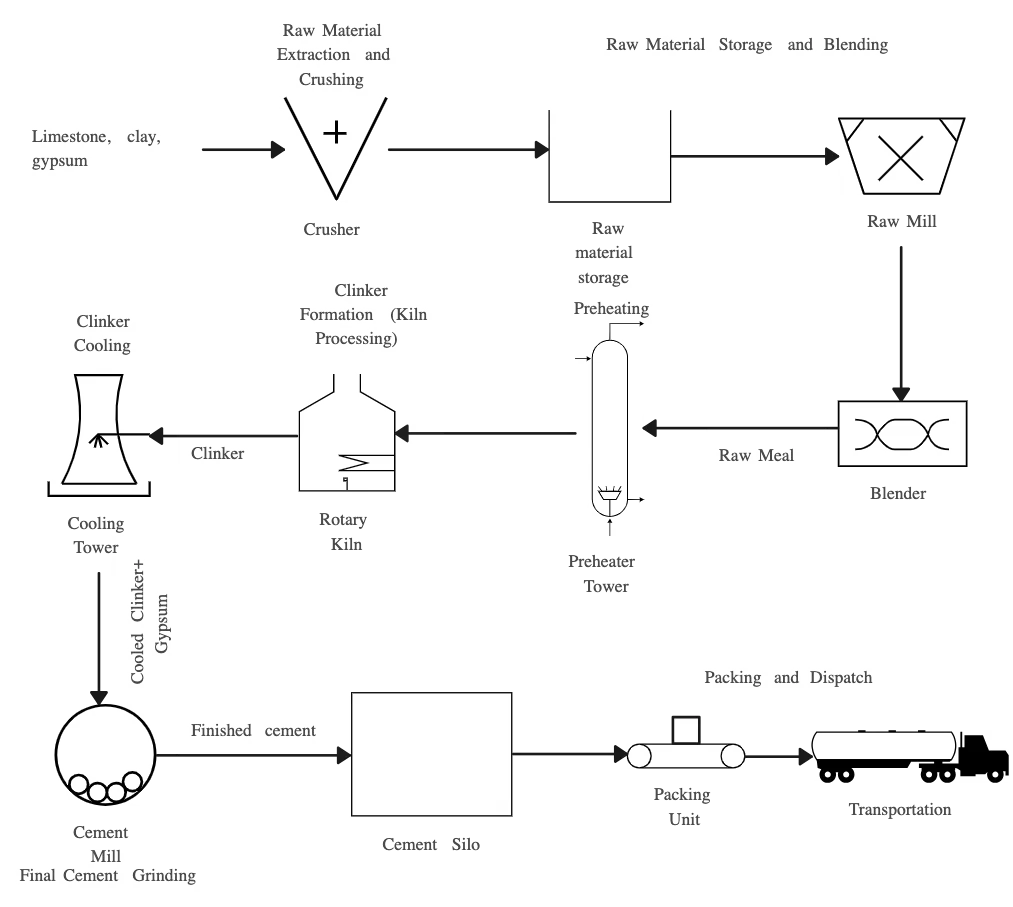
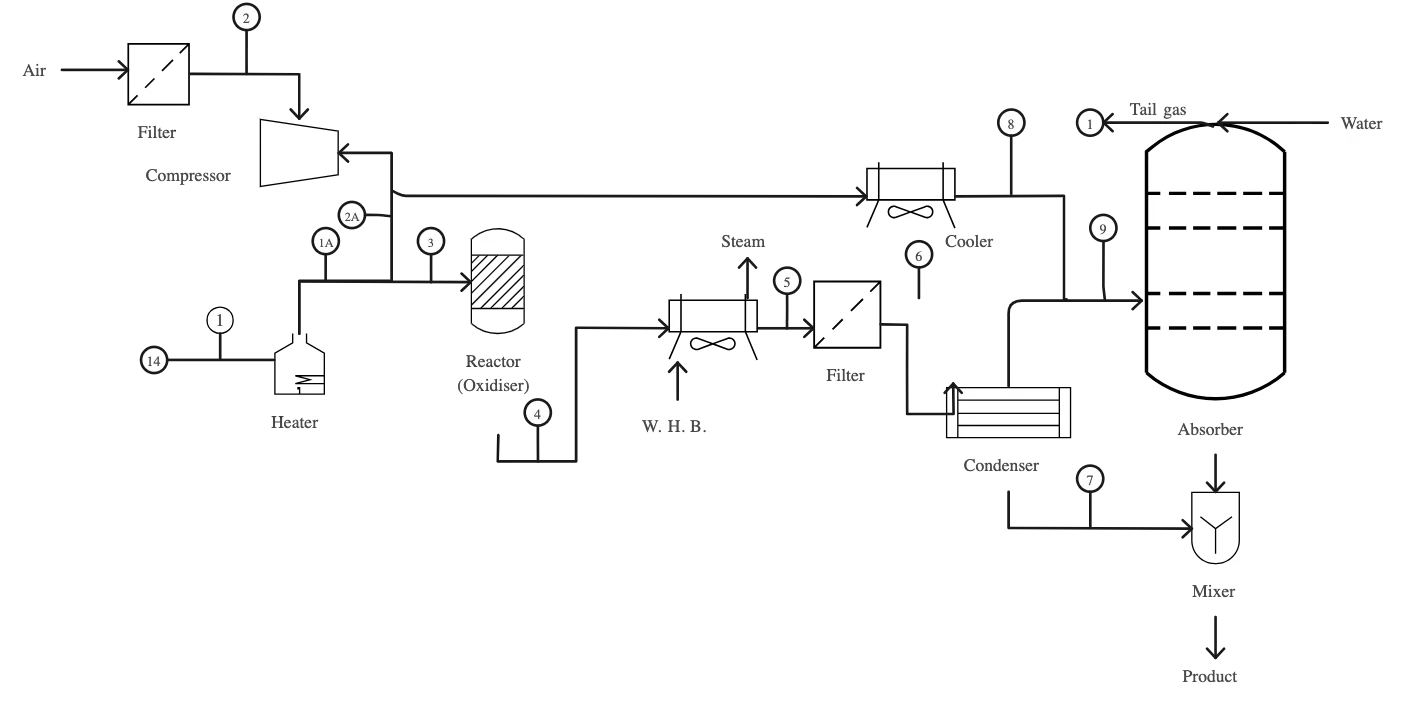
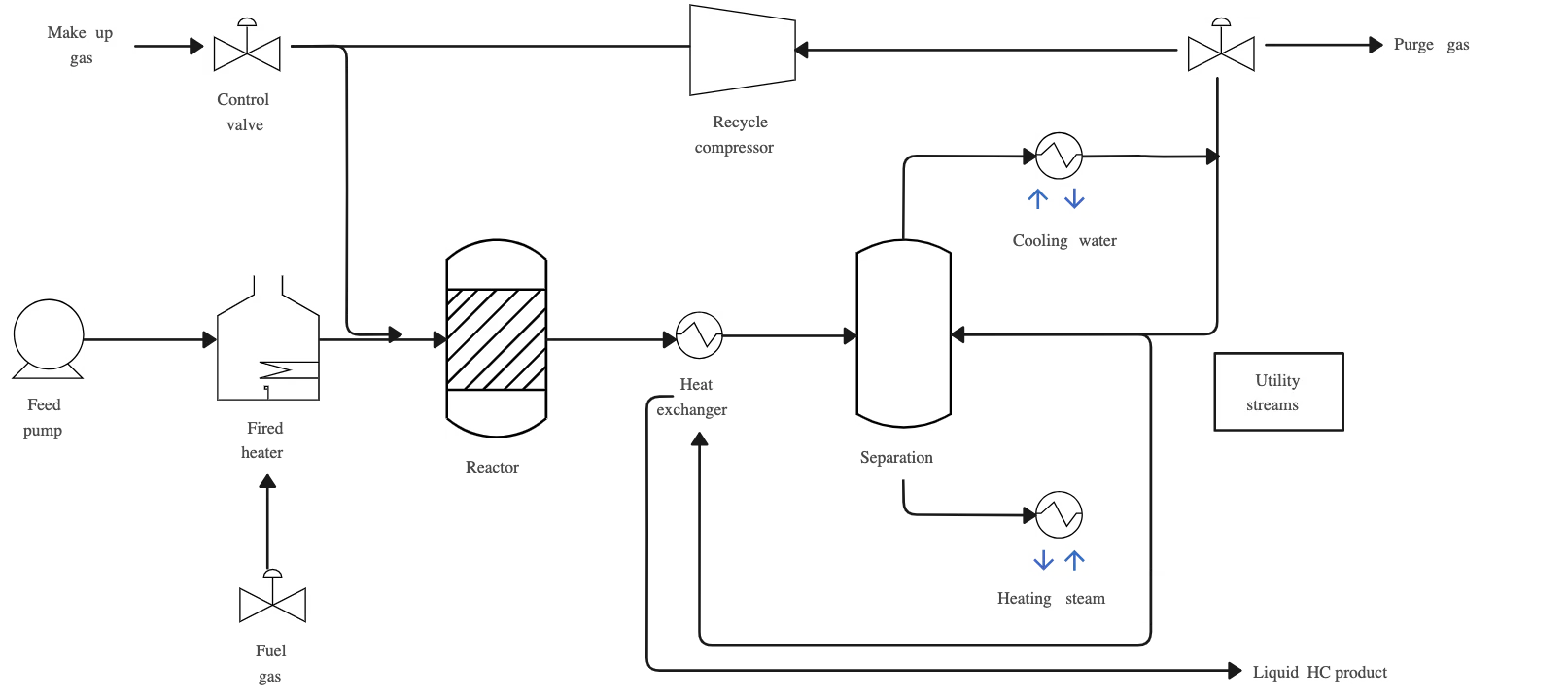
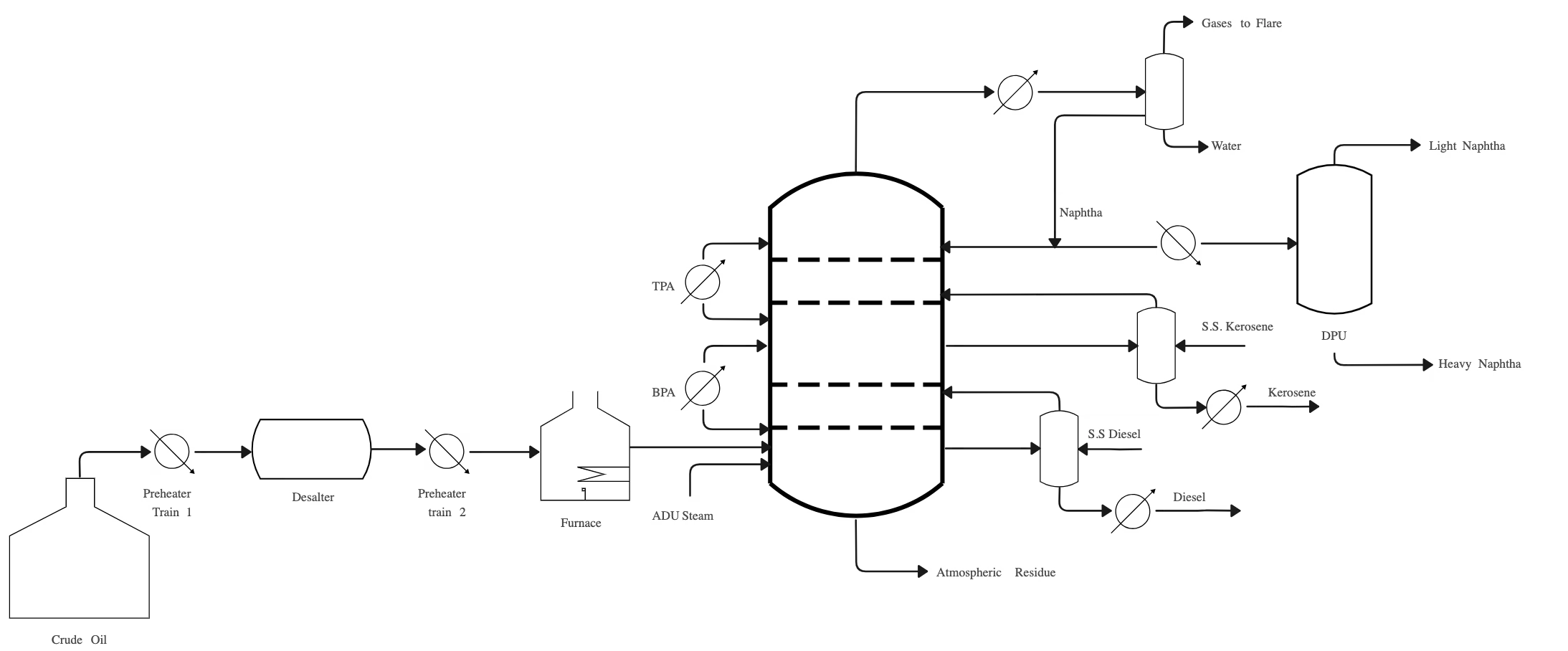
Explore Pre-Made Process Flow Diagram Examples
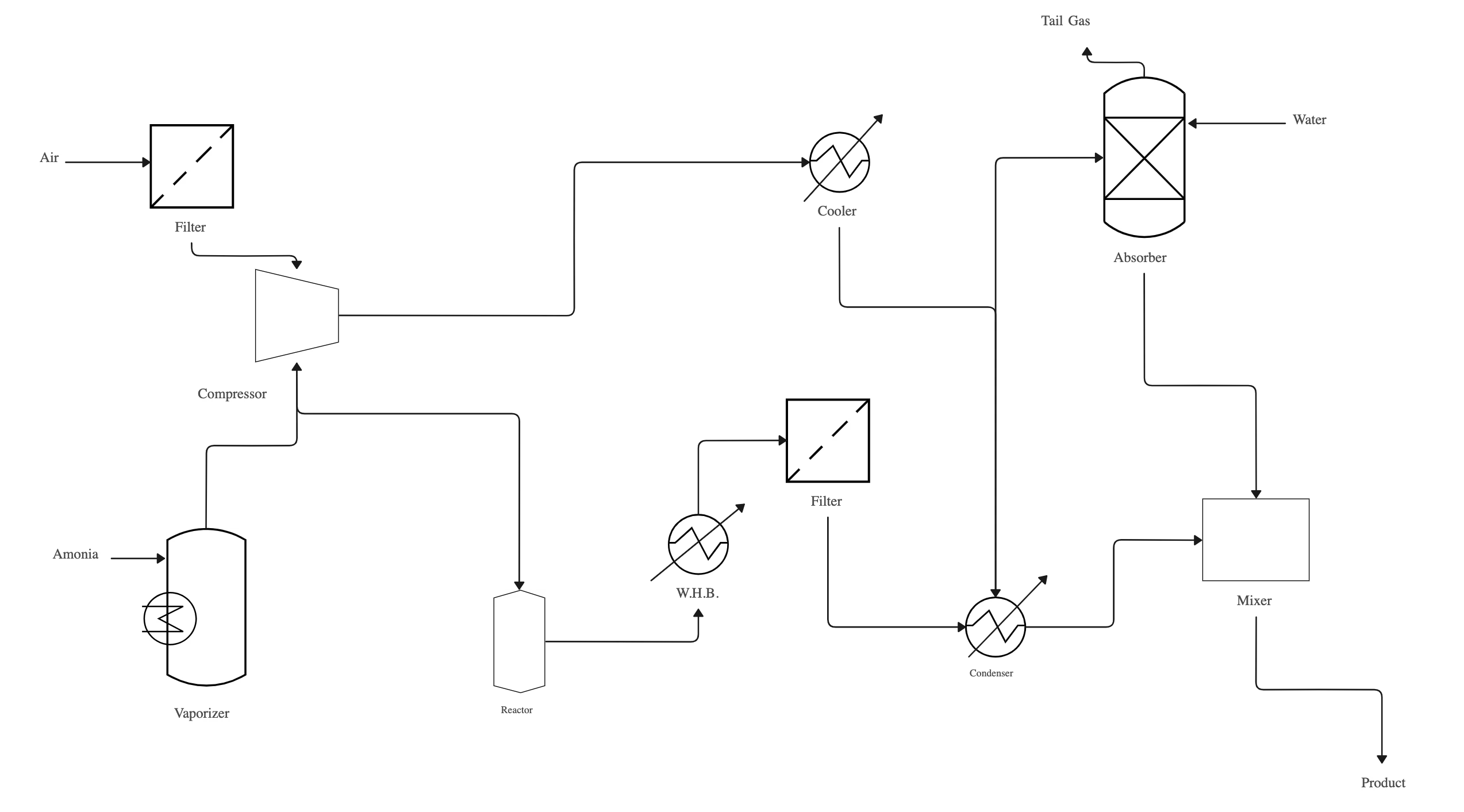
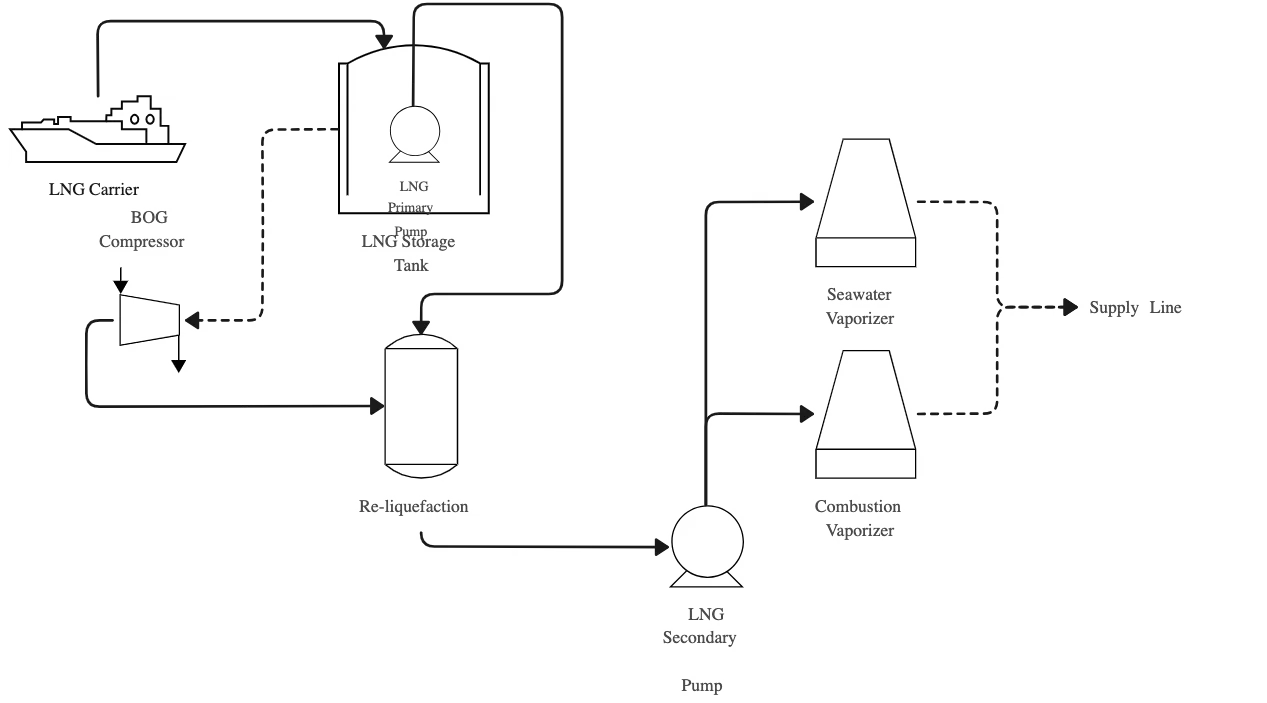
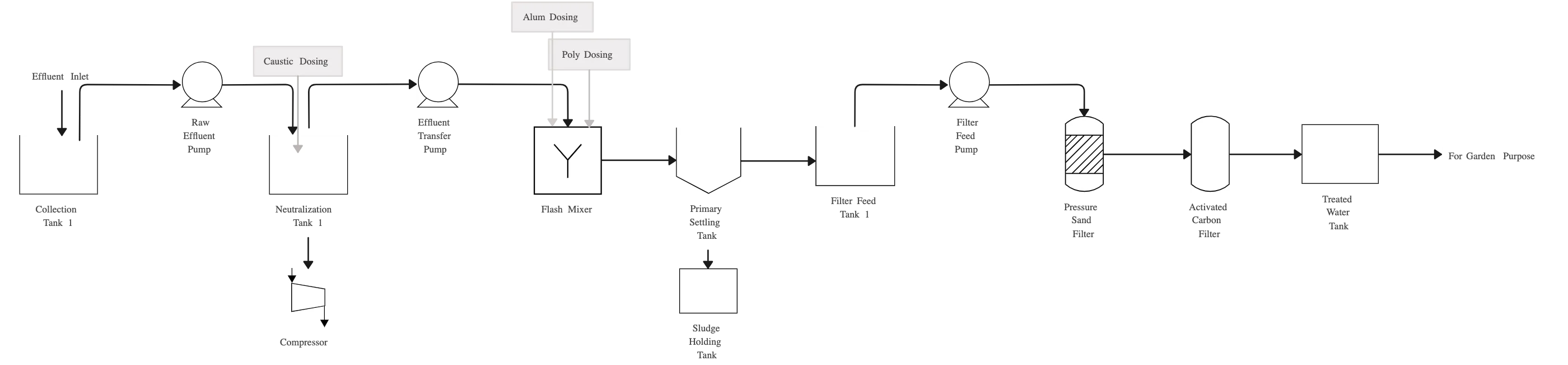
Design Complex Systems in Minutes
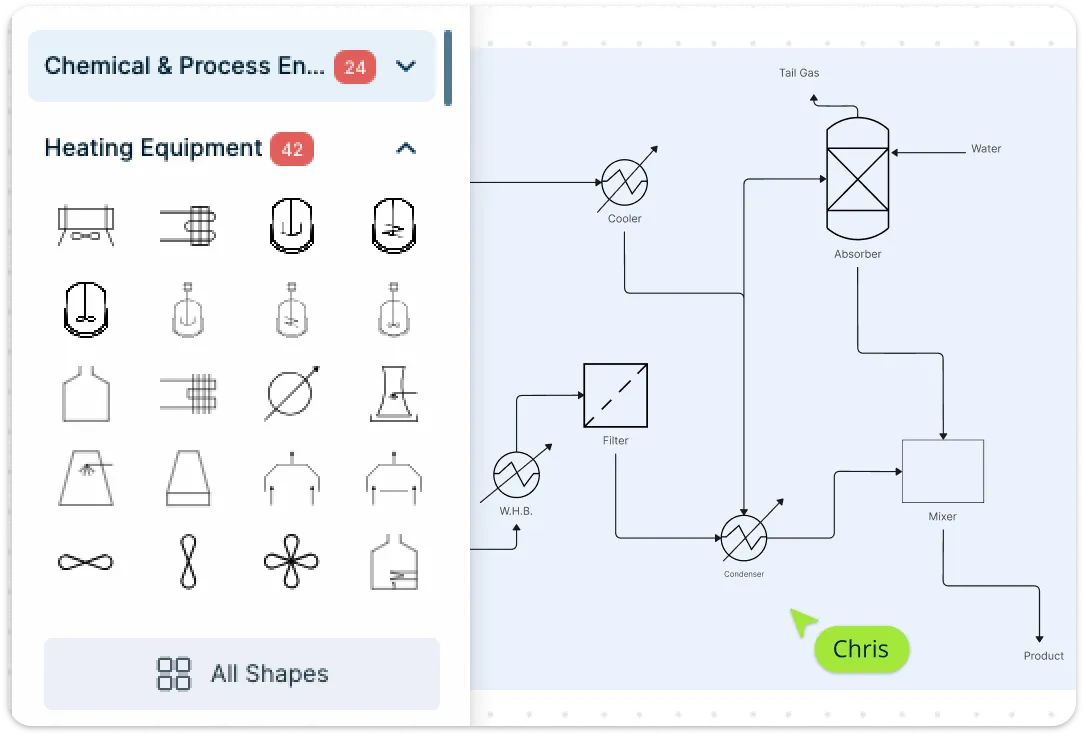
Creately provides a flexible visual canvas purpose-built for technical diagrams like process flow diagrams. Start quickly with free professionally designed templates, then drag and drop ISO/ISA-compliant symbols for vessels, pumps, reactors, and more. Smart connectors snap into place and stay attached as you rearrange elements, ensuring a clean, logical flow. Need something custom? You can also import your own symbols and build reusable components to match your exact process.
Keep PFDs Clear and Manageable
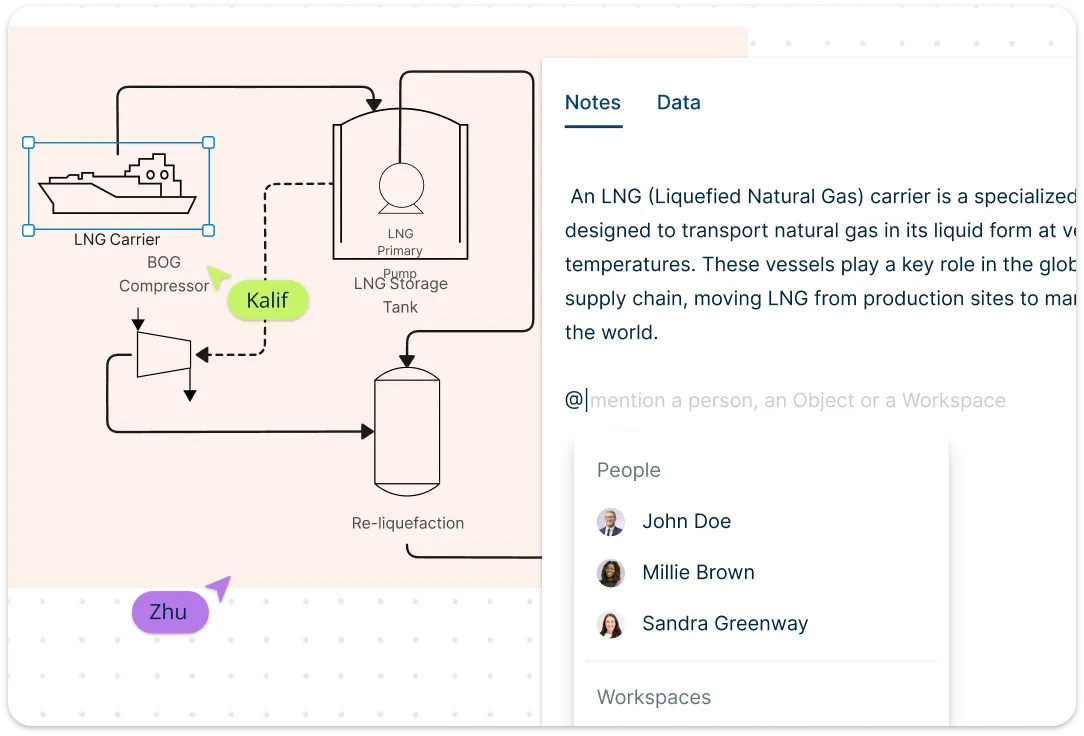
With Creately, you can break your diagram into layers—separating core flows from controls or annotations—so everything stays easy to manage. The infinite canvas gives you space to expand as your system grows, and smooth zoom and pan features help you focus on the details or the bigger picture. You can also attach notes to any shape or stream to document assumptions, calculations, or references—keeping important context right where it’s needed.
Collaborate and Share with Ease

Creately makes it easy to collaborate with engineers, designers, and stakeholders at any stage of the process. Multiple team members can work on the same diagram in real time, with changes syncing instantly. Integrated comments let you leave notes or ask questions directly on specific elements. When it’s time to present your work, switch to presentation mode to walk through the process step by step. When you’re ready to share, export your diagram as a PDF, PNG, or SVG—or send a live link for instant access, even without a Creately account.
What Is a PFD Template?
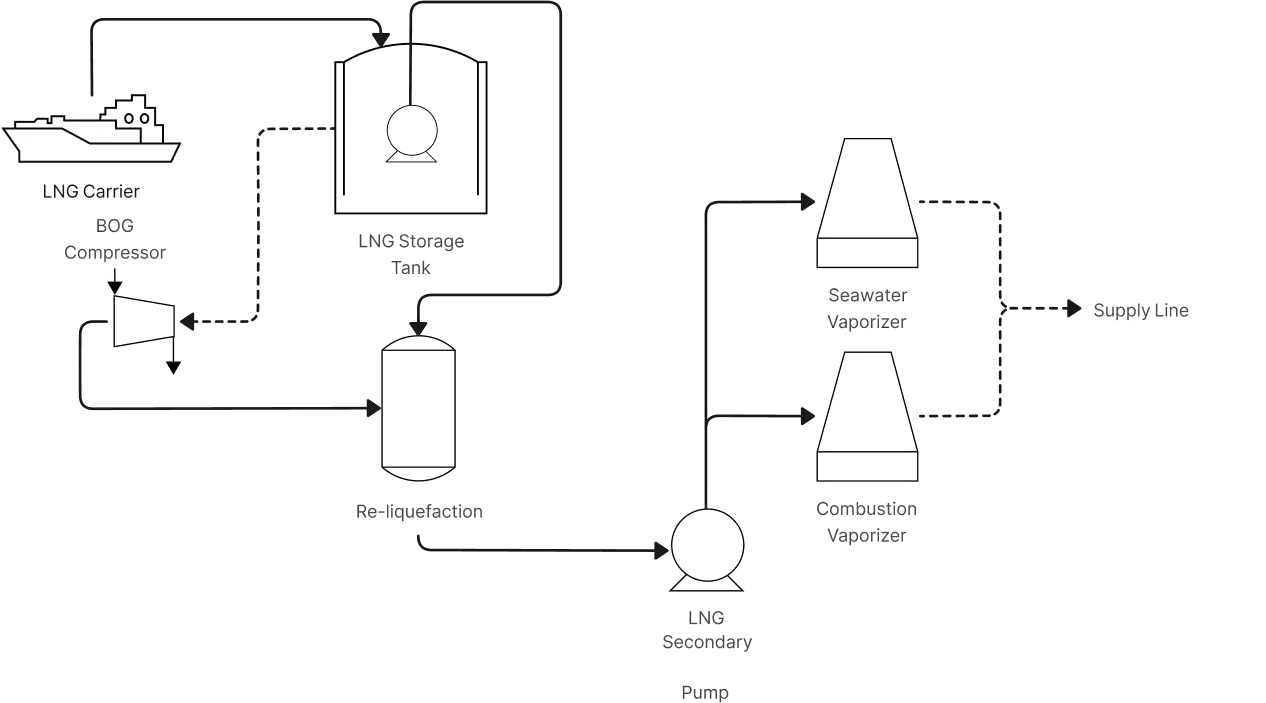
How to Use Creately’s Free Process Flow Diagram Template?
Choose a PFD template:
Start by selecting a process flow diagram template from Creately’s template library. You can pick one that suits your industry or process type—like chemical processing, power generation, or water treatment.Customize the layout:
Once the template loads on the canvas, you can rearrange the existing elements or delete anything you don’t need. Choose a layout direction—typically left-to-right or top-down—to match your process flow.Add or modify equipment:
Use the built-in symbol library to drag and drop components like pumps, vessels, heat exchangers, and reactors. You can also import custom symbols if your process uses specialized equipment.Connect the flow:
Use Creately’s smart connectors to draw process lines between equipment. Arrows indicate flow direction, and the connectors stay attached even when you move elements around.Annotate with data:
Click on any shape or line to add stream numbers, flow rates, temperatures, or pressures. You can also add equipment IDs (like P-101 or R-302) and use notes to document assumptions or reference specs.Collaborate and refine:
Share the diagram with your team to co-edit in real time or leave comments. Use version history to track changes and revert if needed.Present or export your PFD:
Use presentation mode to walk through your PFD during design reviews. When finalized, export it as a PDF, PNG, or SVG—or share a live link for instant viewing.
Start Drawing Your Process Flow Diagram Now
FAQs About PFD Diagrams
What is a PFD template used for?
Who should use a process flow diagram template?
What symbols are included in a PFD template?
Can I link external documents to a PFD in Creately?
How do I find the right PFD template in Creately?
Are there templates for specific industries or use cases?































