Problem Solving Templates
Unlock Solutions Faster with Proven Problem-Solving Frameworks
Supercharge your workflow with powerful, customizable problem solving templates. Quickly visualize challenges, uncover root causes, and turn insights into action — all within one seamless, collaborative workspace.
- Versatile templates & visual tools for every problem-solving method
- Seamless real-time collaboration and brainstorming
- Smart task management with notes, attachments, and prioritization
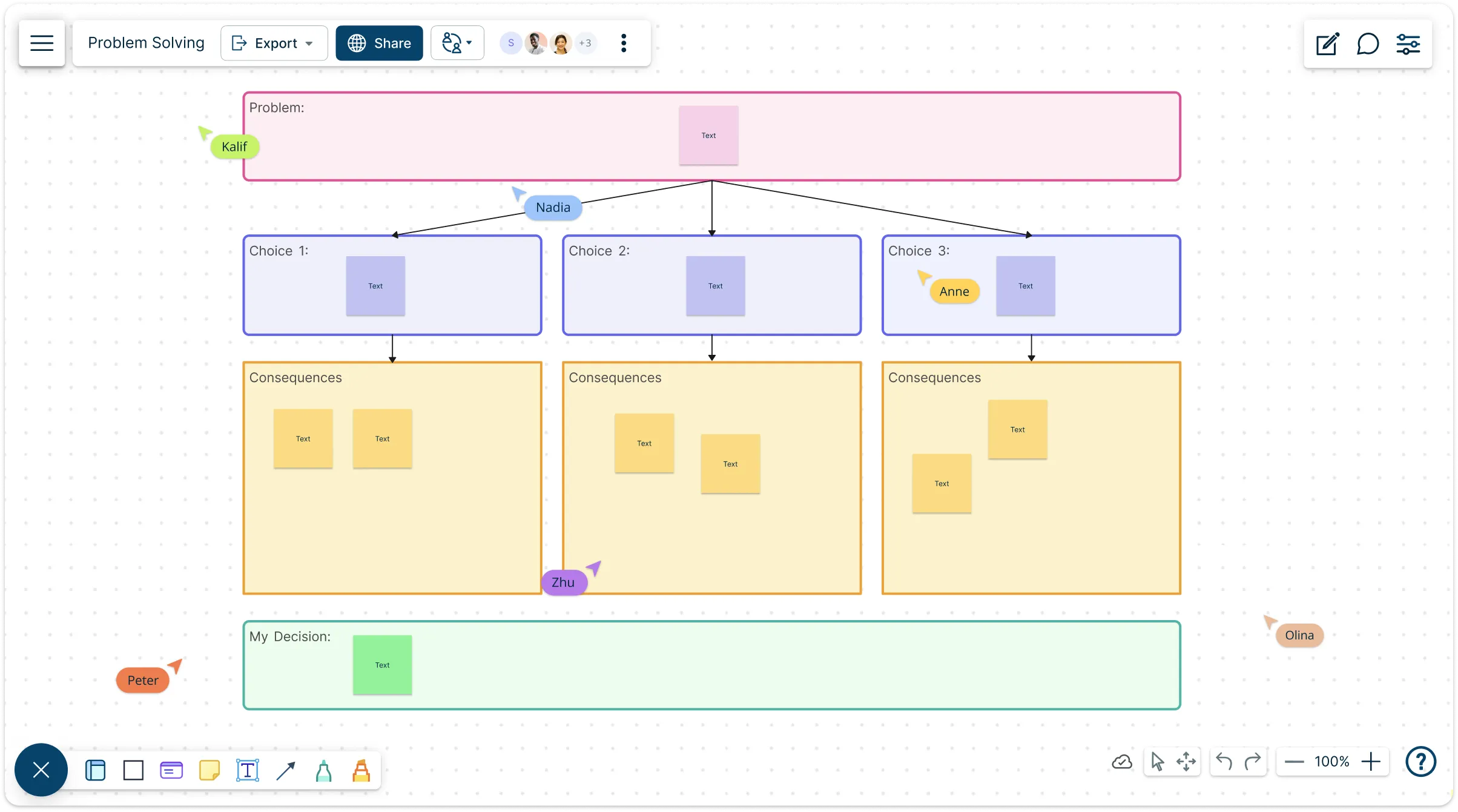
Over 10 Million people and 1000s of teams already use Creately

AI Problem-Solving Generator
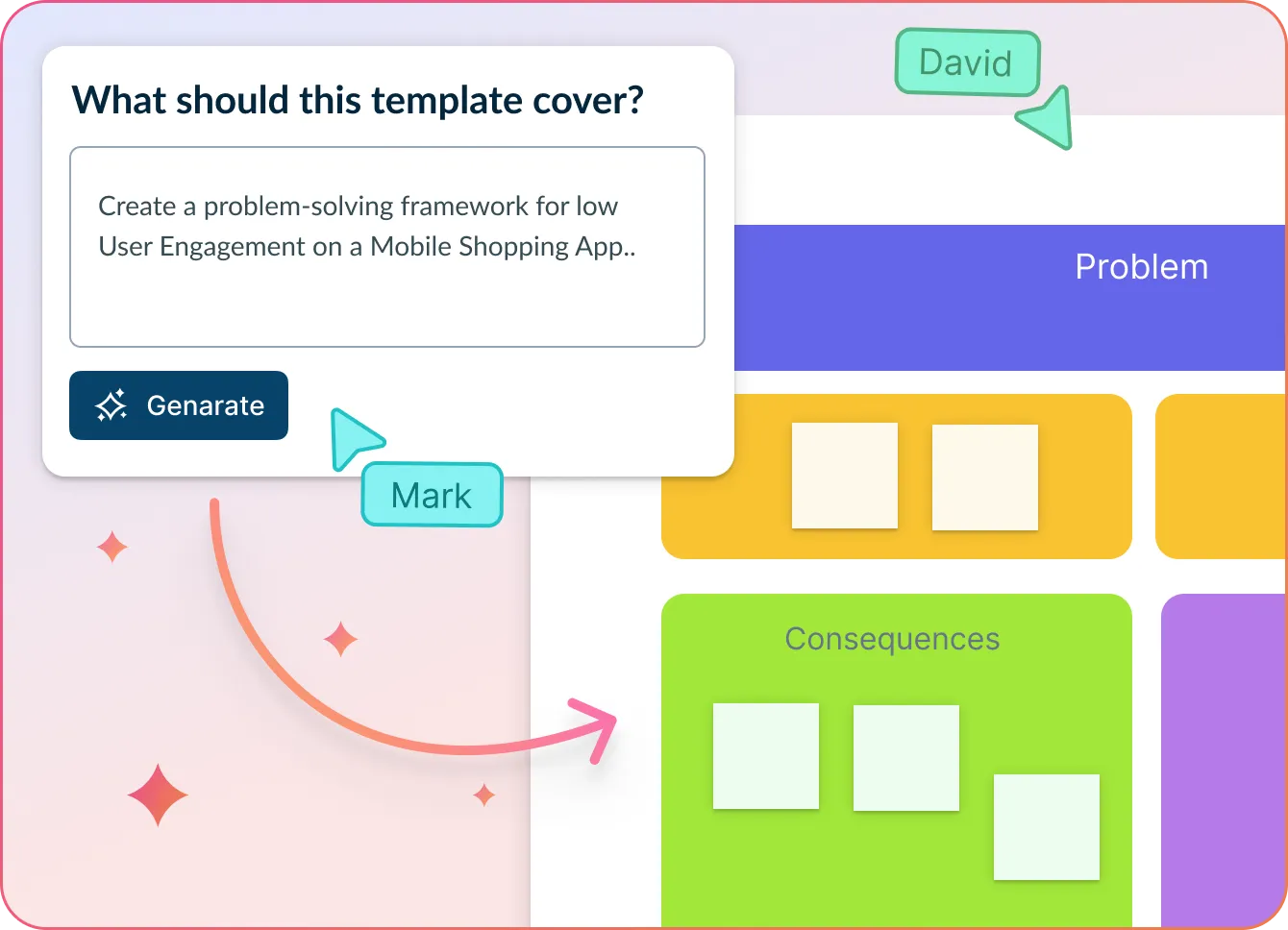
Tackle complex challenges with structured, AI-assisted thinking
- Describe your issue or opportunity in plain language.
- Click Generate with AI → AI instantly fills out a structured Problem–Solution template to help clarify the issue, surface root causes, and suggest next steps.
- Collaborate, iterate, and turn analysis into action—all on one connected canvas.
Why teams love Creately’s AI Problem-Solving Generator
 Clarity in minutes – AI breaks down problems into causes, effects, and solutions—instantly.
 Ready-to-use structure – Automatically formats input into a clean, actionable Problem–Solution layout.
 Collaboration-ready – Bring in teammates to co-analyze, comment, and assign tasks in real time.
 Secure by design – No third-party AI tools—your data stays private in Creately’s ecosystem.
 Flexible for any team – Use in operations, product, support, or strategy sessions.
Problem Solving Templates for Faster, Smarter Decisions
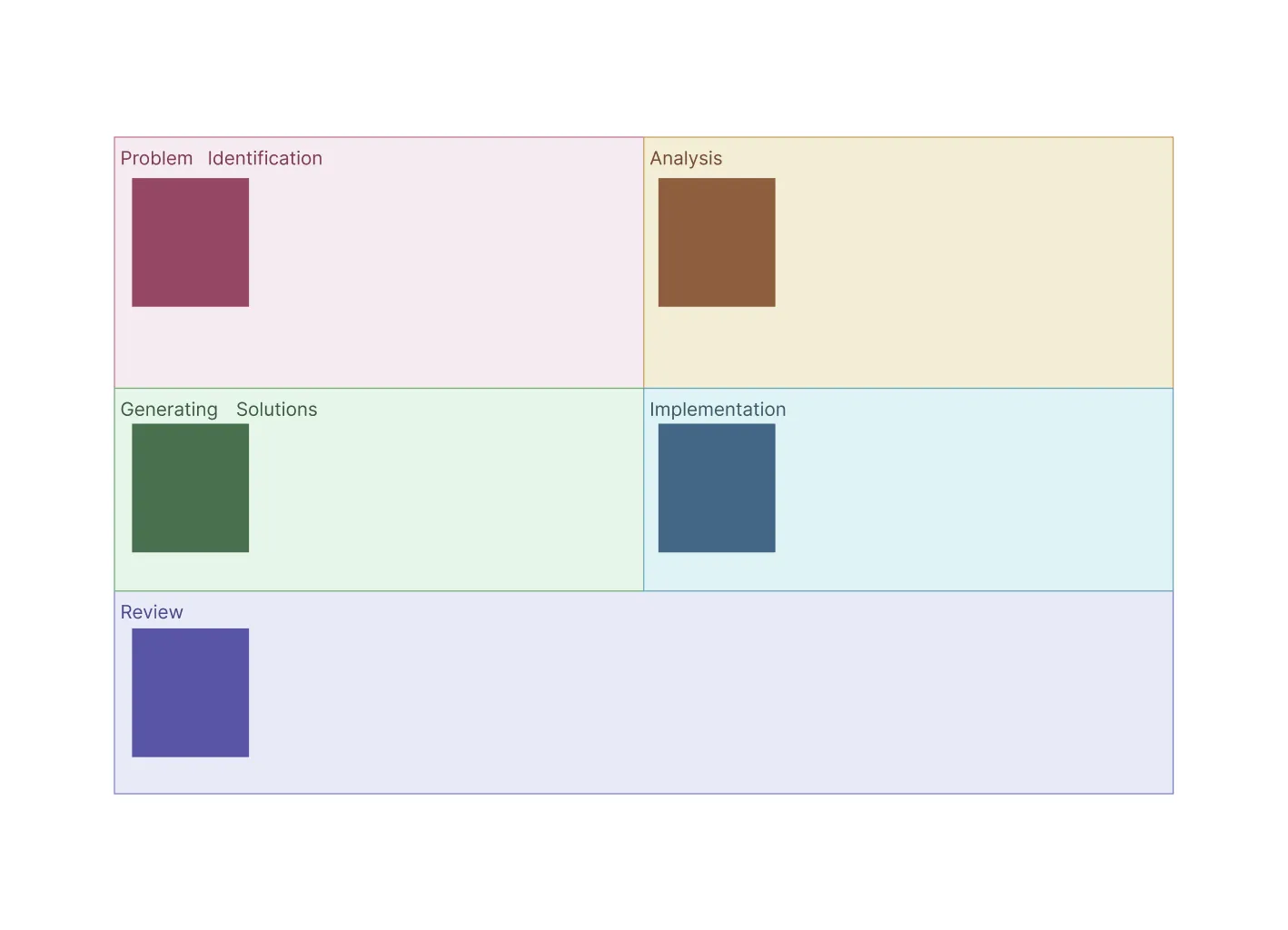
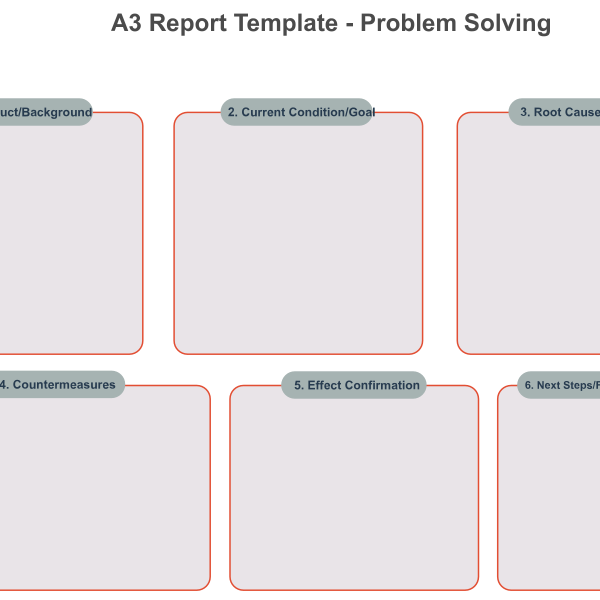
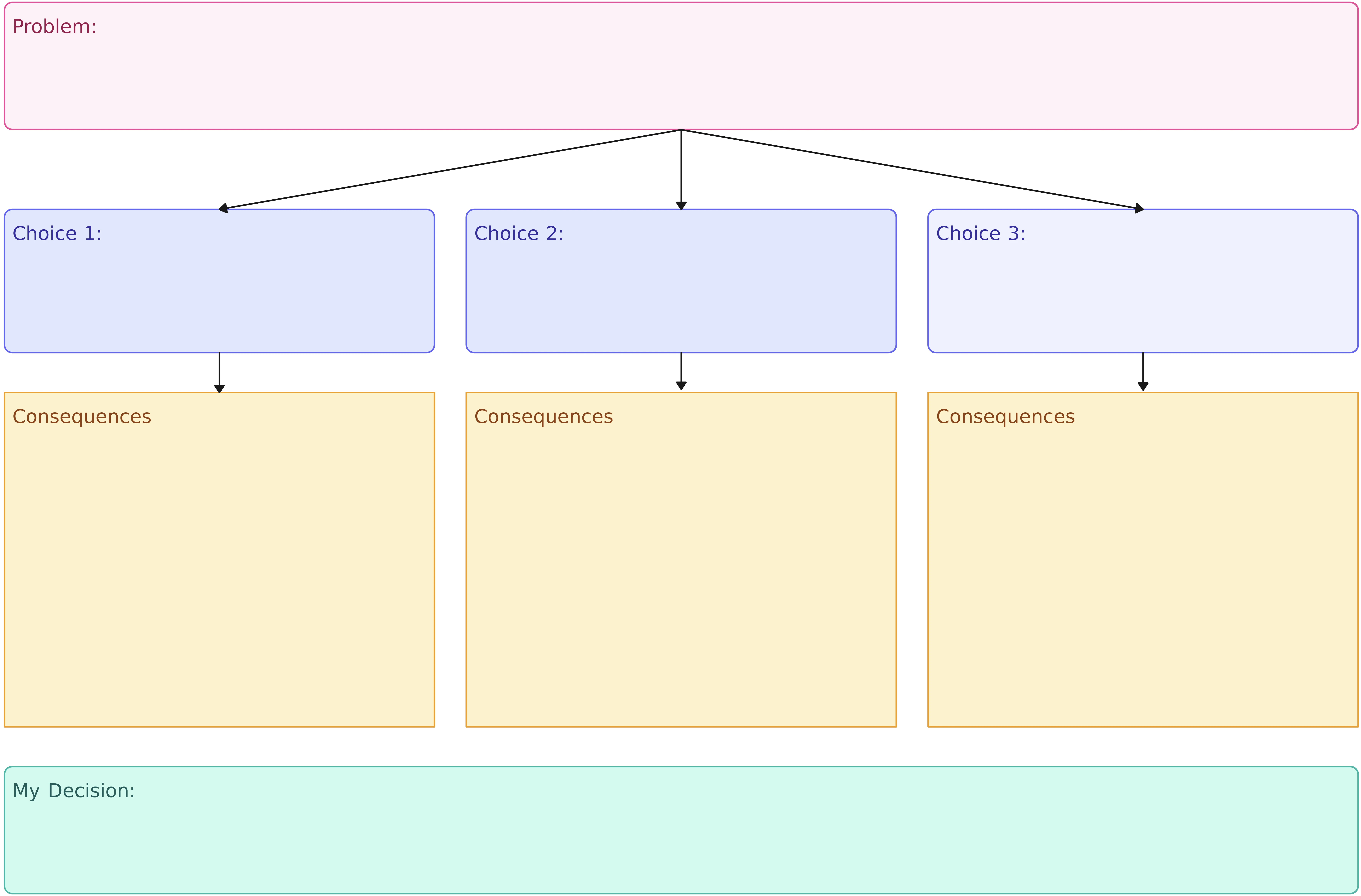

Accelerate Problem Solving with Ease
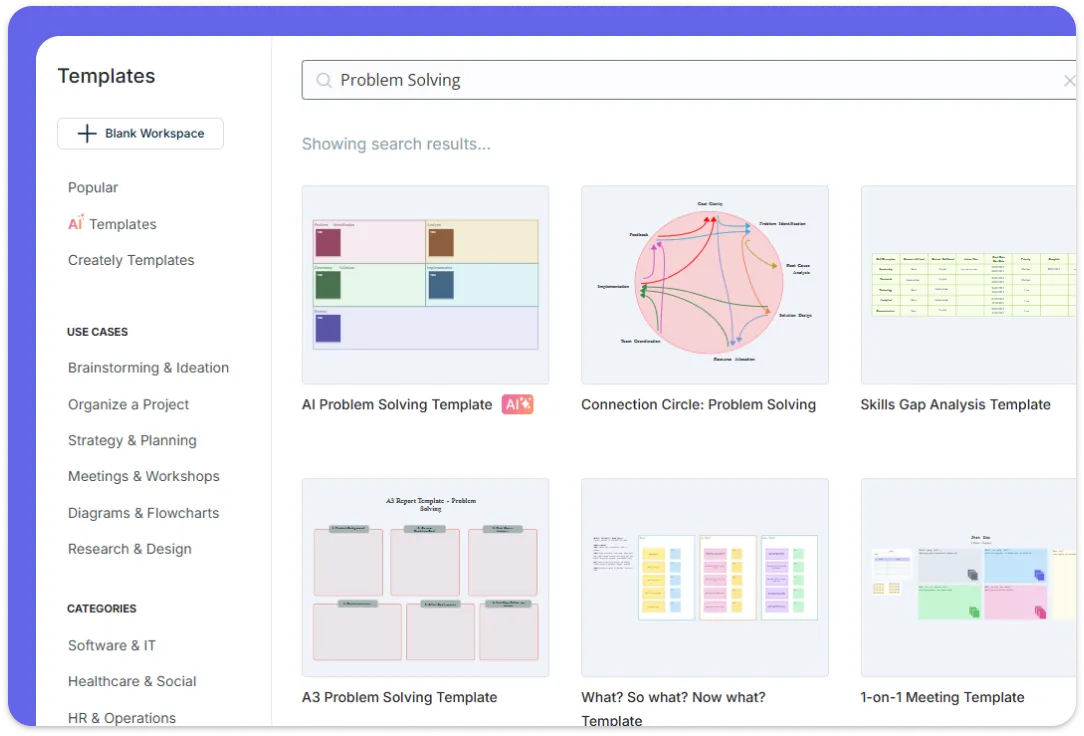
Quickly build clear problem-solving diagrams using intuitive drag-and-drop functionality. Access a rich library of shapes and symbols tailored for a variety of diagram types, from flowcharts to fishbone diagrams. Pick from ready-made templates for multiple problem solving methods and customize them to fit your needs. Or use Creately’s AI assistant to speed you up by generating content, suggesting smart solutions, and handling the busywork—so you can focus on solving problems, not formatting them.
Collaborate Live and Stay in Sync
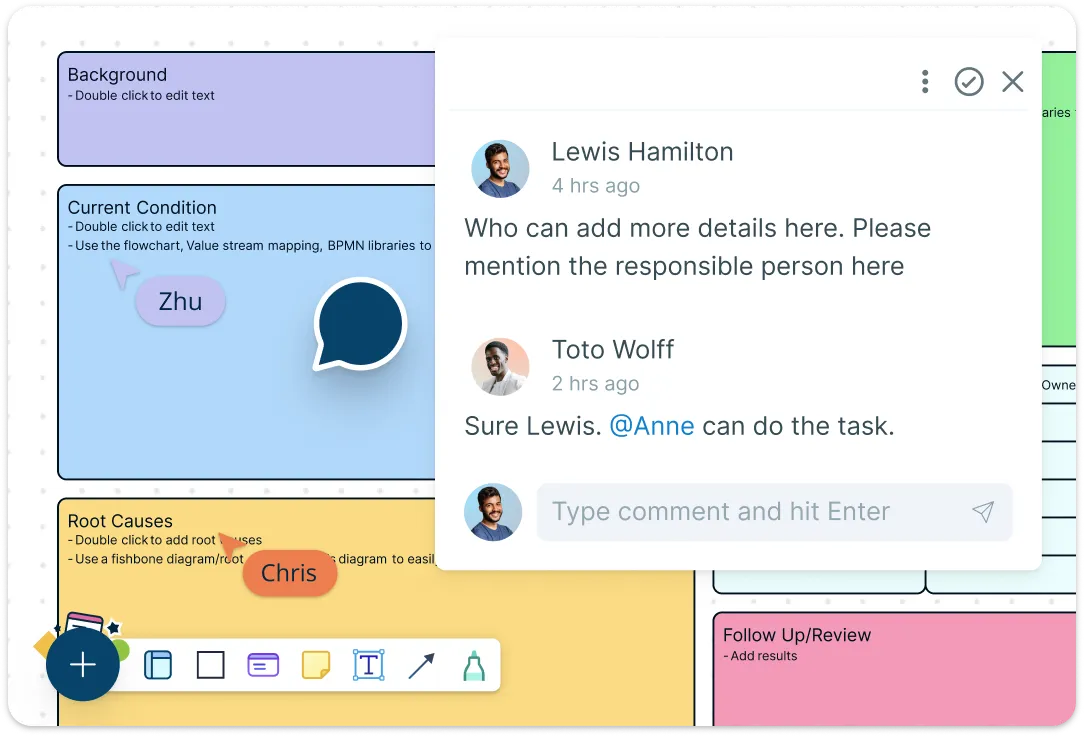
Bring your team together no matter where they are with multi-user editing and real-time updates that keep everyone working on the latest version. Use threaded comments to discuss ideas directly on the problem solving template, and spark creativity with an interactive whiteboard designed for dynamic brainstorming sessions. Easily share progress and gather feedback instantly, making collaboration effortless and efficient.
Organize Your Ideas and Drive Action
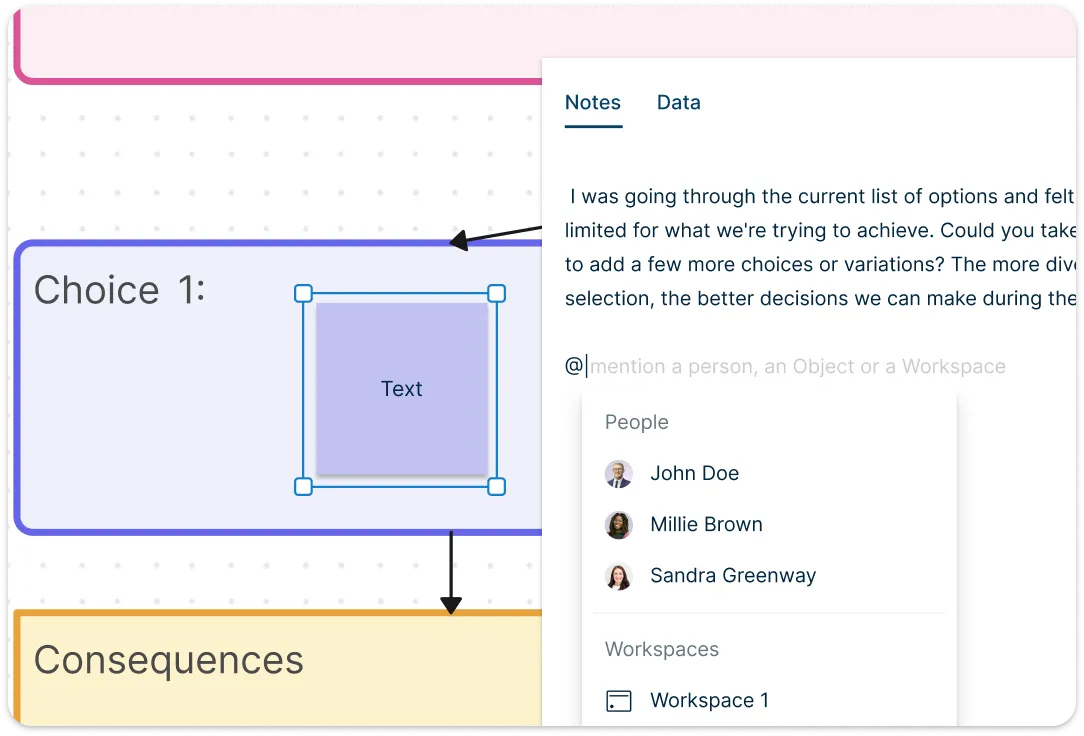
Keep all important details in one place by adding notes and attachments right on your problem solving templates. Prioritize effectively with visual tools like impact-effort matrices to identify high-value actions and eliminate distractions. Then, turn plans into progress with built-in Kanban boards that let you assign tasks, set priorities, and track execution in real time. From insight to action, everything stays connected, organized, and easy to manage within one collaborative workspace.
Share, Present, and Integrate with Ease
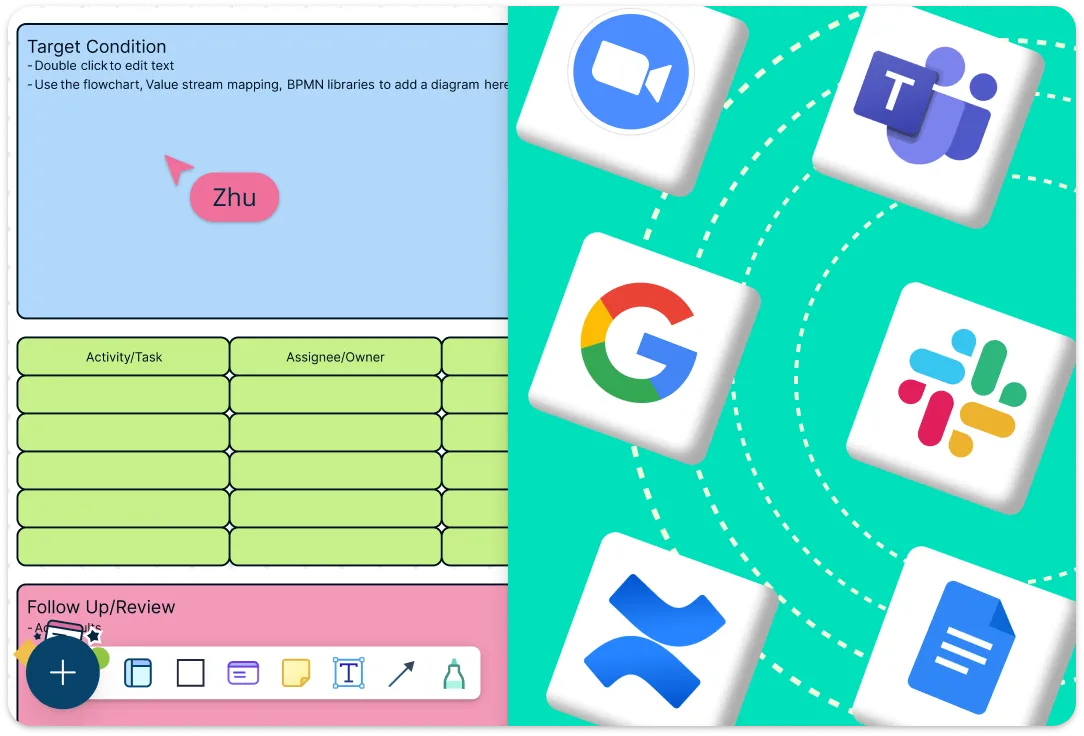
Present your problem-solving process professionally using built-in presentation mode and slideshow tools that highlight your key insights. Share diagrams instantly with stakeholders through secure shareable links, PDF, PNG, or SVG exports. Plus, integrate seamlessly with popular apps like Google Drive, Slack, Microsoft Teams, and more—keeping your workflow smooth and your team productive.
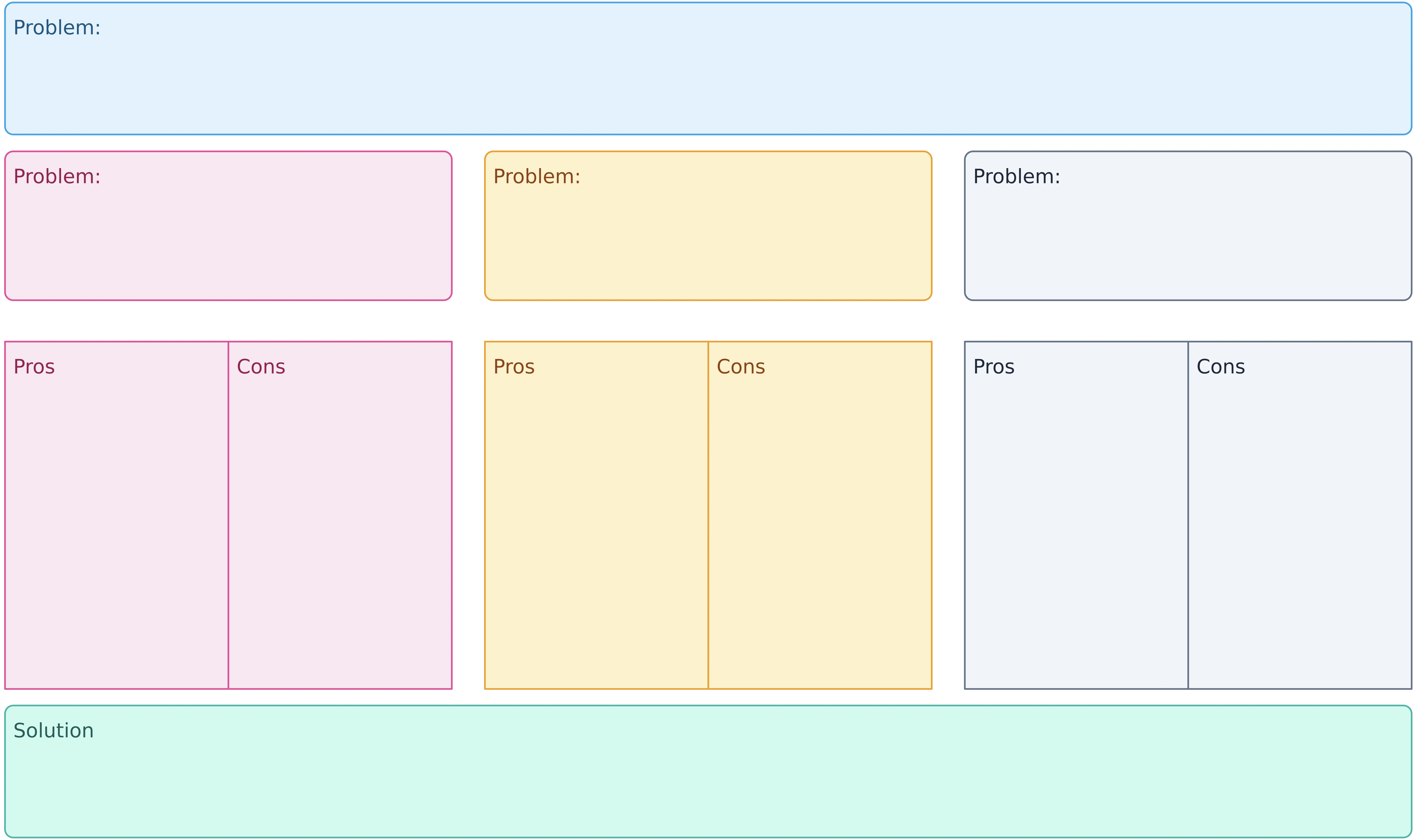
What Is a Problem and Solution Template

How to Use Creately’s Problem Solving Templates
Choose a template:
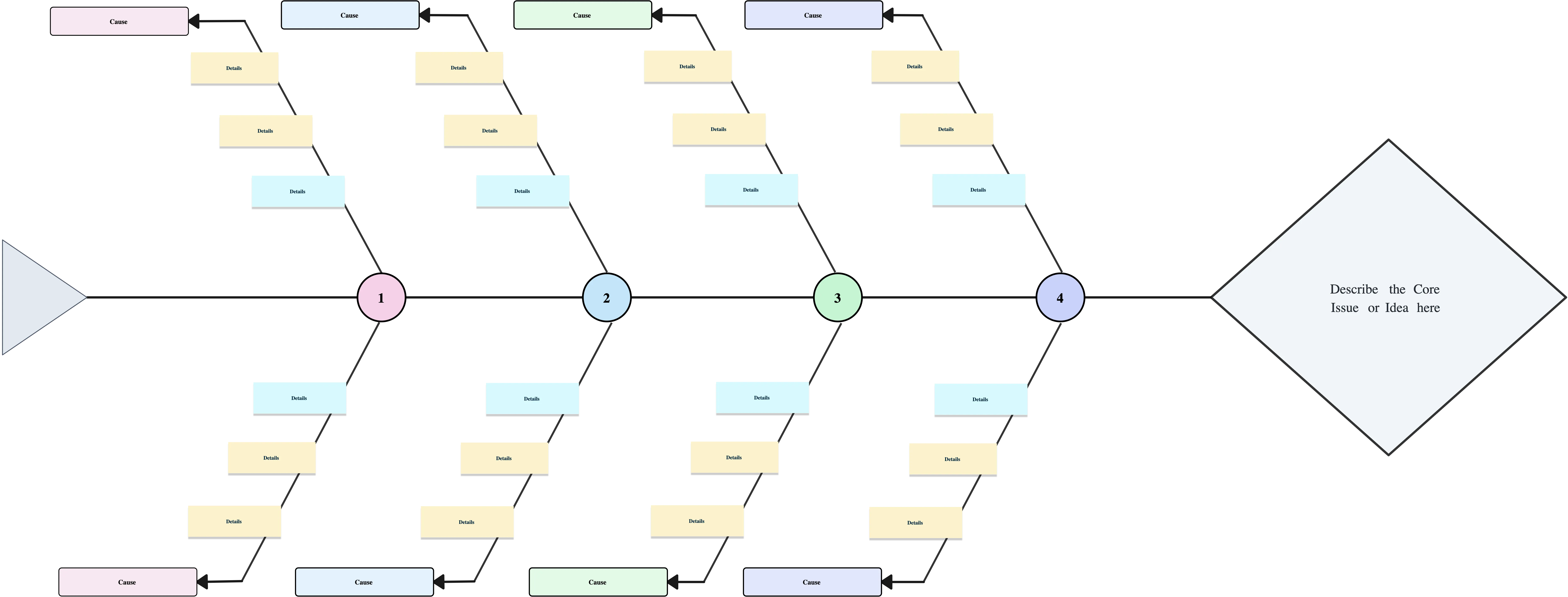
Browse Creately’s library and select a problem solving template that fits your needs — whether it’s a 5 Whys, fishbone diagram, A3 report, or impact-effort matrix.Customize the framework:
Use the drag-and-drop editor to add or adjust shapes, labels, and connectors. Creately’s smart shape libraries make it easy to adapt the layout to suit your specific problem.Add context:
Enrich your diagram by attaching notes, links, and supporting documents directly to shapes, ensuring your team has all the information they need in one place.Collaborate in real time:
Invite team members to work together with multi-user editing, live cursors, and in-context comments. Use the whiteboard space to brainstorm and explore ideas together.Prioritize and assign tasks:
Use visual prioritization tools like the impact-effort matrix or Kanban boards to organize next steps. Assign tasks to team members right from the canvas to turn insights into action.Present or share your solution:
Share your completed diagram with a secure link, present it using Creately’s built-in presentation mode, or export it in PDF, PNG, or SVG formats to include in reports or documents.
Problem Solving Templates for Turning Ideas Into Action

FAQs About Problem Solving Templates
Who can use problem solving templates?
What types of problem solving templates are available in Creately?
What are problem solving templates used for?
Can I create my own problem solving template from scratch?
How do I track progress after building a solution?
How can artificial intelligence (AI) help with problem solving?































