Power Mapping Template
Map Power, Unlock Opportunities, Drive Change
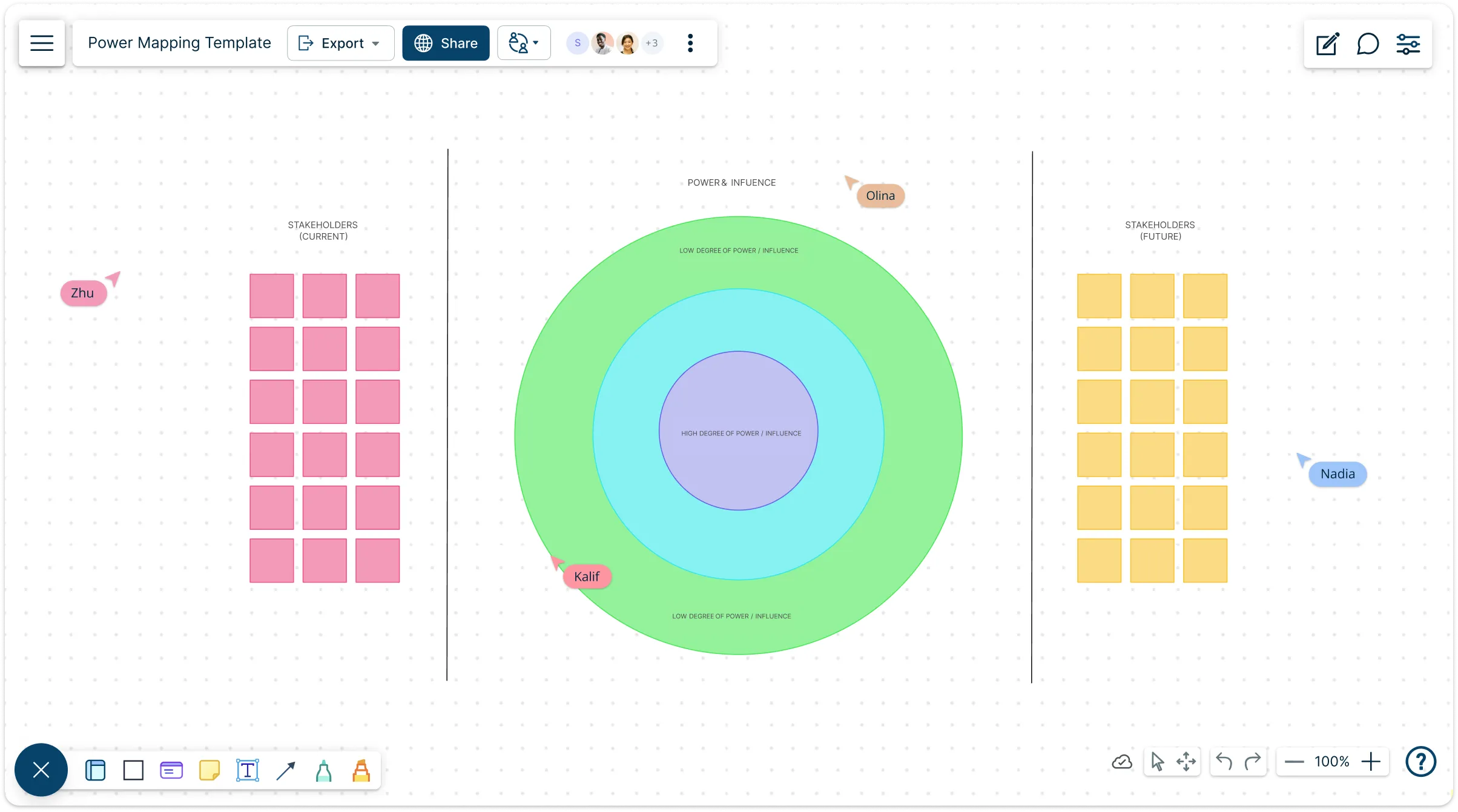
Understand who holds power, where they stand, and how to move them toward your goals. Use Creately’s power mapping template to visualize relationships, identify leverage points, and build a strategy that actually works in the real world.
- Map allies, opponents, and key influencers on a single dynamic canvas.
- Understand levels of influence and engagement to prioritize your efforts.
- Build real momentum with actionable next steps, not vague assumptions.
Over 10 Million people and 1000s of teams already use Creately

Free Ready-to-Use Power Mapping Templates
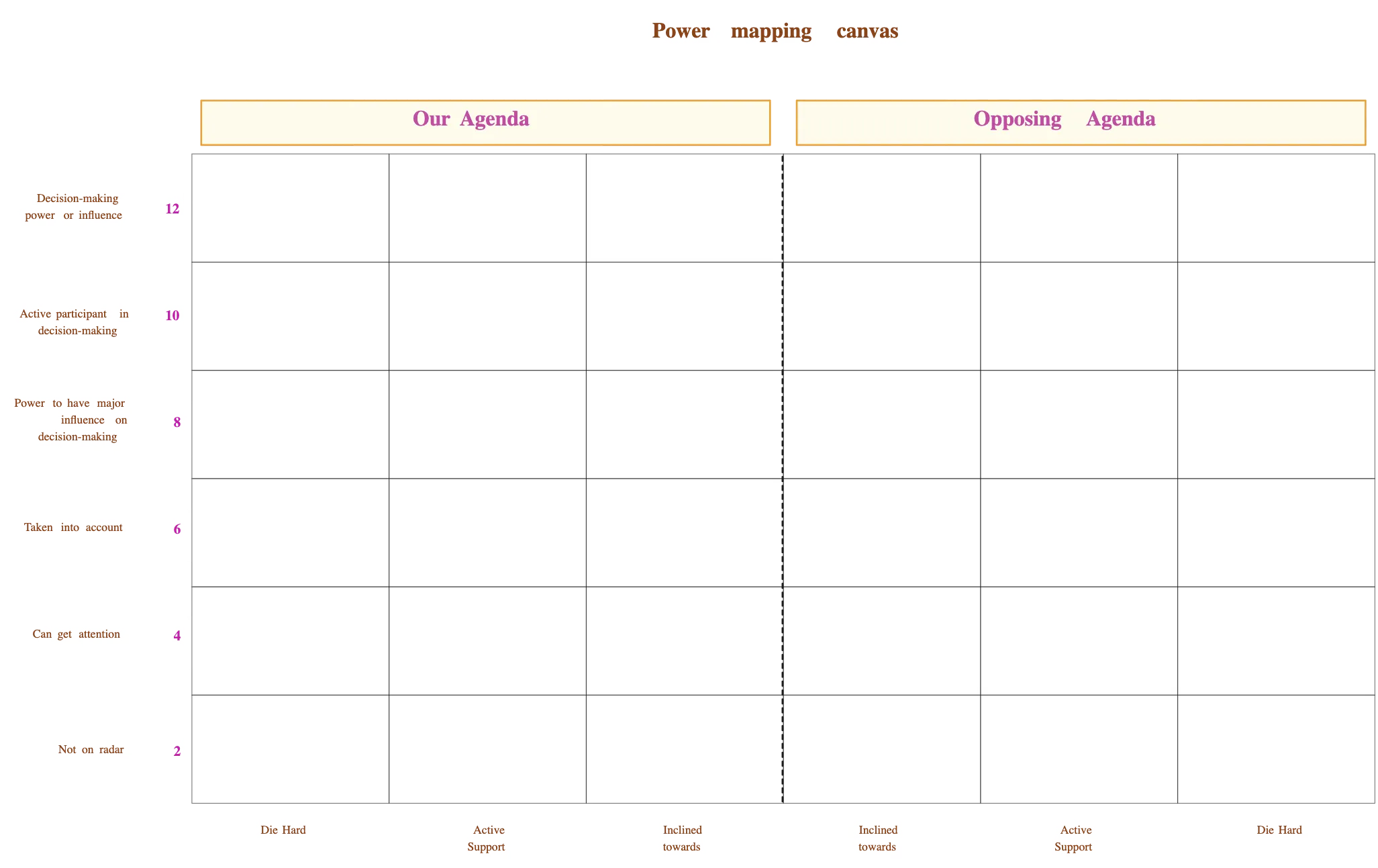
See Your Power Landscape Clearly
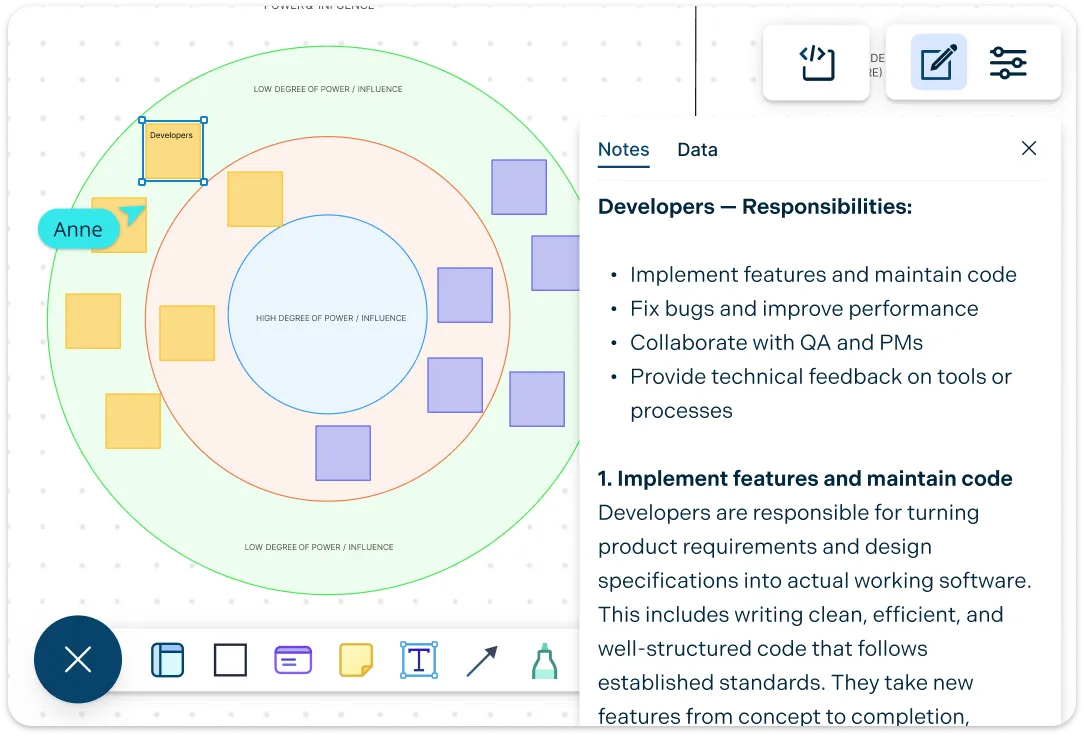
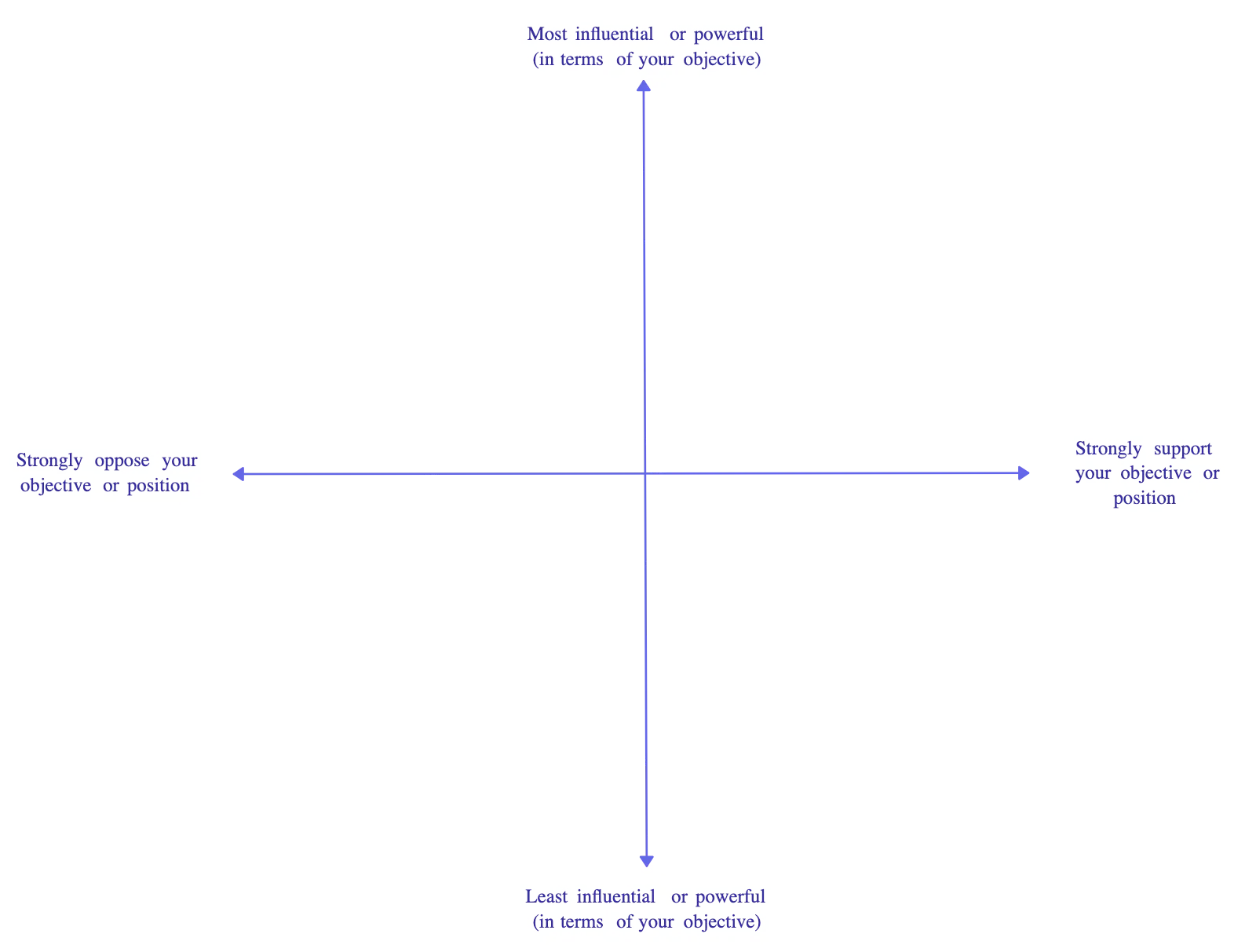
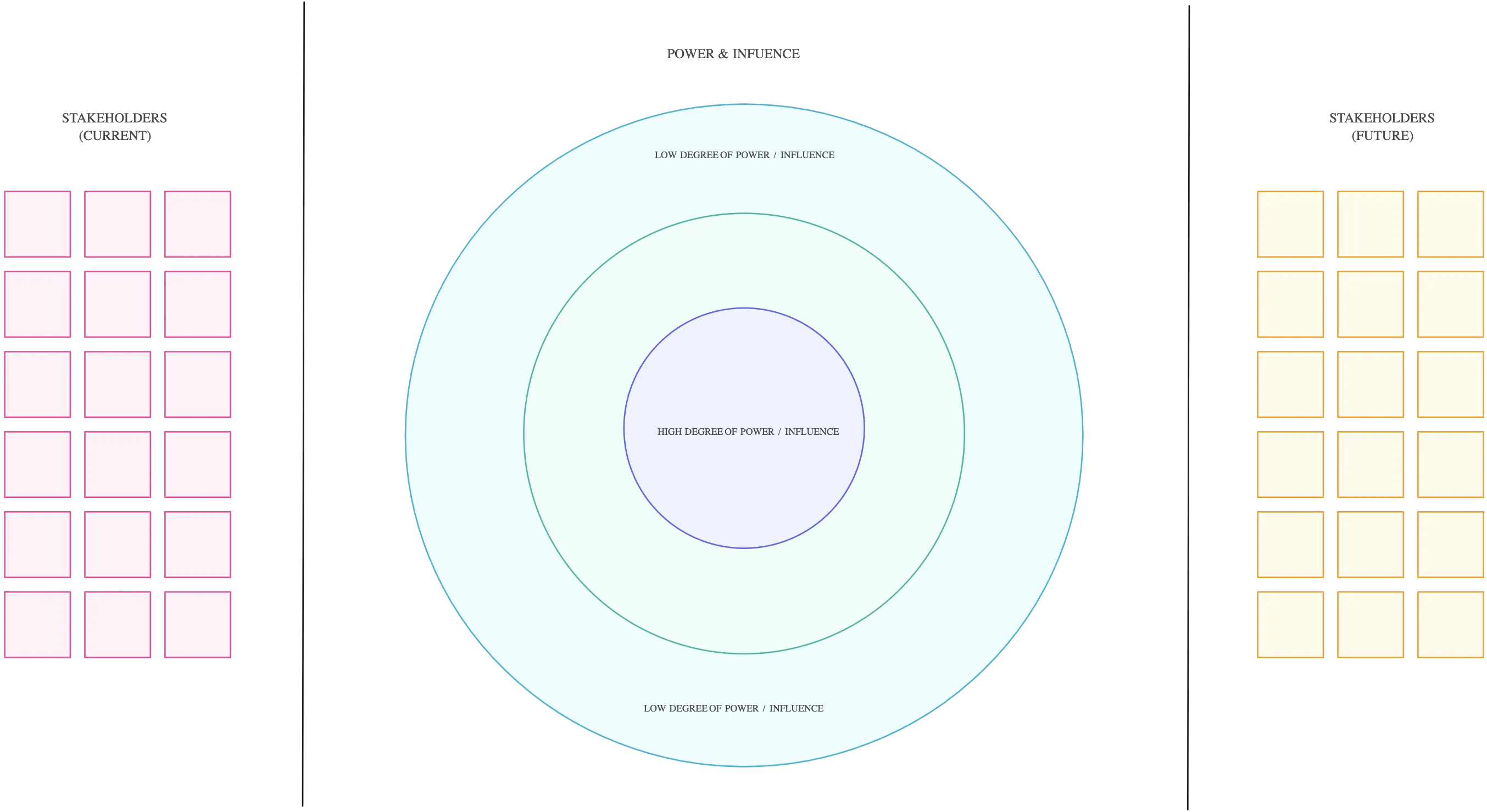
Cut through the chaos of influence and see who really matters. With Creately’s power mapping templates, you can instantly lay out decision-makers, influencers, allies, and opponents on a single, dynamic canvas. Drag and drop shapes, connect them with arrows to show relationships and influence, and add notes or tags to capture motivations, past interactions, or key insights. Color-code stances, plot levels of power, and reveal hidden patterns you’d never spot in spreadsheets or text. Suddenly, the invisible networks become clear — you see champions, blockers, and the paths that will actually move your mission forward.
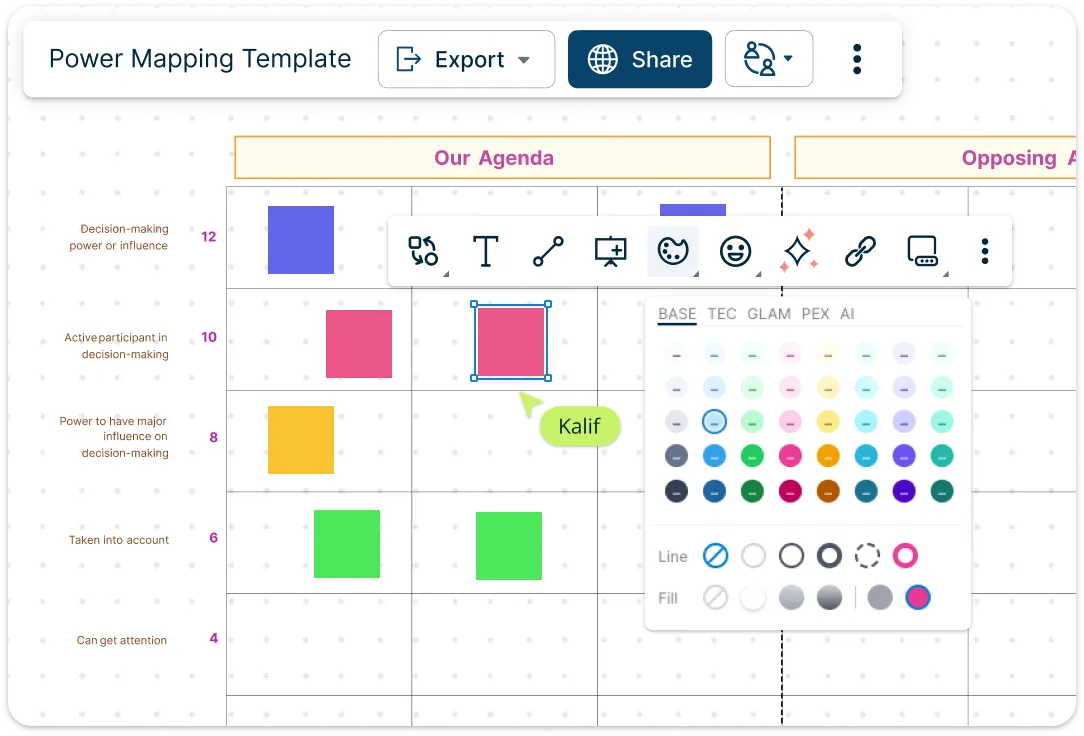
Build a Dynamic Network of Influence
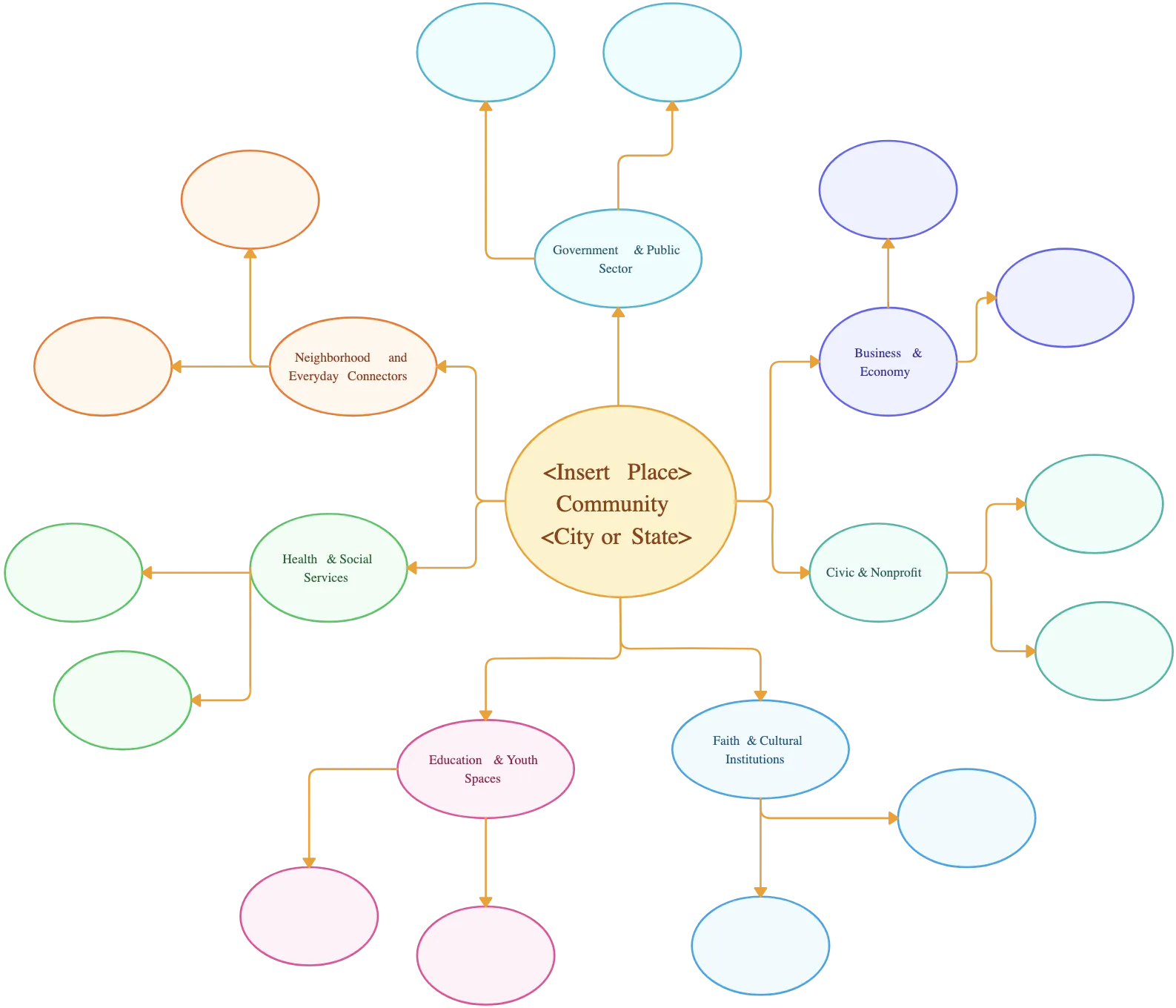
See the full picture and make every connection count. Quickly group stakeholders by role, community, or reach, and use colors, labels, and tags to spotlight decision-makers, allies, and potential blockers. Draw arrows to show who influences whom, highlight hidden connections, and attach notes, research, or past interactions to keep everything in one place. Swimlanes, grids, and custom categories let you organize complexity your way, while dynamic updates let your map evolve as relationships shift. Suddenly, the messy web of influence turns into a clear, actionable strategy you can actually use.
Bring Teams into a Shared Strategy Space
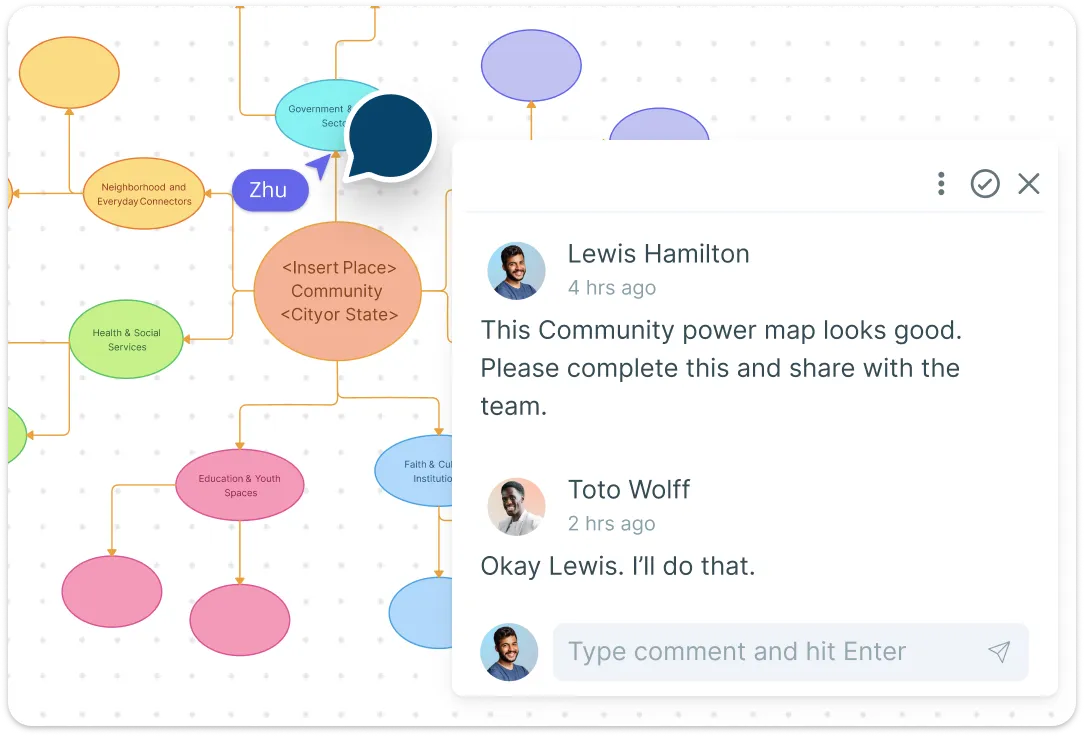
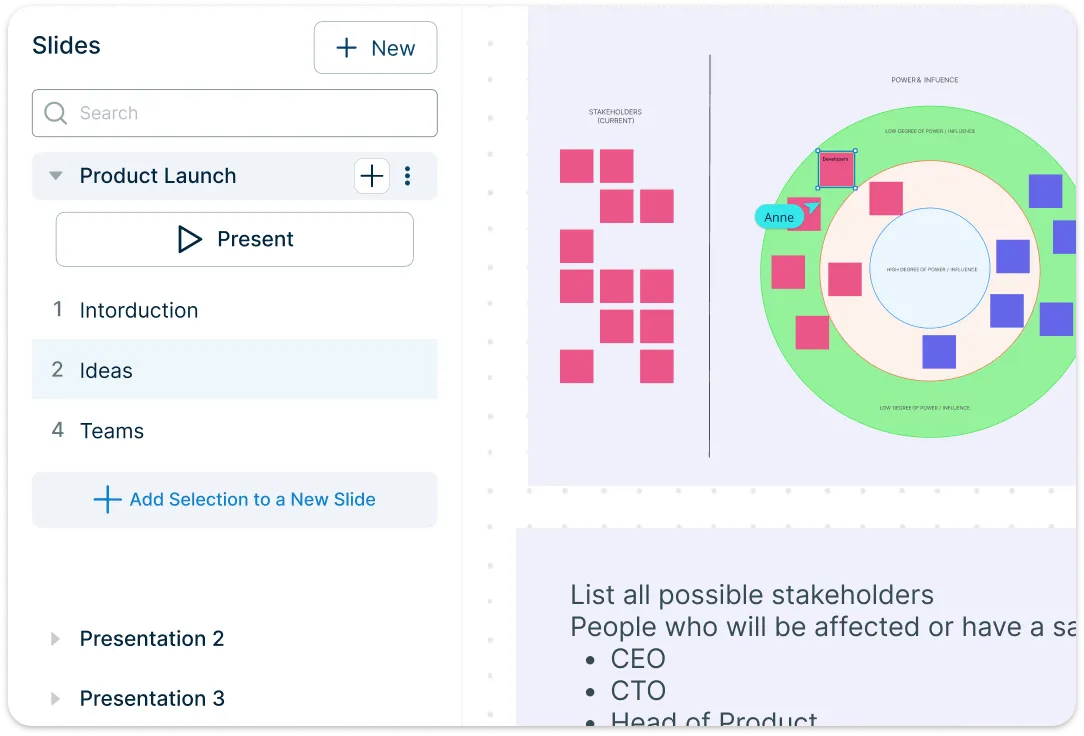
Work together in real time, no matter where your team, volunteers, or partners are. With Creately, everyone can co-create, move, and update the map simultaneously, keeping insights flowing and ideas alive. Add comments, tag teammates, or assign owners to specific relationships, and use reactions or brainstorming features to capture group input instantly. Track evolving positions, influence shifts, and new connections as they happen, so your strategy stays up to date.
Turn Influence into Movement
Don’t just map power — make it work for you. Turn every stakeholder, ally, and influencer into an actionable plan. Assign tasks, follow-ups, or engagement steps directly on the map, and track progress in real time as relationships shift and positions evolve. Link your map to timelines, task boards, or project plans so strategy flows seamlessly into execution. Highlight who’s engaged, who needs attention, and which pathways are driving results. Export maps for presentations, share with your team, or scale your strategy from a small initiative to a full-blown campaign.
What Is Power Mapping?
How to Make a Power Map with Creately
Start with a Template:
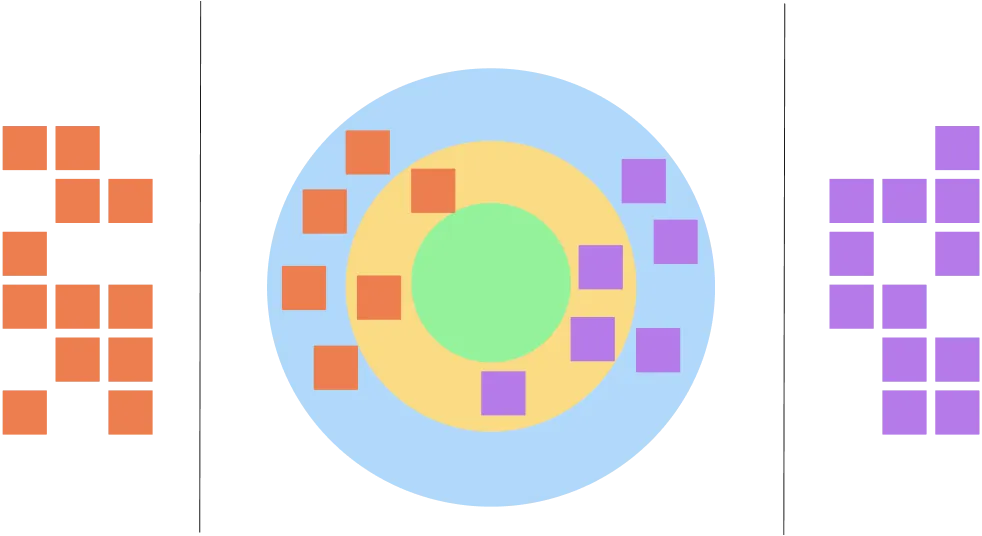
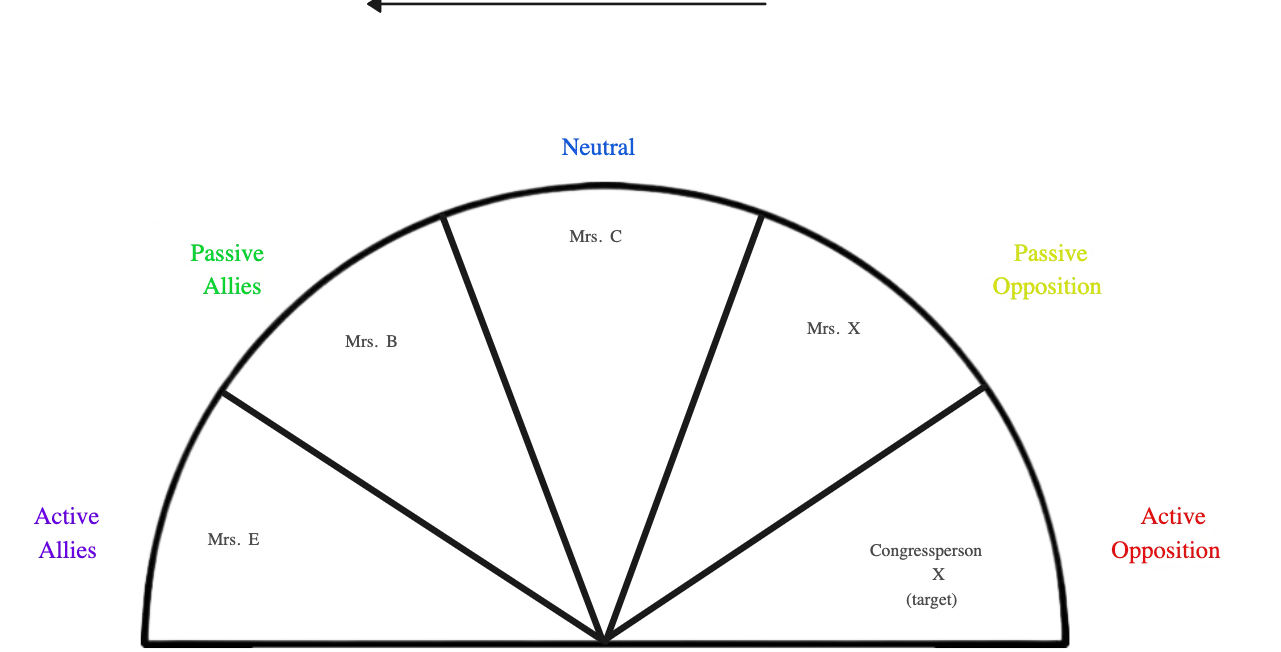
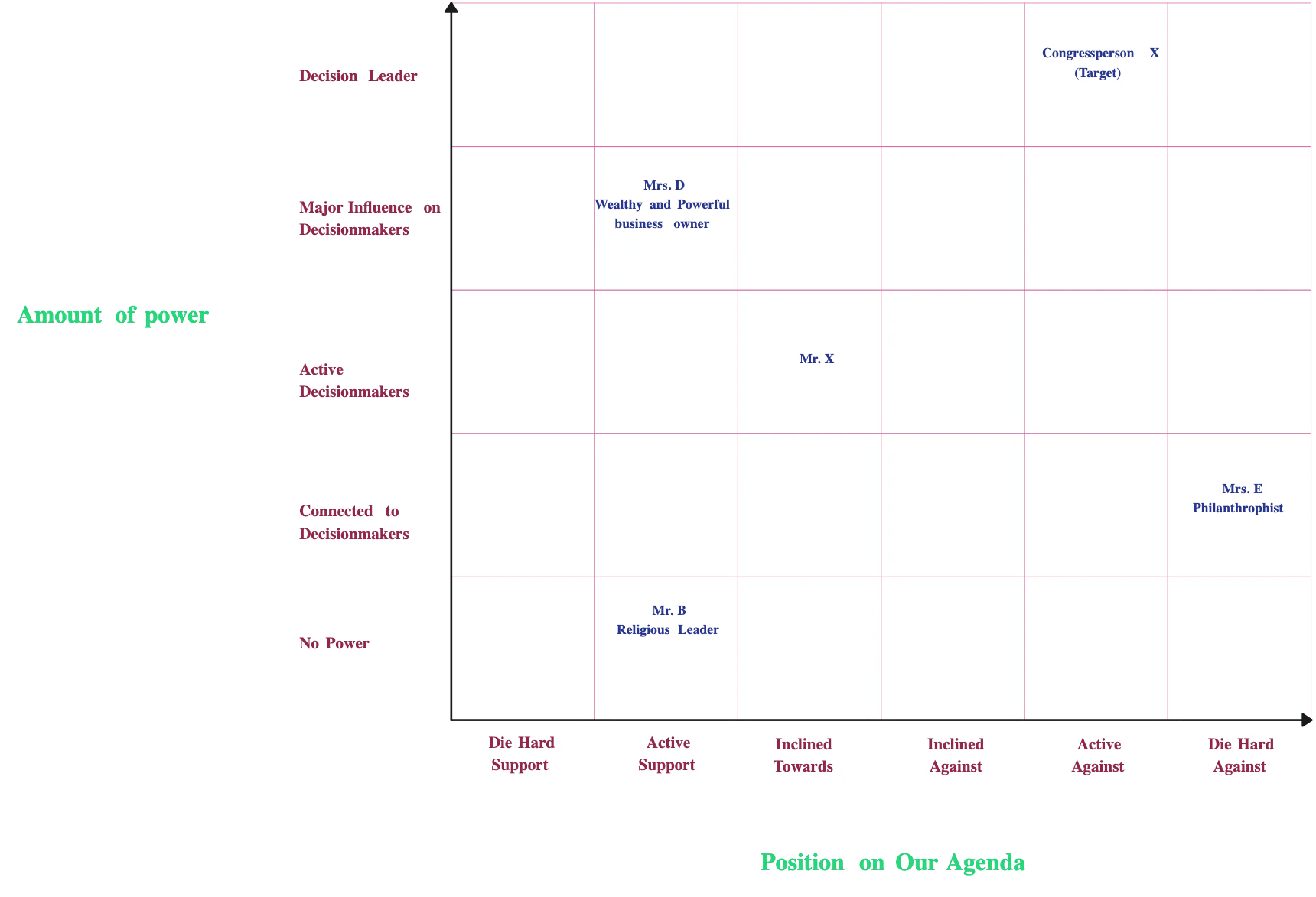
Open Creately and pick a power map online—choose from relationship circles, quadrant analysis, spectrum of allyship, or network-based maps. Templates give you a ready-made framework so you can focus on mapping people and influence, not drawing shapes from scratch.Add Stakeholders and Decision-Makers:
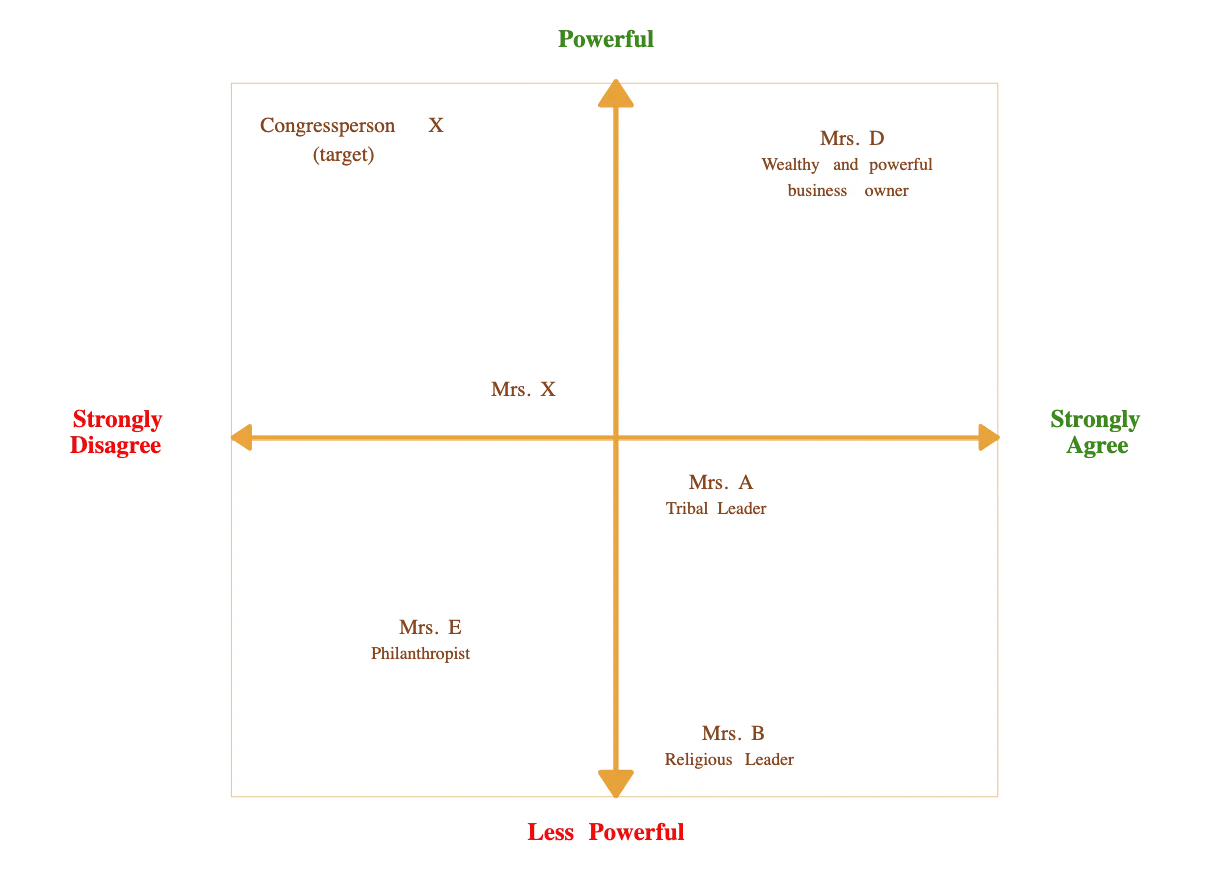
Drag and drop decision-makers, influencers, allies, and opponents onto the canvas. Label them with names, roles, or organizations, and visually position them according to their power, stance, or relevance to your goal. Creately makes it easy to organize complex networks at a glance.Map Relationships and Influence:
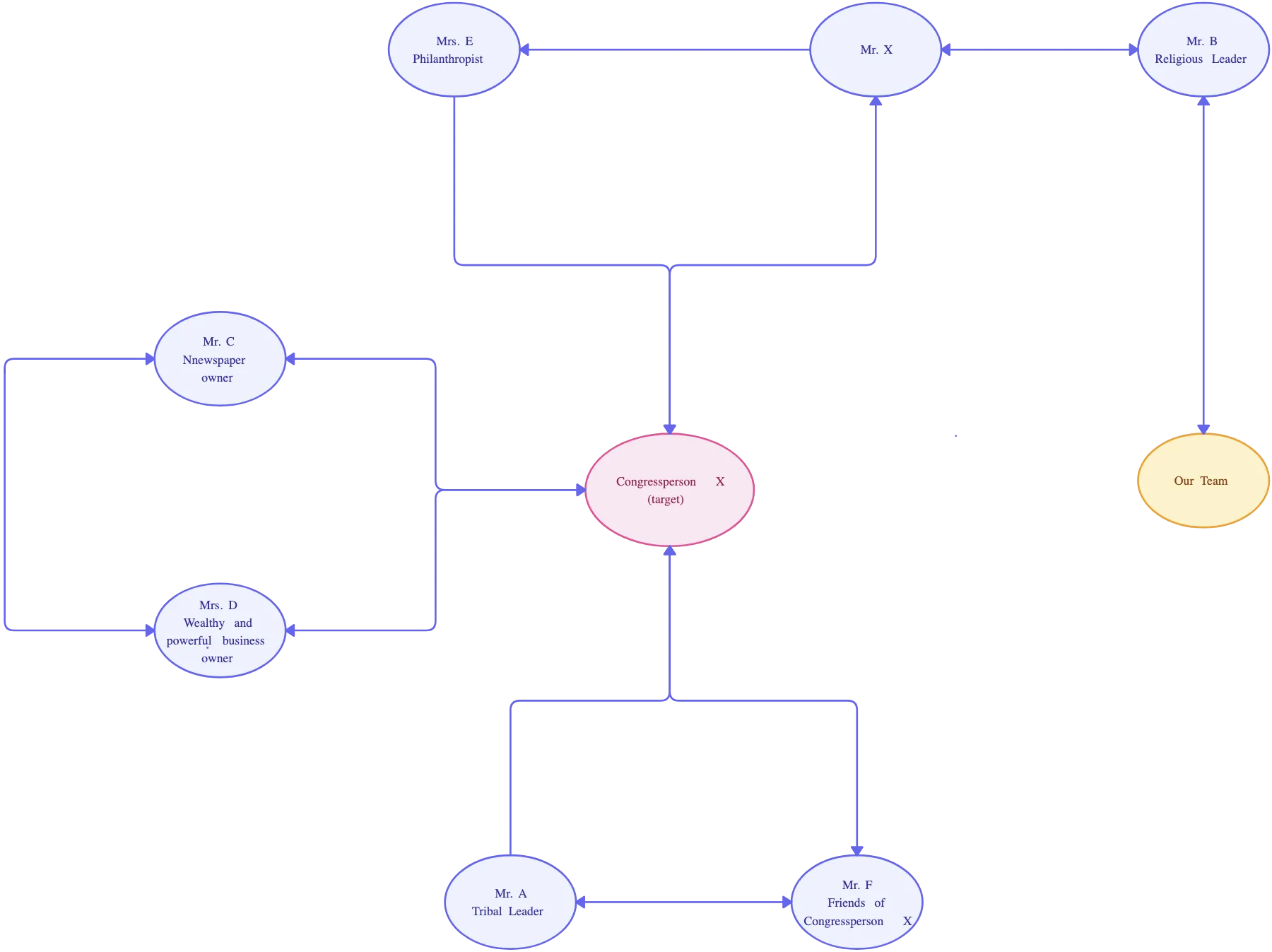
Connect stakeholders with arrows or lines to show who influences whom, the direction of influence, and the strength of connections. Use color coding or labels to indicate allies, blockers, or neutral actors. This step helps you see hidden relationships and indirect influence paths you might otherwise miss.Add Context and Insights:
Attach notes, research links, meeting outcomes, or key motivations directly to stakeholders. Use tags or layers to organize information like past engagement, interests, or level of support. This ensures your map isn’t just visual—it’s a living, actionable knowledge base for your strategy.Collaborate, Update, and Act:
Invite your team, partners, or stakeholders to co-create and update the map in real time. Track changes, assign tasks, and highlight priority targets. As positions or relationships shift, your map evolves, helping you turn influence into movement and execute strategies effectively.
Power Map Examples to Visualize Influence Fast
FAQs About the Power Mapping Template
Who can use the power mapping template?
Anyone trying to make change:
- Advocacy groups and nonprofits
- Campaign teams and policy strategists
- Workplace teams driving internal initiatives
- Community organizers and coalition builders
If you have goals that depend on people and relationships, this template is for you.
Are Creately power mapping examples suitable for both small and large projects?
Is there a free version of Creately?
Can I customize the template for my specific campaign?
Can I track multiple campaigns or initiatives in one map?































