Meeting Agenda Template
Run Smarter and More Focused Meetings
Make your meeting agenda online using Creately’s ready-to-use templates to visualize, plan and organize impactful meetings.
- Instantly create your meeting agendas with AI-assistance
- Capture key discussion points and turn them into action plans
- Collaborate live with your team and stakeholders—all in one place
Over 10 Million people and 1000s of teams already use Creately

AI Meeting Agenda Generator
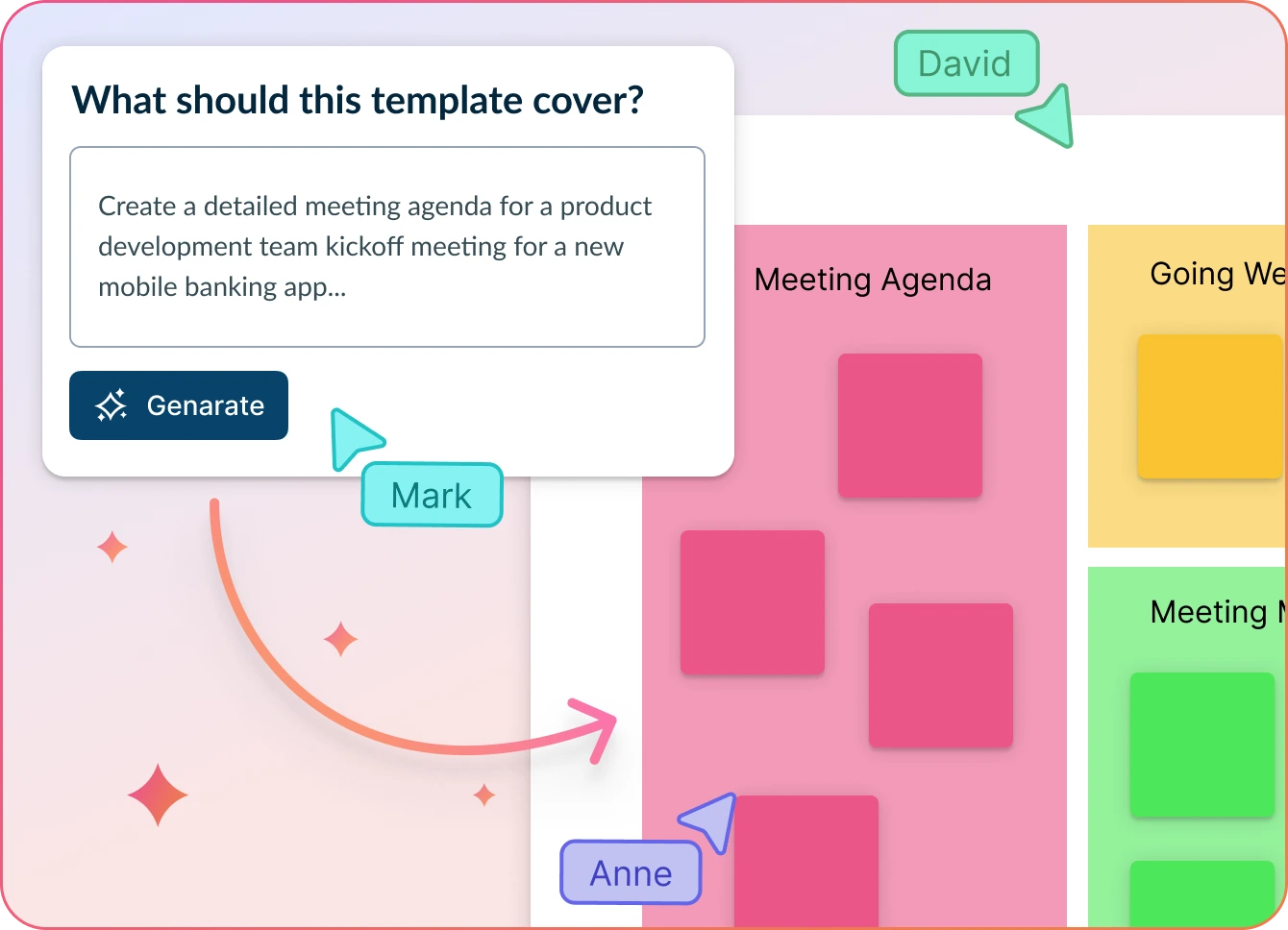
Effortless Meeting Planning, Without the Chaos
- Just enter your meeting outline and hit ‘Generate’.
- Creately will instantly build your agenda—complete with discussion points, tasks, and structure.
- Easily collaborate, refine, and tailor everything in one shared workspace.
Why teams love Creately’s AI Meeting Agenda Generator
 Save time – Auto-generate structured agendas in seconds, cutting down manual work so your team can focus on real conversations.
 Uncover hidden trends – Spot patterns and connections traditional planning often overlooks.
 Privacy-first – All your data stays securely within Creately. No external processing, no third-party storage.
 Multi-lingual support – Collaborate effortlessly with multilingual teams, no extra setup needed.
 Objective insights – AI clusters topics based on relevance, ensuring the agenda stays focused and meaningful.
Visual-First Meeting Planning
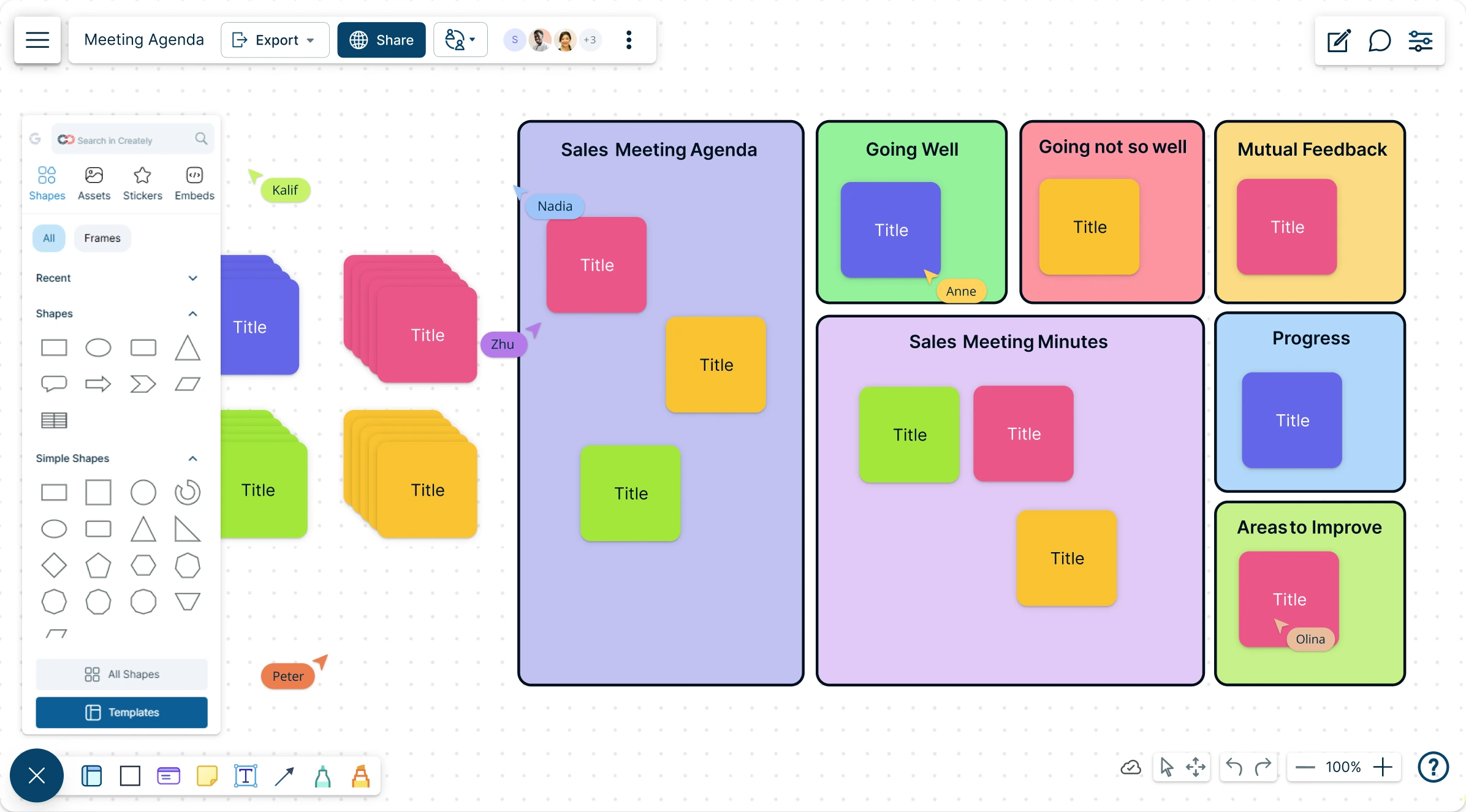
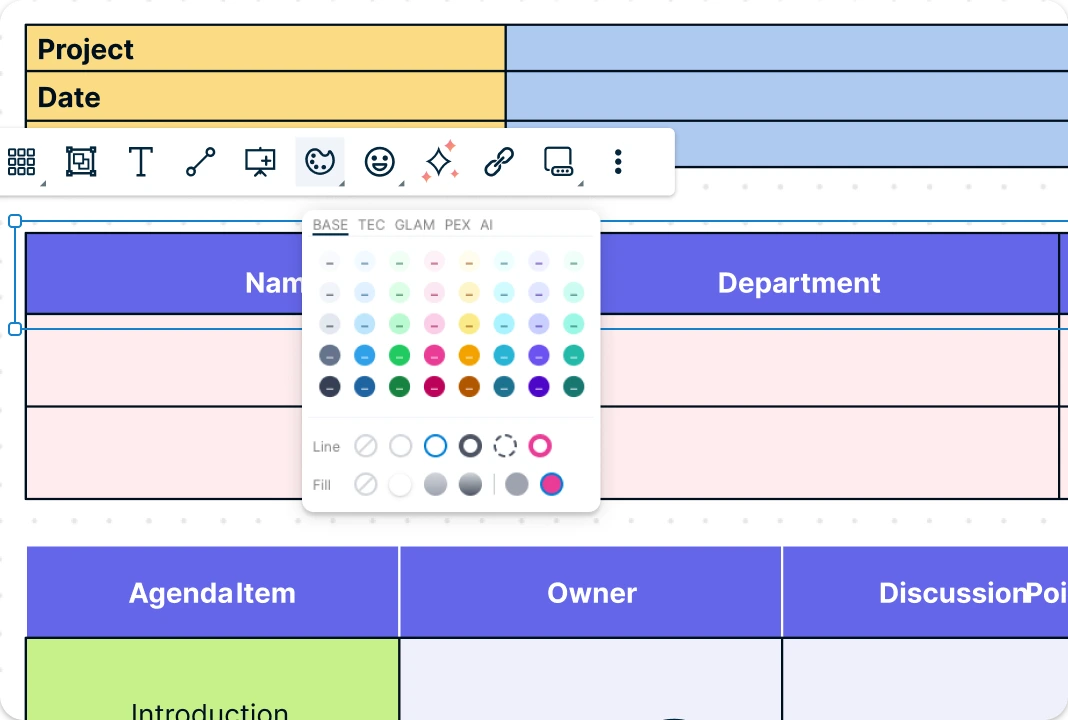
Creately’s meeting agenda template lets you map out discussion topics, priorities, and timelines using powerful visual tools. Customize agenda layouts with drag-and-drop blocks, color-coded sections, and icons to highlight key topics and decisions. Easily organize action items, add notes, and adapt the structure to fit any meeting type—whether it’s a strategy session, weekly review, or project kickoff. With everything laid out clearly, your meetings stay focused and outcome-driven.
Host Engaging, Action-Oriented Meetings
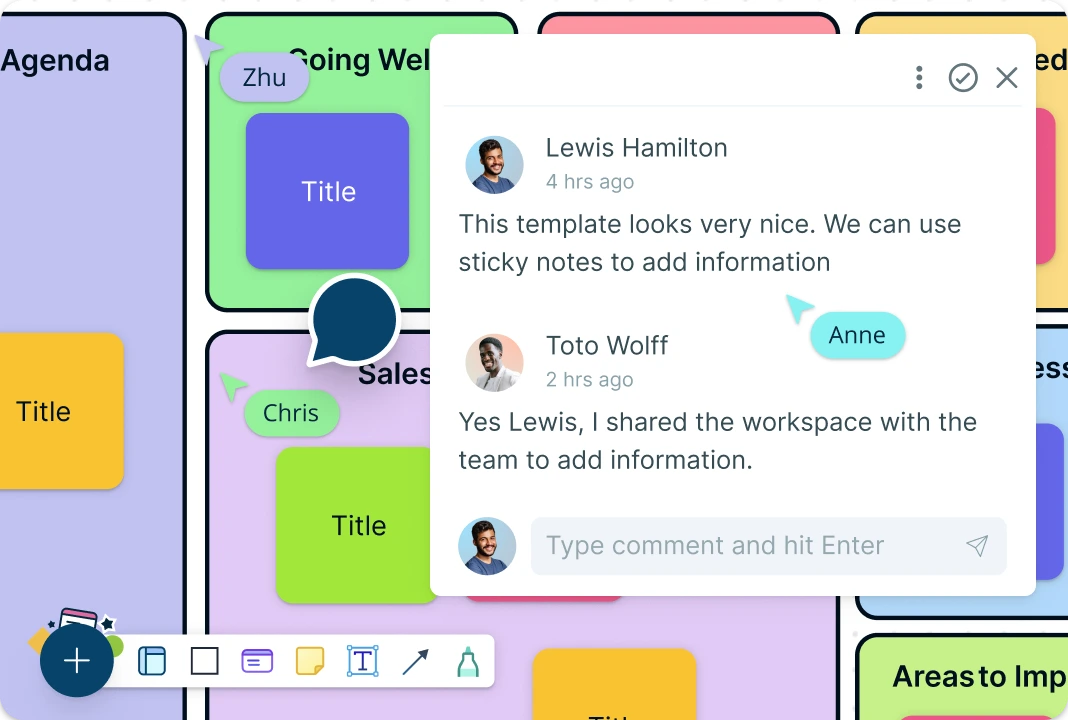
Keep meetings dynamic with real-time collaboration on a shared canvas, where participants can contribute simultaneously. Use @mentions to assign tasks or flag items for clarification, and keep conversations organized with threaded comments. Built-in access controls and role-based permissions make it easy to manage contributions, streamline edits, and maintain structure throughout the planning process. Turn discussion points into actionable tasks with Kanban boards, making follow-ups and execution seamless right from your workspace.
Connect, Present, and Execute—Smarter Meetings
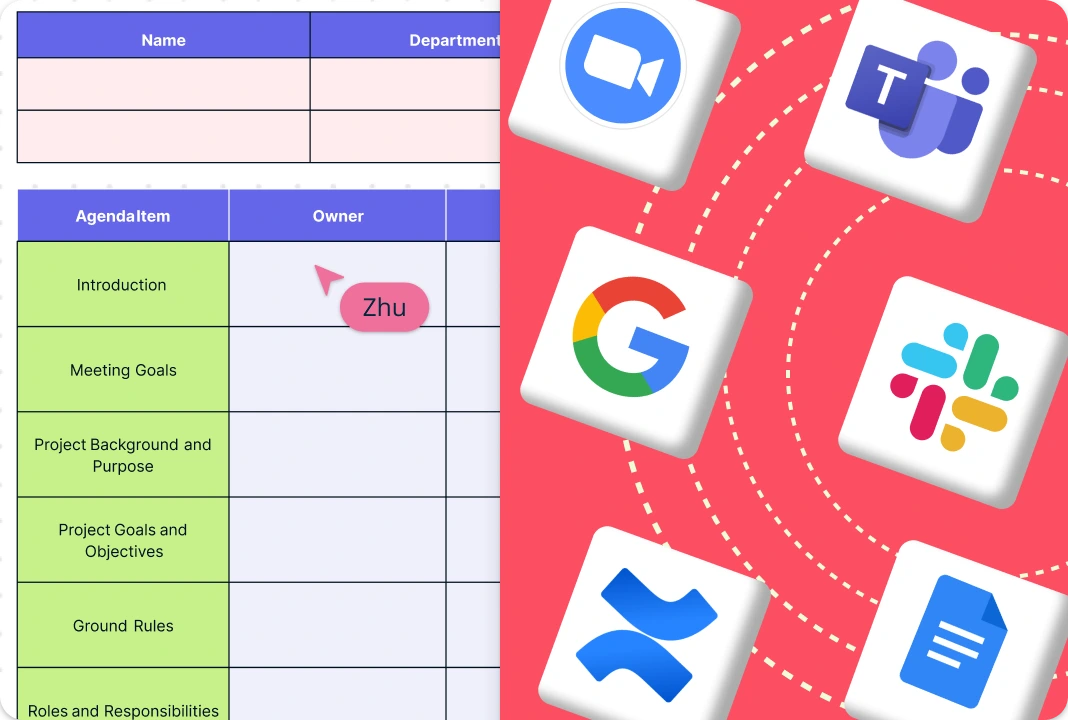
Creately’s seamless integrations make it easy to move data from tools like Google Workspace and Slack, keeping everything connected without the hassle. Use the built-in presentation mode to turn discussions into clear takeaways and share updates instantly. In Creately, you can seamlessly tie agenda items to flowcharts, mind maps, roadmaps, or project timelines to provide instant context and deeper clarity.
What is a Meeting Agenda Software?
How to Use the Meeting Agenda Template in Creately
Open Your Creately Workspace:
Start by launching your Creately workspace. The infinite canvas gives you a flexible space to build and visualize your own meeting plan using shapes, connectors, and layout tools.Select a Meeting Agenda Template:
Browse Creately’s template library to find a meeting agenda format that fits your goals—whether it’s for team standups, project kickoffs, or retrospectives. Add your chosen agenda template to your canvas and begin customizing.Set Meeting Goals and Participants:
Clarify the meeting objective—are you planning to brainstorm, make decisions, or align on project progress? Identify key participants and assign roles to ensure clarity during discussions. In Creately, you can list participants using labeled shapes or include a participant section, and assign roles like facilitator or note-taker using tags or color codes.Organize Key Topics Visually:
List your agenda items and supporting materials. Use drag-and-drop blocks to arrange them by priority or category. Creately’s visual tools make it easy to map out the flow of discussion and highlight dependencies.Customize and Fill Details of the Agenda:
Fill in the template with specific points, responsibilities, and time allocations. Enhance clarity using sticky notes, tags, comments, or color coding to emphasize action items or urgent topics.Invite to Collaborate:
If collaboration is needed, invite your team to co-edit the agenda. Real-time cursors, comments, and @mentions help refine the structure while keeping everyone aligned.Finalize and Share Your Agenda:
Once complete, export your meeting agenda as a PDF, PNG, JPEG, or SVG—or present it directly using Creately’s built-in slideshow mode. For ongoing meetings, keep it linked to related diagrams like roadmaps, timelines, or workflows for easy reference.Use the AI Meeting Agenda Template:
You can also select the AI agenda creator to quickly generate structured, goal-oriented agendas. Just enter your meeting outline and let AI organize topics, roles, and time slots in seconds.
Free Meeting Agenda Templates to Get Started
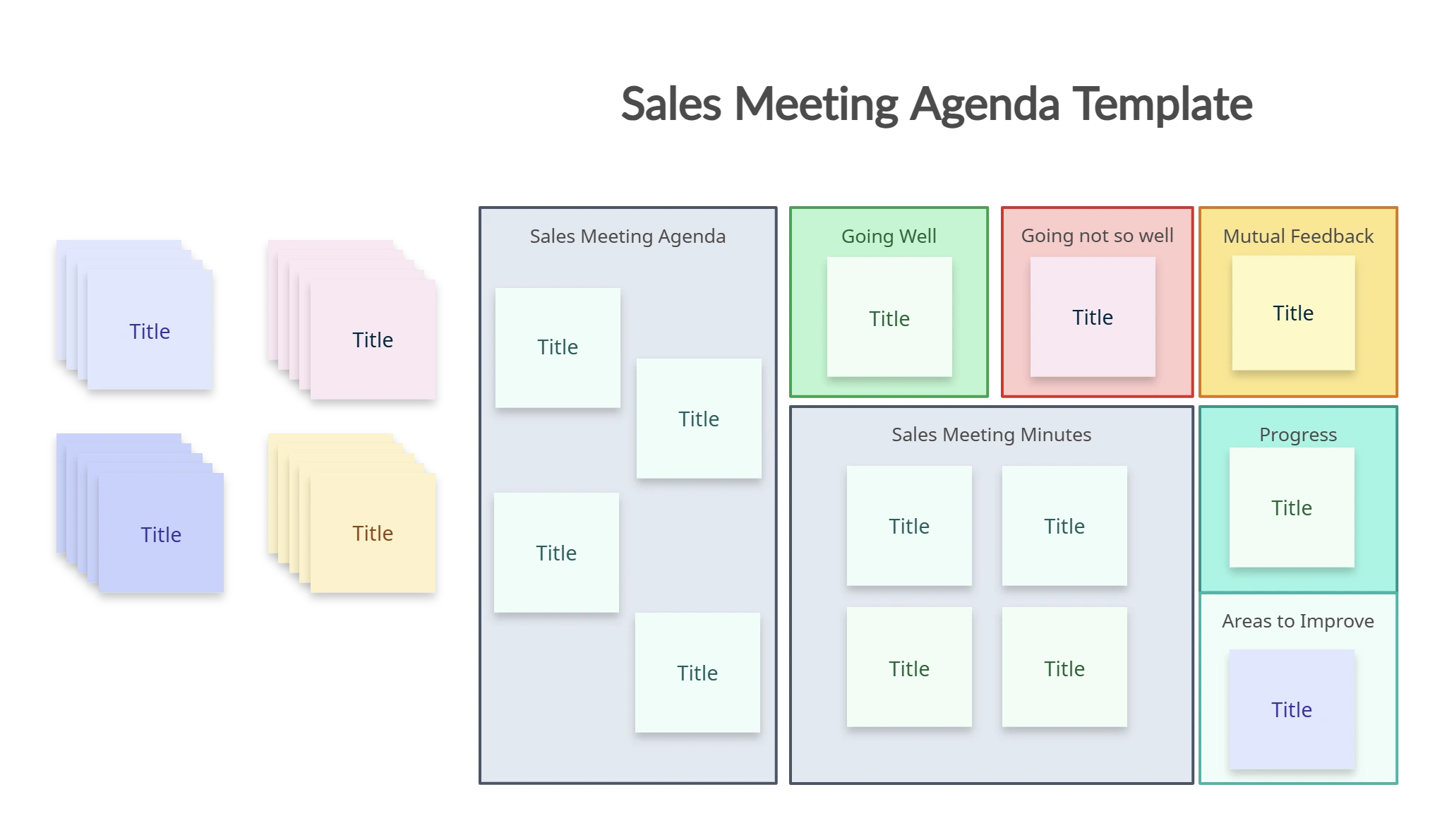
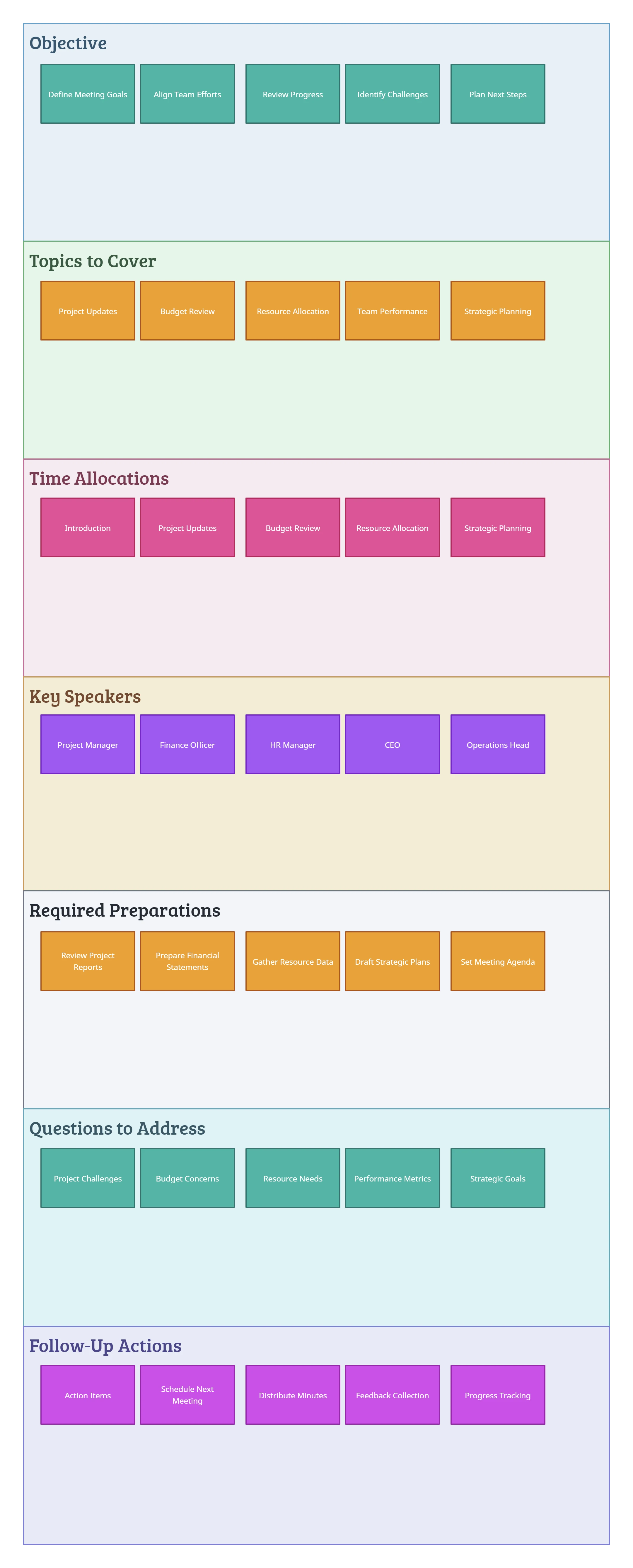
FAQs About the Meeting Agenda Template
Why use a meeting agenda template?
Can I customize my meeting agenda template?
What kinds of meetings can I use a meeting agenda for?
How do I link agenda items to other work in Creately?
How does AI help in planning meetings in Creately?