Marketing Calendar Template
Seamlessly Plan & Execute Campaigns with Our Marketing Calendar Template
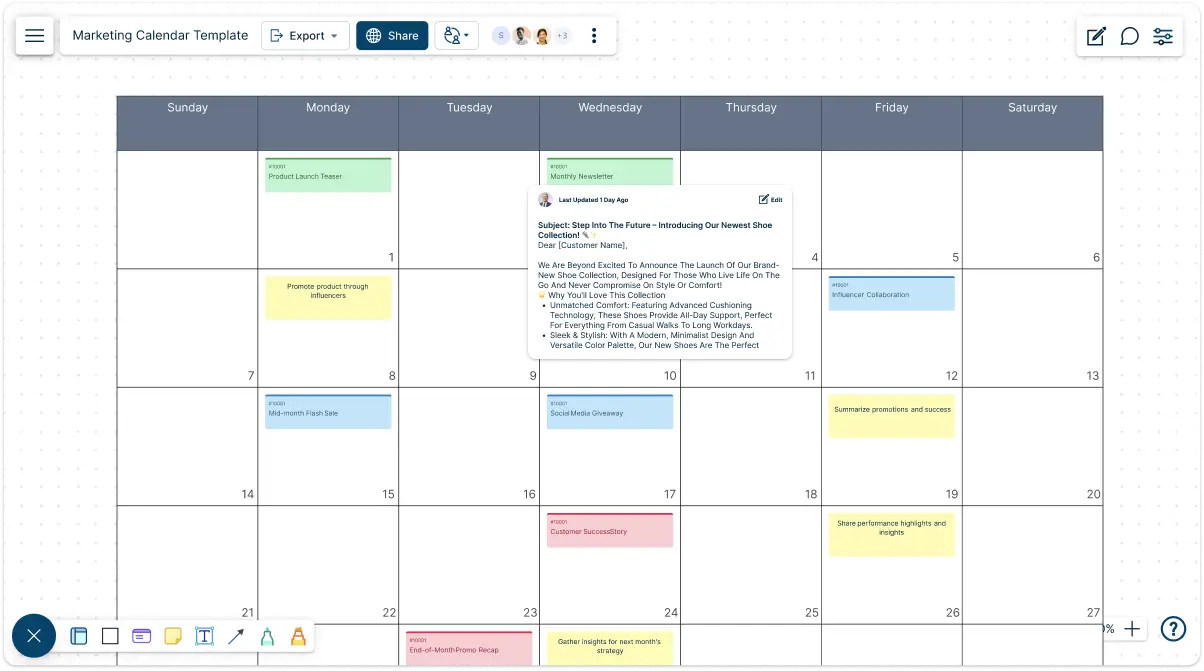
Stay ahead of your marketing schedule with Creately's marketing calendar template. Plan, track, and execute your campaigns all in one place, ensuring nothing falls through the cracks.
- Intuitive visual tools and drag-and-drop interface to map out campaigns
- Collaborate with your team and receive instant updates from anywhere
- Personalize labels, color codes, and timelines for your needs
Over 10 Million people and 1000s of teams already use Creately

Streamline Your Marketing Campaigns with Editable Marketing Calendar Templates
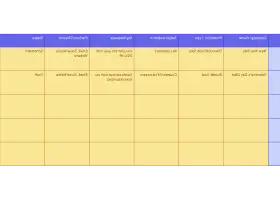
Marketing Calendar Template for Effortless Campaign Planning
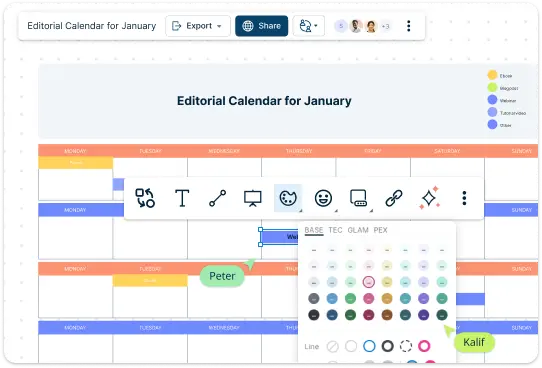
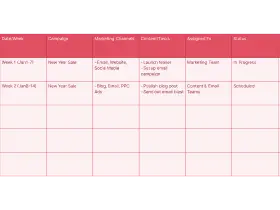
Easily plan your marketing campaigns using Creately’s intuitive drag-and-drop interface. Start with ready-made templates that provide a quick setup, and make use of versatile diagramming tools to visualize campaign timelines, content schedules, and more. Customize your calendar with flexible labels, color codes, and timelines to suit your specific marketing needs, ensuring every detail is well-organized and easy to manage.
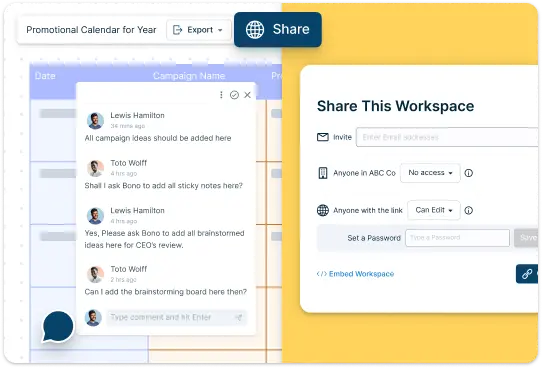
Collaborative Marketing Calendar Template to Enhance Team Workflows
Invite your team to collaborate directly on the calendar and stay aligned during discussions with live mouse tracking, synced previews, and the spotlight feature. Make real-time changes, leave comments, and assign tasks without switching tools. With automatic sync and real-time updates, everyone stays on the same page, whether they’re in the office or working remotely.
Centralize Marketing Assets with Our Marketing Calendar Template
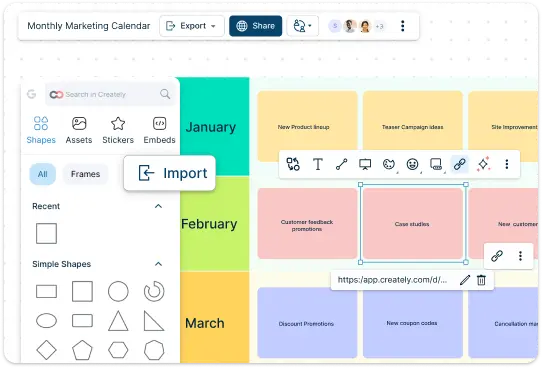
Keep all your campaign resources organized in one place. Attach files, documents, and links directly to each campaign item, ensuring easy access to essential resources. Embed relevant content, such as images, presentations, or videos, to add context and streamline your planning process. Use integrated notes and custom data fields for each item to capture detailed information, from campaign goals to target audiences, reducing the need to juggle multiple tools.
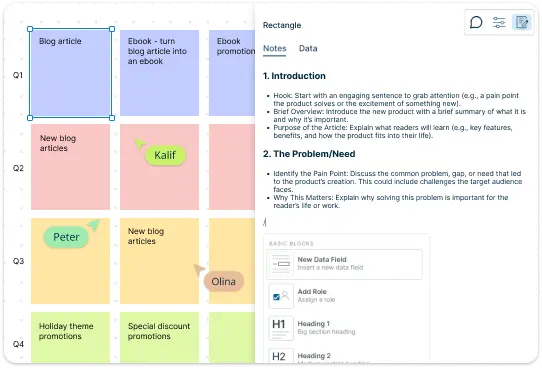
Marketing Calendar Template to Organize Team Workflows
Link each marketing campaign to detailed task lists, timelines, and team responsibilities for a comprehensive overview of your projects. Assign tasks to specific team members, set due dates, and track their progress—all directly within Creately. By connecting tasks to your marketing calendar, you can monitor the status of activities and make adjustments as needed, ensuring your campaigns run smoothly from start to finish.
What Is a Marketing Calendar Template

How to Use Creately’s Marketing Calendar Template
Access the template:
Start by opening Creately and navigating to the marketing calendar template. You can choose a pre-designed marketing calendar template or create one from scratch.Customize your marketing calendar template:
Adjust the layout to fit your needs. Add relevant labels, color codes, and timelines for different campaigns, promotions, or content types. This customization helps you quickly identify specific activities at a glance.Plan your campaigns:
Begin adding your marketing activities to the marketing calendar template. Schedule social media posts, email campaigns, product launches, and events. Ensure you include key dates and deadlines to stay organized.Collaborate with your team:
Invite team members to collaborate on the marketing calendar template. They can leave comments, make updates, and assign tasks directly within the template. This keeps everyone informed and aligned on their responsibilities.Track progress:
Regularly check and update the marketing calendar template to reflect the status of each campaign. You can add notes, attachments, and data fields to keep all relevant information in one place.Review and adjust:
Periodically review your marketing calendar template to evaluate the effectiveness of your campaigns. Make adjustments as needed to improve planning and execution for future initiatives.
Effortlessly Plan Your Marketing Campaigns with Ready-Made Templates
FAQs About the Marketing Calendar Template
How can I customize the marketing calendar template?
Can my team collaborate on the marketing calendar?
How does using a marketing calendar template benefit my business?
How do I share the marketing calendar with others?
What types of marketing activities can I track using the calendar?































