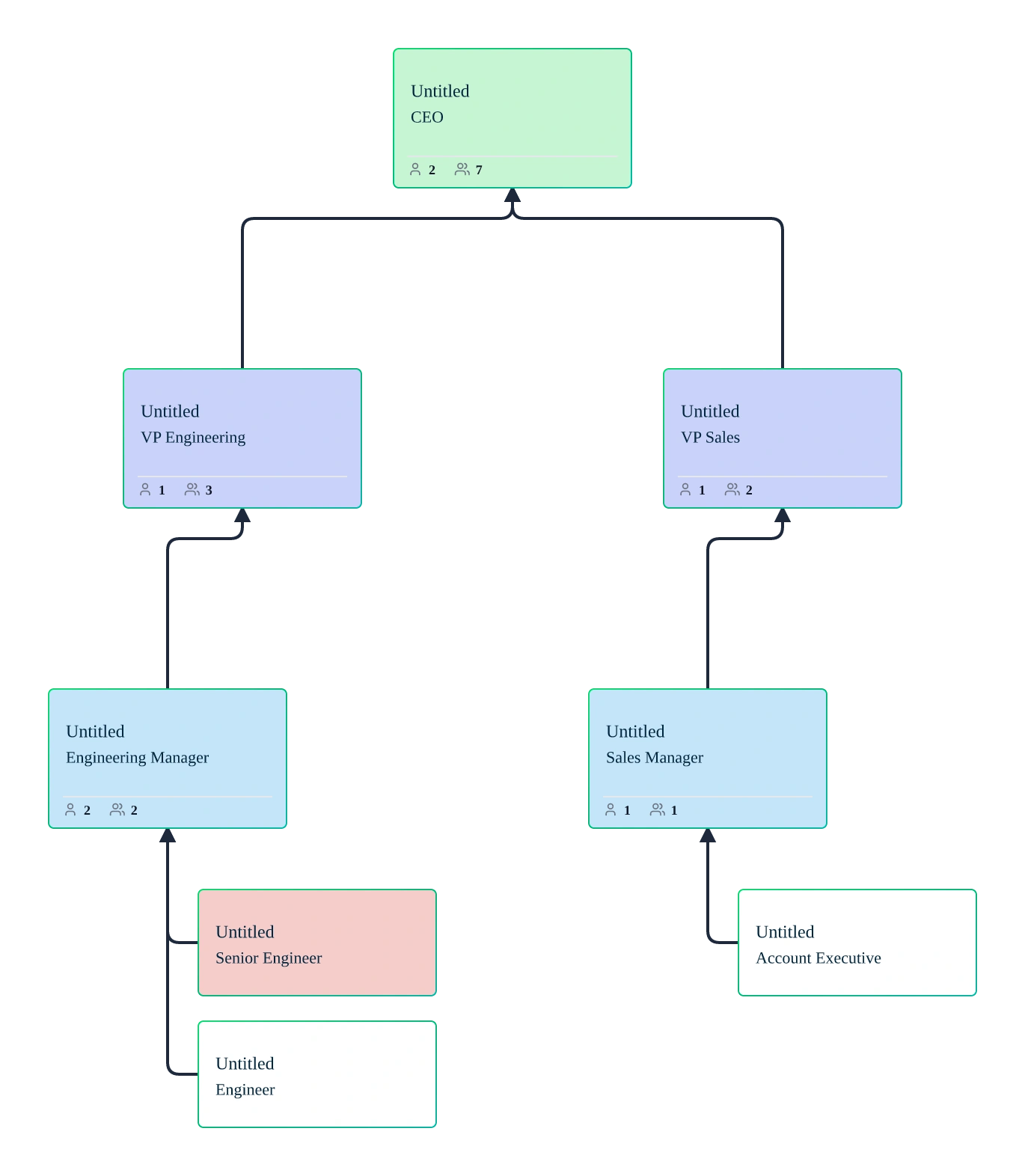
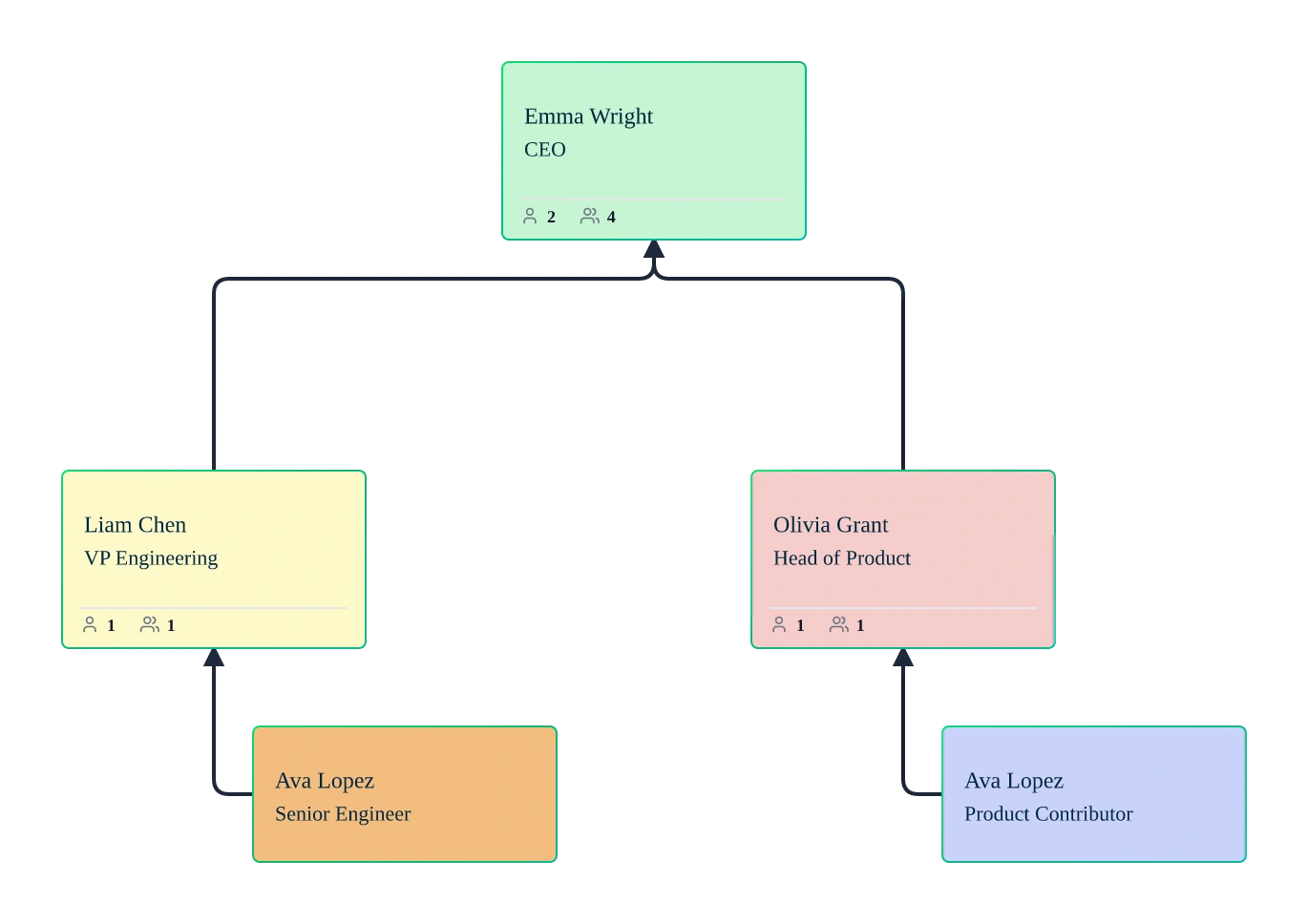
M&A Org Chart Template

Plan and Visualize Post‑Merger Organizations with Confidence

Compare organizations, map overlapping roles, and design post‑merger structures using a collaborative org chart built for M&A integration planning.

  • Side‑by‑side org charts to compare companies pre‑ and post‑merger
  • Role overlap and redundancy mapping for integration decisions
  • Scenario‑based planning without impacting the live org
M&A Org Chart Template

Over 10 Million people and 1000s of teams already use Creately

lp
VISUALIZE

Compare Organizations Before and After a Merger
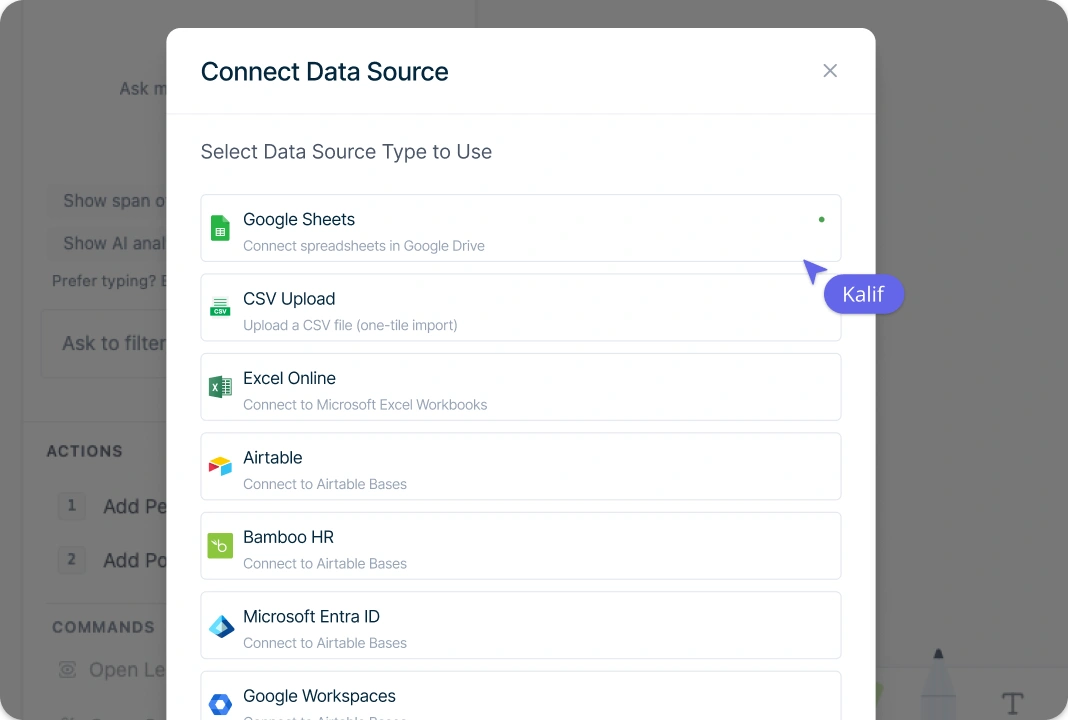
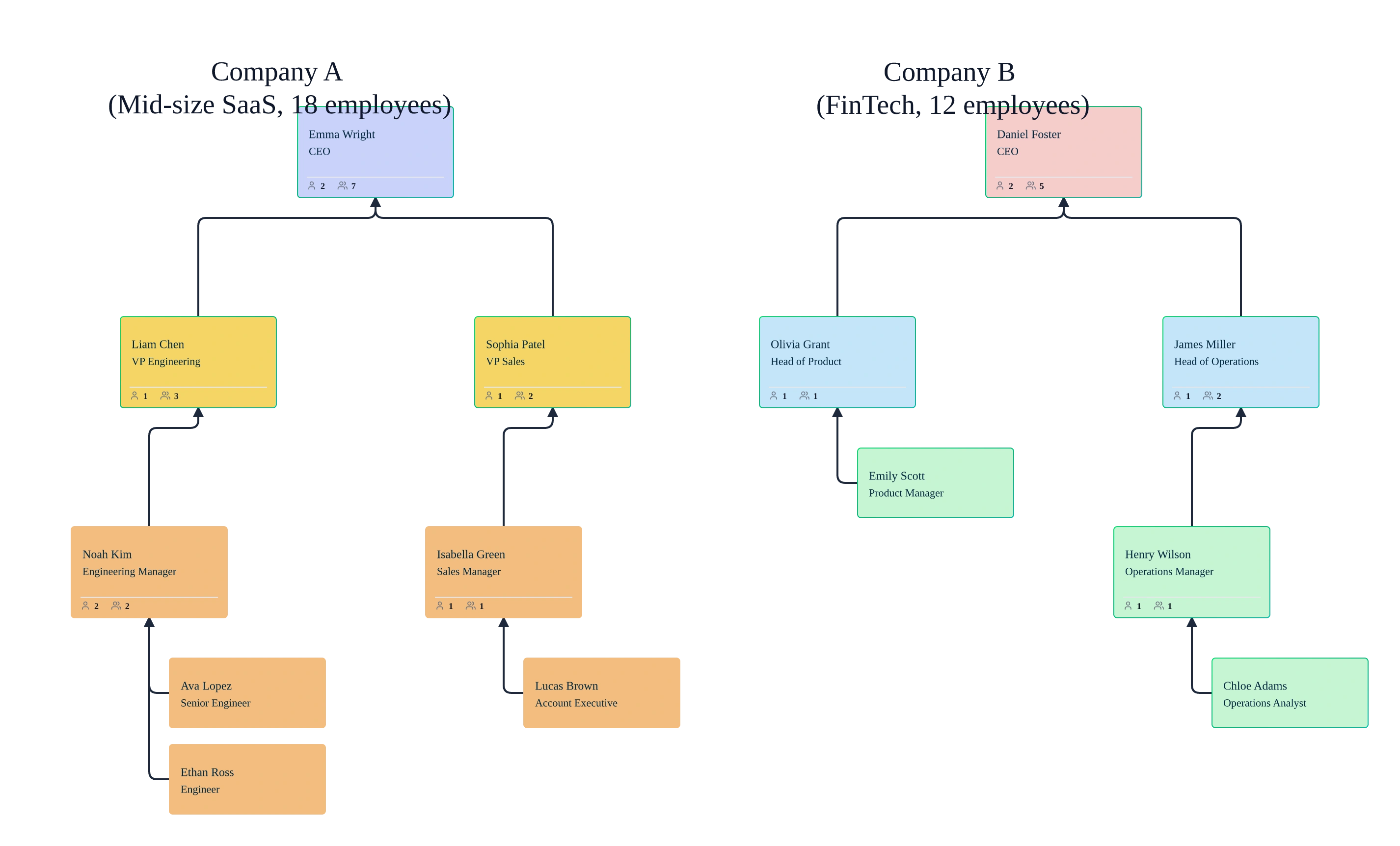
Image of Side-by-side org charts comparing two companies during a merger

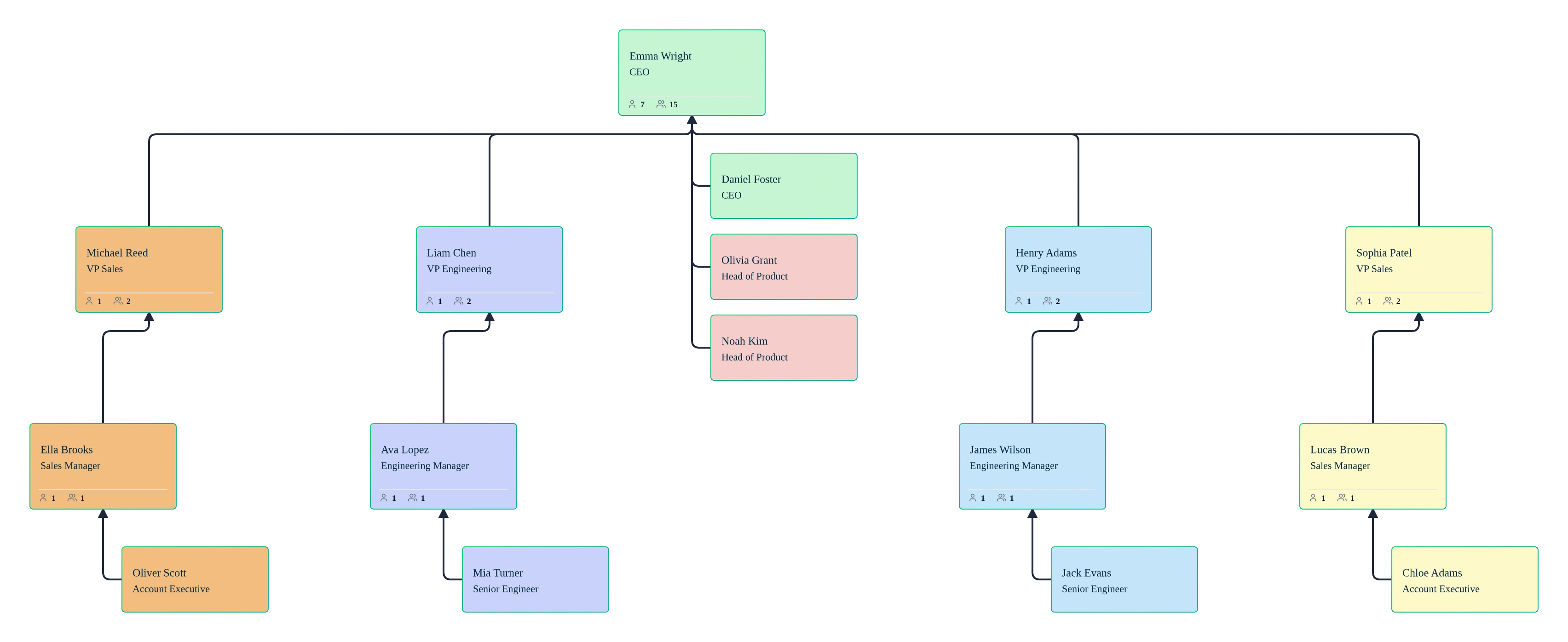
Compare two organizations clearly using side‑by‑side org charts built from real workforce data. Import org data into the M&A org chart generator via CSV or build charts manually, then use auto‑layout and department views to understand reporting lines, management layers, and spans of control across companies before and after a merger.
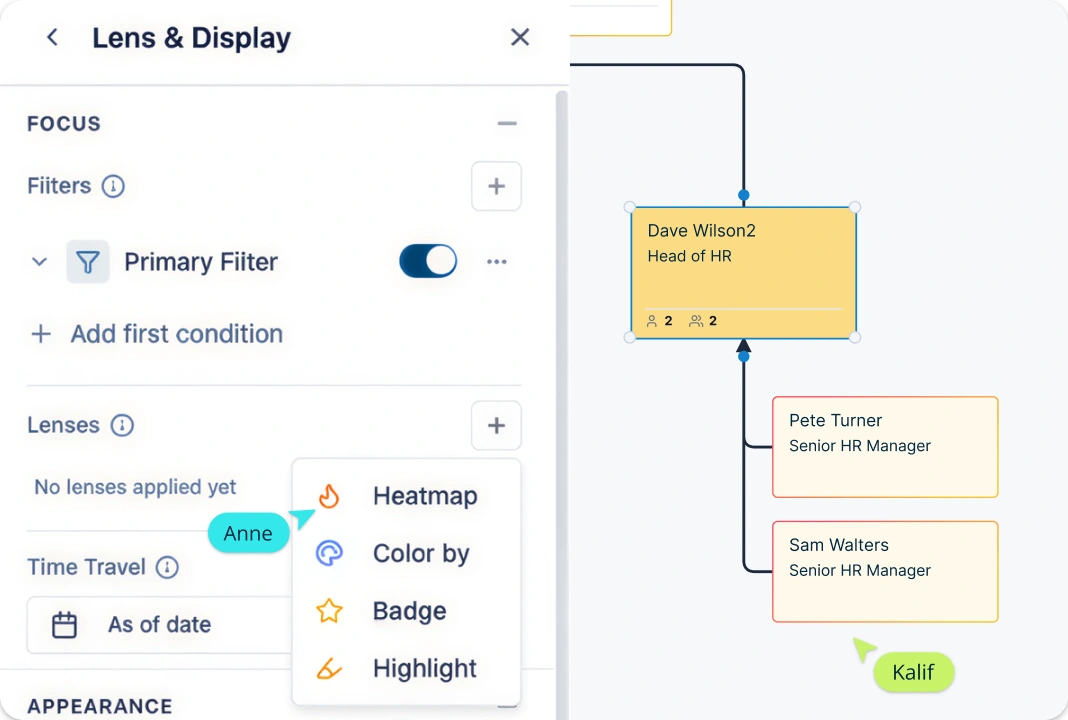
Image of Side-by-side org charts comparing two companies during a merger
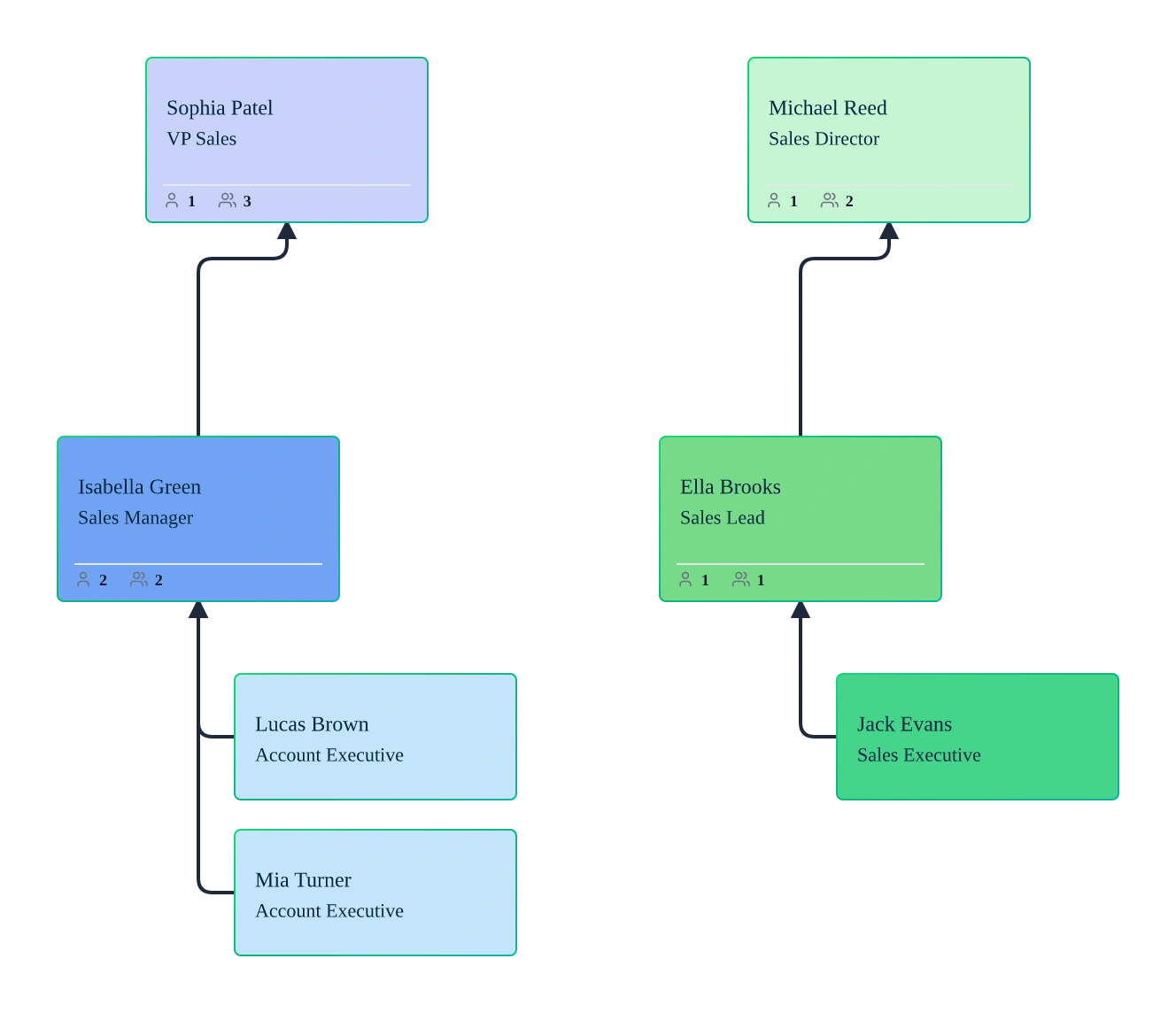
Org chart highlighting overlapping roles and duplicated positions after a merger
ANALYZE

Identify Role Overlaps, Redundancies, and Gaps

Org chart highlighting overlapping roles and duplicated positions after a merger

Use Creately’s AI‑assisted M&A org chart builder to highlight overlapping roles, duplicated functions, and structural gaps across merged organizations. Prompt the AI to analyze imported org data, apply filters, and use color‑by and heatmap views to quickly surface redundancies and alignment opportunities.

PLAN

Model Post‑Merger Scenarios Without Risk to the Live Org
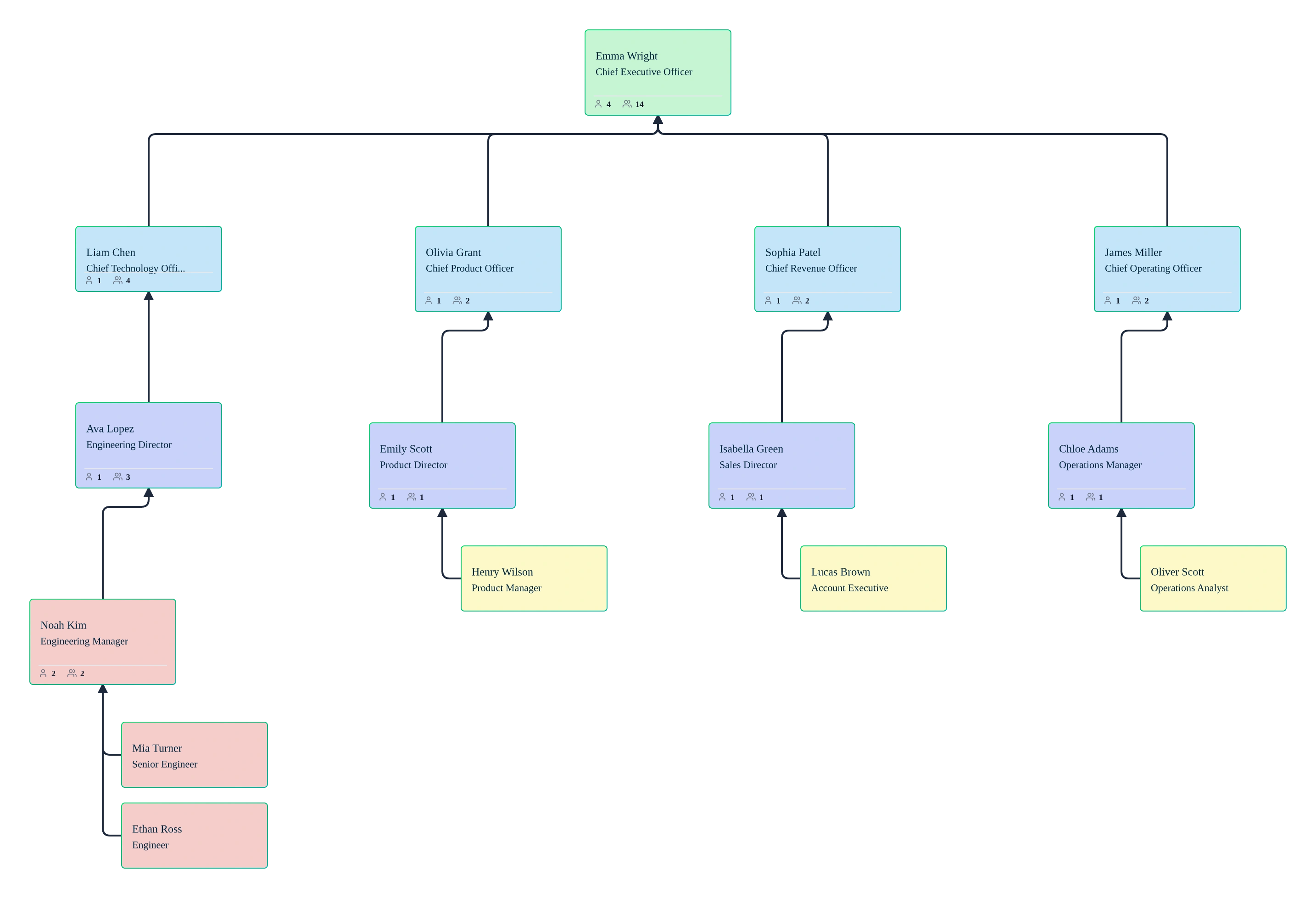
Multiple post-merger org chart scenarios modeled in Creately

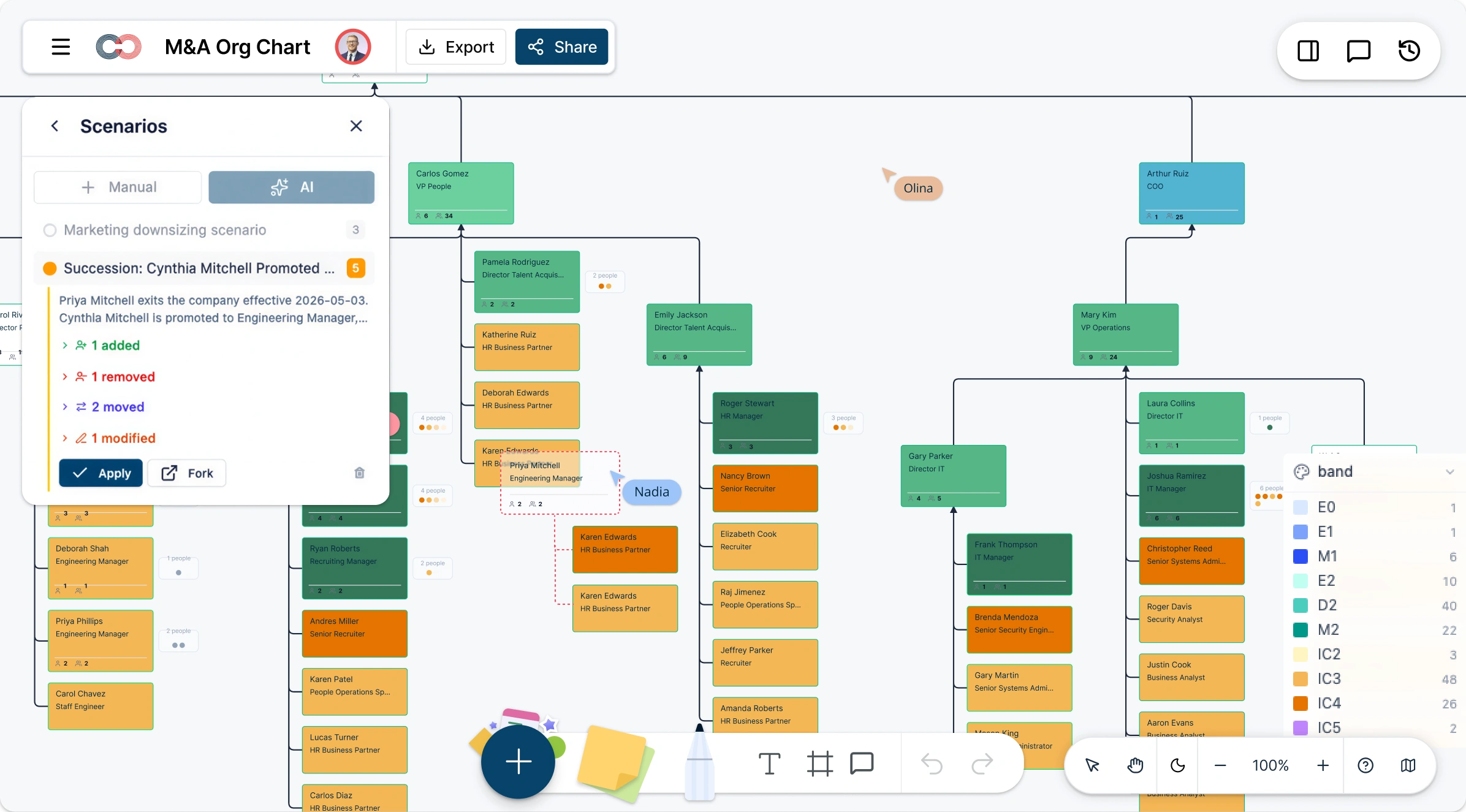
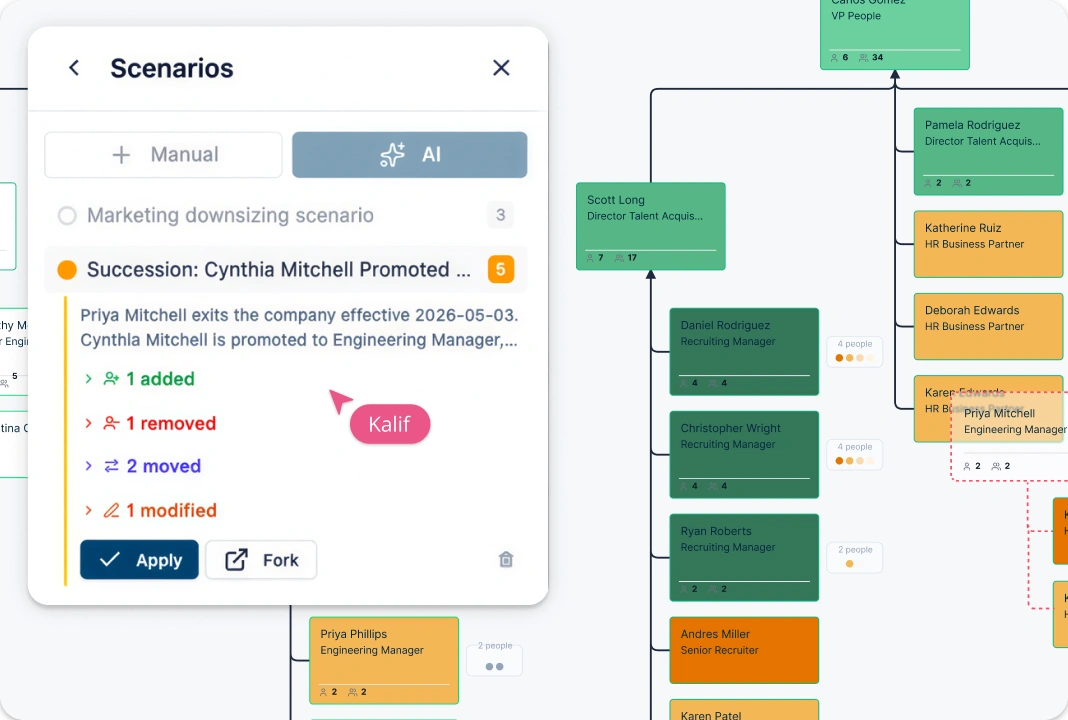
Create named what‑if scenarios to plan post‑merger integration without changing the live org chart. Duplicate existing structures, adjust reporting lines, merge teams, or model matrix and dotted‑line relationships in the M&A org chart creator. Compare scenarios visually to evaluate integration options before making decisions.
Multiple post-merger org chart scenarios modeled in Creately
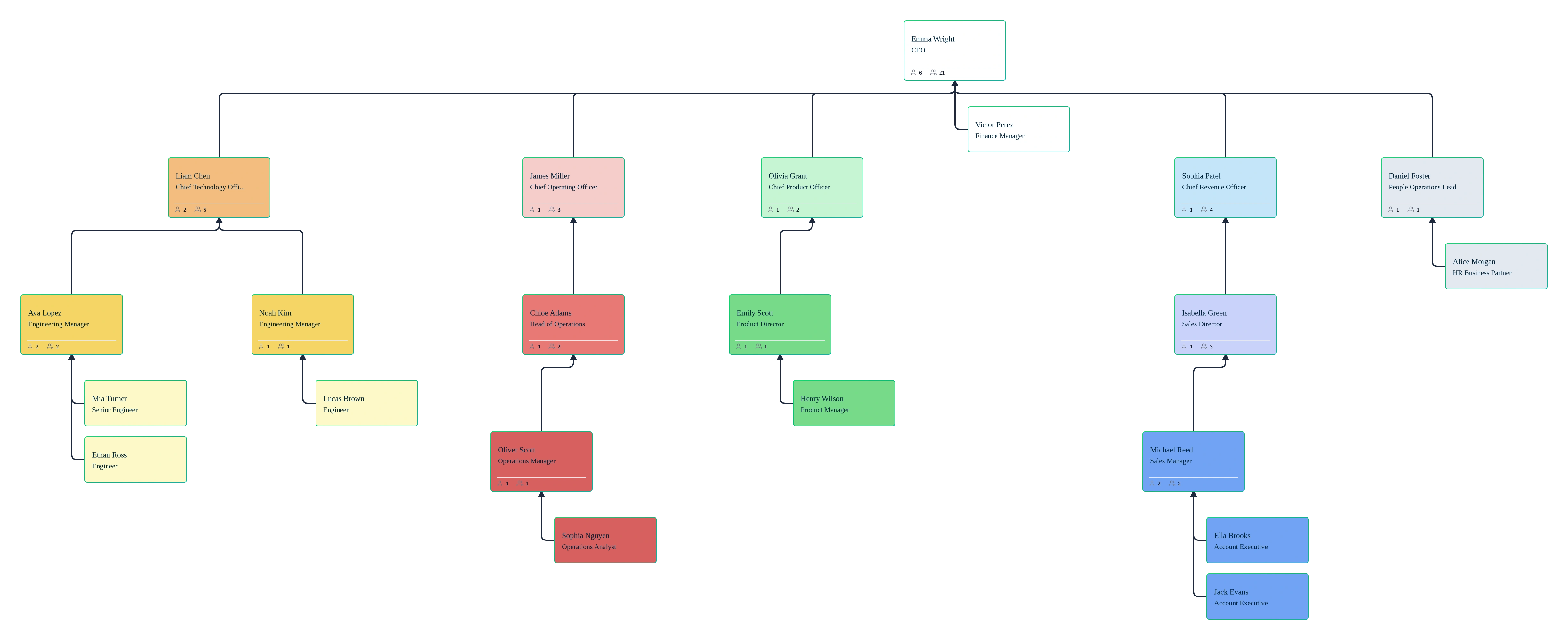
Executive reviewing a focused org chart view during M&A planning
COLLABORATE & GOVERN

Share Executive‑Ready Views with Full Data Control

Executive reviewing a focused org chart view during M&A planning

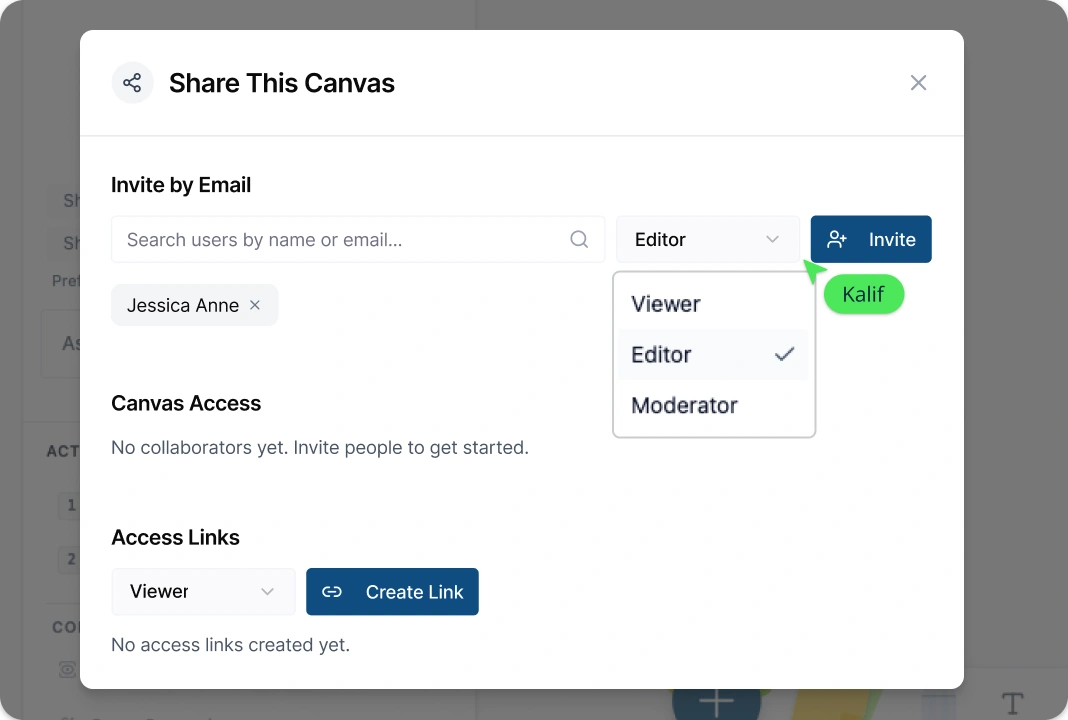
Prepare board‑ready org chart views by collapsing branches, isolating departments, or switching between compact and detailed card layouts. Control access to sensitive fields using role‑based permissions and data sensitivity settings in the M&A org chart app, enabling secure collaboration with HR, executives, and integration teams.

What Is an M&A Org Chart?
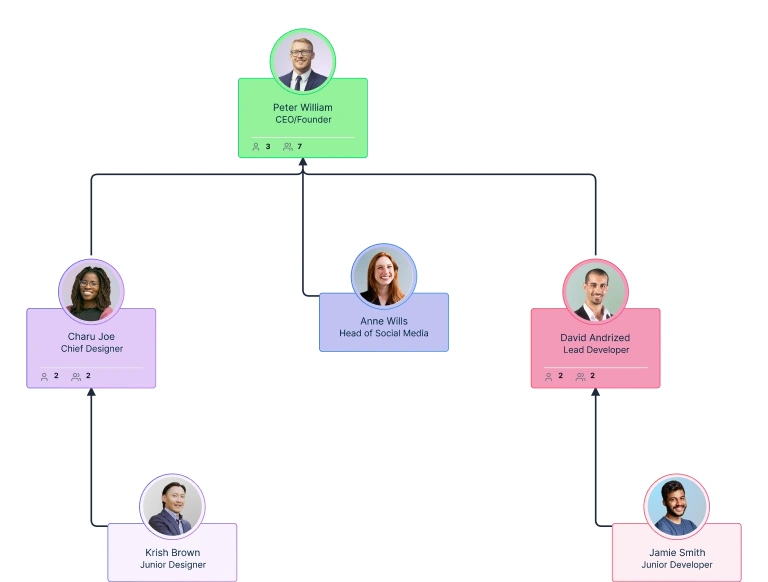
An org chart for mergers and acquisitions is a visual planning tool used to compare, analyze, and design organizational structures during and after a merger or acquisition. Unlike standard org charts, M&A org charts are built to handle multiple organizations, highlight overlapping roles, and model post‑merger reporting structures. Using a digital mergers and acquisitions org chart template, teams can import workforce data, visualize side‑by‑side structures, and explore different integration scenarios without affecting the live organization. This helps HR, leadership, and integration teams identify redundancies, align roles, and make informed decisions with clarity and confidence.
What Is an M&A Org Chart?

How to Create an M&A Org Chart with Creately

  • Step 1: Open the M&A Org Chart Template

    Start by opening an org chart template for mergers and acquisitions from Creately’s library or create a new org chart on the canvas. This gives you a ready‑made structure designed for comparing and integrating multiple organizations.

  • Step 2: Import or Build Org Charts for Each Company

    Import workforce data from CSV files or build org charts manually using drag‑and‑drop. Creately’s auto‑layout instantly organizes reporting lines and hierarchies, helping you accurately represent each organization’s structure.

  • Step 3: Analyze Roles and Reporting Structures

    Use filters, color‑by rules, and AI‑assisted analysis to identify overlapping roles, duplicated functions, and structural gaps. Highlight departments, job titles, or reporting lines to better understand alignment opportunities across the merged organizations.

  • Step 4: Model Post‑Merger Integration Scenarios

    Create named what‑if scenarios to test post‑merger reporting structures without affecting the live org chart. Adjust reporting lines, merge teams, or model matrix and dotted‑line relationships to explore different integration options.

  • Step 5: Review, Refine, and Share with Stakeholders

    Review proposed org structures with HR, leadership, and integration teams using real‑time collaboration, comments, and version history. Share executive‑ready views or export org charts as PNG, PDF, or SVG files to support decision‑making and presentations.
FAQs About M&A Org Charts

How is an M&A org chart different from a regular org chart?

A mergers and acquisitions org chart template is built to compare two or more organizations during a merger or acquisition. It supports side‑by‑side views, role overlays, and scenario modeling so teams can analyze reporting structures, identify overlaps, and plan post‑merger integration without changing the live organization.

Can I use this org chart to plan post‑merger integration?

Yes. Creately’s mergers and acquisitions org chart template lets you model post‑merger integration by creating multiple scenarios, adjusting reporting lines, and testing organizational structures. These scenarios are isolated from the live org, allowing leaders to evaluate integration options safely and collaboratively.

How can I identify redundant roles after a merger or acquisition?

Redundant roles can be identified by mapping job titles, departments, and reporting lines across both organizations. Creately’s overlay and comparison views visually highlight duplicated positions, overlapping management layers, and consolidation opportunities, helping teams make informed restructuring decisions.

Is Creately’s mergers and acquisitions org chart template free?

Yes. Creately offers a free plan that allows users to create and explore M&A org charts using essential features. This makes it suitable for early‑stage analysis, initial comparisons, and preliminary integration planning before moving to more advanced enterprise workflows.

Can AI help with M&A org chart planning?

Yes. Creately’s AI-powered M&A org chart software assists with M&A org chart planning by generating initial structures, organizing imported data, and surfacing patterns such as reporting conflicts or role overlaps. This reduces manual setup time and helps teams focus on integration decisions.

Why is Creately a good choice for M&A org chart planning?

Creately’s M&A org chart maker is well suited for M&A planning because it combines visual comparison, scenario modeling, and secure data controls in one workspace. Teams can collaborate in real time, protect sensitive information, and confidently design post‑merger organizational structures.
Streamline Your Workflows by Integrating with the Tools You Love
Creately integrates with the tools your teams use every day and supports your team’s workflow seamlessly.
Github
Microsoft
Google Drive
Google Sheets
Google Docs
Google Slides
Confluence
Why Creately Is the Best M&A Org Chart Tool?
Creately is the intelligent visual platform enabling visual collaboration, knowledge management and project execution.
Why Creately Is the Best M&A Org Chart Tool?
Infinite Visual Canvas
Real-Time Collaboration
Custom Databases
Data Driven Docs
Professional Diagramming
Project & Task Management
Enterprise Grade Security
Powerful Visual Modelling
G2
Atlassian
GetApp
Capterra
Software Advice
Trust Radius

24/7 Live Support

Live in-app chat support

24/7 Live Support