Frayer Model Template
Enhance Learning & Critical Thinking with the Frayer Model Template
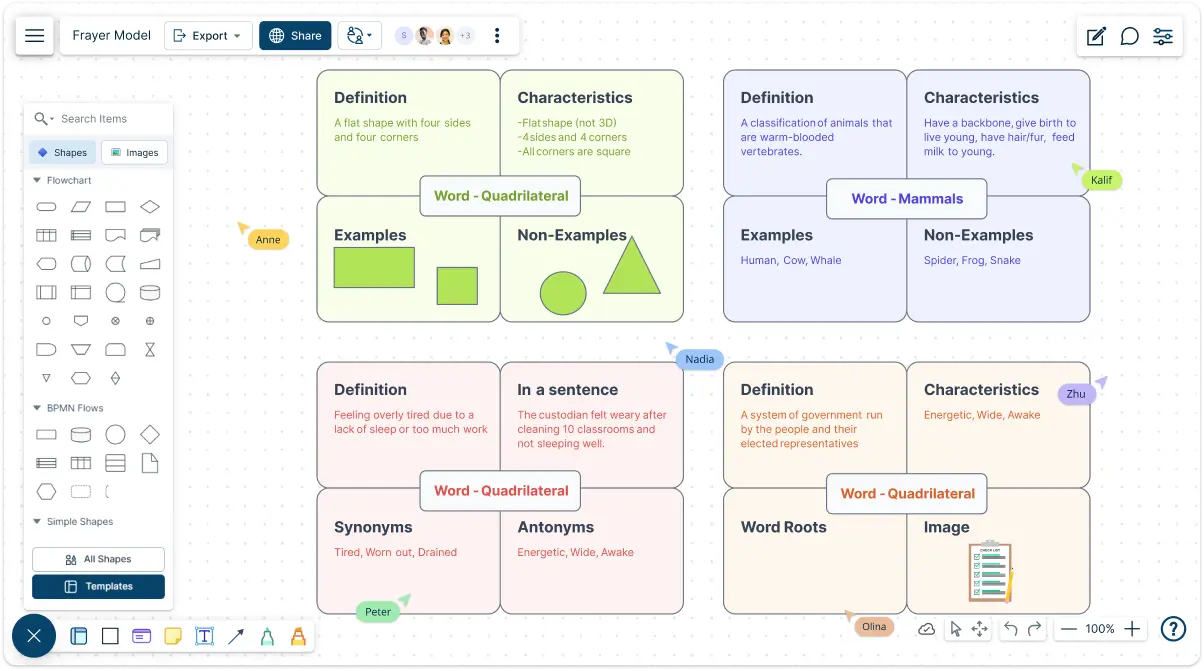
Simplify complex ideas with Creately’s Frayer Model template. Designed to help educators, students, and professionals, it organizes definitions, characteristics, examples, and non-examples in one neat, interactive space.
- Interactive whiteboard to effortlessly arrange your Frayer Model components
- Work with students anywhere, anytime with real-time collaboration
- Add images & colors to make learning more engaging
Over 10 Million people and 1000s of teams already use Creately

Visualize Concepts Clearly with Pre-Made Frayer Model Templates
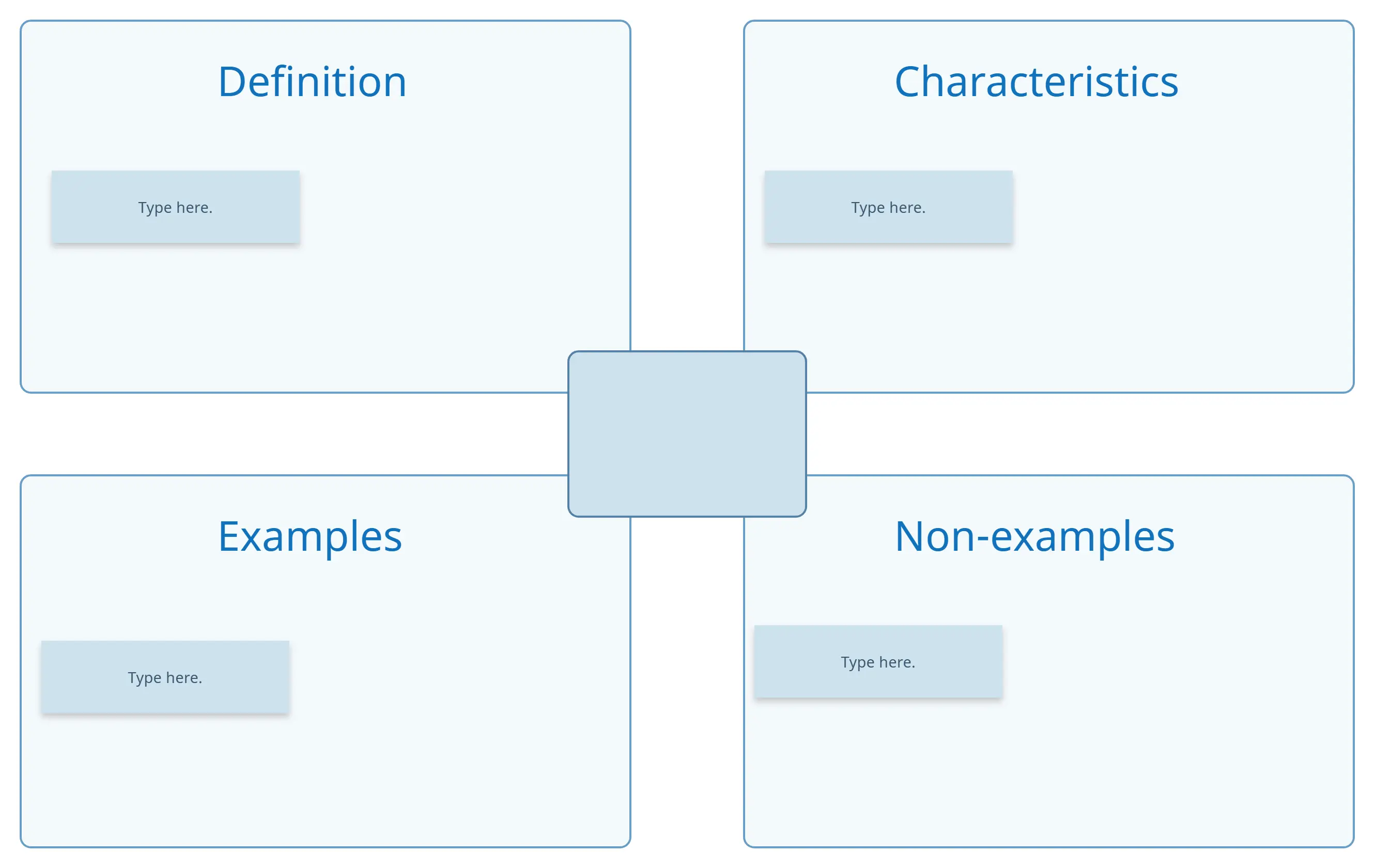
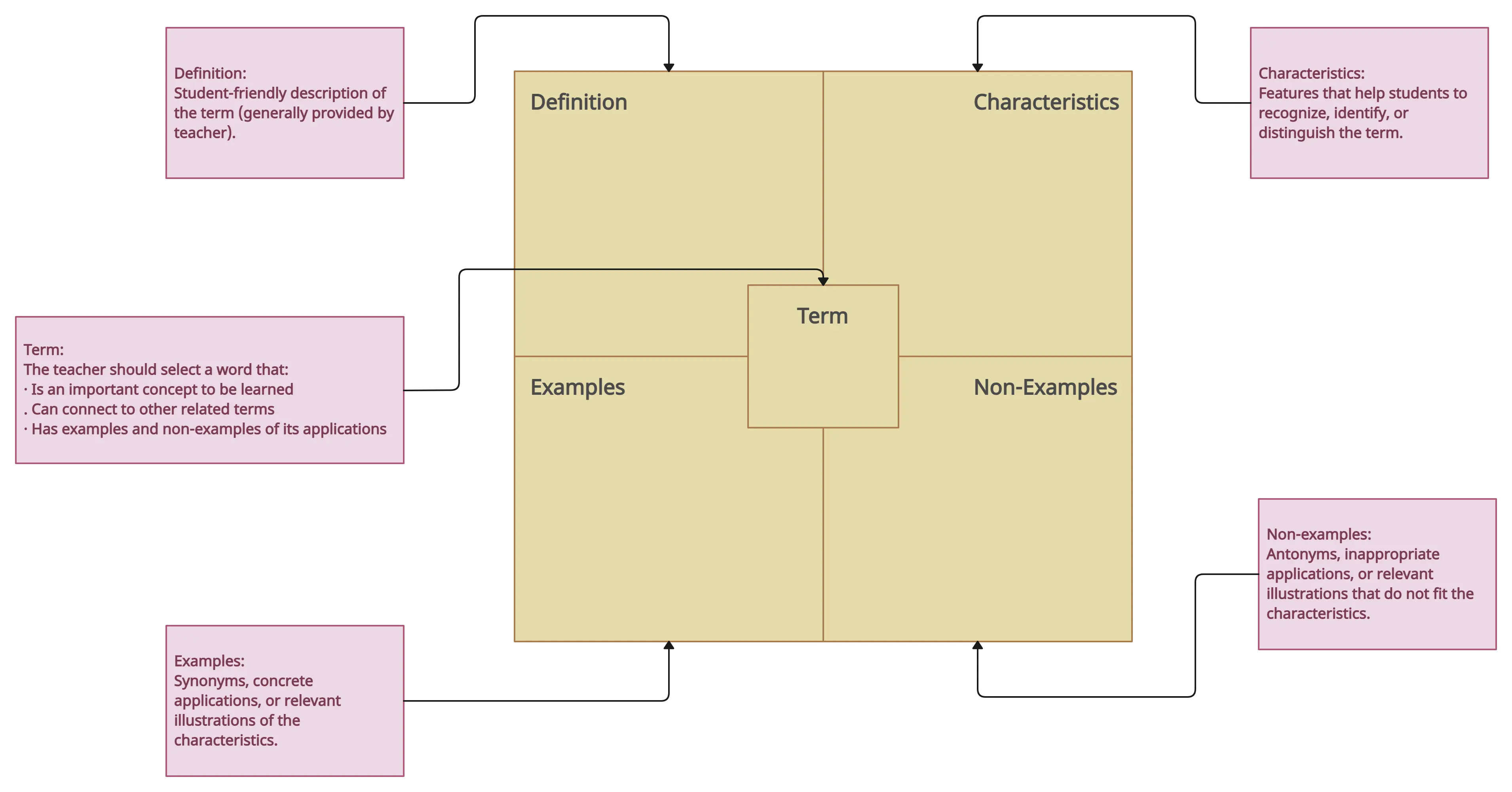
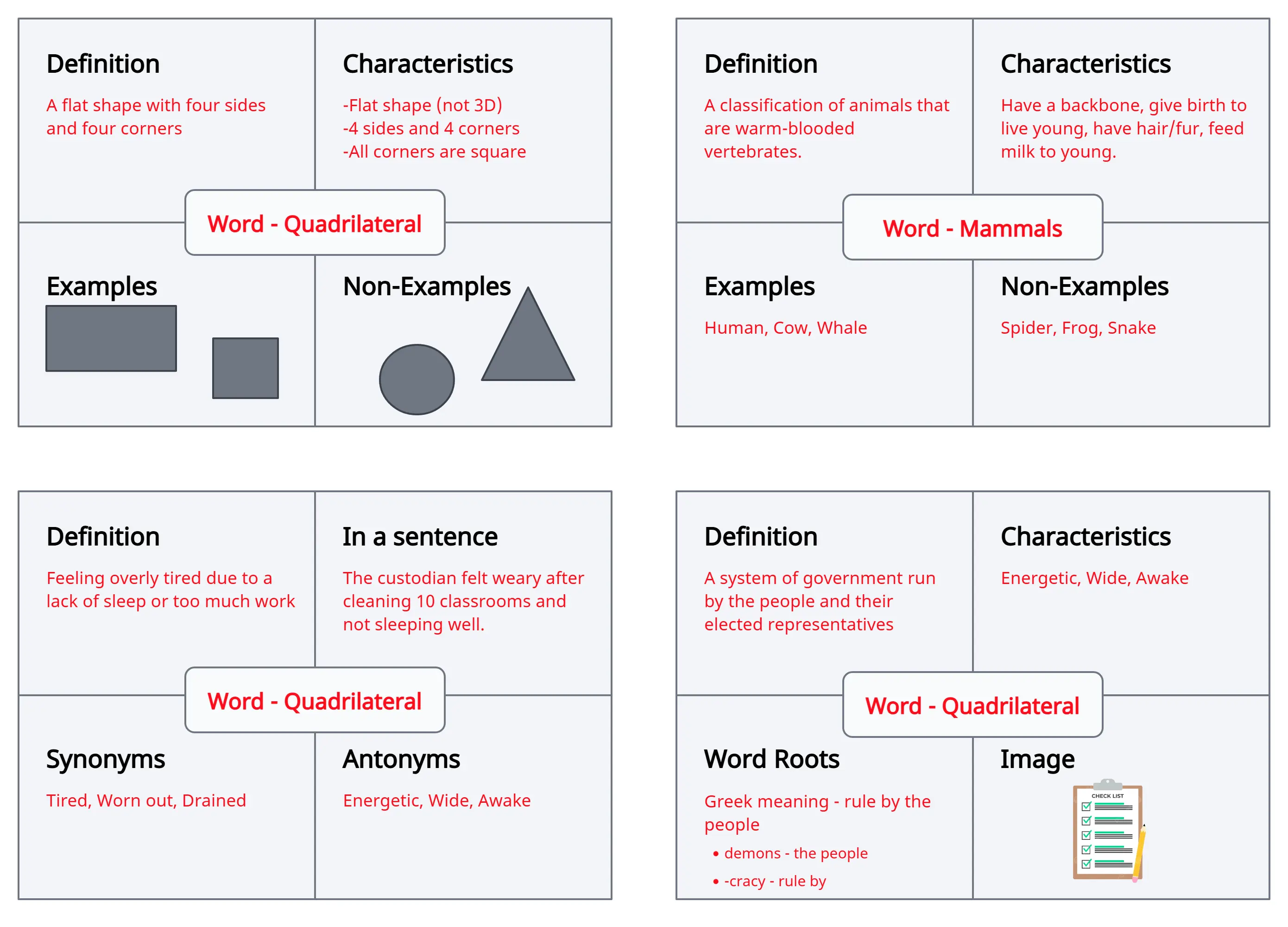
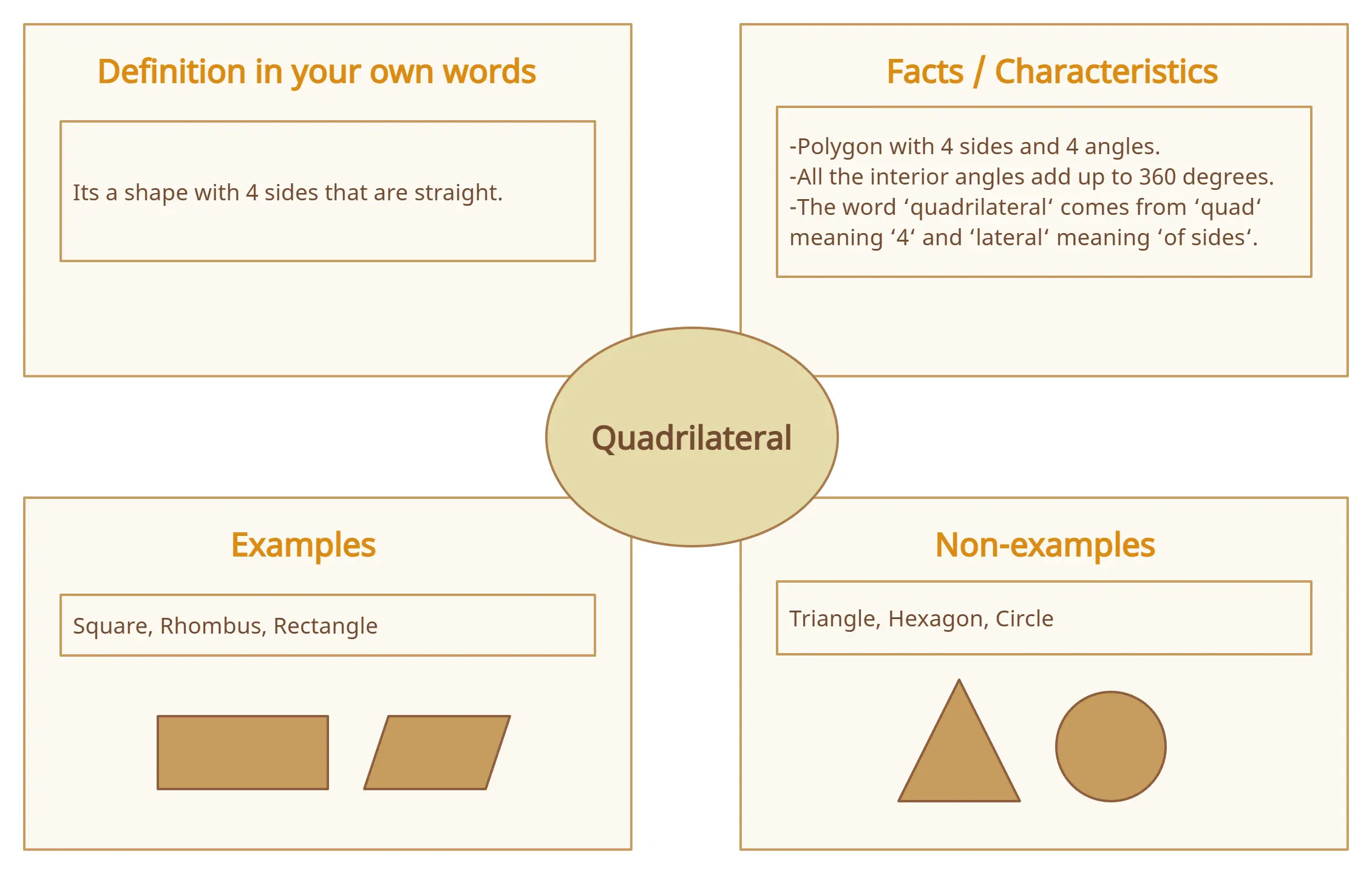
Interactive Frayer Model Template to Collaborate and Learn Better
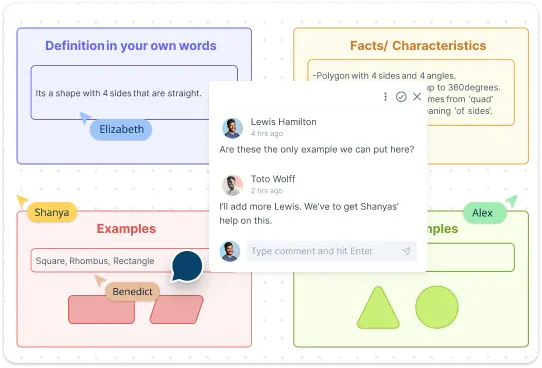
Creately’s collaboration tools make teamwork seamless with built-in brainstorming features like mind maps and sticky notes, allowing you to capture ideas and feedback directly on your Frayer Model template. Real-time editing and synced previews ensure updates are instantly visible to everyone, while full comment threads and discussions support synchronous and asynchronous collaboration. The collaborative whiteboard offers a flexible space for group ideation, and multiple access levels let you easily share, review, or edit work. Whether you’re a teacher guiding students or a team refining ideas, Creately’s Frayer model template streamlines the process for productive, engaging collaboration.
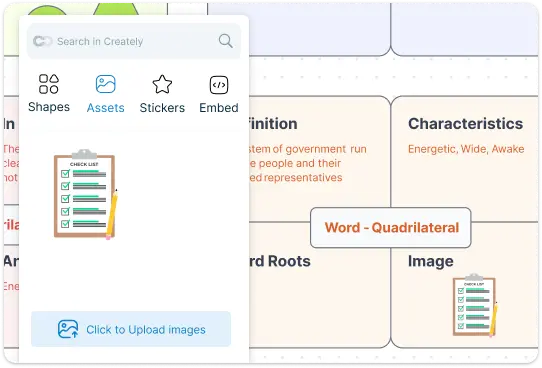
Make Learning Interactive & Engaging with Our Frayer Model Template
Creately’s visual tools help turn concepts into memorable experiences. You can tweak the Frayer Model template to suit your needs, with customizable layouts, vibrant colors, and the option to add images or icons that make ideas clearer. When it’s time to share your work, Creately’s presentation mode transforms your model into a polished display, perfect for teaching or group sessions. It’s learning, but with a creative twist that keeps everyone engaged.
Organize and Share Your Frayer Model Template Effortlessly
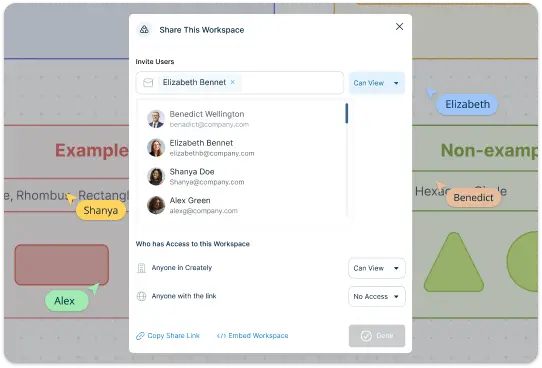
With Creately, staying organized and sharing your work is simple. Your Frayer Model template is automatically saved in the cloud, so you can access it anytime, from any device. Sharing is just as easy—send a link to teammates, students, or collaborators to let them view, review, or edit your model instantly. Need a physical copy? Export your work as a PDF, PNG, or other formats with just a click. Plus, you can insert documents, images, and other assets to create resource-rich instructional material with integrated notes, making your Frayer Model more engaging and informative.
What Is a Frayer Model Template

How to Use Creately’s Frayer Model Template
Open the template:
Start by selecting Creately’s Frayer Model template from the template library. It’s ready to go, so you don’t have to worry about creating the structure yourself. Just click on it, and it’ll open in the workspace.
Define the Concept:
In the first section of the Frayer model template, write a clear and simple definition of the concept you’re studying. This is where you’ll give the basic meaning or description of the term. Think about what the concept is and how it is usually explained.
List Key Characteristics:
In the next section of the Frayer model template, list the characteristics that make the concept unique. What are the important qualities or features that define it? For example, if you’re defining “dog,” you might include “four legs,” “barks,” and “domesticated.” These are the traits that set the concept apart.
Provide Real-Life Examples:
The third section of the Frayer model template is for examples that illustrate the concept in action. These should be real-life situations or objects that clearly represent the term. For “dog,” you might include breeds like “Golden Retriever” or “Bulldog.” Examples help make the concept easier to understand.
Give Non-Examples:
In the final of the Frayer model template section, list things that are NOT examples of the concept. This is crucial because it helps clarify the boundaries of the concept by showing what doesn’t fit. For “dog,” non-examples might include “cat” or “horse”—animals that share some characteristics but are not the same.
Customize and Collaborate:
Creately lets you personalize your Frayer Model template with colors, shapes, and images to make the concept more engaging and memorable. You can also invite others to work on the model with you. Whether you’re collaborating with classmates, colleagues, or a team, you can edit together in real-time, ensuring everyone can contribute their ideas and insights.
When to Use Creately’s Frayer Model Template
Learning new concepts:
When you’re studying a new subject or term, the Frayer Model template helps you understand it more clearly by organizing key details in a simple, structured way.
Vocabulary building:
It’s perfect for expanding your vocabulary, as it allows you to define words, list their characteristics, and distinguish them from similar terms.
Analyzing complex ideas:
Use it to break down complex theories or abstract ideas into more manageable parts, helping you grasp the main elements and their relationships.
Group discussions and brainstorming:
If you’re working in a team, the Frayer Model template helps organize and share thoughts in a structured format, allowing for easy collaboration and discussion.
Creating study materials:
When preparing for exams or creating study resources, the Frayer Model template helps organize important information, making it easier to review and remember.
Classroom and educational settings:
Teachers can use it to encourage students to explore and better understand new concepts, engage in critical thinking, and make learning more interactive.
Develop Deeper Insights into Subjects with These Premade Templates
FAQs on the Frayer Model Template
Who can use the Frayer Model template?
Can I use Creately’s Frayer Model template for more than just vocabulary?
How does Creately’s Frayer Model template work for group projects?
Can I create a Frayer Model template from scratch?
How do I print my Frayer Model template?































