Folder Structure Diagram
Build a Smart Folder Structure for Your Business
Create a clutter free folder structure to save time and money sifting through thousands of files.
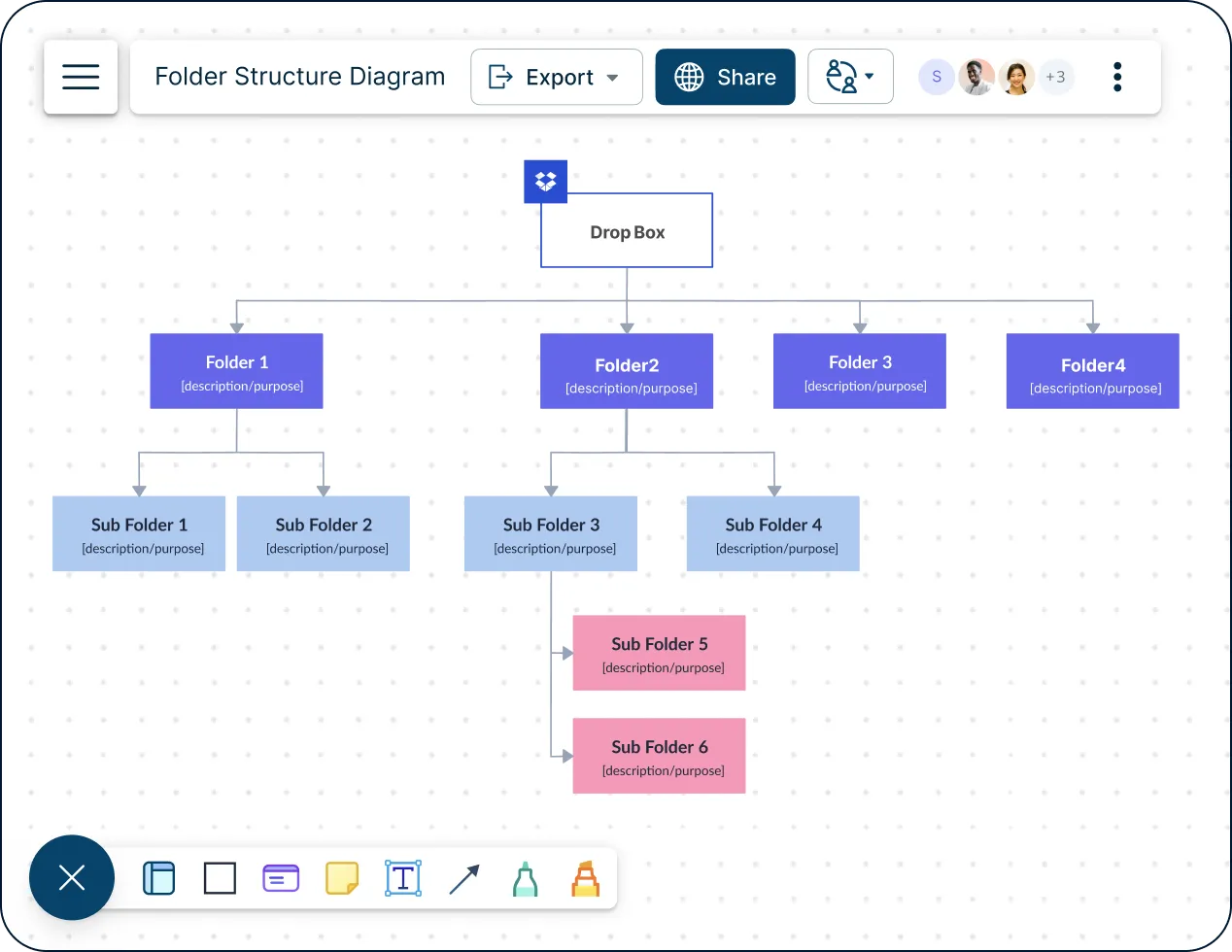
- Easy-to-use visual tools to plan effective folder structures
- Real-time collaboration to work closely with stakeholders
- Multiple templates to design flawless folder structures quickly
- Easy-to-use visual tools to plan effective folder structures
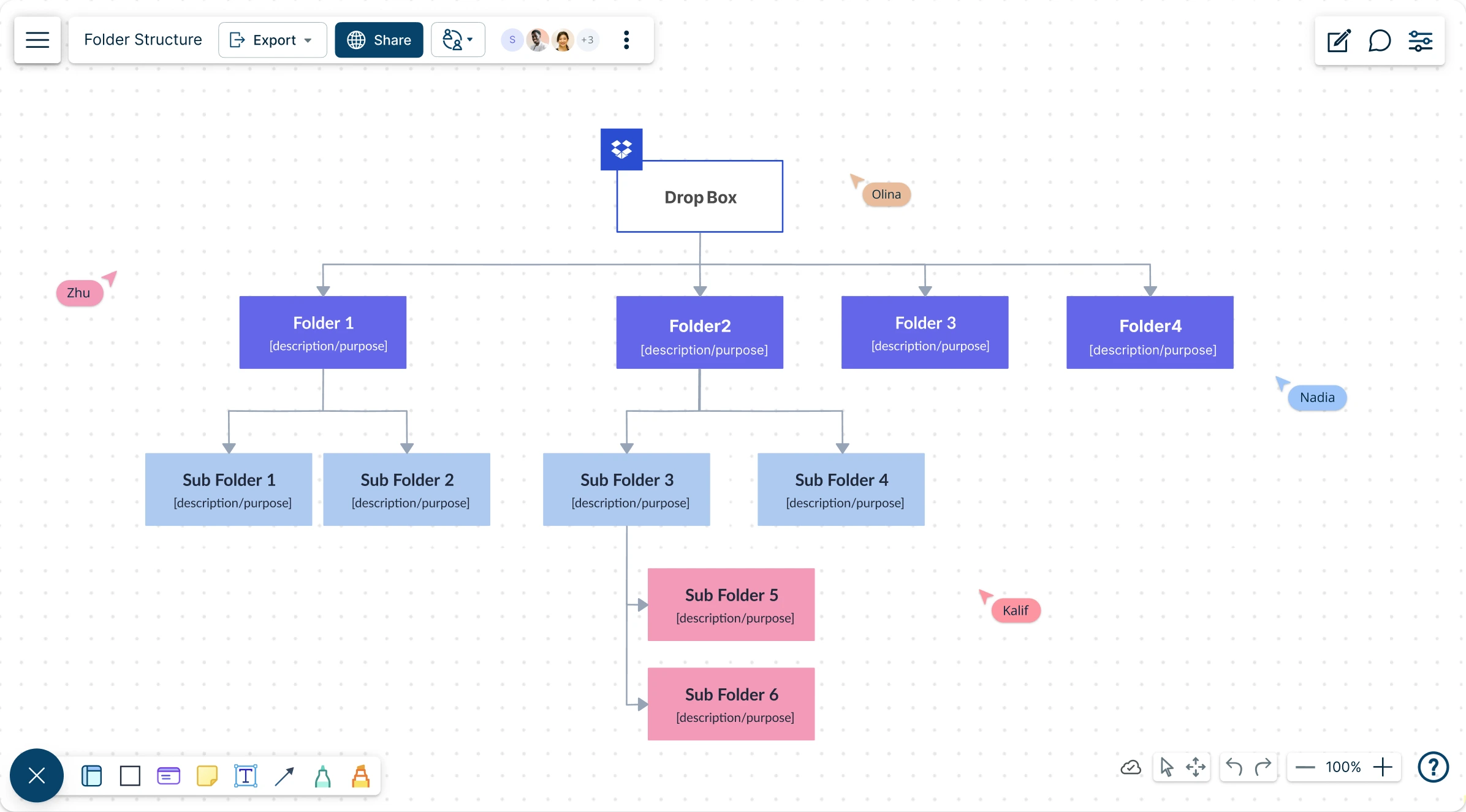
- Real-time collaboration to work closely with stakeholders
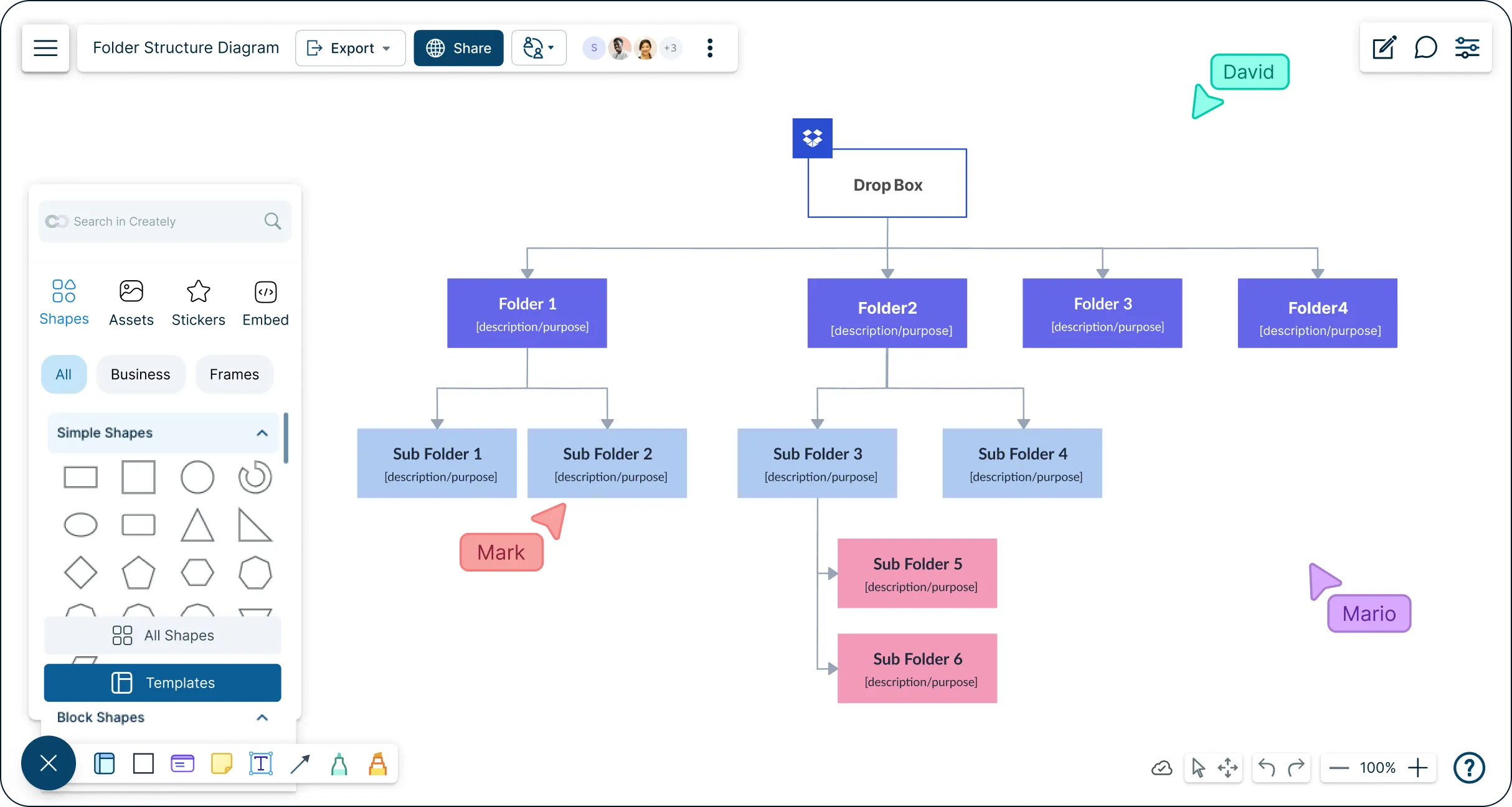
- Multiple templates to design flawless folder structures quickly
Over 10 Million people and 1000s of teams already use Creately

How to make a Folder Structure?
Free Folder Structure Templates
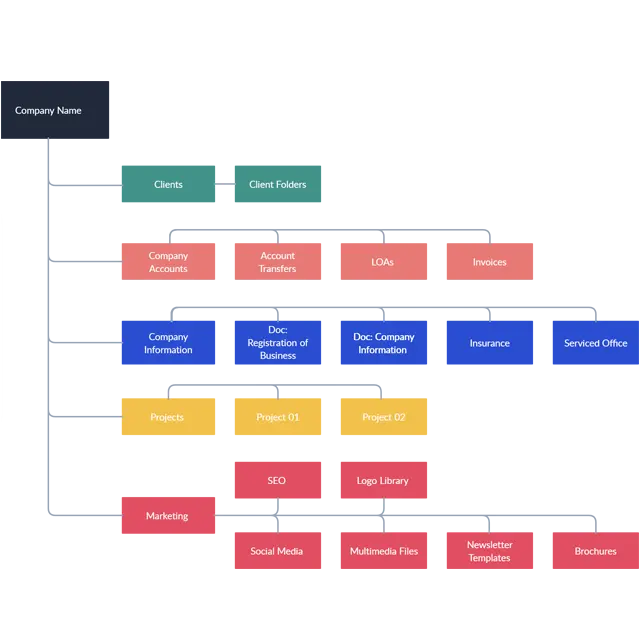
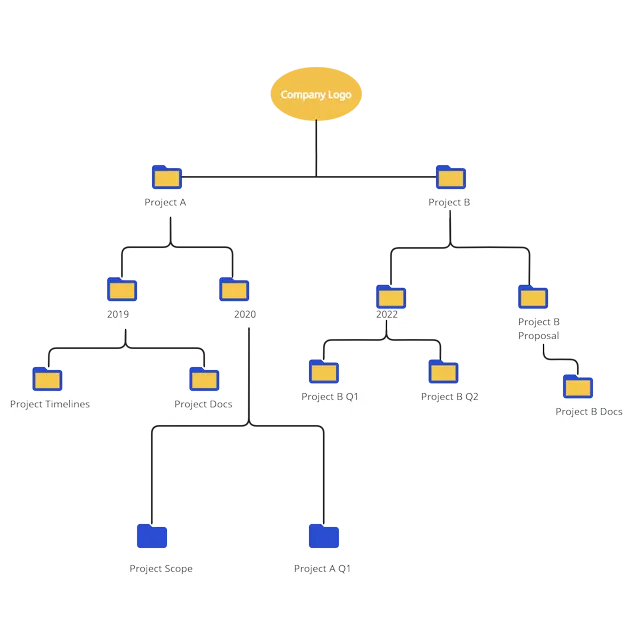
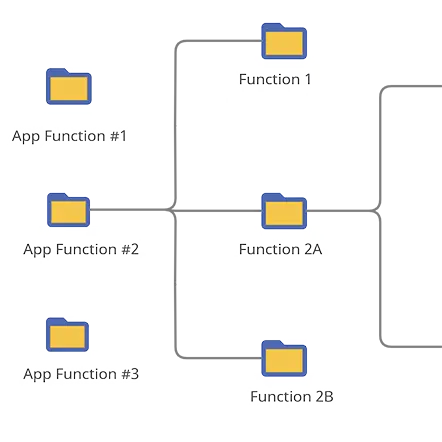
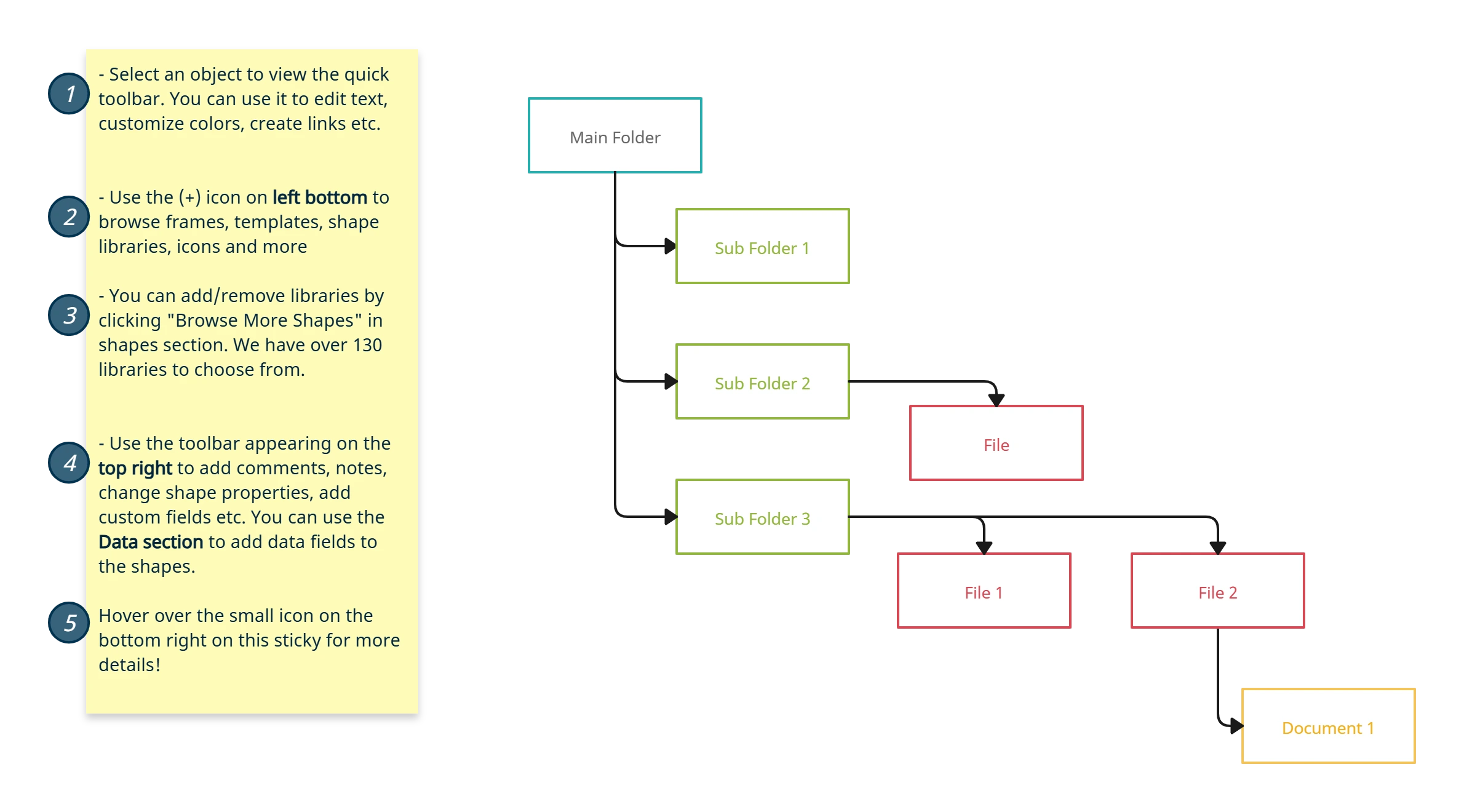
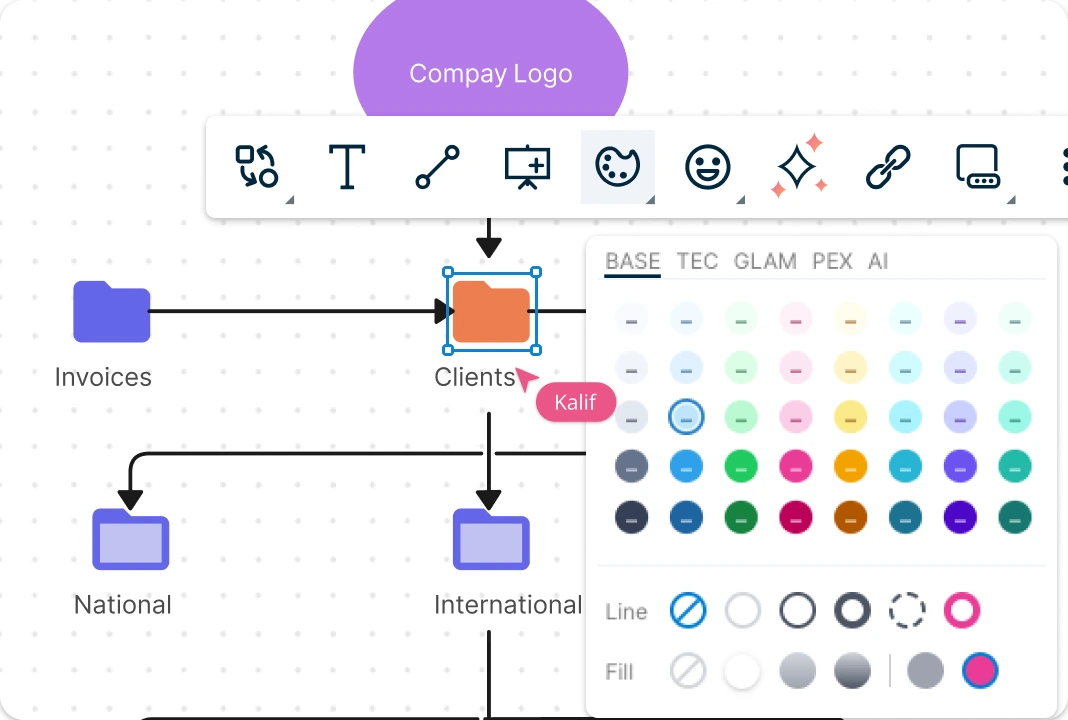
Easily Create a Visual Structure for Your Organization's Information
Use multiple industry-standard templates to visually organize information and present a clear, well-structured file structure diagram. Dynamic connectors that arrange themselves automatically as you move shapes around the canvas. Powerful styling options and image import to customize your folder structures instantly.
Easily Organize and Access All Your Documents
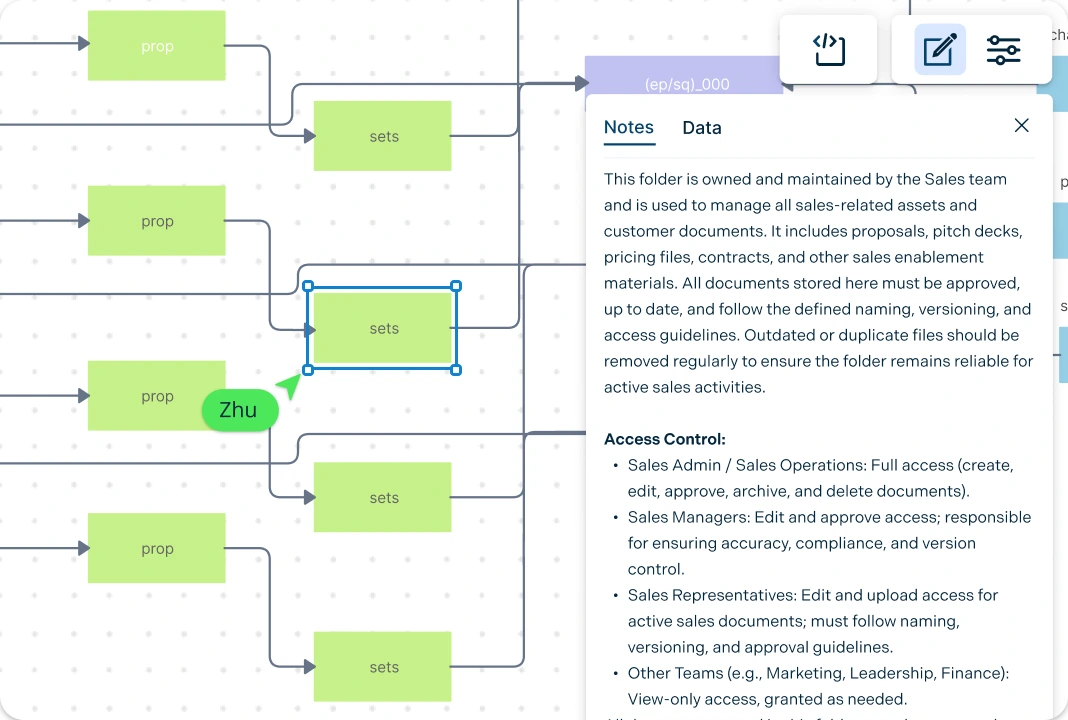
Bring data from any source and easily visualize them on the canvas. Easy to use, drag-and-drop interface, to visualize connections among different files and folder types. Use the full power of universal text search to find specific information within the canvas – fast. Add detailed docs, attachments, links and more via the notes feature on each folder to capture details and the big picture in a single space.

Share Important Information Instantly
Freehand drawing and highlights to sketch anything you want as you present your file structure diagram. Real-time cursors for any number of participants. Collaborate with team members on a shared canvas. Comment with context, have discussions and follow ups on the same canvas. Async!
Keep Your Team Organized and Productive
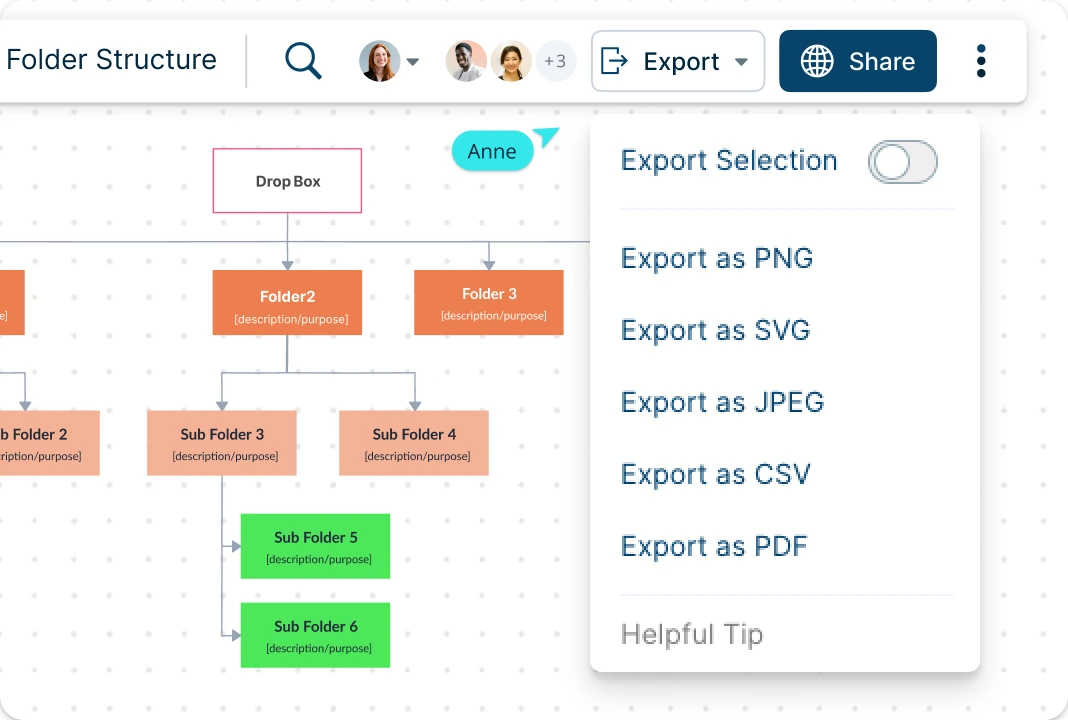
Multiple access levels and roles to streamline editing, reviewing and sharing diagrams. Smart notifications to stay up to date with changes made on your diagrams. Export diagrams as SVGs, PDFs, and PNGs to publish, present, print, or share with internal teams or clients.
What is a Folder Structure Diagram?
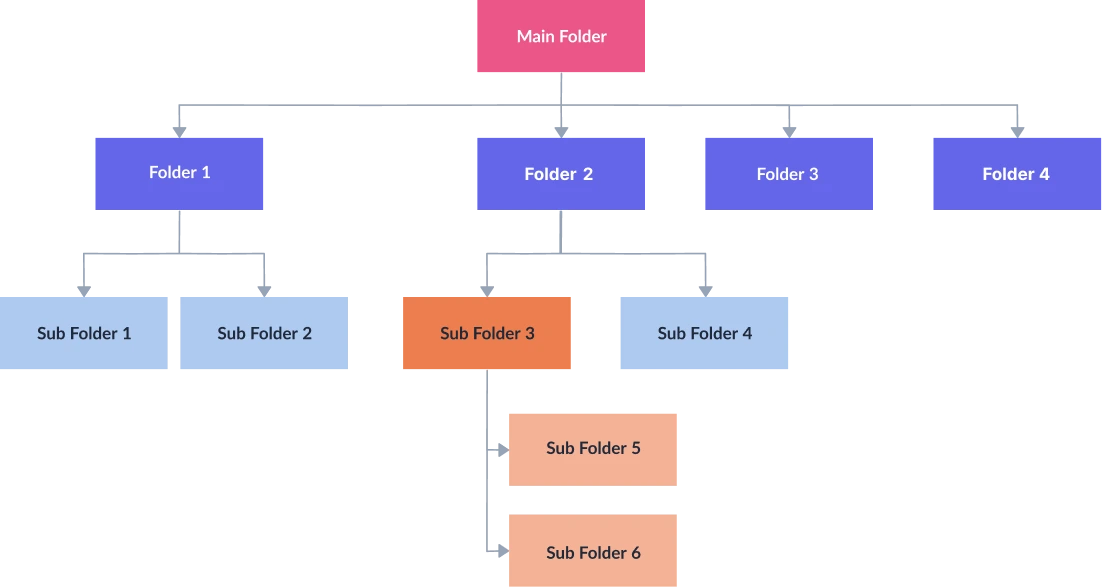
How to Create a Folder Structure Diagram?
Open a Folder Structure Template:
Start by selecting a Creately folder structure template to begin organizing files visually. Add the template to your workspace or create a new workspace and enable the relevant shape libraries to design the folder structure diagram from scratch.Define Folder Logic and Add Folders:
Decide how you want your files organized—by project, year, function, or client. Identify files created as part of business processes and those used for reference such as company registration documents. Use Creately’s drag-and-drop editing to set up a folder for each document type and create subfolders under parent folders, including an uncategorized folder for files that do not fit elsewhere.Customize and Add Context:
Customize the folder structure diagram using color coding so everyone can easily understand the hierarchy. Use notes panels and sticky notes to define rules for ownership and sharing, mapping roles to folders. Clearly indicate which folders are private, department-based, role-based, or shared across the company and stakeholders.Collaborate and Validate:
Invite your IT team and management to collaborate on the folder structure diagram. With Creately’s real-time collaboration features, team members can review the structure, leave comments, suggest improvements, and refine the file structure together on the same canvas.Review, Update, and Share:
Review and finalize the folder structure diagram, make any necessary updates, and ensure alignment. Once complete, download the diagram as SVG or other print-ready formats, or share it with controlled access by assigning editor, viewer, or commenter permissions.
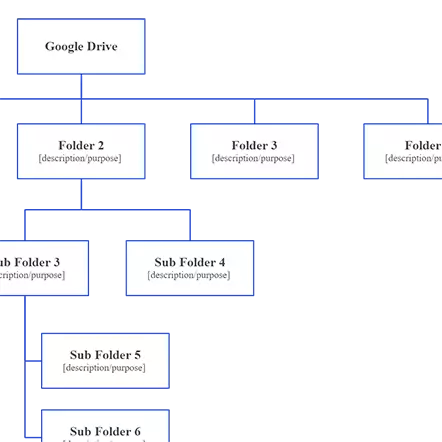
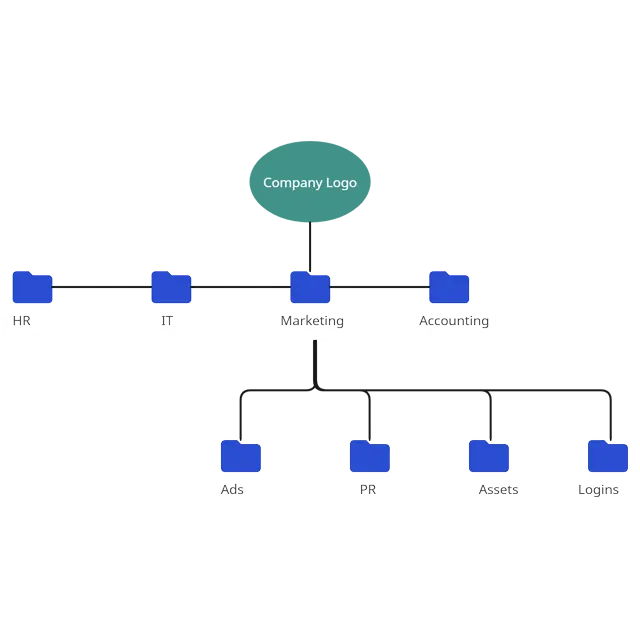
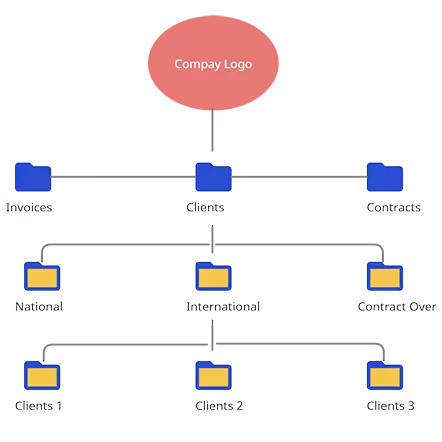
Free Folder Structure Examples
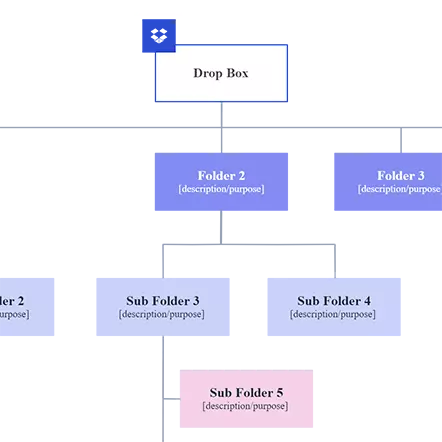
FAQs about the Folder Structure Diagram
What is the best folder structure generator on the market today?
Can the folder structure diagrams be updated regularly?
Can I define ownership and access rules in the diagram?
Are ready-made folder structure templates available?
Can I use the folder structure maker for different use cases?































