Design System Template
Create Consistent, Scalable, and User-Friendly Design Systems
Build your own design system template to unify brand identity, streamline UI/UX, and accelerate workflows. Explore ready-made design system examples, libraries, and tools to guide your team from concept to launch.
- Ready-to-use design system templates with shape libraries and tools
- Collaborate in real-time to build a consistent UI/UX across teams
- Share your design system framework in multiple formats or online
Over 10 Million people and 1000s of teams already use Creately

Design System AI Tool
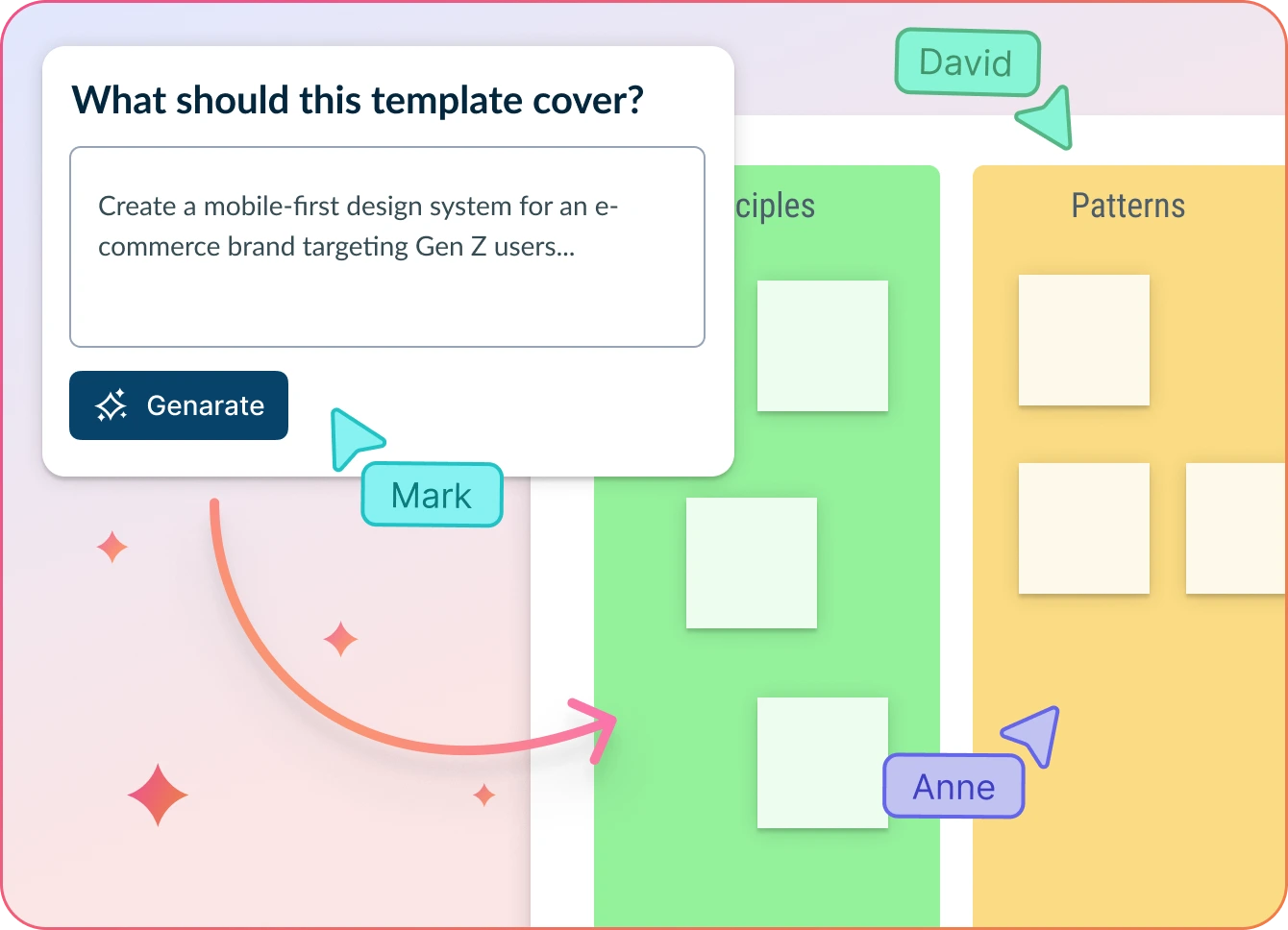
Accelerate Design System Creation with AI-Powered Assistance
- Start with a blank canvas or pre-built design system template
- Enter design principles, component ideas, or token definitions in the dialog box
- Click Generate with AI → let Creately structure your design system, suggest components, and auto-generate documentation
Why Teams Love Creately’s Design System AI Tools
 Faster Setup – Instantly generate foundational elements like color tokens, typography scales, and component groups.
 Private & Secure – Your design data is processed securely and never leaves Creately’s encrypted infrastructure.
 Smarter Suggestions – AI recommends reusable patterns, naming conventions, and accessibility best practices.
 Works with Your Language – AI understands industry-specific terminology and supports multilingual teams.
 Automated Documentation – Generate style guides and design system documentation as you build—no manual work needed.
Explore Ready-Made Design System Templates to Jumpstart Your Workflow
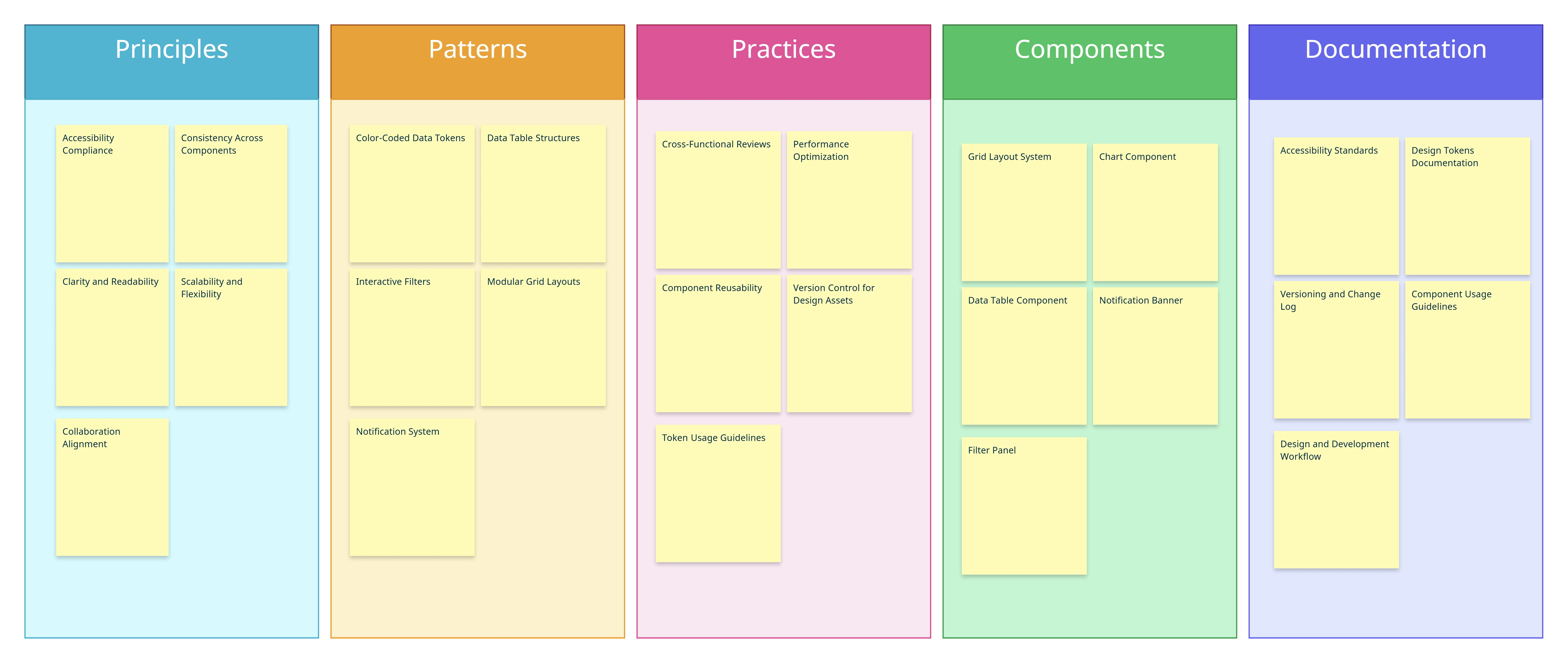
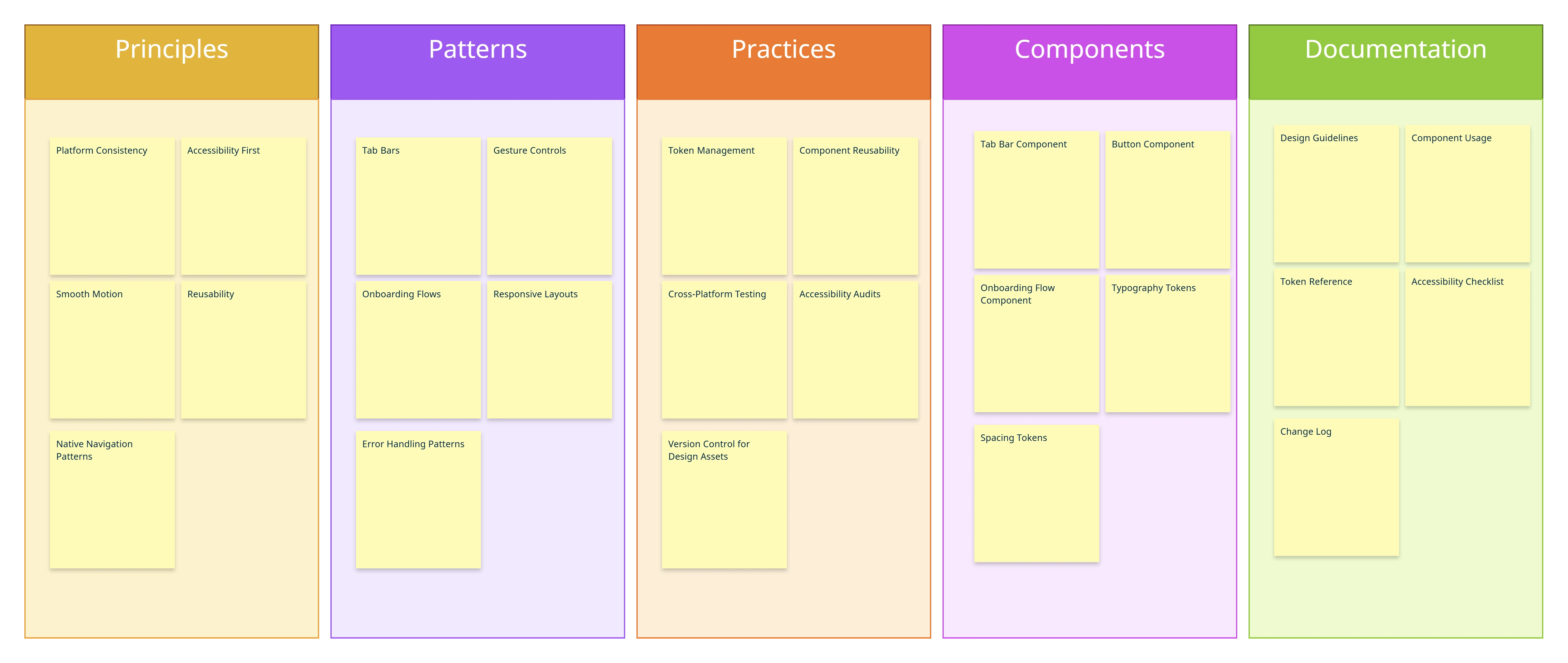
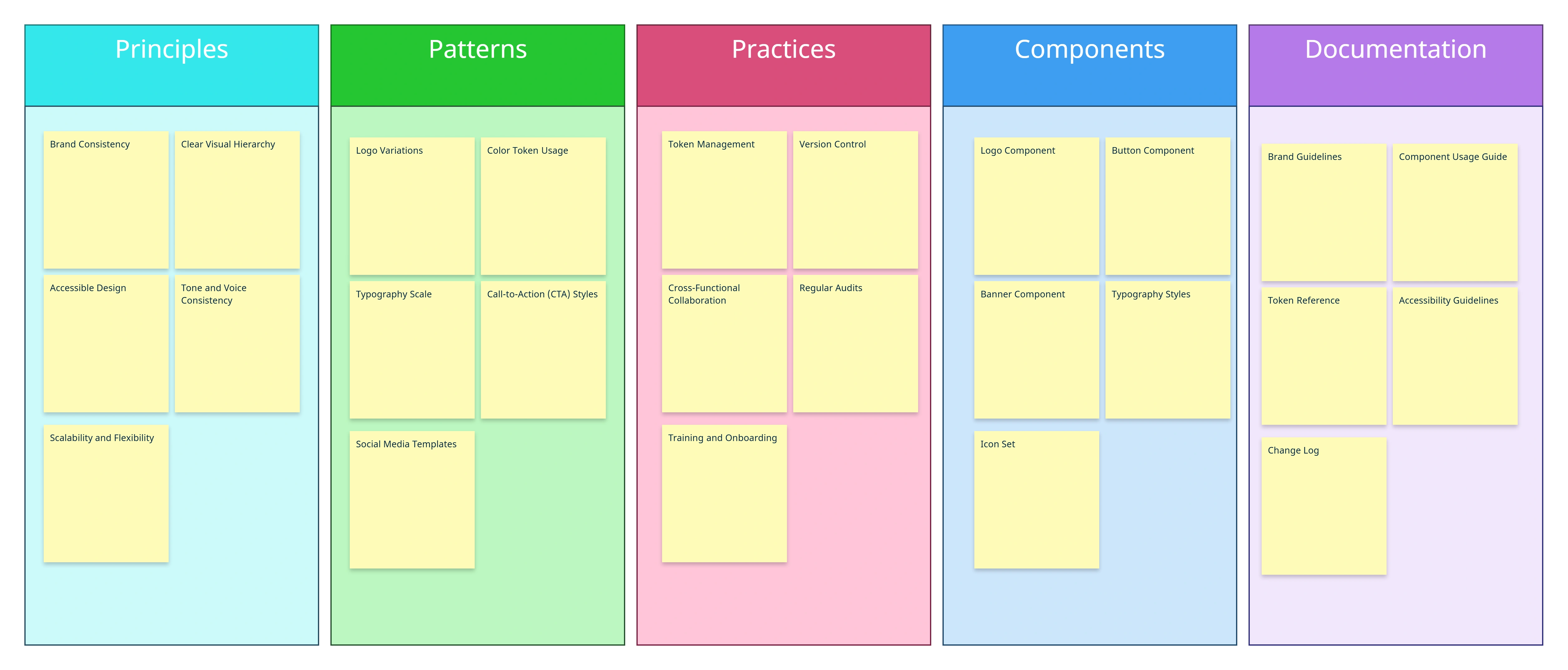
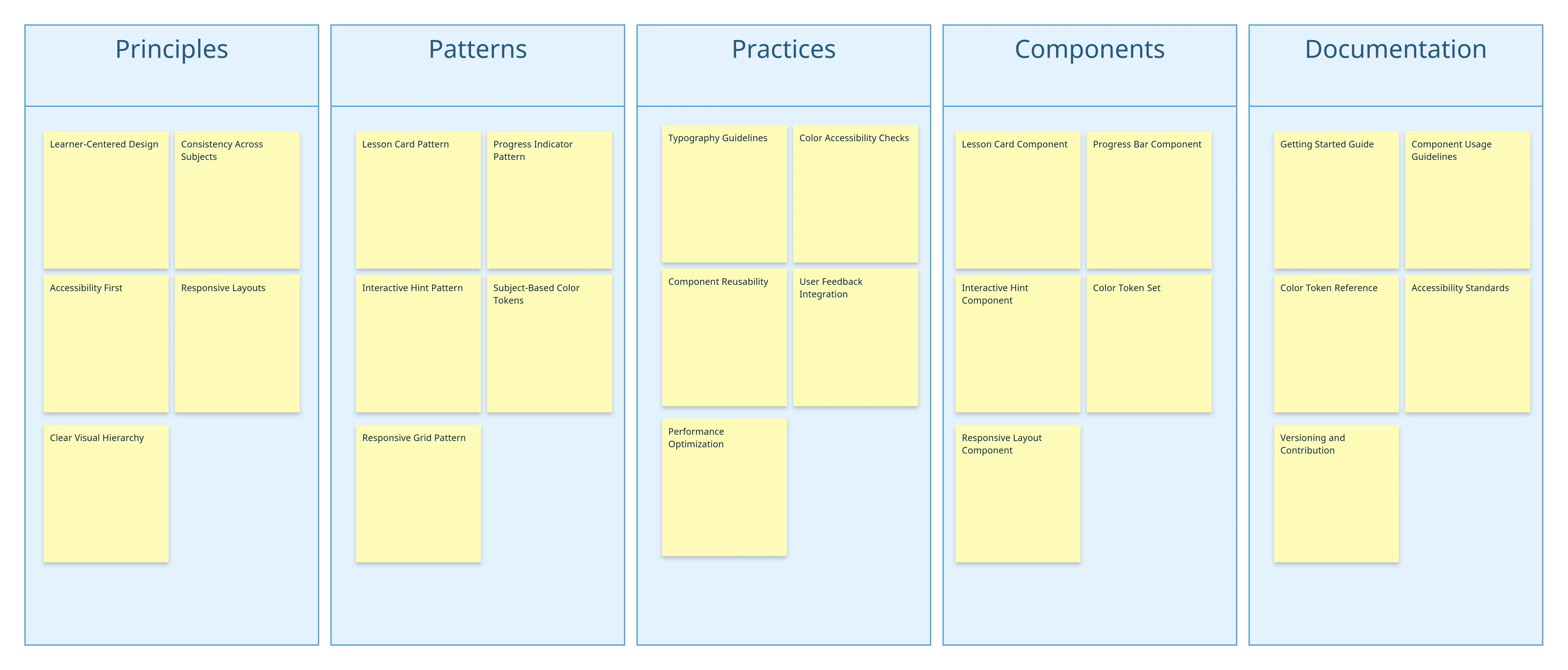
Brainstorm and Structure Design System Components
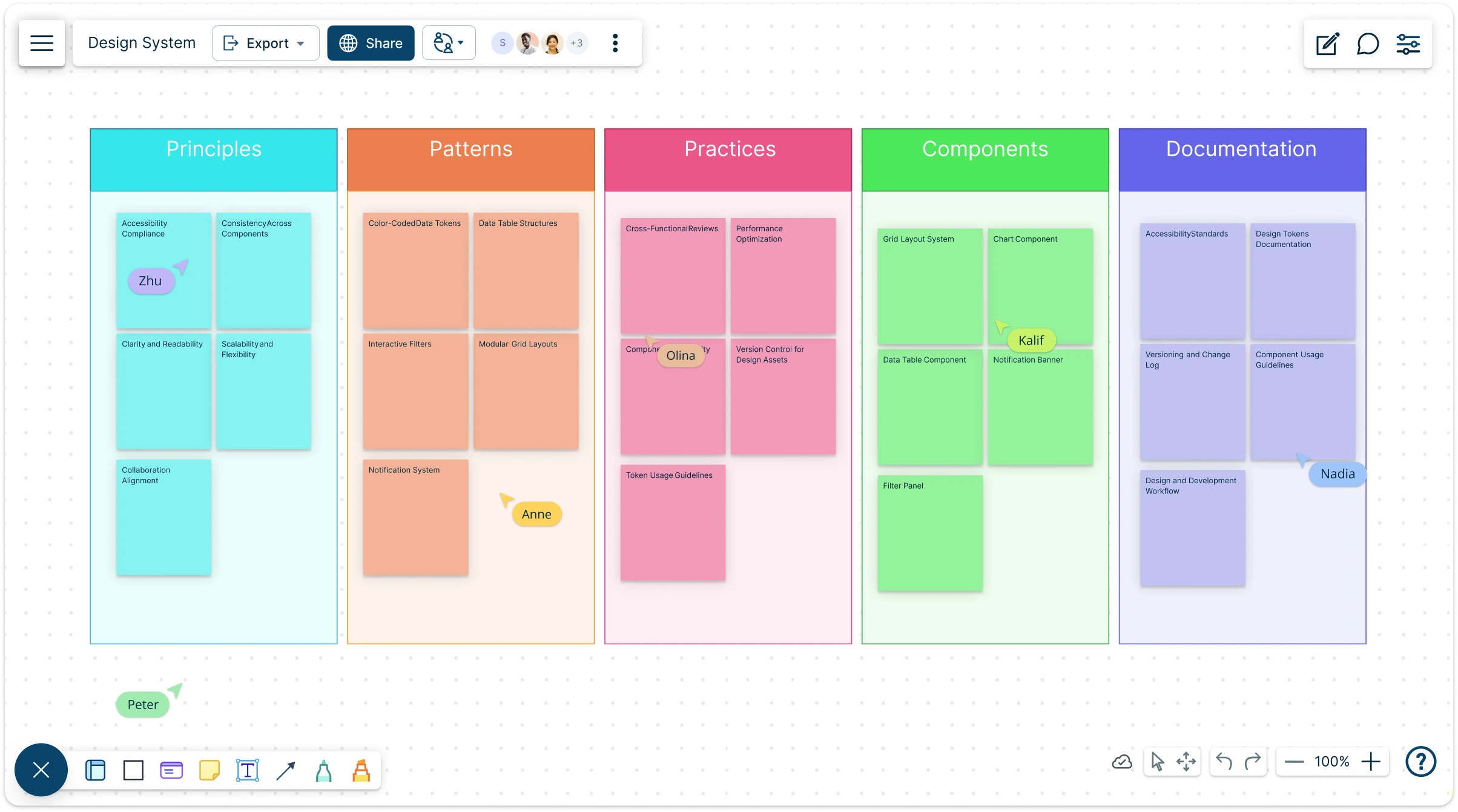
Jumpstart your design workflow by brainstorming with mind maps, sticky notes, and visual canvases. Quickly capture UI style guide elements, design grid system templates, and branding assets in one central design system framework. Explore pre-built design system examples to inspire ideas and transform early concepts into structured, reusable components that scale with your project.
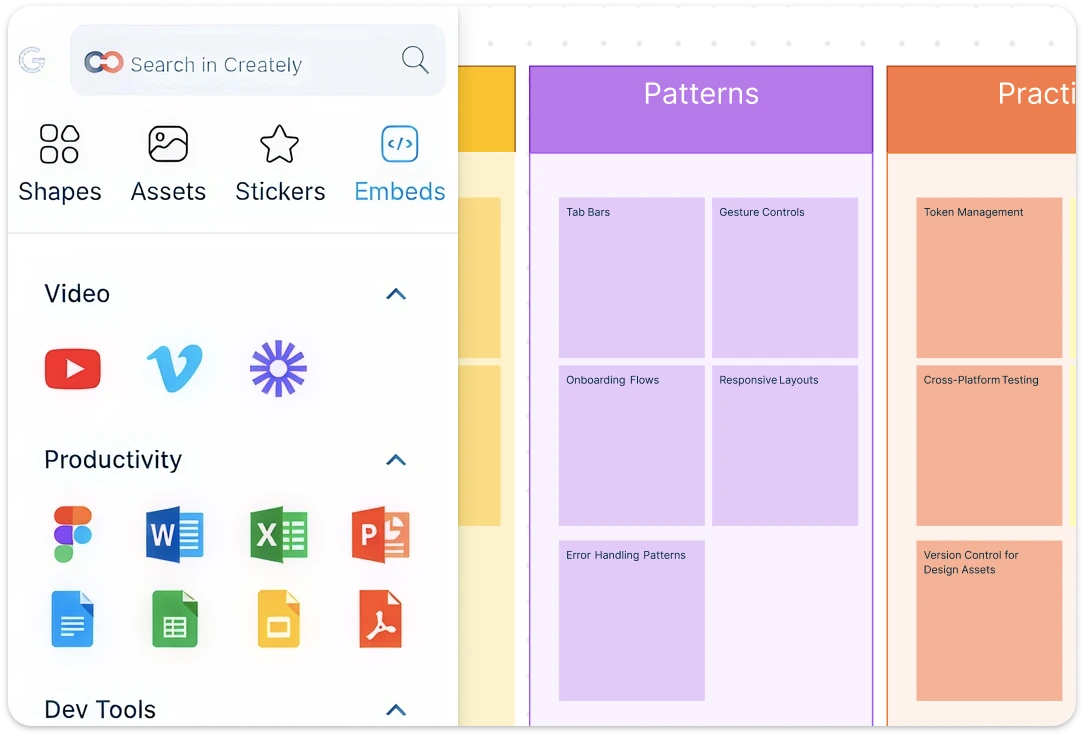
Build Clear, Scalable Design Systems with Notes, Attachments, and Embeds
Transform ideas into a complete design system with Creately’s infinite canvas and customizable shapes. Visualize brand design system elements, libraries, and UI components in one flexible space that adapts to your workflow. Add notes, attachments, and embeds directly to components, creating a single source of truth that keeps guidelines, assets, and context in one place. From website design systems to complex UI design systems, map every detail, align elements seamlessly, and ensure brand consistency across products and platforms.
Real-Time Collaboration for Design System UX
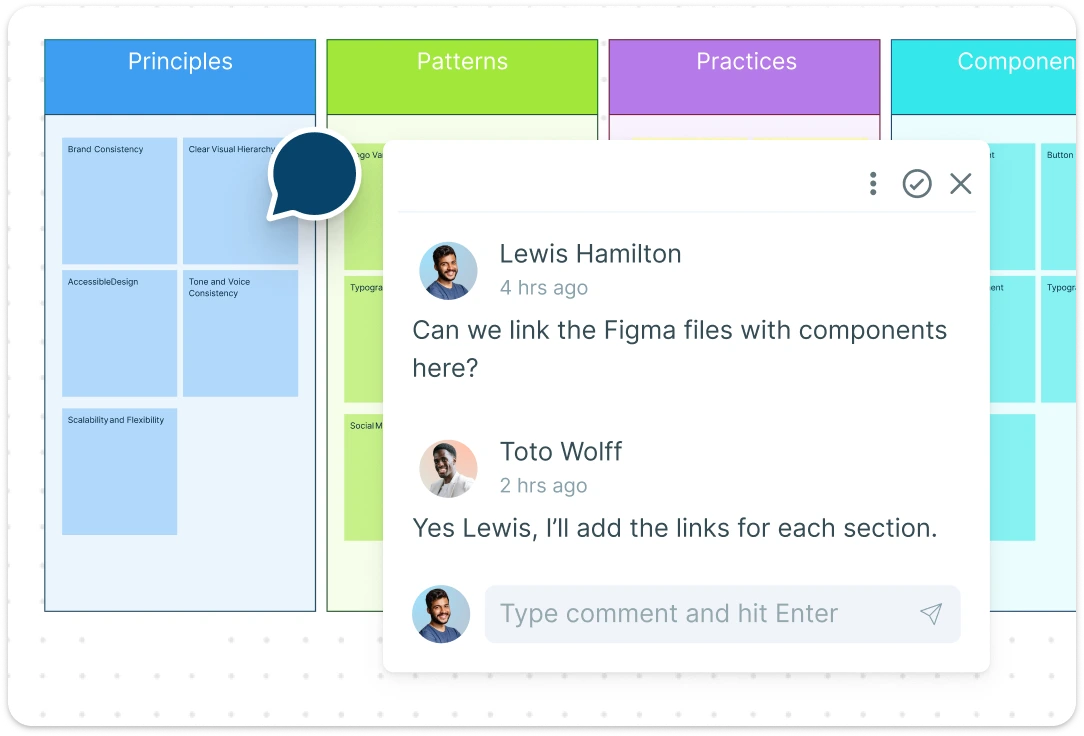
Work with your team in real time to refine and expand your design system. Use @mentions and contextual comments to give precise feedback, while multiple share options (email invites, access control, and secure links) keep collaboration smooth. Co-edit design system libraries, track updates, and export your work as PDF, JPEG, PNG, or SVG. Whether you need a design system to download or an online workspace, Creately ensures accuracy, scalability, and alignment across every project.
What Is a Design System?
How to Use Creately’s Design System Template
Launch Creately:
Sign in to Creately and open your workspace to start a new design system framework. Access your existing projects or begin from scratch.Choose a Template:
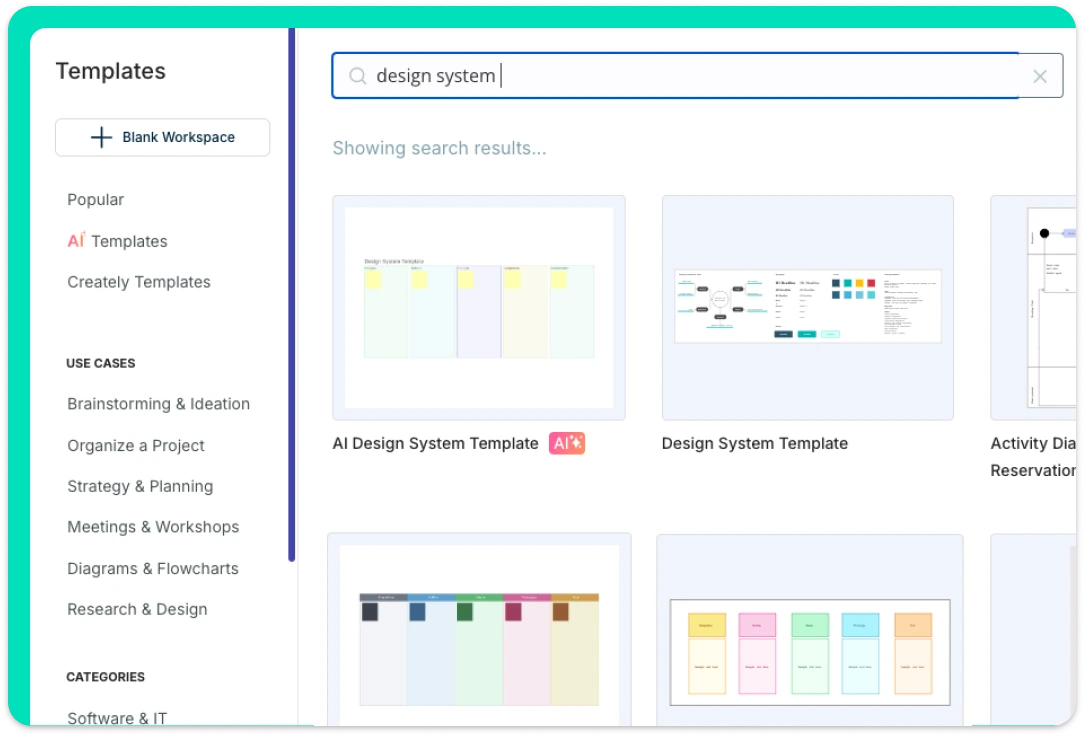
Select from ready-made design system templates, UI style guide templates, or design grid system templates to accelerate your workflow.Customize Components:
Drag and drop UI elements, shapes, and branding assets onto the canvas. Adjust colors, typography, and spacing to align with your brand design system.Add Notes & Collaborate:
Use sticky notes, the notes panel, and @mentions to document guidelines and collaborate in real time. Share access with teammates using email invites or access control links.Review, Update & Share:
Finalize your design system by reviewing all components. Export your template as PDF, JPEG, PNG, or SVG, or continue refining online with your team.
FAQs About Design System Template
Can beginners use Creately’s design system templates?
How does Creately help maintain a design system over time?
Are Creately design system templates suitable for web and mobile apps?
Can I integrate feedback directly into a design system in Creately?
Can I track changes in a design system template?
Is Creately’s Design System Template Free?