Connection Circles Template
Visualize Complex Relationships with Creately’s Connection Circles Template
Simplify the visualization of interconnections, dependencies, and relationships with Creately’s connection circles template. Perfect for mapping ideas, brainstorming, and presenting intricate data of a system with clarity and impact.
- Intuitive drag-and-drop tools for seamless diagram creation and editing
- Fully customizable templates to suit various use cases
- Collaboration features to refine diagrams with your team in real-time
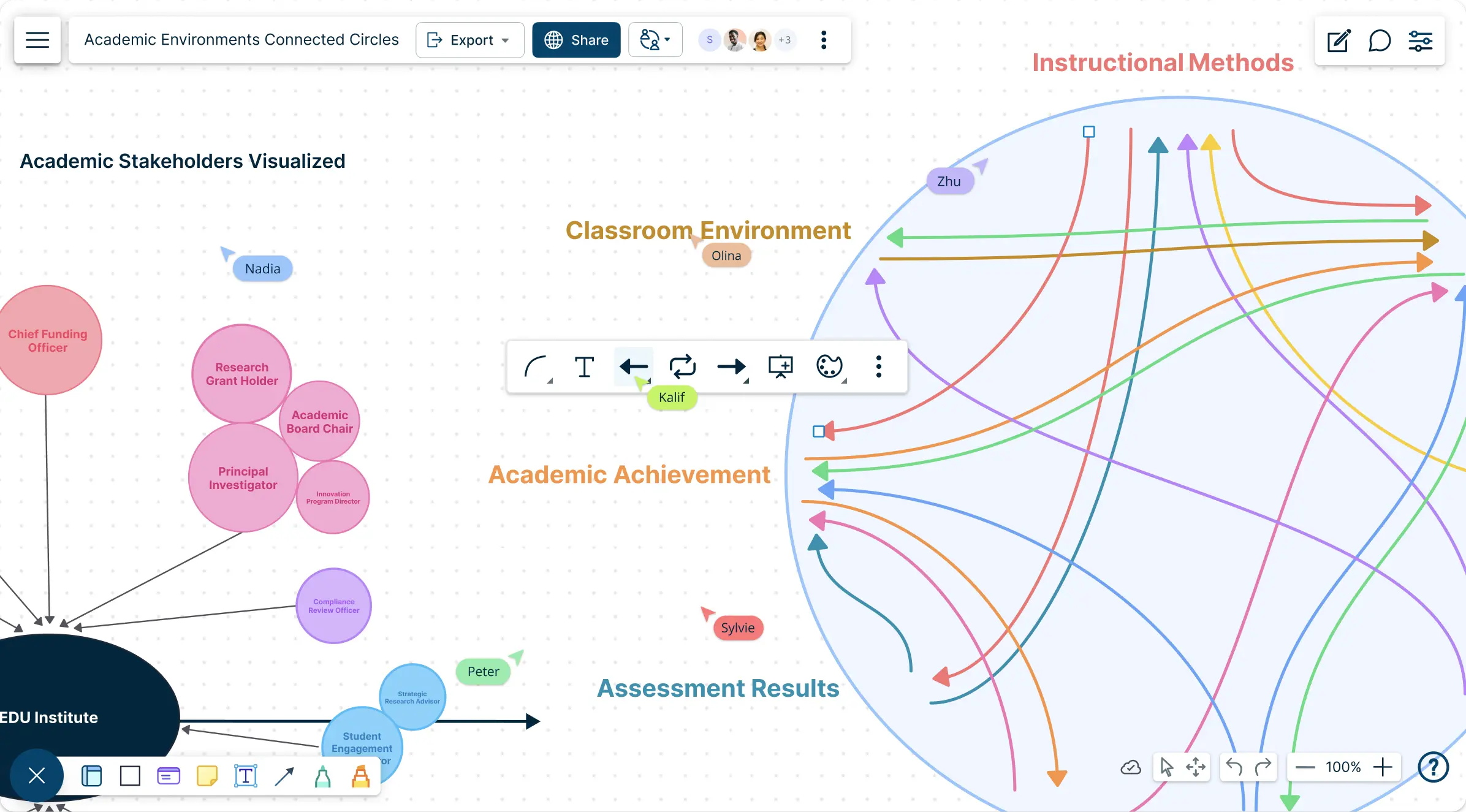
Over 10 Million people and 1000s of teams already use Creately

Get Started Quickly with Ready-Made Connection Circles Templates
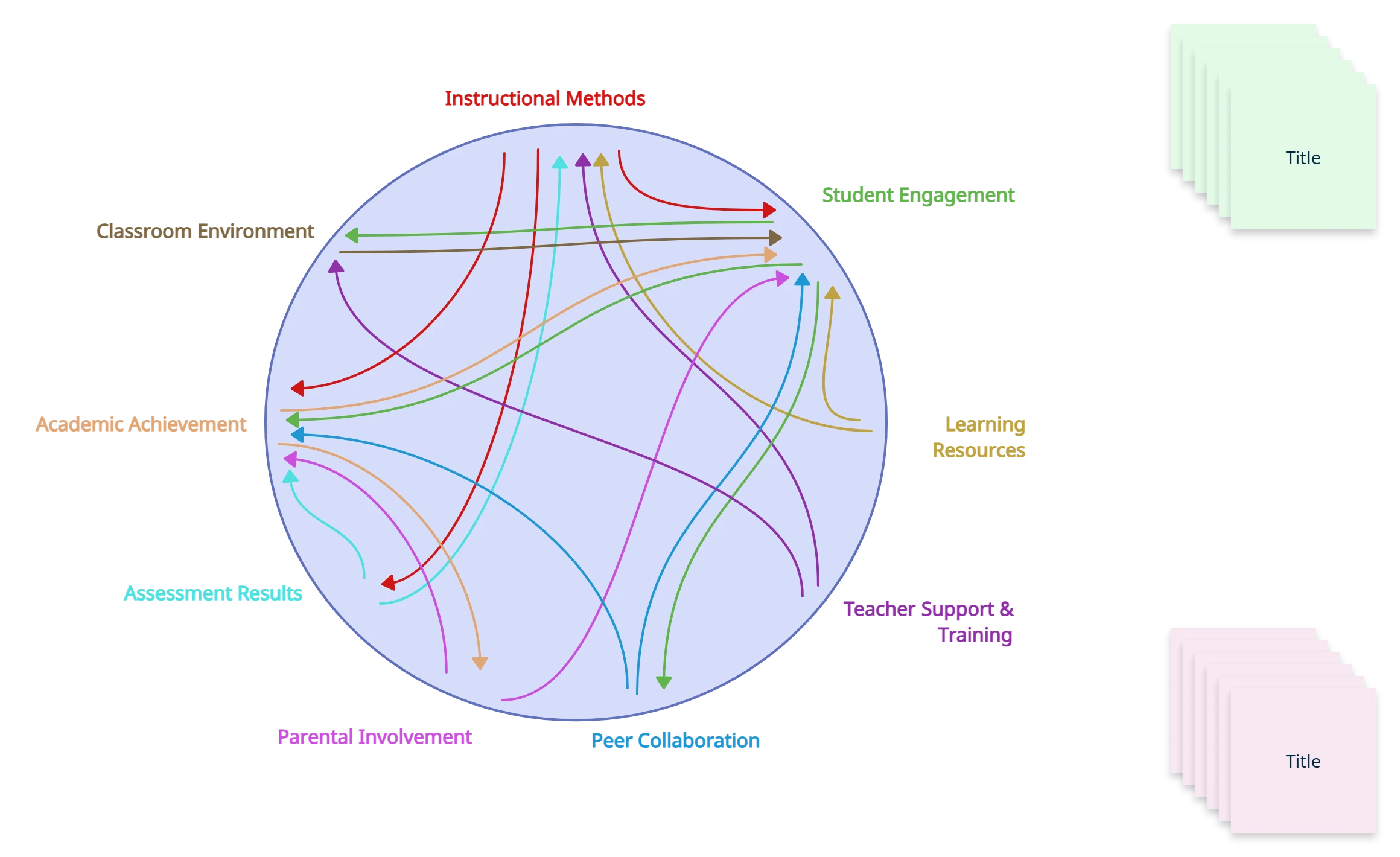
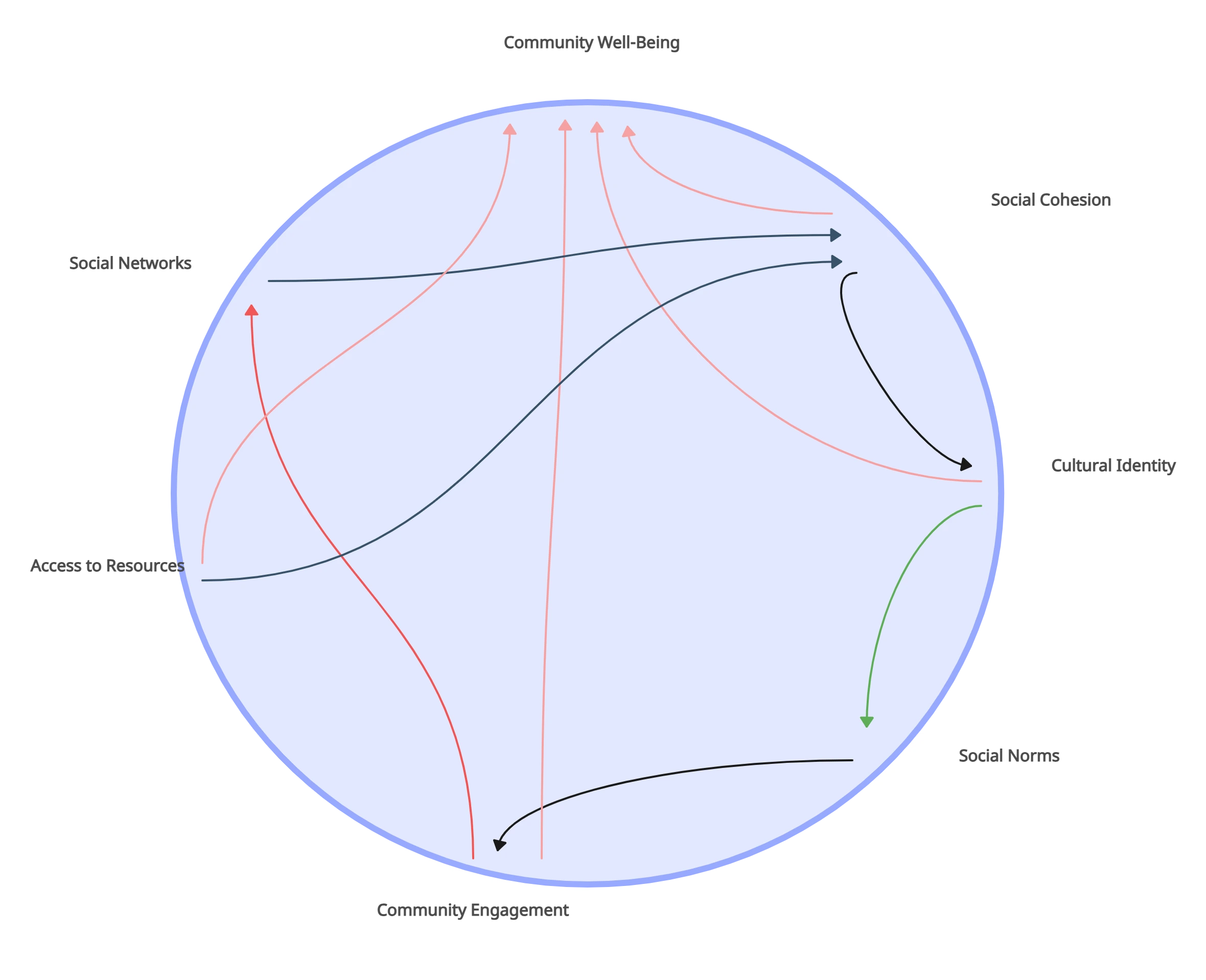
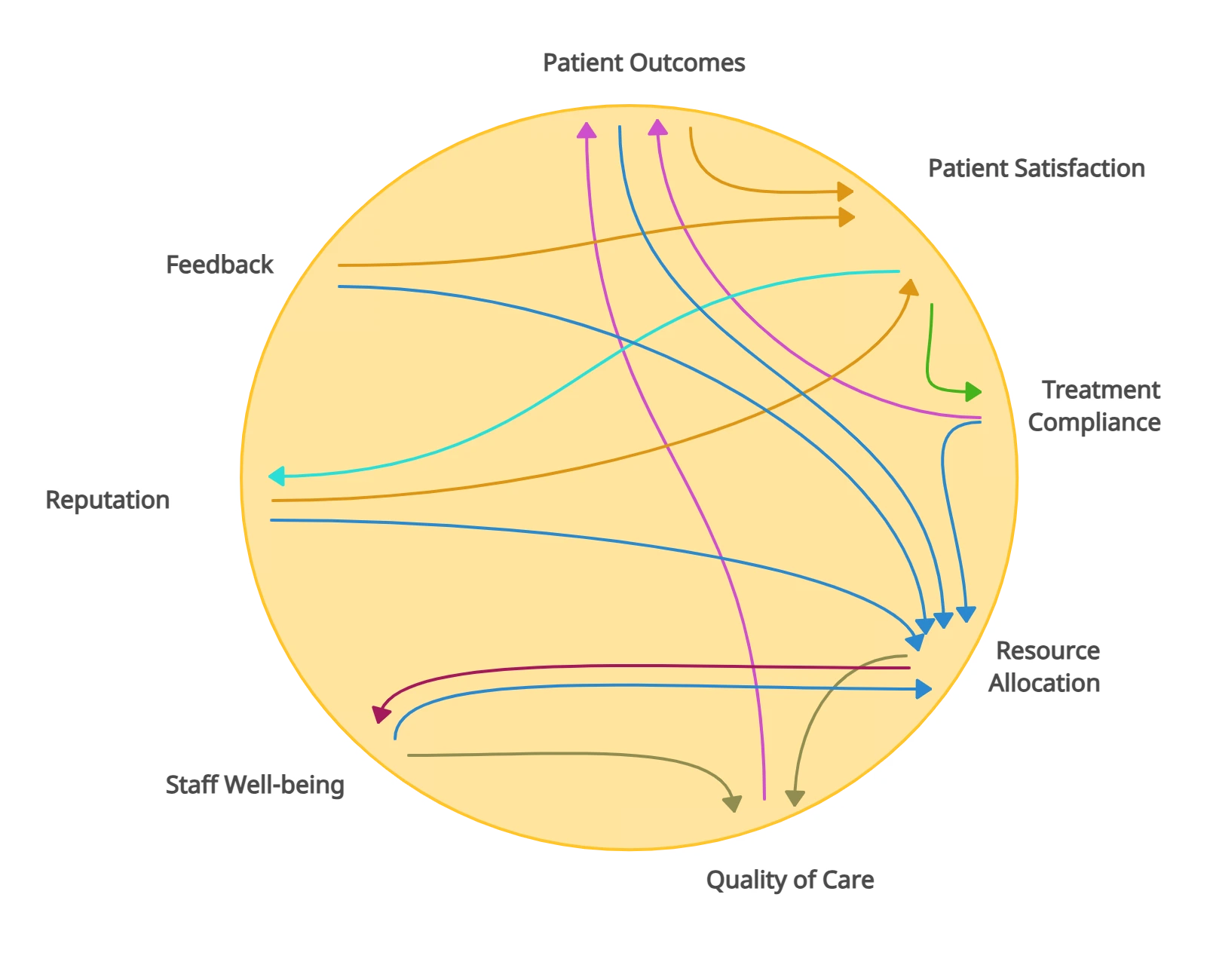
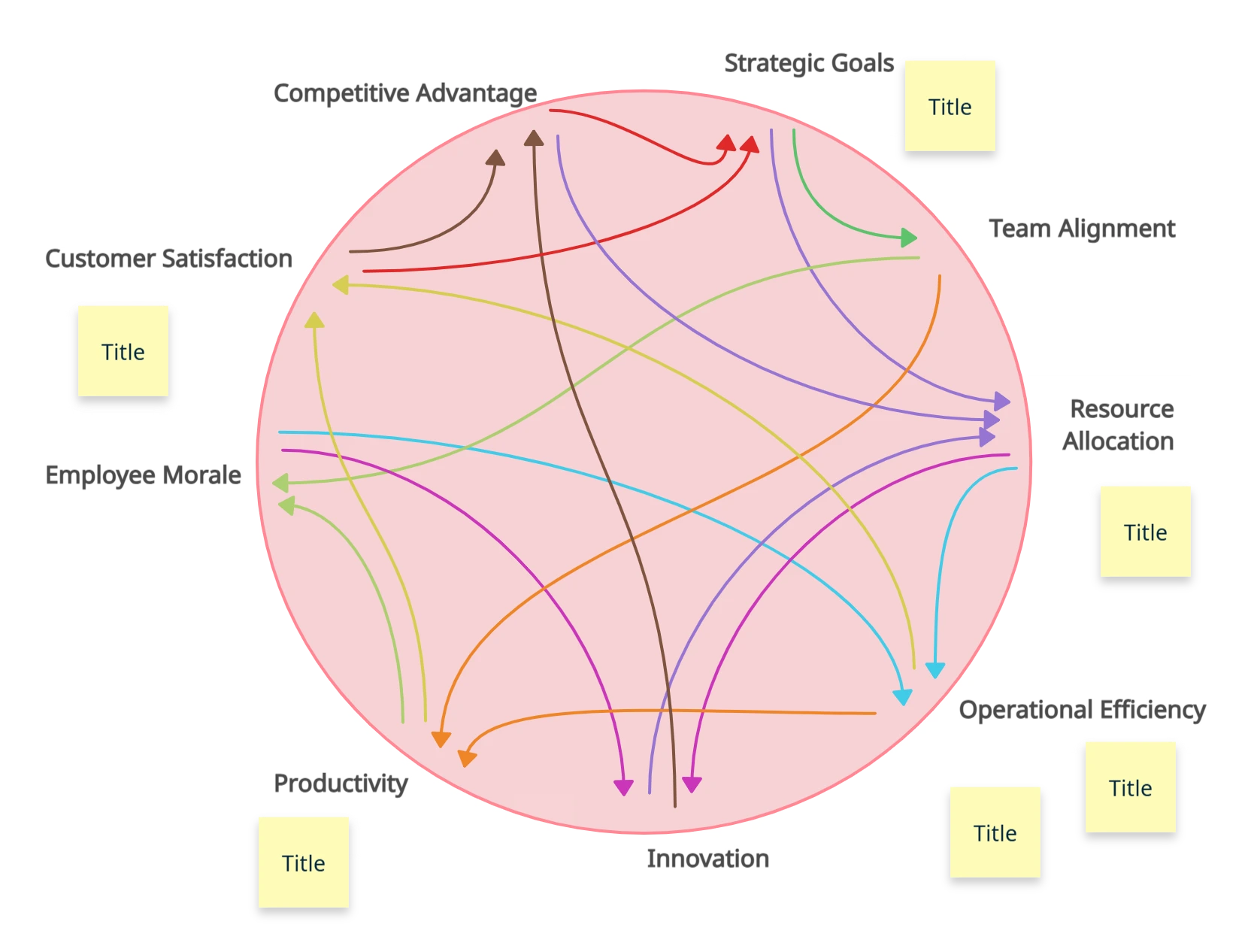
Illustrate Relationships with the Connection Circles Template
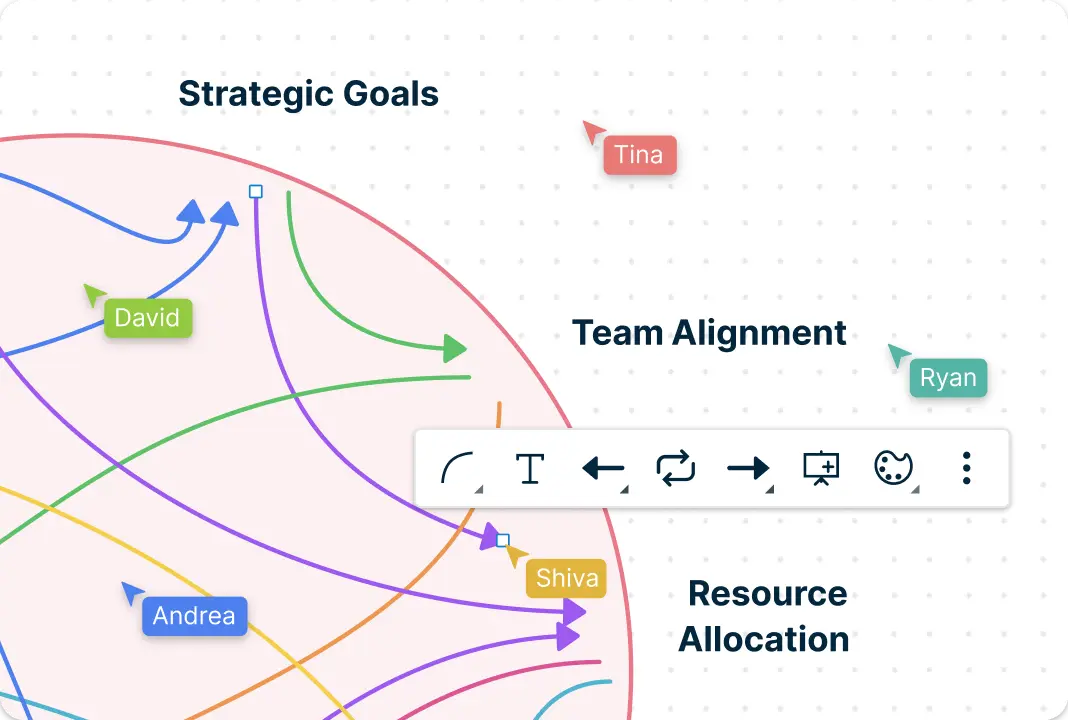
Map intricate relationships and interdependencies within a system with Creately’s connection circles template. Creately’s infinite canvas allows you to visualize connections between elements in a system in a clear, structured format. Highlight overlapping areas, group related items, and showcase key relationships for better understanding. Customize colors, shapes, and layouts to make your Connection Circles diagrams visually impactful and tailored to your needs.
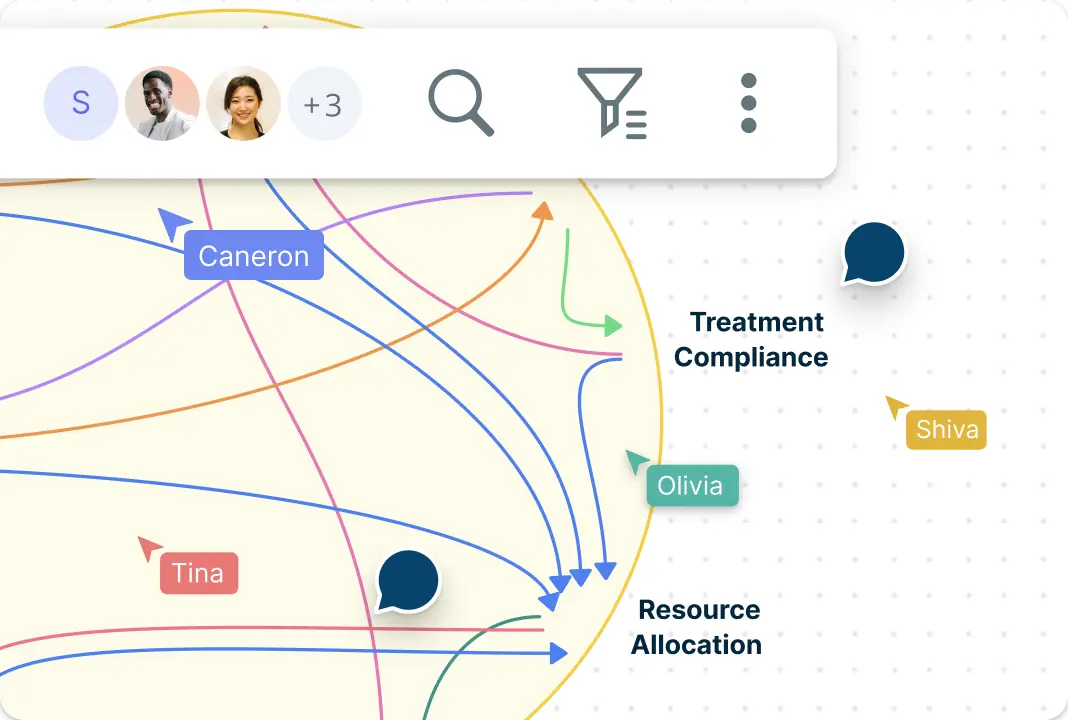
Build Connection Circles Templates Together, Seamlessly
Collaborate with your team in real time using Creately’s powerful Connection Circles Template tools. Invite team members to contribute ideas, add insights, and make updates instantly, no matter where they are. Use comments, in-app chat, and notifications to stay aligned and ensure nothing gets missed. Creately simplifies teamwork, helping you bring everyone’s input into a unified visual format.
Explore Possibilities with Connection Circles Template
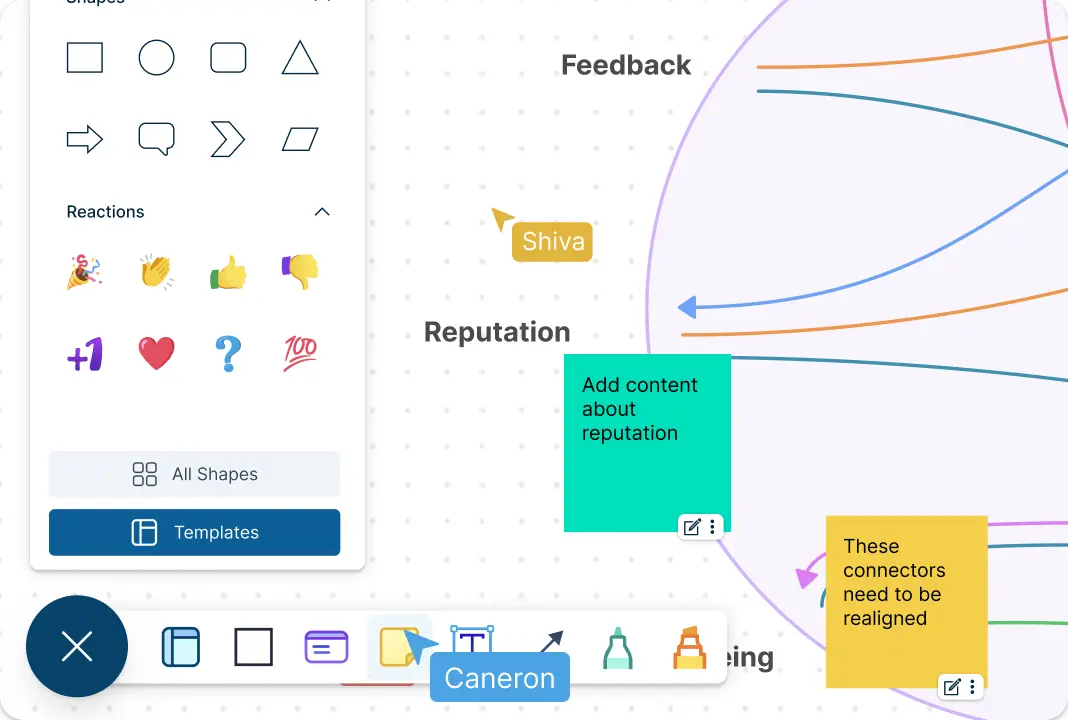
Bring brainstorming sessions to life with the Connection Circles Template. Generate, organize, and connect ideas seamlessly with Creately’s intuitive drag-and-drop interface. Add sticky notes, links, and multimedia elements to enrich your ideation process and uncover fresh perspectives. The Connection Circles Template enables you to transform raw ideas into actionable plans, inspiring breakthroughs and innovative solutions.

Integrate Connection Circles Template with Your Workflow
Enhance your projects by integrating the Connection Circles Template with tools you already use. Sync data with platforms like Google Drive, and Slack to ensure your visuals stay relevant and updated. Embed diagrams into documents or presentations for seamless sharing. With Creately, your Connection Circles Template becomes more than just a visual—it becomes an essential part of your work process.
What Is a Connection Circles Template?
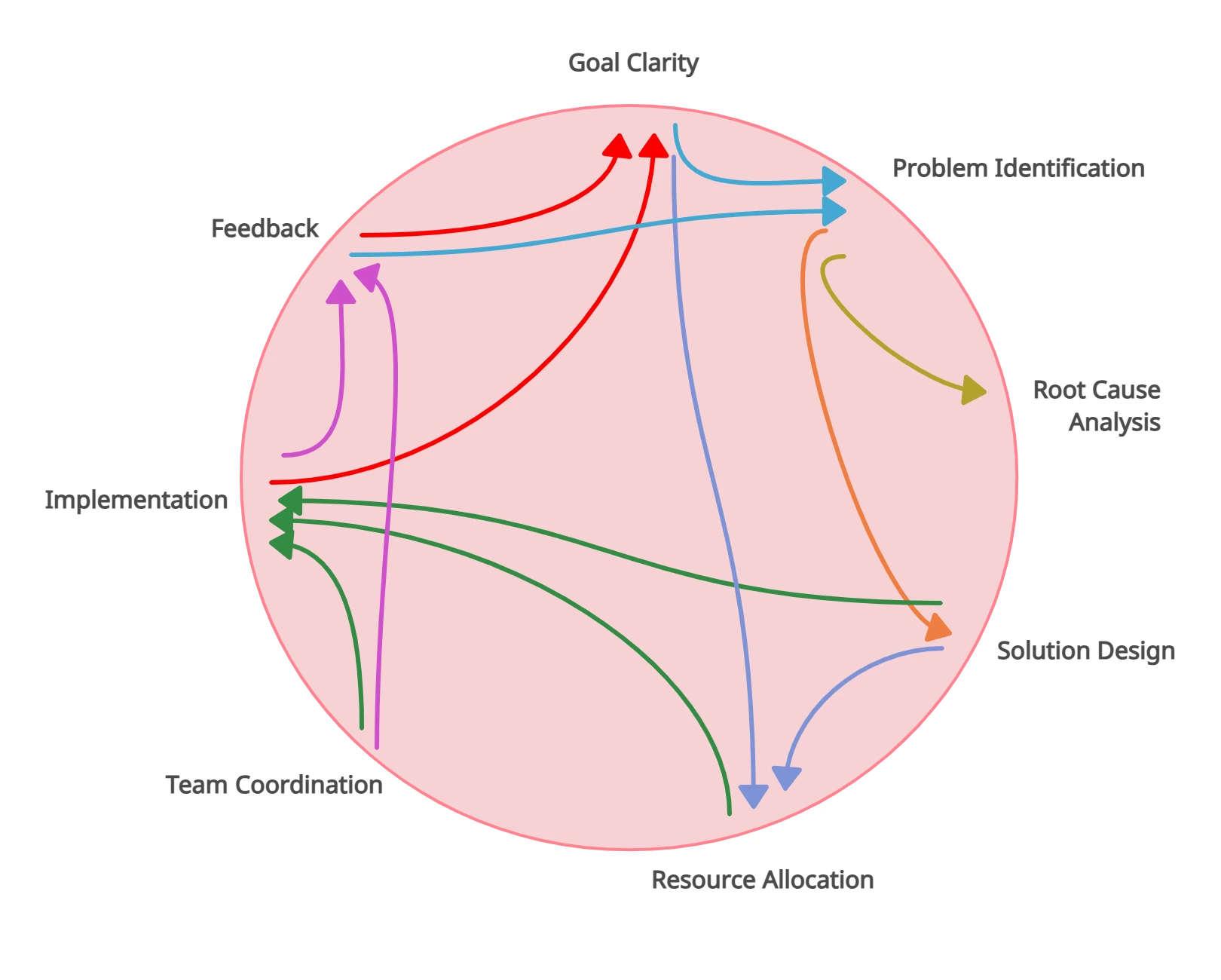
A Connection Circles Template is a visual representation used to map relationships, dependencies, and overlaps between different elements or concepts within a system. By arranging relevant elements in an organized layout, this diagram highlights connections and intersections, making it easier to understand complex relationships of a system at a glance.
Whether you’re visualizing team responsibilities, mapping out interconnected ideas, or analyzing causes and effects, a Connection Circles Template helps bring clarity to intricate data. It’s a versatile tool ideal for brainstorming, planning, and presenting information in an engaging, easy-to-digest format. With its ability to visually represent overlapping and independent areas, the Connection Circles Template is perfect for educators, project managers, social services, and teams looking to simplify complexity and drive better decision-making.

How to Make a Connection Circles Template in Creately
Create a new workspace:
Begin by setting up a new workspace in Creately to start organizing your ideas and connections effectively.Choose the Connection Circles template:
Browse the template library and select the connection circles diagram template. This pre-designed framework helps you quickly get started with your diagram.Define your key elements:
Identify the primary components and concepts you want to connect. Add them to the canvas, ensuring each item represents a unique element of the system.Establish connections:
Use lines or arrows to draw connections between circles and elements, illustrating relationships or dependencies. Adjust the layout to ensure clarity and minimize overlapping lines.Add supporting details:
Enhance your diagram with labels, icons, or annotations to provide context for each connection. You can also attach links, documents, or images for additional references.Customize and organize:
Personalize your Connection Circles Template by changing colors, fonts, and other aspects to match your requirements. Use Creately’s alignment and grouping tools to maintain a clean and professional appearance.Collaborate in real time:
Invite your team to join the workspace and collaborate on the Connection Circles Template. With Creately’s real-time editing, comments, and notifications, everyone can contribute ideas and refine the diagram together.Save, download and share:
Once your Connection Circles Template is complete, save it in Creately or export or download it in formats like PDF, PNG, or SVG. Share it directly with stakeholders or embed it into presentations for seamless communication.
Elevate Your Connection Circles Template with These Powerful Templates

FAQs About the Connection Circles Template
Is the Connection Circles Diagram template free?
How do I get the Connection Circles Diagram template in Creately?
What is a Connection Circles Template used for?
What industries benefit from using a Connection Circles Template?
Can I collaborate with my team on Creately’s Connection Circles Template?
What are the benefits of using a Connection Circles Template?
How does the Connection Circles Template enhance presentations?
Can I export my Connection Circles Template from Creately?































