Competency Matrix Template
Identify & Track Employee Competencies with Competency Matrix Template
Effectively visualize and assess the skills and competencies of your team with the Creately competency matrix template. Simplify workforce planning, streamline evaluations, and make informed decisions about training and development.
- Effortlessly personalize the competency matrix with drag-and-drop editor
- Work with your team in real time, regardless of location
- Easily link documents, visualize skill gaps, and track progress

Over 10 Million people and 1000s of teams already use Creately

Competency Matrix Template to Easily Assess and Improve Team Capabilities
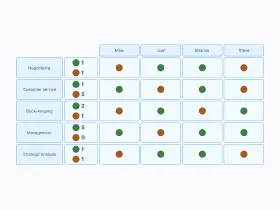
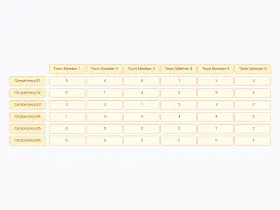
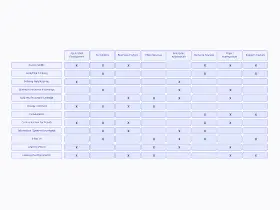
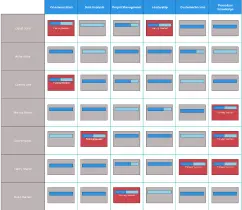
Customize Your Competency Matrix Template with Visual Tools
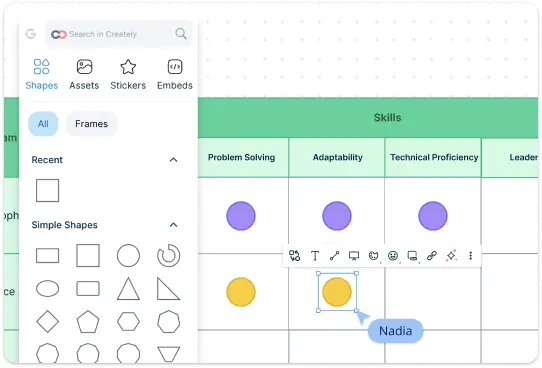
Tailor the competency matrix template to suit your specific needs, whether by department, project, or competency type with advanced table shape. Easily spot strengths and weaknesses with color-coded or visually organized skill ratings. Get a head start with premade templates with predefined competencies, layouts, and structures, allowing you to get started quickly without the need for extensive customization.
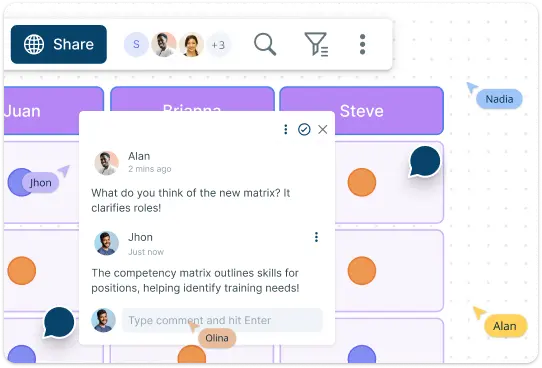
Collaborate Seamlessly with Our Competency Matrix Template
Work together with your team to assess and update competencies in real time, ensuring that everyone stays aligned. Our competency matrix template supports real-time collaboration, enabling managers, team leads, and HR professionals to work together seamlessly with live mouse tracking, synced previews and comment threads for synchronous or asynchronous discussions.
Unlock Team Insights with the Competency Matrix Template
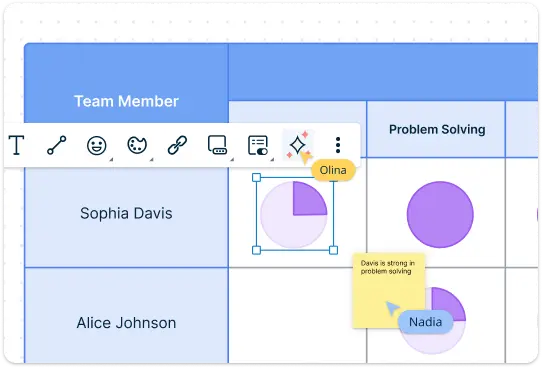
Easily add notes, attach relevant documents, and include training materials directly within the matrix to provide context and resources for skill development. The built-in presentation mode allows you to showcase insights clearly during meetings, facilitating discussions about team capabilities and development plans. Work with Creately’s AI VIZ to identify competencies based on role requirements and highlight potential skill gaps, ensuring a comprehensive view of your team’s capabilities and fostering continuous improvement.
What Is a Competency Matrix Template

How to Use Creately's Competency Matrix Template
Access and customize the template:
Choose a competency matrix template from the templates library or you can create a new matrix from scratch. Once you have the template open, customize the structure according to your organization’s requirements: List the skills and competencies relevant to your team or specific roles. Include both technical and soft skills. Populate the matrix with the names of employees or specific job roles that will be assessed.Define assessment criteria:
Establish a clear assessment scale to evaluate each individual’s proficiency in the listed competencies. Common scales include: Beginner, Intermediate, Advanced, and Expert.Assess skills:
Work with team leaders or individual employees to assess their skills against the competencies listed. Fill in the matrix with the appropriate ratings for each person based on their proficiency in each skill area.Identify skill gaps:
Once the matrix is filled out, analyze the results to identify any skill gaps within your team. Look for competencies where many team members rate themselves at a beginner or intermediate level, indicating areas that may require additional training or development.Develop action plans:
Based on the identified skill gaps, create targeted training or development plans for your team. This might involve offering workshops or training sessions, pairing less experienced team members with mentors and providing resources for self-directed learning.Share and collaborate:
Use Creately’s collaboration features to share the competency matrix with your team or stakeholders. Encourage feedback and discussions to refine the matrix further and ensure it accurately reflects the team’s skills and needs.Update regularly:
Competencies and team skills can change over time, so regularly revisit and update the matrix. Schedule periodic assessments to track progress and ensure that the matrix remains a useful tool for ongoing workforce development.
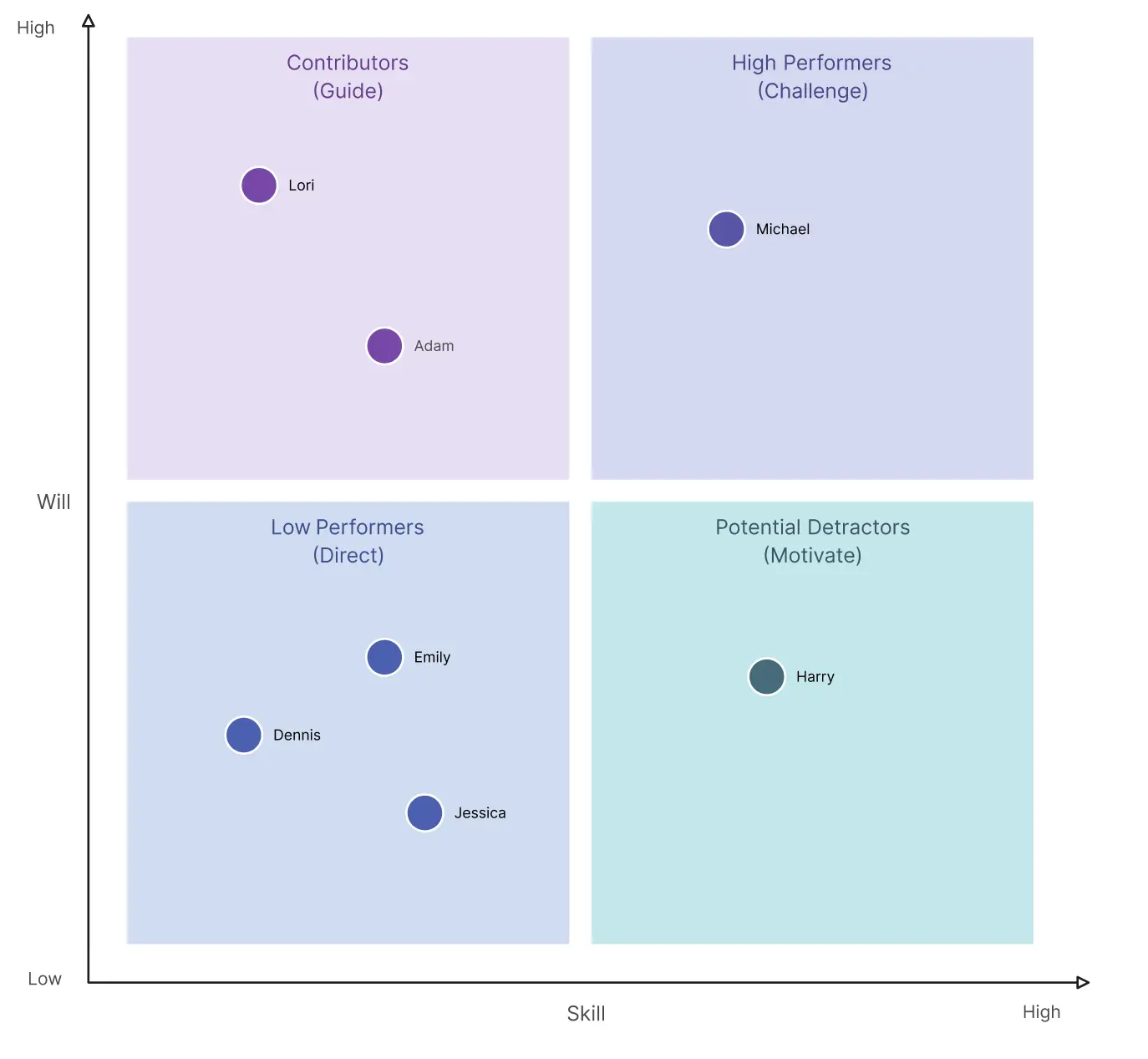
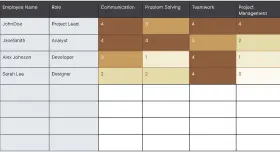
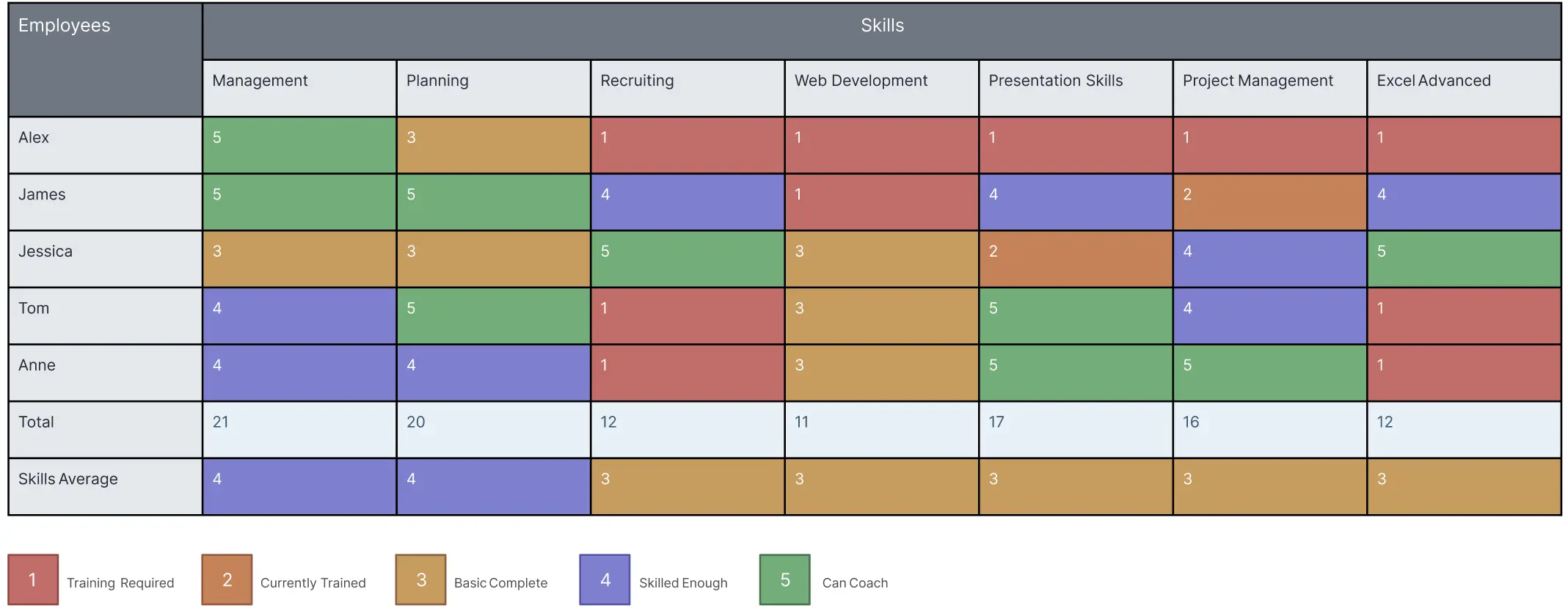
Evaluate Your Team's Skills Within Minutes with These Templates
FAQs About the Competency Matrix Template
What are Creately’s competency matrix template pricing plans?
- Free Plan — $0/month for basic competency matrix creation and collaboration
- Starter & Team Plans — $8/month or $5/month billed annually
- Business Plan — $149/month or $89/month billed annually
Annual billing helps you save more while unlocking advanced collaboration, workspace management, and enhanced competency matrix features. You can compare all available plans and features on the Creately Pricing Page.
How can you create competency matrices faster?
Are there templates for different competency matrix use cases?
Can teams collaborate on competency matrices?
Can I collaborate with my team on the competency matrix?
Can I add notes, data, and files?
Can I share, present, or export competency matrices?






















