Buyer Persona Template
Transform Buyer Research into Actionable Personas
Build detailed buyer personas with ready-to-use templates to understand your ideal customers and align teams.
- Quickly capture roles, goals, pain points, and buying triggers
- Turn insights into structured persona profiles with AI assistance
- Help marketing, sales, and product teams collaborate on one visual canvas
Over 10 Million people and 1000s of teams already use Creately

AI Buyer Persona Generator
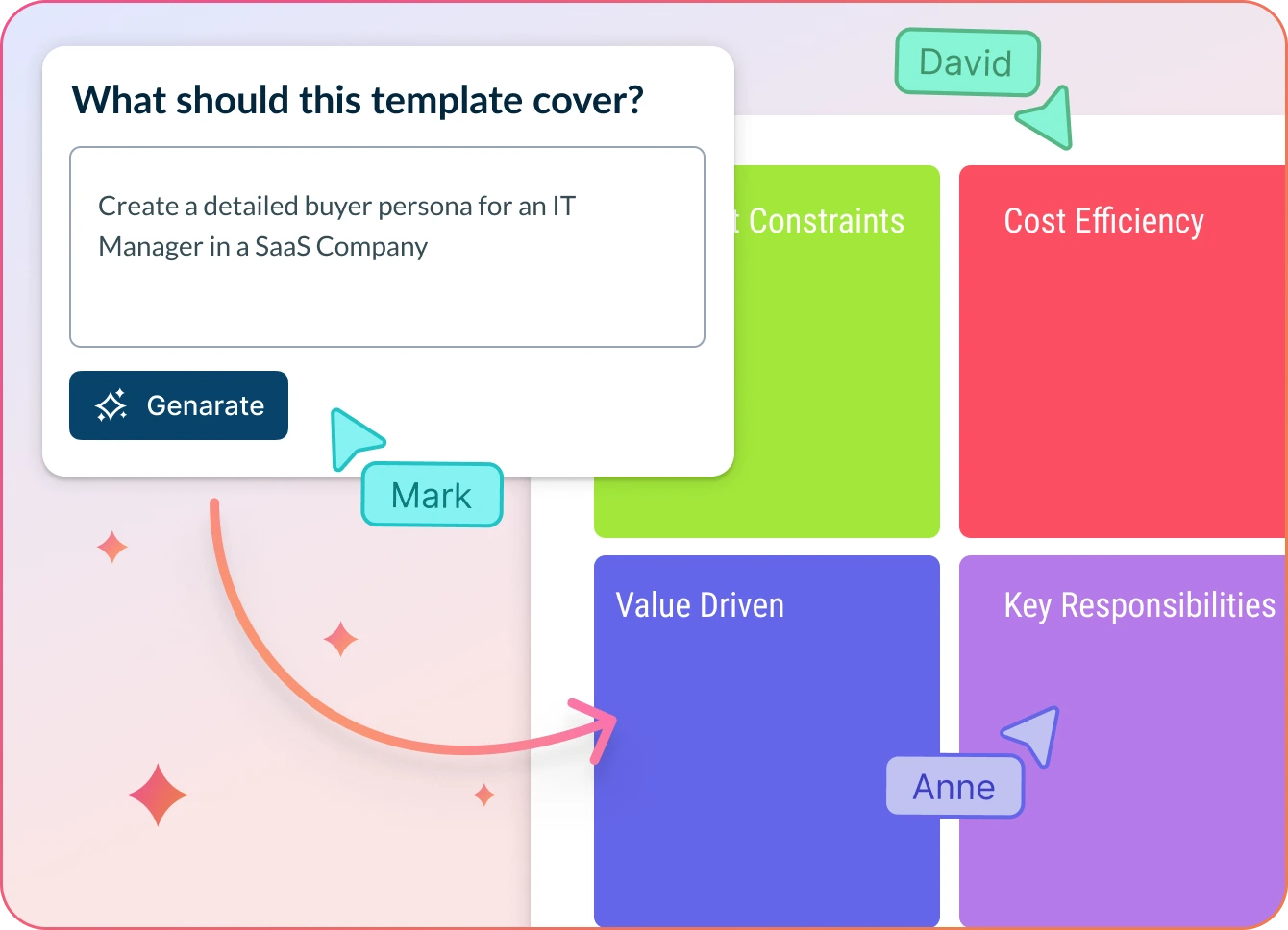
Instant Customer Insights with AI
Add your research notes, customer insights, or survey feedback and click ‘Generate’.
AI instantly generates a structured B2B buyer persona mapping template, neatly organized by role, goals, challenges, and buying triggers.
Collaborate in real time to refine, validate, and apply personas—all within one seamless workspace.
Why teams love Creately’s AI Buyer Persona Generator
 Save time – Auto-generate structured buyer persona profiles in seconds, so your team can focus on strategy instead of manual setup.
 Uncover hidden trends – Spot recurring patterns in buyer behavior and motivations that traditional persona-building often overlooks.
 Privacy-first – All your research notes and customer data stay securely within your workspace. No third-party access.
 Multi-lingual support – Build personas from global data sources. AI can interpret multilingual inputs right out of the box.
 Objective insights – AI organizes inputs into clear persona attributes like goals, pain points, and buying triggers without bias.
Free Buyer Persona Templates to Get Started
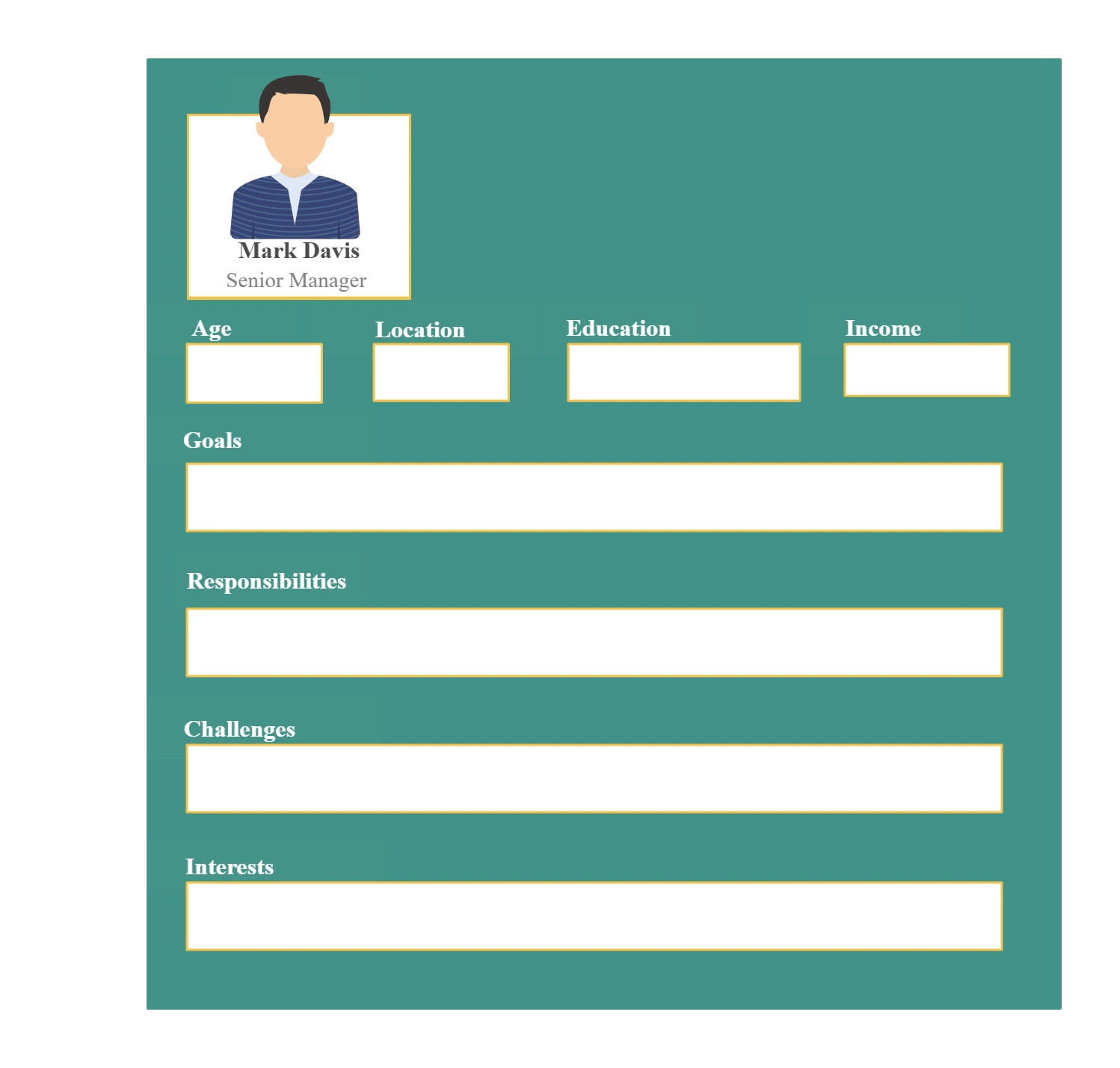
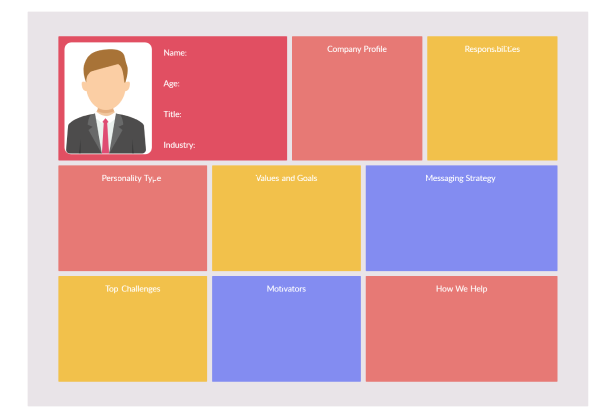
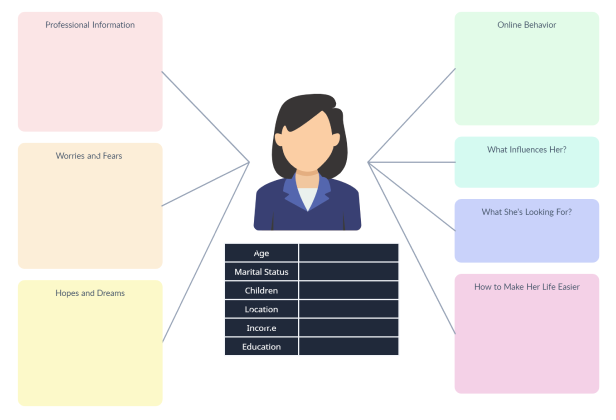
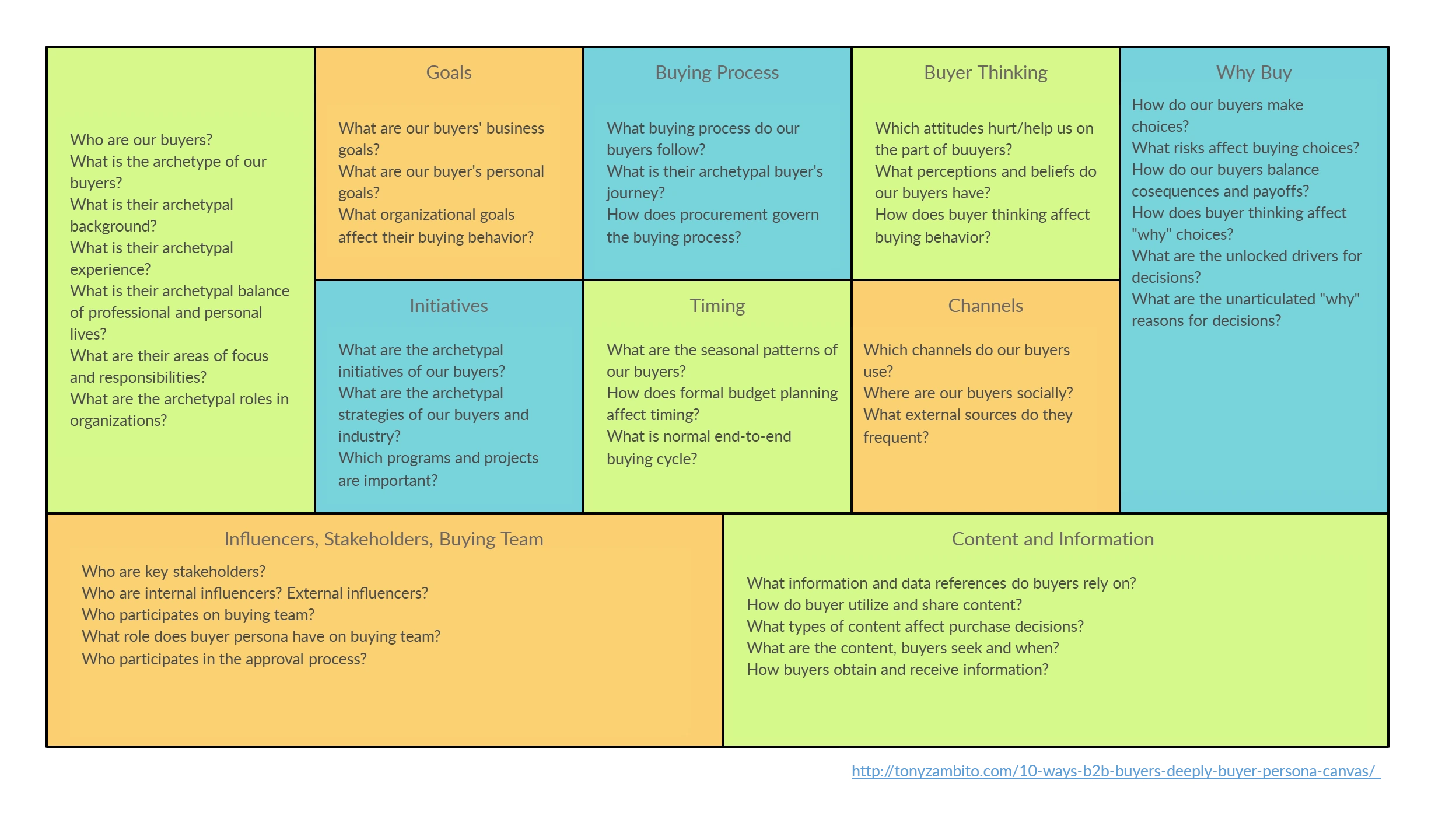
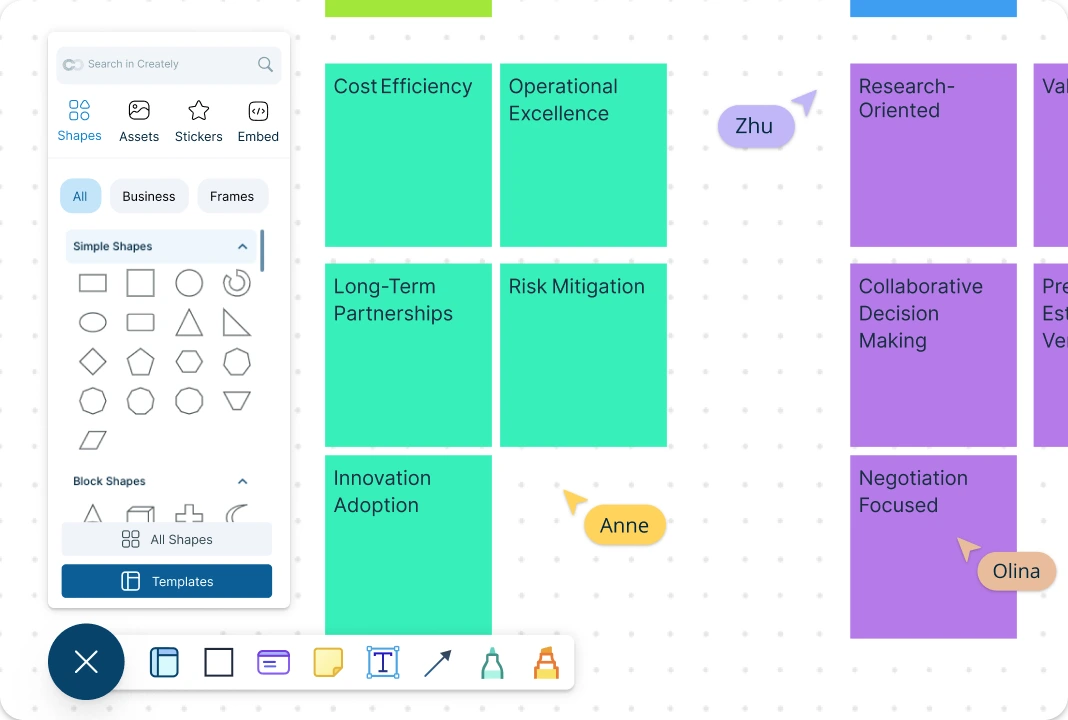
Understand Your Buyers at a Glance
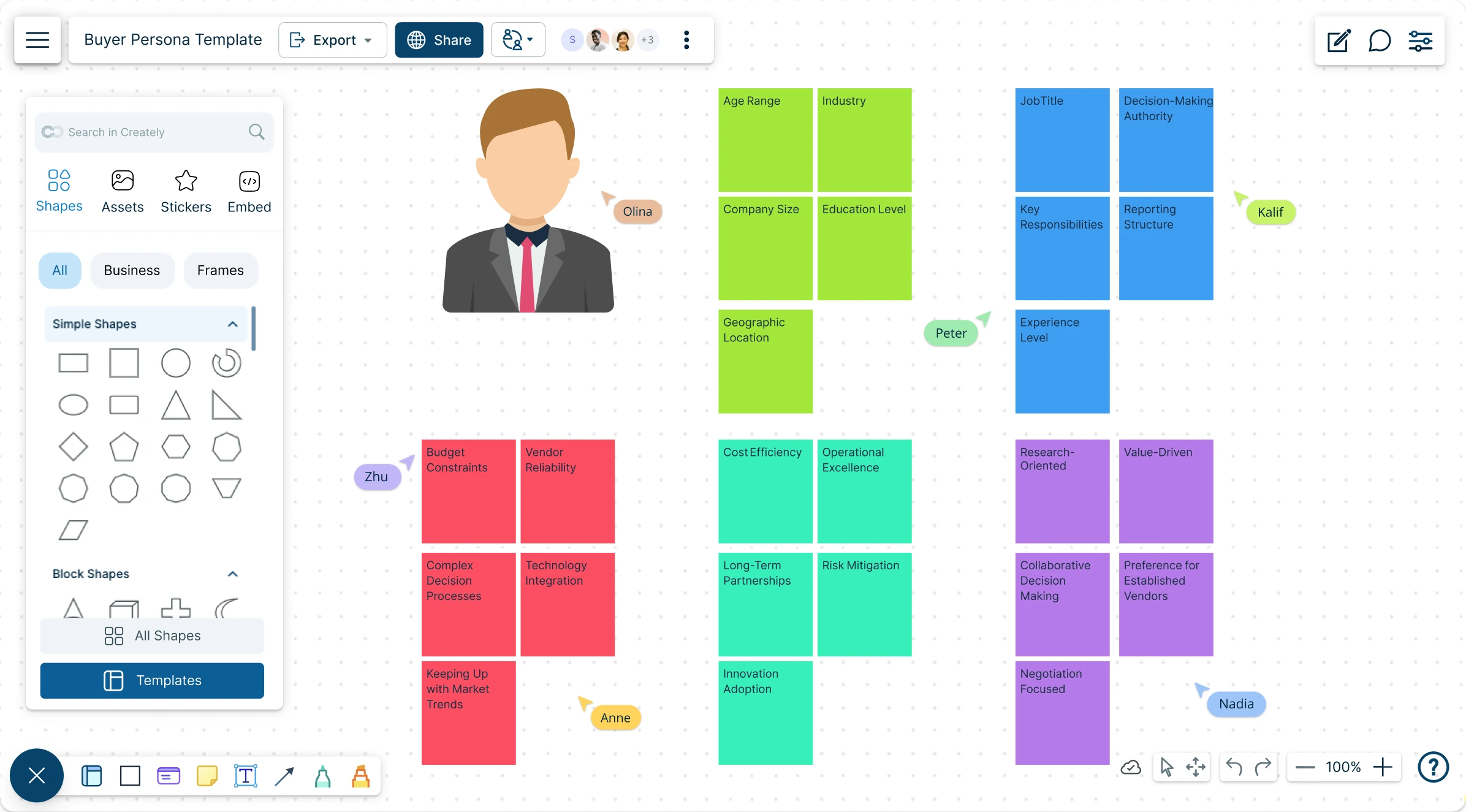
The Buyer Persona template makes it easy to capture your ideal customers — their roles, goals, challenges, and buying triggers in a clear, visual format. Use flexible layouts with drag-and-drop fields, pre-set sections, and icons to highlight key insights. Summarize research data, capture team inputs in the integrated notes panel, add persona-specific data fields, and attach supporting files to customize the template for your marketing, sales, or product strategy. With everything mapped visually in the buyer persona builder, your personas stay clear, collaborative, and focused on driving growth.
Team-Driven and Up-to-Date Buyer Personas
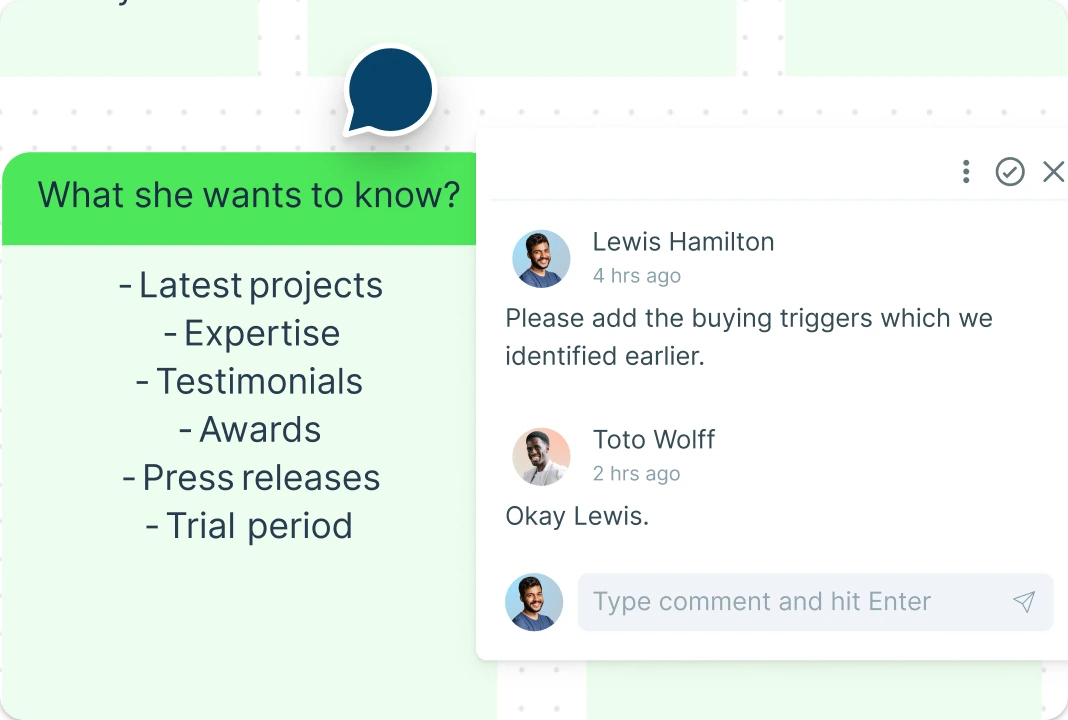
Make your persona-building more engaging with real-time collaboration on a shared canvas where every team member can contribute research, insights, and feedback. Use @mentions to involve teammates, flag important details, or suggest refinements. Keep discussions focused with threaded comments, and manage participation seamlessly with role-based access. Track every edit on the buyer persona maker with version history, so your team can revisit changes and keep personas evolving without losing past context.
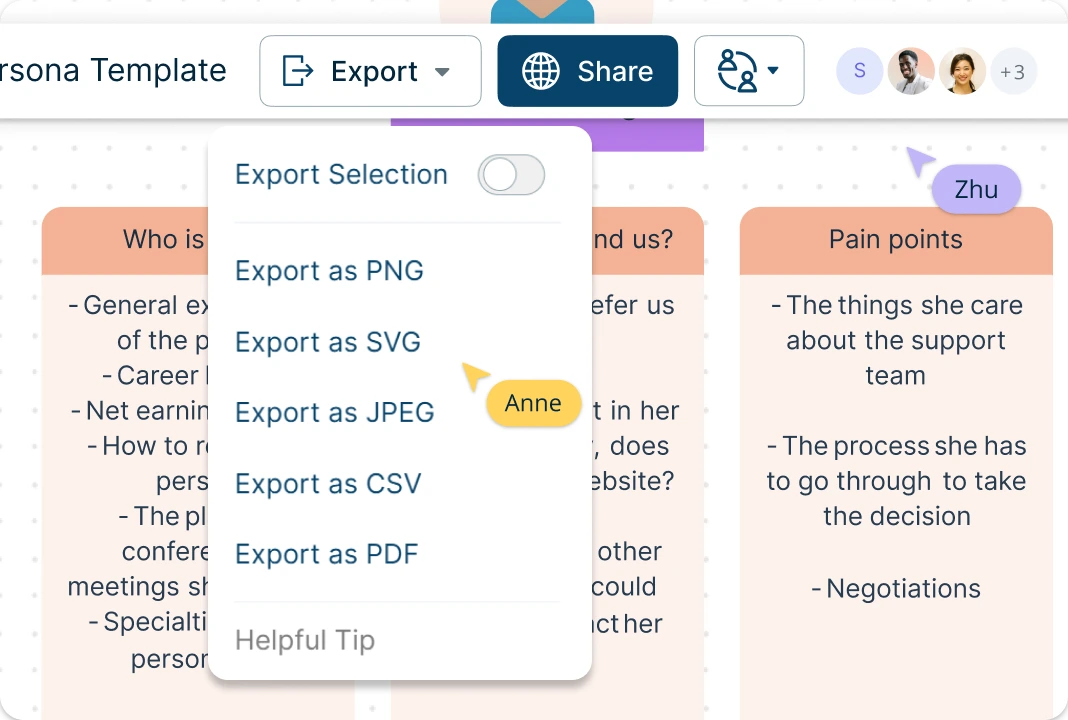
Distribute and Apply Personas Effortlessly
Export your buyer persona profiles as PDFs, images, or share them as live links to keep teams aligned across marketing, sales, and product. Use presentation mode to turn research insights into clear, shareable takeaways. Easily connect personas to customer journey maps, strategy documents, or project boards, bringing more structure, depth, and direction to your go-to-market efforts.
What Is a Buyer Persona?

How to Use Creately’s Buyer Persona Template
Open the Buyer Persona Template:
Launch Creately and open the ready-made Buyer Persona template to get started quickly. The templates in the buyer persona creator come pre-structured with sections for roles, goals, challenges, and buying triggers.Customize the Persona Layout:
Add or remove persona cards, adjust fields, and personalize the template to match your business needs. Use drag-and-drop tools to arrange elements so your team sees the most important details first.Add Insights with Notes and Sticky Notes:
Capture customer research, survey feedback, or CRM data directly onto the template. Use the notes panel for detailed descriptions and sticky notes to highlight quick insights, quotes, or reminders.Collaborate in Real Time:
Invite your team to contribute on the same canvas. Use @mentions to involve teammates, threaded comments to discuss details, and color-coding to track contributions across marketing, sales, and product teams.Review, Update, and Share:
Refine your persona cards as new data comes in. Share the template as a live link, export as a PDF or image, and keep personas accurate with version history so your team always works with the latest information.
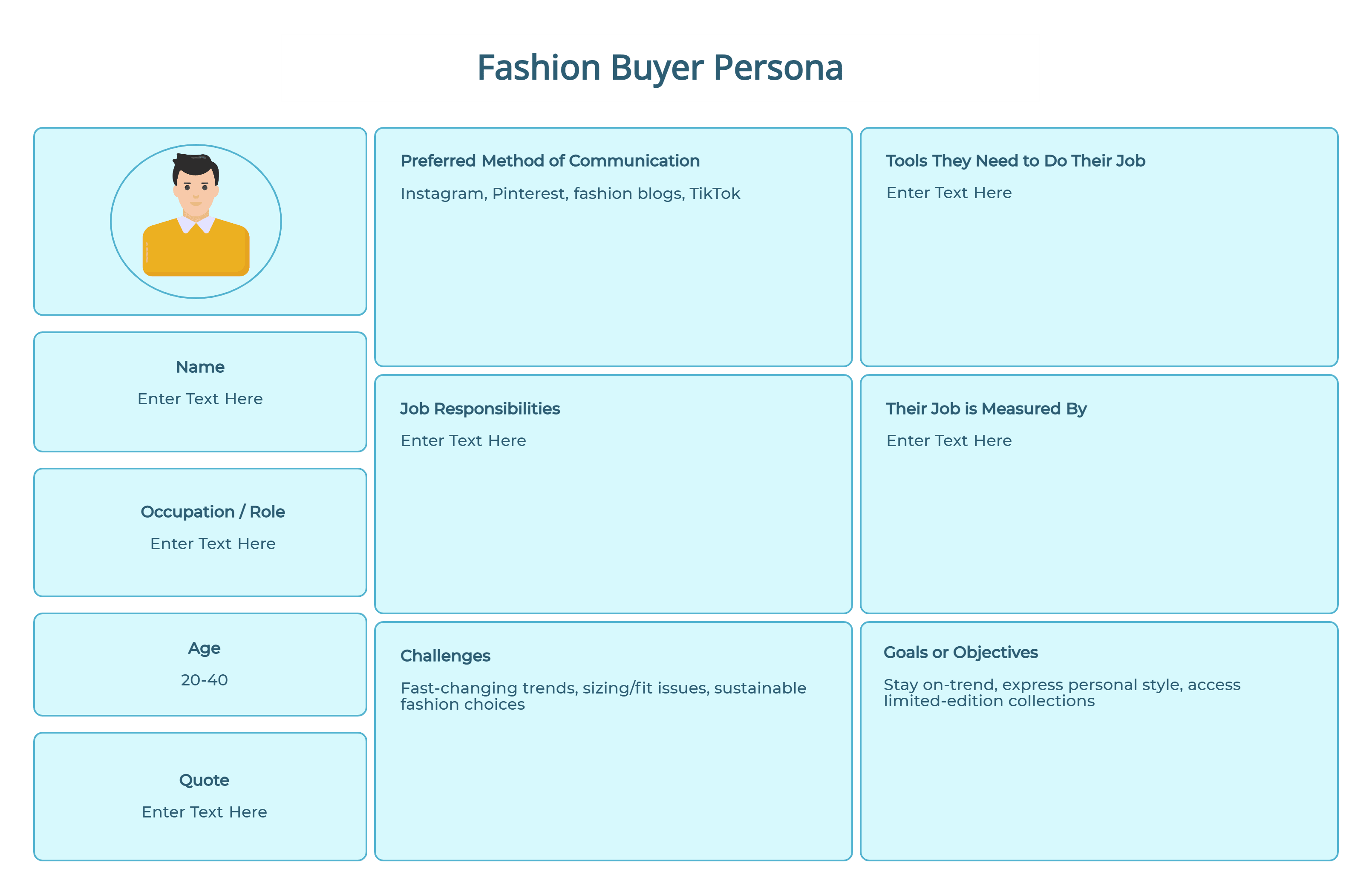
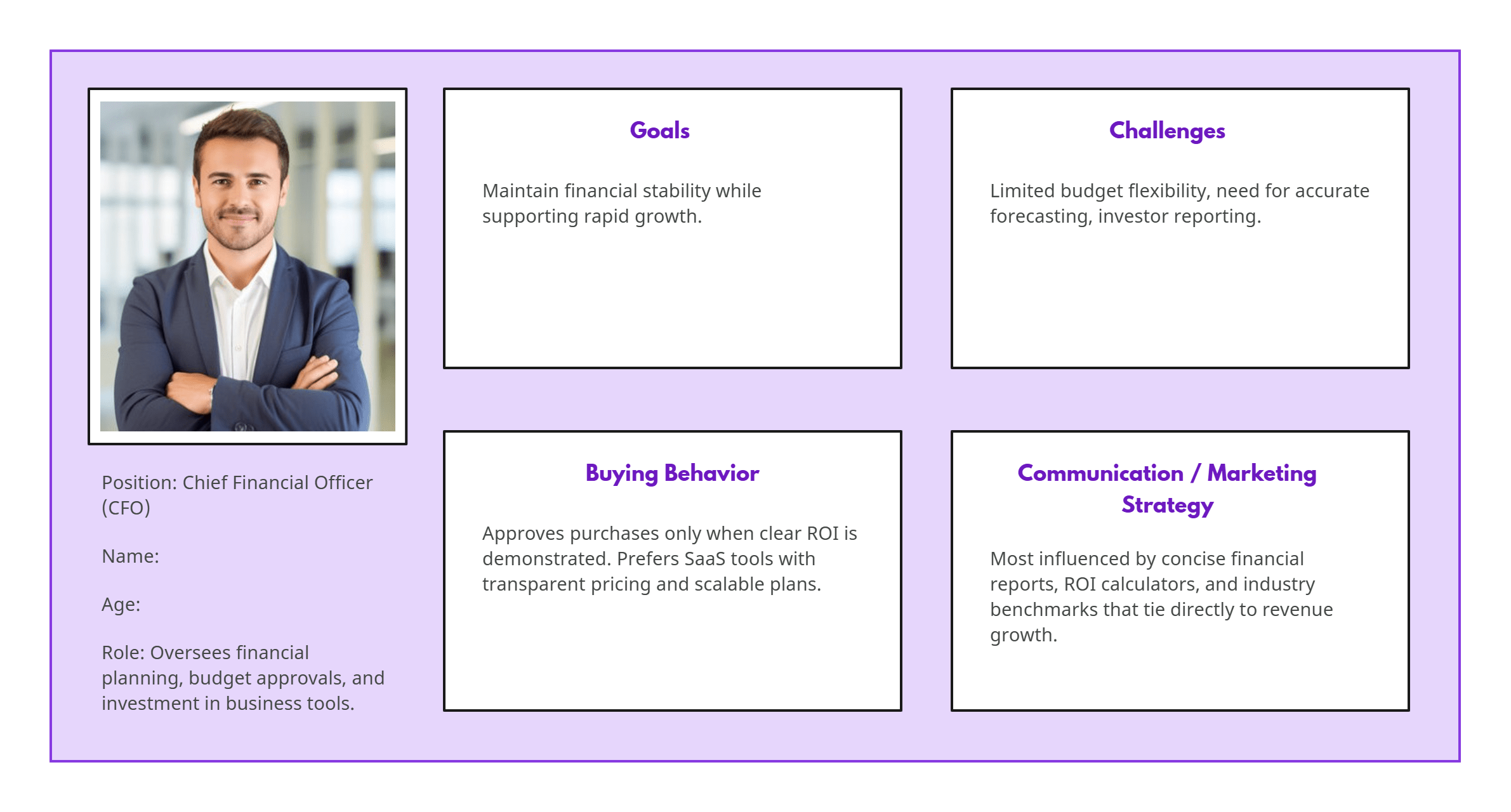
Buyer Persona Examples to Help You Create Personas


FAQs About the Buyer Persona Template
Can I customize the template?
Can I use the template for multiple personas?
Can I connect buyer personas to other diagrams or workflows?
Is this template only for B2B personas?