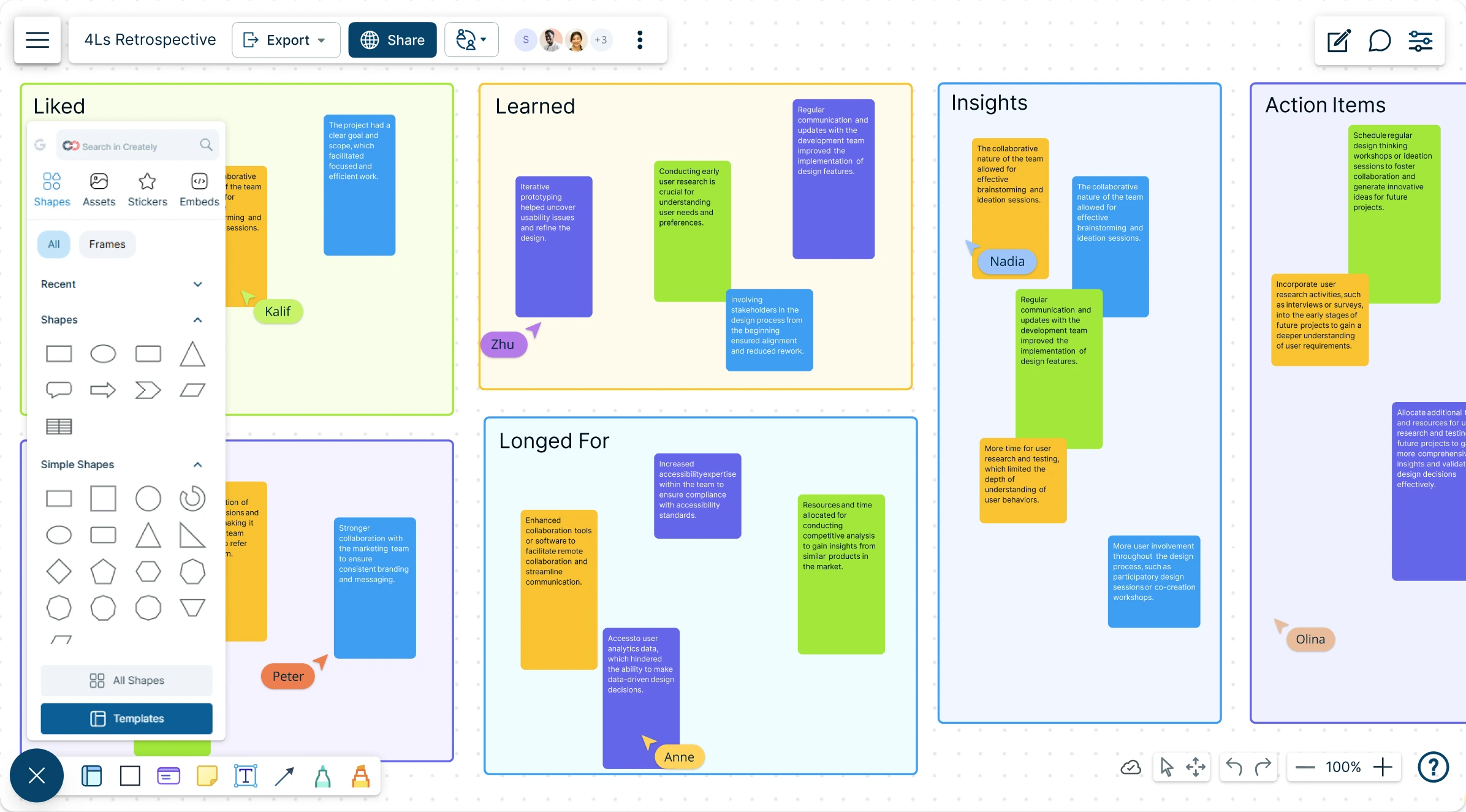
4Ls Retrospective Template
Reflect with Purpose, Plan with Clarity
Run your 4Ls retrospective with Creately’s professionally-made templates to visualize, plan, and organize meaningful team reflections.
- Instantly run your 4Ls retrospectives with AI assistance
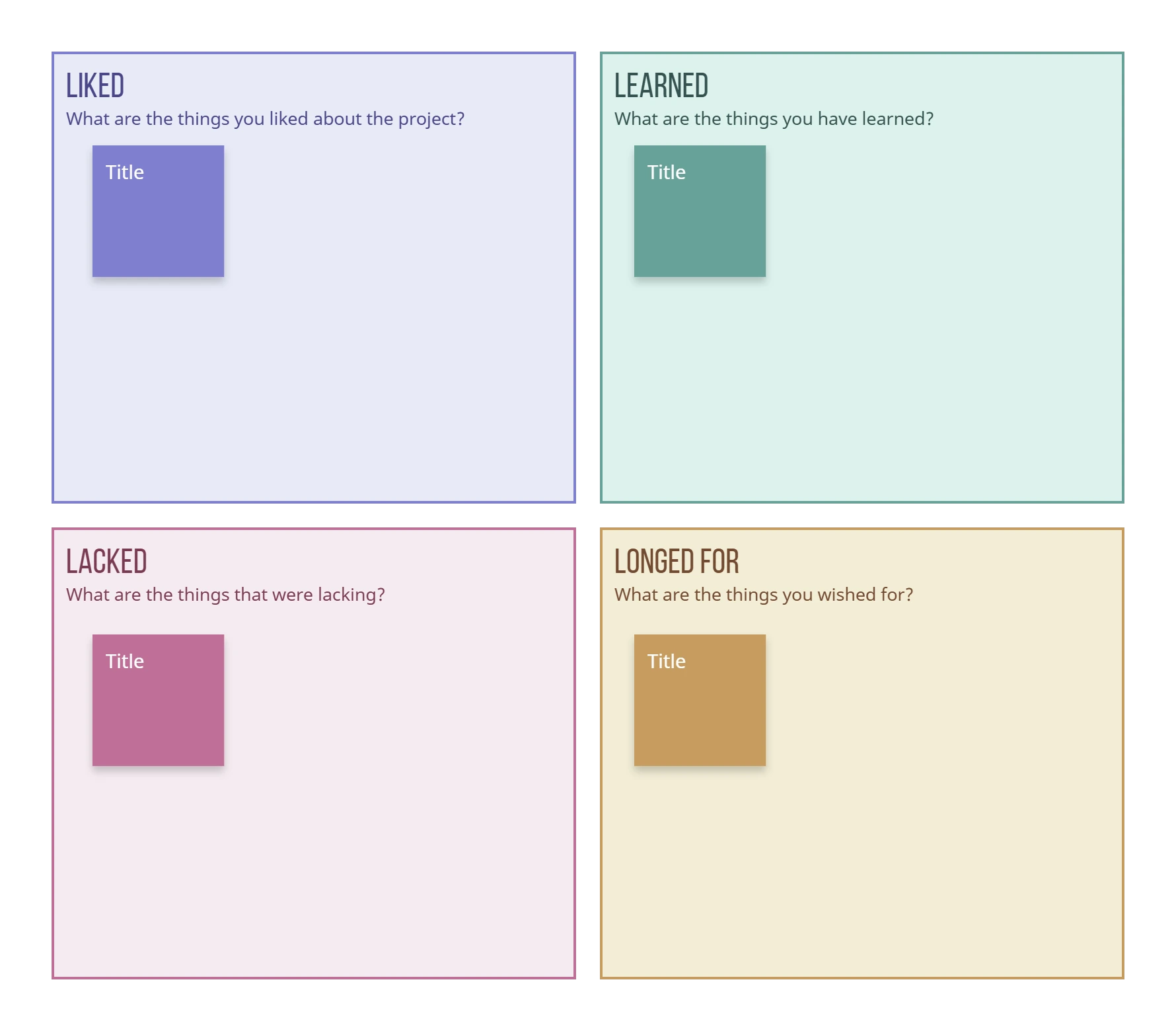
- Capture what your team Liked, Learned, Lacked, and Longed for—and turn insights into clear action items
- Collaborate live with your team, all in one connected canvas
Over 10 Million people and 1000s of teams already use Creately

AI 4Ls Retrospective Generator
Smarter Retrospectives Built for Agile Teams
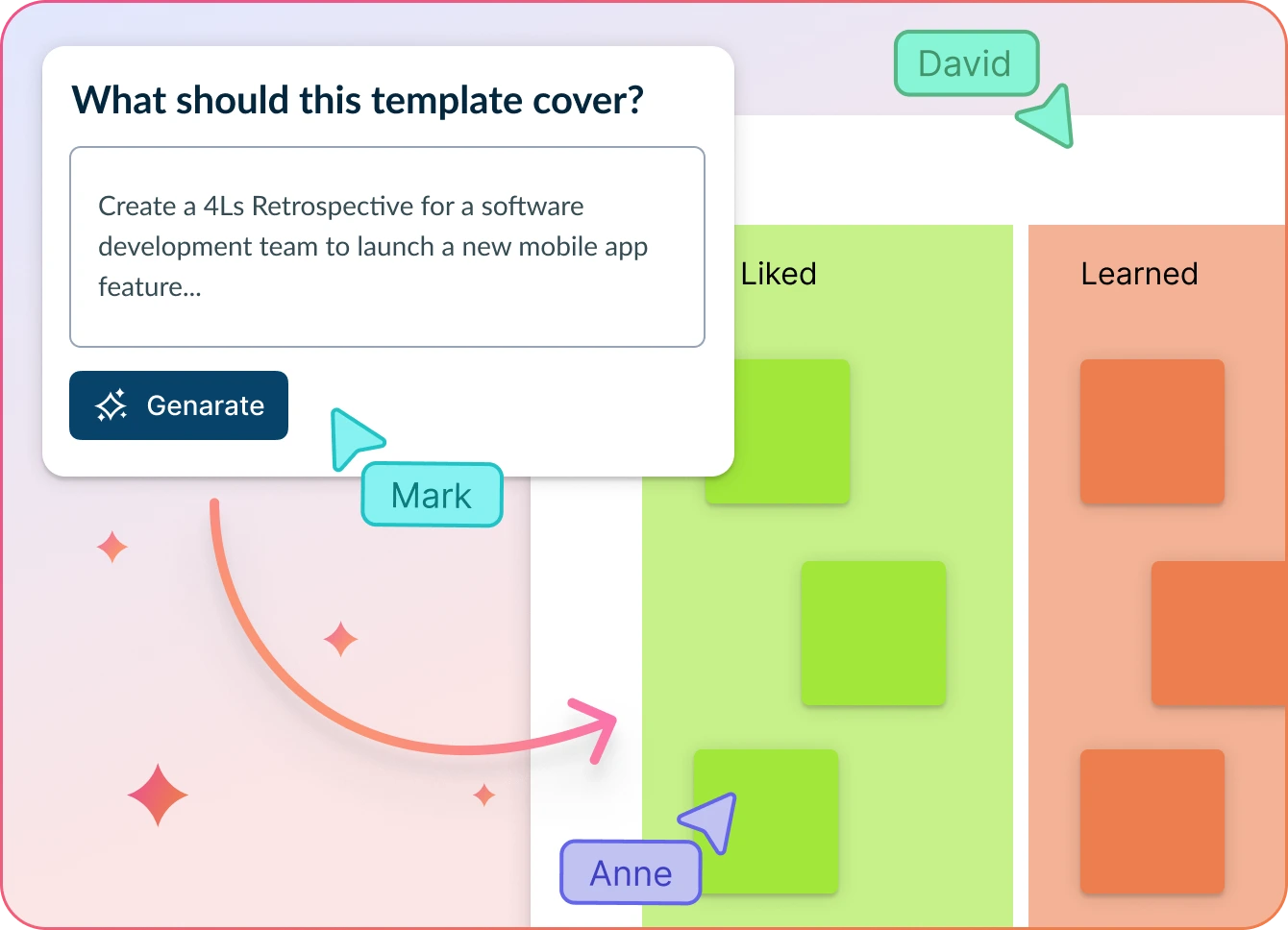
- Just enter your team’s feedback notes or project details and hit ‘Generate’.
- Creately’s AI builds your 4Ls board—organized by Liked, Learned, Lacked, and Longed for with clear action points.
- Collaborate, refine, and turn insights into next steps—all in one shared workspace.
Why teams love Creately’s AI 4Ls Retrospective Generator
 Save time – Auto-generate structured 4Ls boards in seconds, so your team can focus on meaningful reflection, not formatting.
 Uncover hidden trends – Identify recurring themes and actionable insights traditional retro tools might miss.
 Privacy-first – Your retrospective data stays securely within Creately. No third-party access or external processing.
 Multi-lingual support – Run retros with global teams effortlessly with support for multiple languages out of the box.
 Objective insights – AI clusters feedback under Liked, Learned, Lacked, and Longed for with visual clarity.
Clearer Retrospectives with a Visual Edge
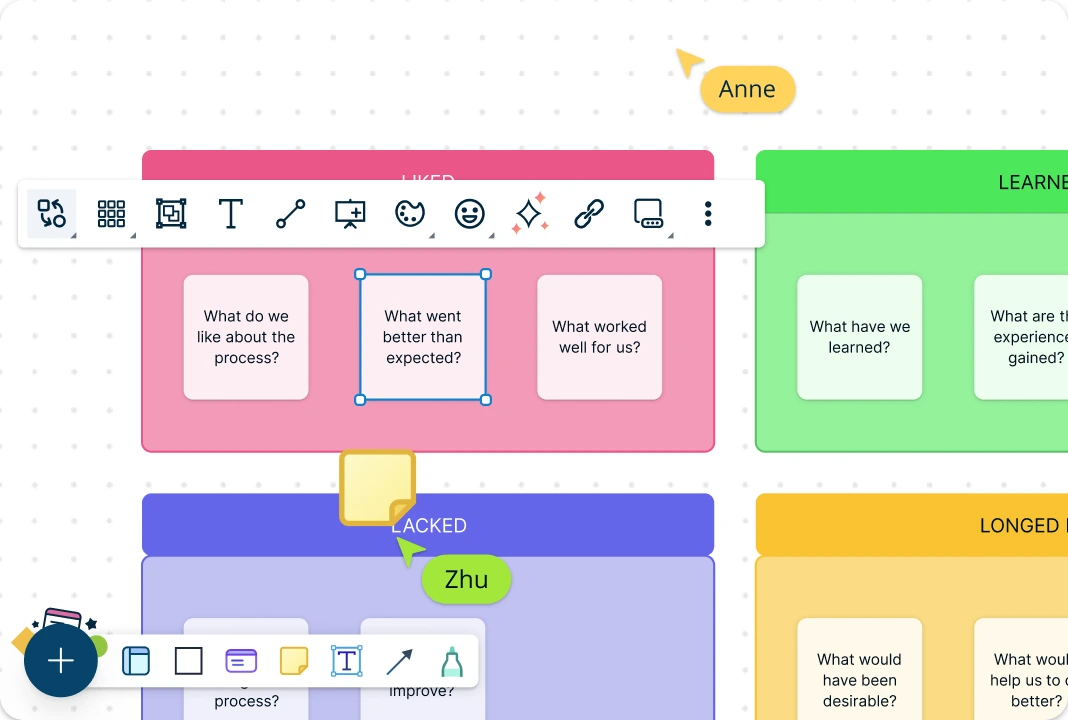
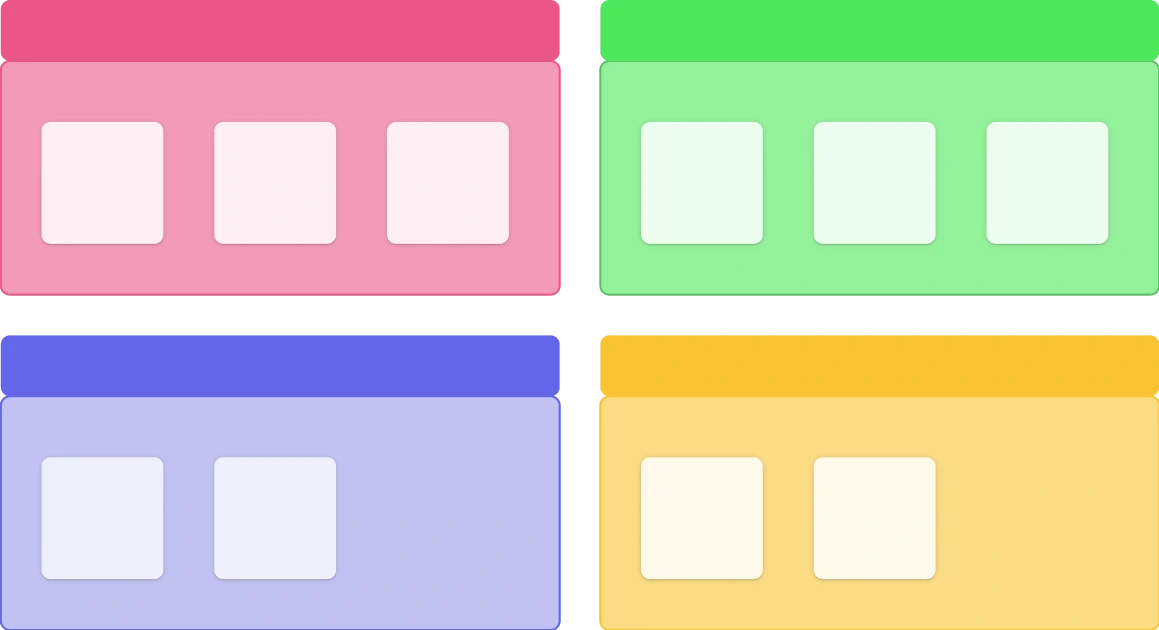
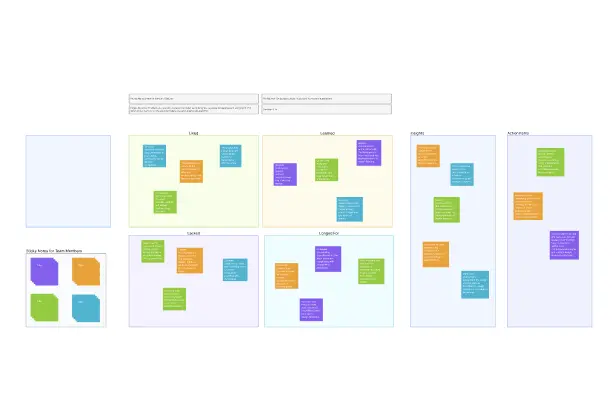
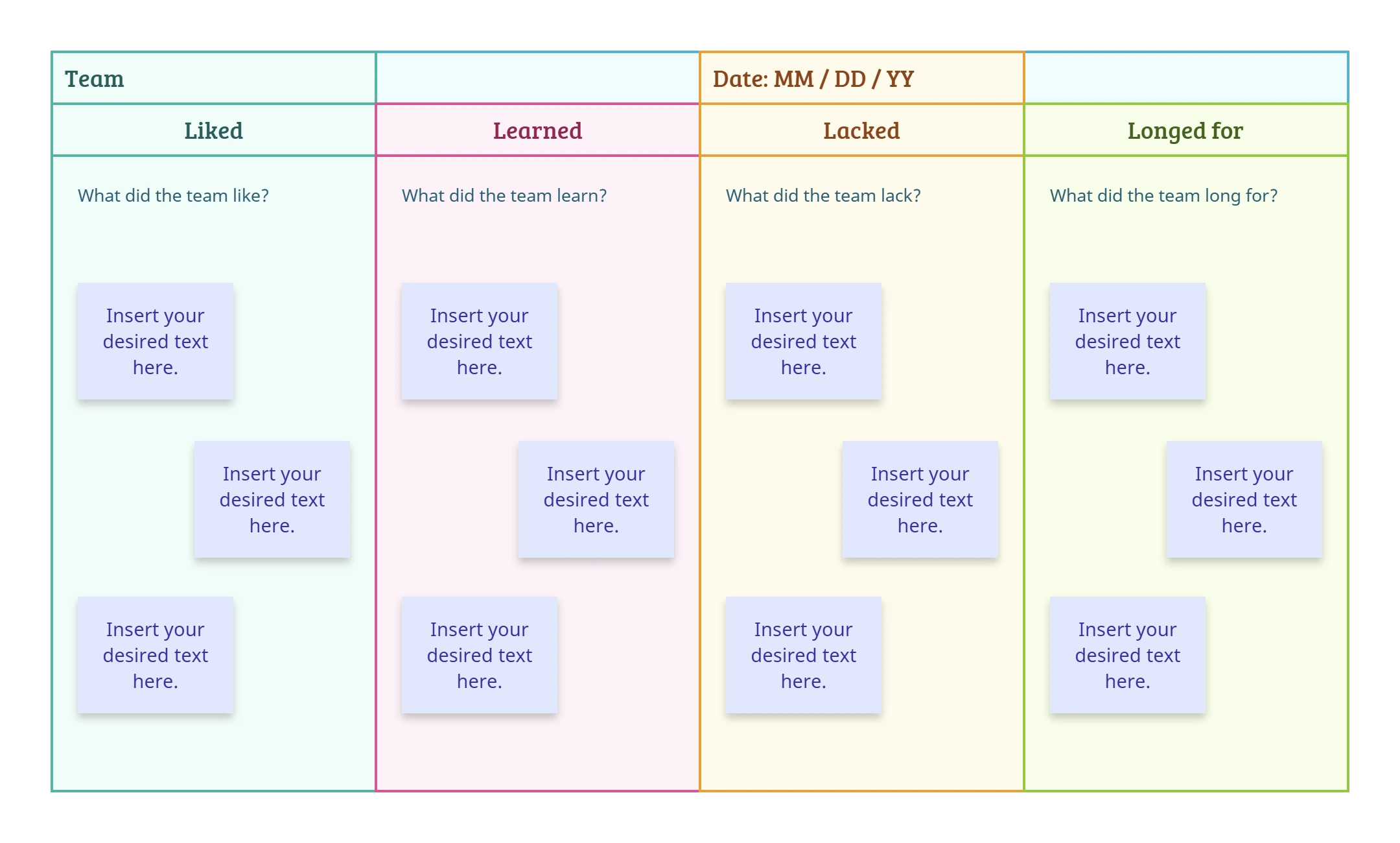
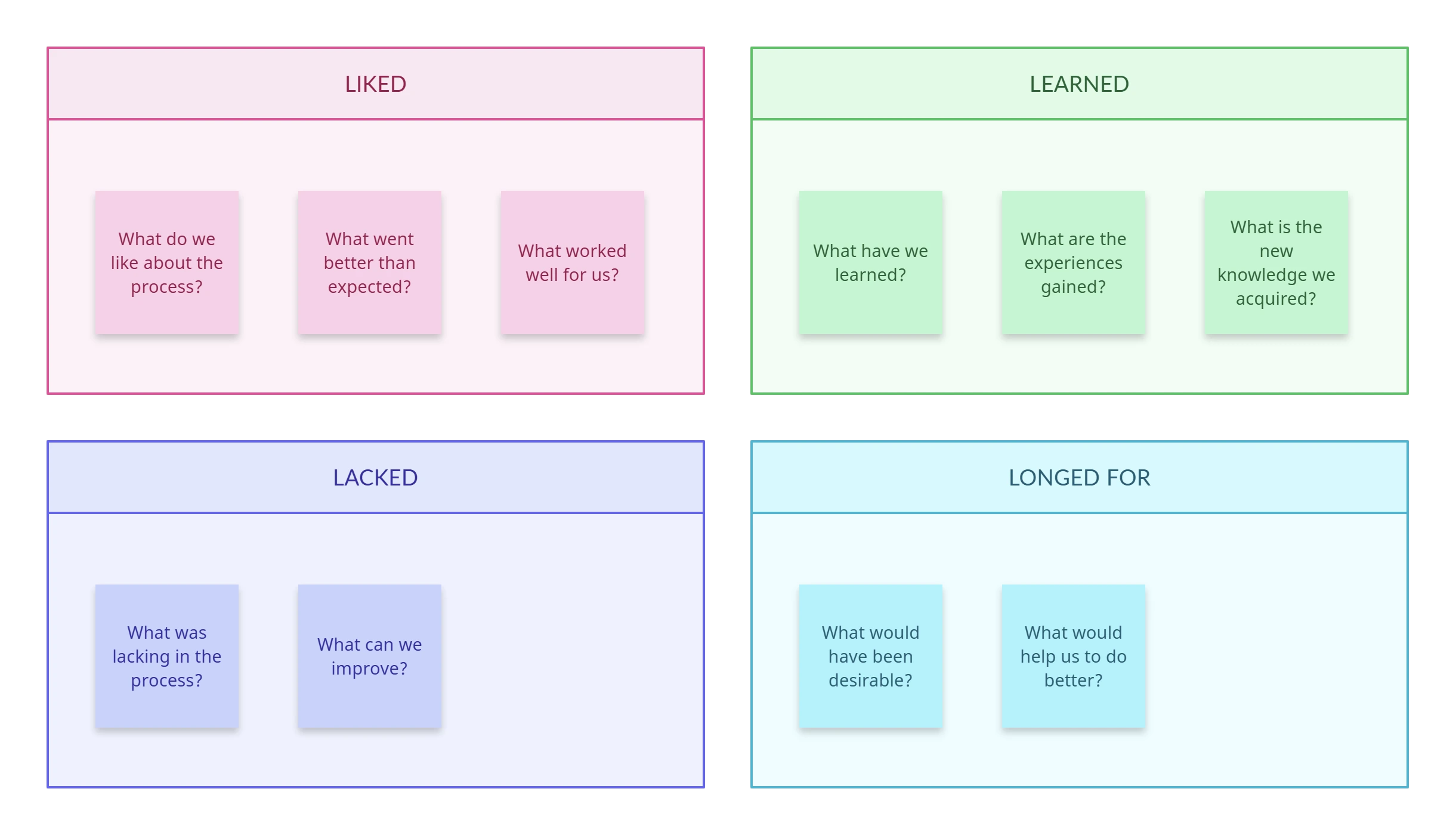
Creately’s 4Ls retrospective template helps you map out what your team Liked, Learned, Lacked, and Longed for using intuitive visual tools. Multiple customizable template layouts with drag-and-drop cards, color-coded sections, and icons to spotlight key insights. Easily capture notes, assign follow-ups, and adapt the template to suit any team or sprint cadence. With everything clearly visualized, your retros stay focused, engaging, and action-oriented.
Run Engaging, Actionable 4Ls Retrospectives
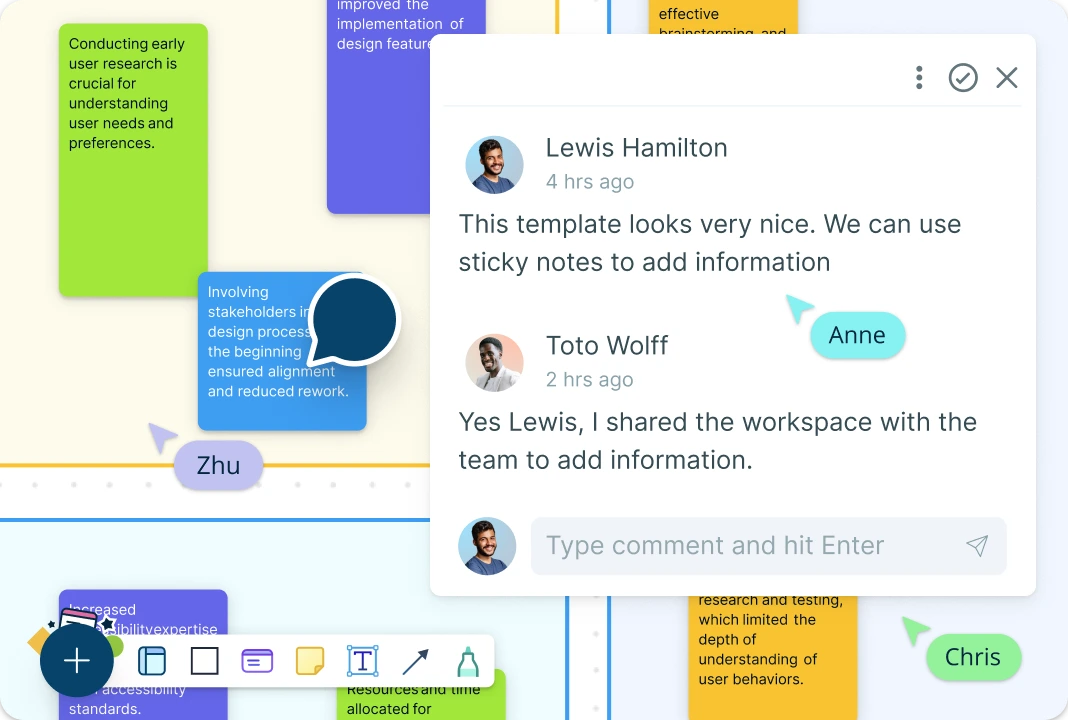
Keep your retrospective sessions interactive with real-time collaboration on a shared canvas where everyone can contribute their feedback simultaneously. Use @mentions to tag teammates, assign follow-ups, or highlight items needing discussion. Threaded comments keep conversations organized, while role-based permissions ensure smooth collaboration. Turn insights into tasks using built-in Kanban boards so your team leaves the retro with clear next steps, not just notes.
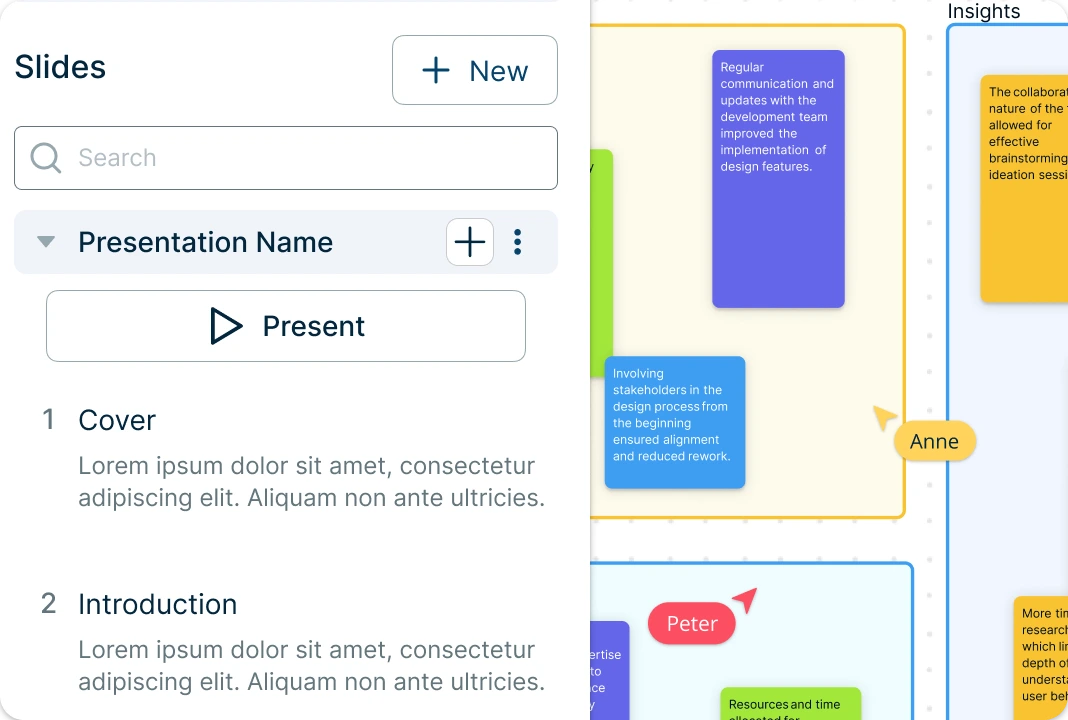
Reflect, Share, and Act with Smarter Retros
Export your 4Ls board as PDFs, images, or share live links to keep everyone aligned even after the session ends. Use the built-in presentation mode to turn 4Ls insights into clear team takeaways and share updates instantly. Easily link reflection points to timelines, action plans, mind maps, or team boards, giving your retrospective depth, clarity, and momentum.
What is a 4Ls Retrospective?
How to Use the 4Ls Retrospective Template in Creately
Select the 4Ls Retrospective Template:
Browse Creately’s template library and choose the fully customizable 4Ls retrospective template. Add it to your canvas to begin mapping out team reflections under Liked, Learned, Lacked, and Longed for.Define the Retrospective Context:
Clarify the purpose—are you reviewing a sprint, project milestone, or general team health? Add participants to the template using labeled shapes or tags, and assign roles such as facilitator, recorder, or observer using color codes.Collect and Organize Team Reflections Visually:
Use drag-and-drop sticky notes or cards to add input under each of the 4Ls. Arrange insights by relevance or theme using visual grouping and connectors to show relationships and dependencies.Enrich the 4Ls Retro Board with Context:
Add comments, emojis, tags, or labels to emphasize recurring themes or priority items. Highlight action-worthy feedback using color-coded notes or icons to draw attention.Collaborate in Real-Time:
Invite your team to contribute live during the session. Use @mentions, threaded comments, and real-time cursors to co-edit the board, ensuring everyone’s voice is captured and aligned.Finalize, Present, or Export Your Retrospective:
Once complete, export your 4Ls board as a PDF or image, or present it directly using Creately’s built-in presentation mode. For ongoing improvement, link your board to related diagrams like sprint boards or roadmaps.Use the AI 4Ls Retrospective Template:
Accelerate your setup by using Creately’s AI-powered 4Ls retrospective template. Just enter key reflections, feedback notes, or project details, hit ‘Generate’ and the AI will organize your input under the 4Ls with clear structure and suggested actions.
Free 4Ls Retrospective Templates to Get Started
FAQs About the 4Ls Retrospective Template
Can I customize the 4Ls retro template?
Is the 4Ls template suitable for remote teams?
Does the 4Ls retro template work with Agile workflows?
Is there AI support for running retrospectives?