Visualize your evolving structure - See how headcount, roles, and reporting lines fit together as your team grows, without losing the visual context of your existing hierarchy.
Architect future-ready teams - Help stakeholders instantly see how new departments, matrix teams, and dotted-line roles will evolve within future workforce structures.
Model changes without the risk - Test high-stakes scenarios for hiring, attrition, and reorgs in a safe sandbox, using data-backed visuals to compare outcomes before you commit.
CERTIFIED




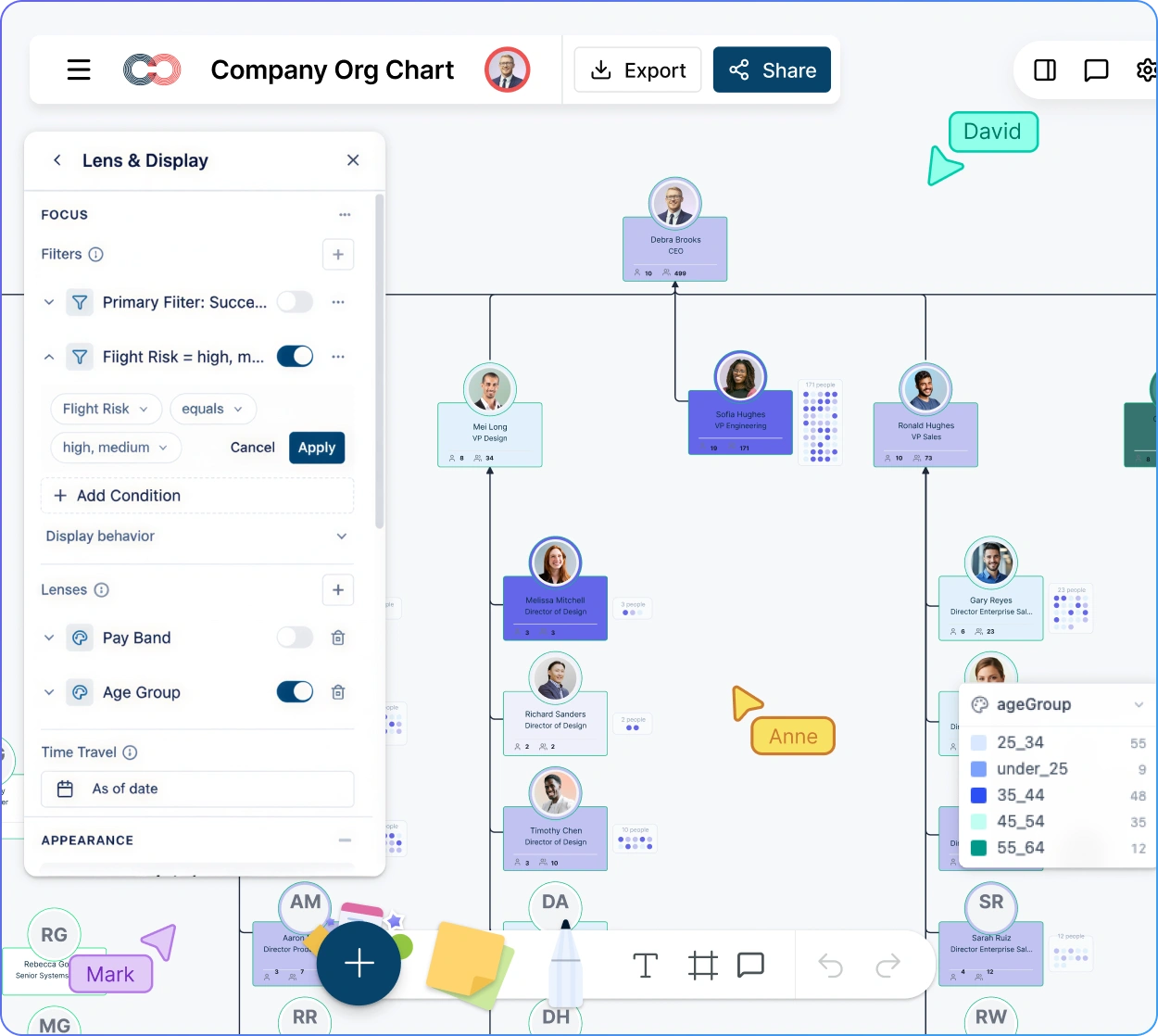
Workforce Planning Org Chart Software
Build a Data-Rich Org Chart for Smarter Growth with Intelligent Workforce Planning Software
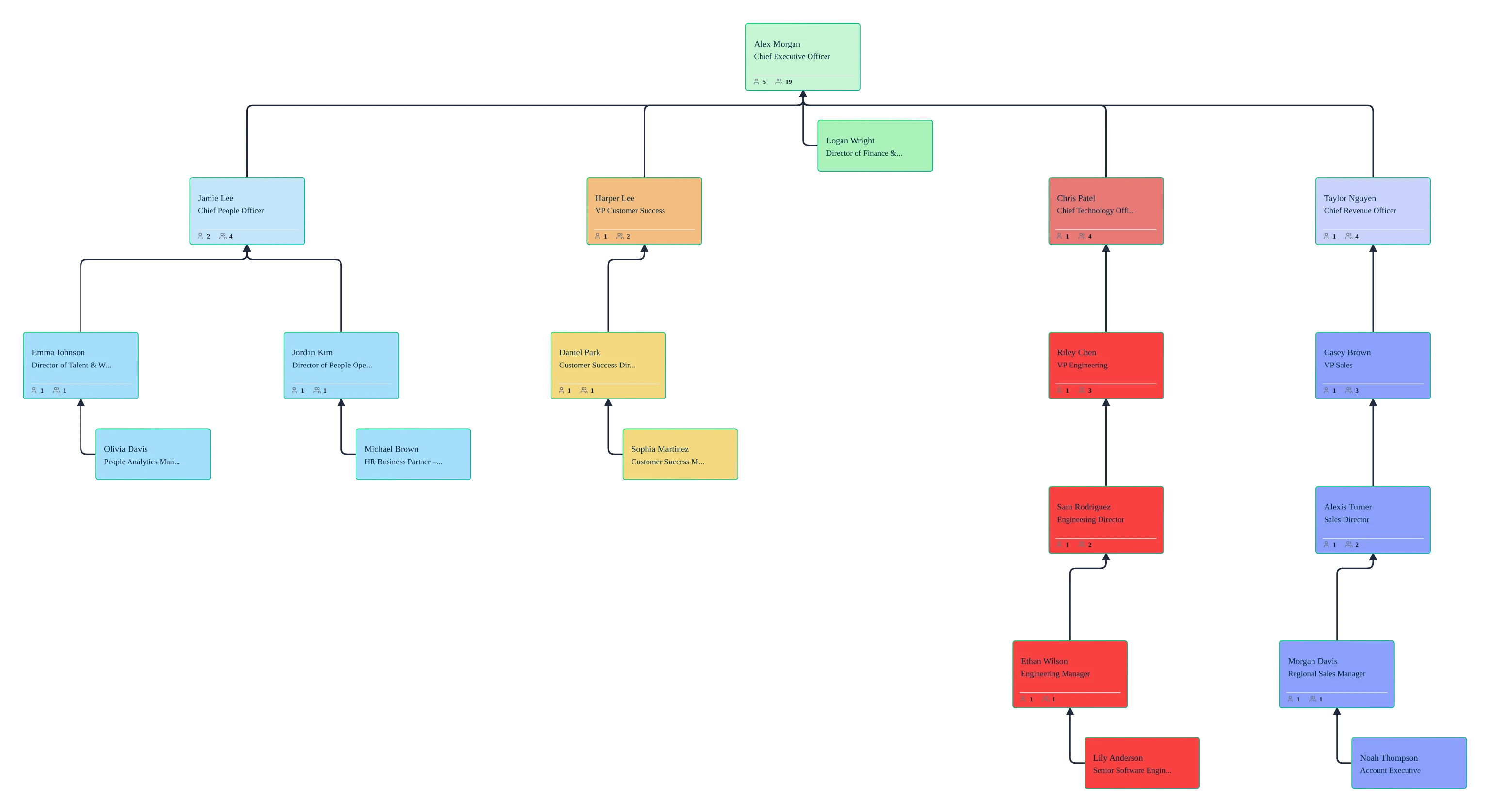
Turn your static hierarchy into a dynamic planning workspace. Model growth, visualize talent gaps, compare future-state org scenarios, and connect workforce decisions back to the live structure.
 Visualize your evolving structure
See how headcount, roles, and reporting lines fit together as your team grows, without losing the visual context of your existing hierarchy.

 Architect future-ready teams
Help stakeholders instantly see how new departments, matrix teams, and dotted-line roles will evolve within future workforce structures.
 Model changes without the risk
Test high-stakes scenarios for hiring, attrition, and reorgs in a safe sandbox, using data-backed visuals to compare outcomes before you commit.




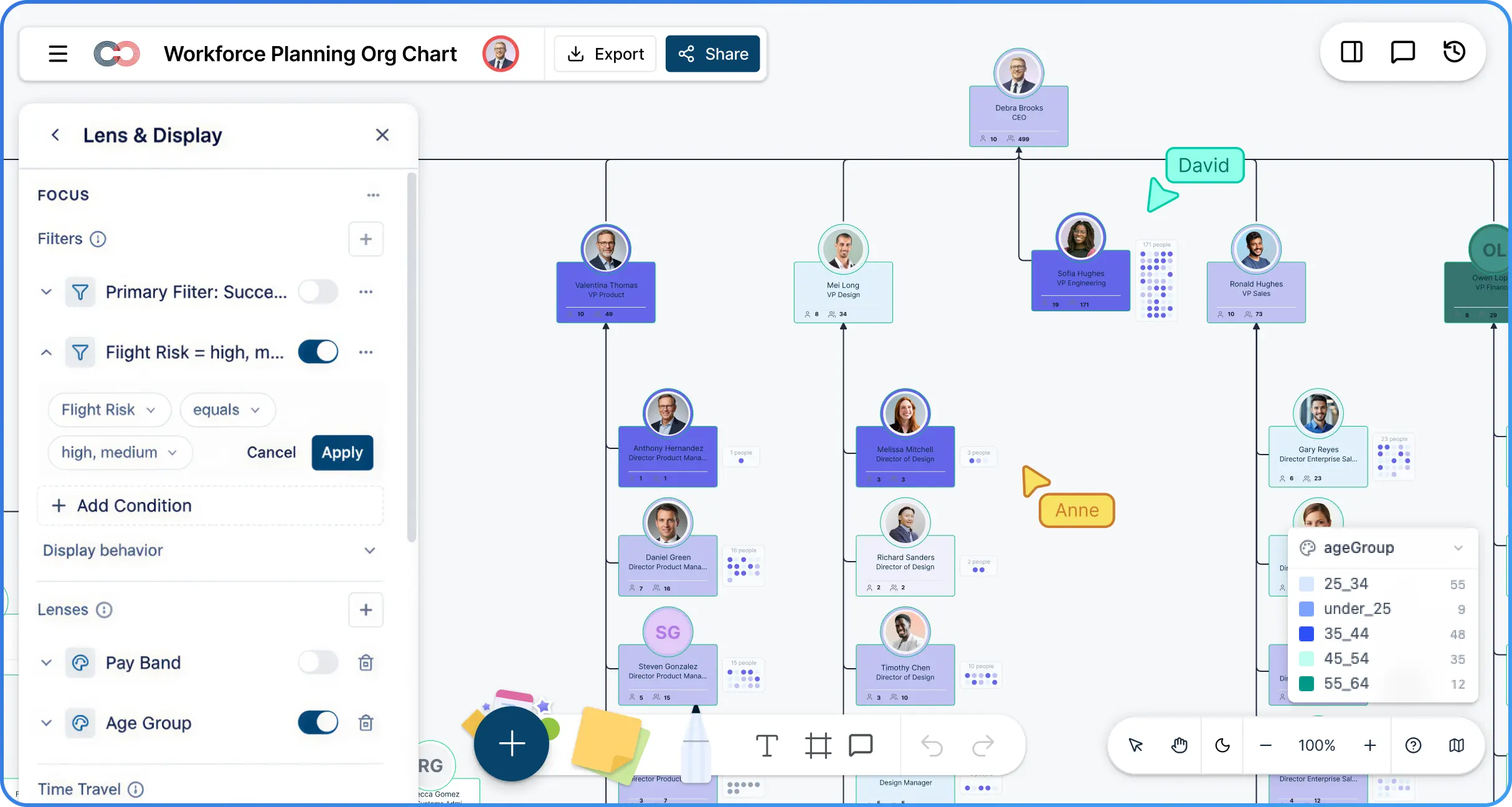
 Diagramming Visual Collaboration Org Chart


Why Choose Creately for Workforce Planning Org Charts
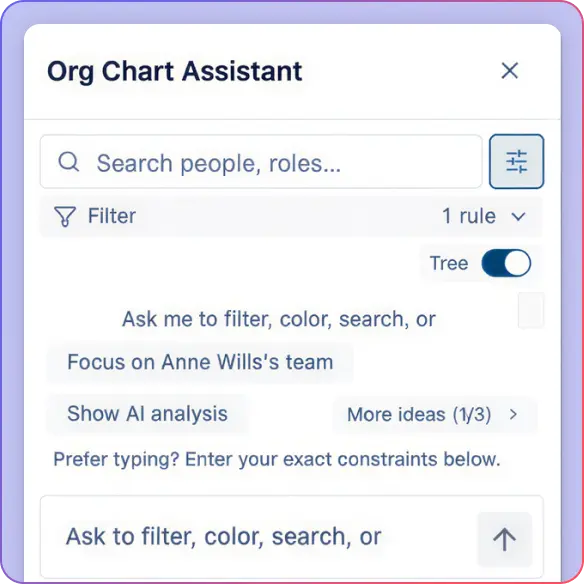
AI-Powered Org Intelligence
Ask natural-language questions like 'Which teams have the widest span of control?' and get instant visual answers directly on your org chart.
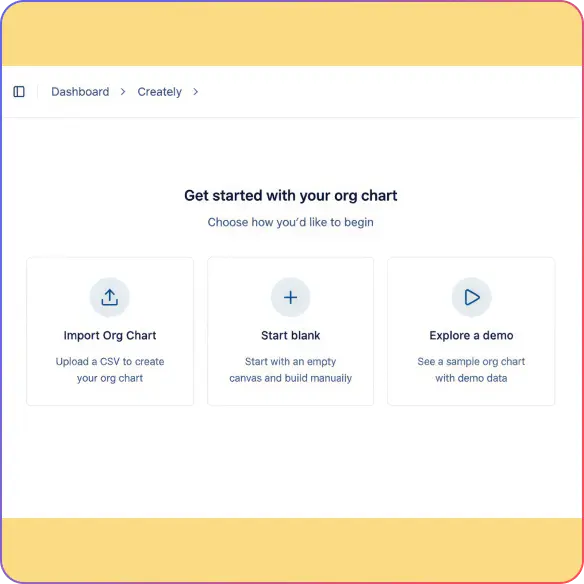
Smart Import & Data Validation
Import from CSV and spreadsheet exports with an AI wizard that maps columns automatically so you can start planning from a clean baseline.
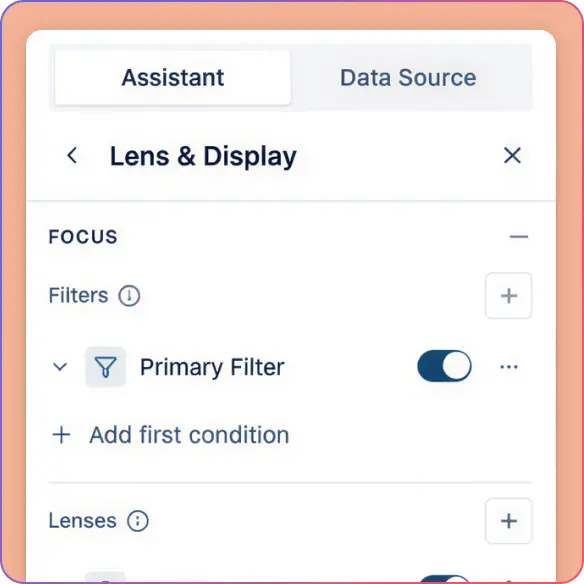
Instant Visual Analytics Presets
Apply one-click views to visualize span of control, tenure, and workforce risk so structural issues stand out faster.
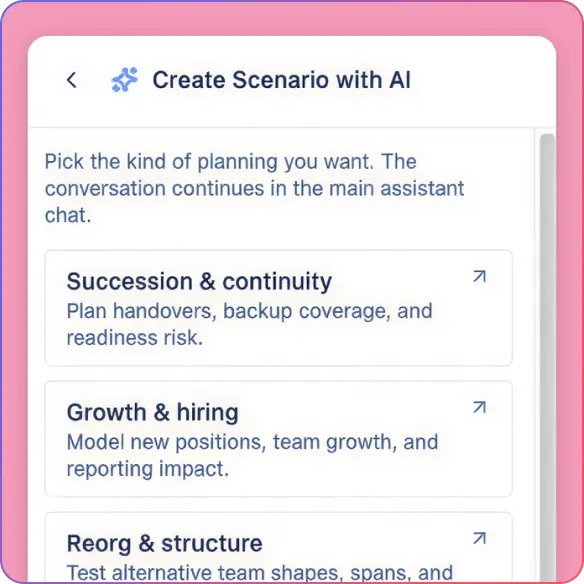
Secure Scenario Modeling
Create private what-if sandboxes to model reorgs and hiring plans. Compare different structural versions side by side without affecting your current live chart.
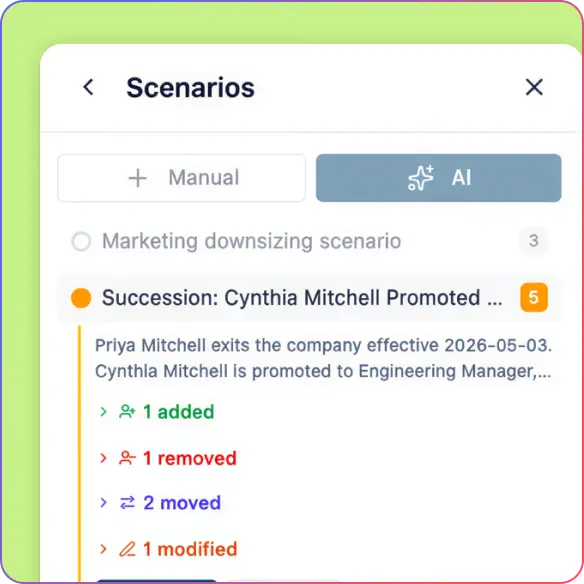
Future-State Role Mapping
Add vacant and planned positions directly into your hierarchy. Visualize your hiring roadmap and capacity needs within the context of your existing teams.
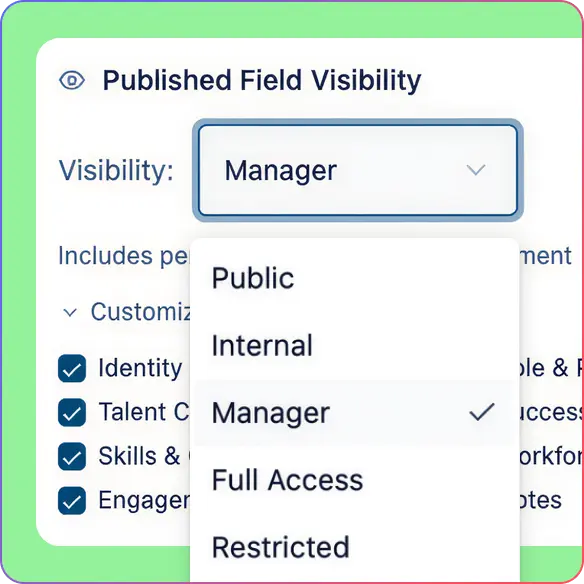
Multi-Tier Data Sensitivity
Keep sensitive people data limited to the right stakeholders while planners work from the structural views they need.
Architect Your Workforce Plan with Data-Driven Precision
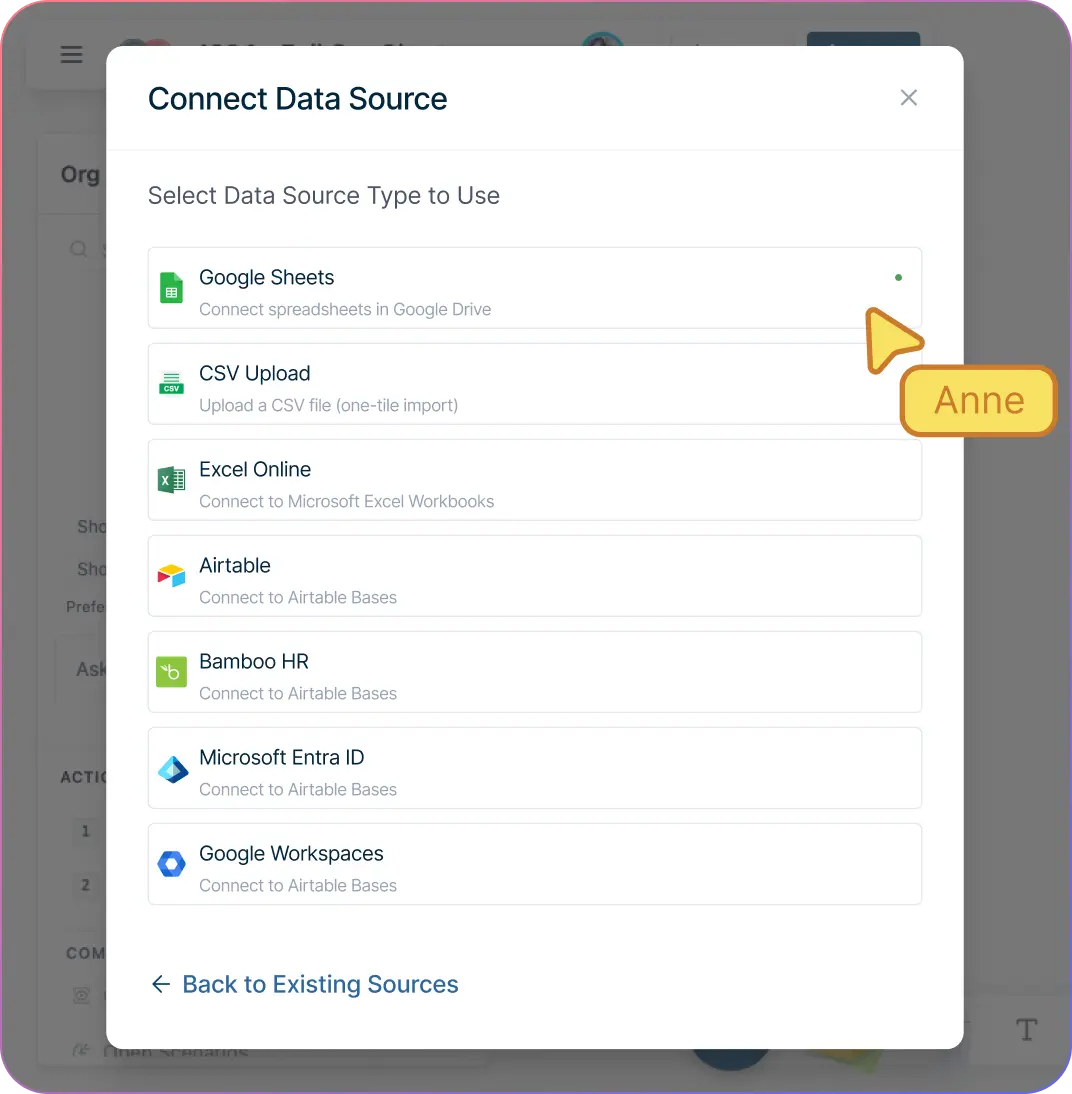
Import your structure from CSV, Excel, or Google Sheets so workforce planning starts from a live organizational chart instead of a blank canvas.
Add vacant positions, planned headcount, and future-state roles directly into the hierarchy so hiring plans stay tied to team structure.
Map matrix structures, dotted-line reporting, and cross-functional teams so workforce decisions reflect how the business actually runs.
Keep the workspace readable as you model hiring surges, manager changes, or department redesigns. Validation for missing IDs, unknown managers, and orphaned roles also helps keep your baseline cleaner before planning starts.
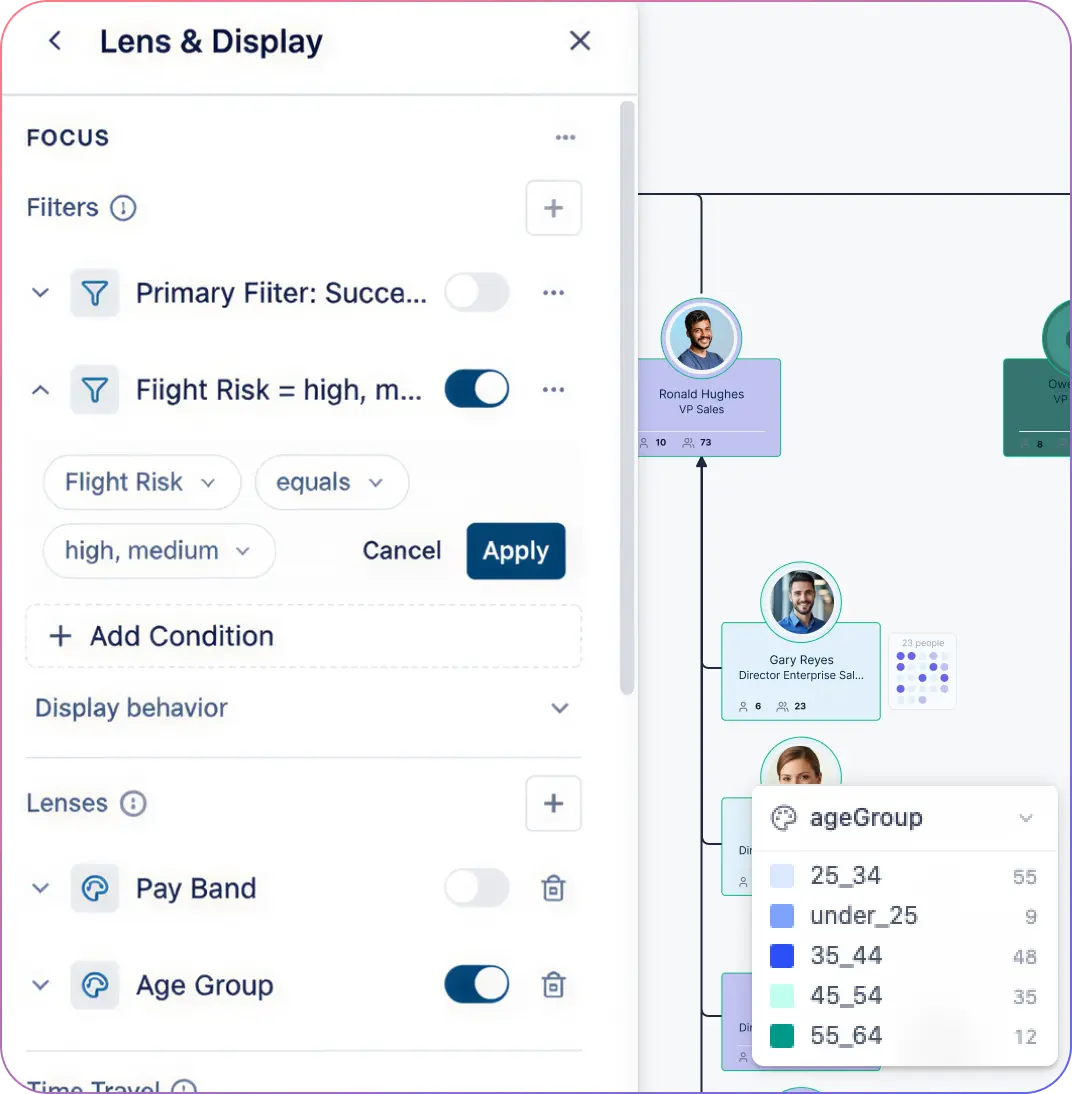
Turn Structural Complexity into Actionable Insight
Use AI queries to highlight wide spans of control, structural bottlenecks, or single points of failure without building manual reports first.
Use field packs and visual views to surface talent, cost center, or tenure patterns that shape headcount decisions.
Connect workforce planning with succession planning by identifying roles at risk, successors in development, and teams that may need external hiring.
Use historical, current, and future-state views to compare how the organization has changed and where capacity needs are heading. View presets and focus views also help leaders move from the company-wide chart to a specific planning question quickly.
Transform Your Static Data into Strategic Intelligence
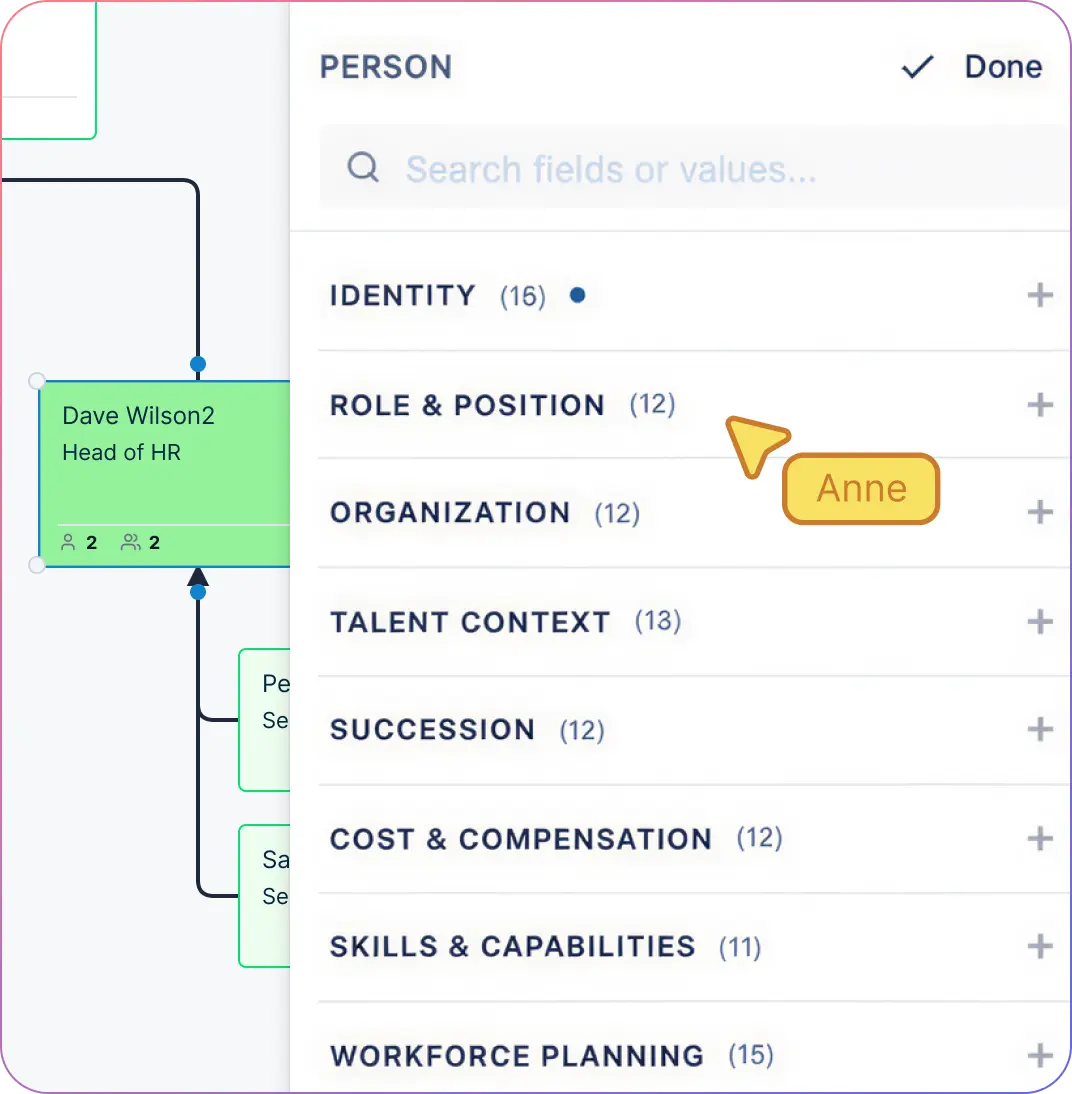
Import headcount, role, department, and cost-center data from familiar files so planners can work from a shared source of context.
Use field packs and up to 204 data fields to move beyond names and titles into practical workforce analysis.
Surface missing titles, unassigned departments, or orphaned roles early so your plan is built on cleaner data.
Switch views based on the decision at hand, from hiring plans to talent reviews to structural redesign discussions. Support for 15 field packs makes it easier to keep workforce, compensation, skills, and succession context in the same org model instead of splitting it across tools.
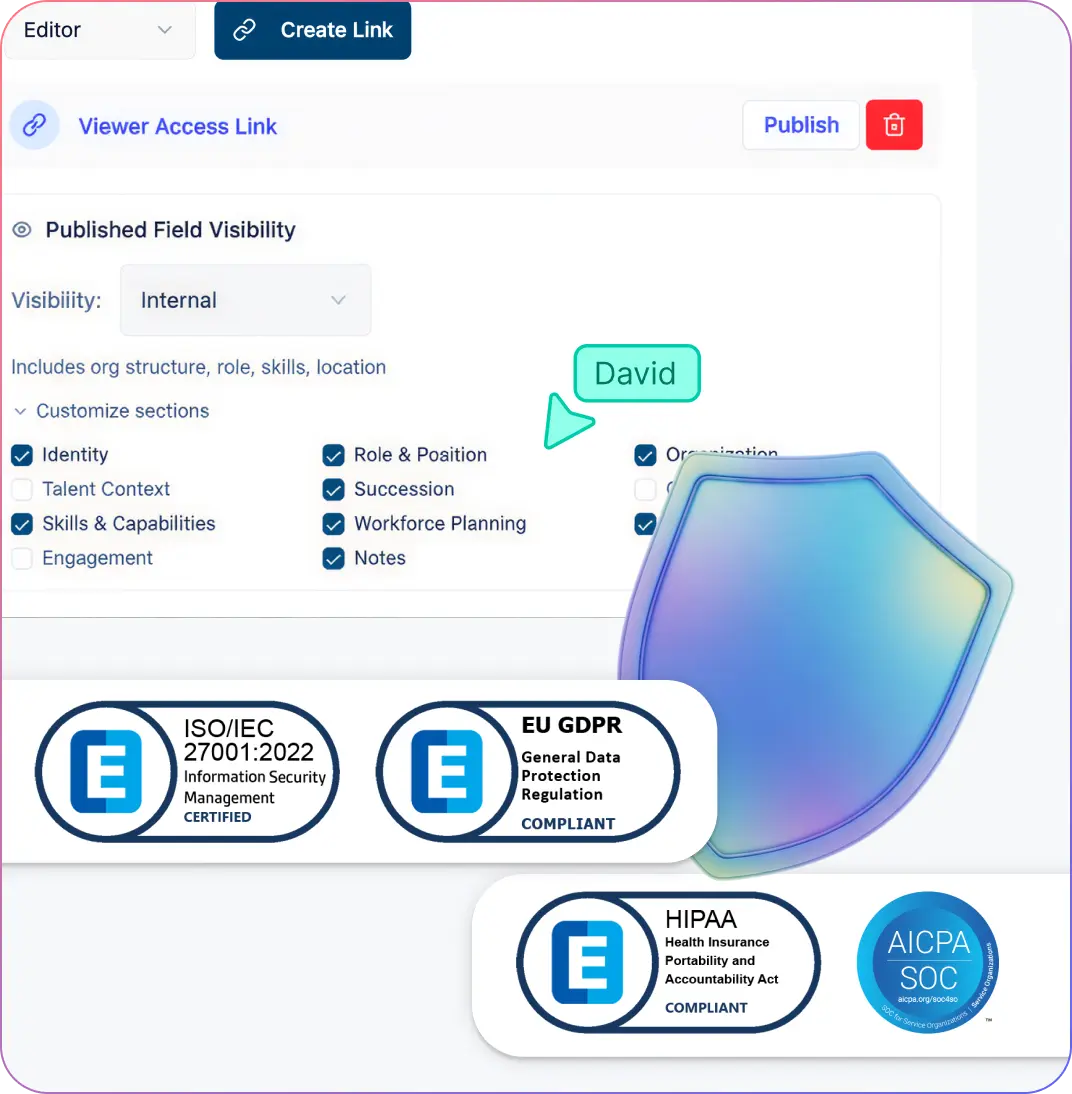
Strategic Planning with Enterprise-Grade Protection
Use permissions, focused views, and layered sensitivity controls so sensitive workforce data is only shared with the people involved in the decision.
Create named what-if scenarios to model sensitive reorganizations, hiring pauses, or team redesigns without affecting the live organizational chart.
Use field packs and role-based sharing to show each audience the context they need without turning every review into an all-access data dump.
Keep workforce reviews grounded in current structure, cleaner data, and clearly separated planning scenarios. A 6-tier sensitivity model ensures restricted workforce fields do not appear for unauthorized viewers.
Align Your Stakeholders Around a Shared Vision
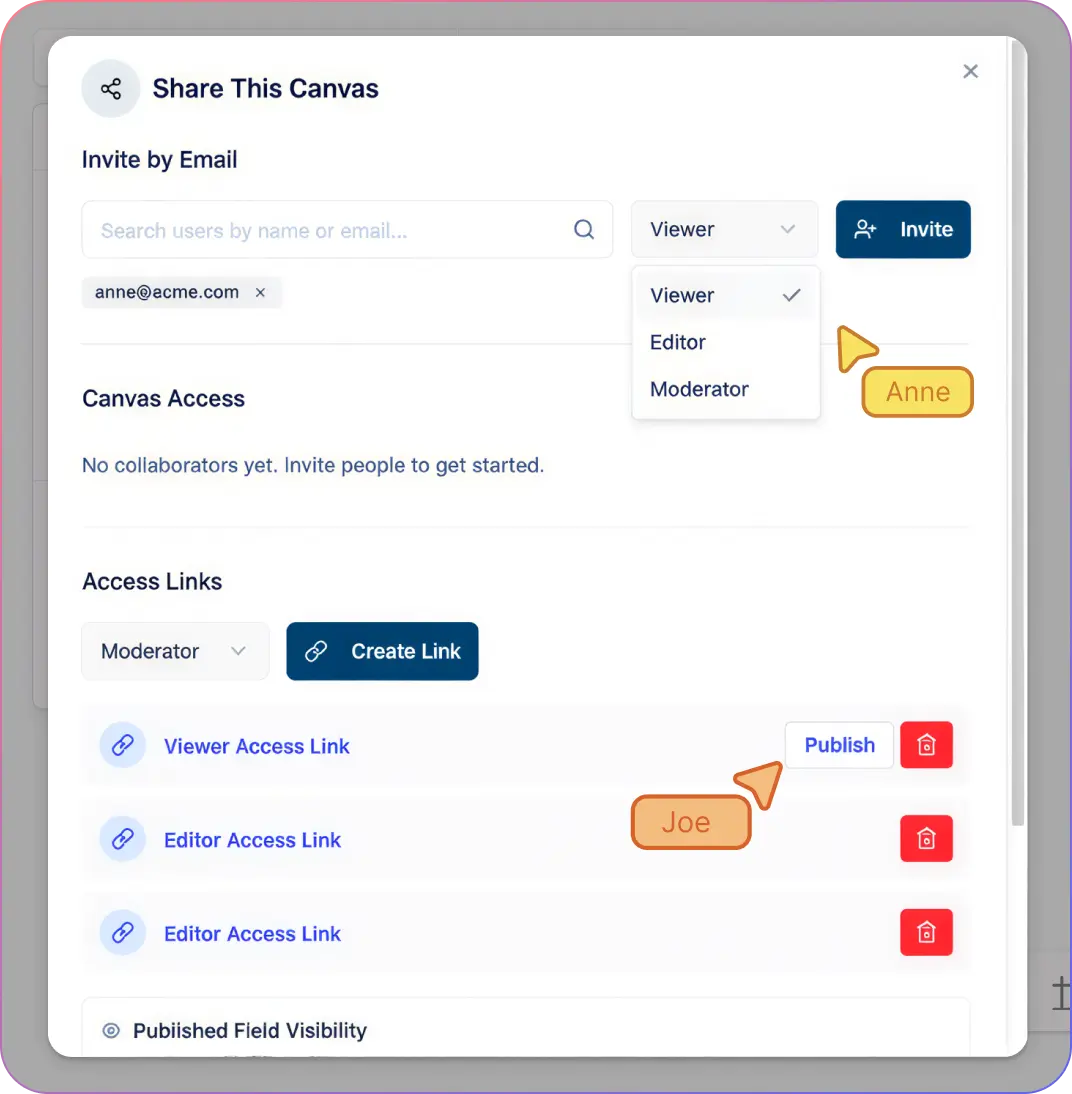
Bring HR, Finance, and Department heads into a single workspace. Collaborate in real-time to model headcount changes, ensuring everyone is aligned on budget impact and structural shifts from the start.
Auto-generate “sub-diagrams” for specific managers or HR Business Partners. These views lazily hydrate from the parent chart, allowing stakeholders to manage their specific subtree without exposing the entire organization.
Turn your workforce plans into presentation-ready assets. Export high-resolution charts for board meetings or share live, read-only links to keep executive leadership updated on the latest hiring roadmap.
Use comments and mentions to discuss specific role changes or talent gaps directly on the chart. Centralizing feedback within the workspace eliminates long email chains and ensures no strategic detail is lost. Automatically generated department views also help each stakeholder start from a focused slice of the plan.
How to Build a Workforce Planning Org Chart with Creately
Sync your data using the AI-powered CSV import wizard.
Layer future-state vacancies directly onto your visual hierarchy.
Architect restructuring plans in a private scenario sandbox.
Run structural diagnostics using one-click visual presets.
Distribute synced department views with 6-tier sensitivity controls.
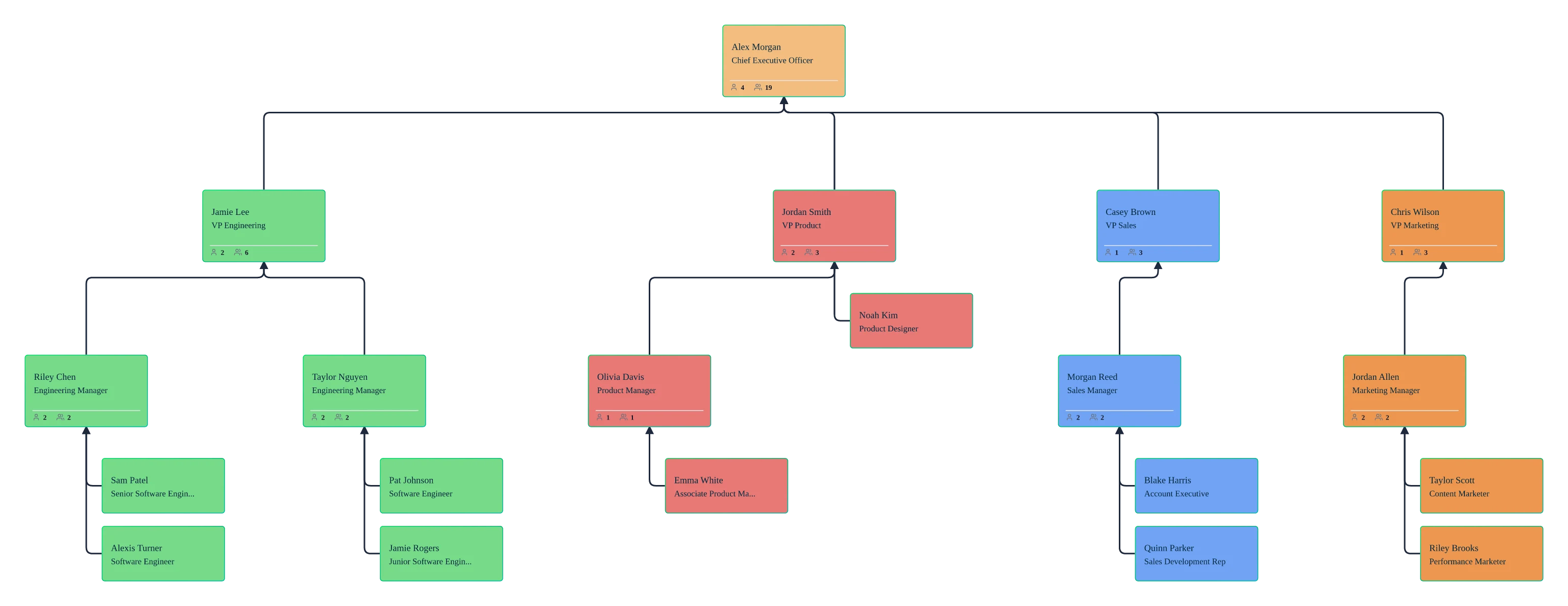
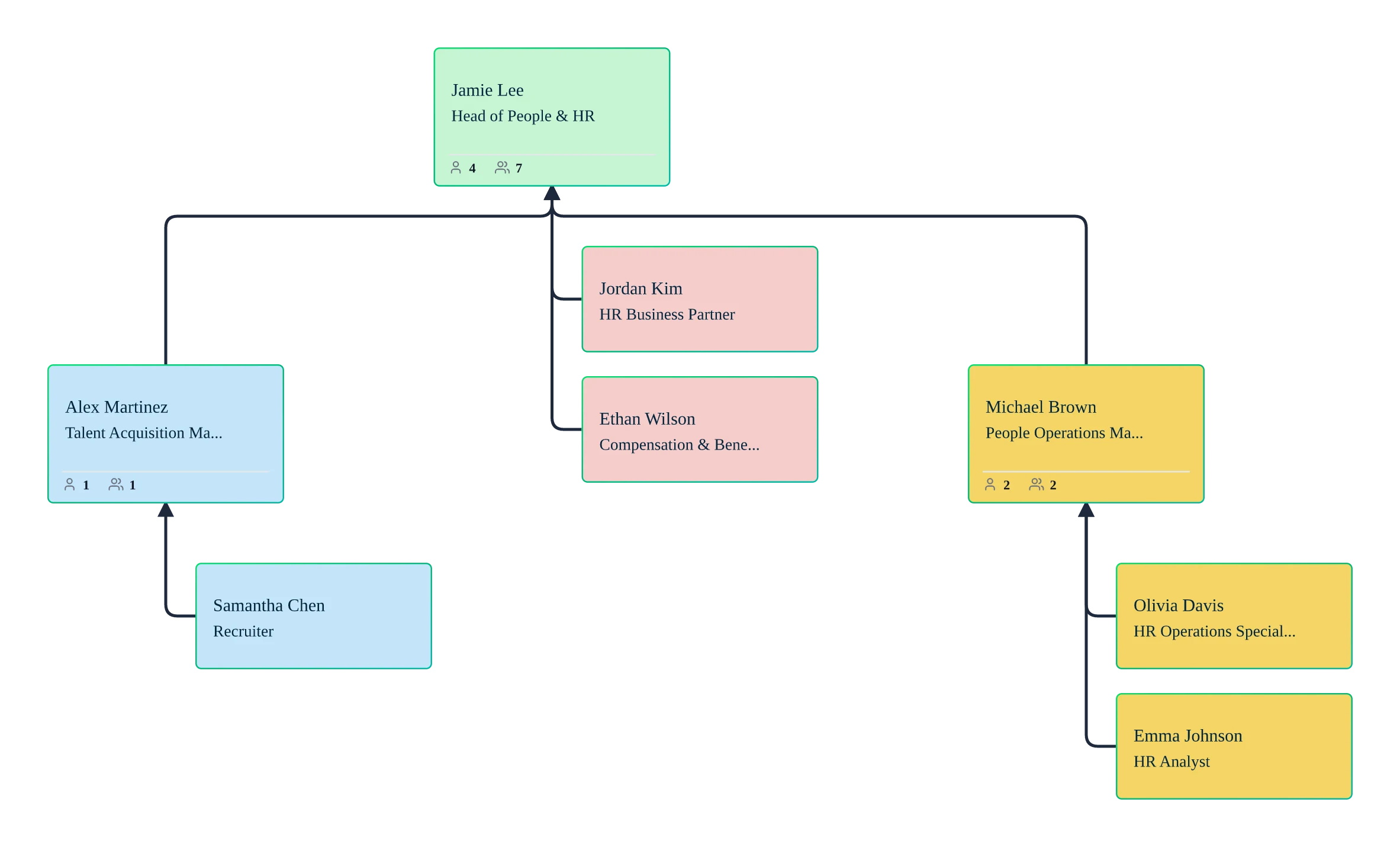
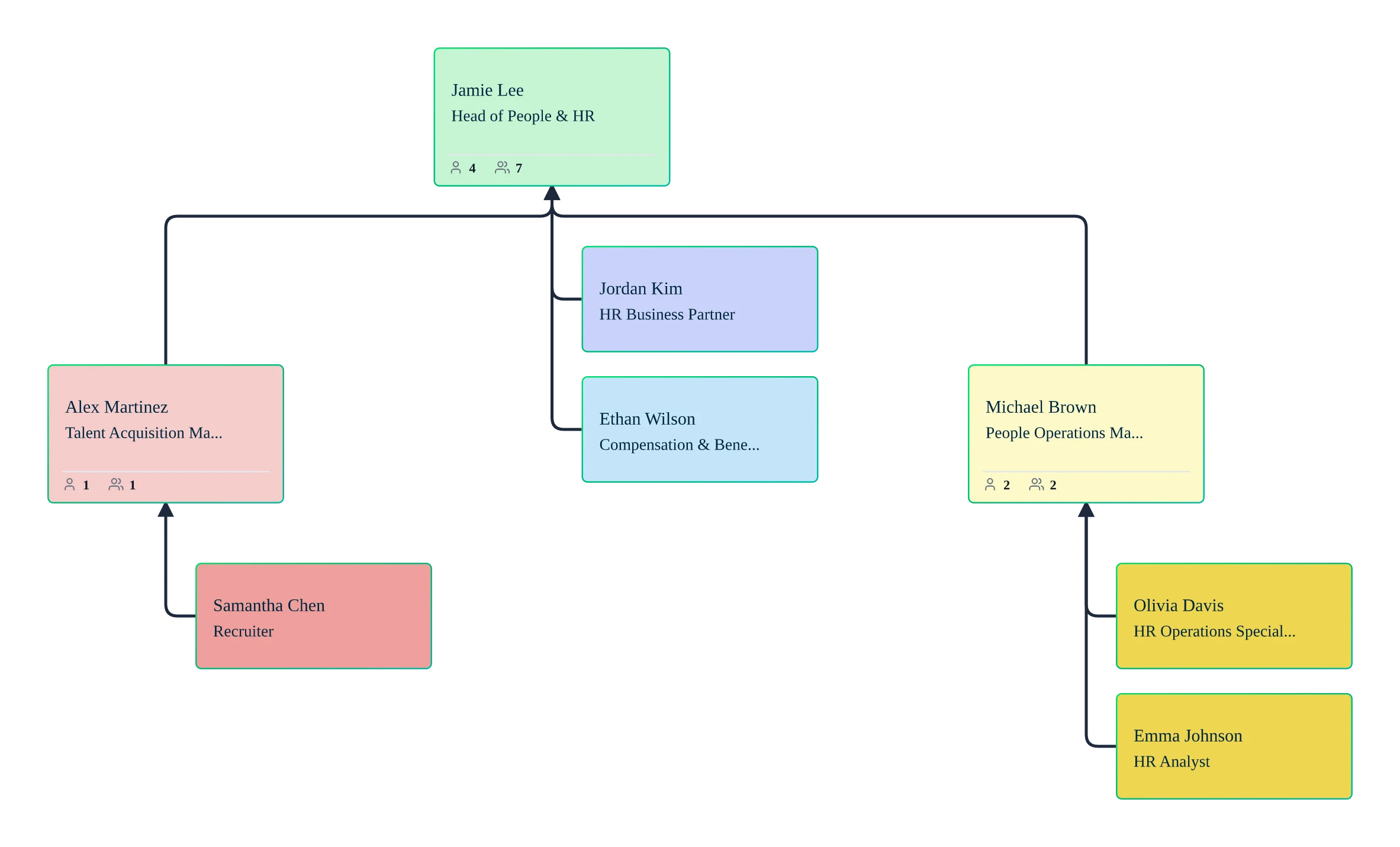
Jumpstart Your Strategy with Free Workforce Planning Org Chart Templates
Use Cases
Dynamic Headcount Planning
Visualize your entire hiring roadmap by adding planned roles and vacancies directly to your existing structure to see how new hires impact your budget and team balance.
Seamless Organizational Restructuring
Model complex reorgs and departmental shifts in a private sandbox to compare different structural outcomes before committing to any real-world changes.
Automated Span of Control Analysis
Use AI-powered diagnostics to instantly identify overstretched managers and unbalanced teams, allowing you to optimize reporting lines for better operational efficiency.
Strategic Succession Mapping
Identify high-potential talent and critical “single points of failure” within your org chart to build robust internal pipelines and reduce leadership risk.
Real-Time Labor Cost Visualization
Overlay compensation data and cost centers onto your visual hierarchy to understand the financial footprint of your workforce and make data-backed resource decisions.
Cross-Functional Matrix Modeling
Map out dotted-line reporting and project-based structures to see how your people actually collaborate across traditional departmental silos.
FAQs About the Workforce Planning Org Chart Creator
What are Creately’s workforce planning org chart software pricing plans?
- Free Plan — $0/month for basic workforce planning org chart creation and collaboration
- Starter & Team Plans — $8/month or $5/month billed annually
- Business Plan — $149/month or $89/month billed annually
Annual billing helps you save more while unlocking advanced collaboration, workspace management, and enhanced workforce planning org chart features. You can compare all available plans and features on the Creately Pricing Page.
How can you create workforce planning org charts faster?
Are there templates for different workforce planning org chart use cases?
Can teams collaborate on workforce planning org charts?
Can I add notes, data, and files?
Can I share, present, or export workforce planning org charts?













Model high-stakes hiring and restructuring scenarios with confidence—and keep your structural plans perfectly aligned as your business scales.
 Instant replies
 Org chart guidance
 Real human support