Small Business Org Chart Software
Create the Best Simple Org Charts That Grow With Your Team
No more rebuilding org charts every time someone joins or changes roles. Start from a ready-made template or CSV, update roles instantly, and share a live org chart as your company grows.
 People aren't sure who to report to
Make roles and reporting lines visible with a live org chart everyone can access.

 Org charts go stale within weeks
Update instantly as people join, leave, or change roles — no rebuilding from scratch.
 Hard to see where the next hire fits
Visualize your current structure before adding roles so new hires slot in cleanly.








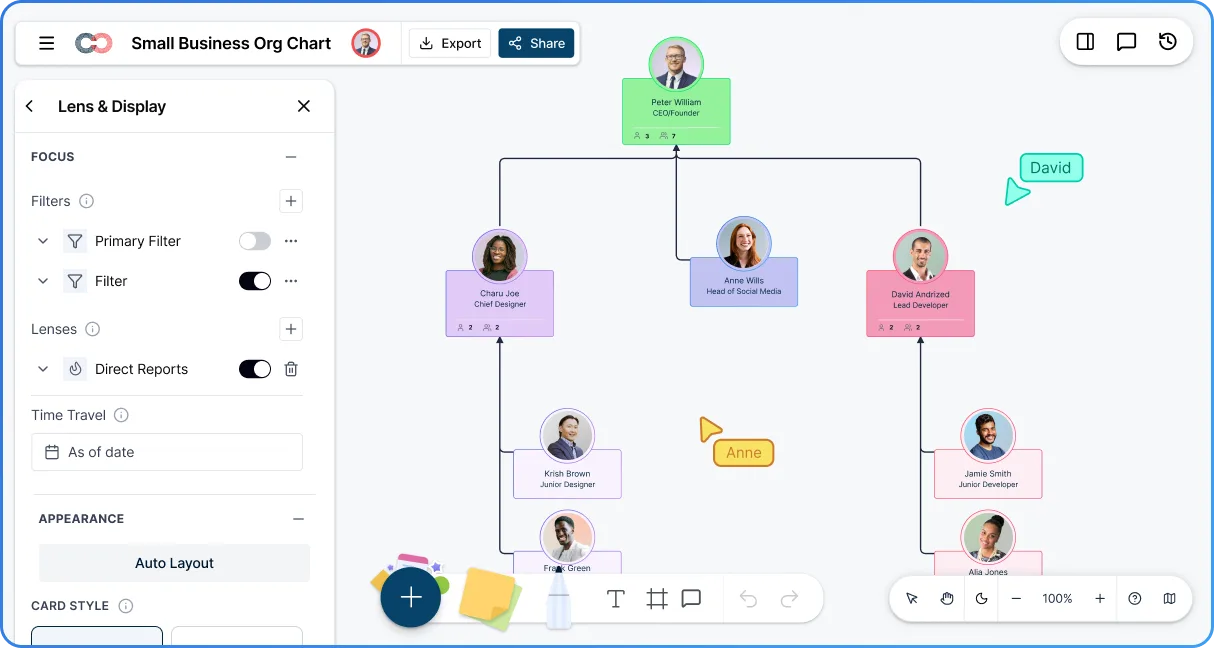
 Diagramming Visual Collaboration Org Chart


Why Choose Creately for Small Business Org Charts
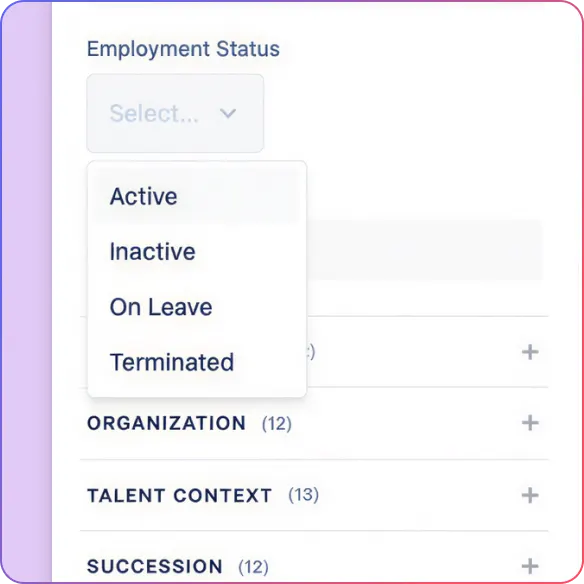
Built for Teams That Grow
When people join or move roles, Creately's small business org chart creator updates with them — so you’re not rebuilding charts every few weeks.
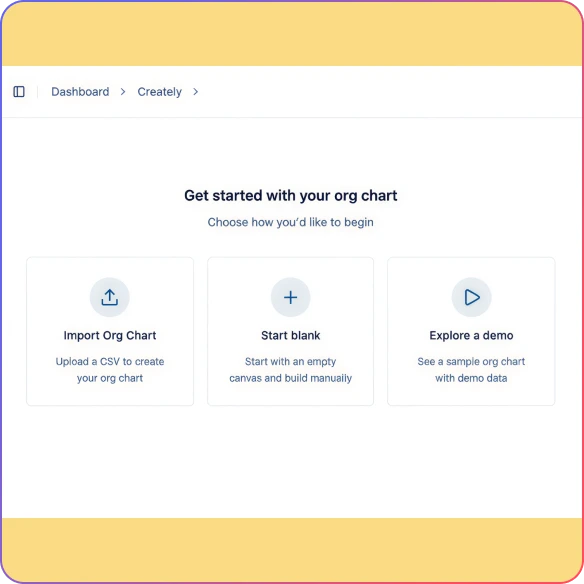
Get Started in Minutes
Create an org chart from a template or import your team from a CSV to see your structure instantly.
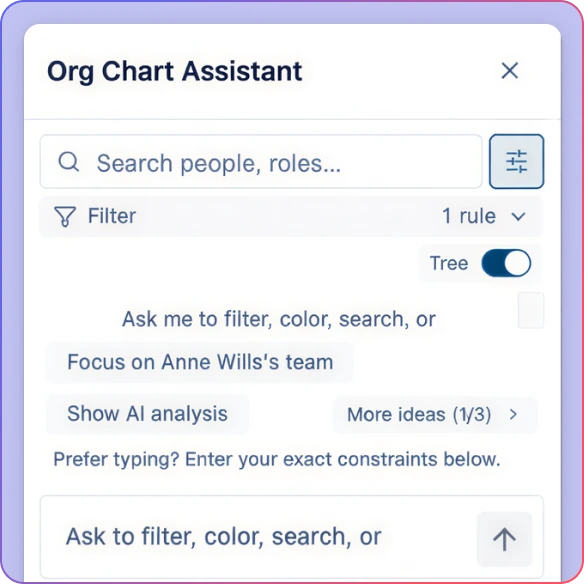
No Manual Adjusting
As your team grows, Creately automatically keeps your org chart clean and readable — no dragging boxes around.
Easy to Edit
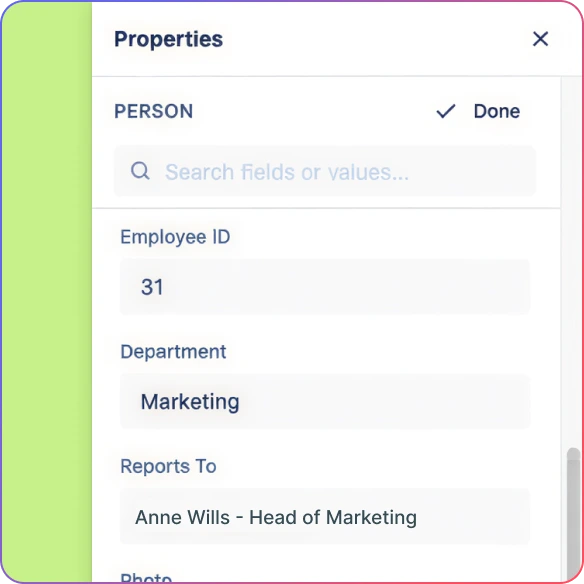
Update names, titles, or reporting lines directly on the small business org chart builder. If something’s wrong, you can undo it instantly.
Works as You Scale
Whether you’re 5 people or 50, your org chart grows with you — no new tools, no redesigns.
Priced for Small Teams
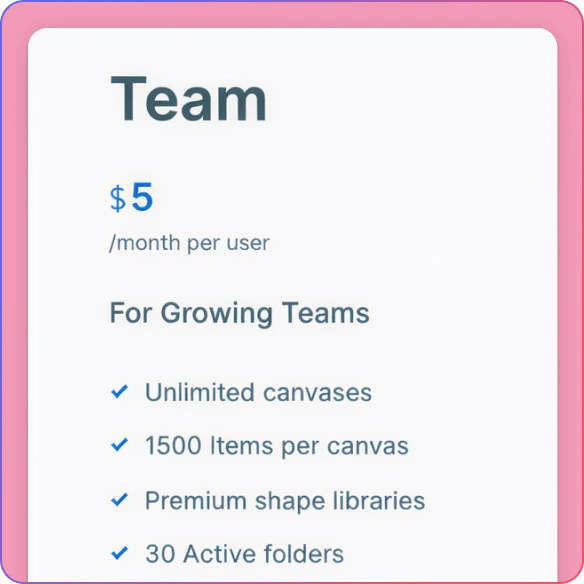
Start free with Creately’s small business org chart generator and only upgrade when you need more collaboration or control.
Map Your Team Structure as You Grow — Not After
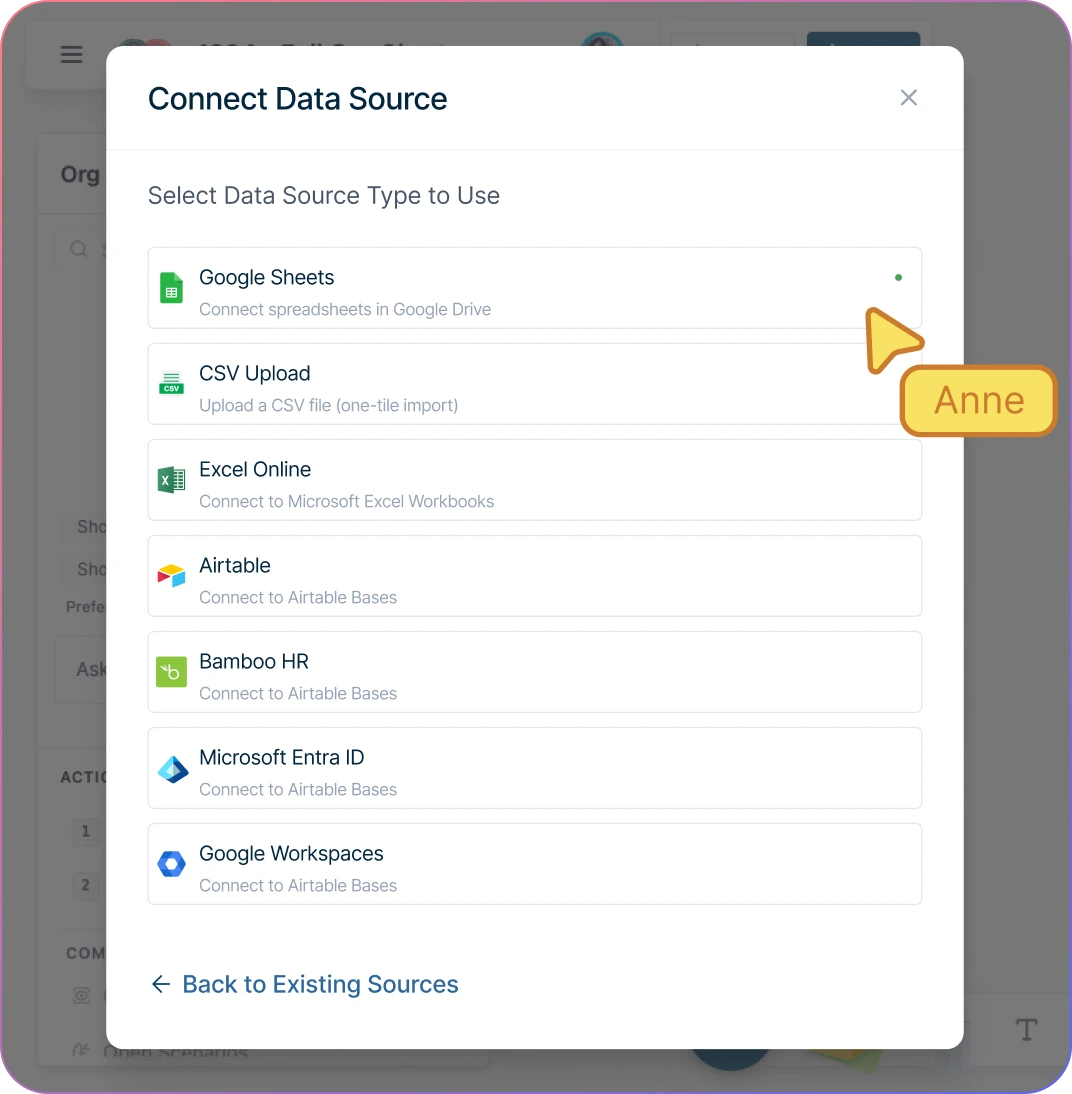
Start from a template, or import your team from a CSV, Google Sheets, or Excel file — you’ll have a working org chart in under 5 minutes.
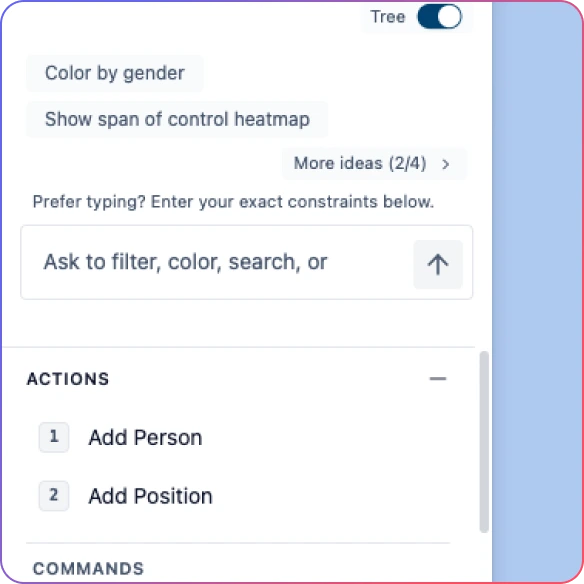
Add people with drag-and-drop or quick-add actions. Click the bottom of any card to add a direct report in one step — no forms, no panels.
Show clear reporting relationships with solid lines for primary managers and dotted lines for shared or matrix responsibilities.
Automatic layout keeps the chart clean as you add people. No dragging boxes around to fix overlapping names.
Edit names, titles, or reporting lines directly on the chart. Double-click any card to change it inline.
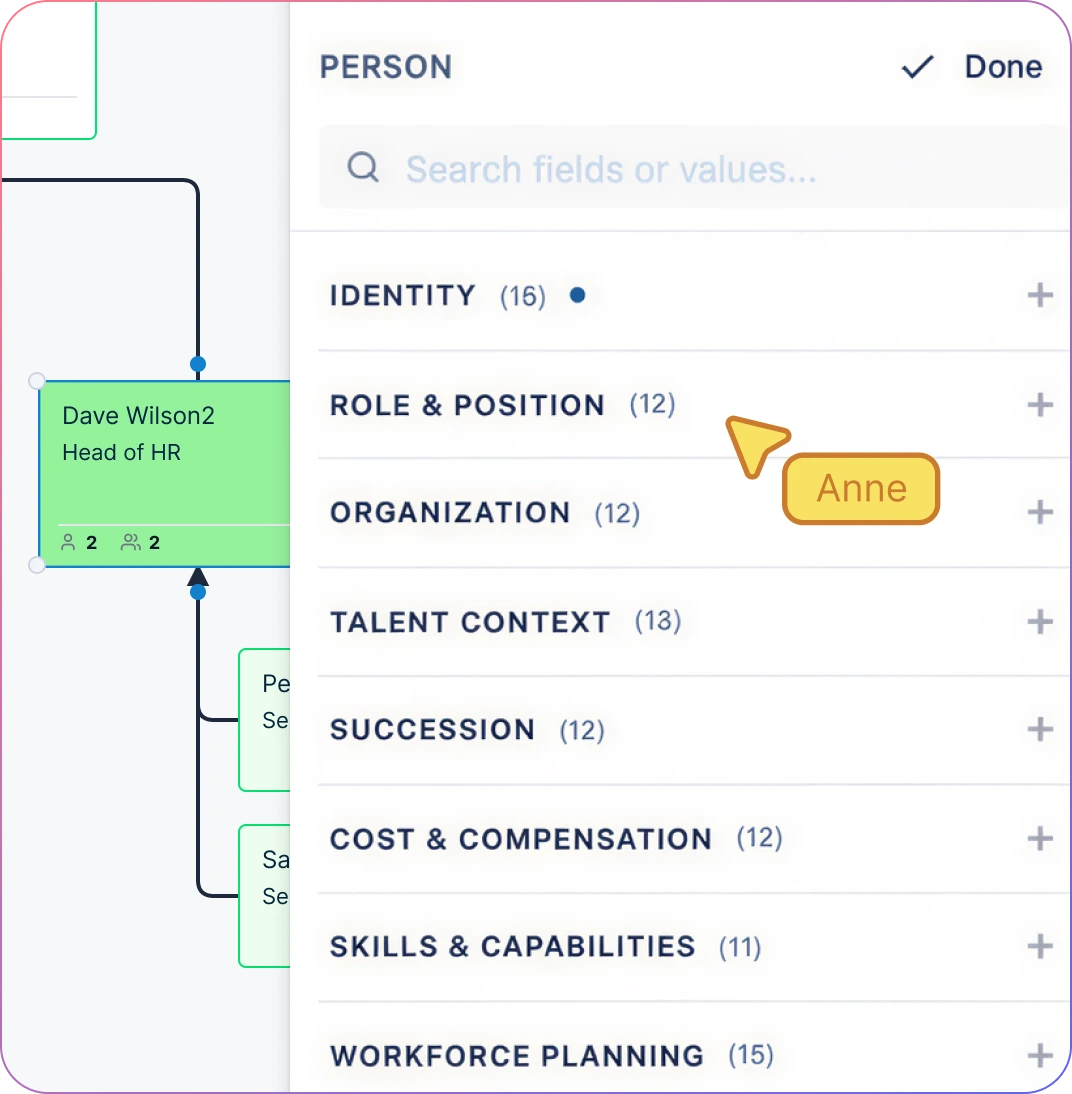
Create a Single Source of Truth for Your Company
Give your team one place to see how the company is structured — no guessing, no asking around, no outdated slides.
Add role descriptions and responsibilities to each card so expectations are documented, not assumed. Useful for onboarding and performance conversations.
Collapse branches to focus on one department at a time during planning or review conversations.
Use the same org chart for onboarding new hires, planning your next hire, and presenting to investors — it’s always current.
Export as PNG for slides, PDF for onboarding packets, or share a live link that’s always up to date.
Keep Everyone Aligned — Without Losing Control
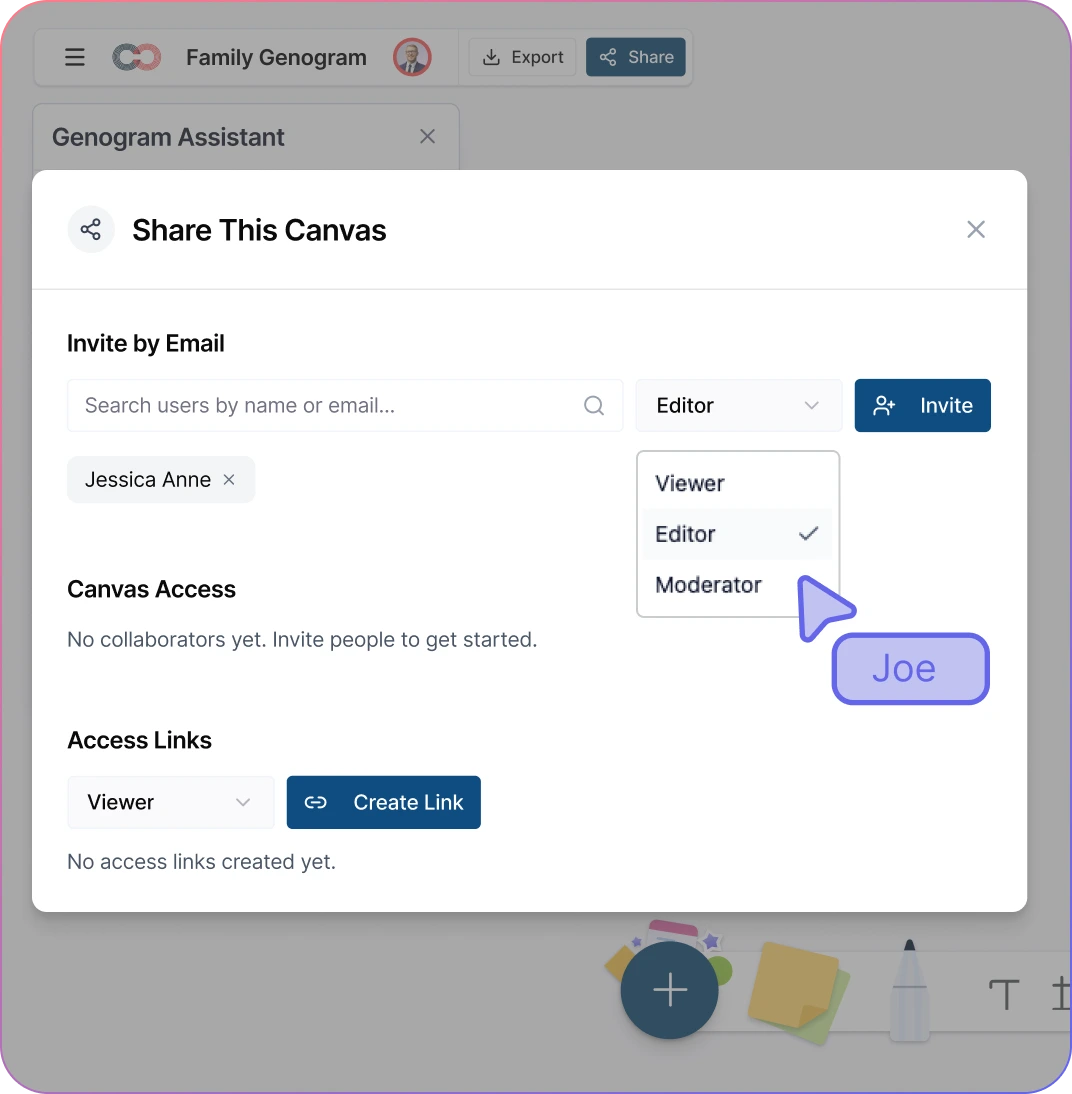
Work on the org chart together in real time. When the founder and the ops lead are planning a hire, both see changes instantly — no “which version is latest?”
Share a live link with the whole team so everyone sees the same structure. When someone joins or moves, the link reflects it immediately.
Give view-only access to the wider team and edit access only to founders and leads. No accidental changes.
Leave comments on specific roles or reporting lines to capture decisions: “Moving Sarah to report to Mike after the product launch.”
Invite advisors or board members to view the org chart without giving them edit access or exposing information they shouldn’t see.
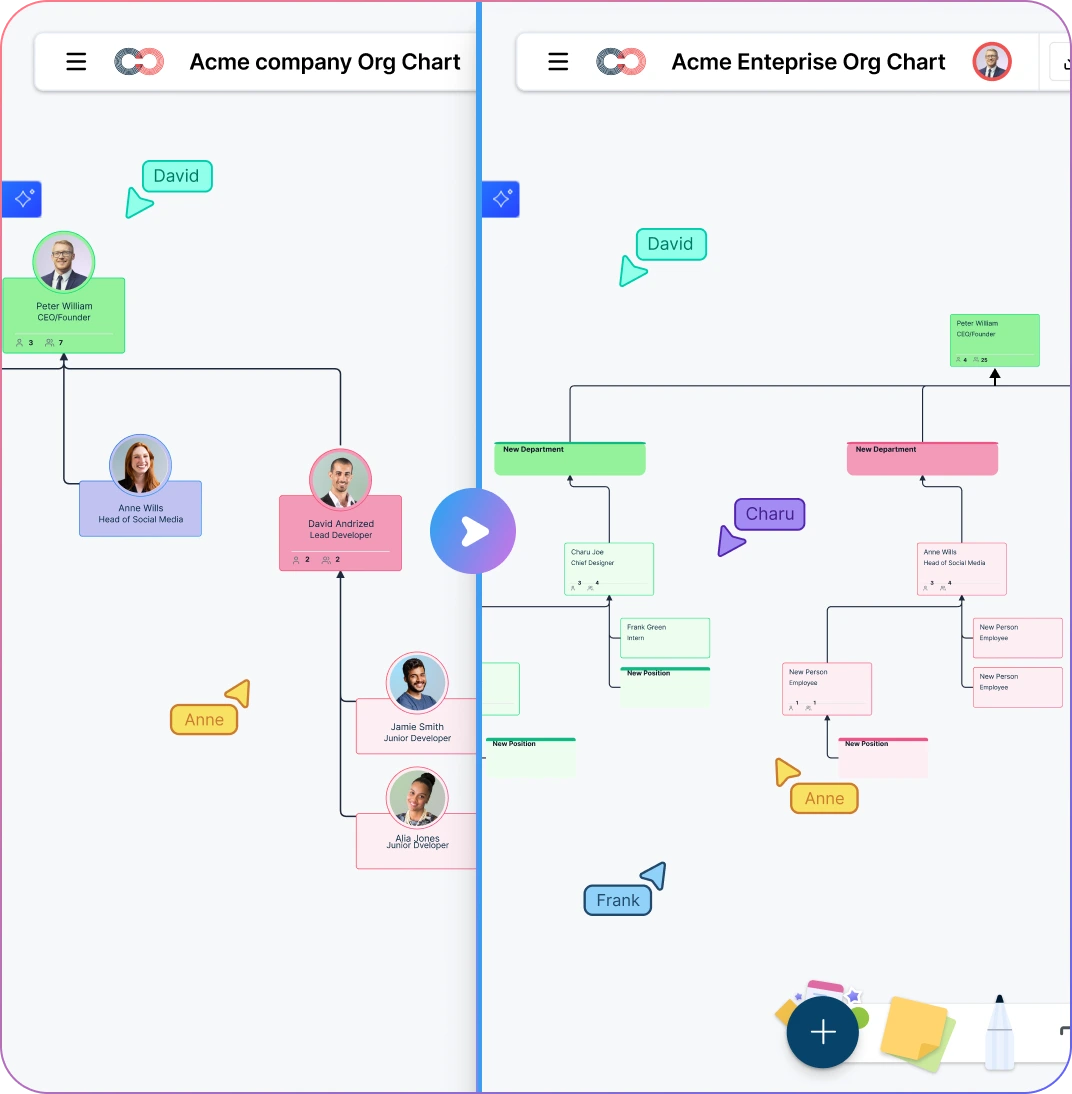
From 5 People to 50 — Your Org Chart Grows With You
5 people: A flat chart with everyone reporting to the founder. Simple, clear, and enough to show your first hires who does what.
15 people: Your first team leads are in place. Two levels in the chart — leadership and team — so new hires know who to go to and managers know their scope.
30 people: Real departments are forming. Engineering, Sales, and Ops each have a lead. The org chart now shows the structure investors and advisors expect to see in board updates.
50 people: Multiple layers, cross-functional dotted lines, and a proper HR function with the full org chart software. The same org chart you started with at 5 people has grown into a real organizational model — no migration, no rebuild, no new tools.
Share Your Org Chart with Confidence
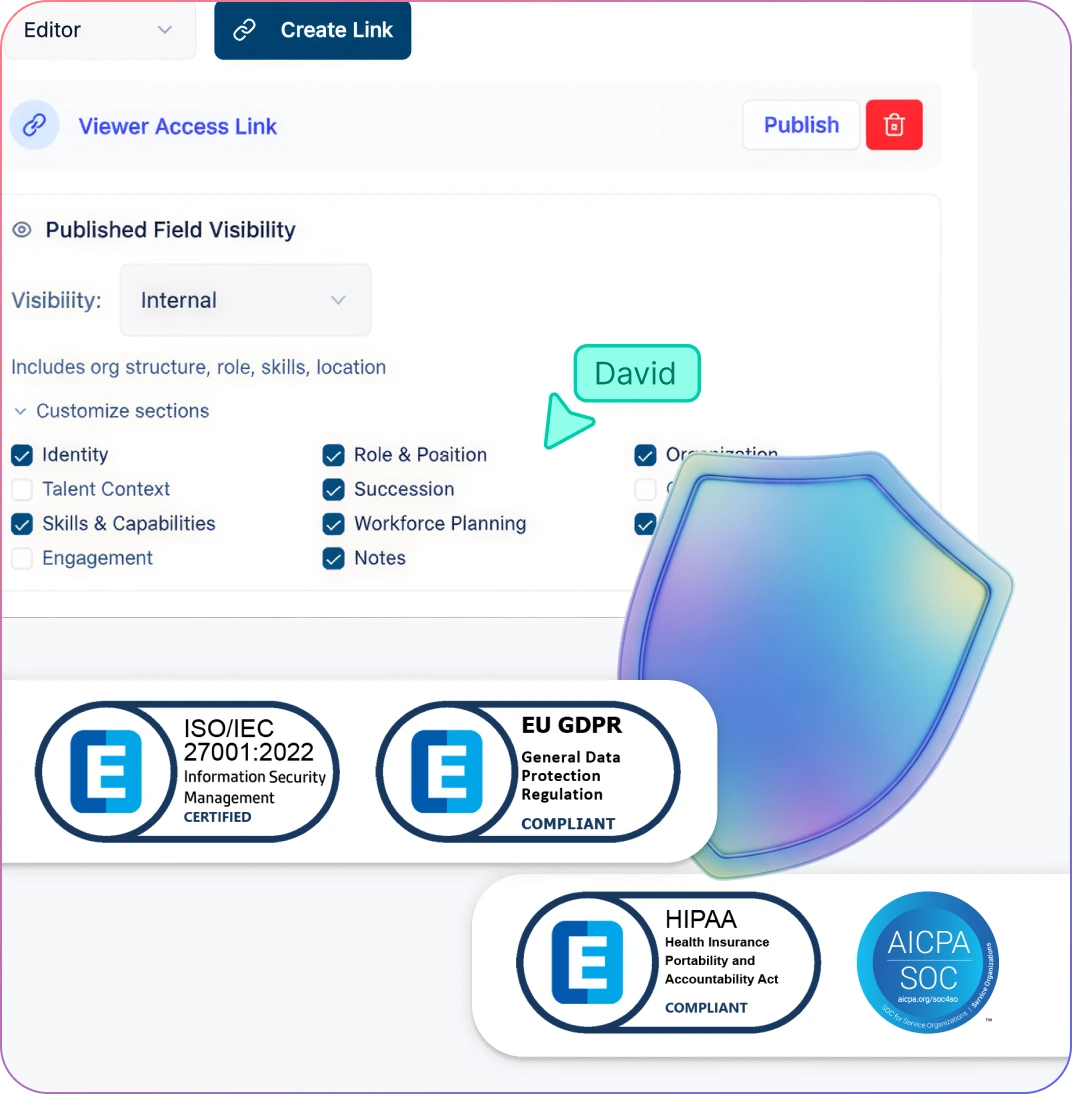
Share your org chart with advisors, investors, or new hires without worrying about exposing salary data or personal details.
Control who can view, edit, or export using simple role-based permissions — set it once and it applies everywhere.
Keep team data secure with encryption in transit and at rest. Your org chart is protected to the same standard as your HRIS data.
As you grow past 20-30 people and start tracking compensation or performance data, the 6-tier sensitivity model automatically keeps sensitive fields invisible to anyone who shouldn’t see them.
How to Create a Small Business Org Chart with Creately
Pick a small business org chart template, or import your team from a spreadsheet (CSV, Google Sheets, or Excel)
Add team members and their roles using drag-and-drop or quick-add shortcuts
Draw reporting lines between managers and their direct reports
Add role descriptions, departments, and contact details to each card
Share a live link with your team or export as PDF for onboarding and presentations
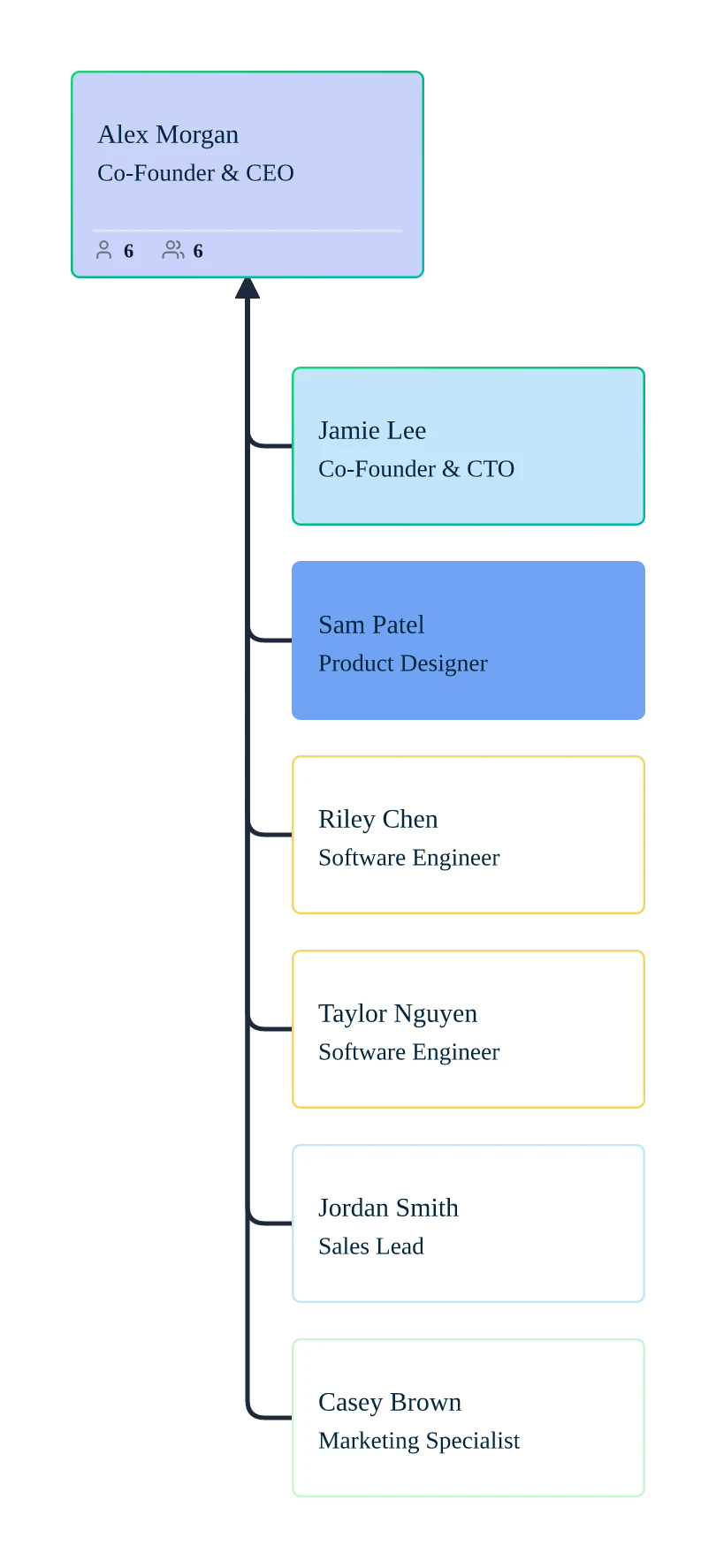
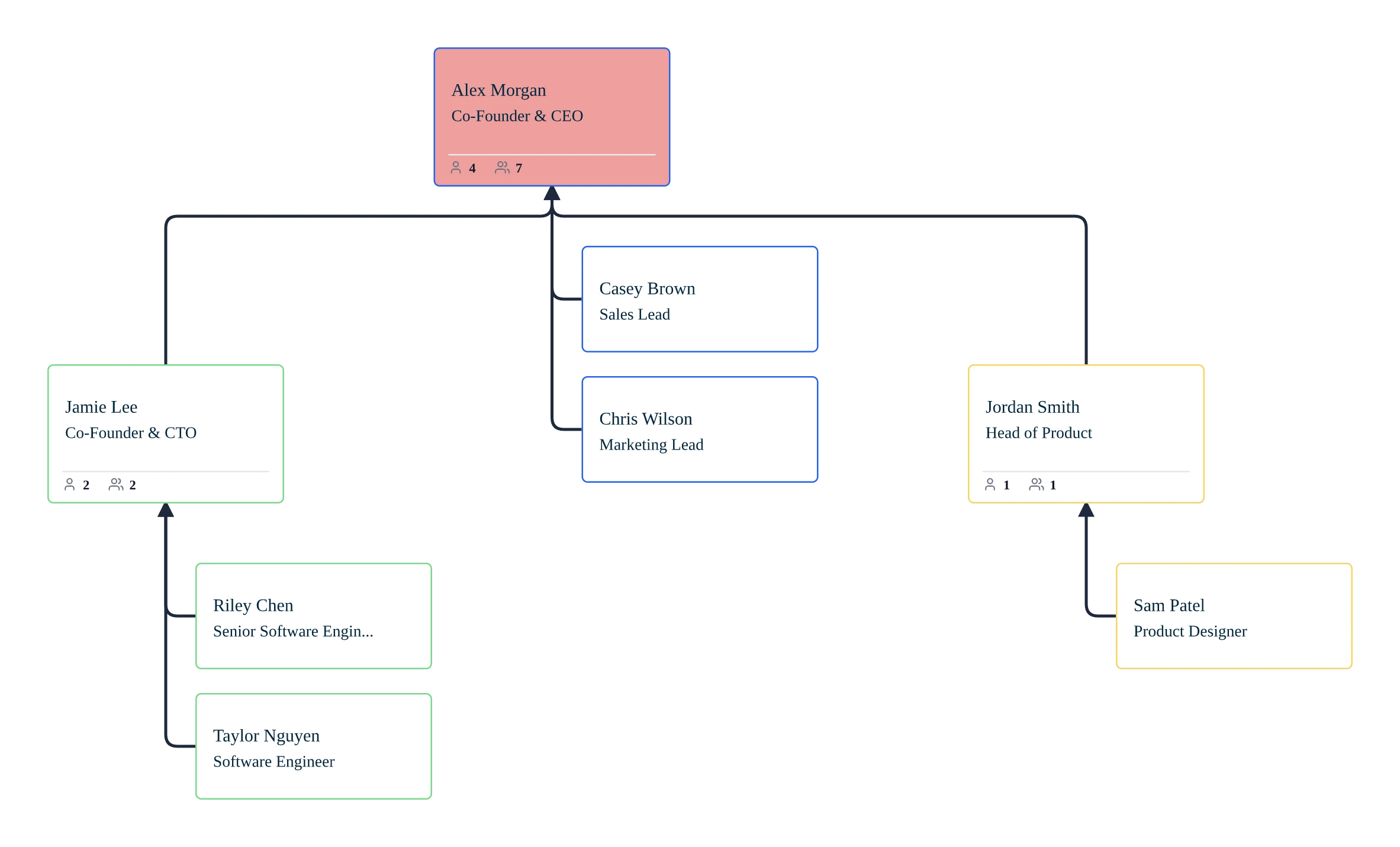
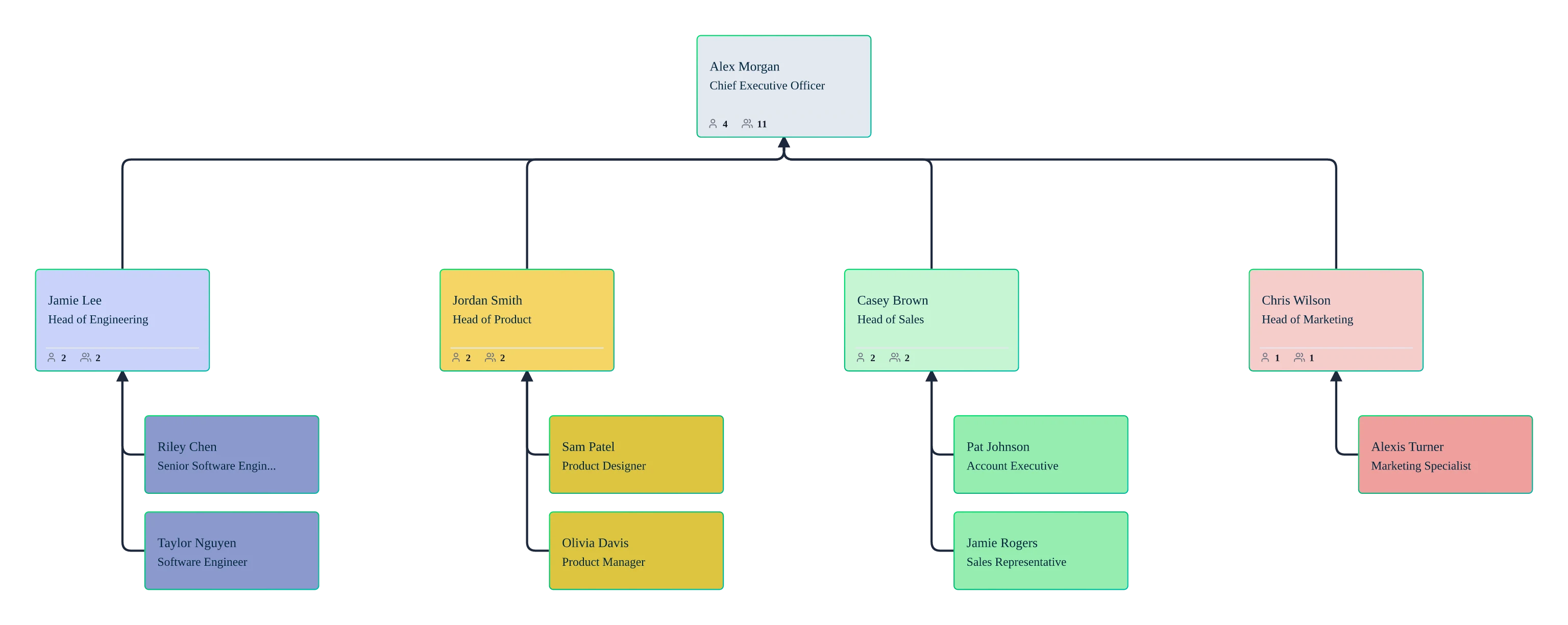
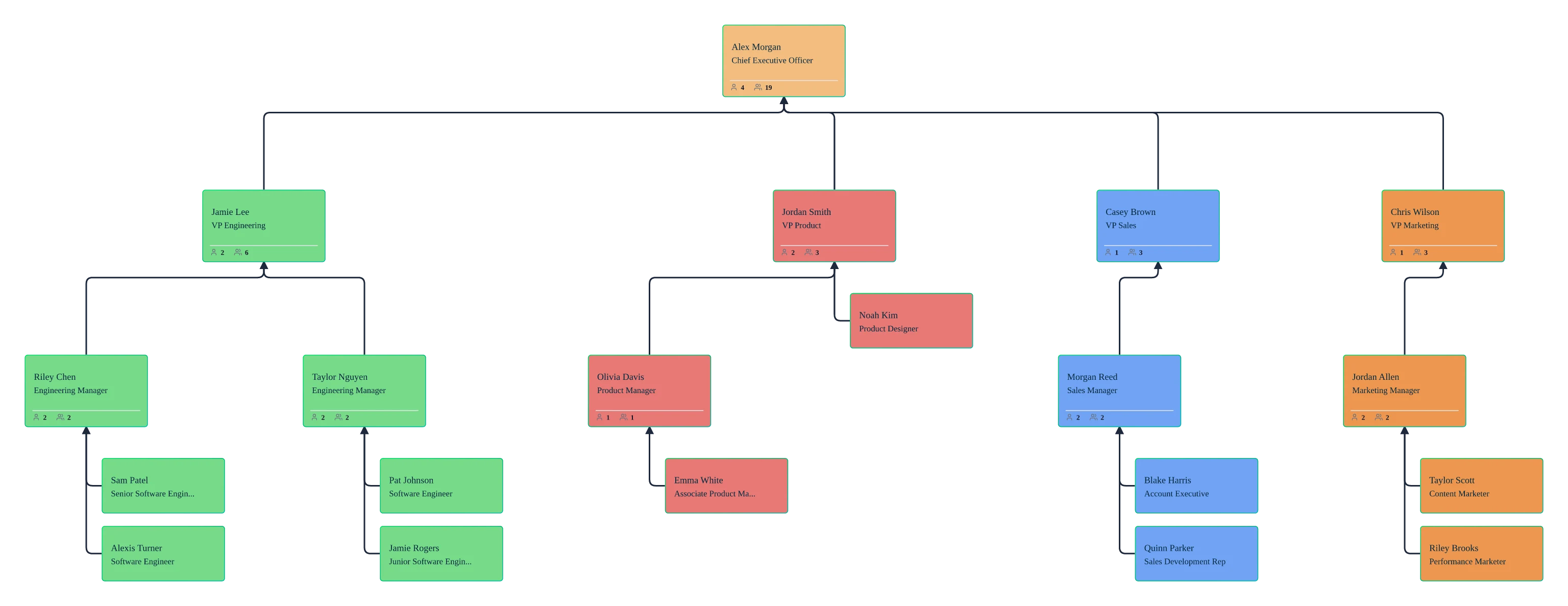
Free Small Business Org Chart Templates
Use Cases
Small Business Team Clarity
Make roles, responsibilities, and reporting lines clear across the company.
Startup Org Charts
Map early‑stage teams and evolve your structure as you make your first hires or add managers.
Growing Company Restructures
Plan new teams or managers visually before changes go live.
Onboarding & Training
Help new hires understand your company structure on day one.
Advisor & Investor Updates
Share a clear, professional org chart during planning conversations.
FAQs About Small Business Org Charts
What are Creately’s small business org chart software pricing plans?
- Free Plan — $0/month for basic small business org chart creation and collaboration
- Starter & Team Plans — $8/month or $5/month billed annually
- Business Plan — $149/month or $89/month billed annually
Annual billing helps you save more while unlocking advanced collaboration, workspace management, and enhanced small business org chart features. You can compare all available plans and features on the Creately Pricing Page.
How can you create small business org charts faster?
Are there templates for different small business org chart use cases?
Can teams collaborate on small business org charts?
Can I add notes, data, and files?
Can I share, present, or export small business org charts?













Find practical guides and troubleshooting tips for building, updating, and sharing your org chart as your business grows.
 Quick Answers
 Org Chart How‑tos
 Practical Support Articles