Package Diagram Maker
Turn Complex Systems into Organized UML Package Diagrams
Keep your system architecture under control. Built for developers, architects, and DevOps teams to map packages, classes, and dependencies with UML-compliant notation. Reduce coupling, reveal hidden connections, and keep architecture review-ready—fast and collaboratively.
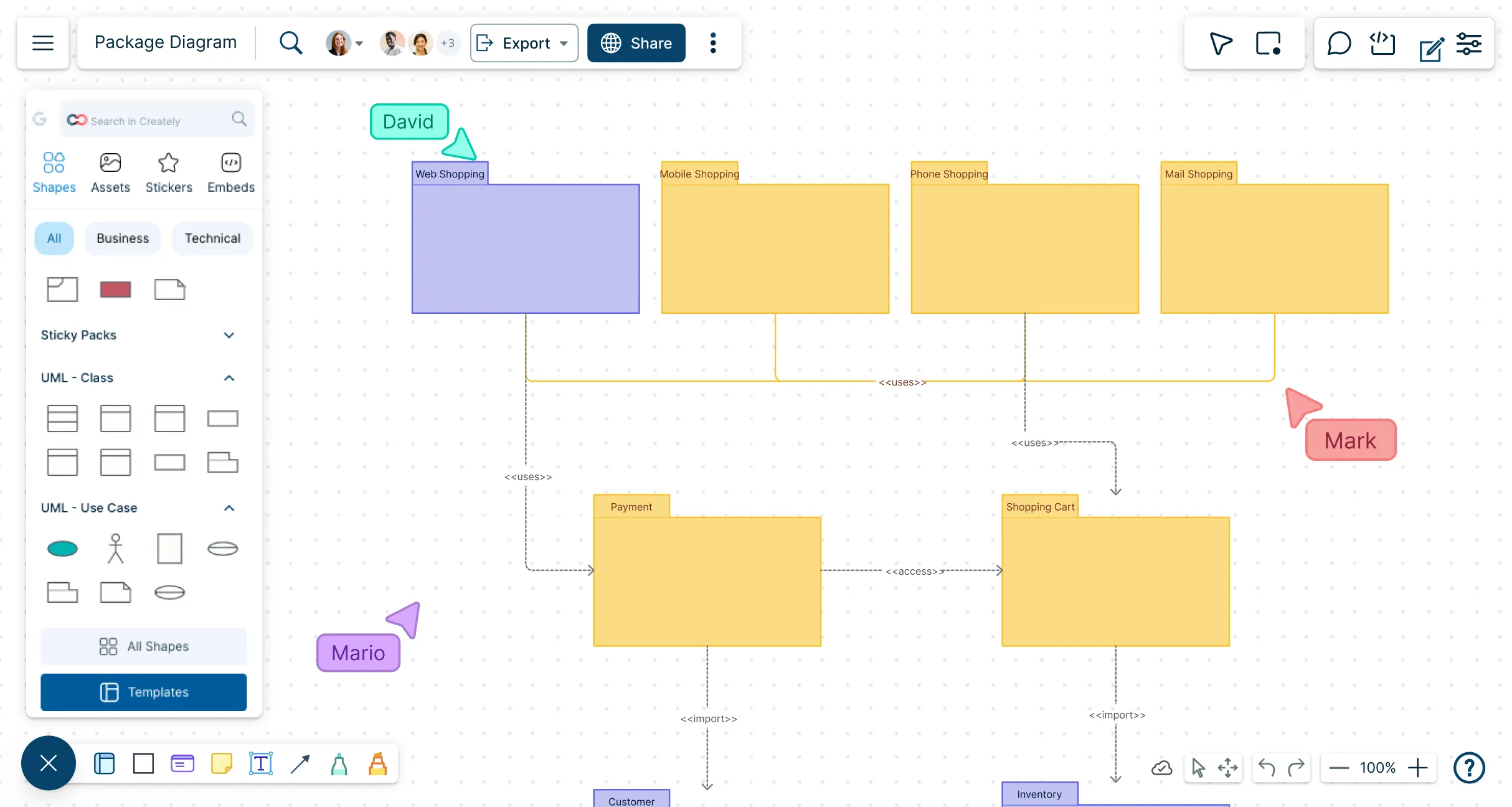
Instantly see packages, classes, and dependencies in one clear view
Collaborate live with your team and refine diagrams on the fly
Kickstart designs with ready-made templates and elements you can share immediately




 Diagramming Visual Collaboration Org Chart


Organize and Modularize Your Architecture
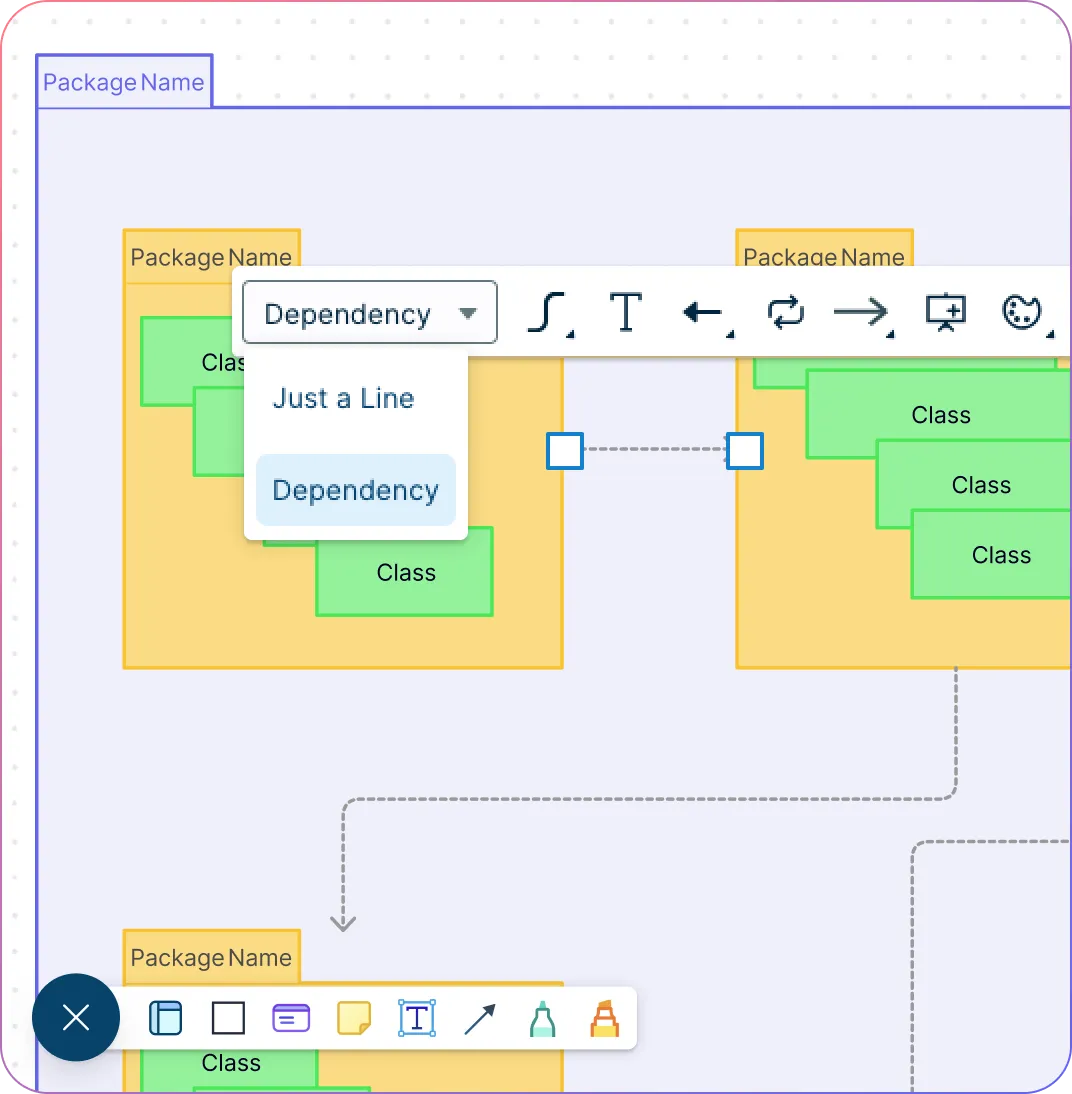
Jumpstart your diagrams with pre-built UML package templates and shape libraries so you can start designing instantly.
Visualize package dependencies to uncover hidden coupling and reduce risk.
Use nested packages to display high-level modules and drill into subpackages.
Export diagrams in multiple formats to integrate seamlessly into documentation, presentations, or team workflows.
Collaborate Without Bottlenecks
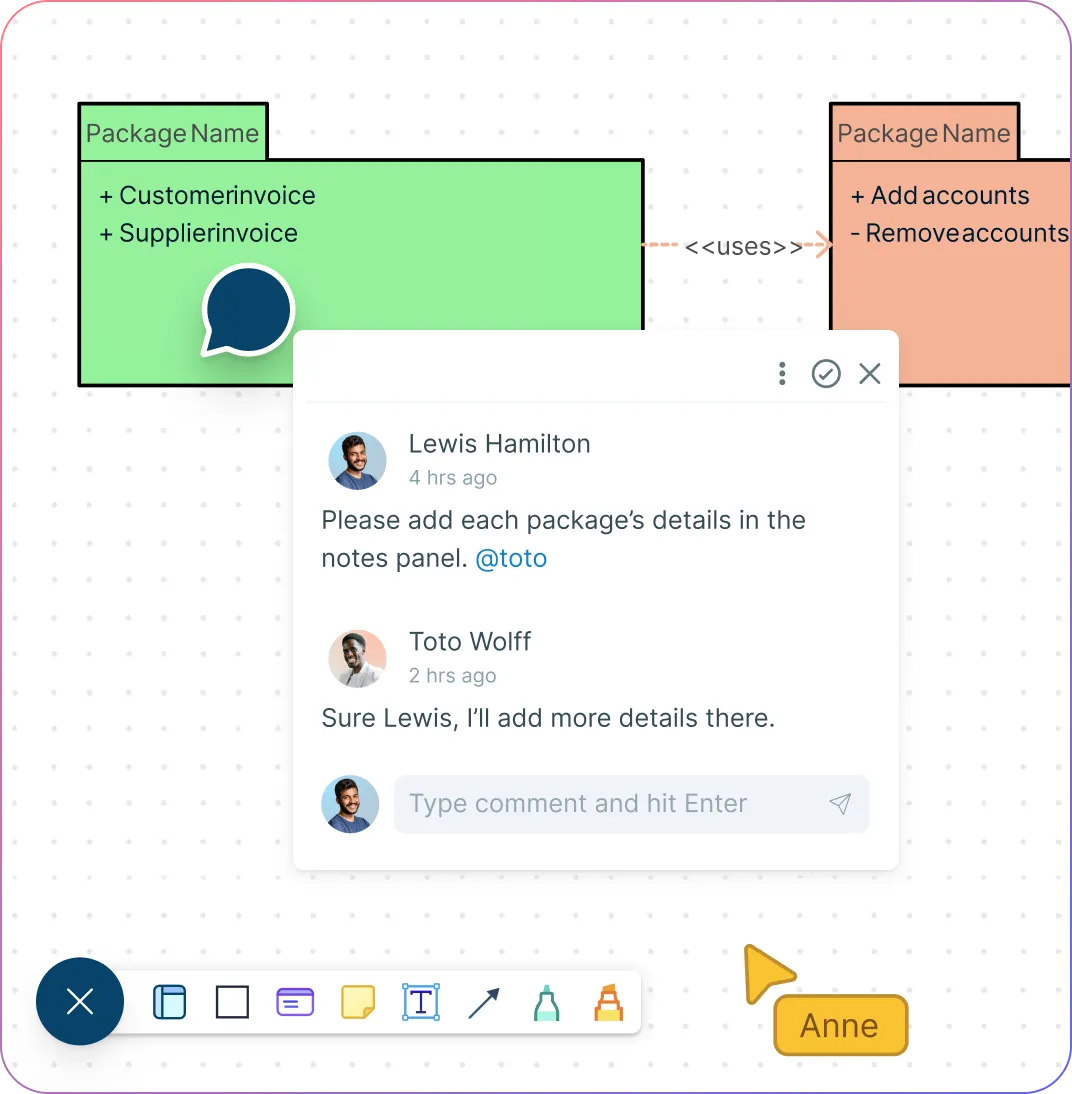
Work together seamlessly on the same UML package diagram with real-time editing and a shared canvas.
Capture feedback instantly with comment threads, mentions, and version history while keeping every change traceable.
Control access and maintain governance with role-based permissions and workspace sharing.
Integrate directly with Slack, Microsoft Teams, and Confluence to keep diagrams embedded in your team’s workflow.
Streamline Documentation and System Communication
Style diagrams professionally with colors, fonts, and layouts that reflect your architecture standards.
Use the infinite canvas in the package diagram maker to show the full system at a glance or zoom in on detailed modules effortlessly.
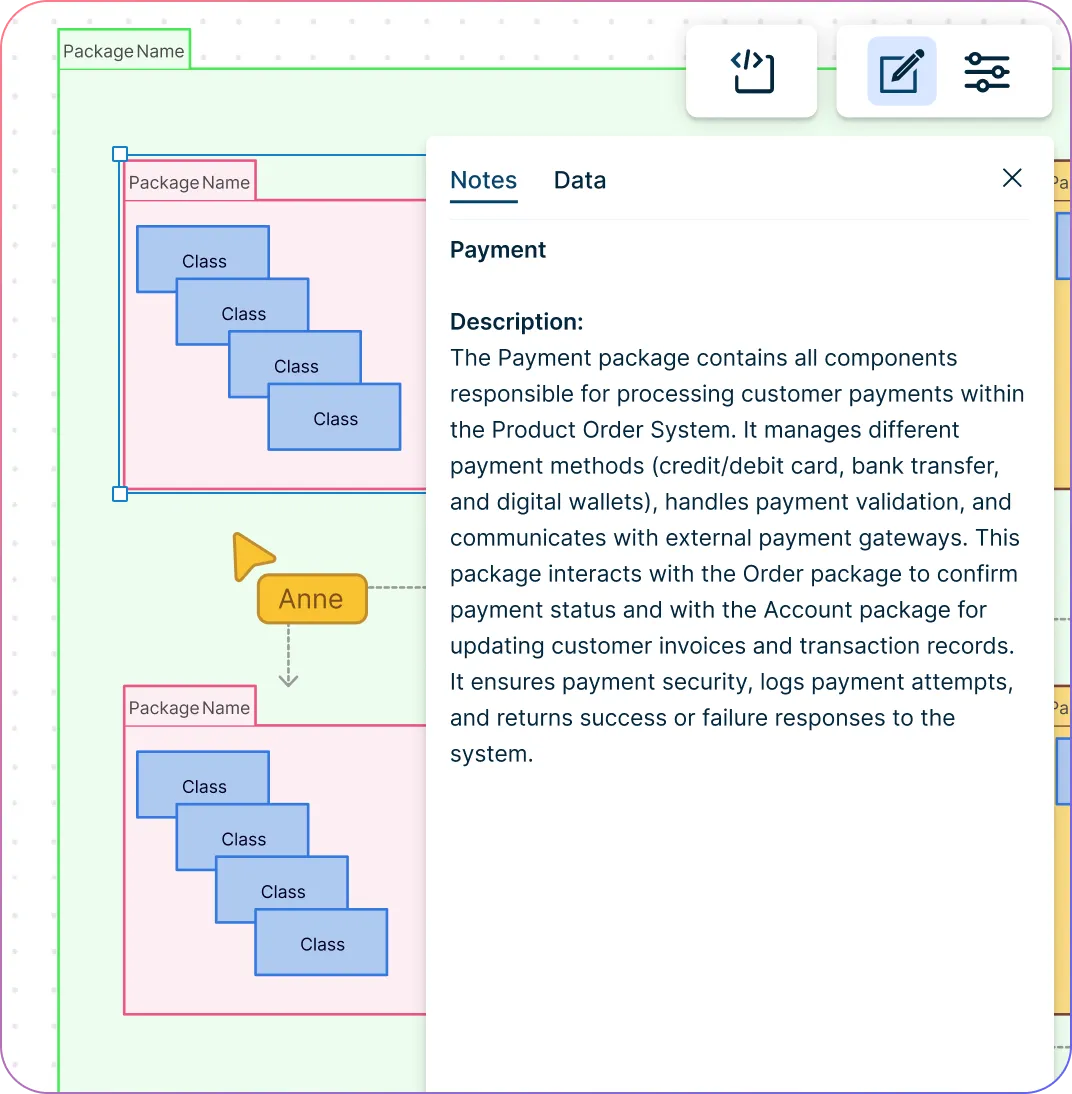
Turn diagrams into living docs with notes, attachments, and datasets with, context-rich documentation.
Leverage a template library with package diagrams and UML examples to get started fast and maintain consistency across your designs.
What Is a Package Diagram in UML?
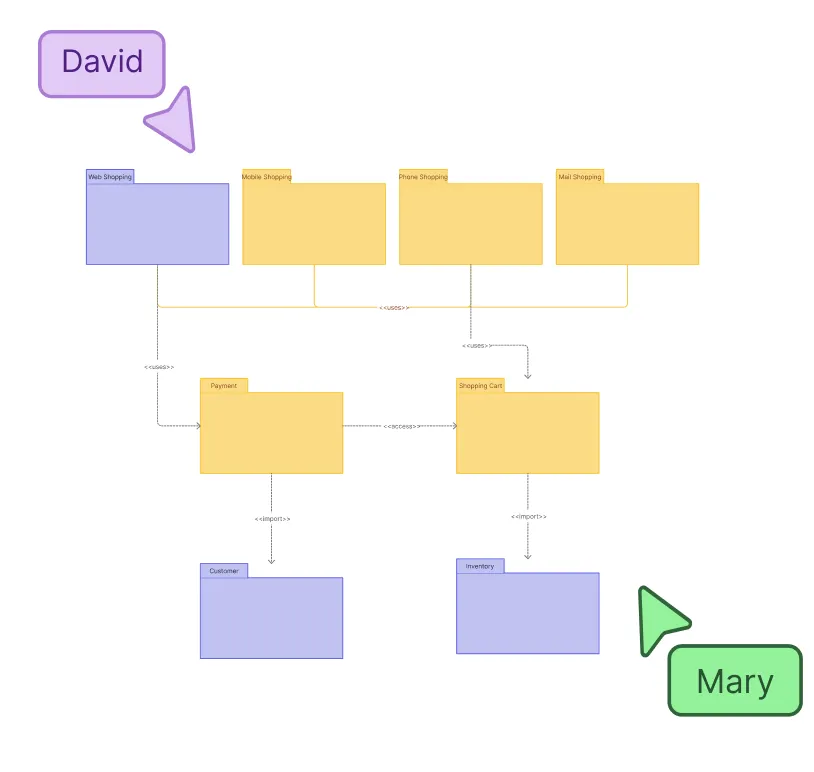
How to Draw a Package Diagram
Start with a blank canvas or template
Open Creately and select “Package Diagram” from the template library or start with a blank canvas. Using a template helps you save time and ensures your diagram follows UML standards.
Add packages and name them
Drag and drop package shapes onto the canvas. Label each package clearly to represent modules, subsystems, or logical groupings within your system.
Add classes or components inside packages
Within each package, add relevant classes, components, or elements. This helps show the internal structure of each module while keeping your package diagram organized.
Connect packages to show dependencies
Use connectors to indicate relationships between packages, such as imports, usage, or merges. Visualizing these dependencies helps identify how modules interact and reduces system complexity.
Customize, collaborate, and export
Apply colors, fonts, and layout styles to make the UML package diagram clear and professional. Invite team members to collaborate in real time, add comments or notes, and once complete, export the diagram in your preferred format (PDF, PNG, or SVG).
Create a Package DiagramFree Ready-to-Use Package Diagram Templates
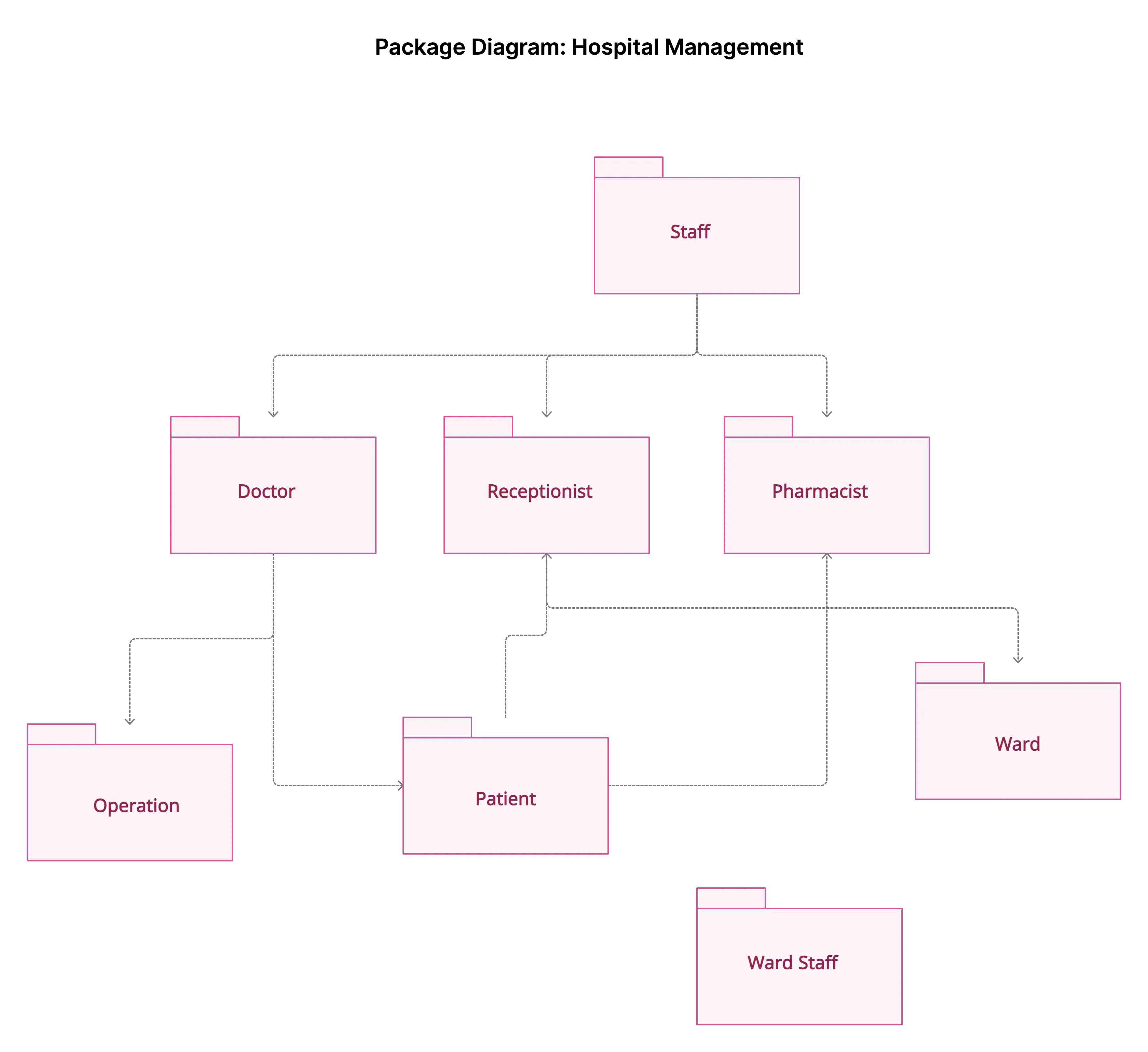
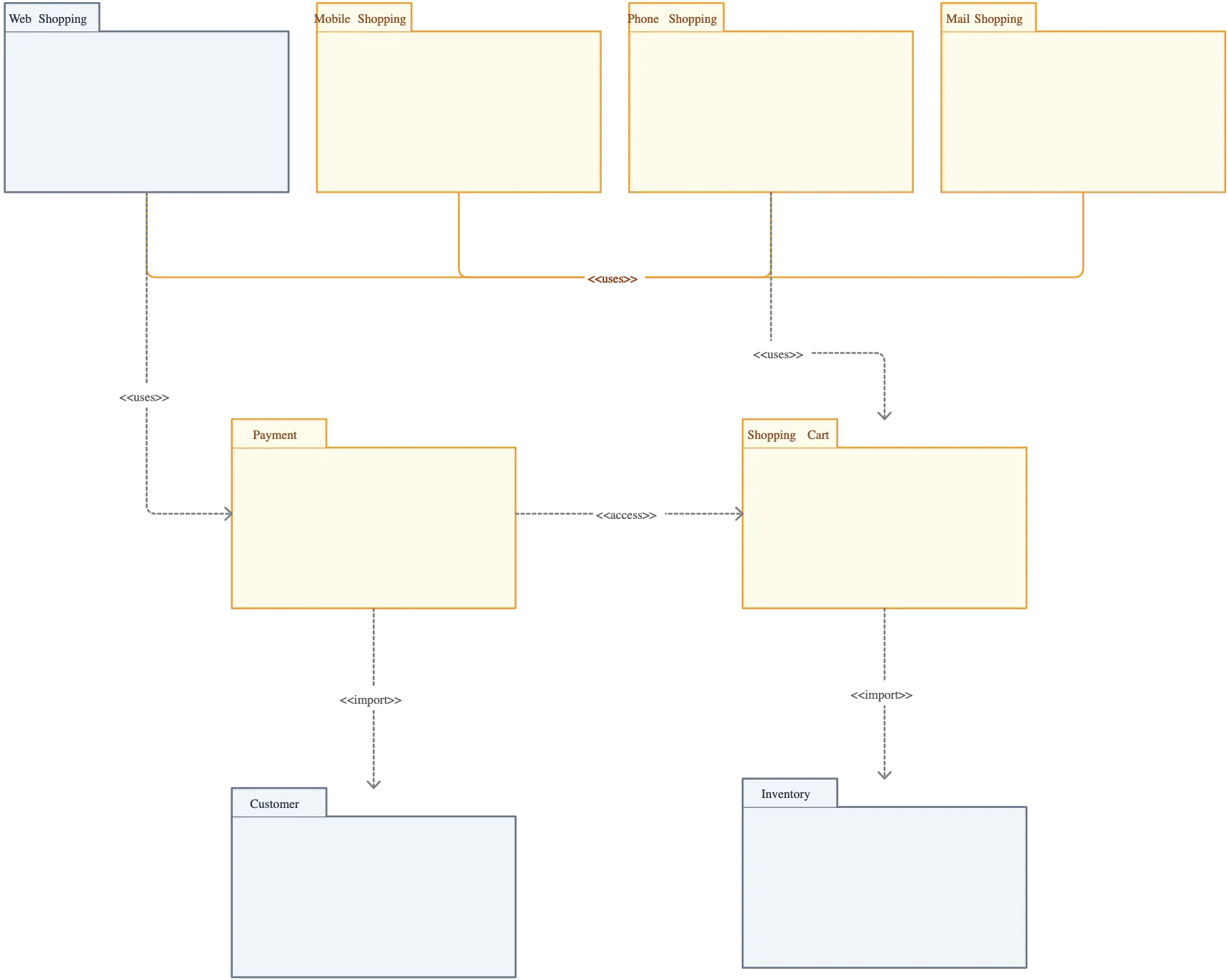
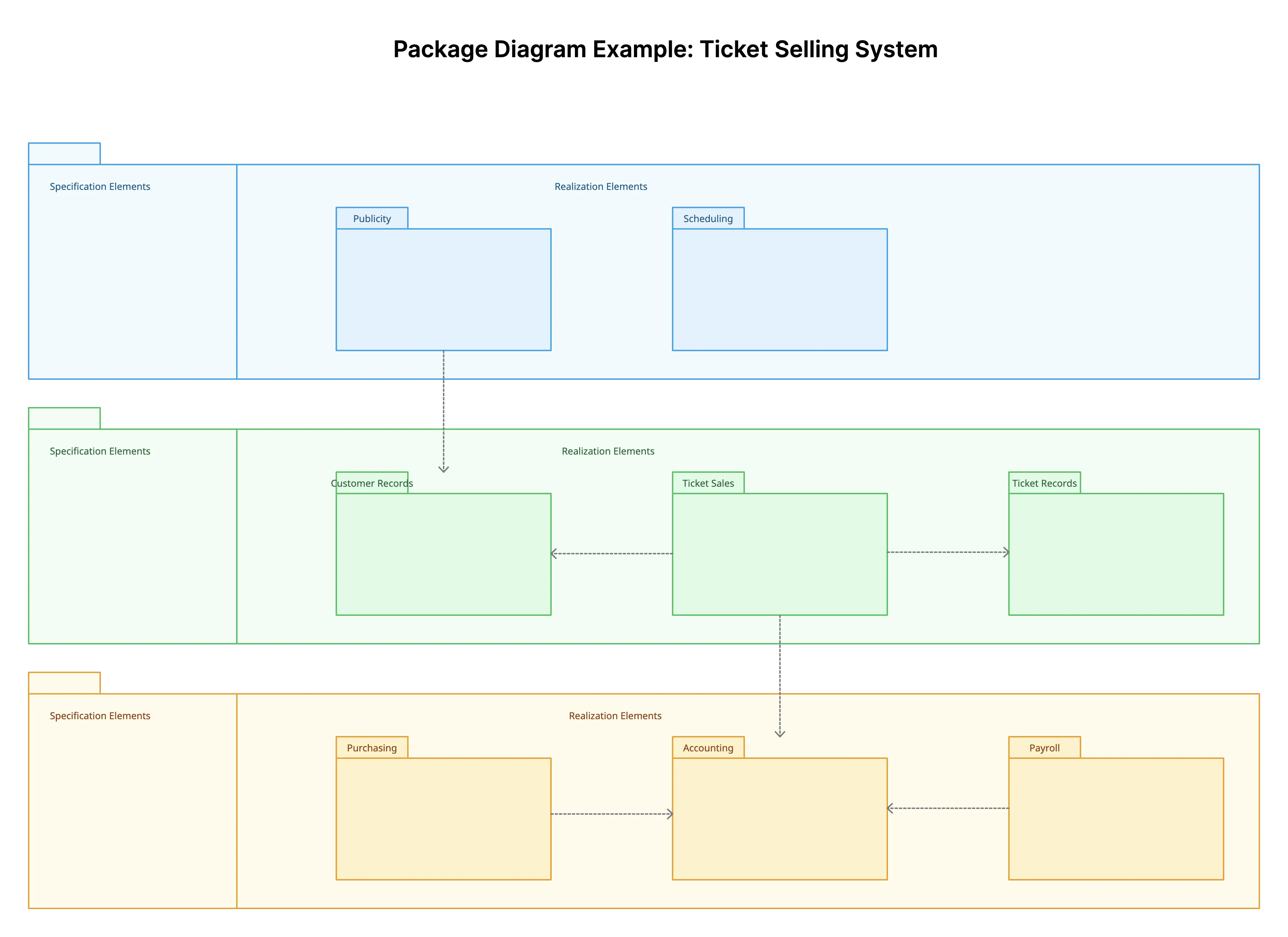
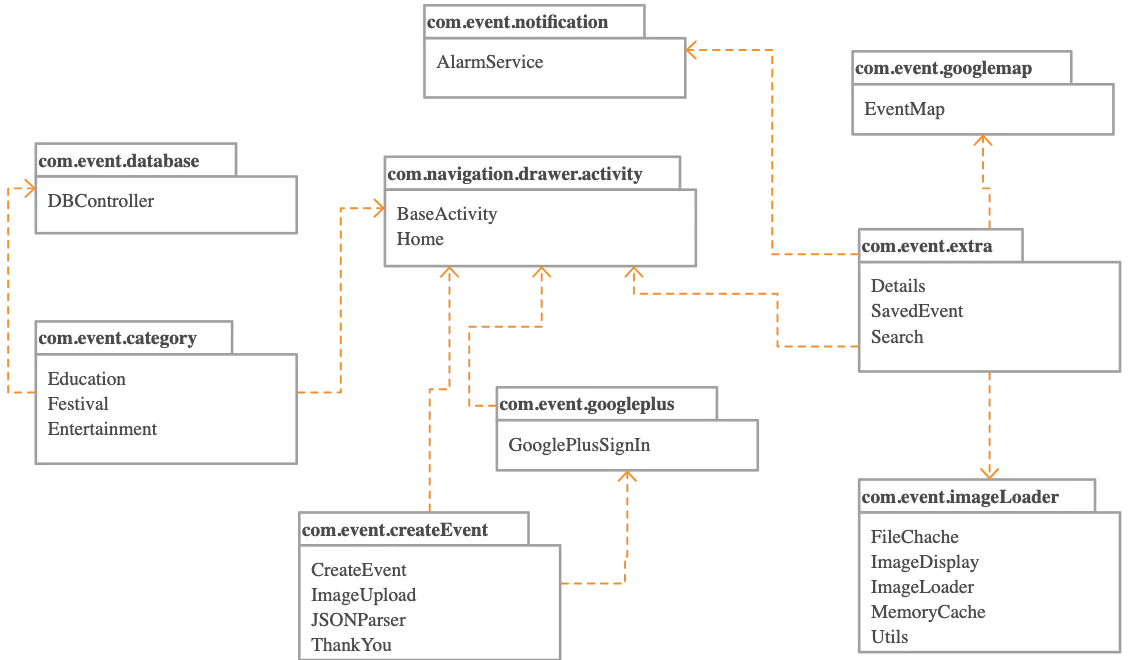
FAQs About Creately’s Package Diagram Tool
What are Creately’s package diagram maker pricing plans?
- Free Plan — $0/month for basic package diagram creation and collaboration
- Starter & Team Plans — $8/month or $5/month billed annually
- Business Plan — $149/month or $89/month billed annually
Annual billing helps you save more while unlocking advanced collaboration, workspace management, and enhanced package diagram features. You can compare all available plans and features on the Creately Pricing Page.
How can you create package diagrams faster?
Are there templates for different package diagram use cases?
Can teams collaborate on package diagrams?
Can I add notes, data, and files?
Can I share, present, or export package diagrams?






















